Advanced Sheet Metal Design Using NX Cad Challenge_6_Bracket
Title of the Project :-
Advanced Sheet Metal Design Using NX Cad Bracket in the model.
Objective :-
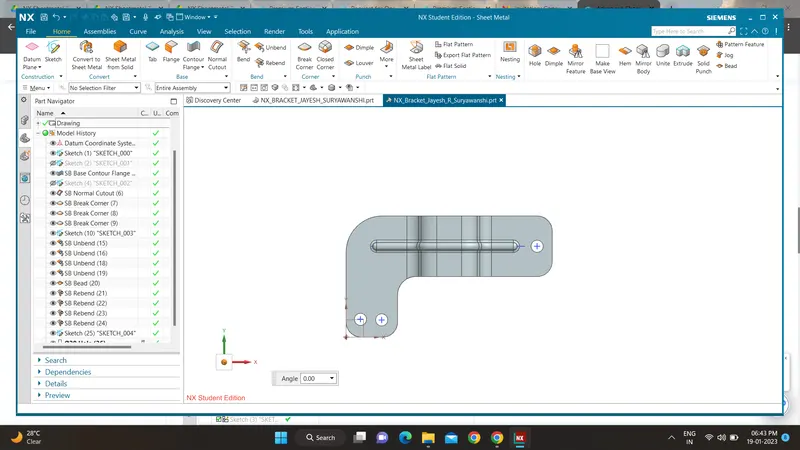
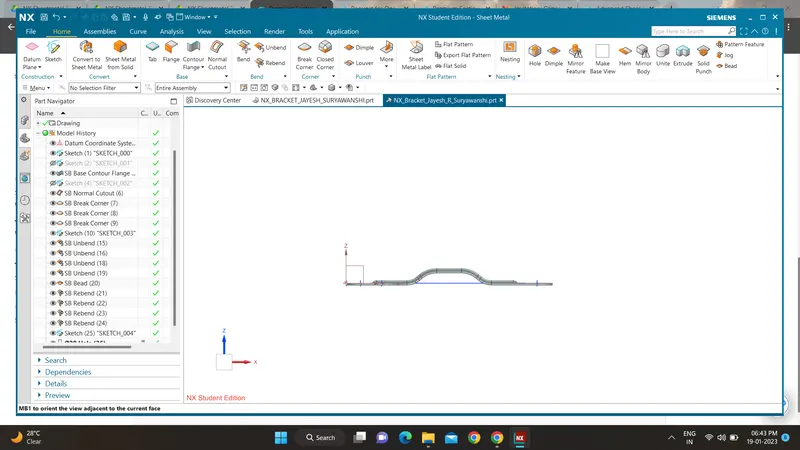
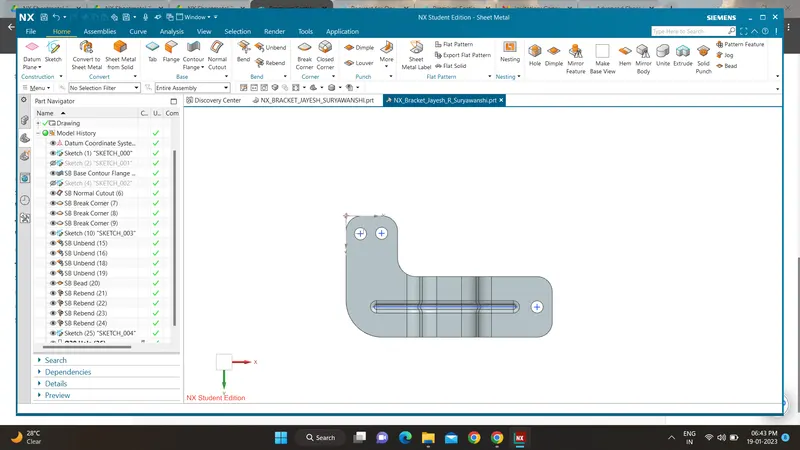
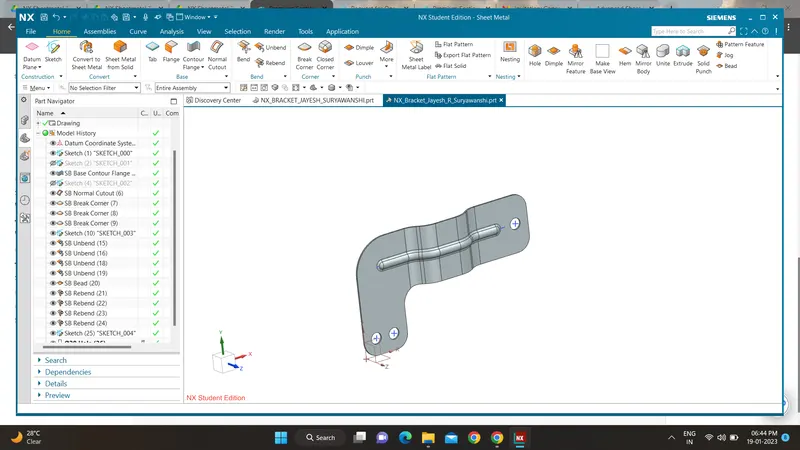
Design a Bracket using by NX cad sheet metal application.
Introduction :-
Sheet metal design provide the design profession with a complete set tools to efficiently create and manage sheet metal part based on the knowledge of material properties and manufacturing process. NX sheet metal design tool incorporate materila and bending information enabling the formed component and flattend blank shaped.
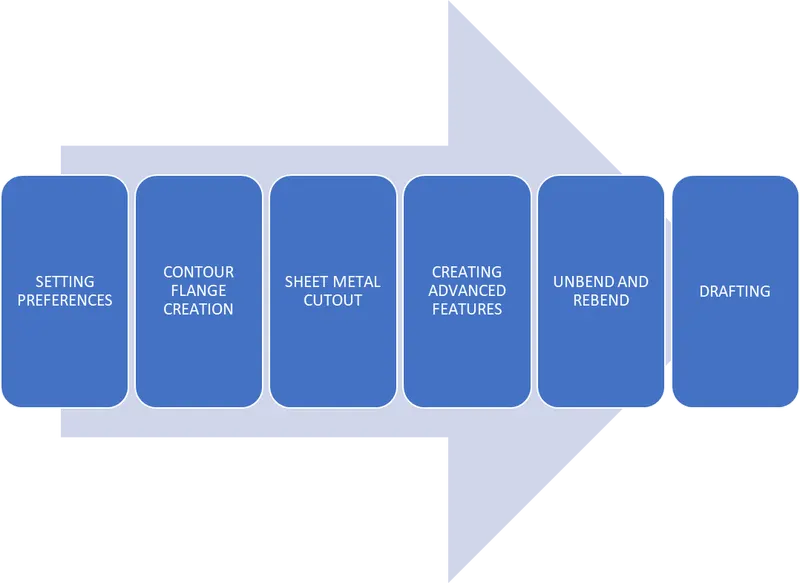
Methodology :-
Introduction :
Sheet Metal -
The sheet metal is formed by an industrial process into thin, flat pieces. Sheet metal is one of the fundamental forms used in metal working, and it can be cut and bent into a variety of shapes. The metals which are less 6 mm thickness are considered as sheet metals. The sheet metal is available in flat pieces or coiled strips.
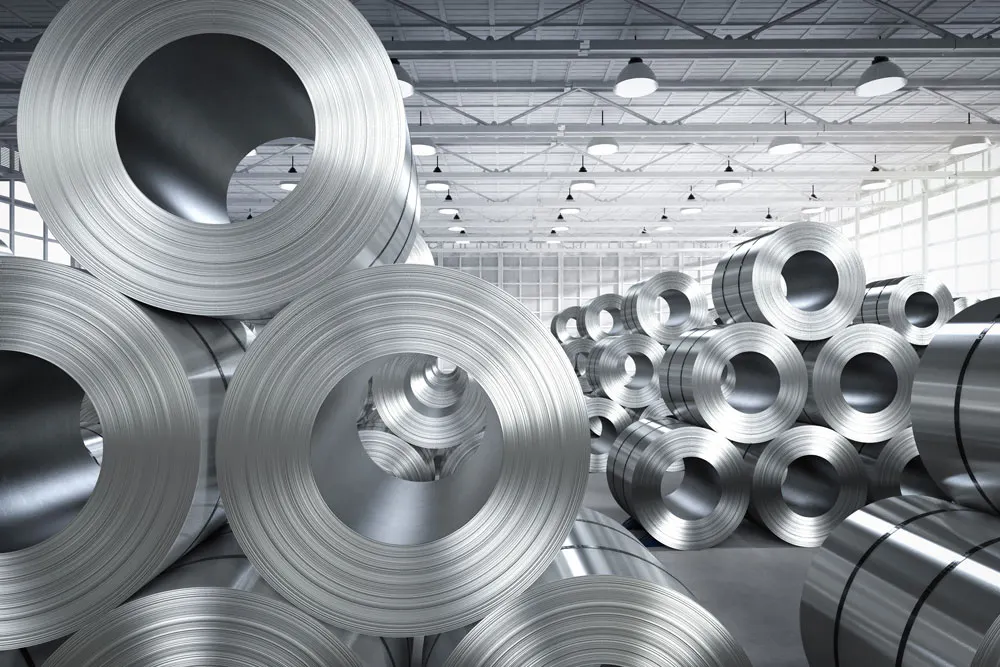
The various forming processes that are used to deform the sheet metals are -
- Bending
- Curling
- Deep drawing
- Hemming and Seaming
- Punching
- Blanking and Peircing
- Rolling, Spinning and Stamping
Sheet metal is used in automobile and truck bodies, airplane fuselages and wings, medical tables, roofs for buildings and many other applications.
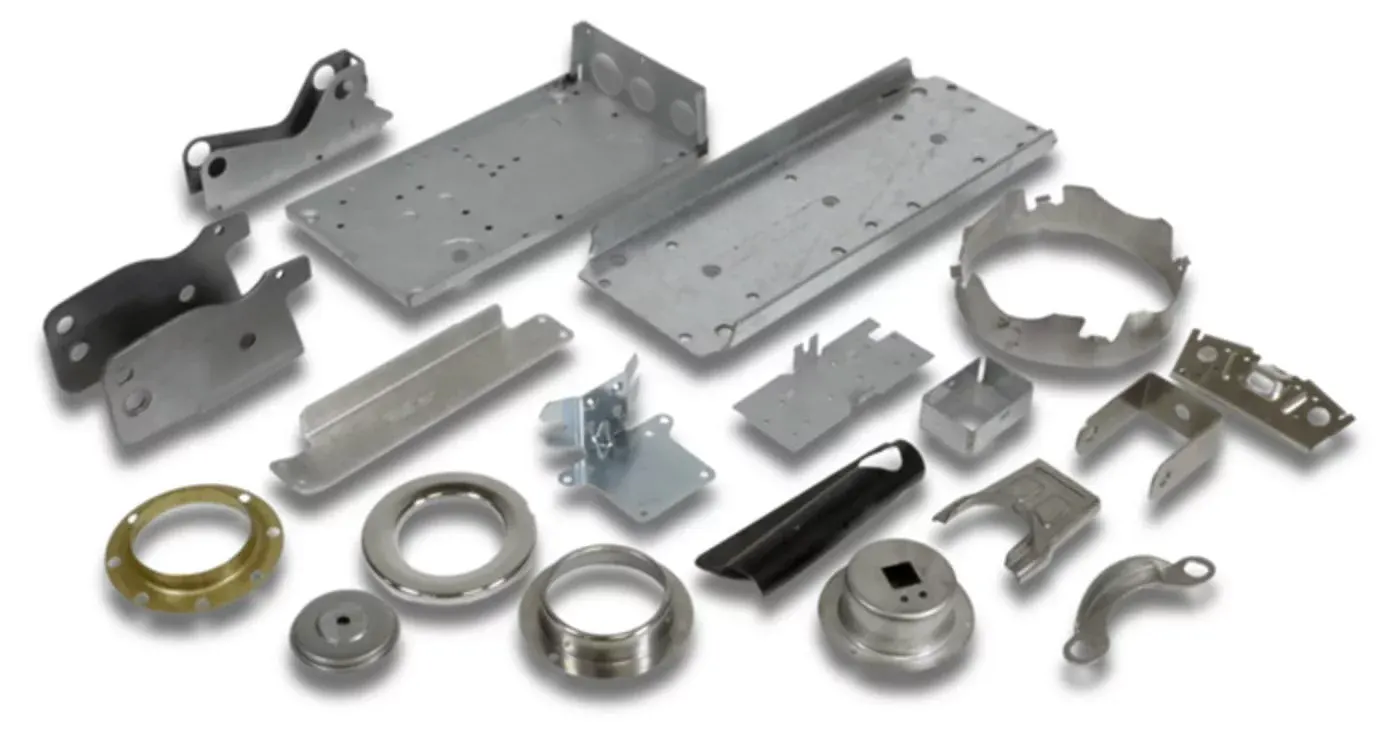
NX CAD in sheet metal -
NX sheet metal design software incorporates material and process information in sheet metal-specific modeling features: bends, flanges, tabs, cutouts, beads, dimples, louvers, corner and edge treatments, patterns and other formable features. You can also quickly convert solid models to sheet metal components, and create sheet metal parts that enclose other components.
NX Sheet Metal-specific features such as flanges, tabs, jogs, corner conditions, and drawn cutouts & many more along with productivity enhancements such as – automatic bend reliefs.
The software also provides common modeling features typically used in sheet metal design, such as holes and slots, as well as other essential capabilities such as copy, paste, and mirror.
The application provides defaults for sheet-metal-specific properties such as material – thickness, bend radius, and bend relief. You can easily change these defaults.
Design methodology :
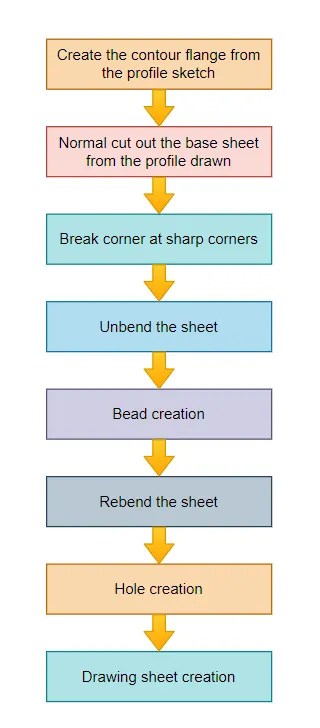
Description :-
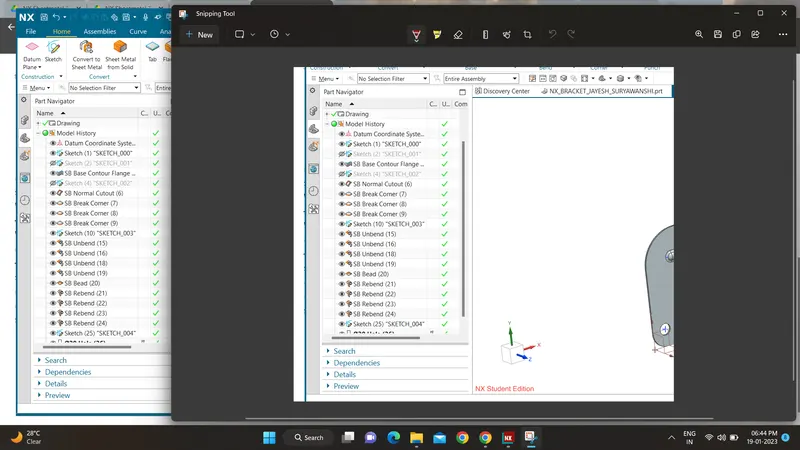
Sketch; Design a sketch the first step of the model.
Tab; After sketch will be use the tab option in the base feature.
Flange; Flange option to used the extended part of the sheet metal.
Contour F;ange; It is used to the extend the model of the long distance.
Sheet metal Cutout; It is sketch opposite side to cutout the over all the shape of the sketch.
Unbend; It is used to sheet metal taking any one face as a straight of stationart face.
Rebend; It is used to rebend the unbend face of the model.
Bead; It will be used to giving the strength of the sheet metal.
Local Radius Analysis; To measure the radius formed in sheet metal.
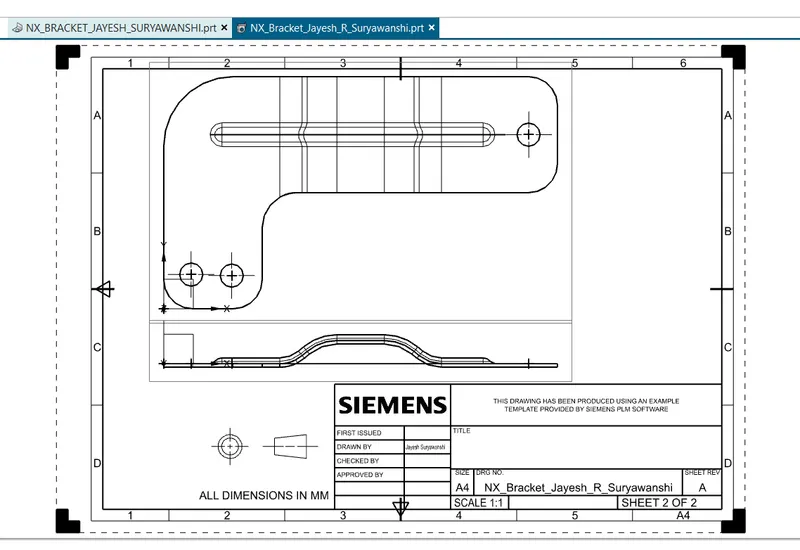
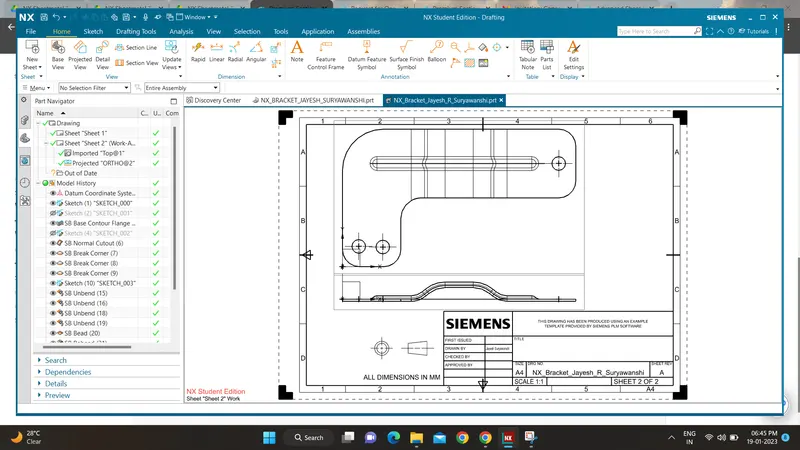
Screenshots :-