Advanced Sheet Metal Design Using NX Cad Challenge_6_Bracket
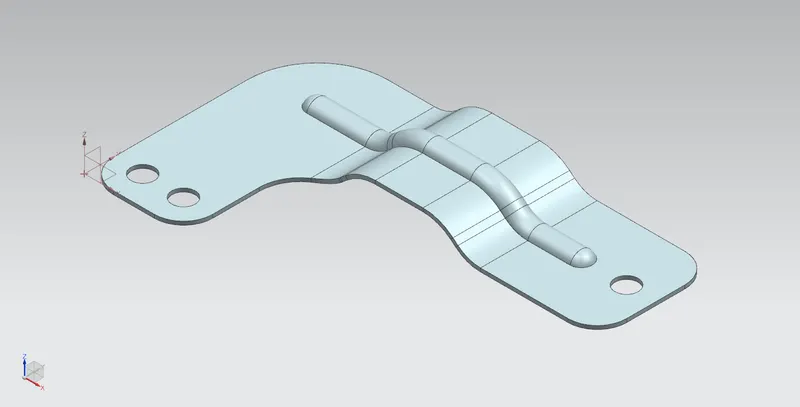
Bracket
Objective:
To design the bracket using various Sheet metal tools in NX Cad.
Introduction:
Sheet metal refers to any metal that can be formed into flat pieces of varying thicknesses. Thick metals are called plate. Metals used in the sheet metal industry include cold rolled steel, mild steel, stainless steel, tin, nickel, titanium, aluminum, brass, and copper. There are many different metals that can be made into sheet metal, such as aluminium, brass, copper, steel, tin, nickel and titanium. For decorative uses, some important sheet metals include silver, gold, and platinum (platinum sheet metal is also utilized as a catalyst). Bracket, in architecture, device of wood, stone, or metal that projects from or overhangs a wall to carry a weight. It may also serve as a ledge to support a statue, the spring of an arch, a beam, or a shelf. Brackets are often in the form of volutes, or scrolls, and can be carved, cast, or molded.
Design Methodology:
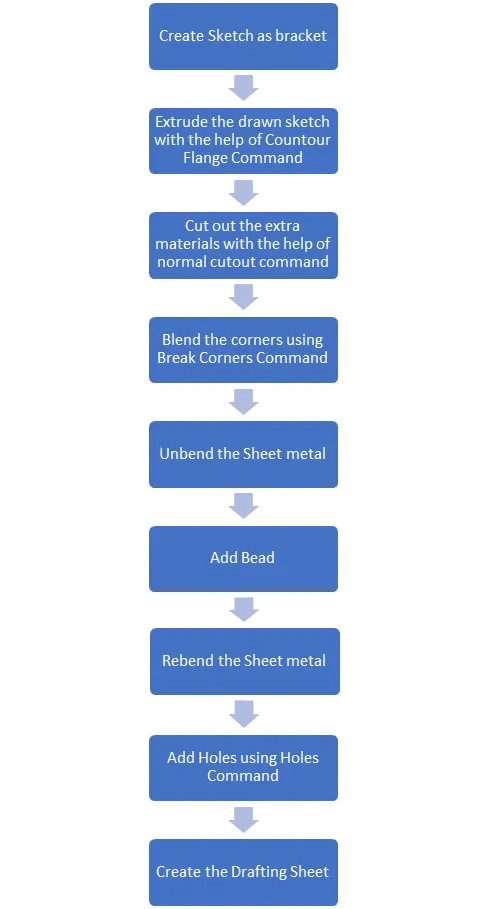
Sketch:
Sketching is a basic 2D drawing tool which is used to make the primary face of the model from which the various 3 D commands are been done.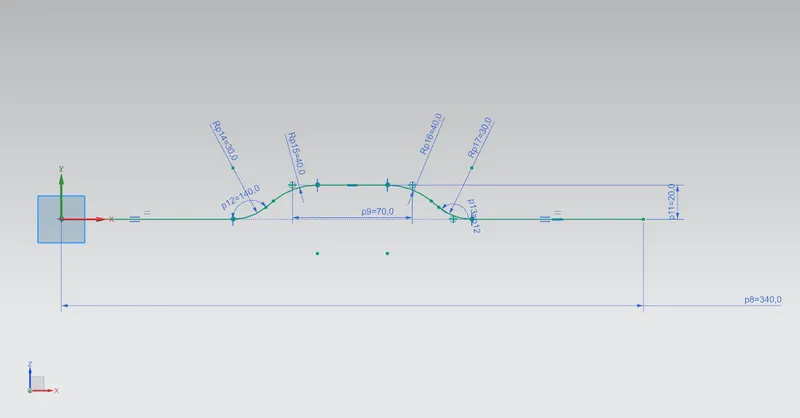
Countour Flange:
Creates the Flange wrt Sketch Along with the vector Sweep along the sketch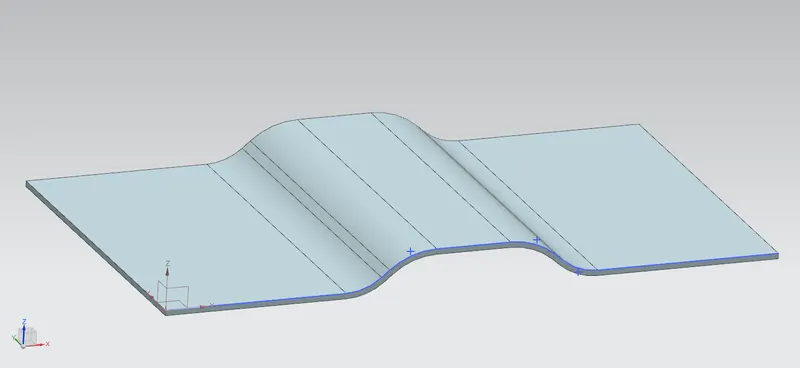
Normal Cutout:
Cuts the material by projecting the sketch onto the model and Cuts the material faces intersecting perpendicular to it.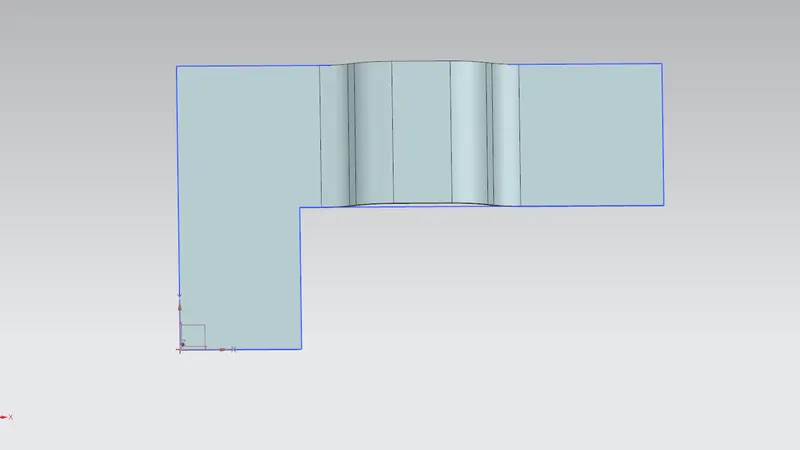
Break Corners:
Blends the sharp corners to the radii as round.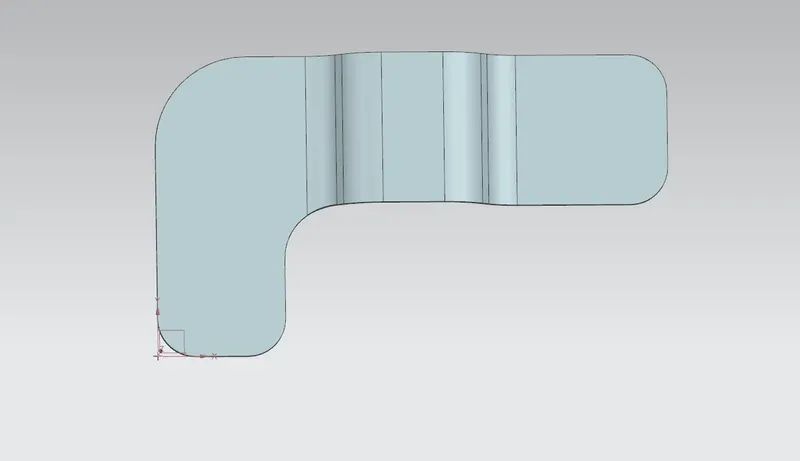
Unbend:
Unbend the sheetmetal shearing using the unbend.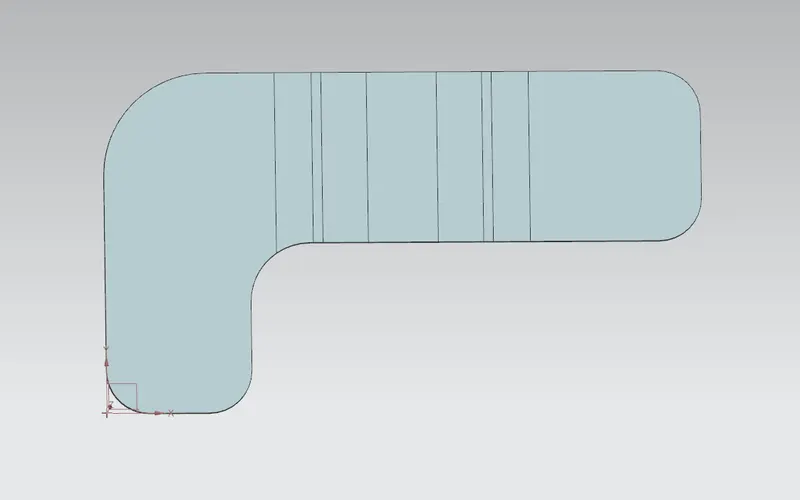
Beads:
Lifts the material along the contour Sketch which used to strength the material.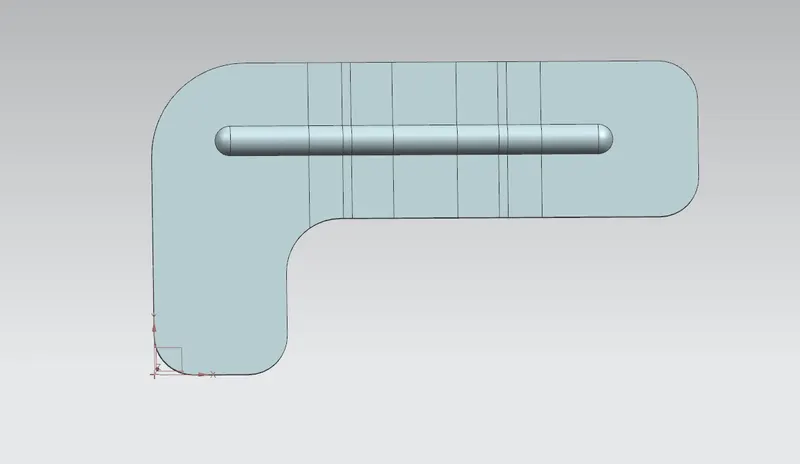
Rebend:
Rebend is the process bending the sheetmetal.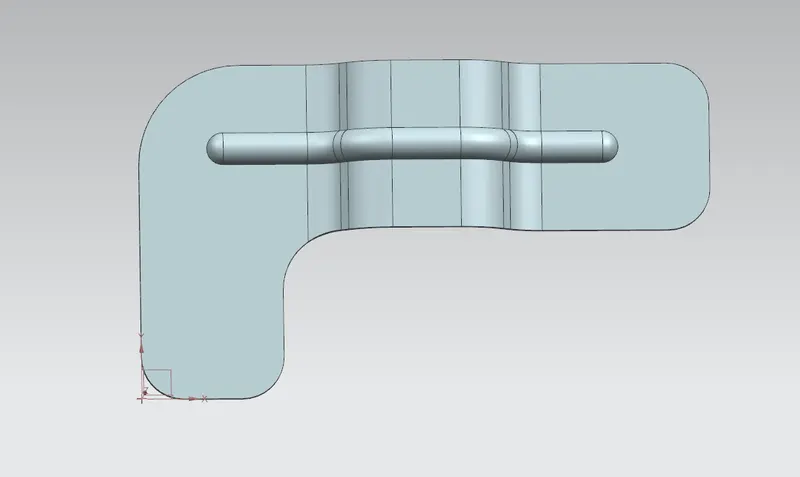
Holes:
Holes are creating using this command at the particular point.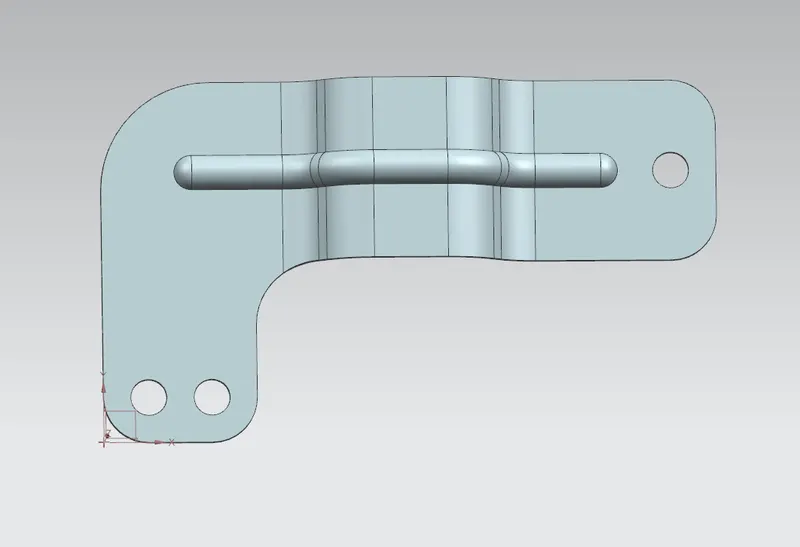
Various View:
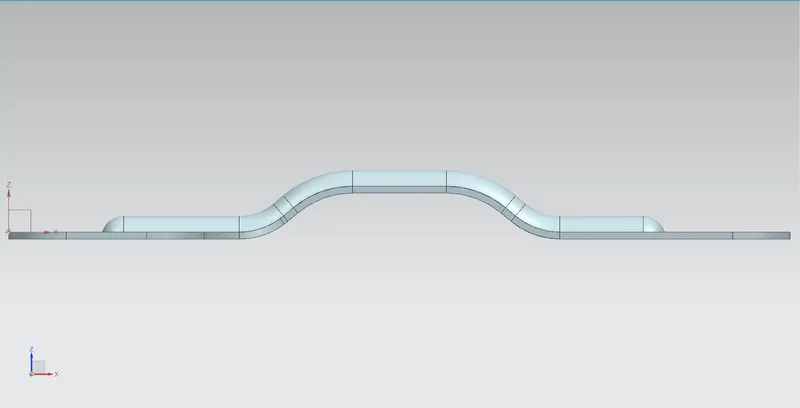
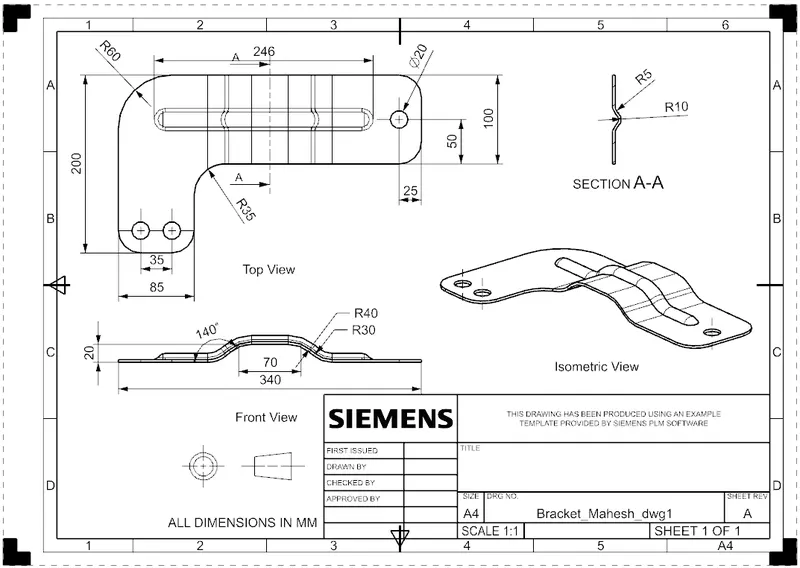
Front View:
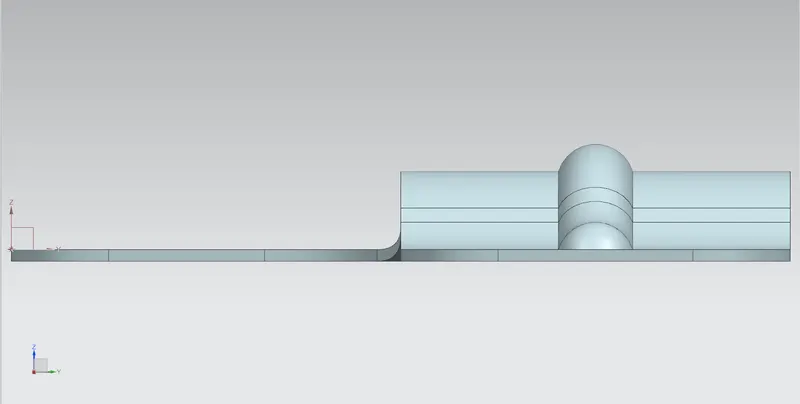
Side View:
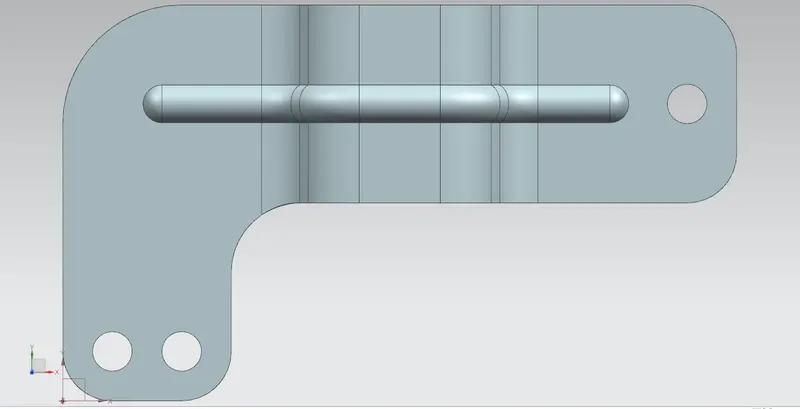
Top View:
Isometric View:
Drafting:
Conclusion:
CONCLUSION:
Got the clear idea of complex sheet metal Bracket Design.
- Part Files attached
- Zip file attached
- Drive