Advanced Sheet Metal Design Using NX Cad Challenge_6_Bracket
Aim : To create a CAD model of bracket from 2D drawing .
Objective :
- To crete a CAD model of bracket according to given dimension.
- To create report of it.
Approach :
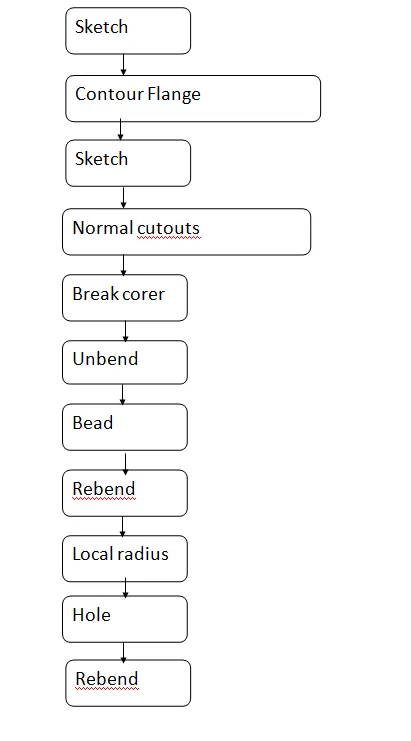
Description :
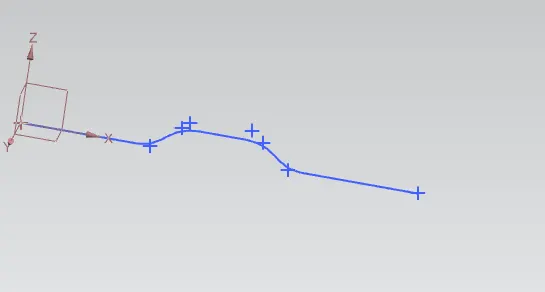
- First creating sketch according to given dimensions .
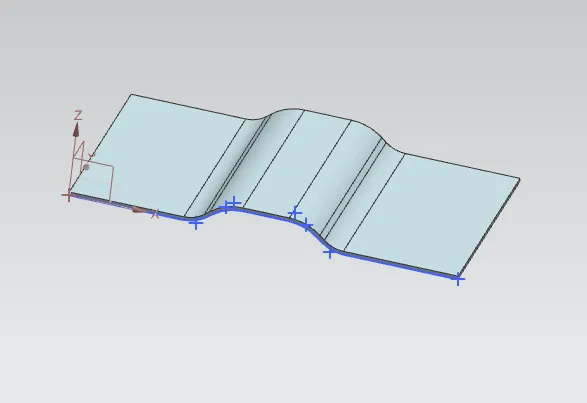
- Now using countour flange command.
- Doing sketch according to dimension .
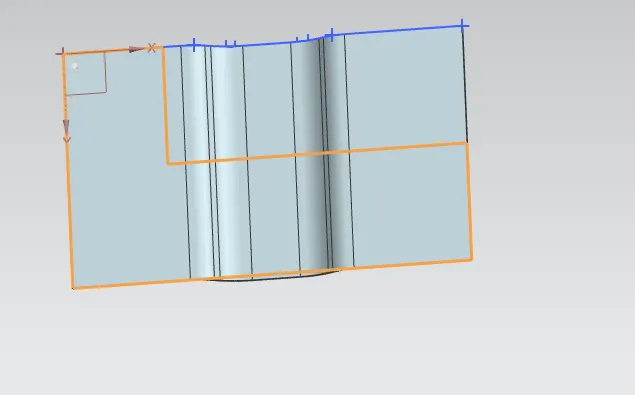
- Using normsl cutout command to cerate cut .
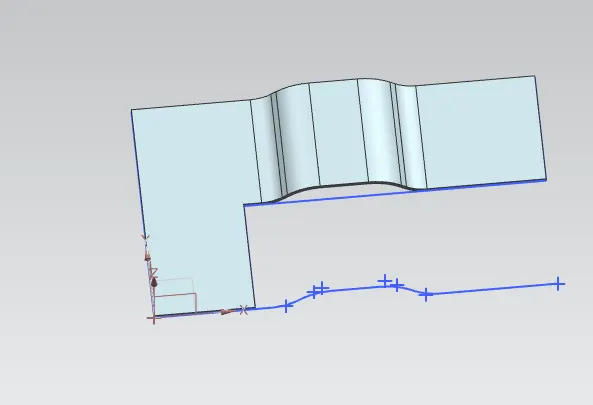
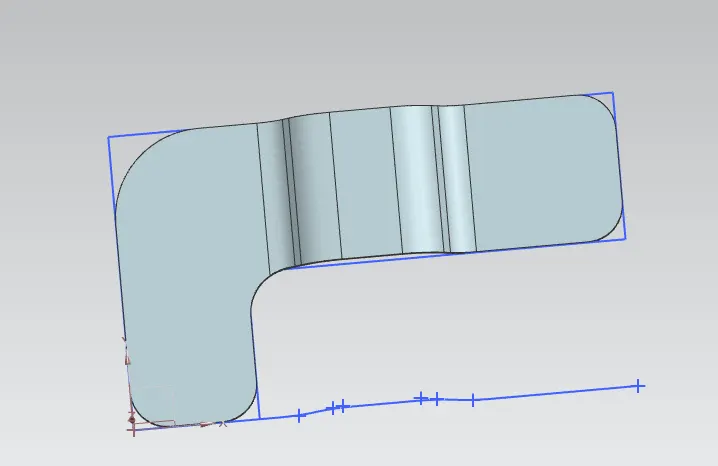
- Breaking the corner with the help of breake corner command .
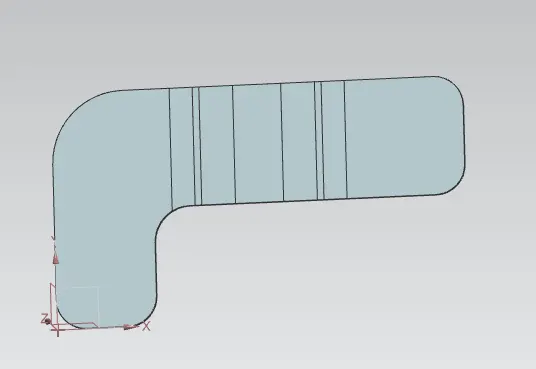
- Undending the sheet metal.
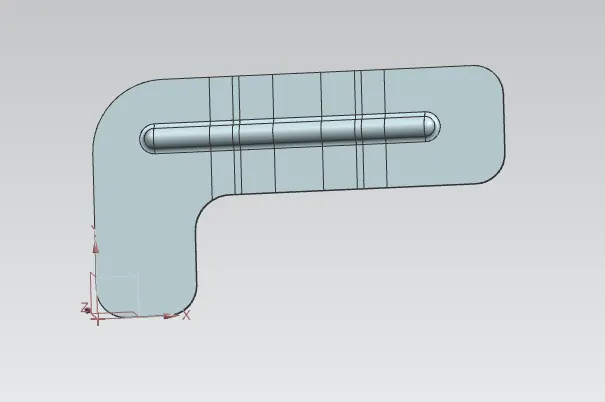
- Creating bead.
- Rebending
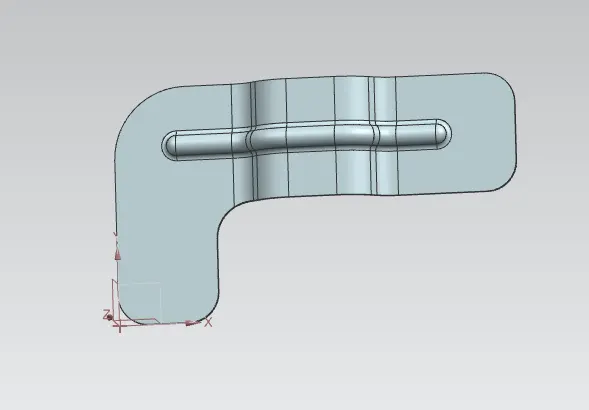
- Creating holes according to given dimensions.
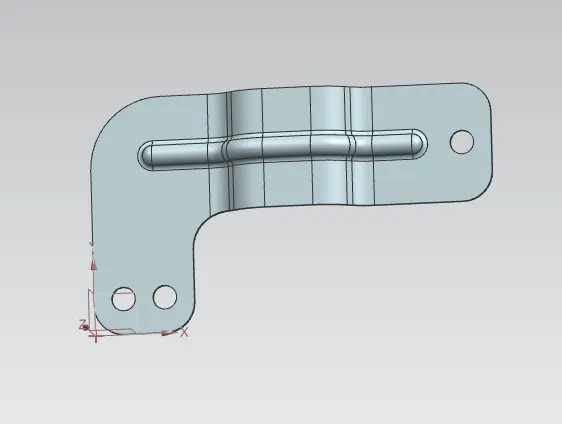
Different views :
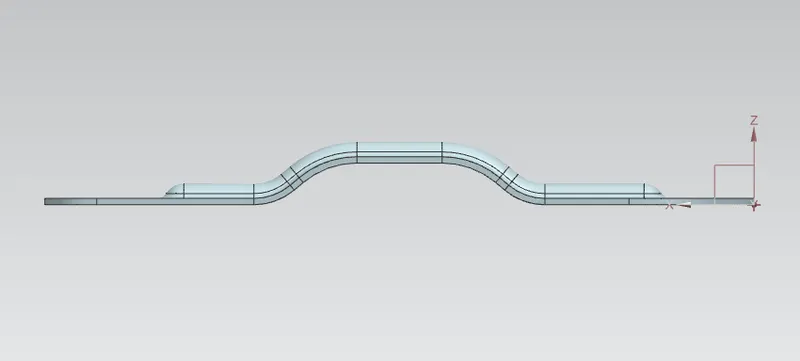
Back view :
Top view :
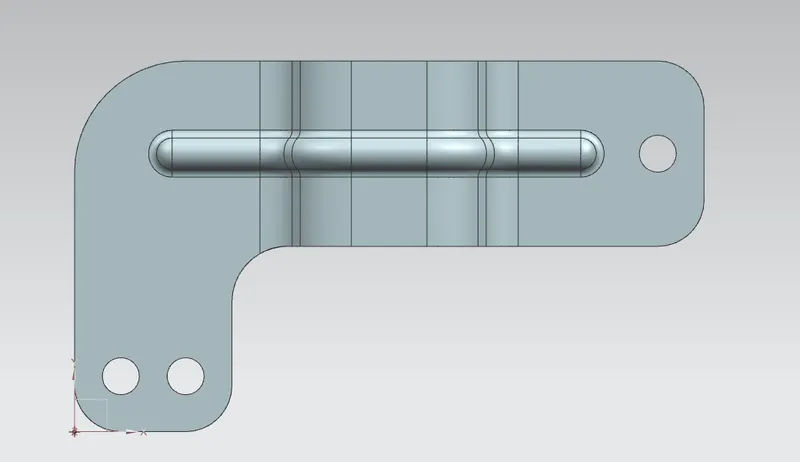
Bottom view :
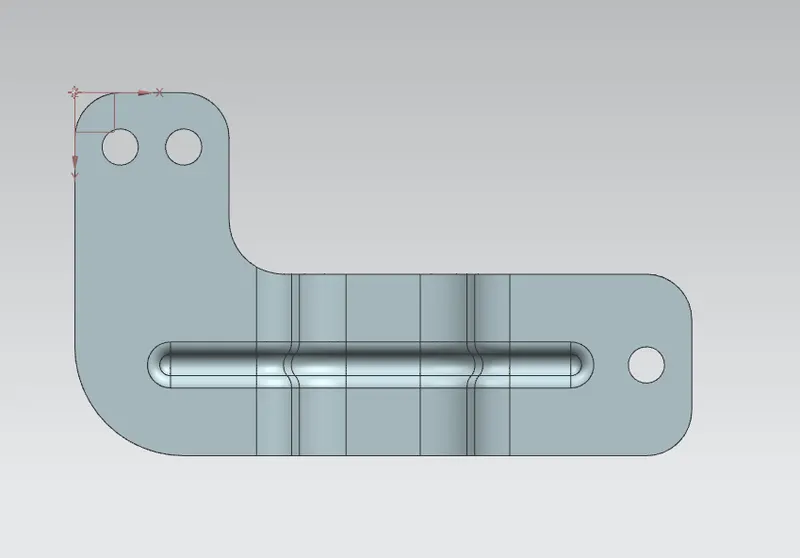
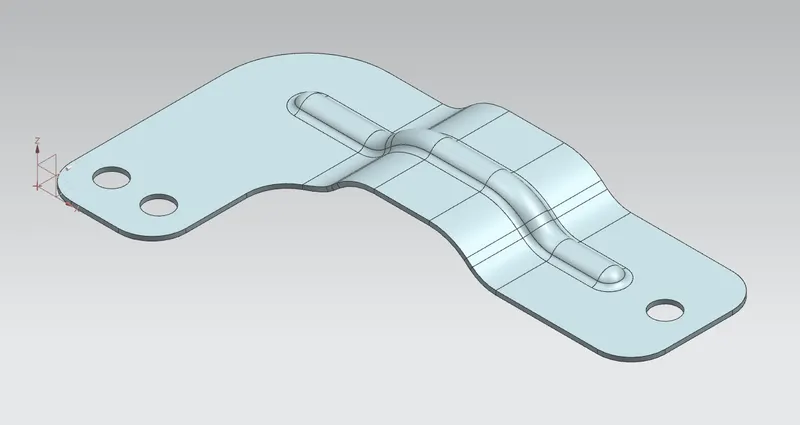
Isometric view :
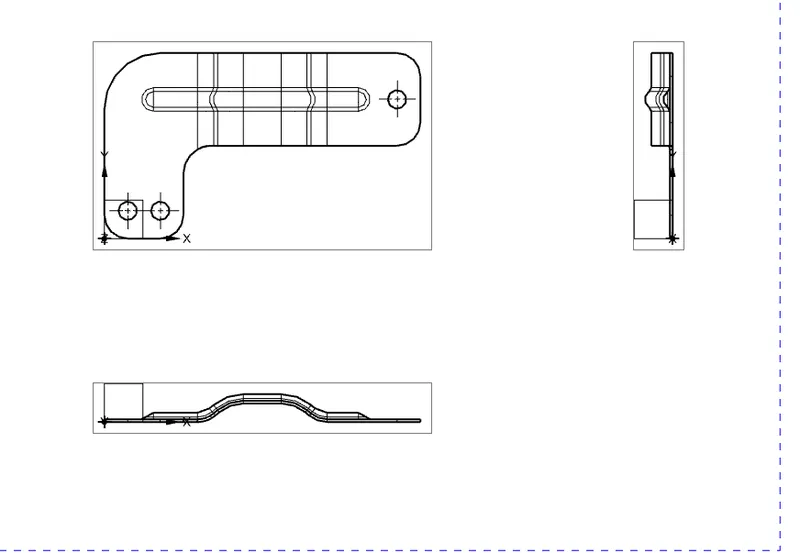
Drafting :
Conclusion :
- Created a CAD model of bracket from 2D drawing .