Advanced Sheet Metal Design Using NX Cad Challenge_6_Bracket
Advanced Sheet Metal Design Using NX CAD_Bracket
Objective: To design a Bracket by using Siemens NX12 Sheet metal application.
Introduction:
NX sheet metal Design provides the design professional with a complete set of tools to efficiently create and manage sheet metal parts based on the knowledge of materia properties and manufacturing processes.NX sheet metal design tools incorporate material and bending information,enabling the model to represent both the formed component and flattend blank shapes
Design Methodolgy:
Tools and Features:
1.Flang: This feature is used to add flat flange at an angle to planar face and add bend between then two. It consists of bend region and web region
2.Unbend: This feature is used to unbend the sheetmetal on stationary face
3.Rebend: This command helps to rebend the unbend command of the sheet metal after it is used when needed
4.Bead: This feature is used to lift material along the contour of a sketch that simulates a stamping tool
5.Local Radius analysis: To measure radii formed in sheet metal
6. Holes: This feature is used to creat holes as per the sketch drawn for the model
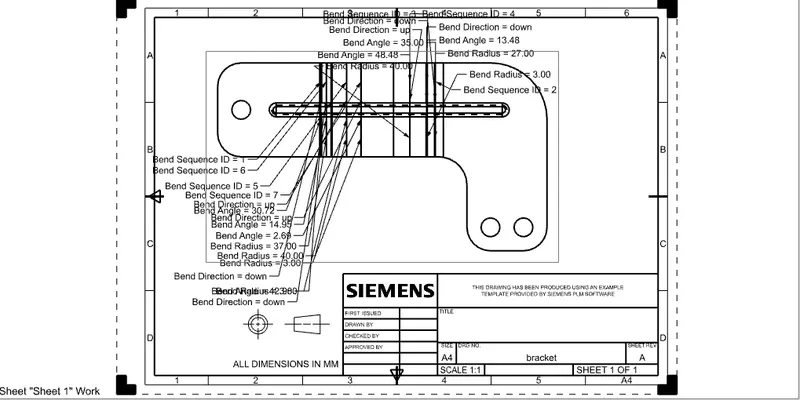
7. Flatpattren and Drafting: This feature is used to create a flat representation of a formed sheet metal part, the flattened version of the part is associative to the formed version this command is used to create a 2D representation of a 3D sheet metal part
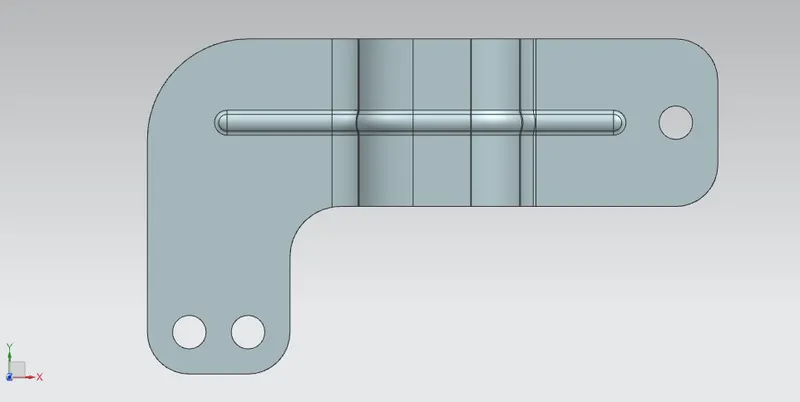
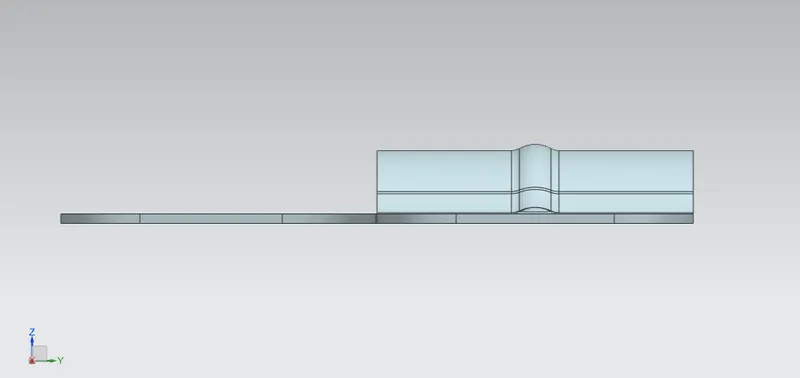
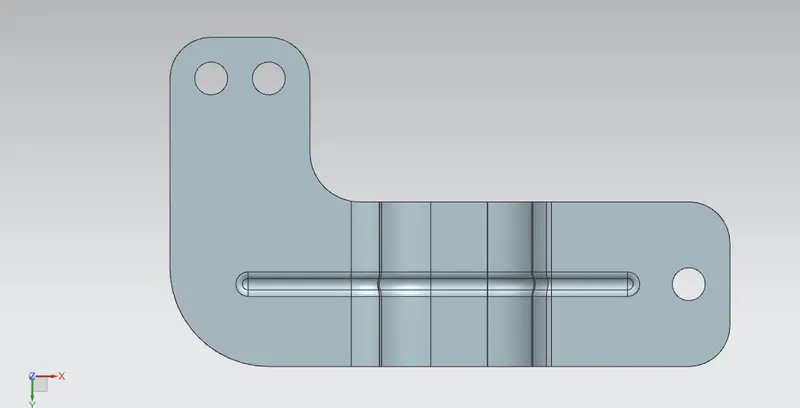
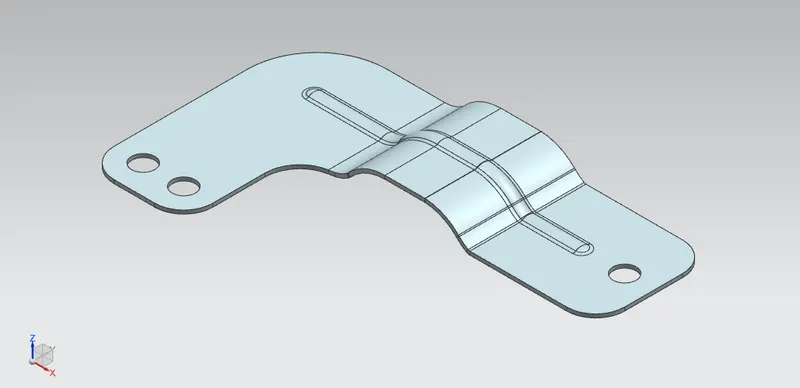
Conclusion: Bracket is obtained using basic feature of sheet metal application