Advanced Sheet Metal Design Using NX Cad Challenge_6_Bracket
BRACKET
Objective :
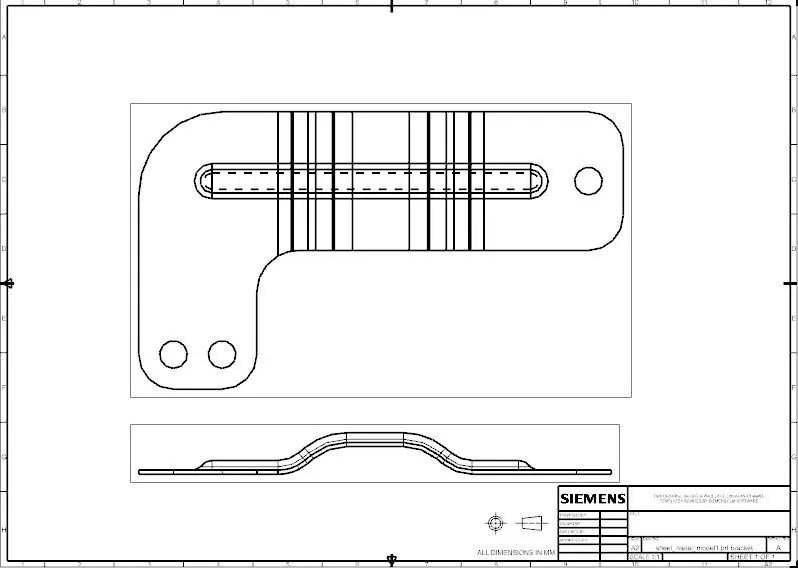
- To create Bracket from the 2D drawing.
Introduction :
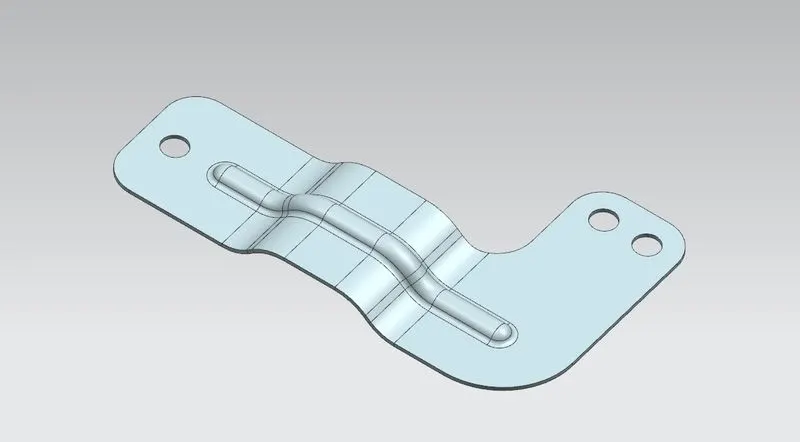
- Bracket is a piece of sheetmetal which designed in NX sheetmetal application by following the 2d drawing.
Design approch :
Features used while designing :
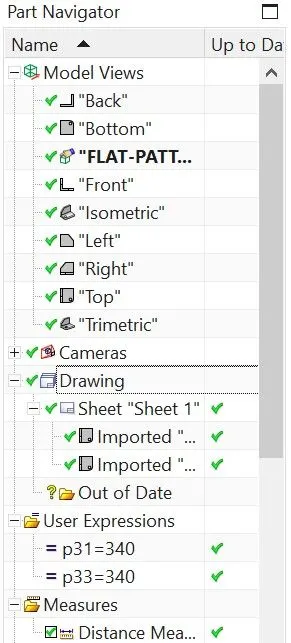
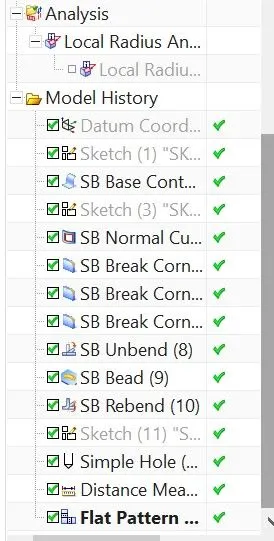
1.Counter flange : Create a base feature by extruding a sketch along a vector(sketch).
2.Normal Cutout : Cuts material by projecting a sketch onto model and then cutting perpendicular to the faces intersected by the projection.
3.Bead : Lifts material along the contour of a sketch that simulates a stamping tool.
4.Unbend : Falttens a bend the material adjacent to the bend.
5.Rebend : Restores an unbend feature to its previous bend state along with any features added after the unbend feature.
6.Hole : Adds a hole to one or more solid bodies in a part or assembly with options for counterbored,countersunk, and threded.
7.Measure length :Caliculates distance between two objects,the length of curves,or the radious of an arc, or circular edge, or cylindrical face.
8.Local radious : Caliculate geometric properties of selected points on curves,edges,and faces.
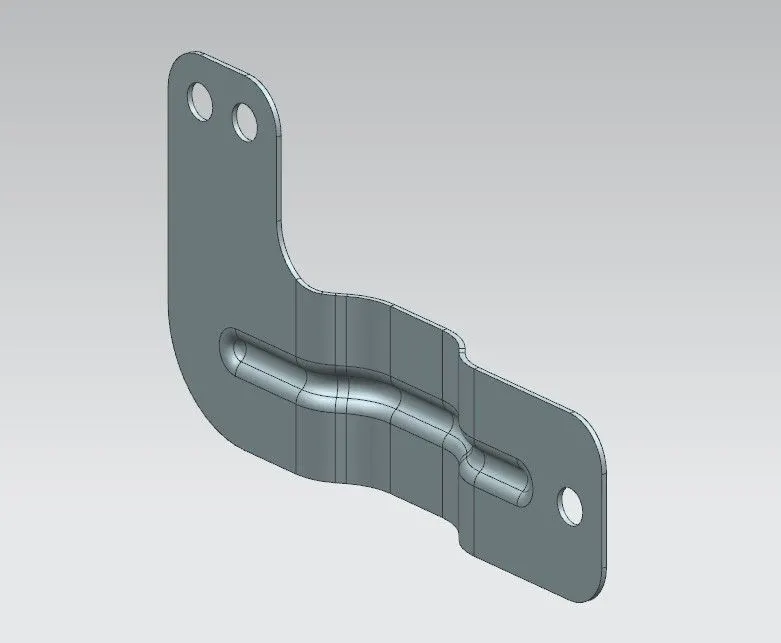
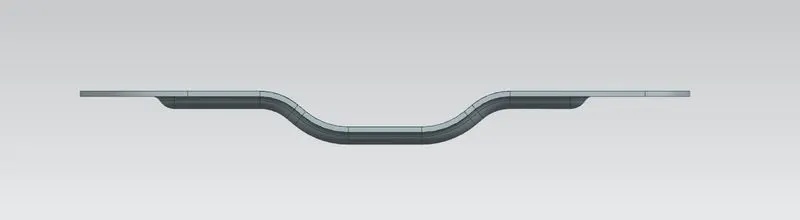
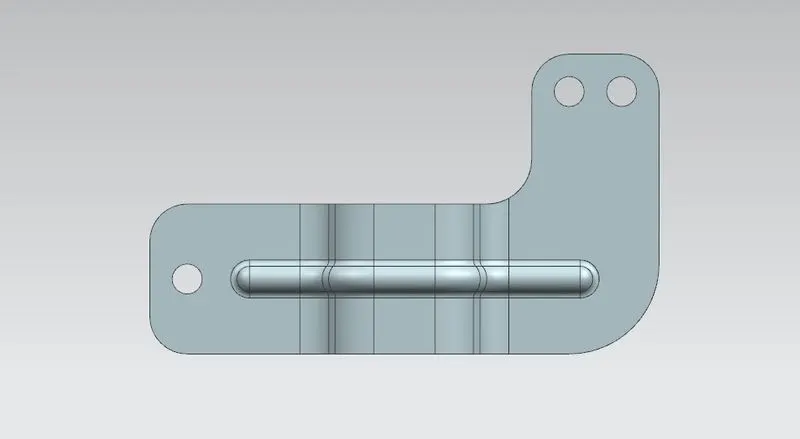
Final model images :
" NX-Bracket-lavakumar"
Flat pattern :
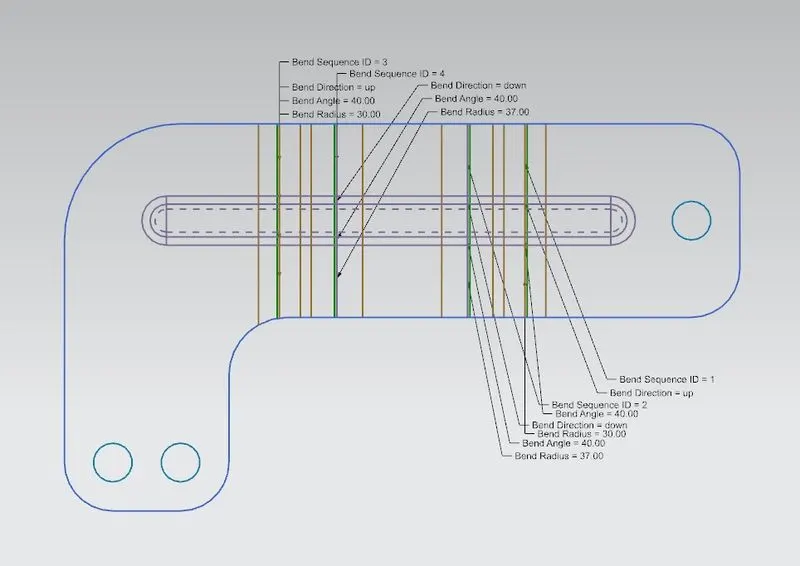
Drawing sheet :
Conclusion :
- Bracket creation is succesfully completed using NX Sheetmetal application.