Sheet Metal Bracket Design using NX CAD
Sheet Metal Bracket Design using NX CAD
Objective:
To design and draft sheet metal bracket using NX CAD.
Introduction:
Sheet Metal
The sheet metal parts can be found from the small light fixtures to the automotive body parts because of their high strength despite having low weight and its resistance to corrosion. Based on the requirements and the standards sheet metals of varying thickness are used.
The sheet metal comes from various materials such as steel, aluminium, brass, titanium and more.
Bracket
There different types of bracket design. These are manufactured by conducting stamping or die casting operation. Bracket is use for mounting purpose in different assembly or sub-assembly. Bracket is provided with different shapes and features to increase strength. This project explain bracket designing procedure using NX CAD sheet metal workbench.
Design Methodology
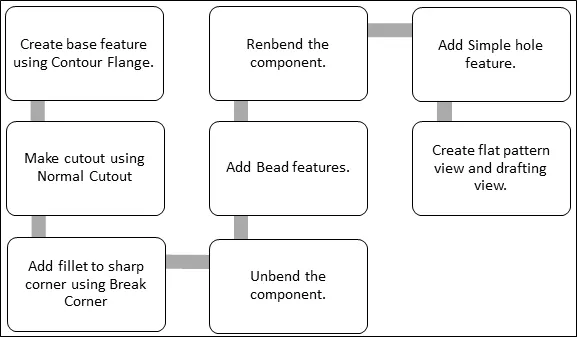
Description
Tools Used
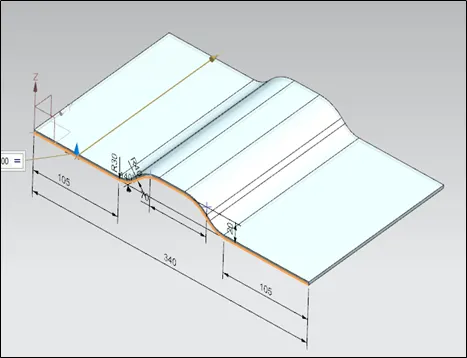
- Contour Flange: - It creates a base feature by extruding a sketch along a vector or adds material by sweeping a sketch along edge or chain of edges.
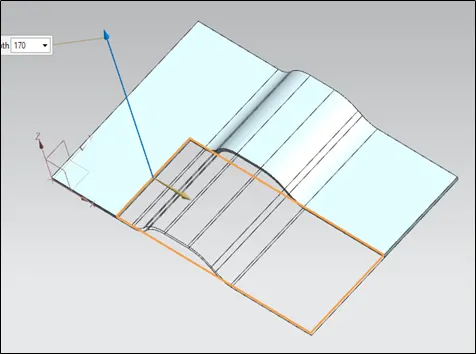
- Normal Cut-out: - It cuts material by projecting a sketch onto the model and then cutting perpendicular to the faces intersected by the projection.
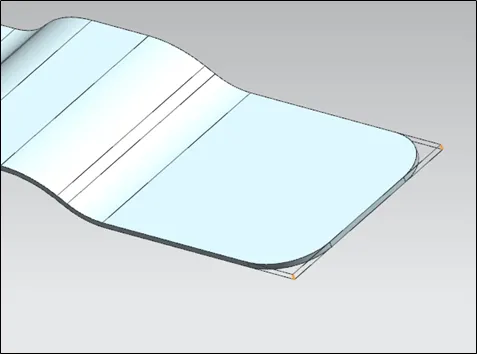
- Break Corner: - It rounds and chamfers a sharp corner of a tab or flange.
- Unbend: - This tool flattens the bend and the material adjacent to the bend.
- Bead: - Use the Bead command to lift material along the contour of a sketch that simulates a stamping tool. Beads can also be created to stiffen sheet metal parts.
- Simple Hole: - It add hole to one or more solid bodies in part or assembly.
- Rebend: - It restores an unbend feature to its previous bent state, along with any features added after the unbend feature.
- Flat Pattern: - This tool creates flat pattern of form sheet metal part. It explained about component manufacturing information.
Procedure to create bracket explained as below
- Contour Flange
- Normal Cut-out
- Break Corner
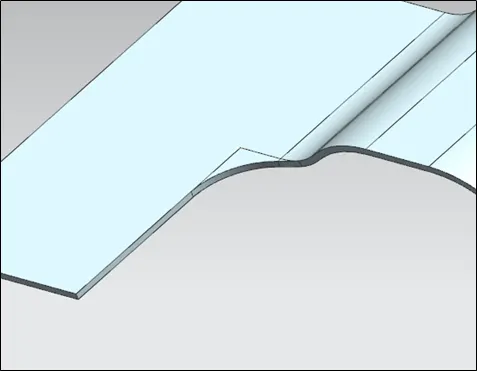
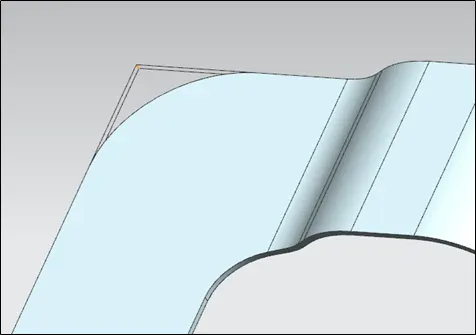
- Unbend
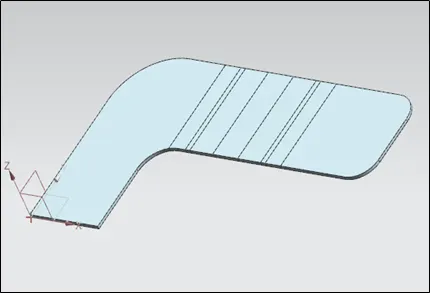
- Bead
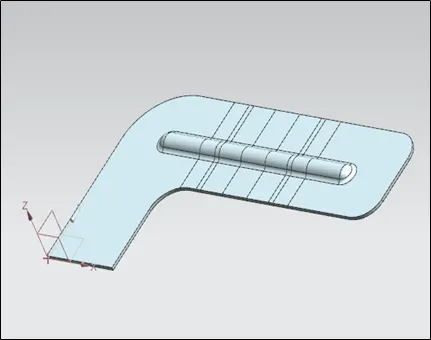
- Rebend
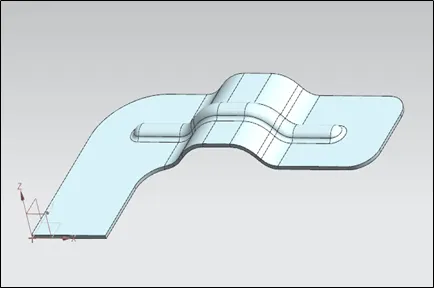
- Simple Hole
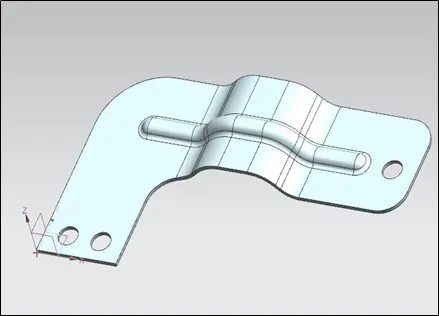
- Flat Pattern
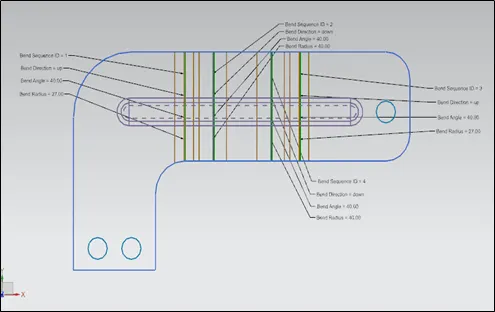
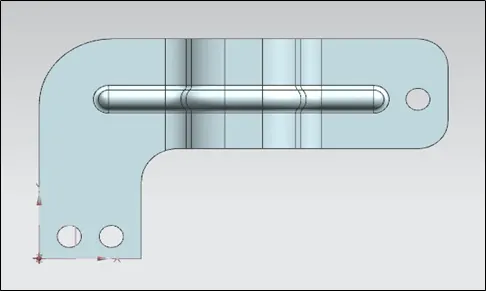
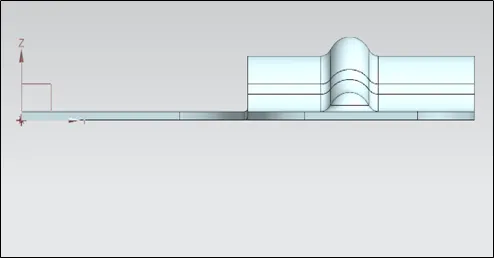
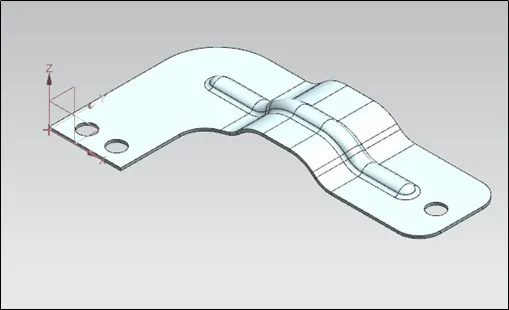
Different View: -
a) Front Side
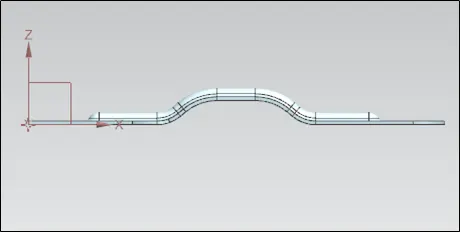
b) Top Side
c) Right Side
d) Isometric View
Drafting of Sheet Metal Box Assembly
a) Sheet Metal Bracket Flat Pattern View
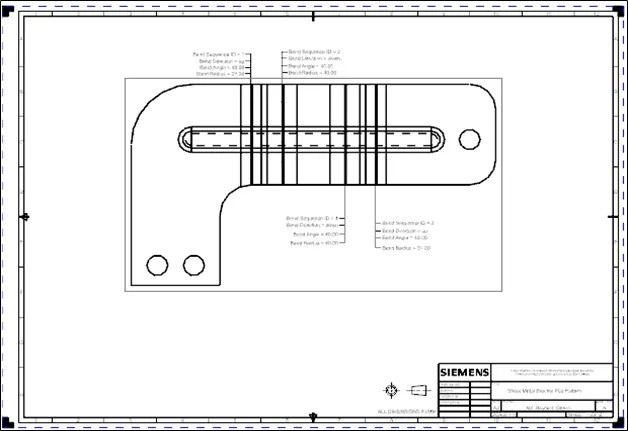
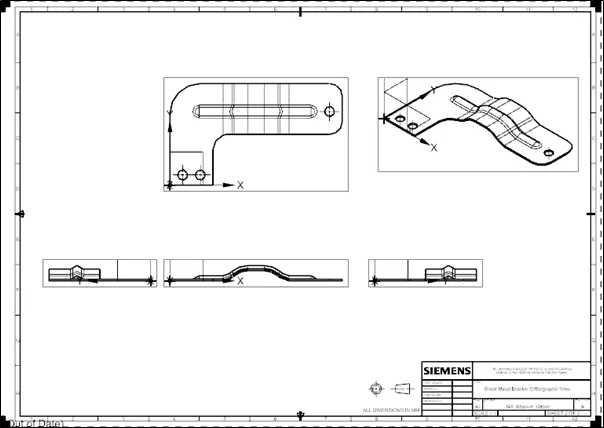
b) Sheet Metal Bracket Orthographic View
Conclusion
Designing and drafting of sheet metal bracket done using NX CAD workbench.