Advanced Sheet Metal Design Using NX Cad (Odd Shaped Enclosure)
DESIGNING ODD SHAPED ENCLOSURE WITH NX SHEET METAL
OBJECTIVE:
- Designing Odd Shped Enclosure in NX Sheet Metal.
- Drafting the flat pattern of the Odd Shaped Enclosure.
INTRODUCTION:
Sheet metals are flat metallic pieces having thickness of less than 6mm. Sheet metals have enormous Industrial as well Domestic use. We can see sheet metal products almost everywhere such as automobiles, aircrafts, containers, roofs, computer cabinets etc. It is very important for Design Engineers to be well worked with sheet metal design.
We are using NX (a mechanical design software) to design our Sheet Metal Odd Shaped Enclosure.
DESIGN METHODOLOGY:
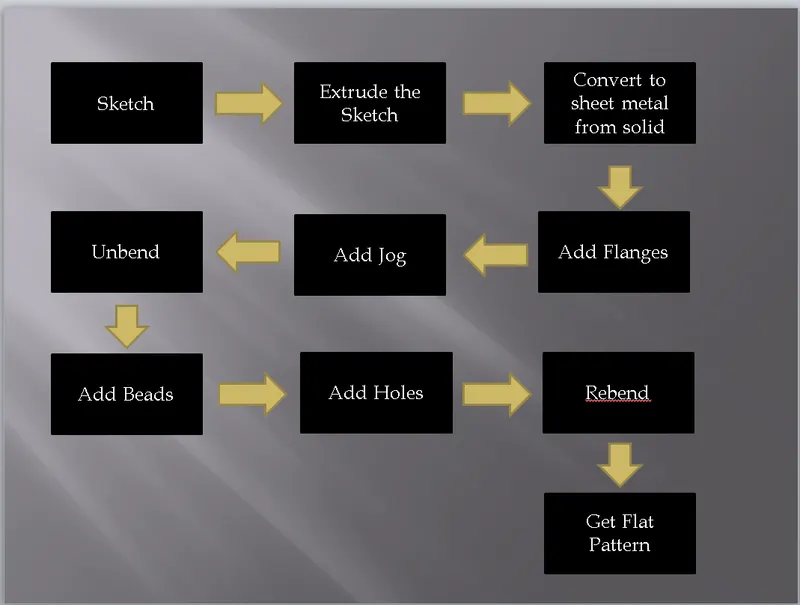
DESCRIPTION:
Sketch - Creates a Sketch on the Plane Specified.
Extrude - Creates a feature by extruding a section along a vector.
Hole - Adds a hole to one or more solid bodies in a part or assembly with options for counterbored, countersunk and threaded.
Sheet Metal from Solid - Builds a sheet metal model that takes its shape from collection of planer faces.
Flange - Adds a flat flange at an angle to a planer face and adds a bend between the two.
Unbend - Flattens a bend and the material adjacent to the bend.
Jog - Modifies the model by lifting material on one side of a sketch line, adding a flange between the two bodies.
Bead - Lifts a material along the contour of a sketch that simulates a stamping tool.
Rebend - Restores an unbend feature to its previous bent state, along with any features added after the unbend feature.
Flat Pattern - Creates a flat pattern from the formed sheet metal part.
Drafting - Provide tools for accurate drawing creation.
IMAGES:
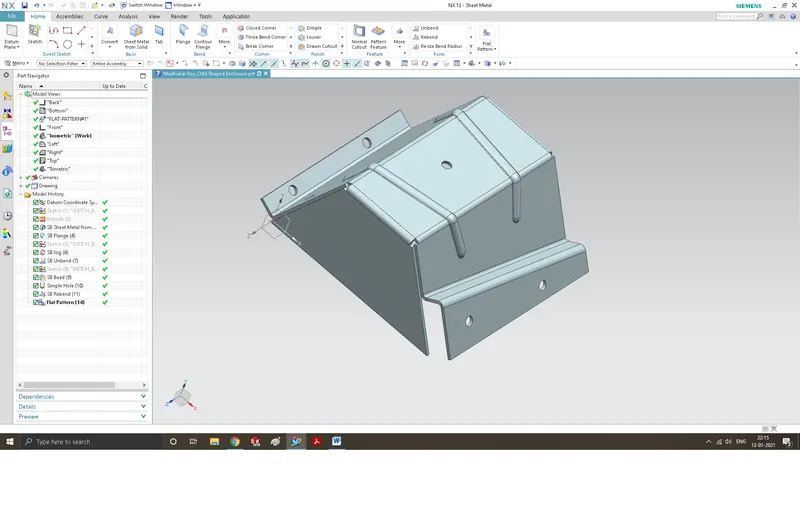
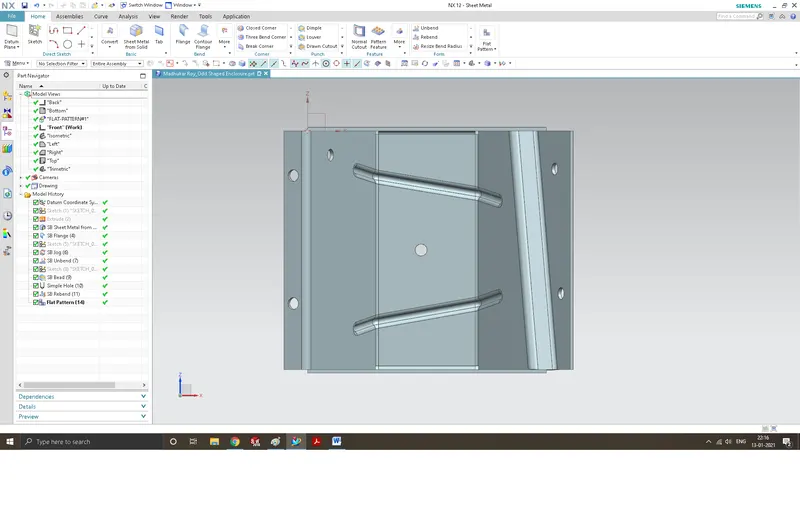
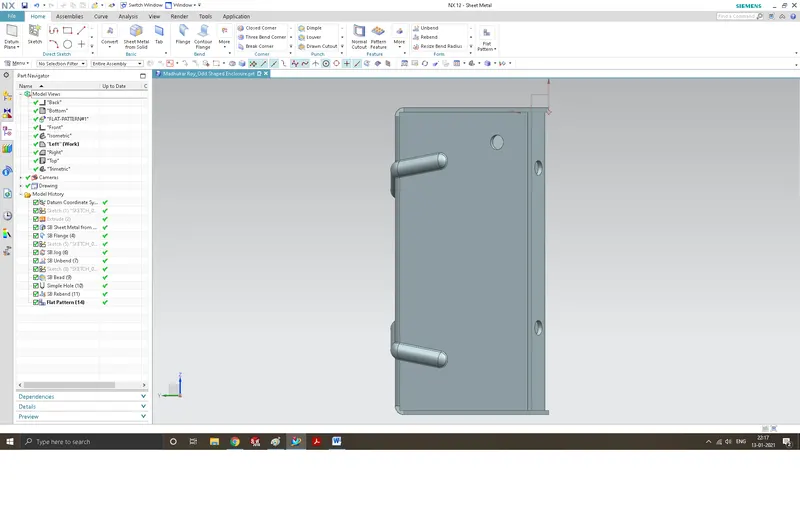
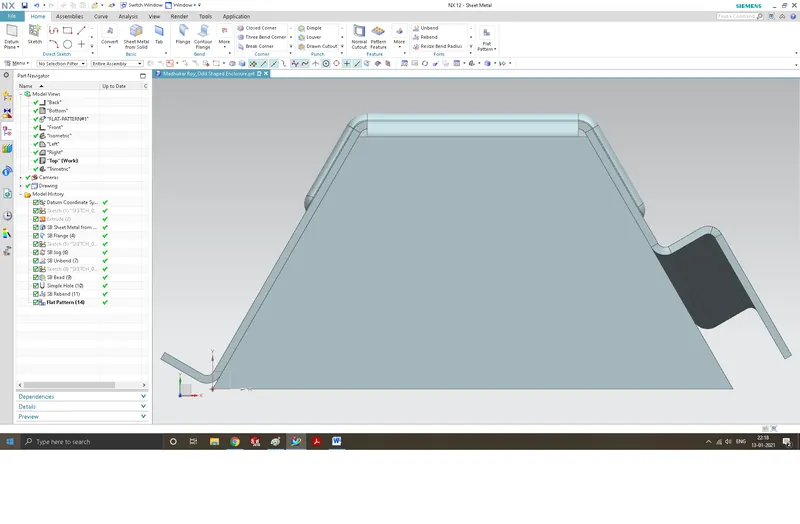
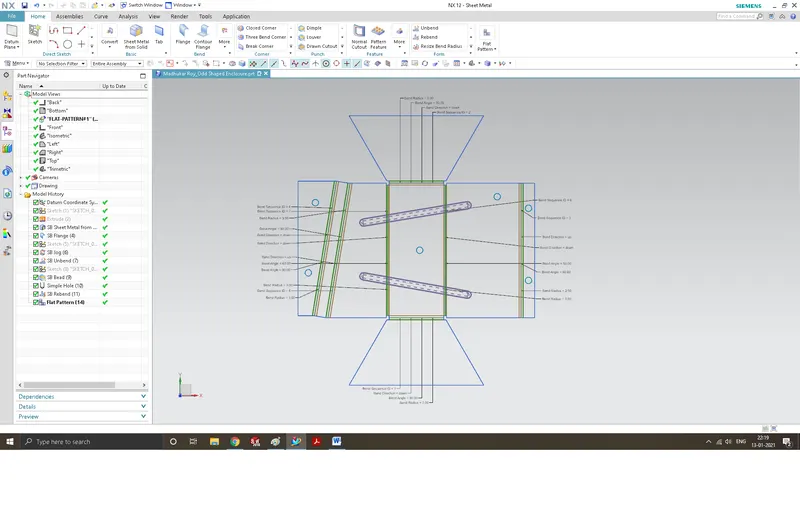
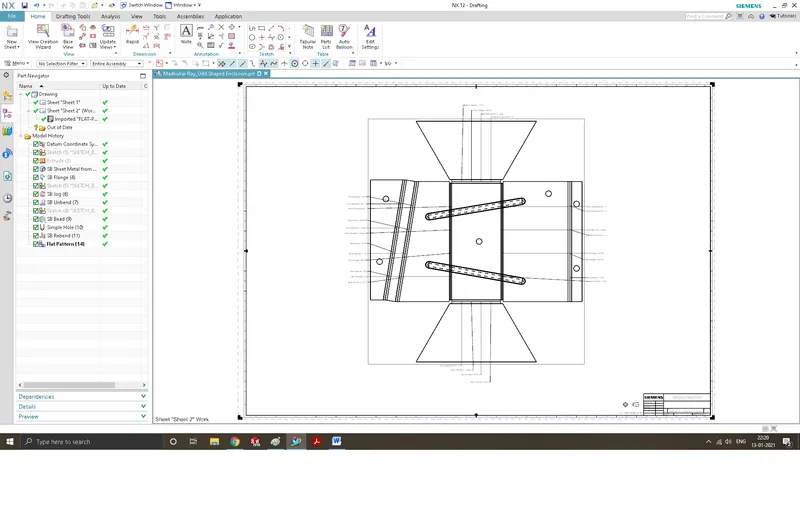
CONCLUSION:
In this Project, we learned various sheet metal tools offered by NX such as Tab, Flanges, Beads etc. We obtained a sheet metal part named Casing using these tools and got command over them. We also obtained draft sheet for our model.