Advanced Sheet Metal Design Using NX Cad Challenge_5_Odd Shaped Enclosure
CREATION OF AN ODD SHAPED ENCLOSURE
Objective
To create an odd shaped enclosure using sheet metal workbench in siemens NX Cad.
Introduction
Creating an odd shaped enclosure in siemens is the main objective. Here the sheet metal work bench is used for creating the enclosure. The tools and functions like extrude , sheet metal from solid , flange and other bend functions are used.
Hole and bead is created and the flat pattern is also created and viewed in draft workbench.
The body is converted to sheet metal by using convert to sheet metal commands. Which is a new command used to convert a part body or a dump body into a sheet metal. The project is given to work on with the convert to sheet metal command.
The jog command is the new command we study here , which is also the main objective of the project.
Design Methodology
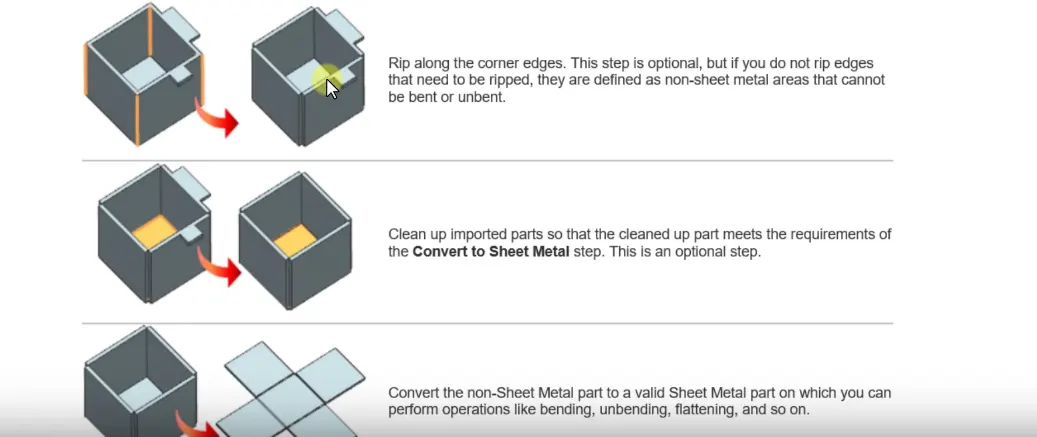
- The first step is the conversion of body to a sheet metal. The flow chart is given below.
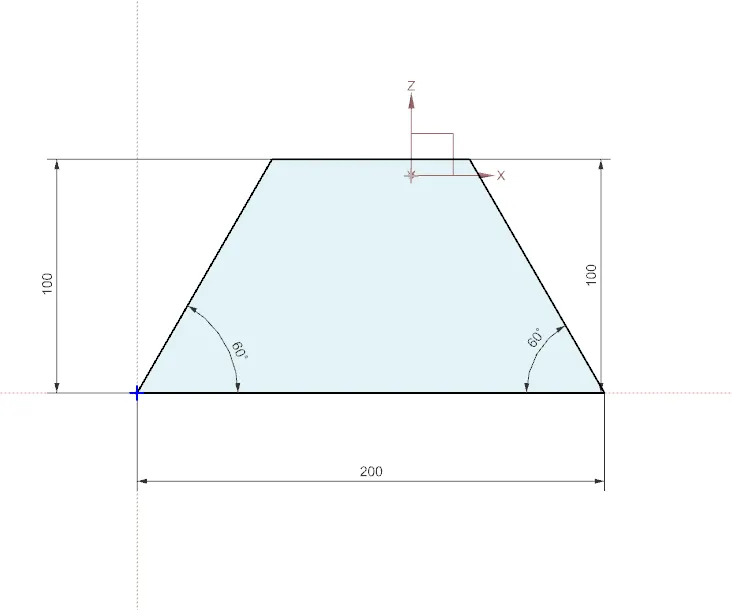
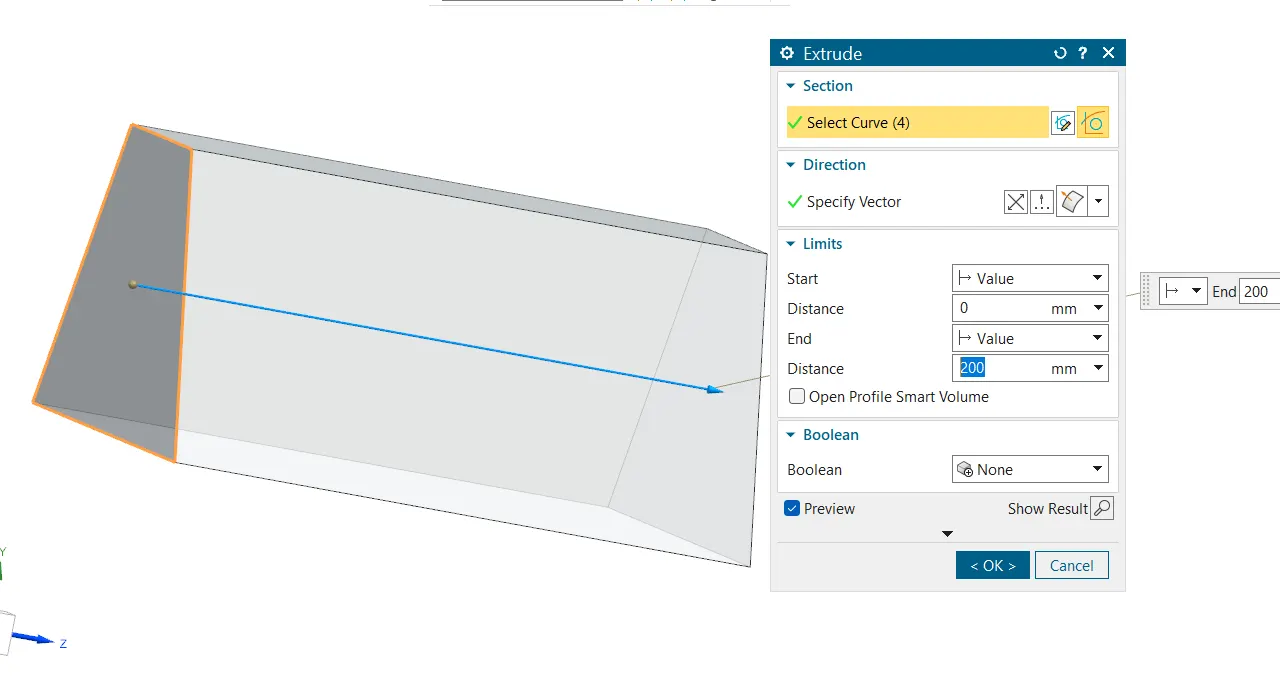
here we draw a sketch and extrude it to the required limit.
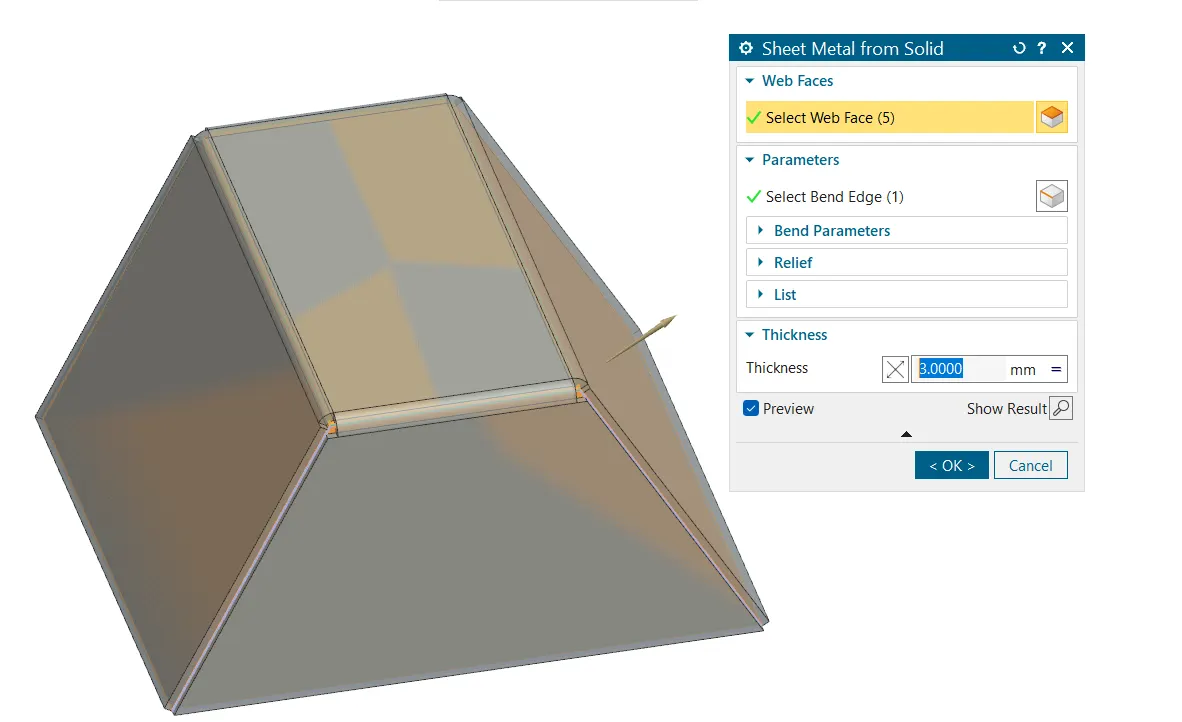
- Convert to sheet metal tool is used here to convert it to sheet metal. The web faces are selected and the bend edges are given to convert it to sheet metal.
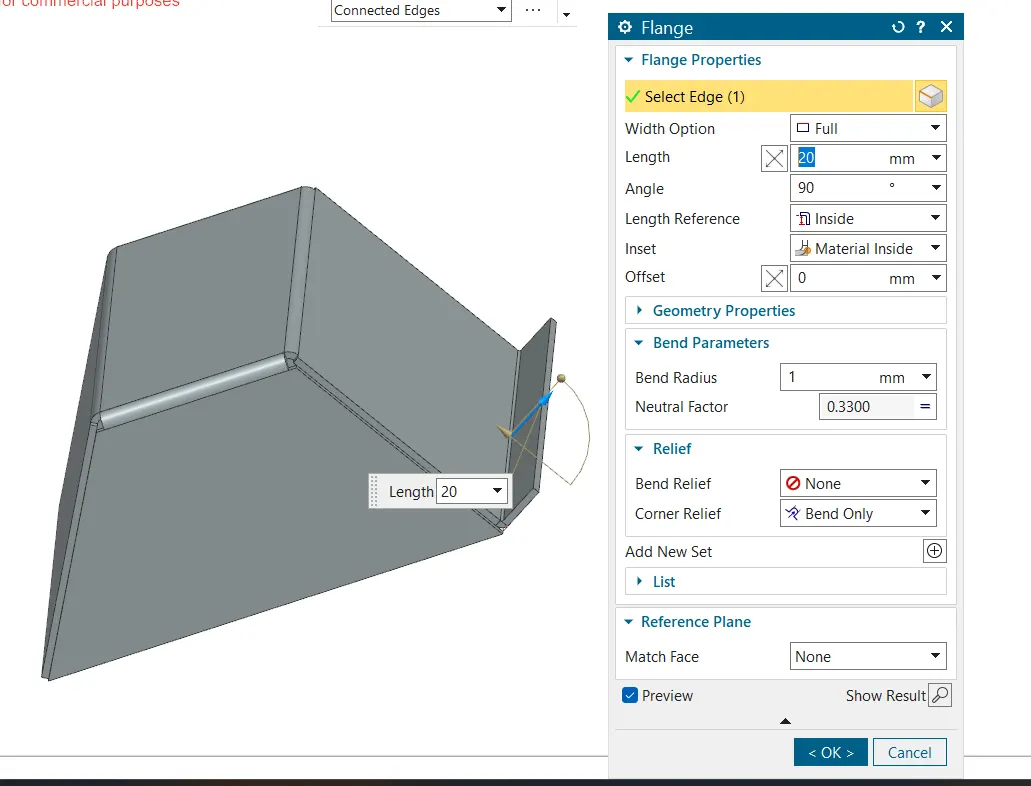
- Flange is created on the other side using flange command from the tool bar
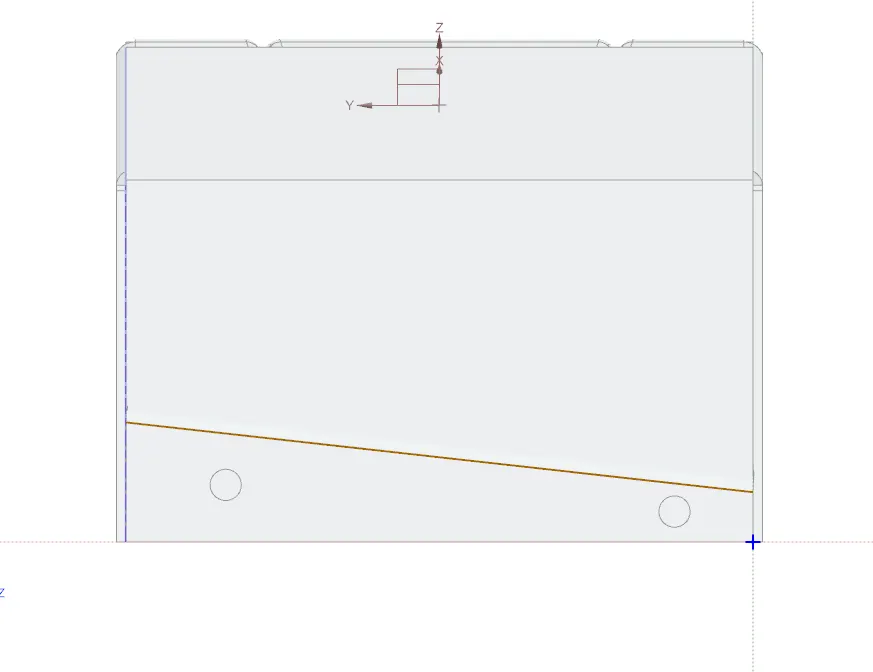
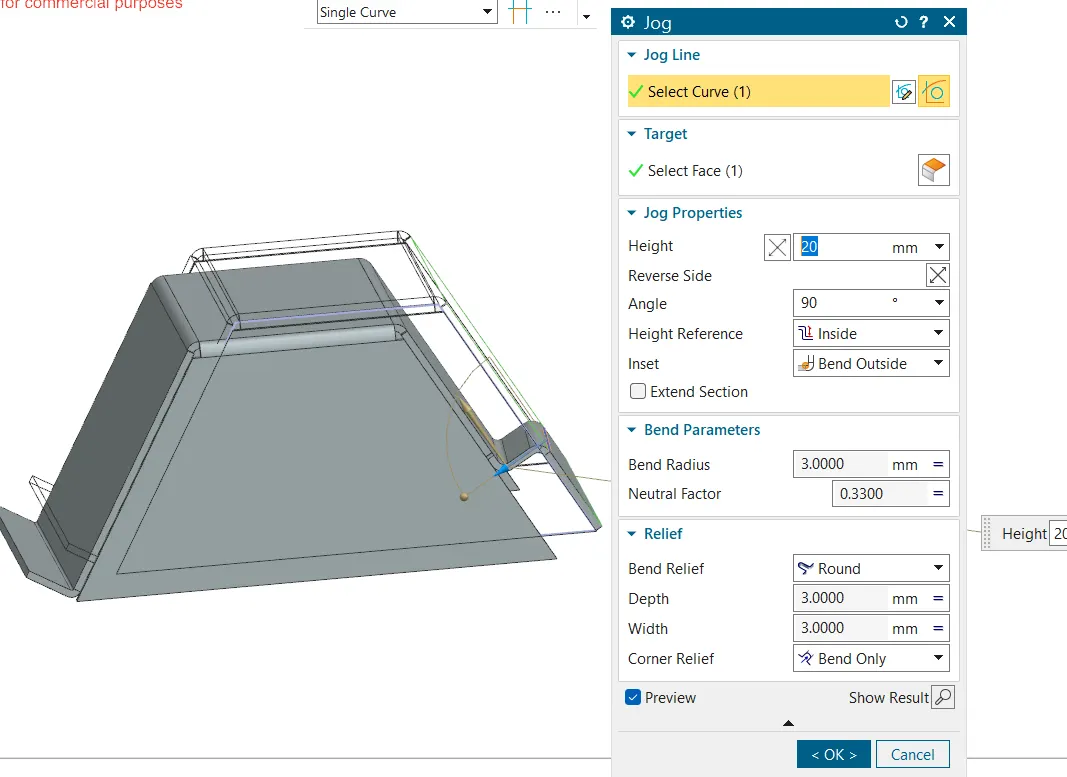
- The sketch is created for giving jog the the area where jog is needed.
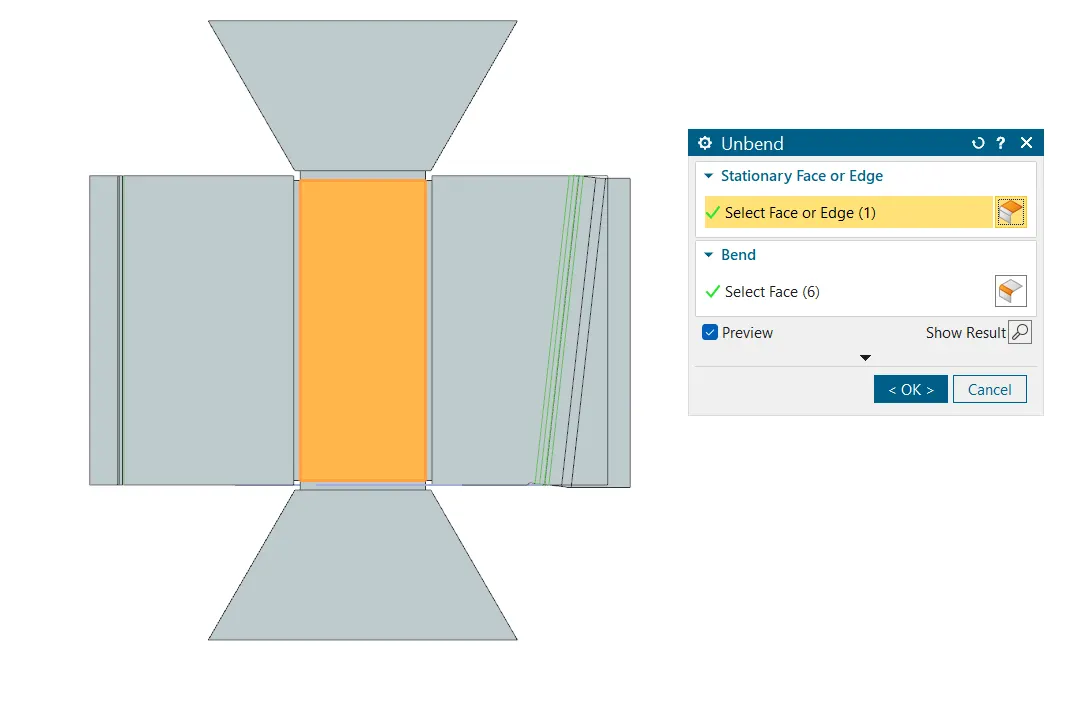
- Un bending the sheet to check whether the process is satisfied and to check whether the process order is correct or not. The unbend command is used for un bending the sheet .
- The sketch for the required bead is drawn and the bead tool is selected from the tool bar and bead is given to required radius and depth.
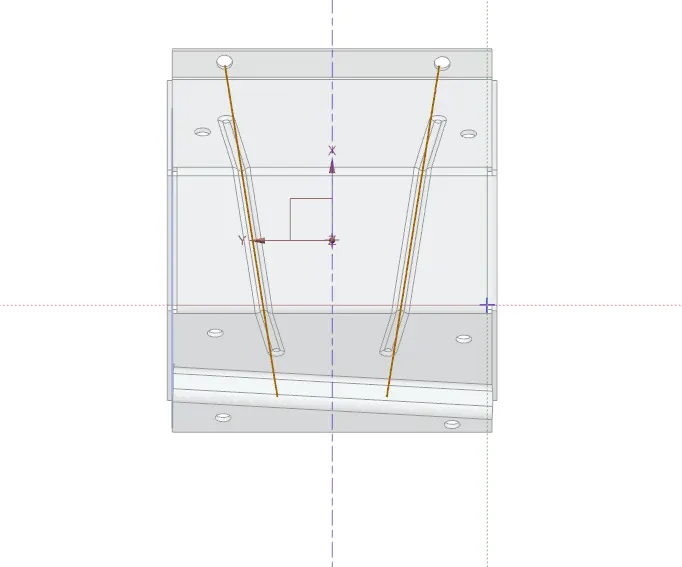
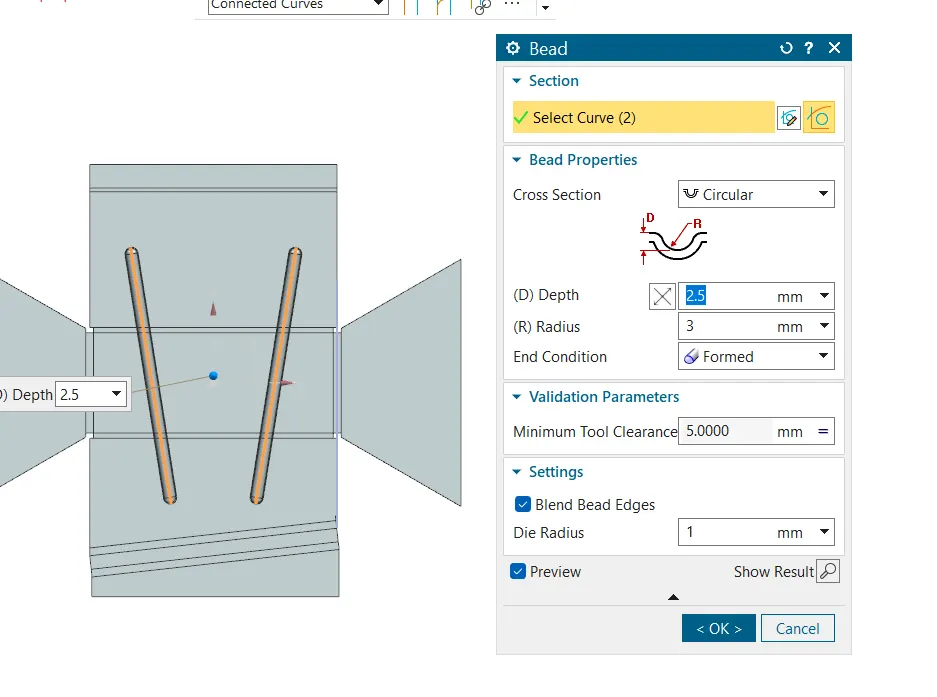
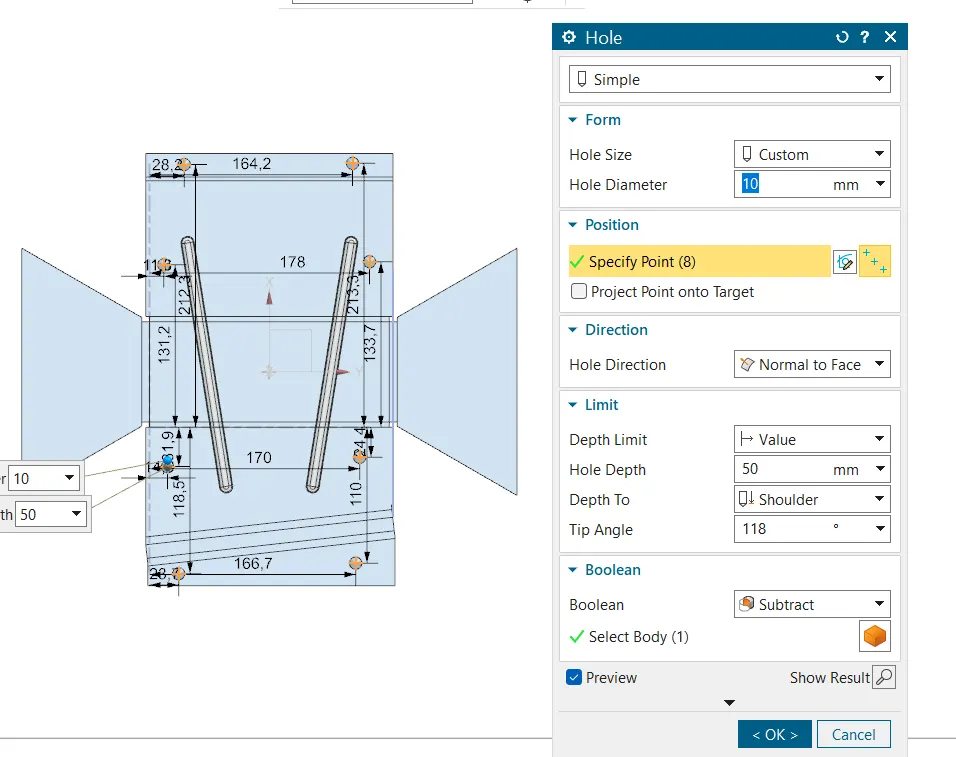
- Creating the hole of required diameter and depth in the adequate positions.
- Re bending the sheet to the previous shape and check for any error or irregularities in the sheet.
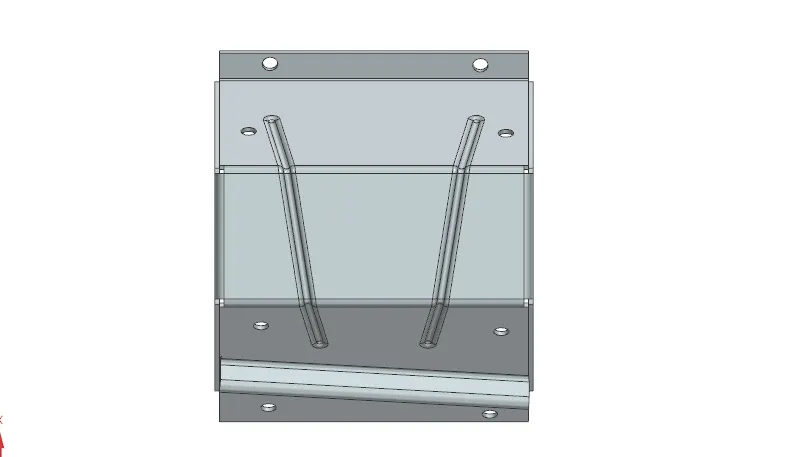
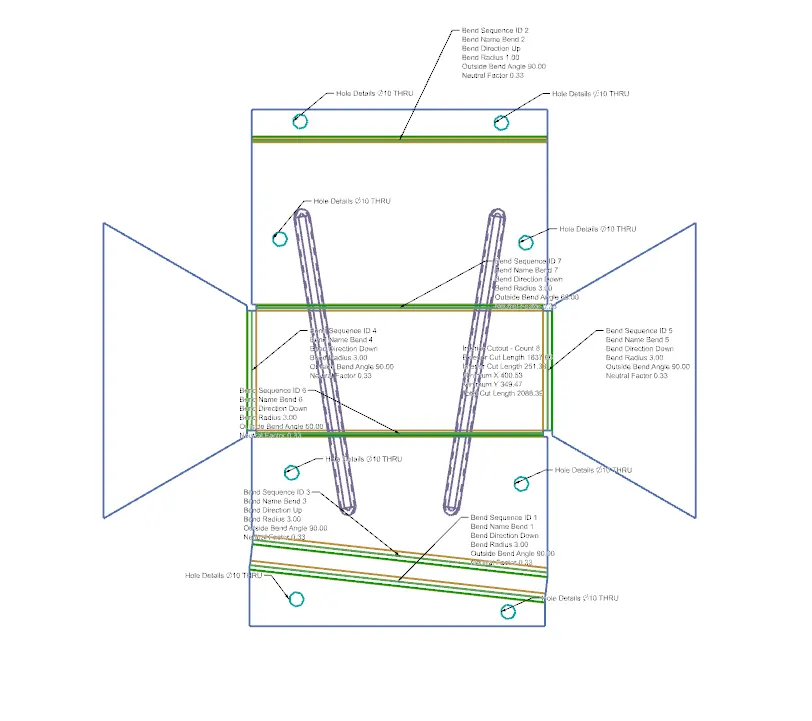
- Creating the drafting and the falt pattern in which all the dimensions are shown and the size of the fillets and holes are important one.
Description about the tools used
- Extrude : The extrude command is a fundamental tool used in the modelling process to create solid bodies or surfaces by extending a 2D sketch along a specified direction.
- Sheet from solid : Sheet from Solid command is used to create sheet bodies from solid bodies. This command is useful for converting solid models into sheet metal parts, which can then be further modified using various sheet metal tools available in Siemens NX.
- Flange : This command is often used in sheet metal design to create flanges that extend from existing faces of a solid body.
- Jog : In Siemens NX, the Jog command is used to move selected objects or geometry along specified directions or axes. This command is typically used in the context of assembly or part modelling to fine-tune the positions of components or to adjust features within a model.
- Unbend : In Siemens NX, the Unbend command is used to flatten a sheet metal part that has been bent. This is particularly useful in the sheet metal design process, where you need to create a flat pattern from a 3D model.
- Re bend : The bend command in Siemens NX is used to create bends in sheet metal parts.
- Hole : In Siemens NX, the Hole command is used to create various types of holes in your 3D models.
- Bead : The Bead command in Siemens NX is used to create bead features on a sheet metal part. Beads are typically used to add stiffness to sheet metal parts without significantly increasing their weight.
- Flat pattern : The Flat Pattern command in Siemens NX is used to create a flat representation of a sheet metal part, which is essential for manufacturing processes.
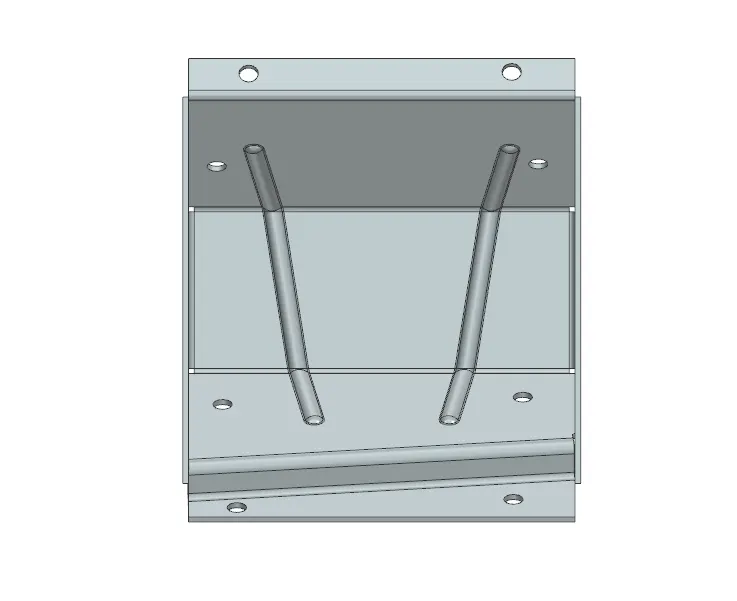
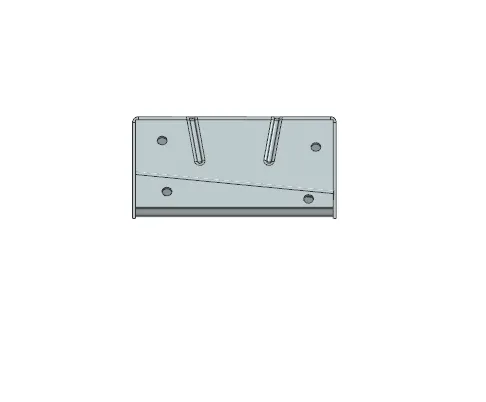
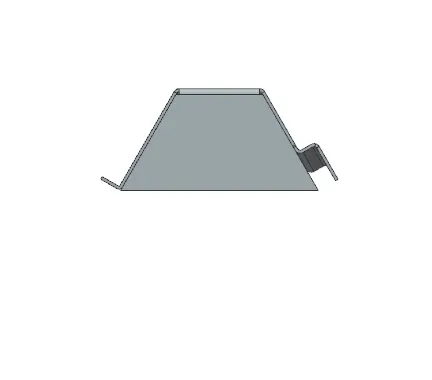
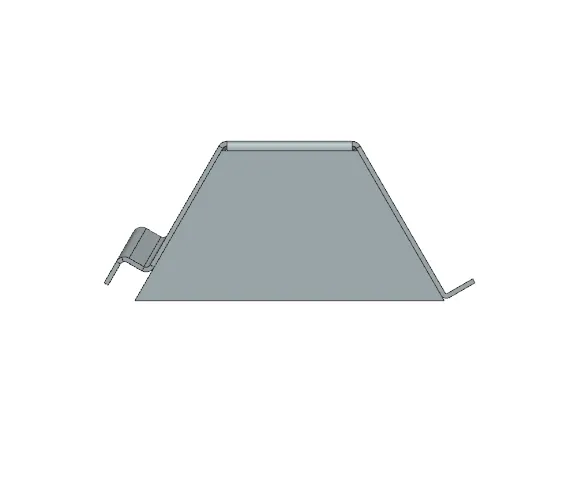
DIFFERENT VIEWS OF THE PART