Advanced Sheet Metal Design Using NX Cad Challenge_5_Odd Shaped Enclosure
Aim : To create odd shape enclouser using NX sheet metal application.
Objective :
- To create odd shape enclouser using CAD software.
- To make CAD model according to the given dimensions.
- To make report of it.
Approach :
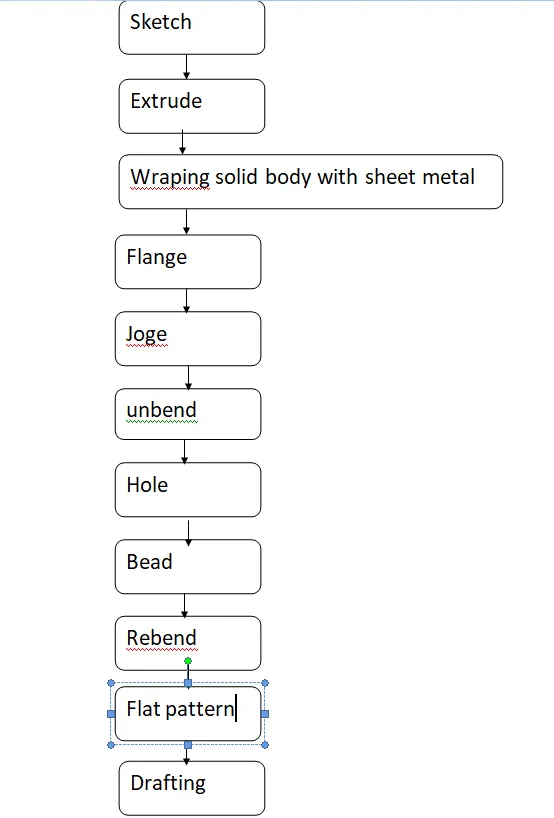
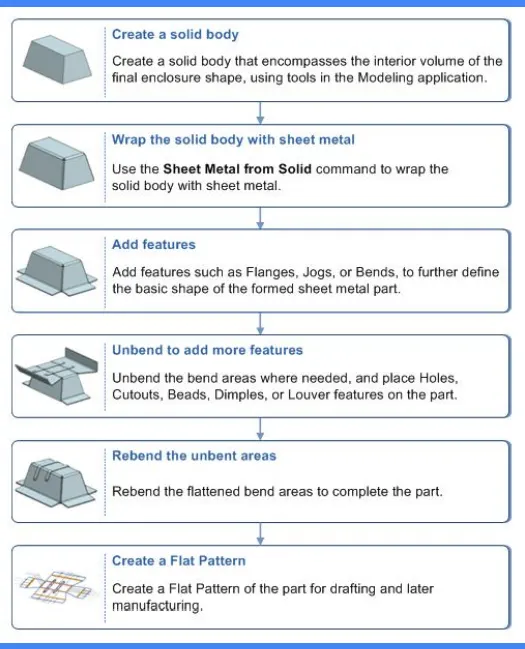
Description :
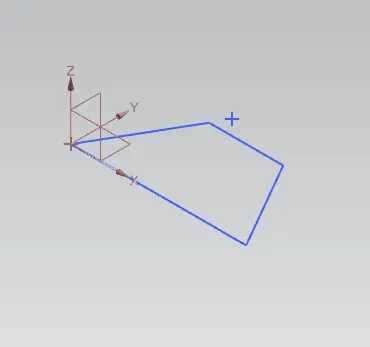
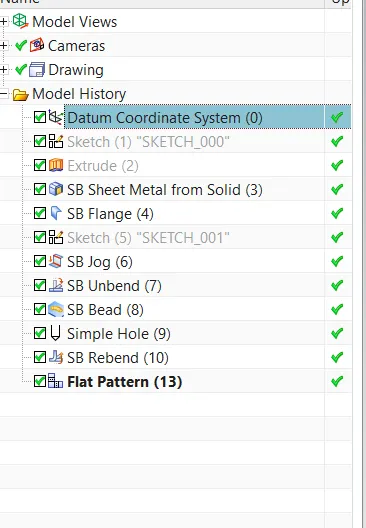
- Doing sketch in NX model .
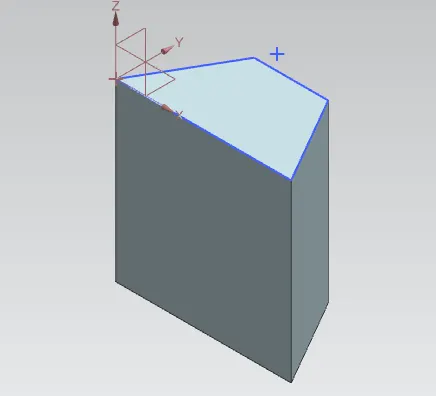
- Using extrude command to make it 3D.
- Wraping solid body with sheet metal .
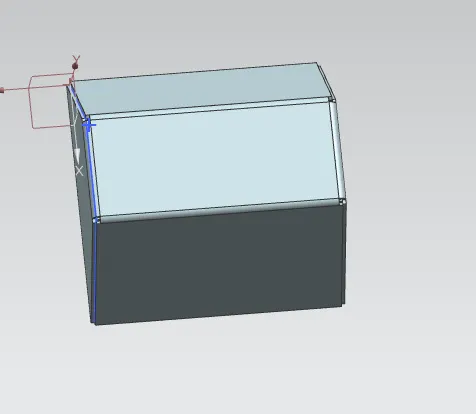
- Using command "Convert sheet metal
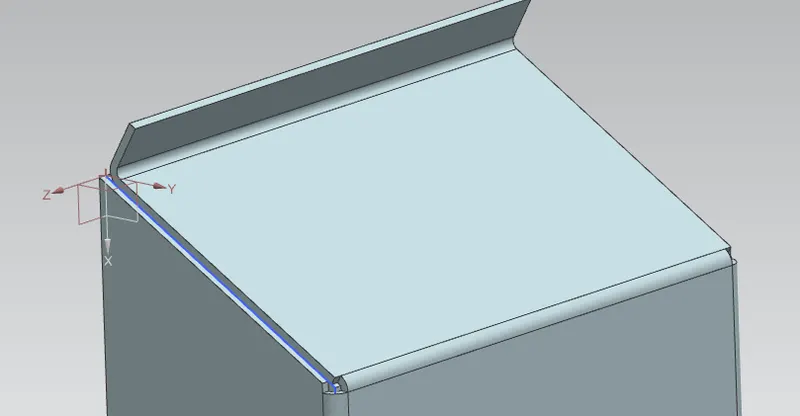
- Using jog command .
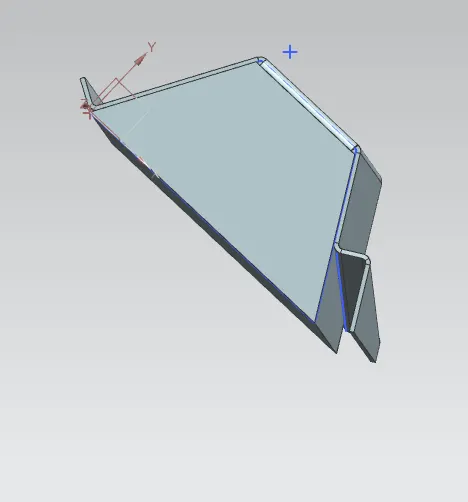
- Unbending the sheet metal to create hole and bead.
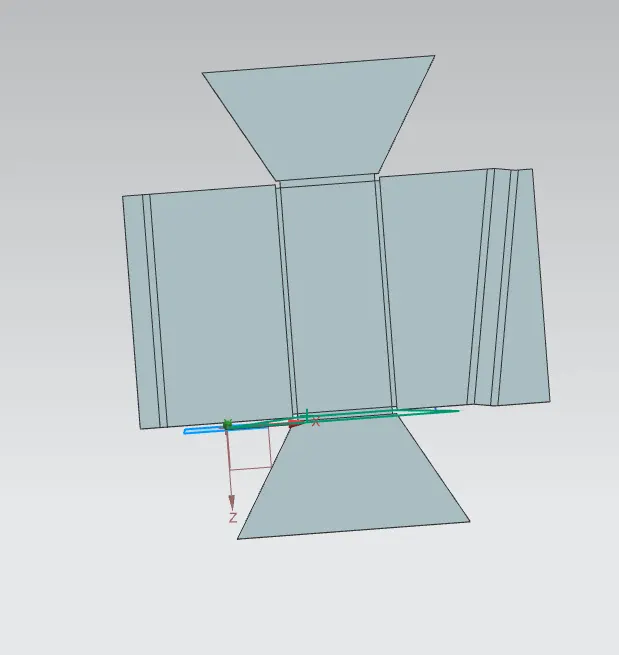
- Bead is created .
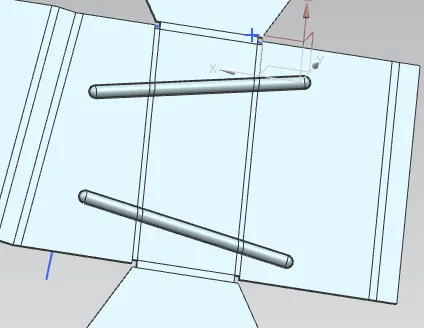
- Hole is created .
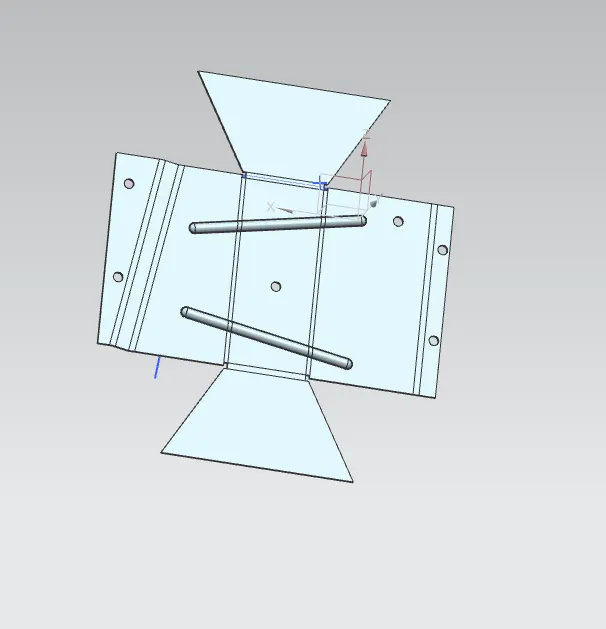
- Final CAD model according to given dimensions.
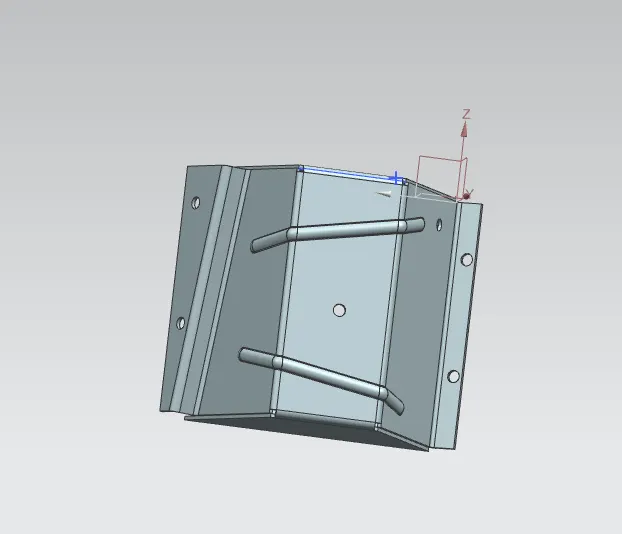
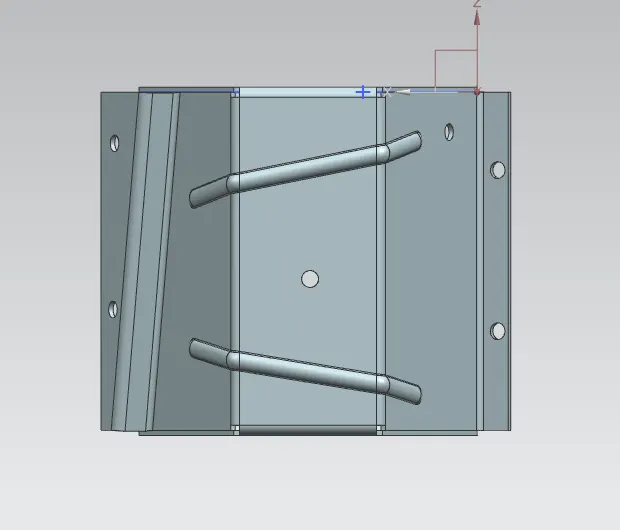
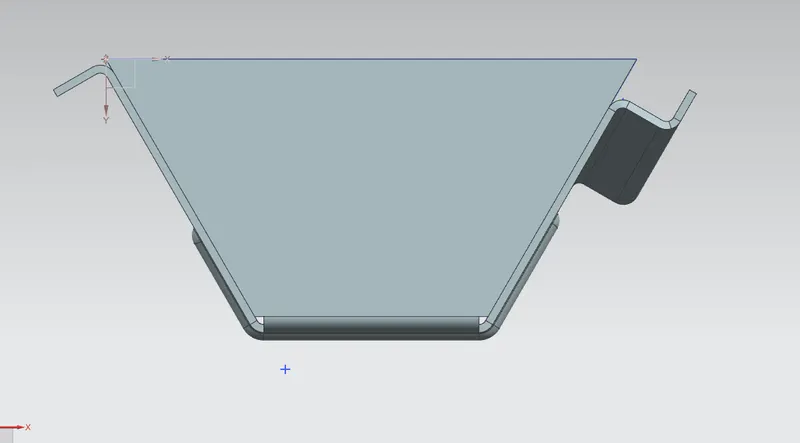
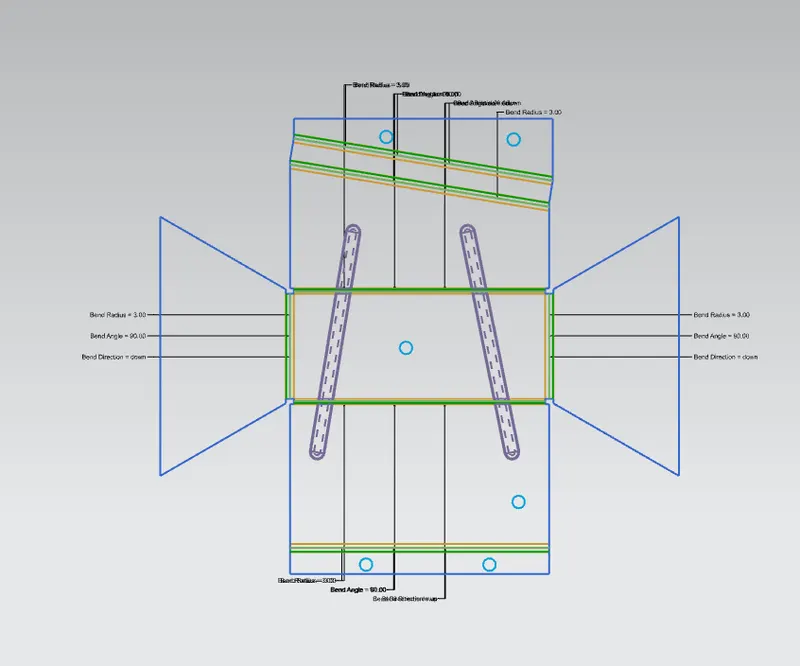
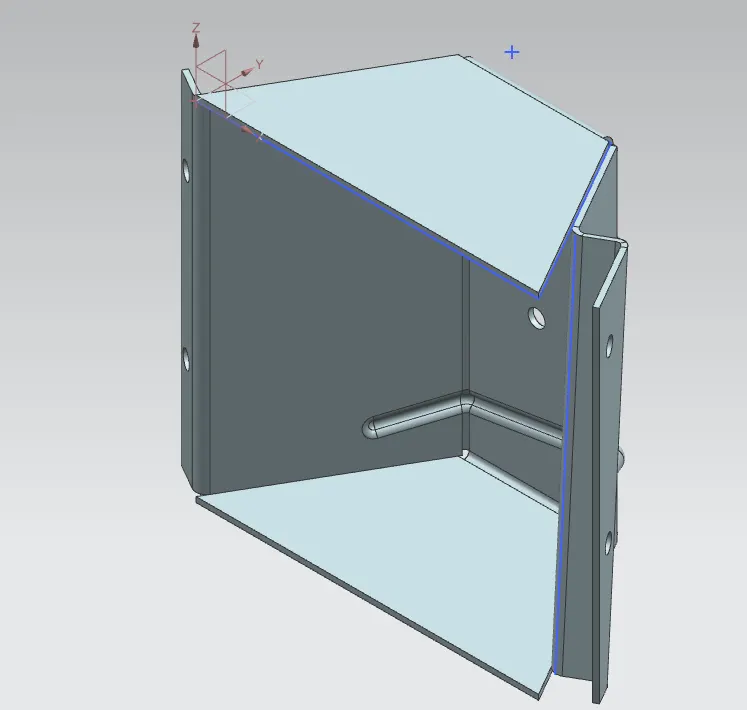
Diffrent view of model :
Back view :
Bottom view :
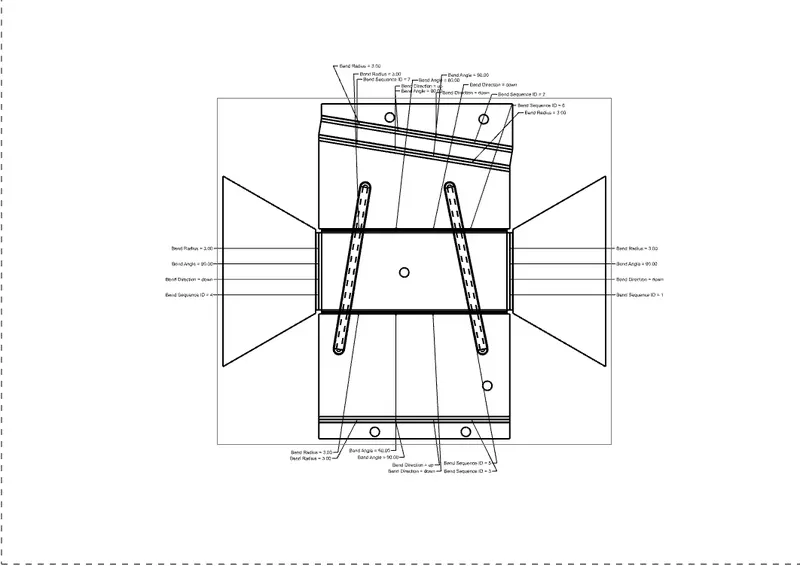
Flat pattern :
Isometric view :
Drafting :
Conclusion :
- We have created CAD model of odd shape enclosure.