Advanced Sheet Metal Design Using NX Cad Challenge_5_Odd Shaped Enclosure
CREATING ODD SHAPED ENCLOSURE WITH NX SHEET METAL APPLICATION
OBJECTIVE:
To create Sheet metal part from a solid body and create features on the Sheet metal part. Also, to create the flat pattern of the Sheet metal model so formed.
INTRODUCTION:
This project is focused on creating a Sheet Metal part from a solid body and add features to the Sheet Metal Part as required.
Design Methodology:
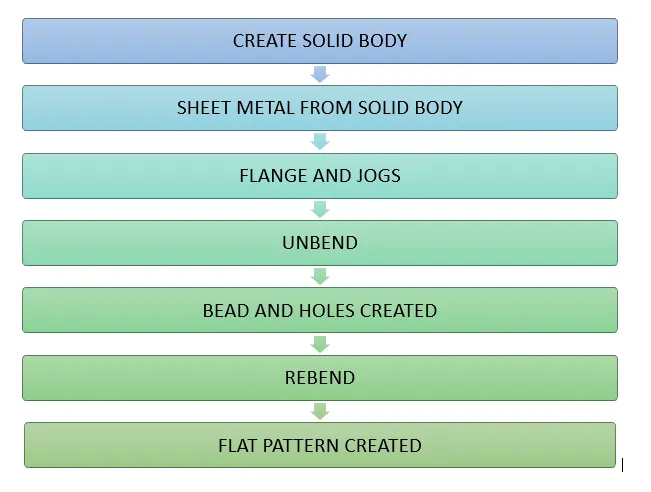
PROCEDURE:
- Create Sketch on XY- plane of the solid body to be formed.
- Using extrude option to Create the solid body required.
- Wrapping Solid body with Sheet Metal by using Sheet metal from solid option
- After the Sheet metal part is created, Features are added as follows:
- Adding flange at one end of the Sheet Metal part.
- Sketching a slant line on the opposite side of the Sheet Metal part in the order to form a jog.
- Using the jog option to create a jog with respect to the sketch created.
- Use Unbend option to unbend the created Sheet Metal part.
- Once the Sheet Metal part is unbent, 2 lines are sketched on the base face as the datum plane where the bead is to be formed.
- The created lines are selected, and the Bead option is used to form the required bead.
- to create a general hole, the Hole option is used, and the point is sketched at the faces where holes are required, and the holes are created.
- Once all the features are made, rebend option is used to regain the shape of the Sheet Metal part created.
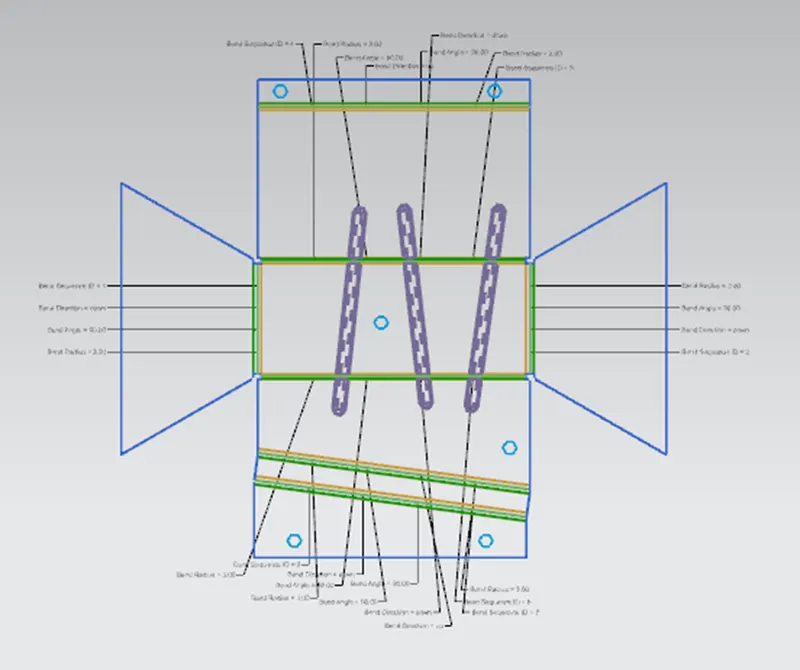
Flat Pattern:
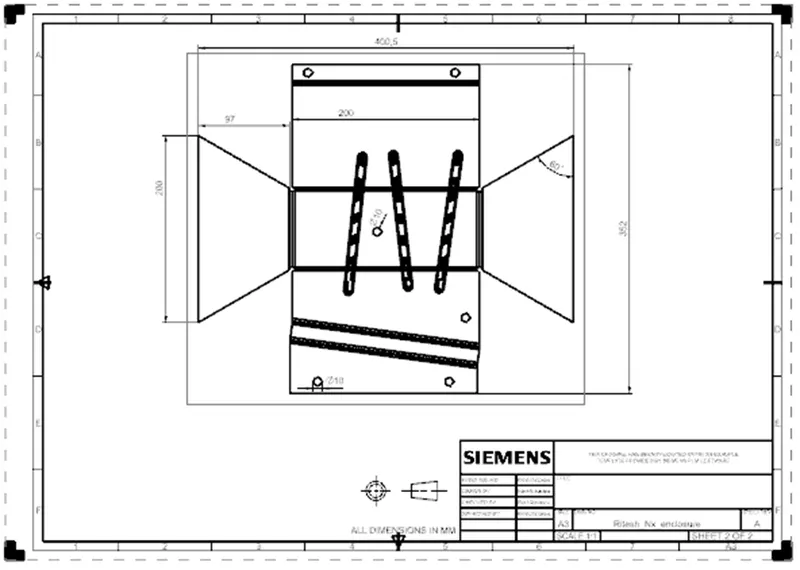
Detailed drawing sheet image:
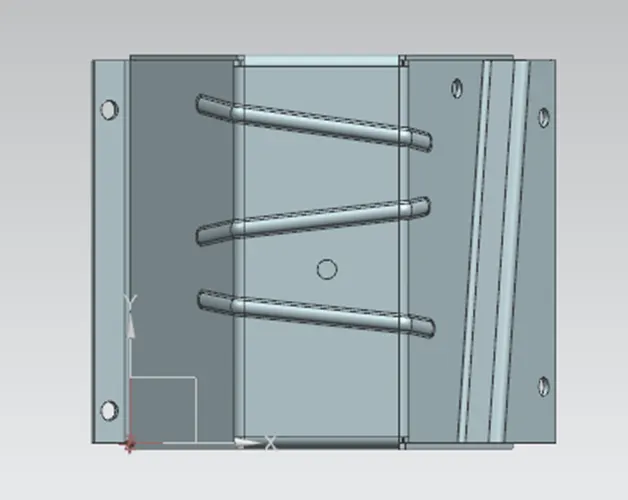
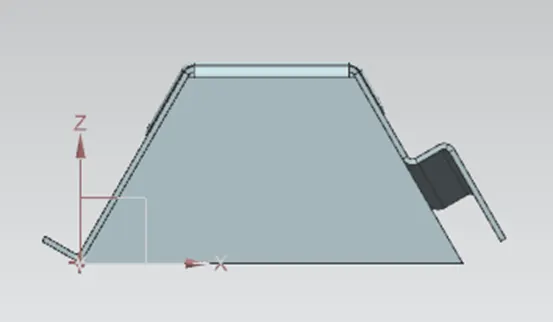
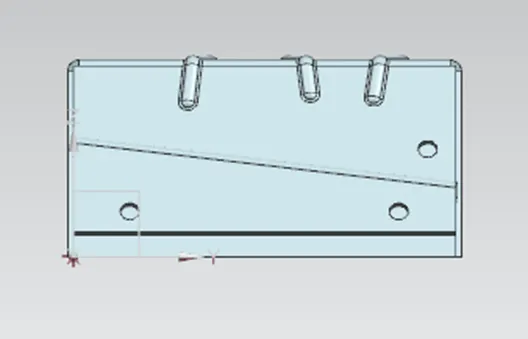
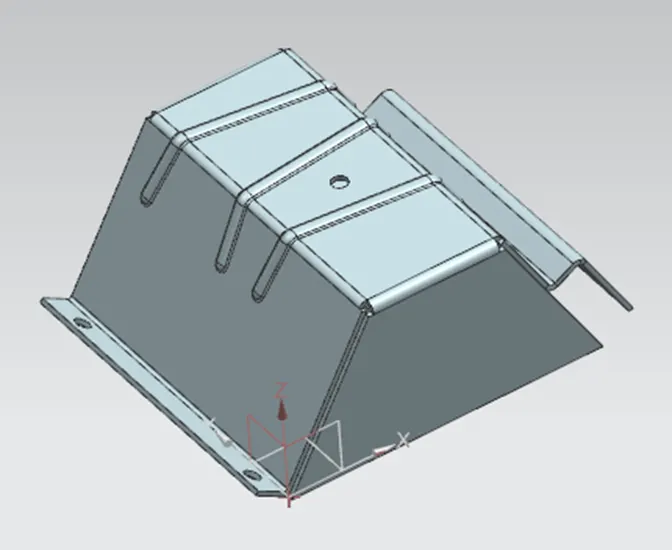
Different views of model:
CONCLUSION:
1. The required Sheet metal Part is created from a solid body.
2. Features like Flange, Jog, bead, and General hole are added to the part
3. Finally the flat pattern of the Sheet metal part created is also generated.