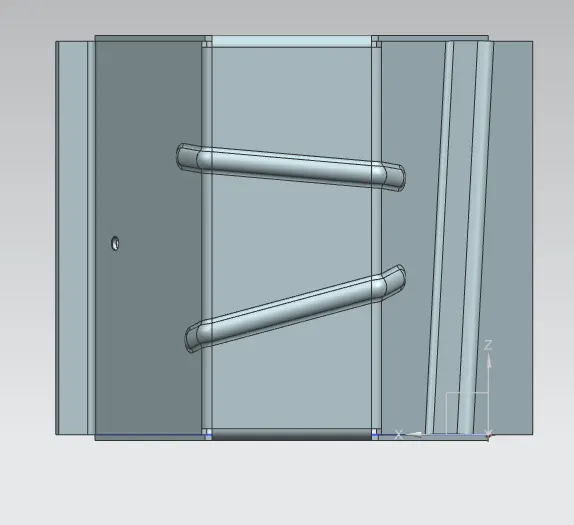
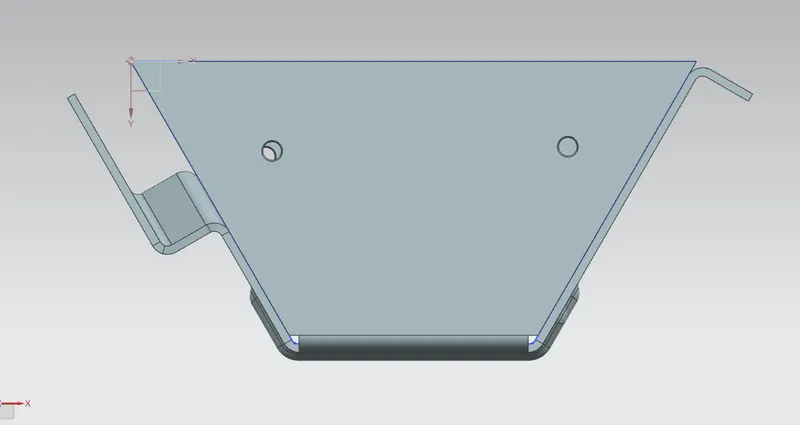
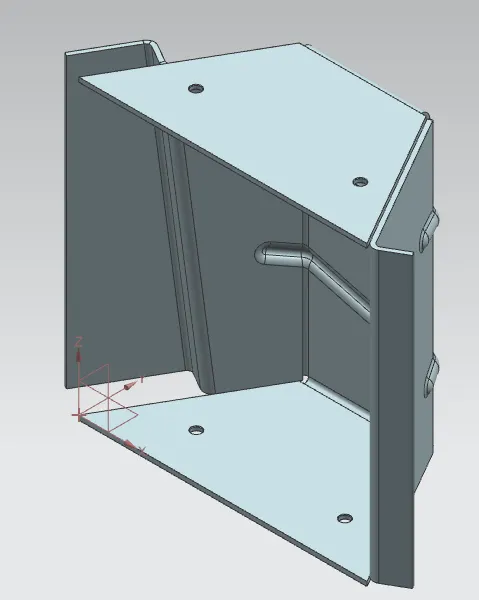
Advanced Sheet Metal Design Using NX Cad Challenge_5_Odd Shaped Enclosure
Objective:
To design a sheet part for odd shapes using Siemens NX flat solid Application.
Introduction:
The sheetmetal application provides an environment for the look of sheetmetal parts using various tools and features.
Design Approach:
Workflow for the look of Sheetmetal Enclosure for odd shapes.
- Create a solid body
- Wrap the solid body with flat solid.
- Add features like flanges, jogs or bends.
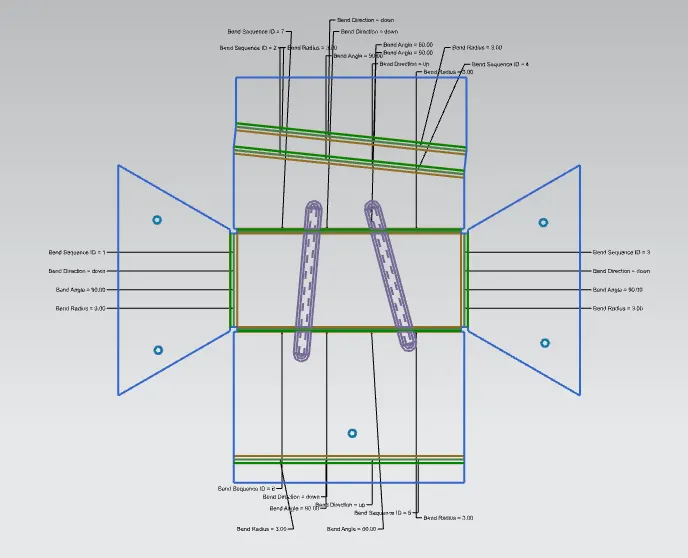
- Unbend to feature more features like beads, holes, cutouts etc.
- Rebend the unbend areas.
- Create a flat pattern.
Description:
The Design of strange shaped enclosure involves various features and tools.
- Sketch: This command is employed to make the 2D sketch of the model.
- Extrude: This command is employed to creates a feature by extruding a bit along a vector.
- Sheetmetal From Solid: This command builds a flat solid model that takes its shape from the gathering of planar faces.
- Flange This command is employed to feature a flat flange at an angle to the planar face and add a bend between the 2.
- Jog This command modifies the model by lifting material on one side of a sketch line, adding a flange between the 2 sides.
- Unbend: This command is employed to unbend or flat material to feature some more features.
- Bead: This command is employed to lift the fabric along the contour of a sketch that simulates a stamping tool
- Hole: This command is employed to make hole within the dispense with standard values.
- Rebend: This command restores an unbent feature to its previous bent state, together with any features added after the unbend feature.
- Flat Pattern: This command creates a flat pattern feature from the formed sheet-metal part.
- . Base View Creates the model based view on the drawing sheet.