Advanced Sheet Metal Design Using NX Cad Challenge_5_Odd Shaped Enclosure
Solid to Sheet Metal (Odd Shape Enclosure Design Using NXCAD)
Objective
- Design an odd shape enclosure using NXCAD, Sheetmetal NXCAD Software.
Introduction
- NX CAD is a 3D modelling software. In addition, it consists of Sheetmetal, surface modelling as well as drafting option. NXCAD is specially known for it is Sheetmetal application since it has various features and tools to design Sheetmetal.
Design Methodology
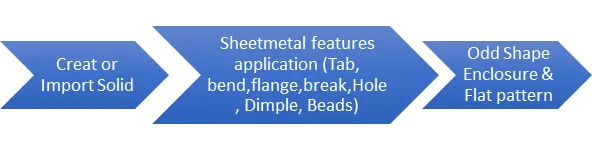
Odd Shape Enclosure
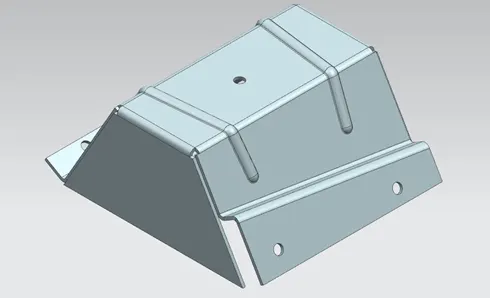
Features Used
- Extrude is used to create a solid part from 2D sketch.
- Convert to Sheet metal is used to convert solid to Sheetmetal.
- Flange is used to add flanges to base feature or secondary feature.
- Jog is used to create a flange parallel to sheet metal face with specified length, distance, and angle.
- Unbend is used to unbend sheet metal to add some more features to it.
- Hole is used to create holes on sheet metal with specified hole points.
- Bead is used to create a punch feature of any predefined sketch.
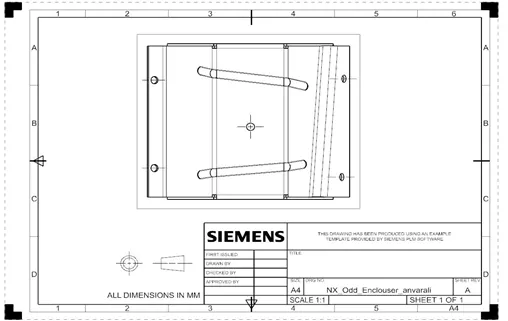
- Flat Pattern is used to create a flat drafting sheet for manufacturing purposes.
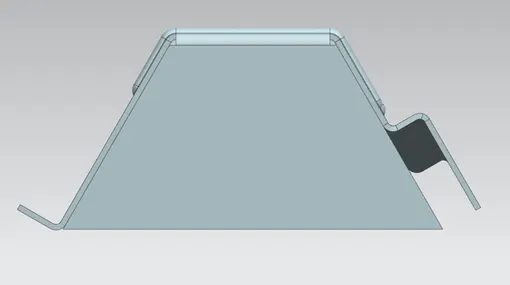
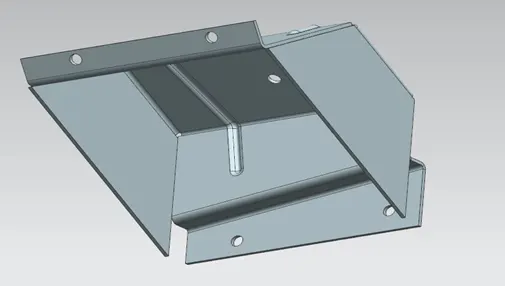
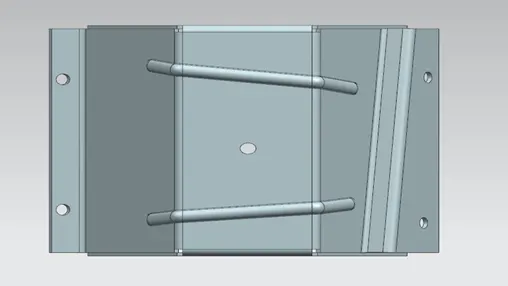
Views of Odd shape enclosure Design
Conclusion
- Odd shape enclosure was designed and modelled using Sheetmetal applications in NXCAD software.