Advanced Sheet Metal Design Using NX Cad Challenge_5_Odd Shaped Enclosure
Sheet Metal Enclosure for Odd Shapes
Objective:
The main objective is to design a Sheet metal Enclosures for odd shapes using Siemens Nx application.
Introduction:
Here, we are going to study about how to create a sheet metal enclosure from solid body in siemens Nx Sheet metal Application. Using this application, how we are going to use tools step by step to complete the design. Then detailed explanation about tools used to make solid models and their features.
Design Methodology:
The steps involved in creating sheet metal enclosures are explained through flow charts.
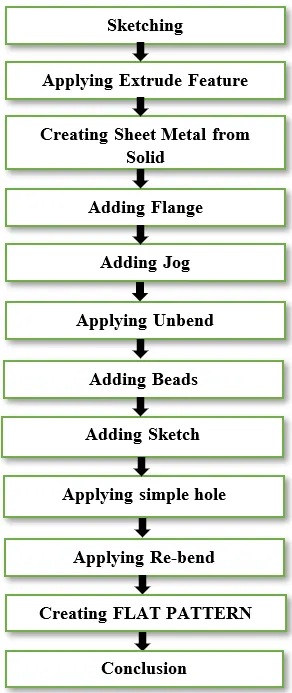
Description:
1.Sketching:
- Start Nx 11 and create a new sheet metal model called Creating Enclosures.
- Creating a sketch in YZ plane and drawing a Trapezium with a base length of 200 mm, height of 100 mm and making both adjacent angle to 60 degree.
- Exiting the sketch mode.
2.Applying Extrude:
- Applying extrude to the drawn sketch with respect to value limit 0 to 200 mm reverse to form solid body.
- Exiting the Extrude mode.
3.Creating Sheet Metal from Solid:
- Clicking on the sheet metal from solid tab, converting solid body to sheet metal part by selecting all faces and adding thickness, bend radius of 3 mm.
- Exiting the sheet metal from solid mode.
4.Adding Flange:
- Adding flange to left side of sheet metal part with respect to ZY plane as a reference plane.
- Clicking on the edge of sheet to create flange with length of 20 mm, angle of 90-degree, length reference of Inside and inset of material inside.
- Exiting the flange mode.
5.Adding Jog:
- Adding jog to the sheet metal part which is opposite side of flange part.
- Clicking on the jog tab, creating sketch on the required place to apply jog method.
- Drawing a cross directional line on the XY plane and exiting the sketch mode to form jog.
- Selecting face, created line and entering the value height of 20 mm, bend radius of 3 mm, length reference of inside and inset of material inside to create jog.
6.Applying Unbend:
- Clicking on the unbend tab to unbend the sheet metal enclosure.
- Selecting face and bends to unbend the part to form as plain sheet.
- Repeating the same steps to complete the part.
7.Adding Beads:
- Clicking on the beads tab, creating sketch on the XY plane.
- Drawing a two cross directional line on the XY plane to the crossing of three faces.
- Both lines were equal in lengths and mirror to each other.
- Exiting the sketch mode and applying bead to that sketch.
- Selecting that two lines, clicking circular as cross section giving depth and bend radius as 3 mm.
- Exiting the bead mode.
8.Adding Holes:
- Creating holes on the part wherever necessary on the sheet metal enclosure.
- Creating sketch on the top face to make holes with the diameter of 10 mm.
- Applying hole feature to the newly created sketch, selecting the circles, selecting hole type as general hole, diameter as 10 mm, depth limit as through body, Boolean as subtract and apply ok to make holes.
9.Applying Re-bend:
- Clicking on the re-bend tab, selecting face and the bends to re-bend to its original created shape.
- Once, completed the process exiting from that mode.
10.Creating FLAT PATTERN:
- Selecting Flat Pattern dialog box, clicking on the face and edge of the face to create flat pattern.
- Flatt Pattern can be viewed in the model views.
Screen Shots of Models:
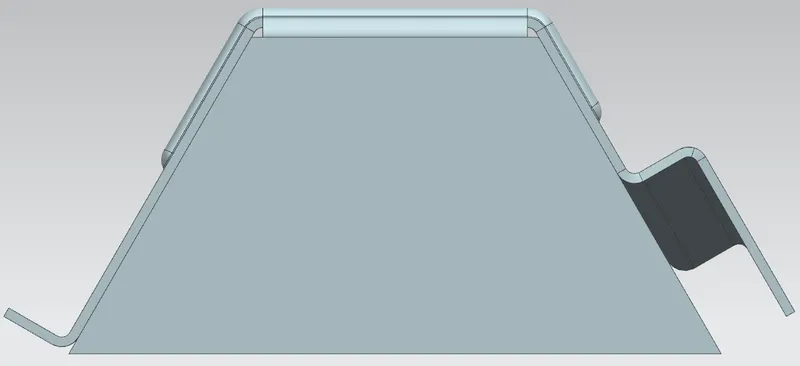
Front View:
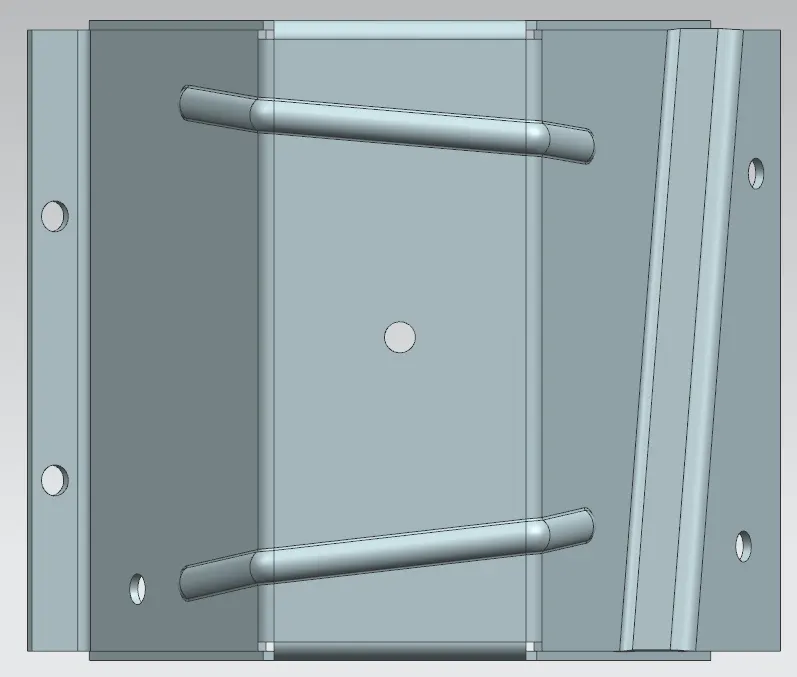
Top View:
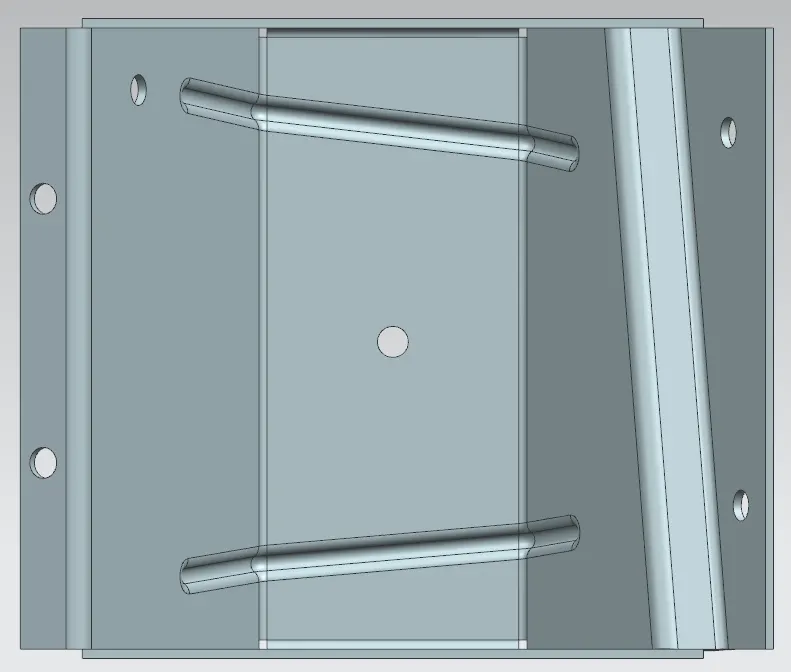
Bottom View:
Right Side View:
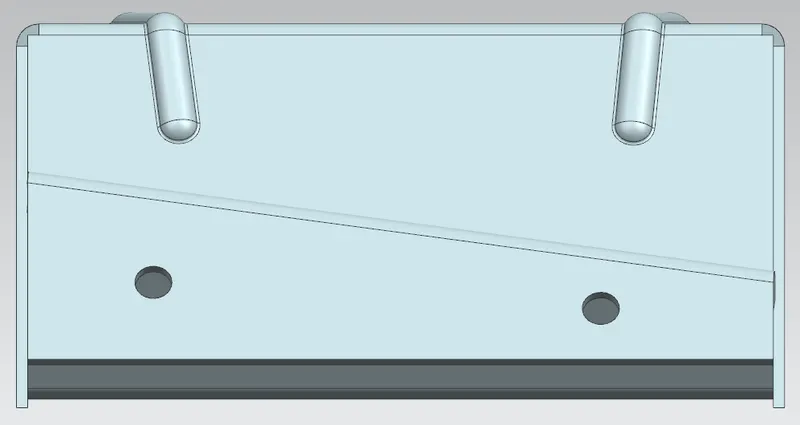
Left Side View:
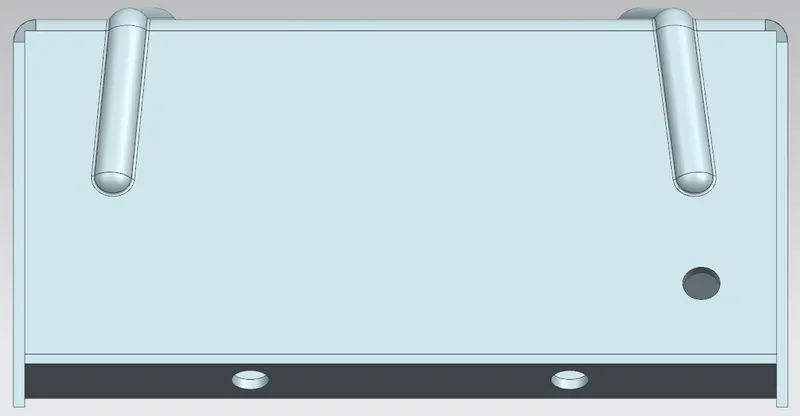
Isometric View:
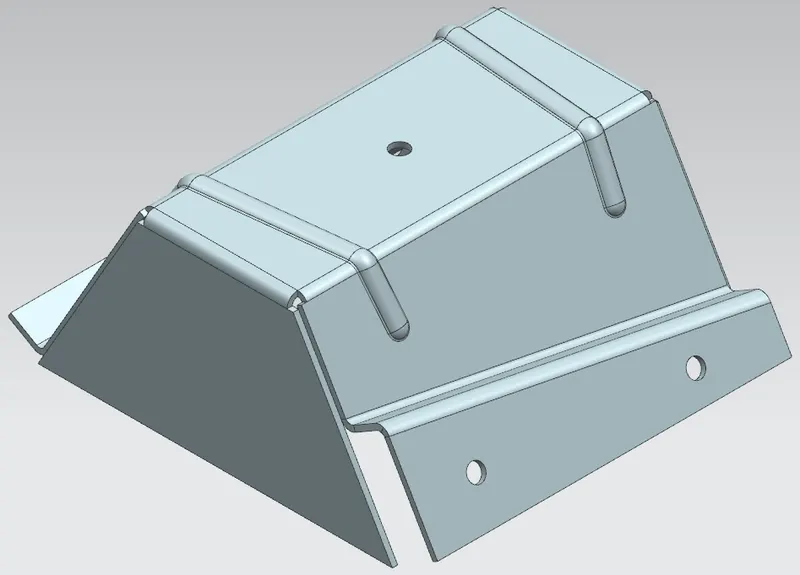
Detailed Drawing Sheet View:
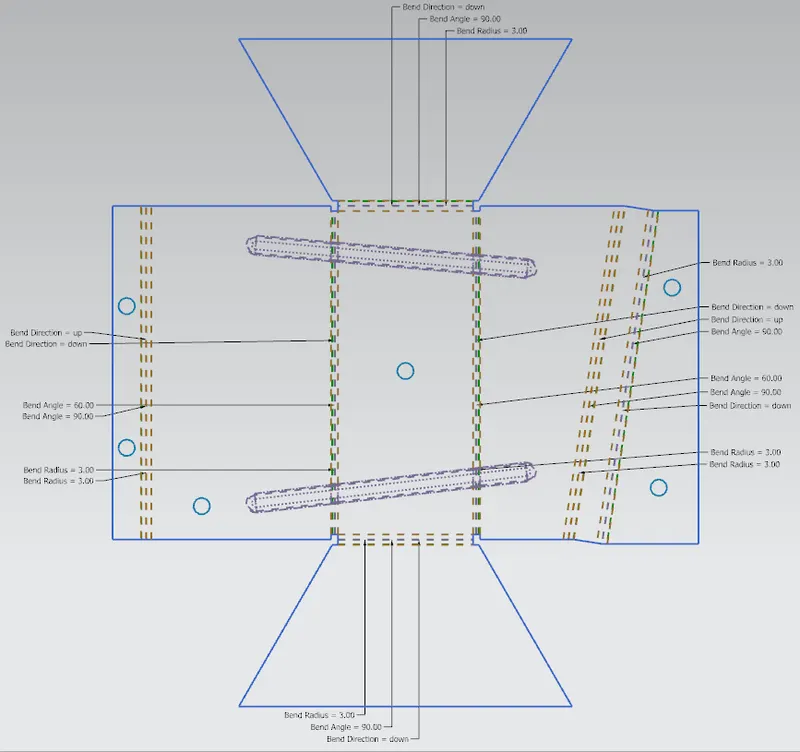
Conclusion:
Finally designed a sheet metal enclosure for odd shapes using Siemens Nx application.