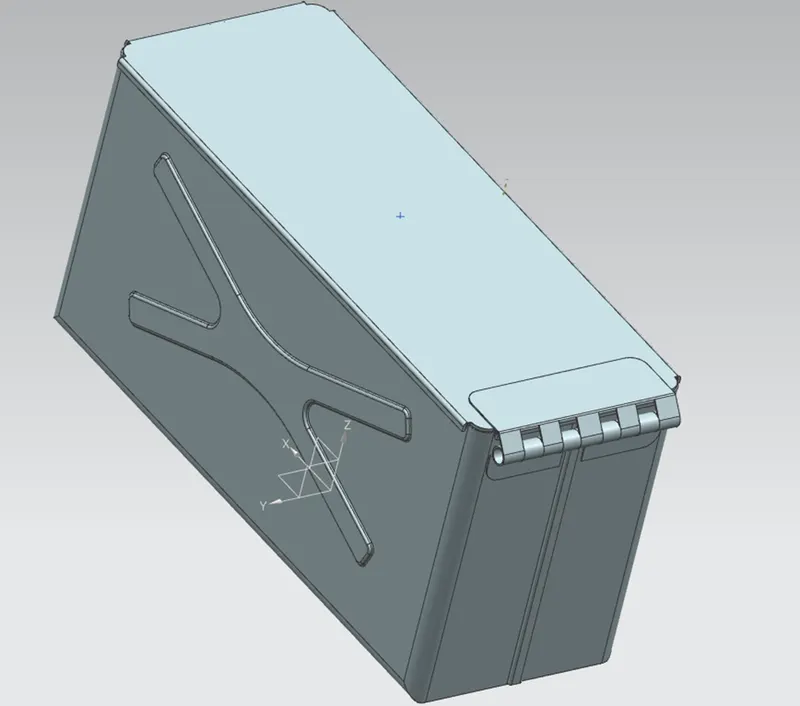
Advanced Sheet Metal Design Using NX Cad Challenge_2_Box Assembly
The project consists of three parts
A Box
B Lid
C Hinge
Box
Draw a sketch in the XY plane and use tab for giving thickness
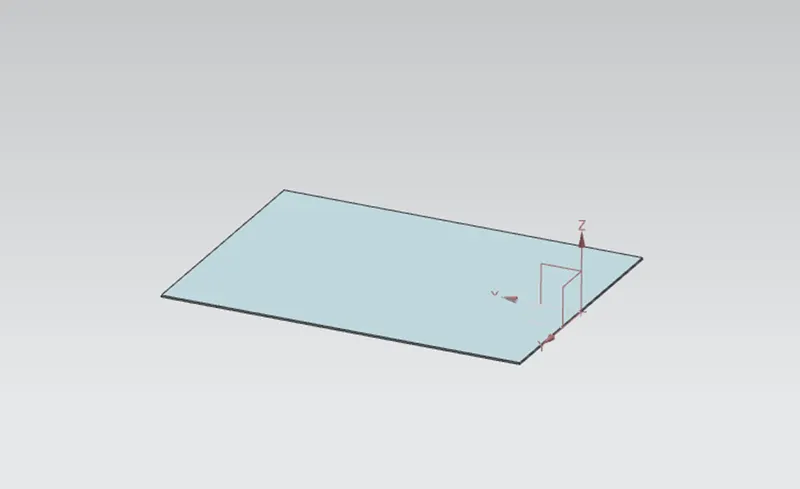
The flange was added for the given dimensions as shown in figure
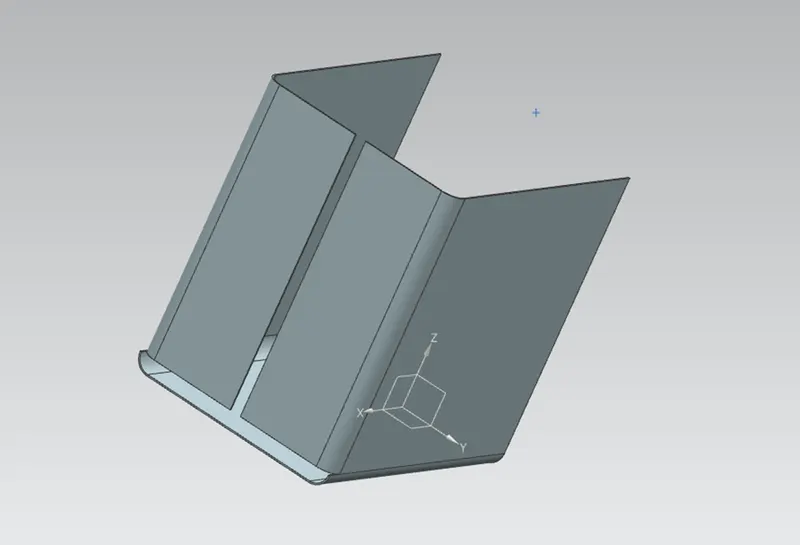
Use the close corner command to close the corner
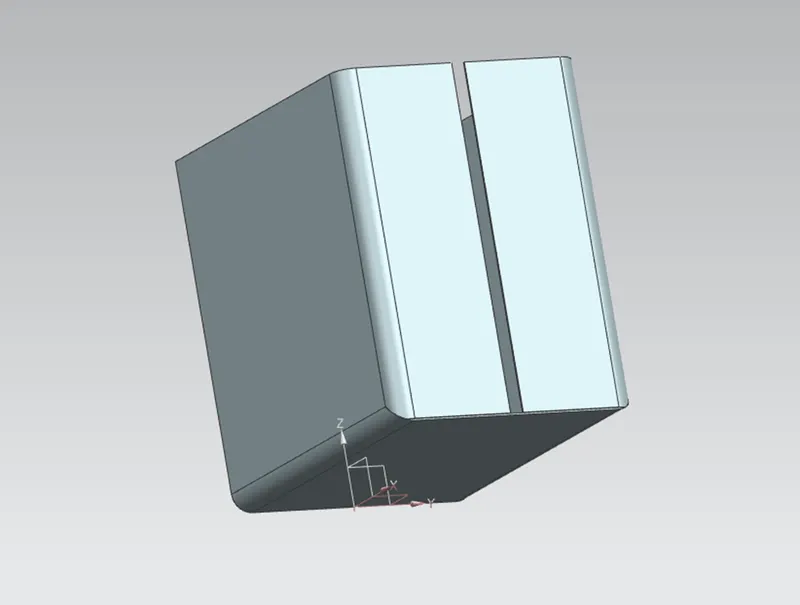
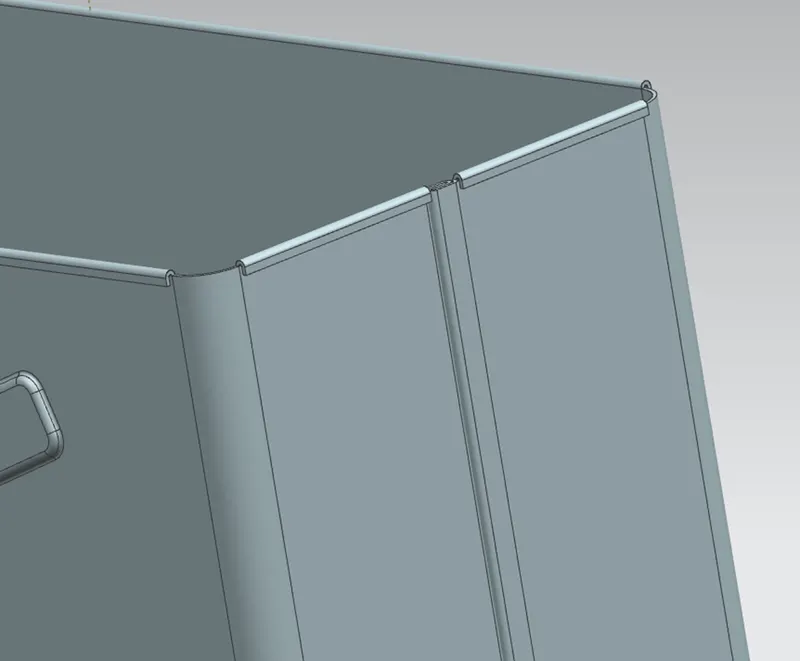
The flange was added and at the edge, hemming flanges were added
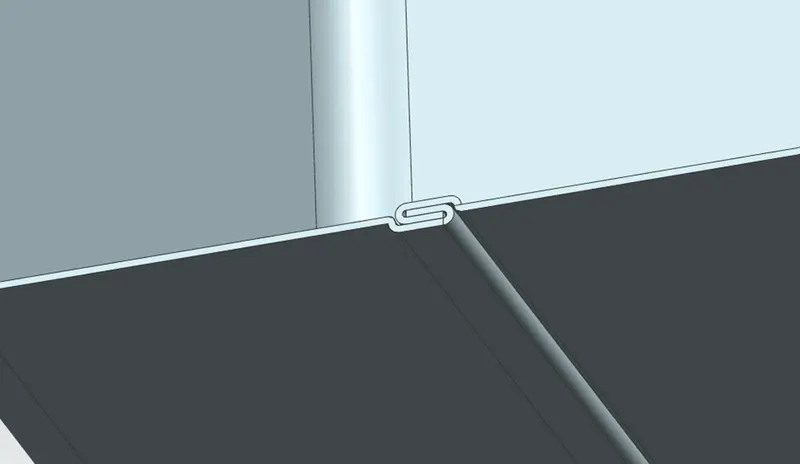
Mirror the body feature and use unity command to unite the mirror part with the parent part
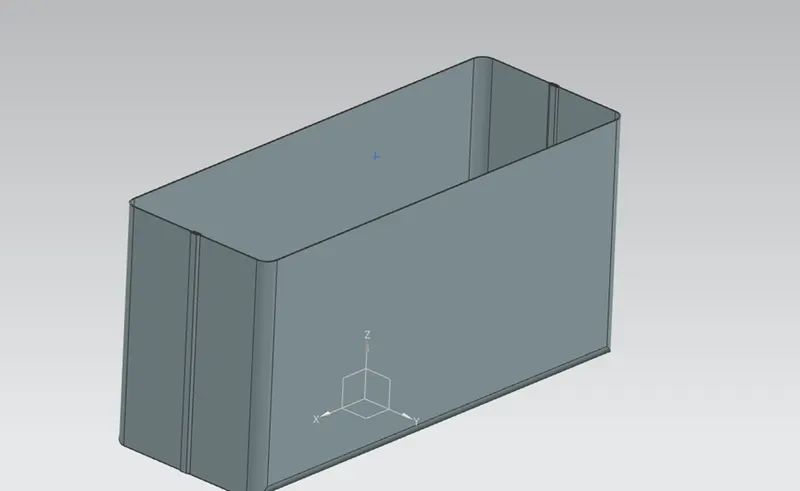
Add dimple to the adjacent side and bottom of the box as shown in Figure
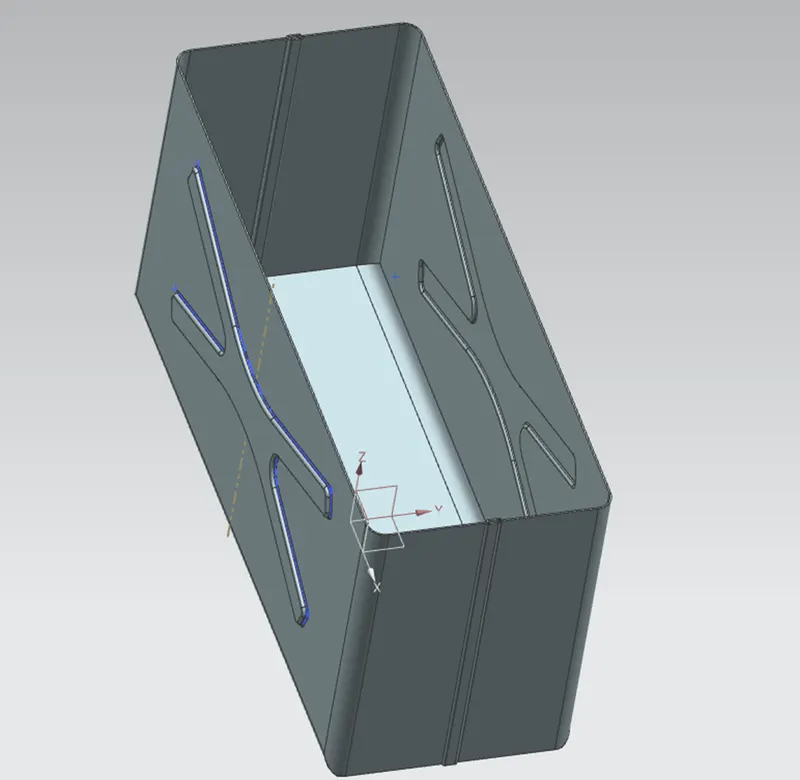
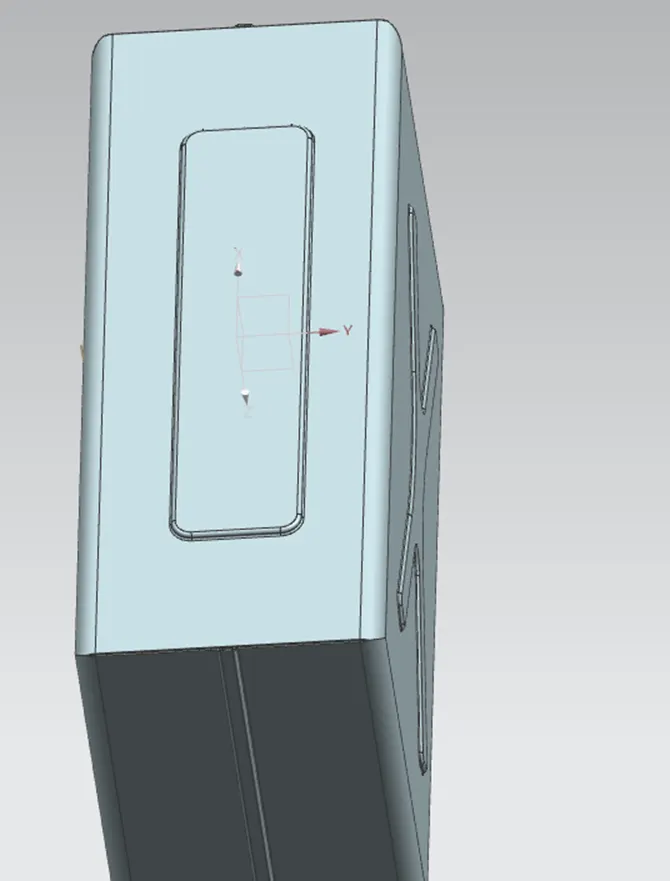
Bead were added at the bottom of the box and mirrored it
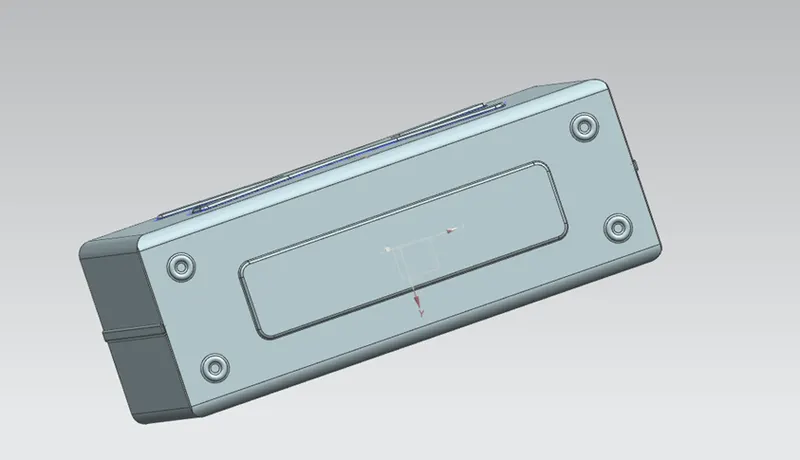
Hem flange was added to the upper edge using the dimensions
Lid
The lid for the box was created by using a new datum plane and rectangular cross section was created for the given dimension and tab it for the thickness.
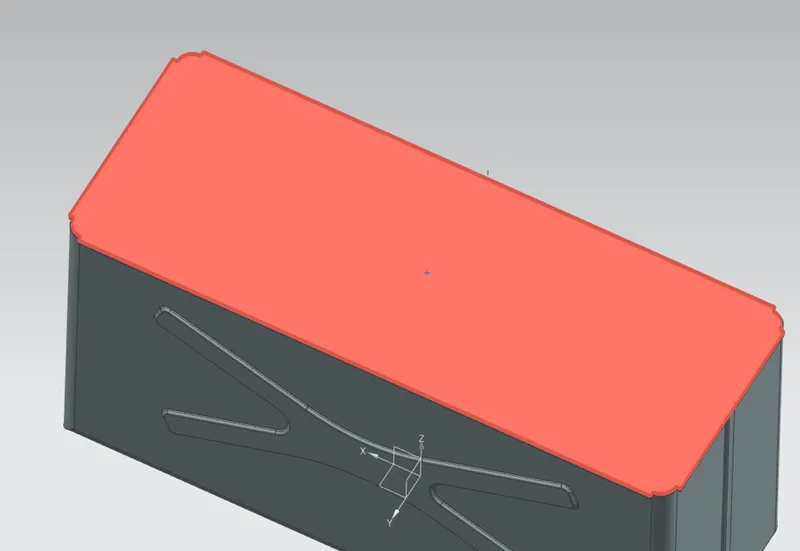
Add flanges at the top edges of the adjacent side for the given dimensions
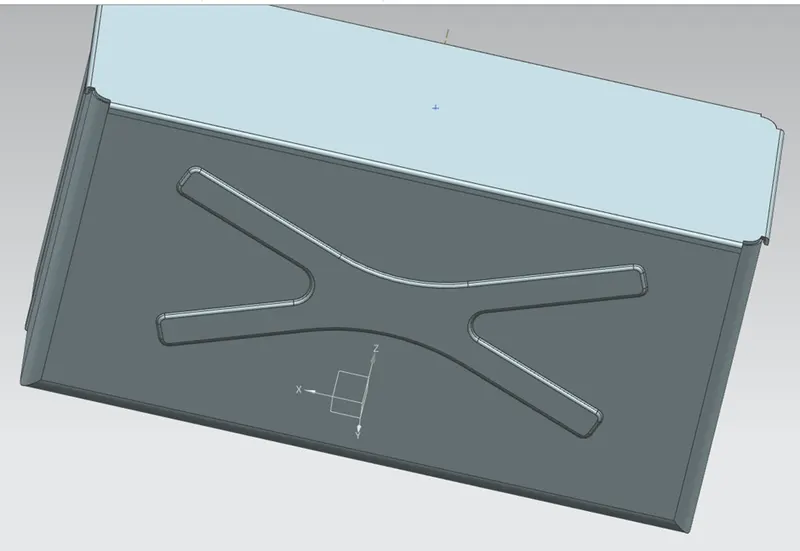
- Hinge
Creta a sketch the back side of the box and apply tab for the given dimensions
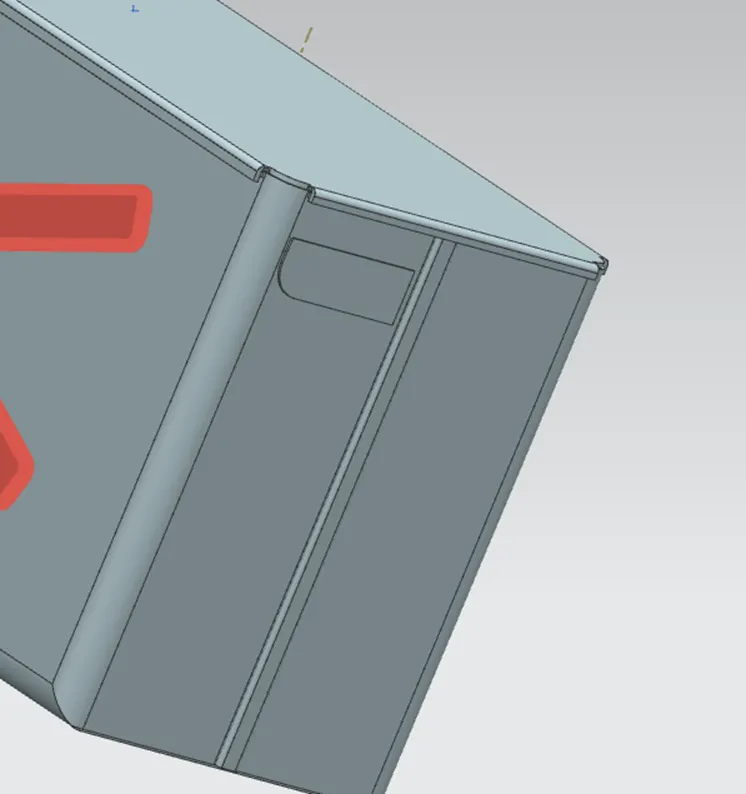
Add flange and hem
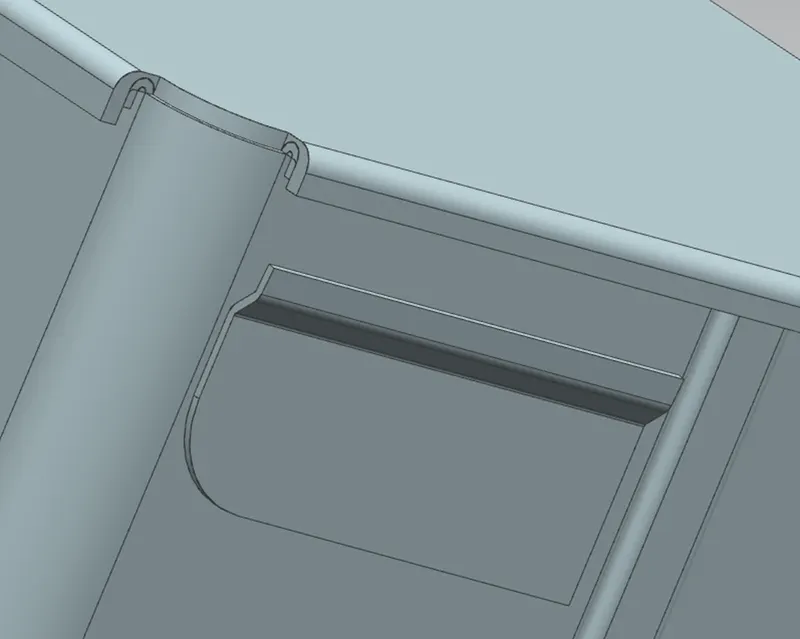
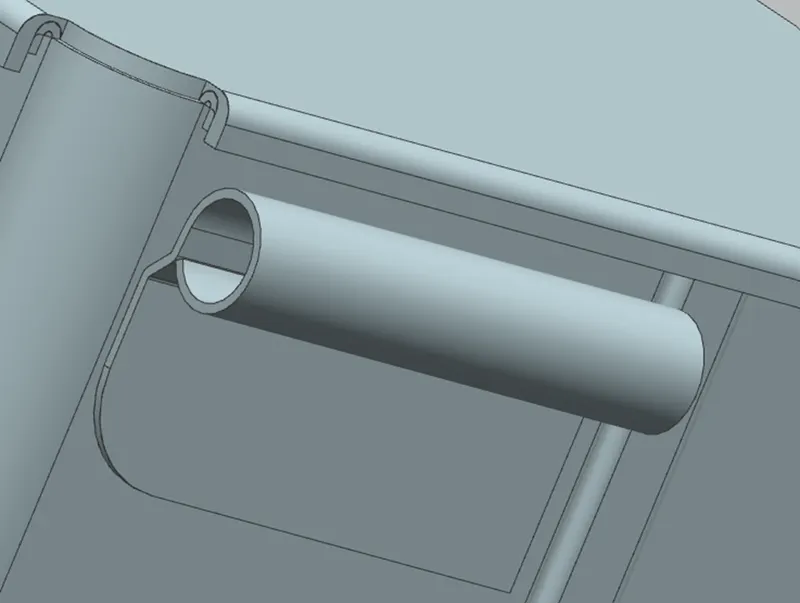
Unbent the sheet metal to add a details and a sketch was drawn on the unbend surface and normal cut was used to remove the section from the part and again rebend as shown in figure
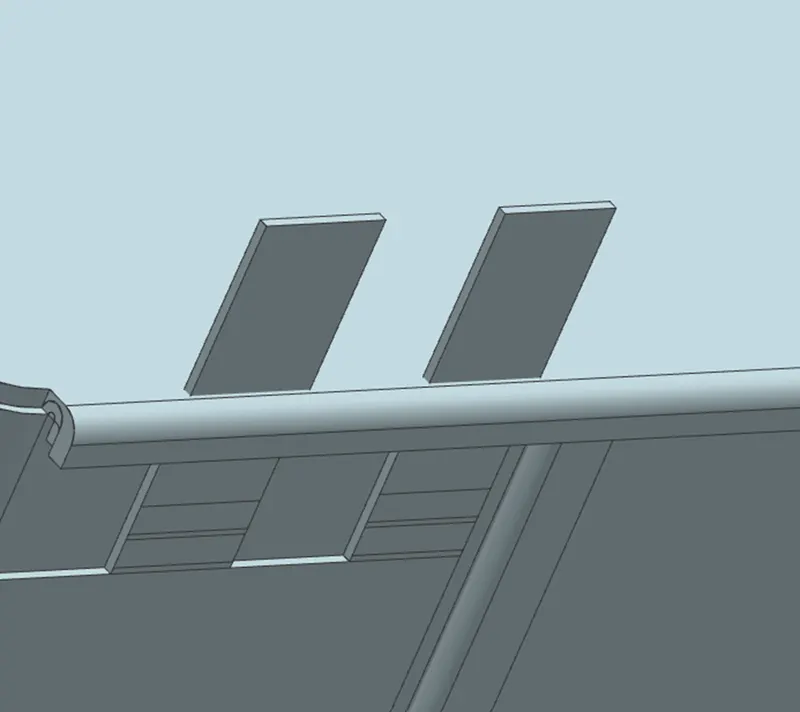
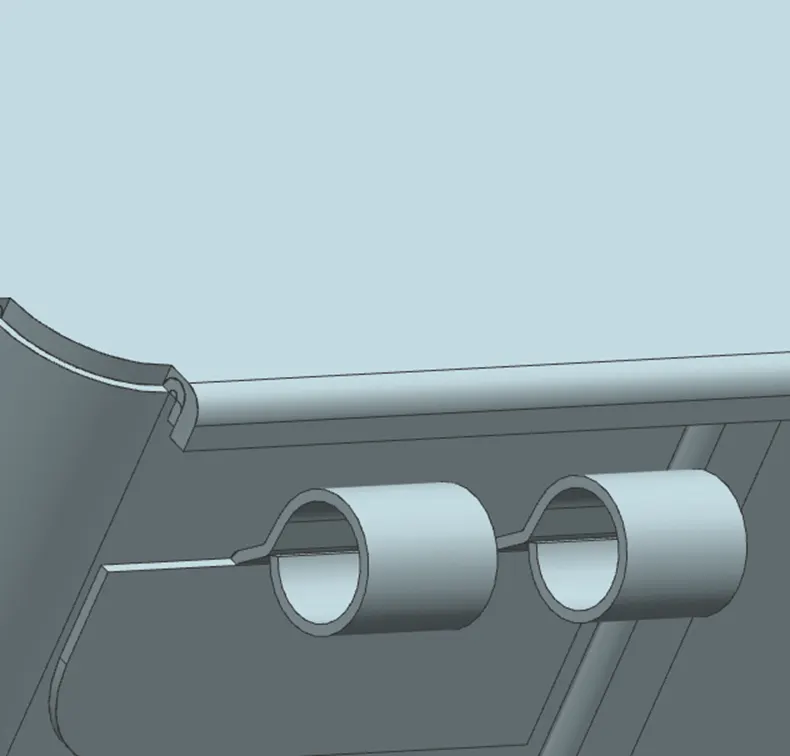
Use mirror body feature to mirror the newly created bodies
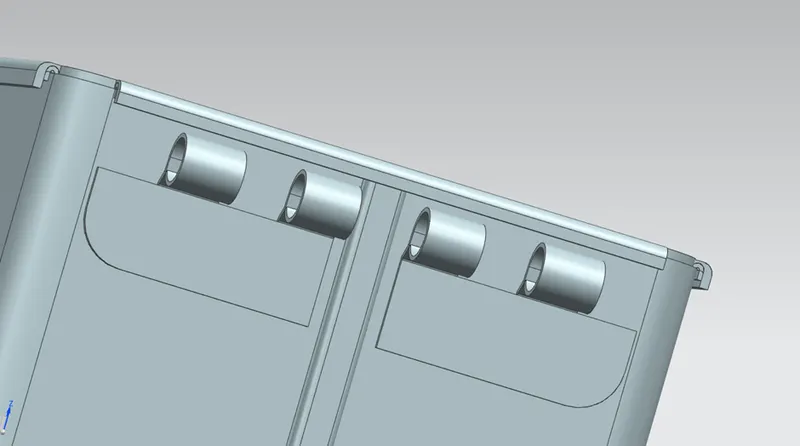
Draw a new sketch and add tab to the surface
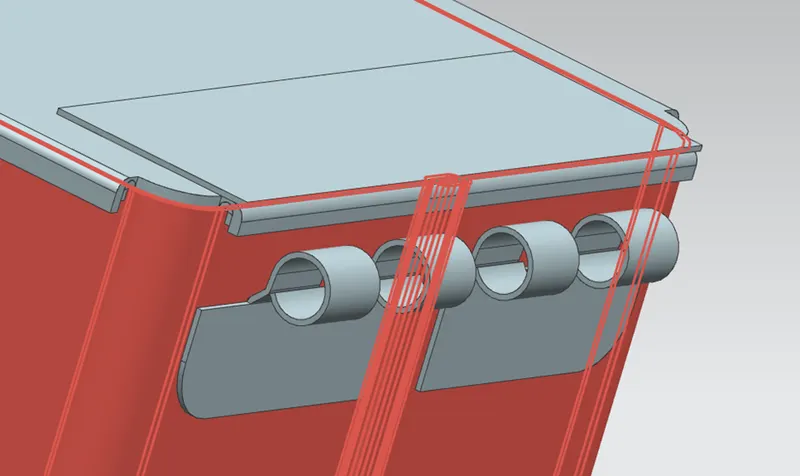
Break corners are used to make round shape at the corner
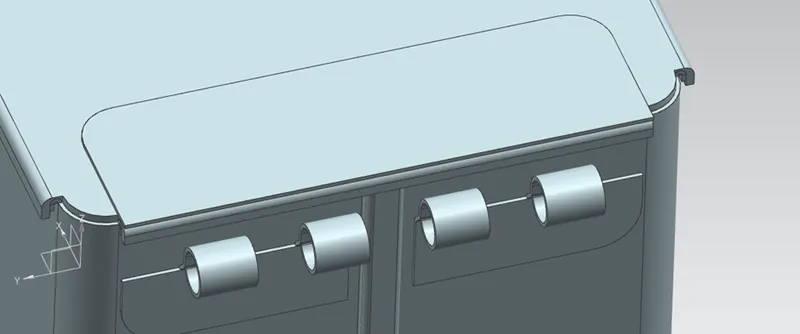
Add flanges and hem using the dimensions
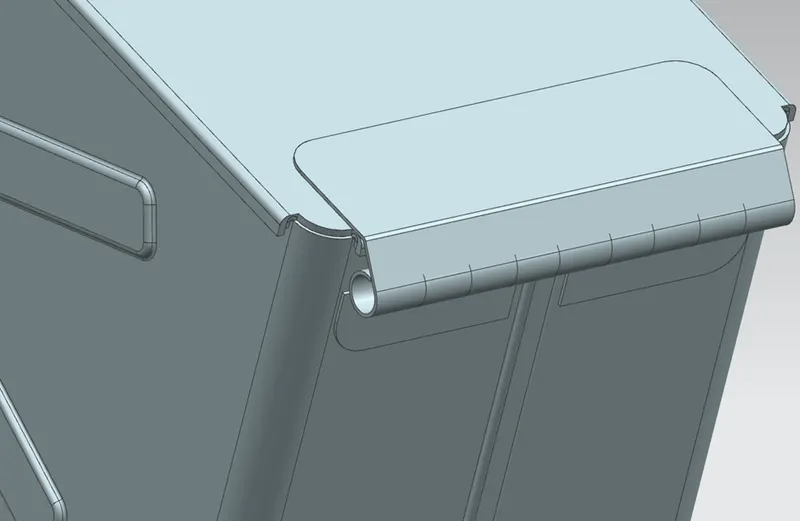
Unbent the sheet make a sketch on the surface and a normal cut-out is used to make a cut out on the metal sheet and rebent the sheet metal again to create a hinge.
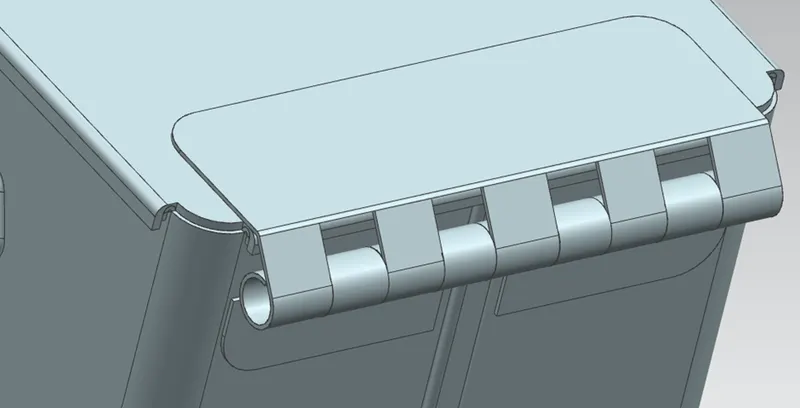
Isometric view of the model