Advanced Sheet Metal Design Using NX Cad Challenge_2_Box Assembly
Box Assembly Using NX CAD
Object :- To design the and drafting of Box Assembly using Simens NX CAD Sheet Metal application.
Introduction :-
Sheet Metal is the metal formed by industrial process into thin, flat pieces. It is used in more thing specially in industrial. It can be cut and bent into different shape on basis of requirements. Thickness is very low within 6 mm. If thickness is increase then sheet is behave like plate.
NX CAD Sheet Metal :-
NX Sheet Metal provides a set of tools in NX design that allows for simple and fast design of sheet metal parts. With the help of this we can create a sheet metal parts in accurate dimension and we can take flat sheet design by converting body to flatten pattern. And take a drafting of this on the drawing sheet.
Project- Box Assembly
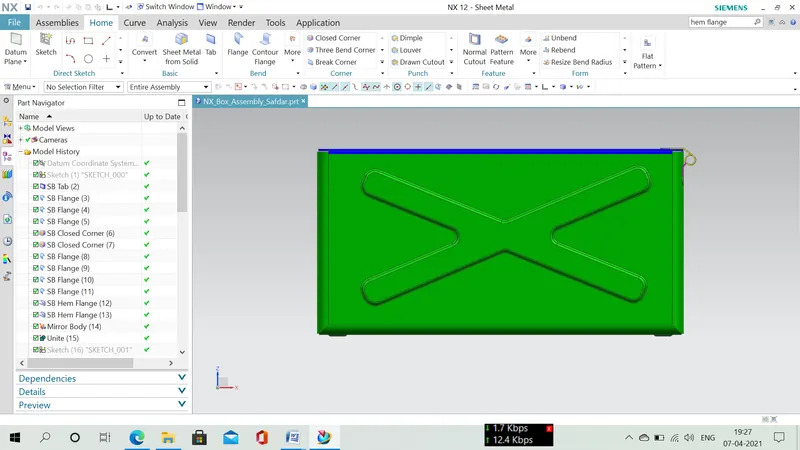
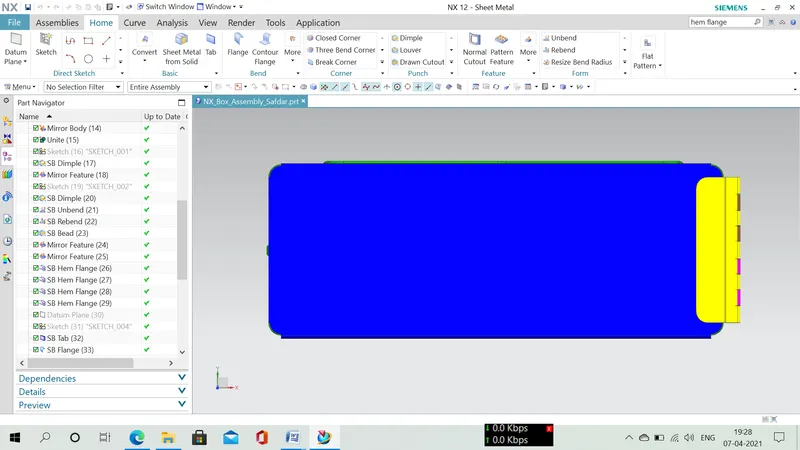
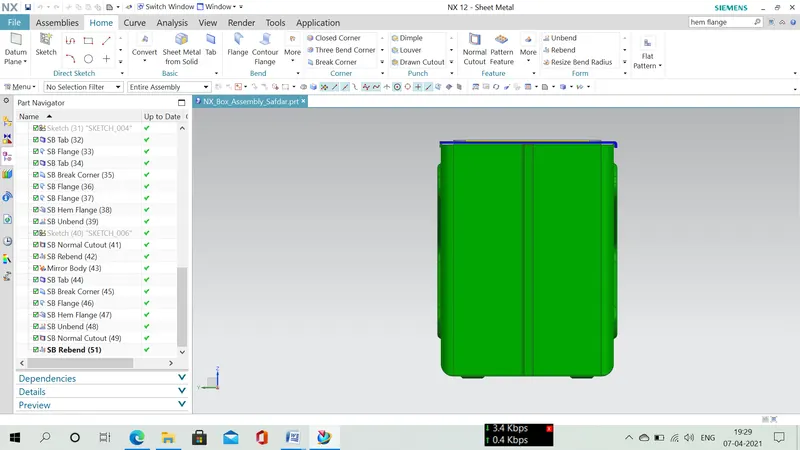
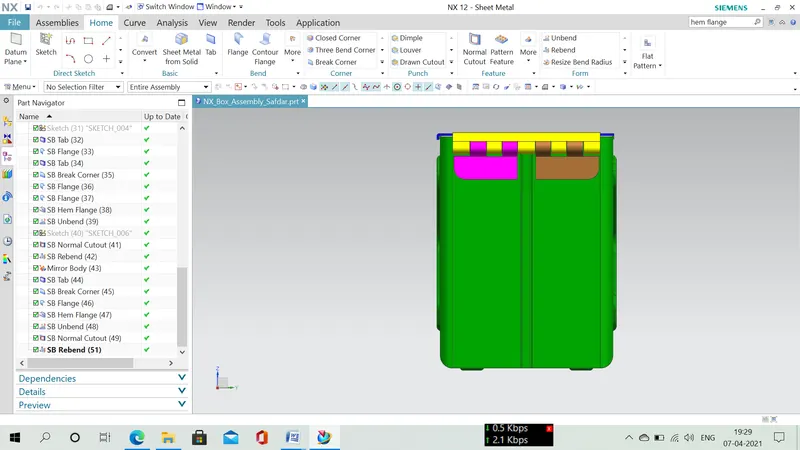
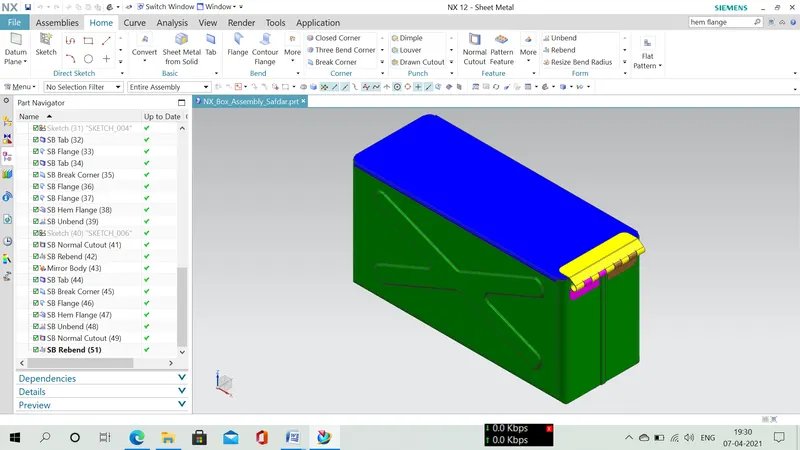
This project is to develop Box Assembly by made of sheet metal. The design is done on NX software by using various commands.
Design Methodology :-
It is created by sequence-
1- Create a new file.
2- Set sheet metal preference.
3- Create a base of box using tab command.
4 - Create walls using flange command.
5- Closed corner at bottom by closed corner command.
6- Create locking joint to joint every side walls to side walls along together by using flange and hem flange command.
7- Using Mirror body command to create a whole body of box and unite them.
8- Using dimple command create embossing profile on outer wall and mirror it. And also create dimple on base sheet.
9- Unbend and rebend the at bottom face.
10- Create four bead by using bead command and mirror feature command.
11- Create a hem on top of the walls.
12- Create a box cover by using tab and flange command.
13- Create hinge parts on side of box and box cover by using tab command and hem flange command.
13- Create a hinge profile by using unbend, normal cutout, rebend command.
Tools and Features which are used-
Sketch :- Sketch is the basic of any object. It is created by many feature like line, curve, rectangle, fillet etc.
Tab :- By this feature we create a flat plate adding with thickness dimension.
Flange :- By this command we add a flat flange at an angle to a planner face.
Closed Corner :- By this command we can create close corner with two adjacent face.
Hem Flange :- By this command we can create a folding edge on sheet metal edge.
Mirror :- By this feature we can create a mirrored body or feature at a reference plane which I select.
Unite :- By this command we can unite two or more body into one body.
Dimple :- By this command we create a dimple on bends in the flattened state or bend state.
Unbend :- With the help of this feature we change bend body into flat sheet like unbend.
Bead :- By this feature we lift the material of the body along the sketch like embossing.
Break Corner :- With the help of this command we can cut the sharp edge and change it into a round or flat like fillet, chamfer.
Normal Cutout :- With the help of this feature we can cut the material with the help of sketch where I want.
Rebend :- When I create a unbend to get a flat sheet to do any operation. But when I want to get initial bend then this feature helps.
Conclusion :-
This project helped me to learn about NX CAD environment and learn how to develop the joint, assembly etc.