Advanced Sheet Metal Design Using NX Cad Challenge_2_Box Assembly
Advanced Sheet metal Design Using NX cad Challenge 2 Box Assembly:
Sheet Metal Design of Box Assembly
Objective:
The objective of the project is to design sheet metal Box Assembly using siemens NX Cad software.
Introduction
Sheet metal is metal formed by an industrial process into thin, flat pieces. Sheet metal is one of the fundamental forms used in metal working, and it can be cut and bent into a variety of shapes. Countless everyday objects are fabricated from sheet metal. In this project we are designing box assembly.
Design Methodology and Procedure for Creating Sheet metal Box Assembly:
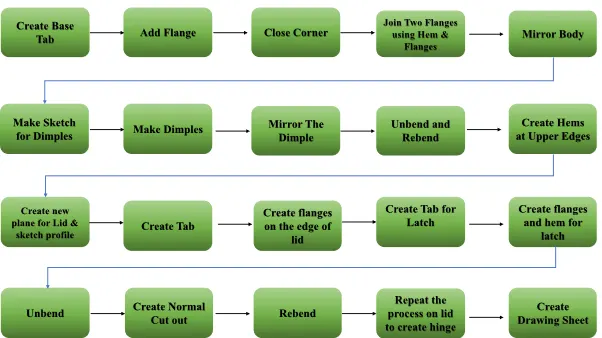
Features used
Sheet metal design tools or features are explained here
Tab: Tab is basically used for creating a base, it is main feature to create any sheet metal parts, it gives thickness to the material.
Hem Flange: In this feature sheet metal flange fold back to the body itself.
Normal Cut out: Cuts the material according to profile created and also perpendicular to faces of sheet metal.
Bend: Bend modifies the sheet metal parts by bending it according to profile.
Flange: Adding flange gives sheet metal by selecting edge of base of the model, it gives flange to the base of the model in an angle and desired length.
Break Corner: In this feature the sharp edges will be modified to round or chamfer.
Unbend: Flattens the bended area.
Mirror: The features or entity can be copied to other side by using mirror feature by selecting the required plane or centre line.
Mirror Body: This feature is used to Mirror the body with respect to reference plane.
Unite: It combines the two or more bodies into single body
Datum Plane: this is used to create new plane from specified reference.
Dimple: Lifts the area of model inside the profile created and it is like stamping tool.
Bead: Lifts the material along the contour of a sketch that simulate stamping tool.
ReBend: It is used to restore the unbend feature to bend feature.
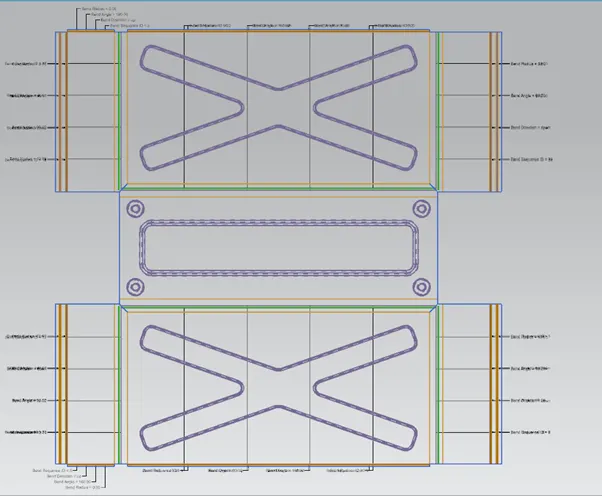
Flat Pattern: Creates the flat pattern from the formed sheet metal part.
Different Views of Box Assembly:
Front View
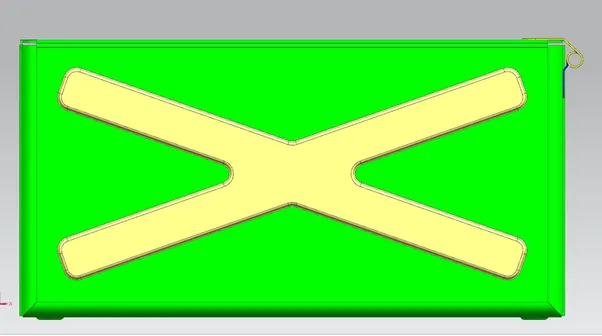
Top View
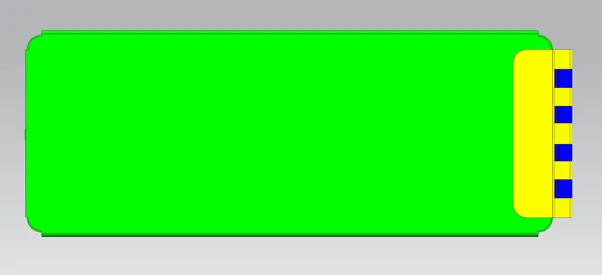
Side View
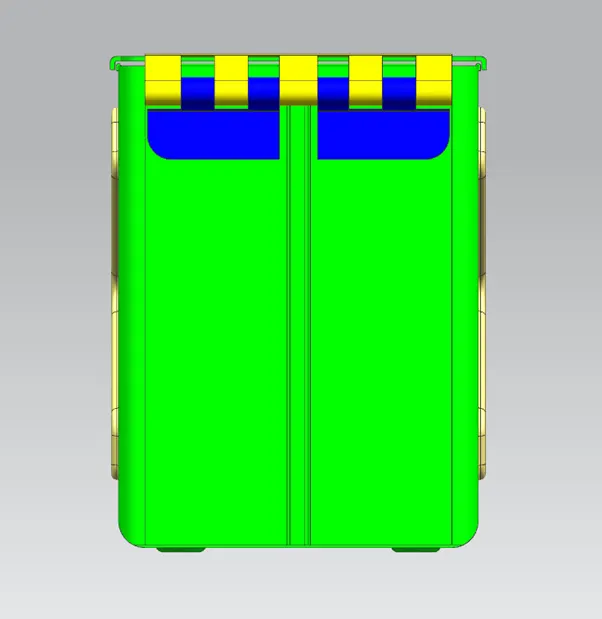
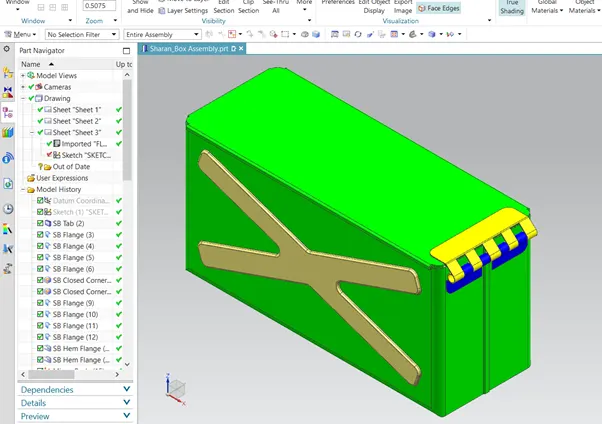
Isometric View
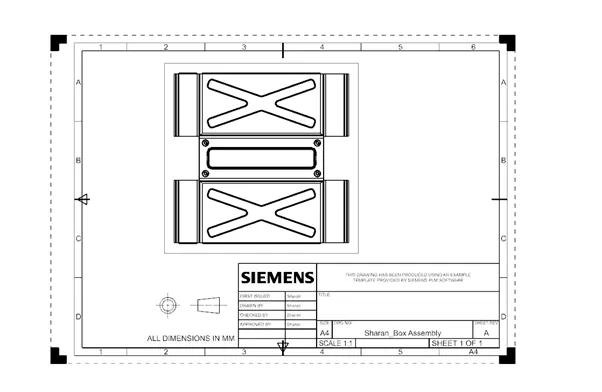
Drawing Sheet:
Flat Pattern View
Conclusion:
The Box Assembly created using Nx Cad