Advanced Sheet Metal Design Using NX Cad Challenge_1_Casing Design
Advanced Sheet Metal Design Using NX Cad Challenge 1 Casing Design
Objective: To design the Casing sheet metal in UG-NX application by following the proper design procedure.
Design Methodology
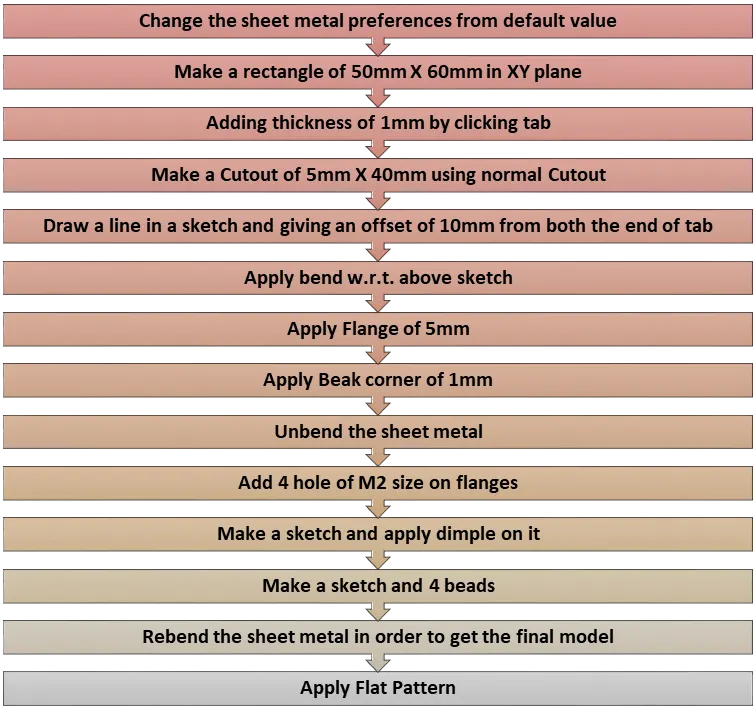
Features used while designing
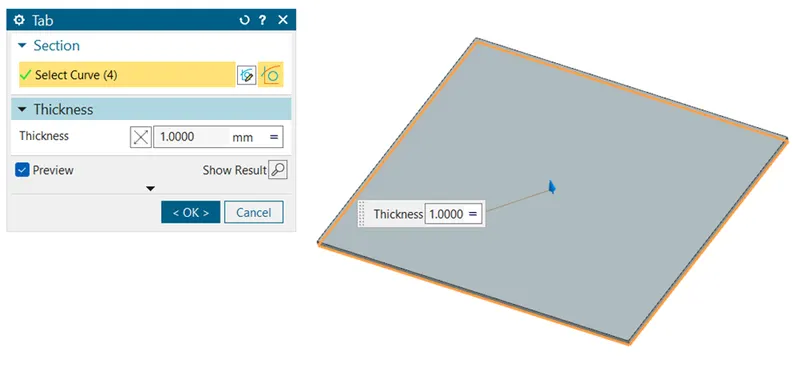
Tab: Creates a base feature from a sketch along a vector by a thickness value or adds a material to a plane face.

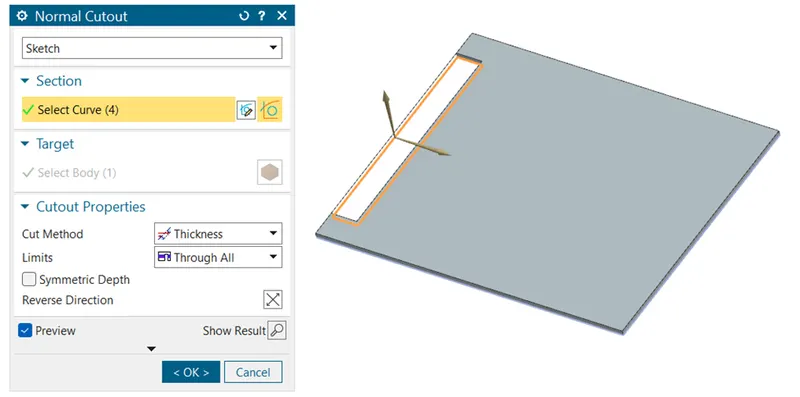
Cutout: To make a rectangular cutout profile in the sheet metal.
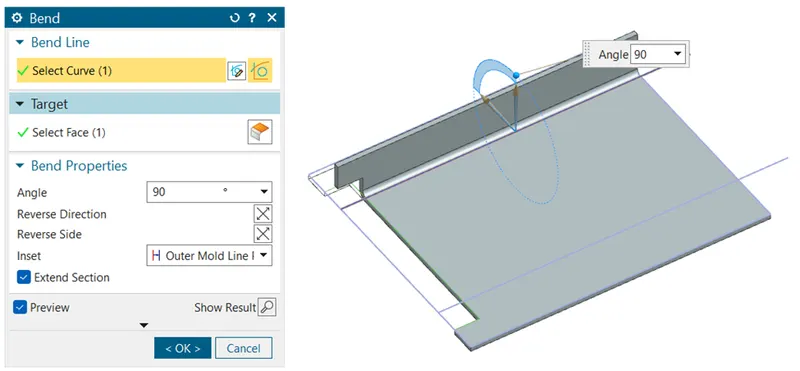
Bend: Bending the material on the side of a sketch line adding a bend between sides.

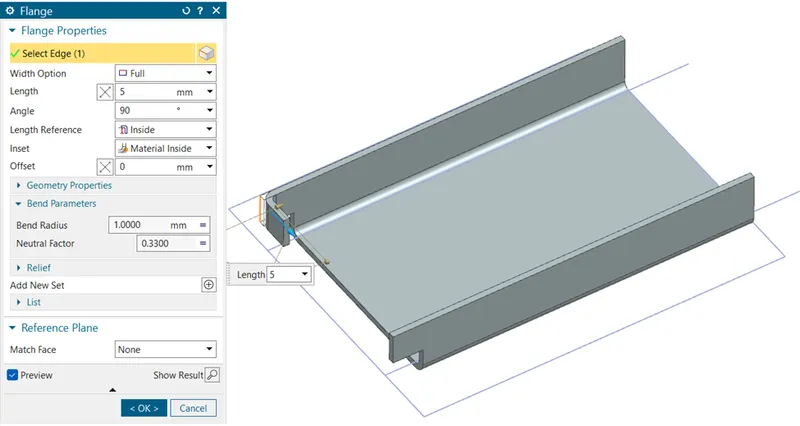
Flange: Flange to an angle to a planar face and adds a bend

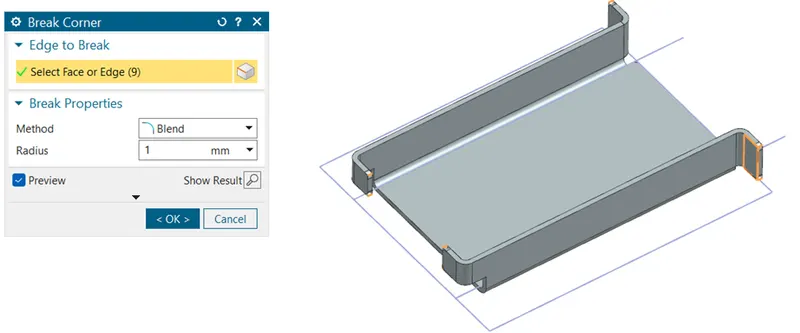
Beak Corner: Round the sharp corner/edges of the sheet metal

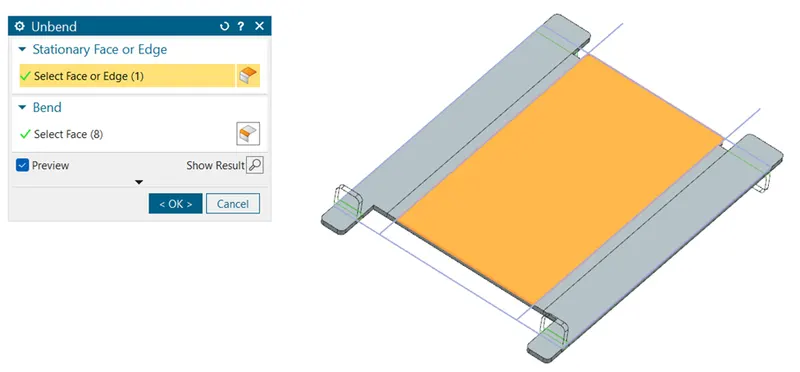
Unbend: To go back the previous profile of the sheet metal
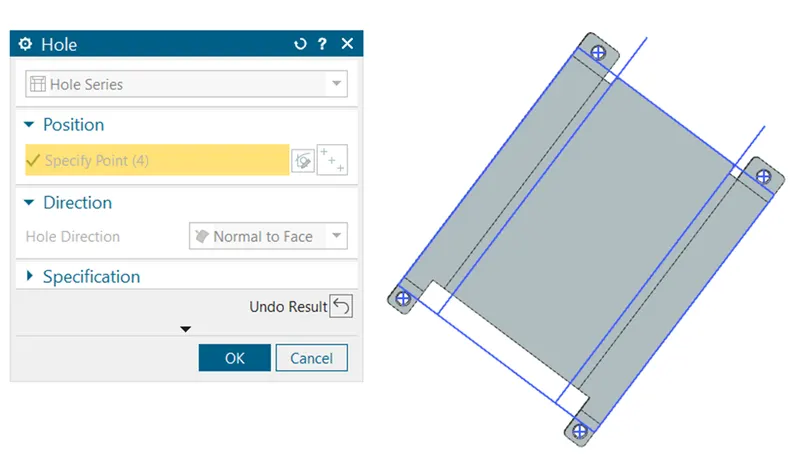
Hole (Threaded- M2): Hole command use to create a hole on one or more on solid bodies, holes can be threaded, counter bored, countersunk.
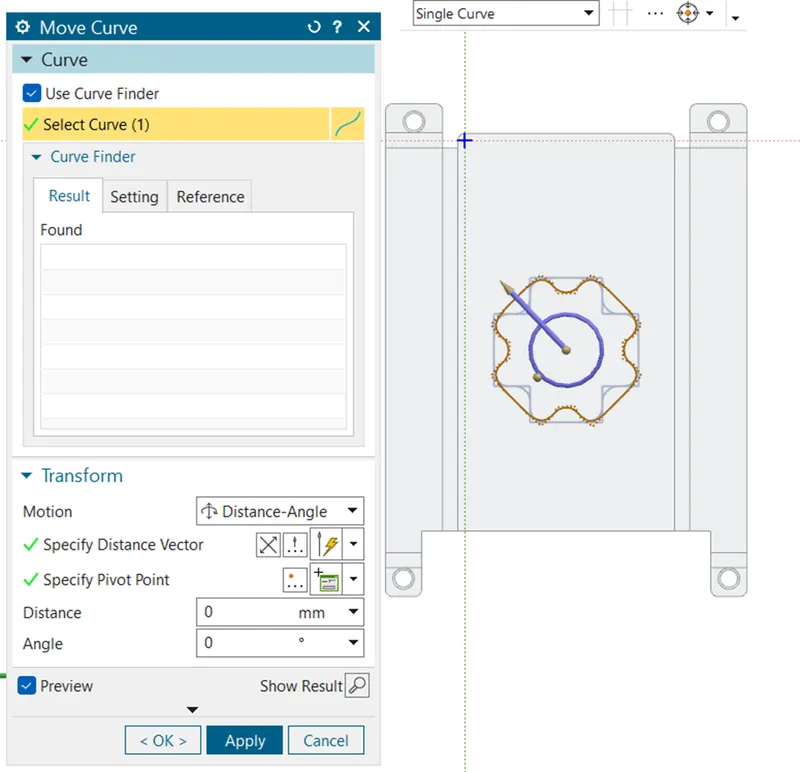
Move Curve: Once the sketch is been created with the spline curve, then we need to rotate the curve with 45° to create the dimple profile on the part.
Dimple: Lifts an area of the model inside a sketch that simulates stamping a tool

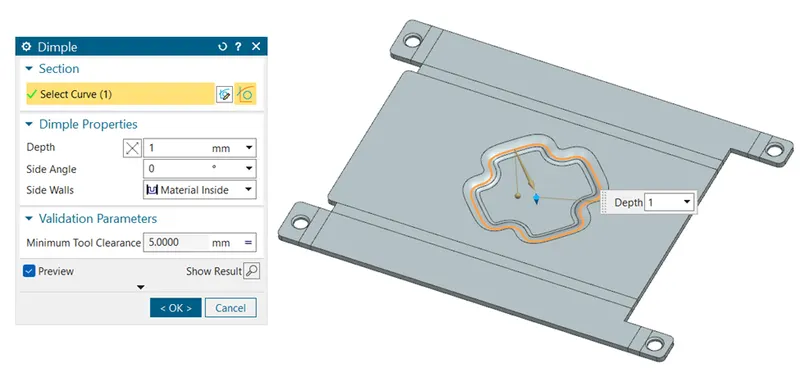
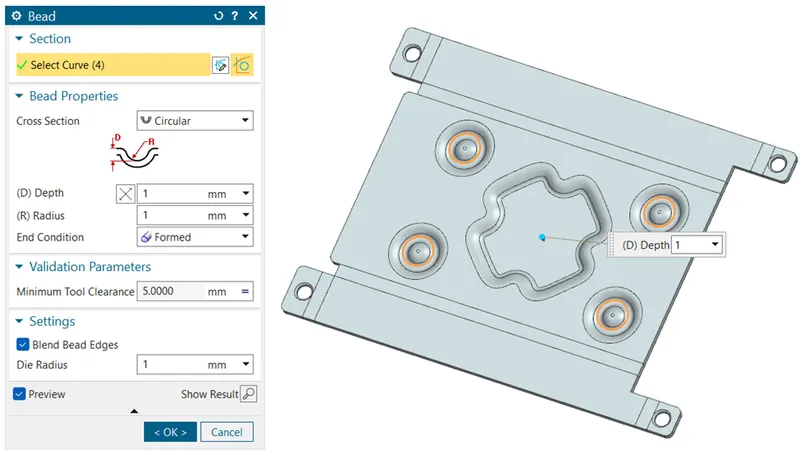
Bead: Lifts a material along a counter of sketch that simulates stamping a tool

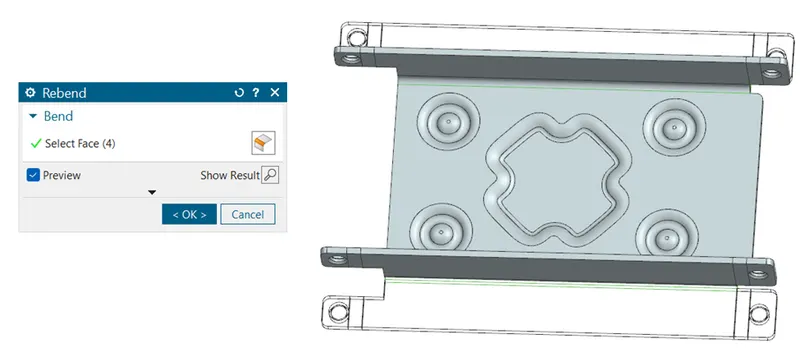
Re-bend: With this Re-bend command we can roll back to the actual profile.
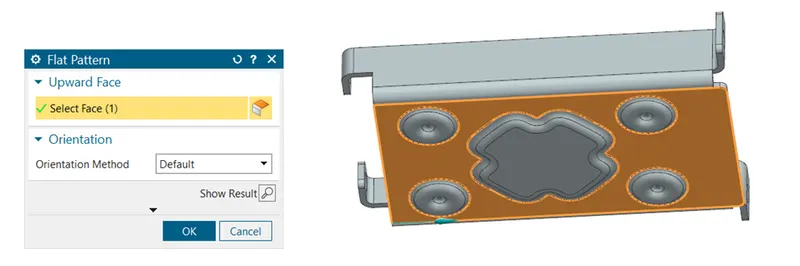
Flat Pattern: Flattening the sheet metal profile in order to measure the usage of sheet metal.

3D Views
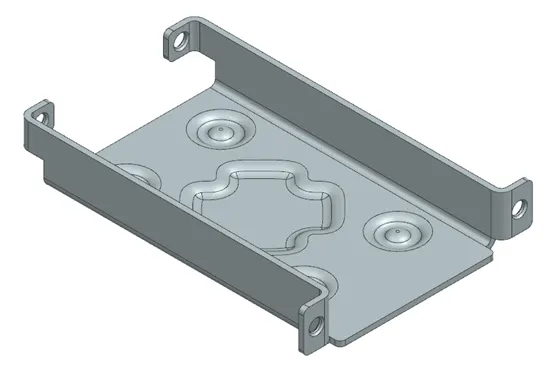
Isometric View
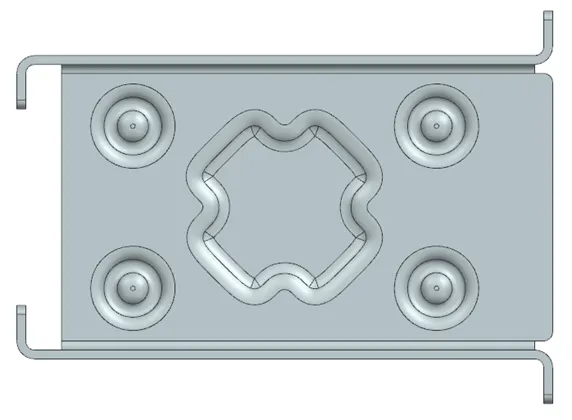
Top View
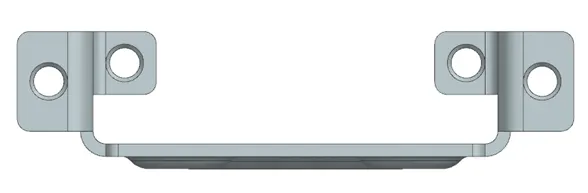
Front View
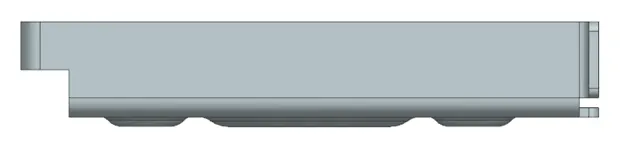
Right Side View
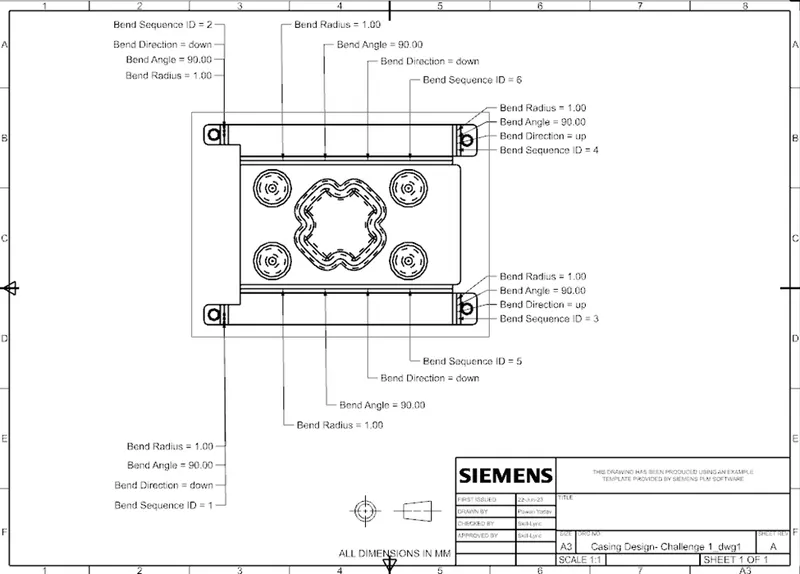
Detailed Drawing Sheet Image
Conclusion
In this challenge I have learned about various sheet metal tools such as Tab, Flange, Dimple, Bend, Unbend, Re-bend, bead, Break corner, Normal Cutout and Flat Pattern.