Advanced Sheet Metal Design Using NX Cad Challenge_1_Casing Design
Title
Modelling of a casing using Siemens NX Sheet metal
Objective
- To create a sheet metal casing using Siemens NX Sheet metal
- To obtain a detailed drawing sheet image of the casing
Introduction
Siemens NX software is a flexible and powerful integrated solution that helps us deliver better products faster and more efficiently. It is used for: Design (parametric and direct solid/surface modelling), Engineering analysis (static; dynamic; electro-magnetic; thermal, using the finite element method; and fluid, using the finite volume method) and Manufacturing finished design by using included machining modules. Here we use the feature from NX to create a casing.
Design methodology
The detailed design includes design conceptualization, prospective product drawings, sketches and geometric modelling.
Description
The tools used while the procedure is explained below. When we create a new sketch, a dialog box pop-ups asking us to define the Sketch Plane. The screen will display the sketch options. We can choose the Sketch Plane, direction of sketching and type of plane for sketching. When we create a sketch using the Create Sketch dialog box, we can choose the plane on which the sketch can be created by clicking on the coordinate frame as shown. This will highlight the plane we have selected.
We use sketch curve tool bar sketch. This toolbar contains icons for creating the common types of curves and spline curves, editing, extending, trimming, filleting etc. Each type of curve has different methods of selection and methods of creation.
Line option will selectively create only straight lines.
Studio Spline can create basic spline curves with poles or through points with the desired degree of the curve.
Dimensional Constraints: The degrees of freedom can be eliminated by giving dimensions with fixed entities like axes, planes, the coordinate system or any existing solid geometries created in the model. These dimensions can be linear, radial, angular etc. We can edit the dimensional values at any time during sketching by double-clicking on the dimension.
Geometric Constraints: Besides the dimensional constraints, some geometric constraints can be given to eliminate the degrees of freedom. They include parallel, perpendicular, collinear, concentric, horizontal, vertical, equal length, etc
Sketch It’s a basic command to draw 2d models.
Tab A command to add parameters of an Sketch
Bend It’s an operation to bend the tab at a particular position with reference
Flange It’s an operation to extend of a sheet metal with to one of the edge of an tab
UNBEND It’s an command used to flatten the created 3d model taking one face as a stationary face.
HOLE It’s an command used to create different type of hole like tapping and normal drilling, on the Surface of an Sheet metal.
DIMPLE It is a projection command of a particular shape with reference to sketch with certain depth.
BEAD It is also type of projection to deform the shape at a certain point with reference to sketch and also giving strength to the material.
REBEND This command used to re bend the already flattened sheet metal.
Output
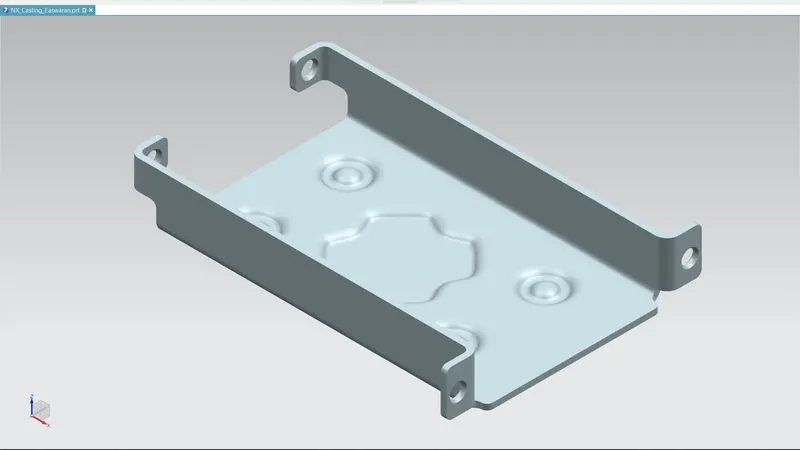
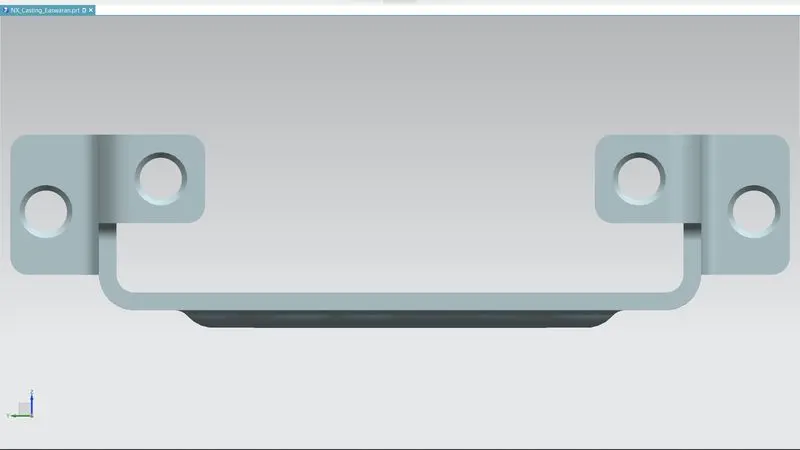
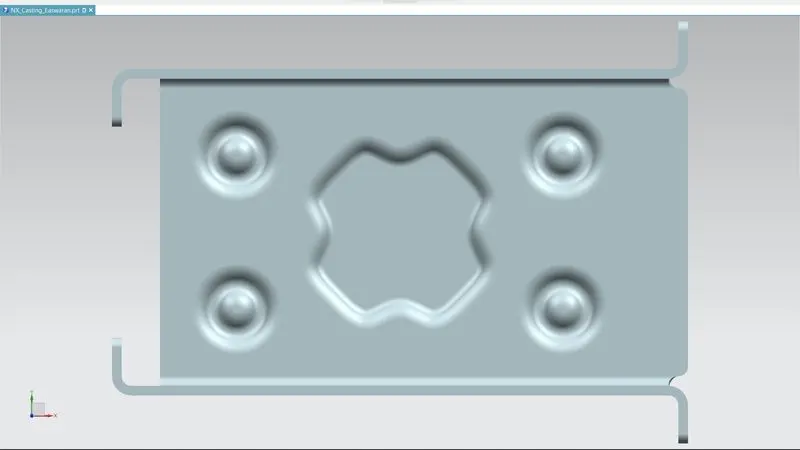
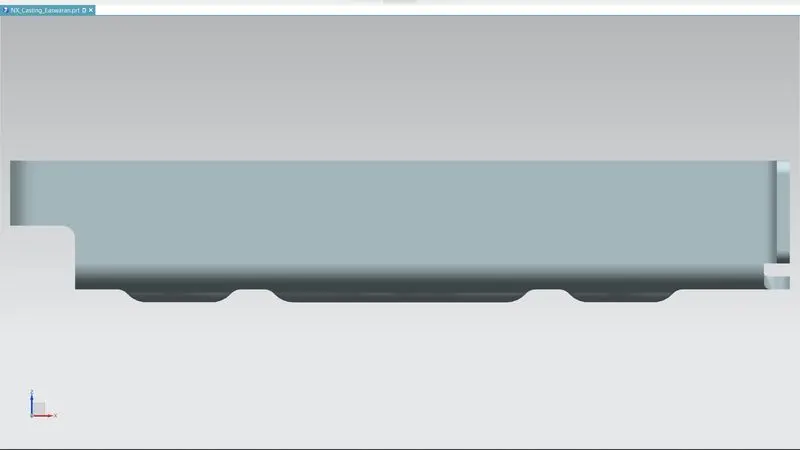
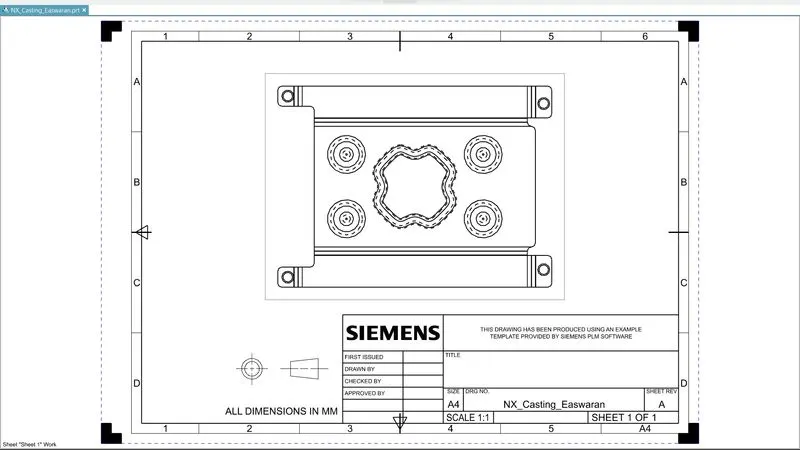
Conclusion
Modelling and drafting of the casing was completed.