Advanced Sheet Metal Design Using NX Cad Challenge_1_Casing Design
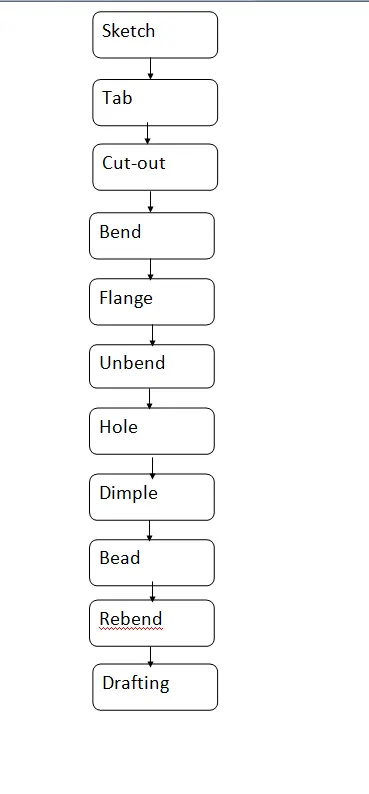
AIM : To crate a casing design in NX and understand the command used in it .
OBJECTIVE :
The following are the objectives :
- To create the design of casing according to given parameter .
- To create step by step report of it.
- To understand the command used in it .
INTRODUCTION :
- Sheet metal is metal formed by an industrial process into thin , flat pieces .
- It can be cut , bent into varity of shapes and it is one of the fundamental forms used in metalworking .
- Different metal can be used to made sheeet metal , such as Aluminium ,brass , copper , steel tin ,nickel and titanium .
- It is used in automobiles , airplane ,utensiles and jwellery .
APPROACH :
COMMAND USED :
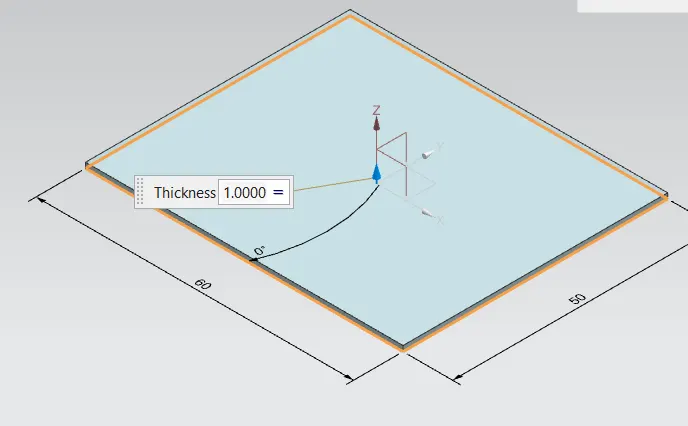
TAB :
- Tab is only used in designing of sheet metal.
- Tab is base were the flange is formed.
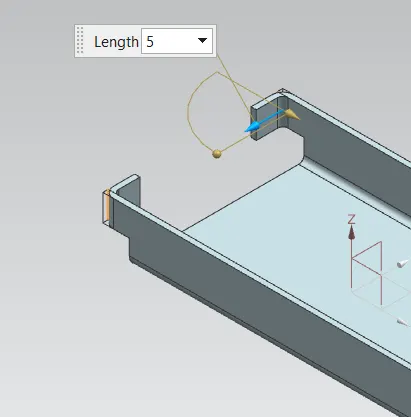
FLANGE :
- A flange is external or internal ridge or rim for strength as the flange of iron beam such as I beam or T beam or for attachment of another object .
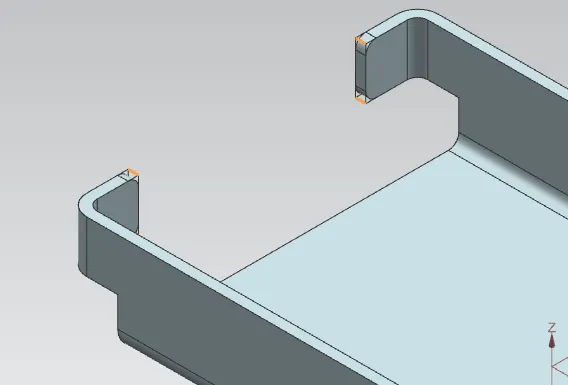
BREAKE CORNER :
- Machining corner between two major elements Off Contour is called corner breaking .
- Breaking sharp corner between two element of a contour typically applies to 90 degree corner between a face and a diameter .
UNBEND :
- It is used to unbend the modified sheet metal into straight undeformed sheet.
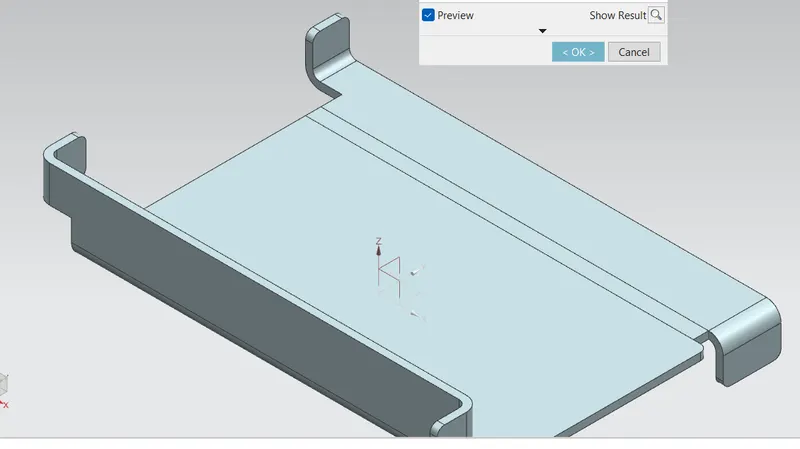
REBEND :
- It is used to rebend the sheet to its originally shape by realighning all flange and bends .
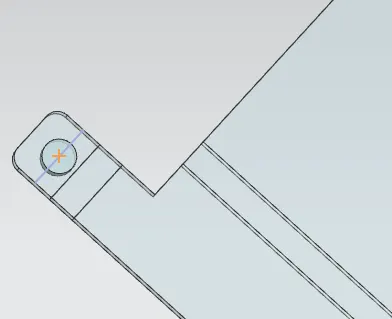
HOLE :
- It is used to create hole of given parameters in the sheet metal part.
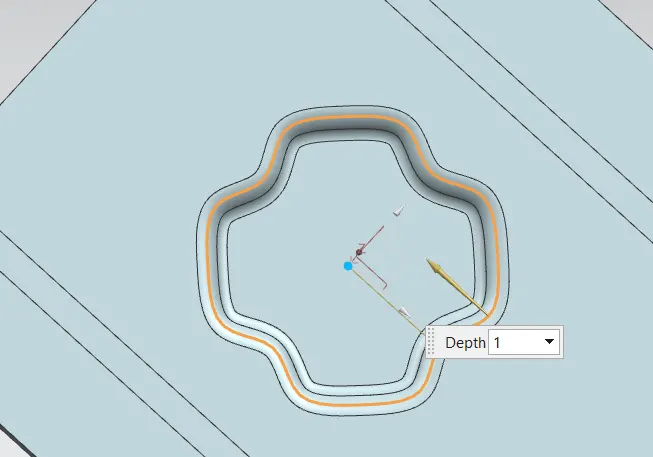
DIMPLE :
- It is the feature that lifts the area of moedl inside the sketch that simulate a stamping tool .
- It is used to strength the flat surface .
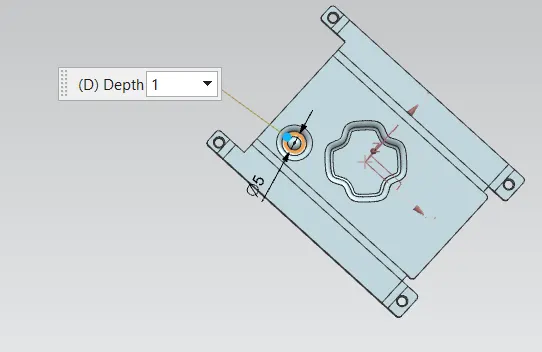
Beads :
- It is similar like dimple ,the only difference is that in dimple we lift the area while in beads we lift the contour.
FLAT PATTERN :
- It is feature allows to convert 3D sheet metal to 2D form .
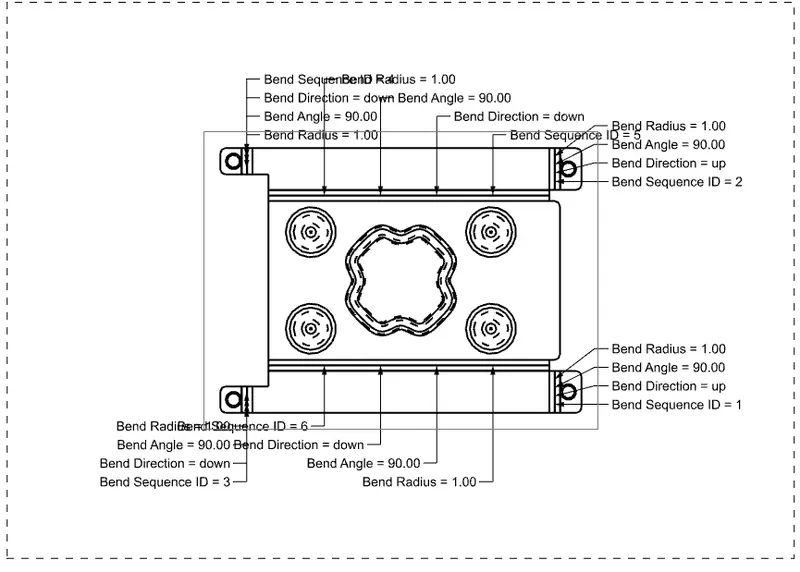
DRAFTING :
- After designing the 3D model for further process of manufacturing we have to convert into 2D model form for easyness .
DIFFERENT VIEWS OF CASING :
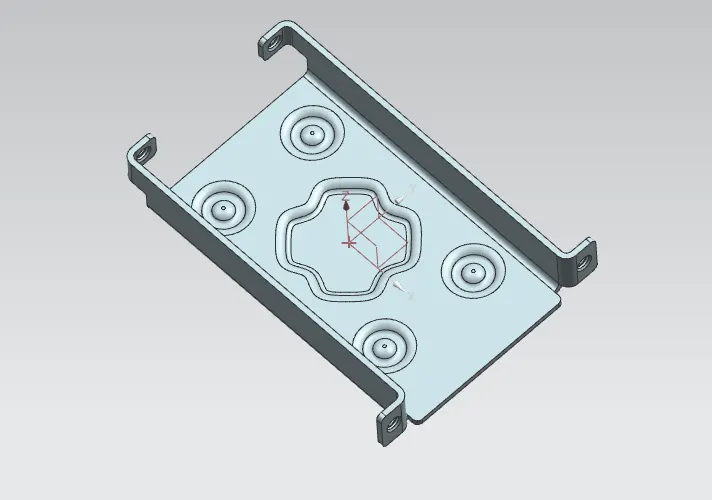
Isometric view :
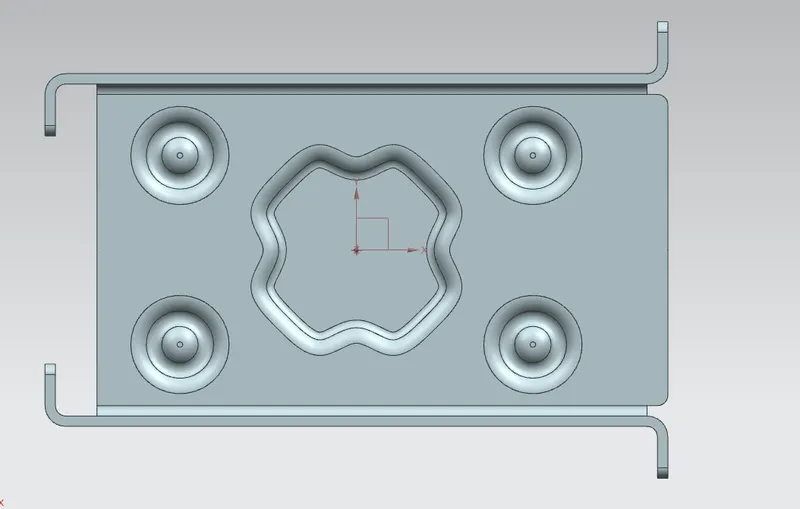
Top view :
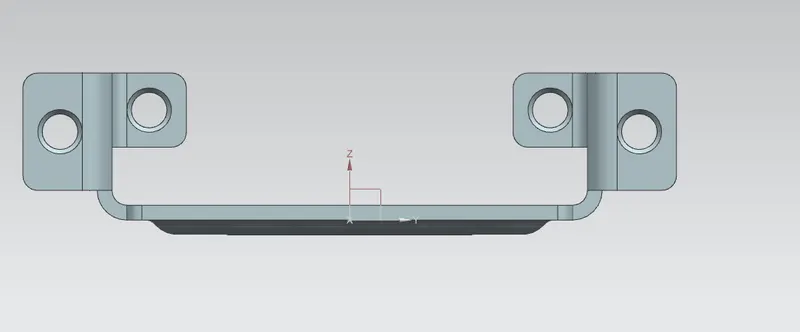
Right side view :
Flat pattern view :
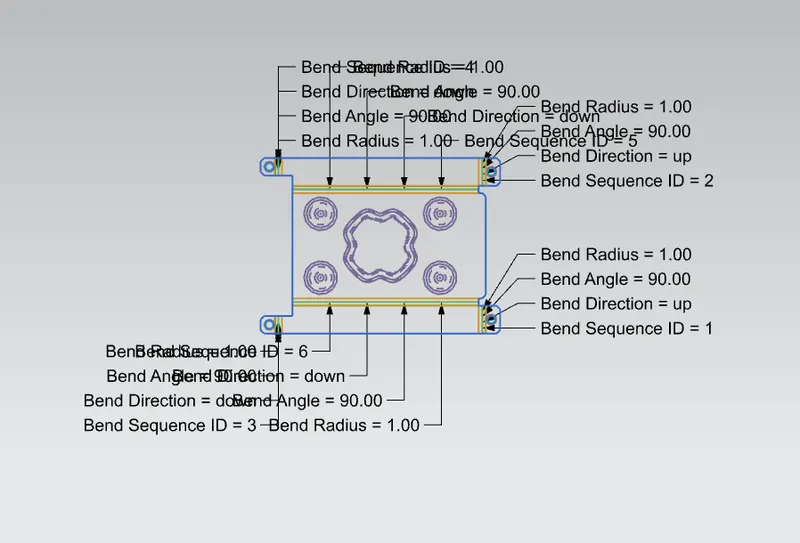
Drafting :
CONCLUSION :
- We have created design of casing according to given parameter in NX.