Advanced Sheet Metal Design Using NX Cad Challenge_1_Casing Design
CASING DESIGN
OBJECTIVE: To design a sheet metal model of casing using NX CAD tool.
INTRODUCTION: Casing may refer to an enclosing shell . It may also refer as
- Casing borehole, metal tube used during the drilling of a well.
- Casing molding , decorative molding surrounding door or window openings.
- Casing sausage , thin covering holding the food contents of sausage.
Many other different metals can be made into sheet metal, such as Aluminium , brass, copper, steel, tin, nickel and titanum . For decorative uses, some important sheet metals include silver, gold, Platinum.
DESIGN METHODOLOGY :
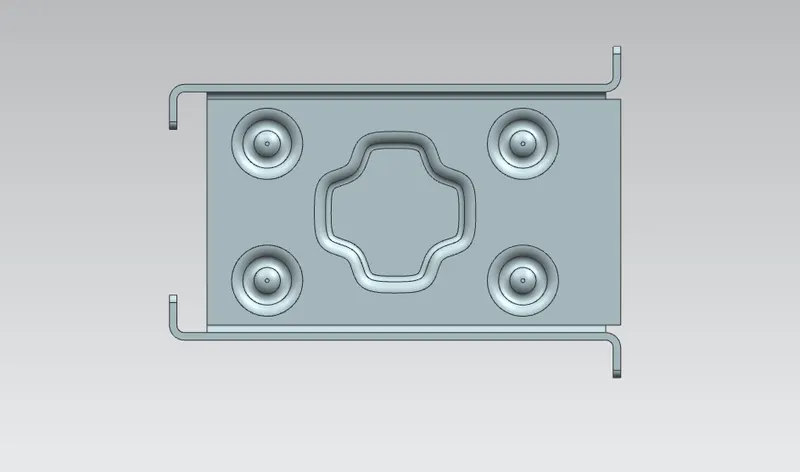
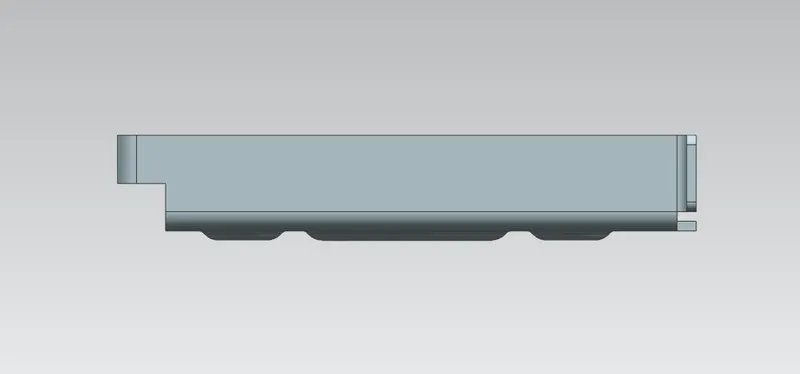
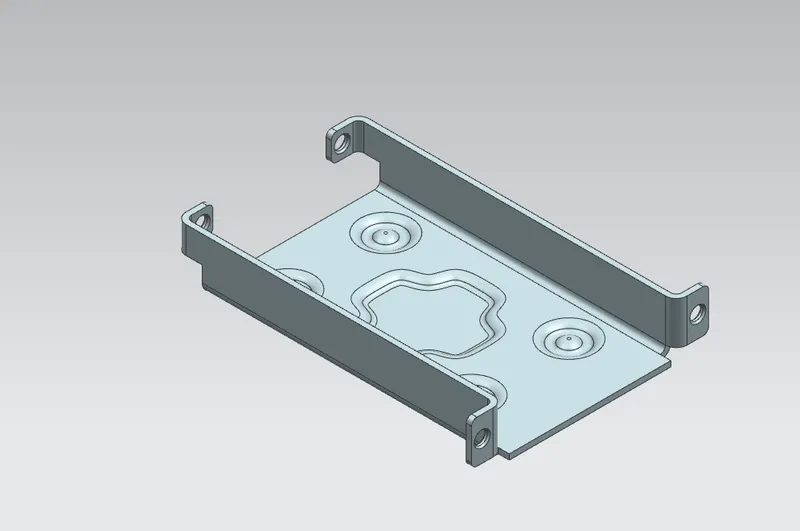
Step 1 : Open the sheet metal workbench, draw the rectangle of 60*50 and use tab feature with thickness of 1mm.
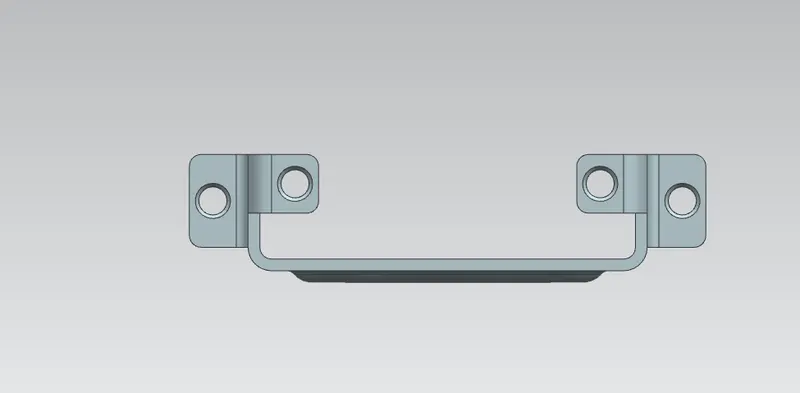
Step2: Provide the flanges side to the tab and here we used simple flange tool by selecting bend outside and no relife.
Step 3 : Used the unbend and rebend operation to check weather the design following sheet metal shape or not .
Step 4 :Provide the holes dia 5mm at the end of the flanges because the mating screw should to minimum tolerance with the hole and the screw.
Step 5 : Provide dimple feature select the surface .
Step 6 : Use the mirror feature to copy the dimple and holes to the opposite direction.
COMMAND USED :
TAB : Tab is used in designing of sheet metal . Tab is the base where the flange can be formed.
FLANGE : A flange is external or internal rigid or rim for strength as the flange of iron beam such as an I beam or T beam or for attachment to another object.
BREAK CORNER: It is used to break the sharpe corners .
UNBEND AND REBEND : It is used to unbend and rebend non uniform thickness bends.
MIRROR FEATURE : It is used to mirror the features.
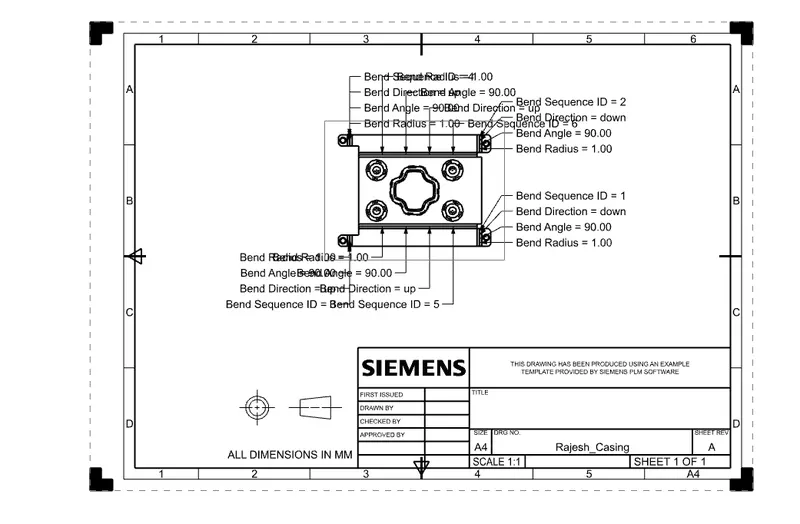
CONCLUSION: Gained knowledge about sheet metal and its application . All the basic features of NX CAD are practiced and finished the challenge by designing CASING DESIGN in NX CAD.