Advanced Sheet Metal Design Using NX Cad Challenge_1_Casing Design
project Tittle:-Casing Design using Nx_cad Sheet Metal Design
submmited To:- Skill-Lync
Submitted by:- Jaageeri varun raju
software used:-NX-cad
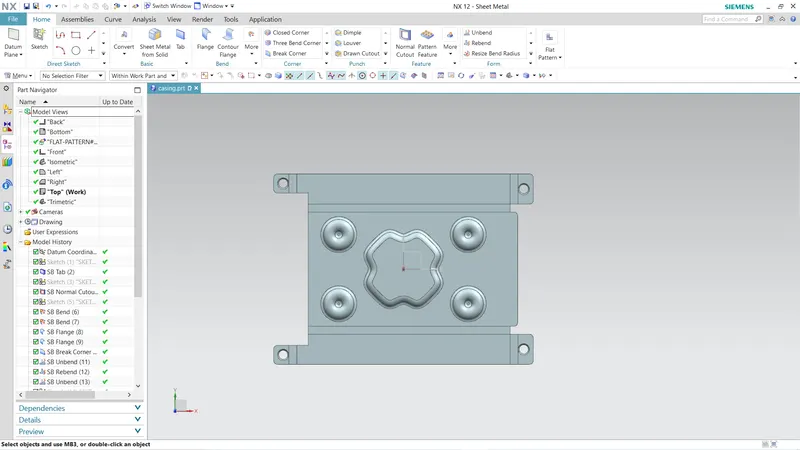
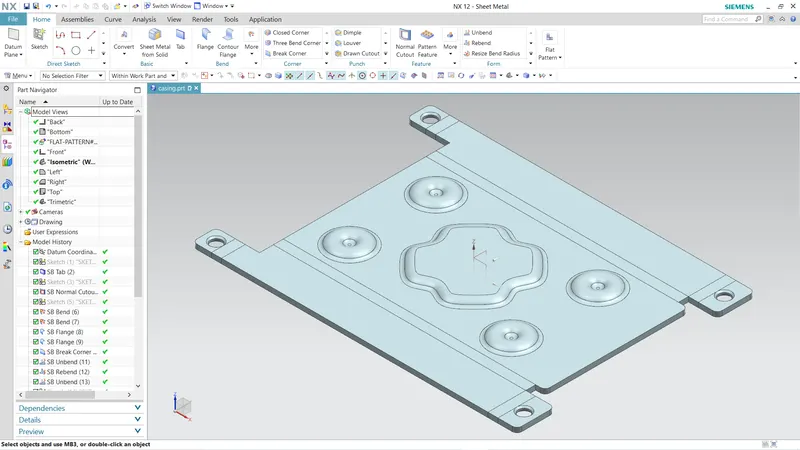
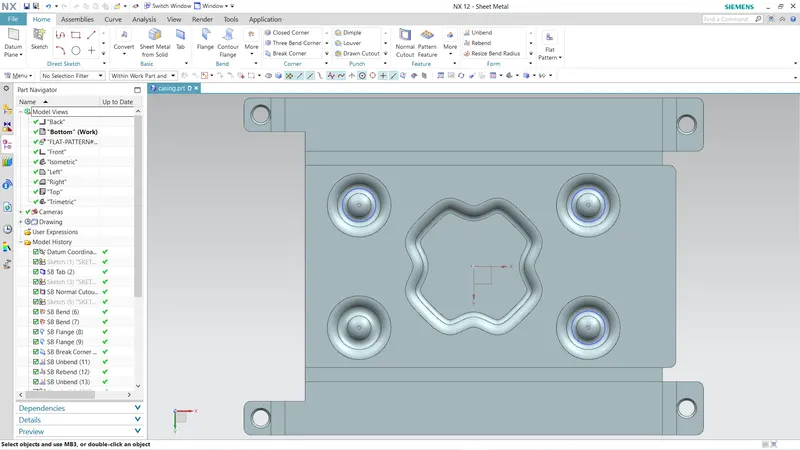
objective:-I have to create a casing using the sheetmetal application in NX_CAD and The Objective is to Explore the sheetmetal features in NX_CAD
Introduction:- In this project i was created a simple casing design using sheet metal applacation of nx_cad and my approch is general sheet metal workflow.
Design Methodology:-As i said here I follows traditional sheet_metal methodology.
| sketch profile |
| base feature |
| add secondary features |
| unbend |
| add features |
| rebend |
| flat pattern |
Features/Tools used:-
- Tab :-Used to create a base material in the shape sketch profile.
- Flange :-Used to create the material from the edges of the base tab to lateral sides by bending at an desired angle.
- Normal CutOut :-to remove the material by creating a sketch profile on the desired face of base or secondary feartures.
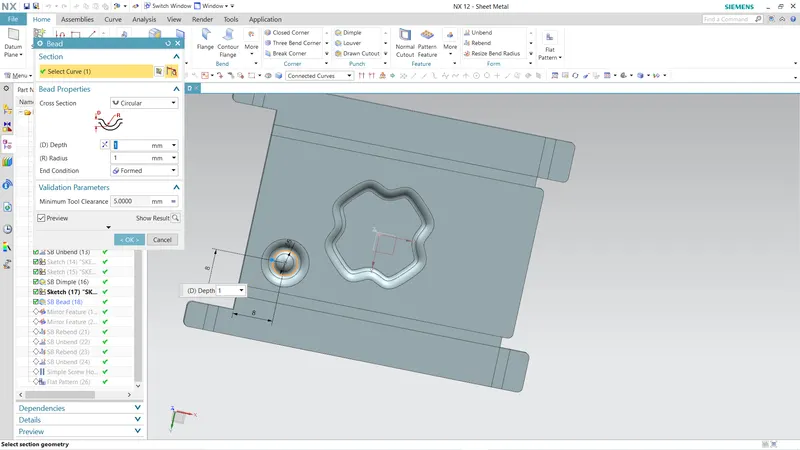
- Beads :-Lifts the material along the countour of a sketch that stimulates a stamping tool
- dimple :-Lifts an area of the model inside the material that stimulates a stamping tool
- unbend :-makes flat pattern of the sheetmetal design by selecting the standard features.
- rebend :-returns the model to its original shape.
- FlatPattern :-Creates a flat pattern by selecting the standard face and makes a flat_pattren view in model views
- Drafting :-used to create the @D sketch of the final flat_pattern to send manufactures.
Step 1:-Create base sketch and base feature
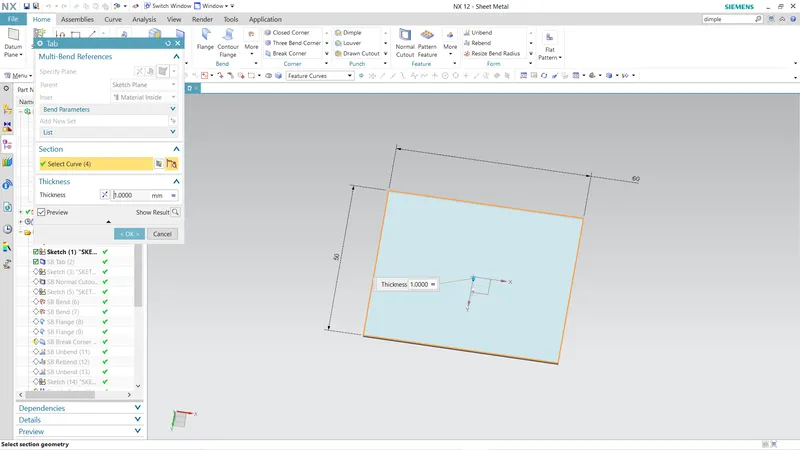
Step 2:-Create Normal cut and Create flanges at the both edges.
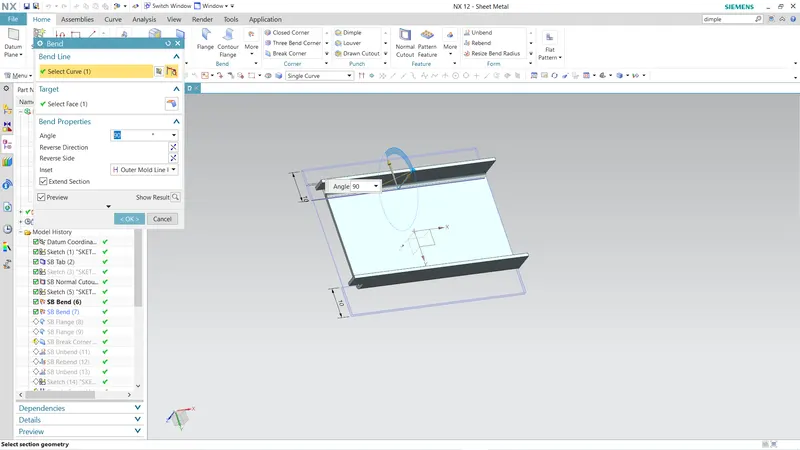
Step 3:-create the flanges at the edges to inside
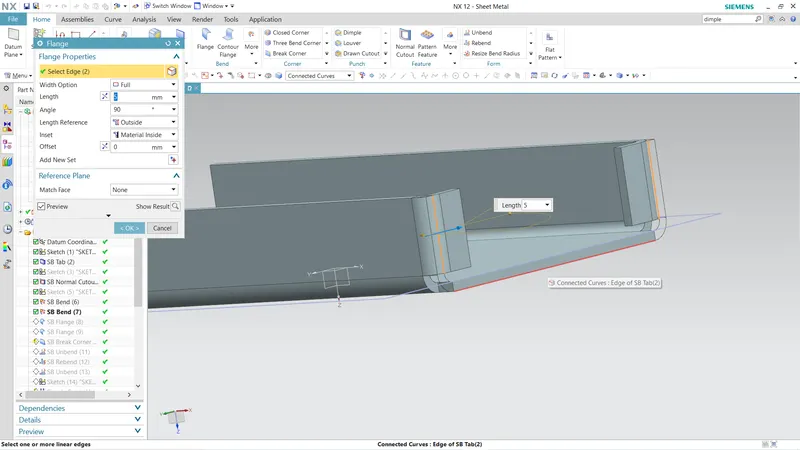
Step 4:-create the flanges the edges to outside
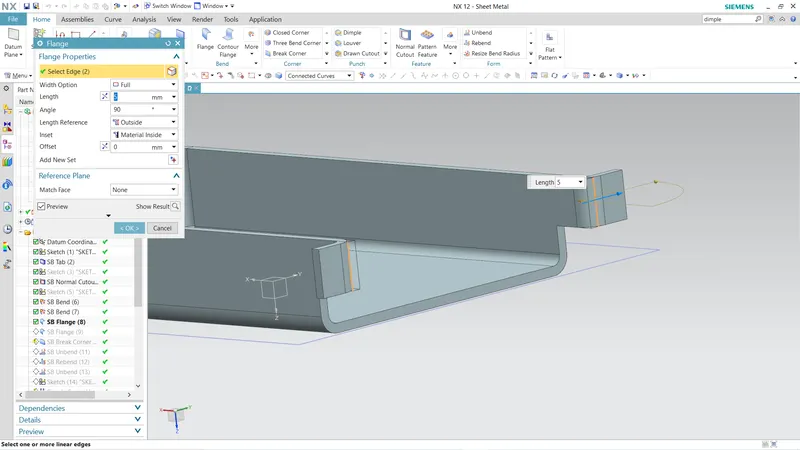
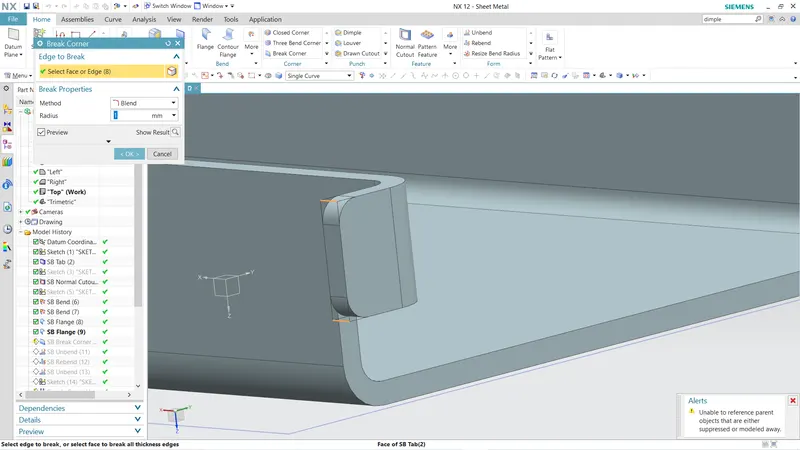
step 5:-corner treatment using bend corner
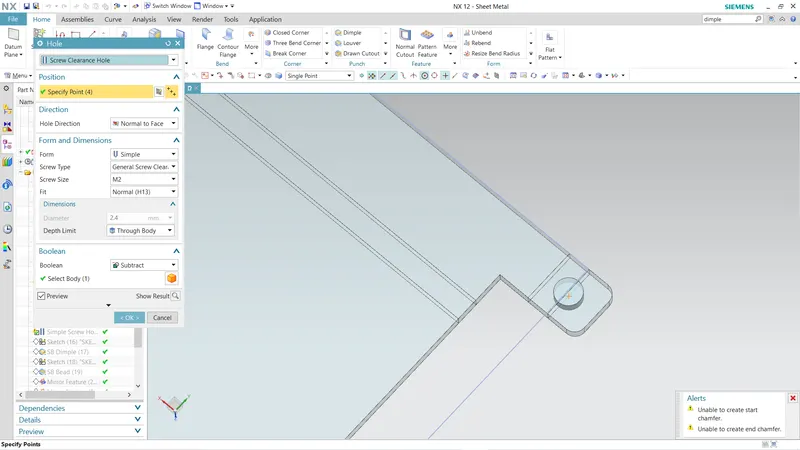
Step 6:-create holes
step 7:-Create the beads and the dimple