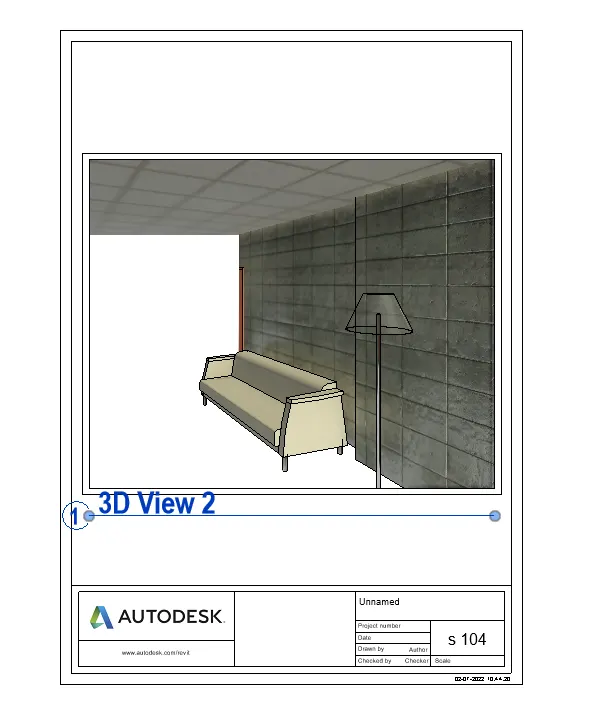
3D Creation of Celing, Roof, Architectural plan, Structural plan, Sectional view, Elevation view and Camera specific view for a house plan using REVIT
1 ans :- aim- to create the ceiling above the walls at first floor level
go to the architectural tab click on the ceiling
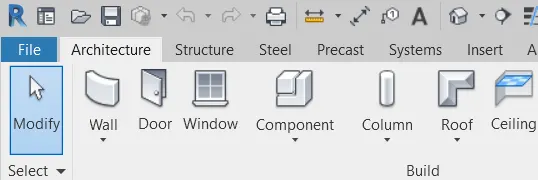
then the another tab opens click on the sketch celing
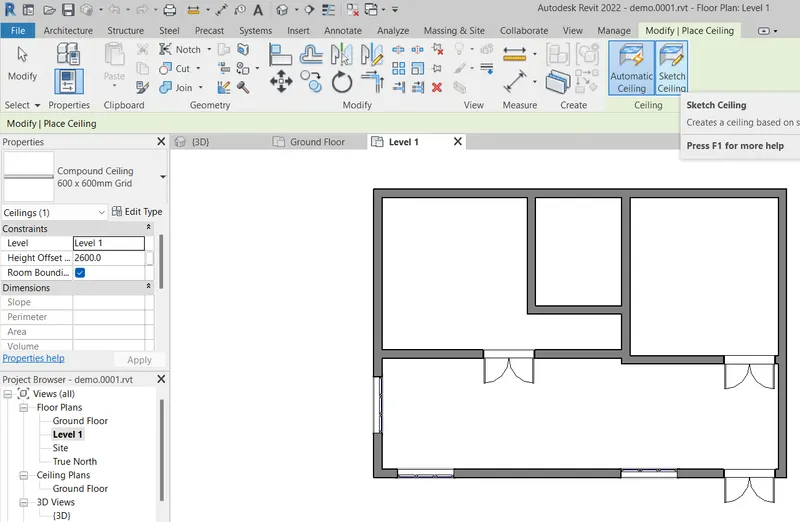
then select pick points choose outer line of the layout then tick on green mark and select the levels
where the celing required then click ok . the portion is selected for celing at that level.
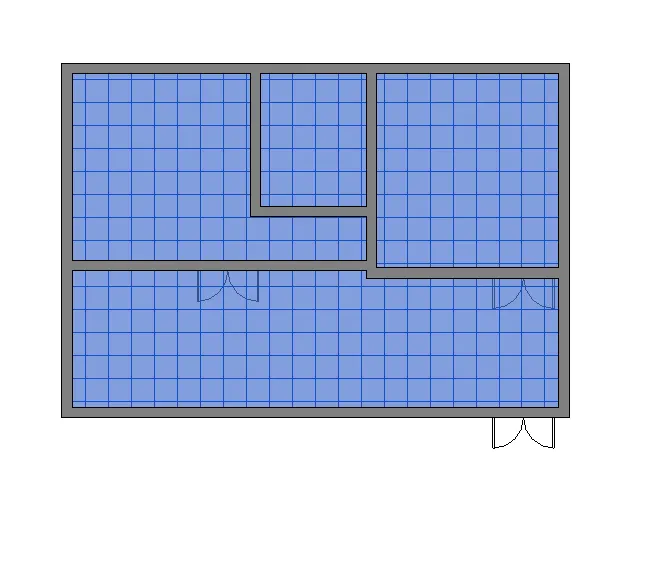
the example of viewing ceiling in 3d
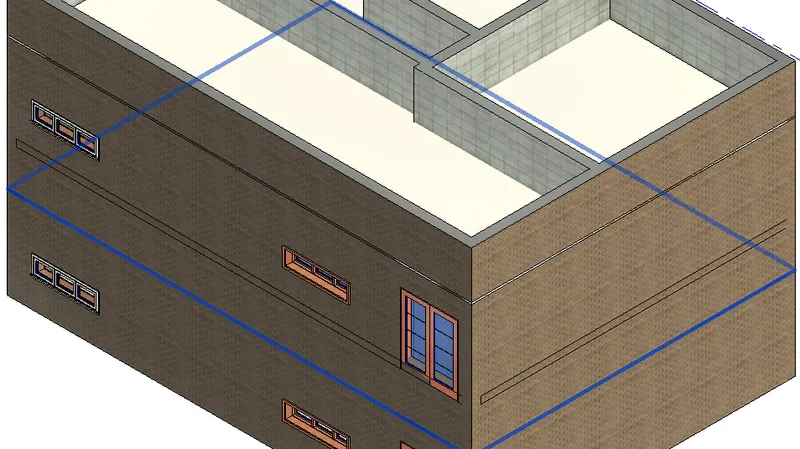
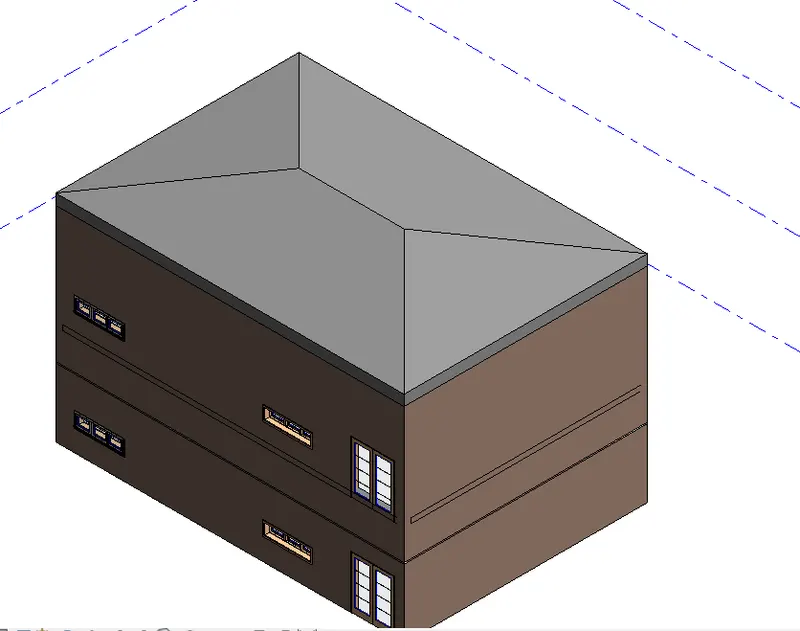
2 ans :- aim and introduction - to create the roof above the ceiling using the roof by print
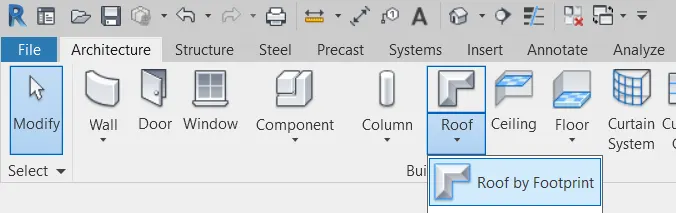
go on to the architectural tab click on the roof select the roof by footprint and select the level
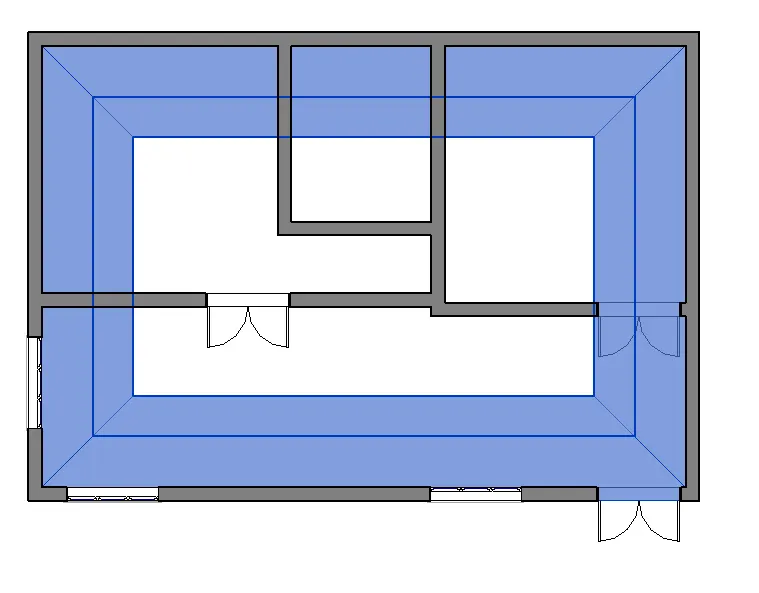
the portion is selected and roof is created
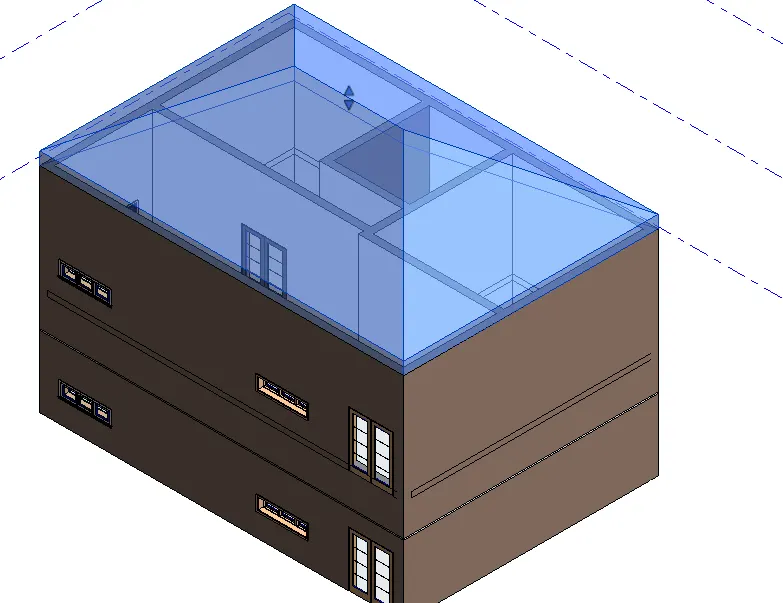
then clicking in edit of the property browser and giving height of roof by 10 degrees the roof of wanted dimension is created
3 ans :- aim and introduction ;- create plans of different levels ie ground floor and first floor of
architectural and structural layouts separetly
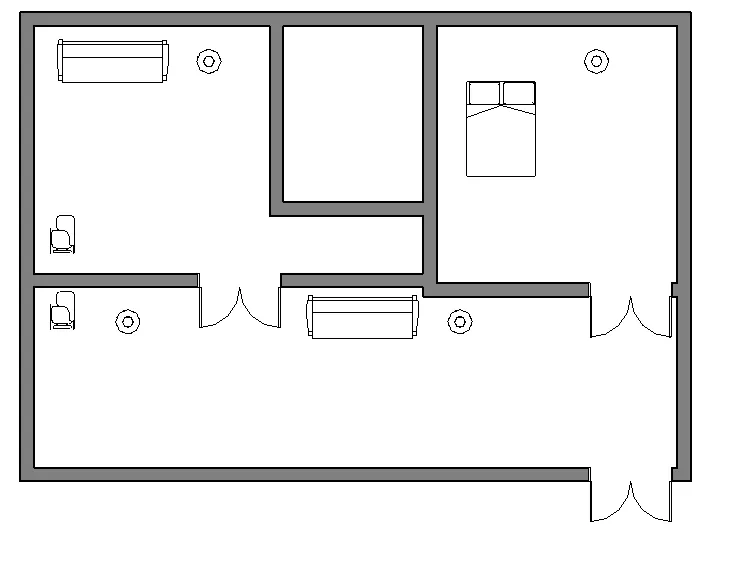
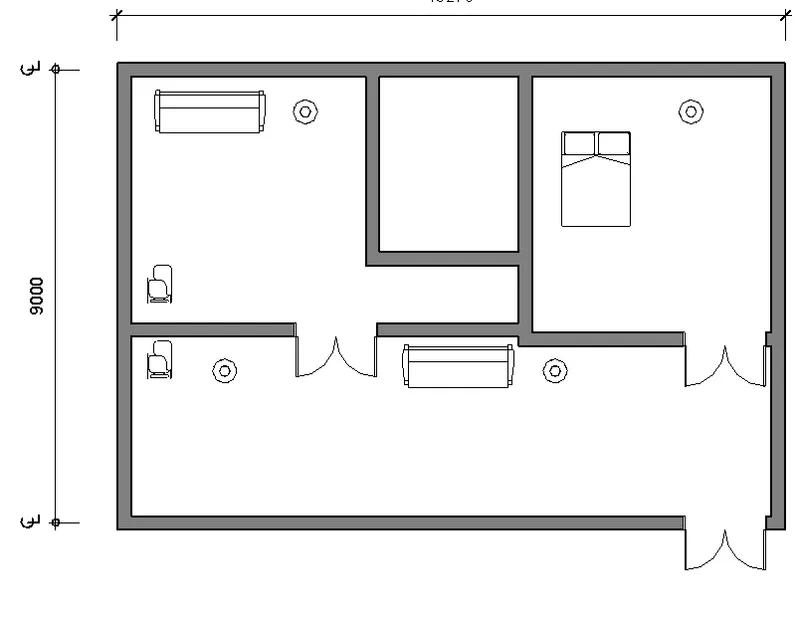
explanation :- in the architectural plan it includes or contains all types of components under architectural like furniture
kitchen tools and etc .
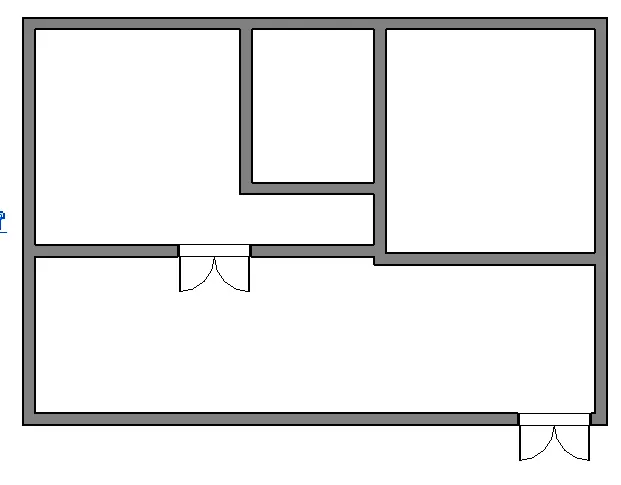
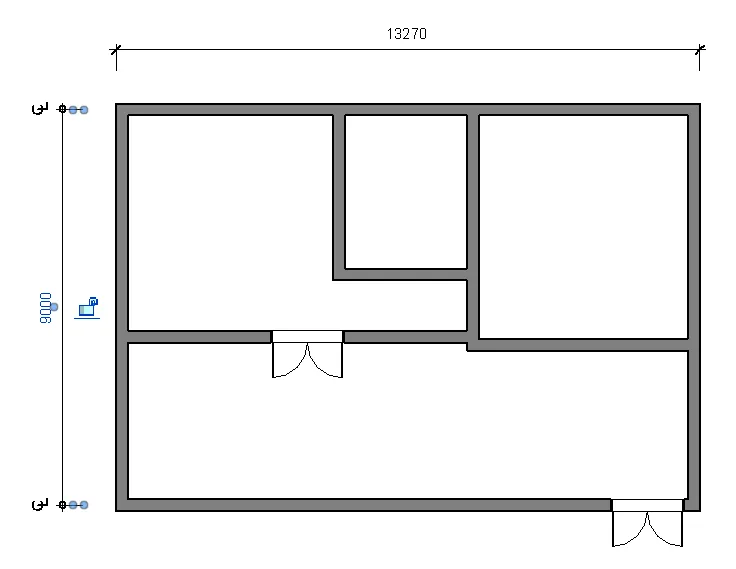
* in the structural plans it includes only the walls and structural components
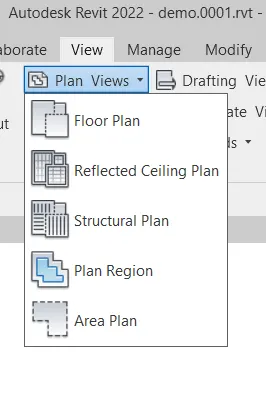
*go to view select the floor plan for architectural and structural plan for the structural plan or layout
some layouts of architectural and structural plans .
result:- architectural plan
structural plan
4 ans :- aim to create the dimensions for architectural and structural plans
go to annotate tool bar click on the required dimension whether linear, angular etc
result ;- the dimension given for structural and architectural plans.
for architectural plan
for structural plan
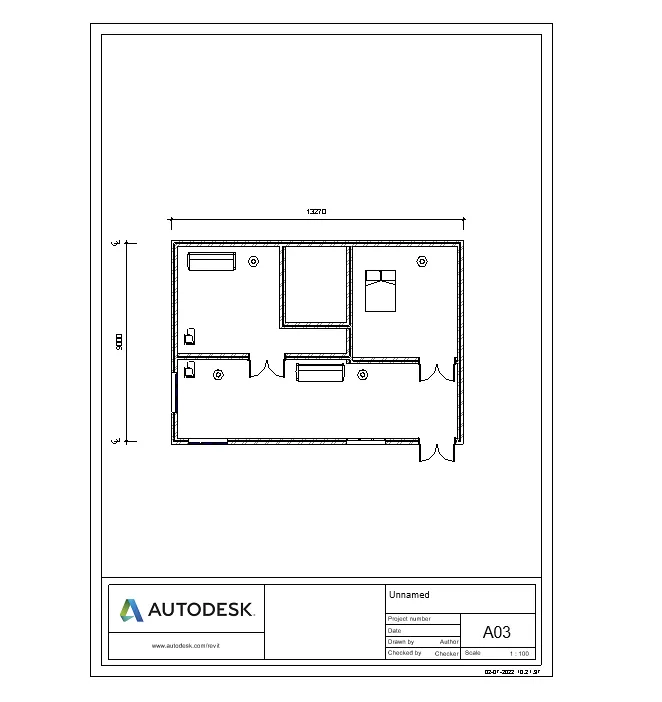
5 ans :- aim to create the sheet template..
go to the view tab click on sheet click on the required sheet types
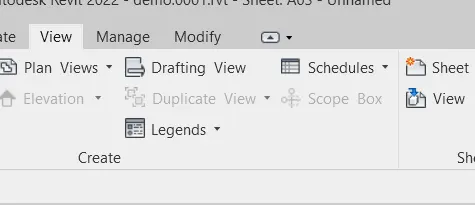
a sheet is set and opened and can edit on sheet required details
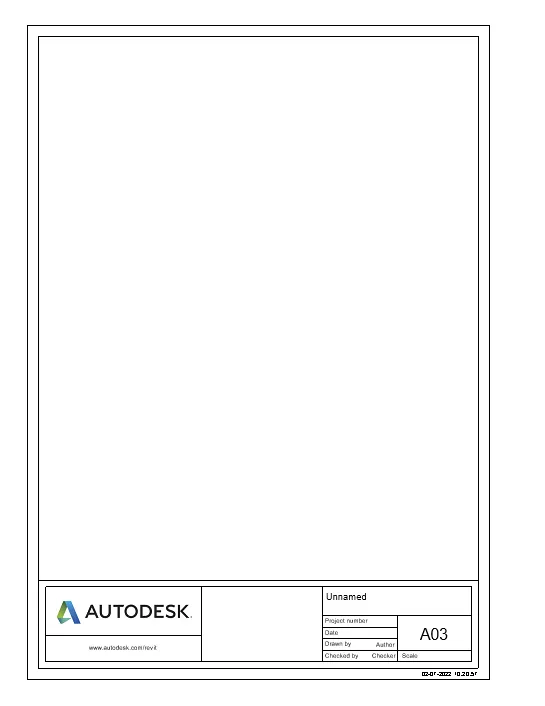
in view tab click on view to set the view in the sheet and can be edited in property browser for sheet settings
like scaleing the view in template etc.
6 ans :- aim;-create the elevation for different directions
go to the property browser or go to the elevation in the view tab set the direction and rename in the proprty browser
for the direction names
result example some are created in the directios follows
west direction elevation
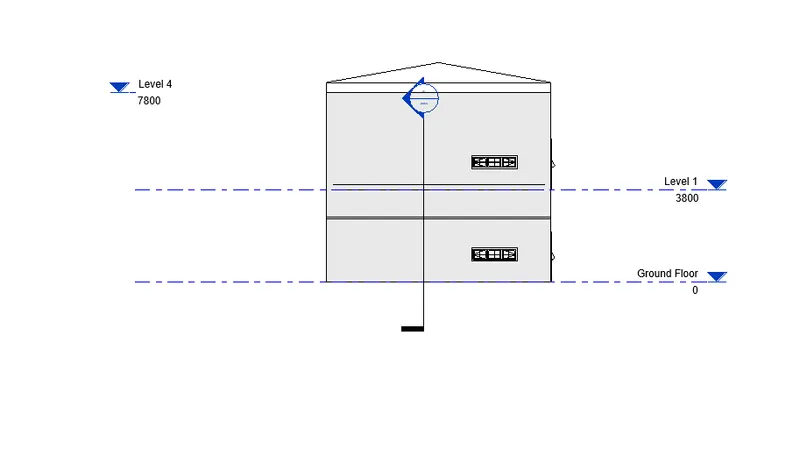
south elevation direction
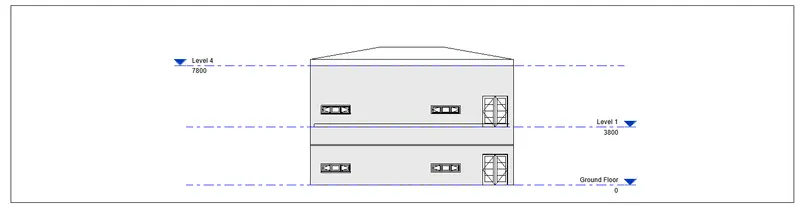
north elevation
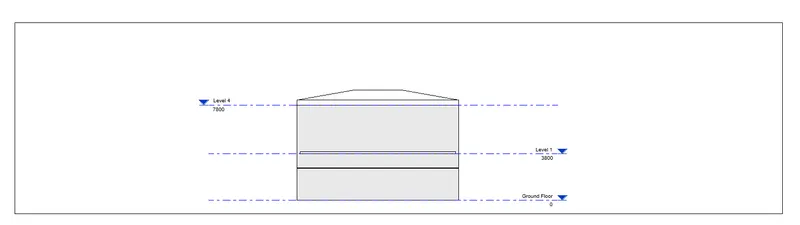
east elevation
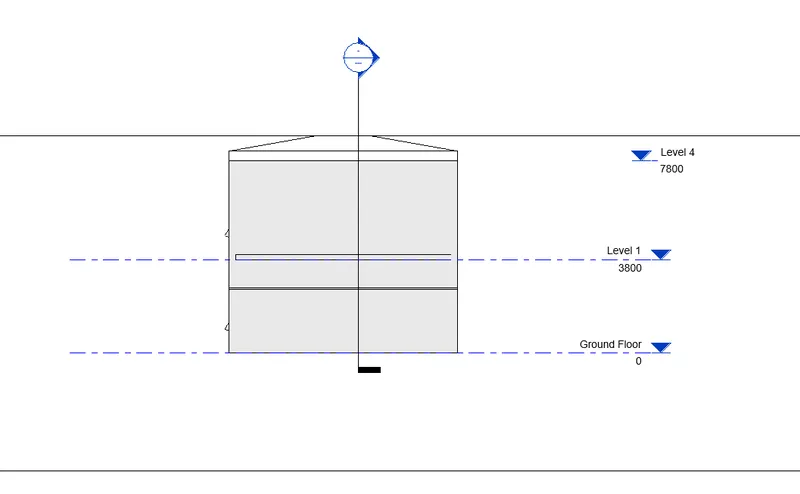
7 ans :- aim:- creating sections in traverse and longitudinal way
go to sview tab slecect the section and draw the section required in the ways required
then the sections are created to see in the section menu.
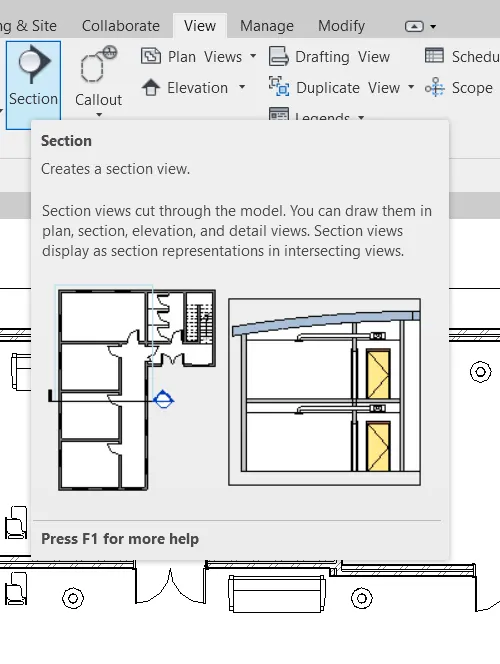
sections created
result:-
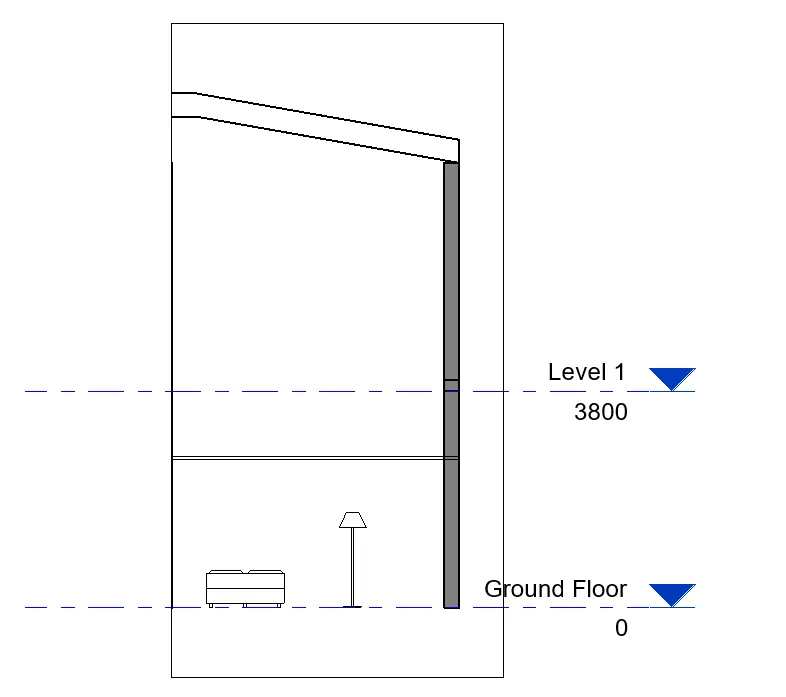
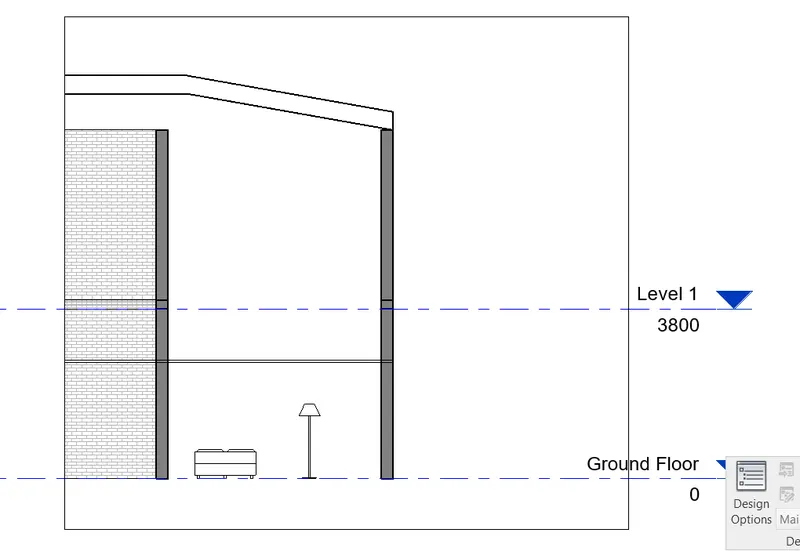
and dy crfeating the sections can be renamed in the propaerrty browser
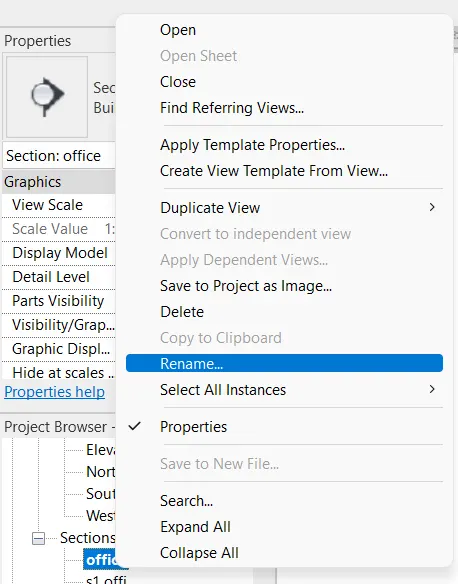
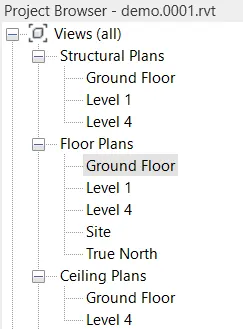
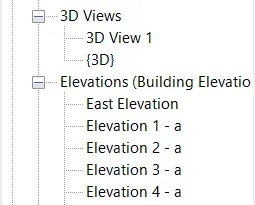
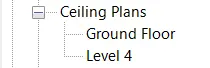
8 ans :- aim classifying the elevations ,sections , floor plans in the property browser .
r:- go to property browser and find these .
structural plans and floor plans
3d views
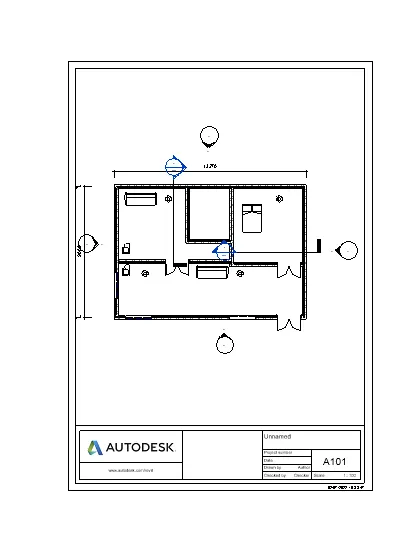
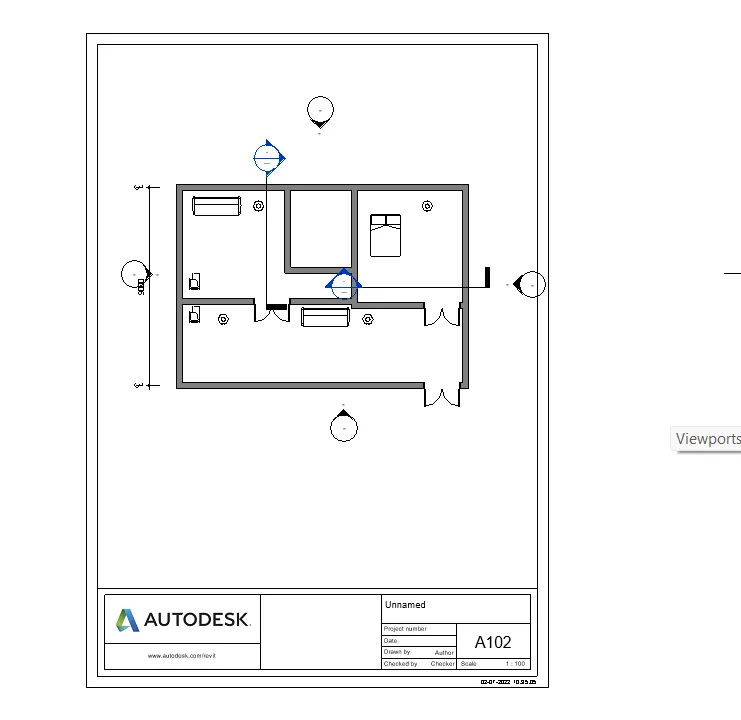
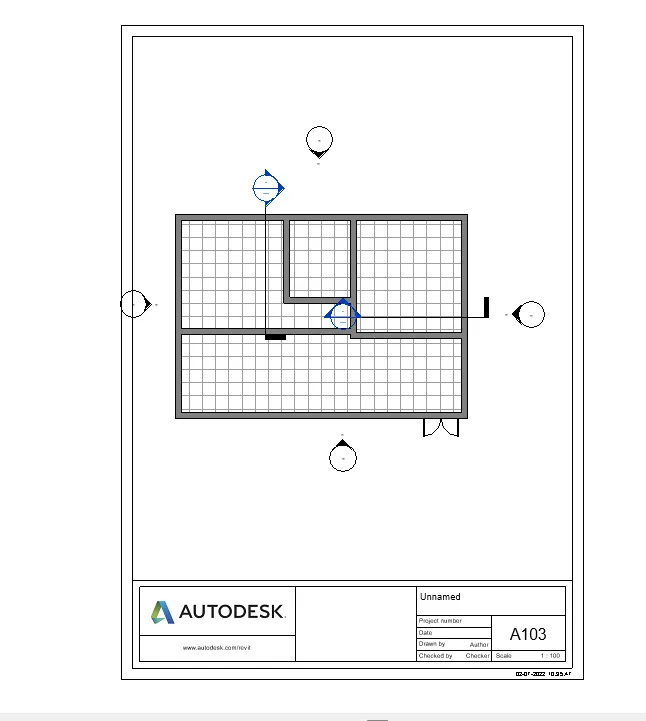
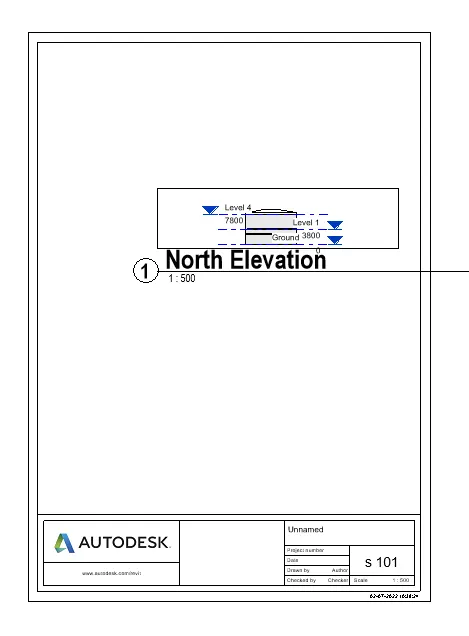
9 ans :- aim using sheets template creating the various templates
go to the view sheet and edit the sheet required and set in the views required
result of some templates created
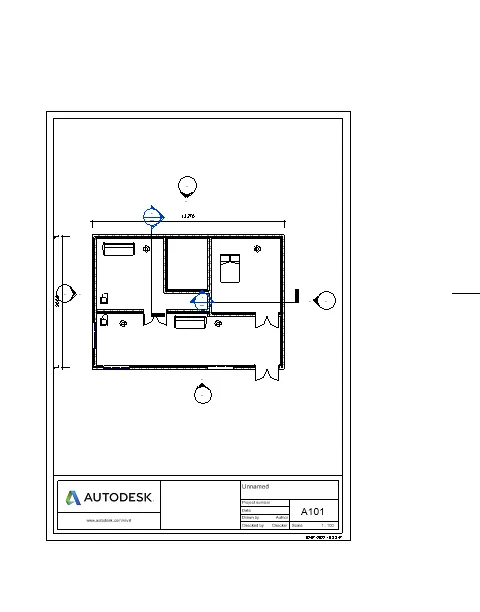
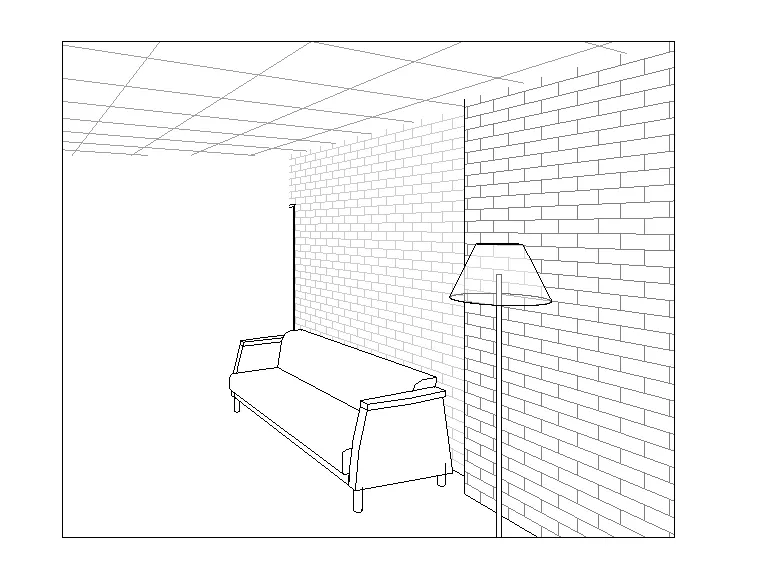
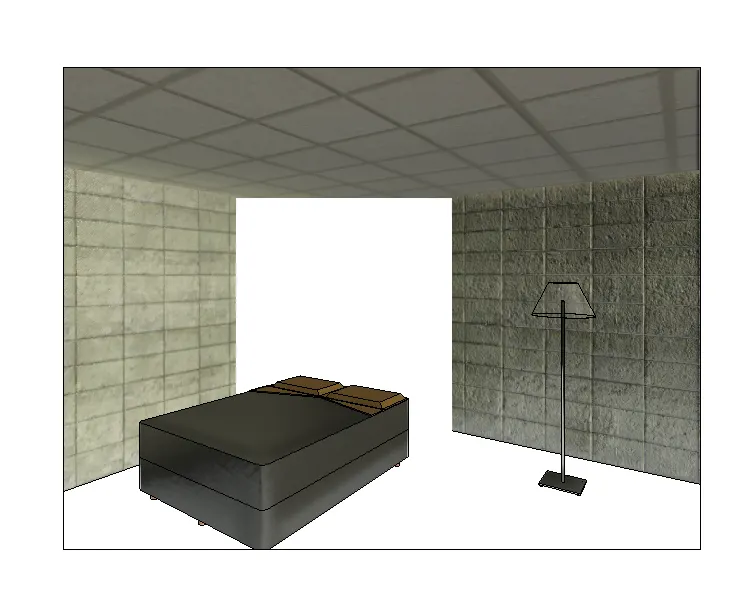
10 ans :- aim :- to create the 3d view in each room
go to camera set in room in which portion required the view is created go to 3d to view the view created .
living room 3d
bed room 3d realestic
go to view tab set sheets and set the views in it
in sheets