3D Creation of Ceiling, Roof, Architectural plan, Structural plan, Sectional view, Elevation view and Camera specific view for a house plan using REVIT
Aim:To create the 3D Creation of Ceiling, Roof, Architectural plan, Structural plan, Sectional view, Elevation view and Camera specific view for a house plan using REVIT.
Introduction:Create the 3D modeling of floor plan,in architectural and structural,section views ,elevations,3d views Camera placements for the 3d views.
Procedure:
1Ans:
- Start Revit.
- Open the existing file.
- Select the architectural tab.
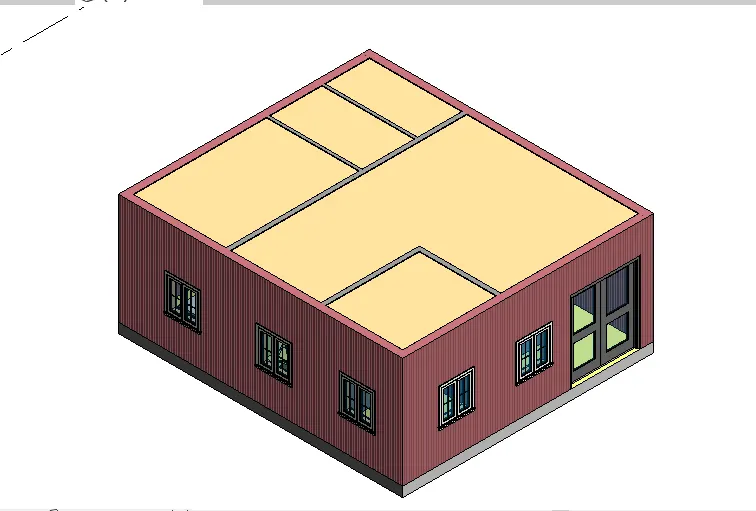
- Select the celling,then select the pick line.
- Select the wall where the celling is required.
- Select the project manger tab,Select the celling and edit as per requirement.
2Ans:
- Start Revit.
- Open the existing file.
- Select the architectural tab.
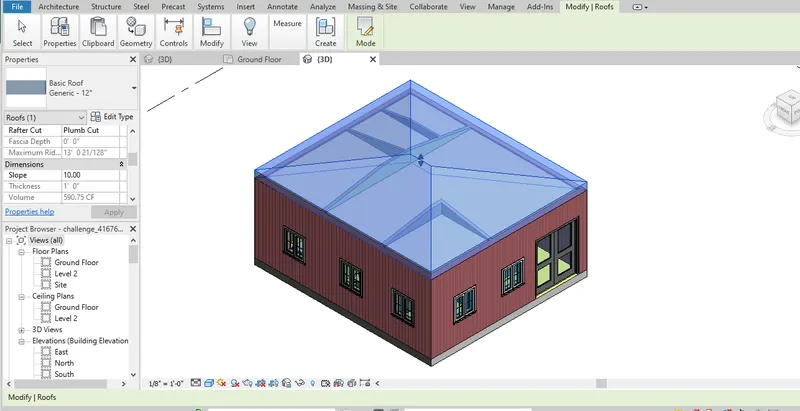
- Select the roof by foot print,then select the pick line.
- Select the wall where the roof is required.
- Select the project manger tab,Select the slope and given the value 10degrees,in case slope in different units,type units,unit tab is open and edit the slope in degress.
3Ans:
- Start Revit.
- Open the existing file.
- Select the view tab
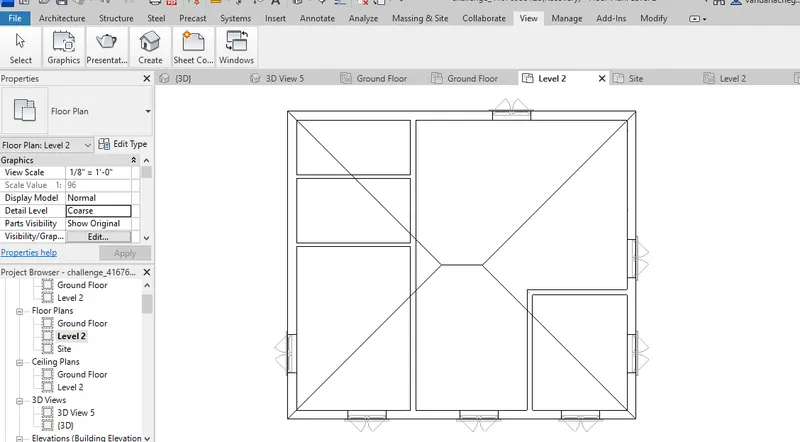
- Open plan views,select the plan views then select the floor plans.
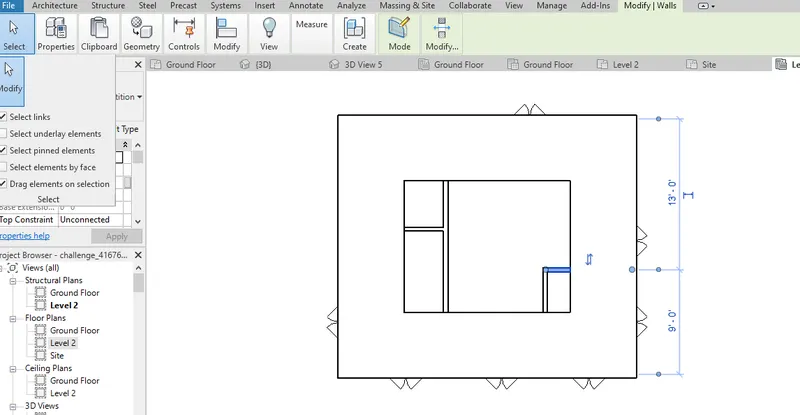
- Open plan views,select the plan views then select the Structure plans.
4Ans:
- Start Revit.
- Open the existing file.
- Select the Annotate tab
- Slect the linear dimensions,annonate the the floor plan and structure plan.
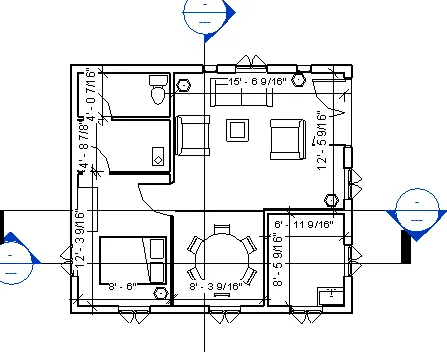
5Ans:
- Start Revit.
- Open the existing file.
- Select the view tab
- Slect the sheet from view tab,then adjust the parameters as per requirement.
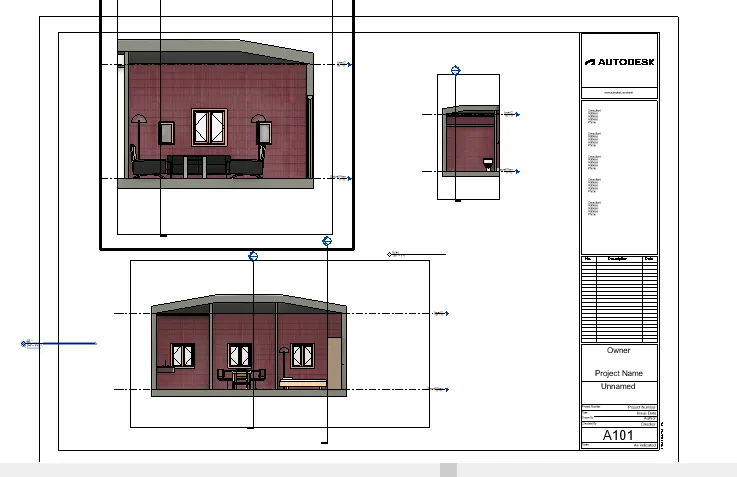
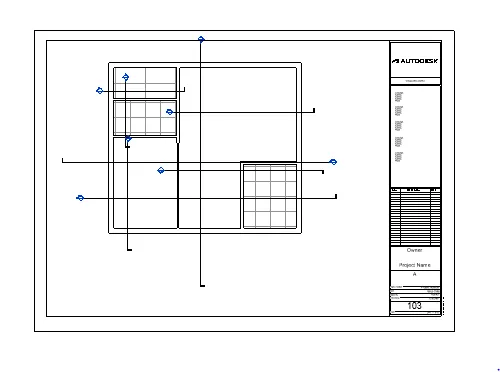
6Ans:
- Start Revit.
- Open the existing file.
- Select the 3D object view tab.
- Slect the East,West,North,South elevation.
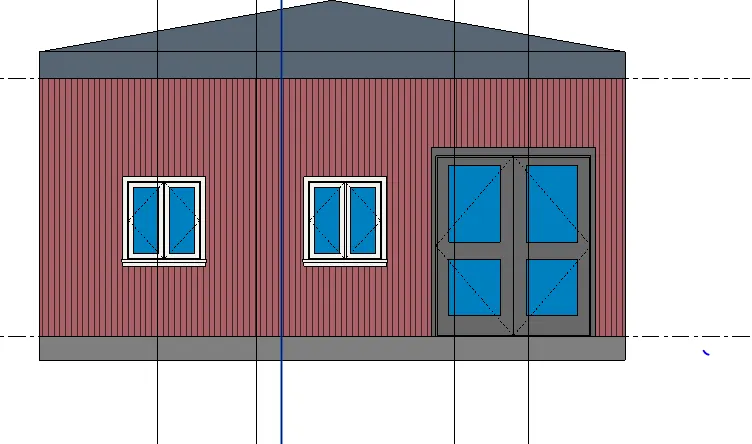
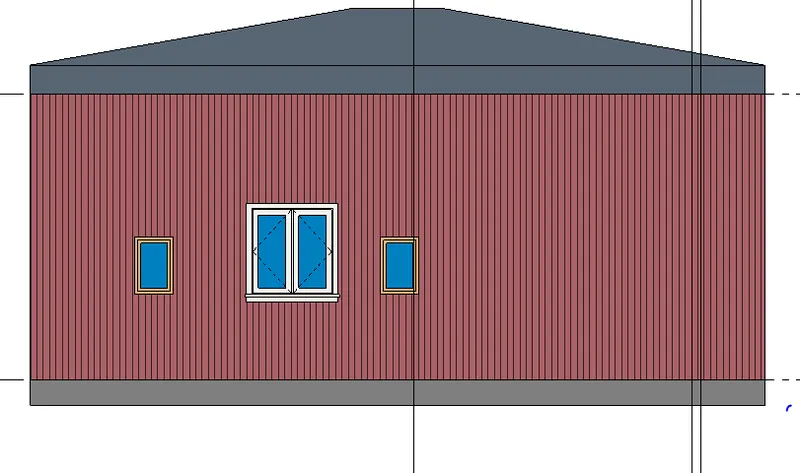
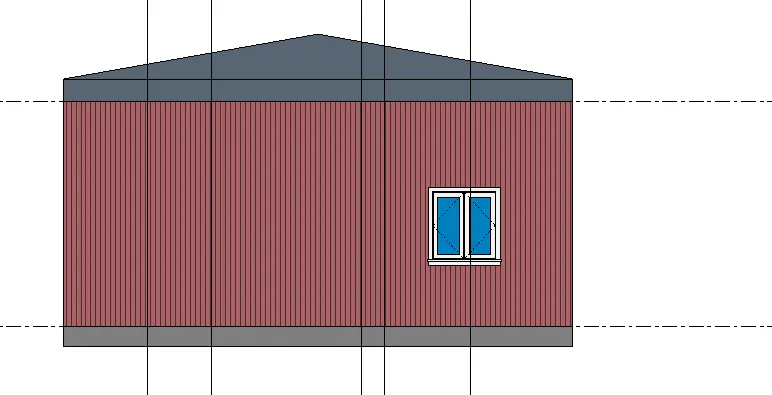
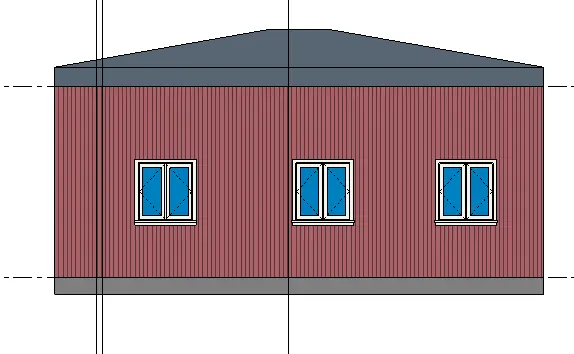
7Ans:
- Start Revit.
- Open the existing file.
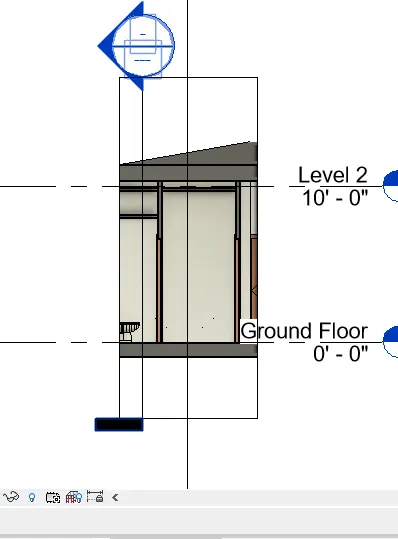
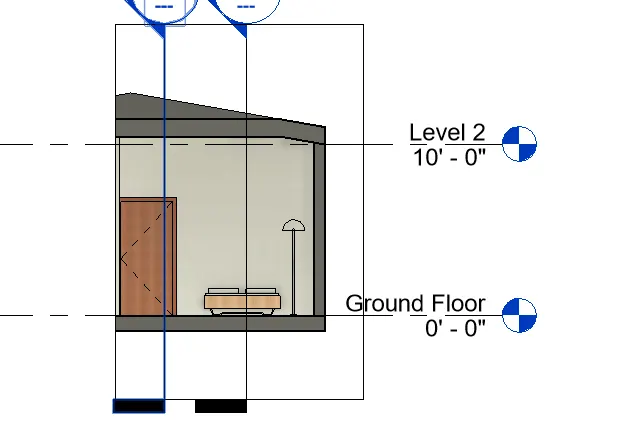
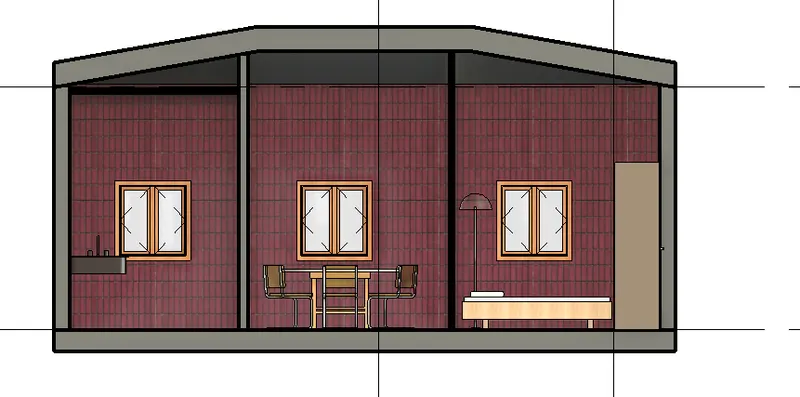
- Select the Section.
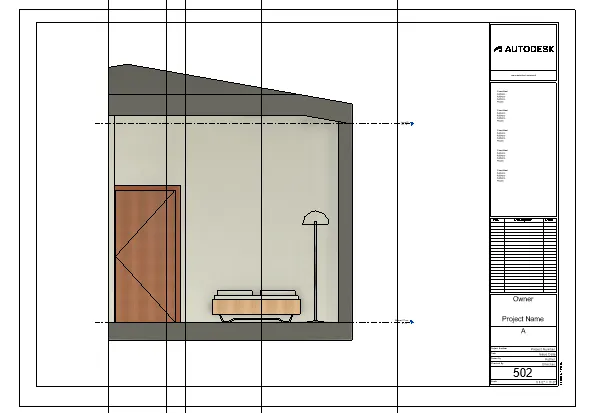
- Then cut the rooms transevers and longitudinal manner.
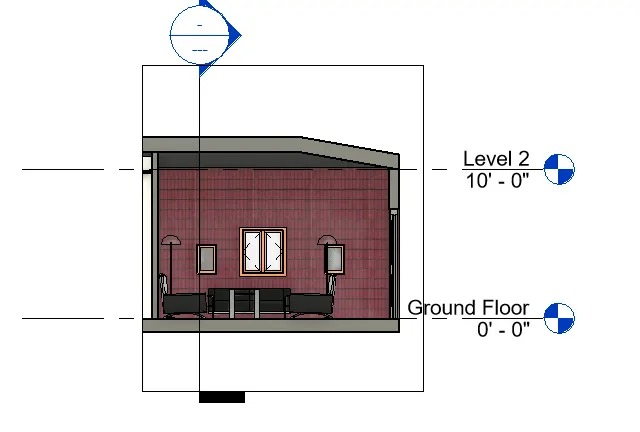
8Ans:
- Start Revit.
- Open the existing file.
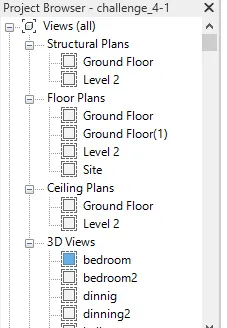
- Select the project Manger tab for visualizeof work.
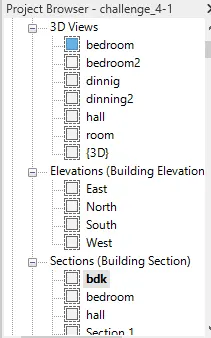
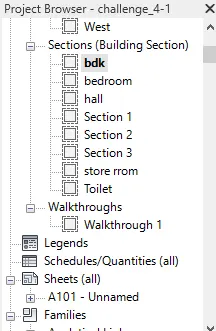
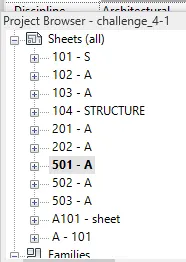
9Ans:
- Start Revit.
- Open the existing file.
- Select the view tab
- Slect the sheet from view tab,then draw the section views,architectural,structural plans.
- A 101- Ground Floor Architecture Plan
b. A 102- First Floor Architecture Plan
c. A 103- Roof Plan
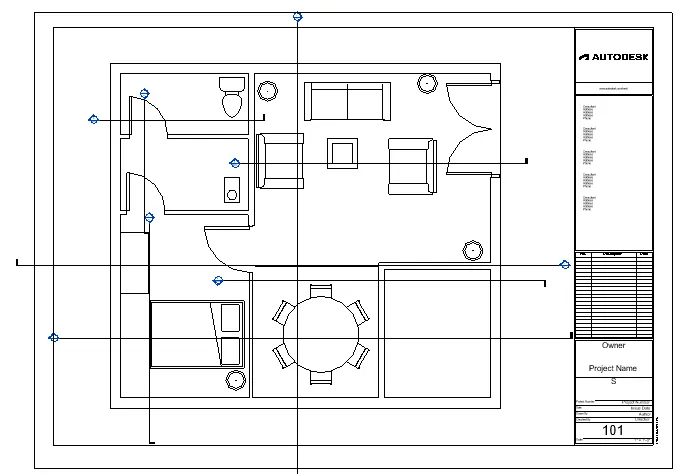
d. S 101- Ground Floor Structural Plan
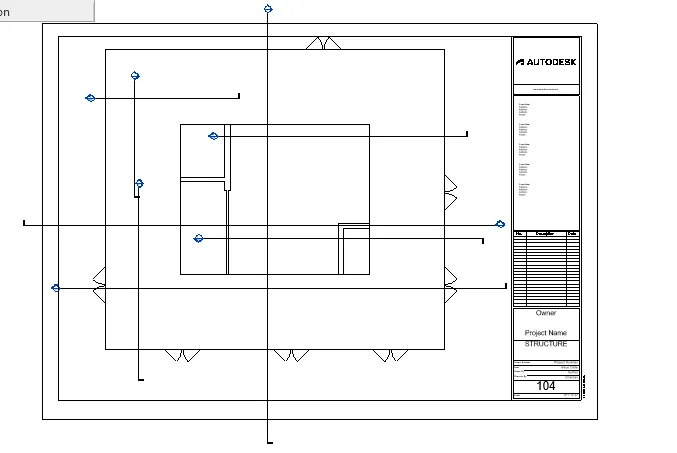
e. S 102- First Floor Structural Plan
f. S 103- Roof Framing Plan
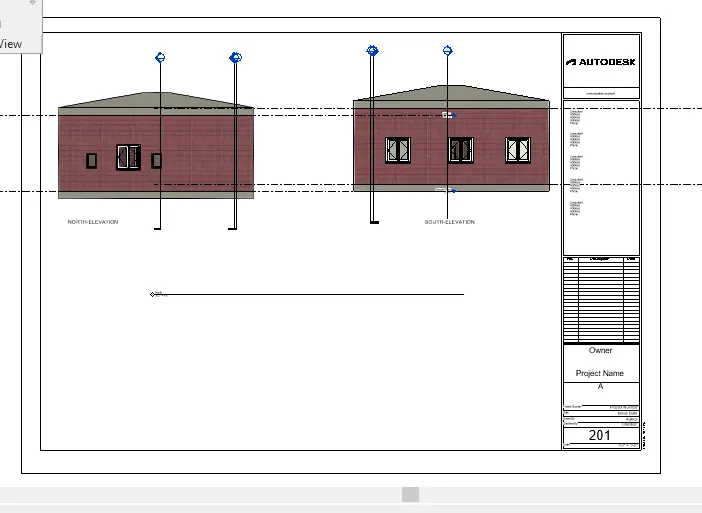
g. A-201- North-South Elevations
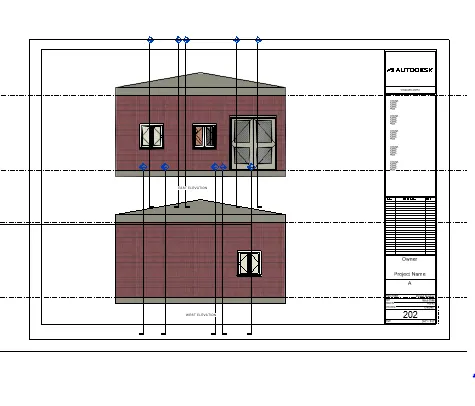
h. A-202- East-West Elevations
A 101- Ground Floor Architecture Plan
b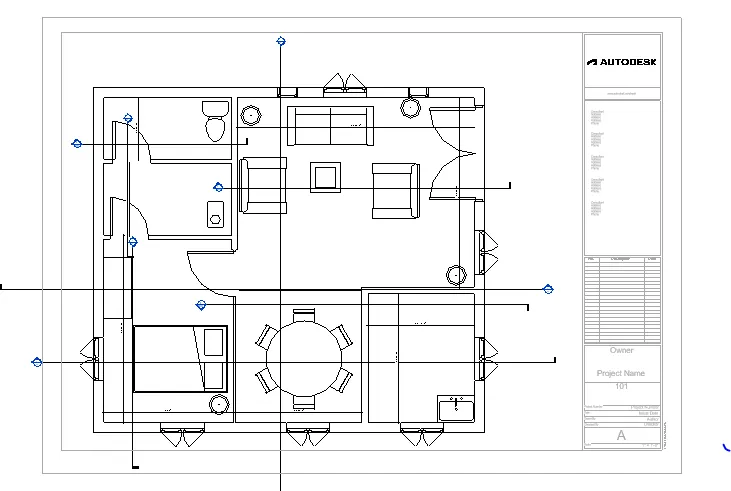
b. A 102- First Floor Architecture Plan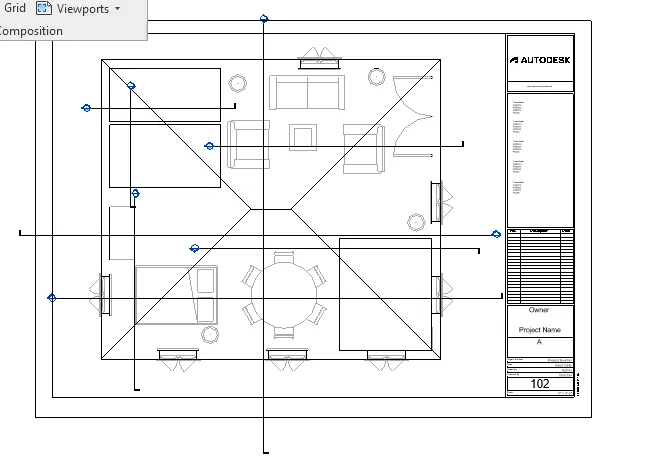
c. A 103- Roof Plan
d.S 101- Ground Floor Structural Plan
e. S 104- First Floor Structural Plan
g. A-201- North-South Elevations
- h. A-202- East-West Elevations
10Ans:
- Start Revit.
- Open the existing file.
- Select the view tab
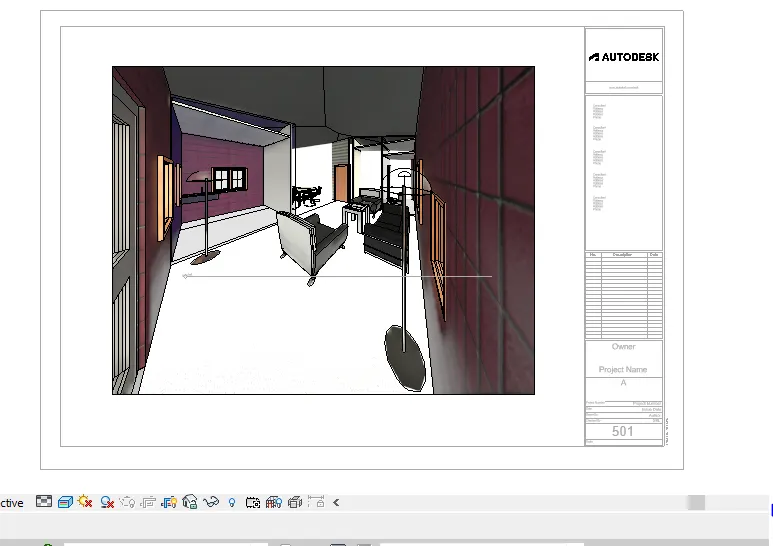
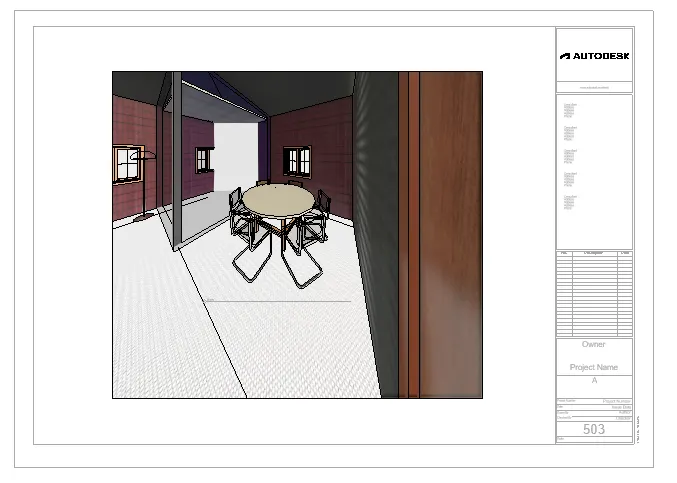
- Slect the sheet from view tab,then draw the 3D views of hall,dinning,bedroom.
Result:To complete the 3D Creation of Ceiling, Roof, Architectural plan, Structural plan, Sectional view, Elevation view and Camera specific view for a house plan using REVIT.