 Free · 3 lessons · no payment
AutoCAD Essentials for Mechanical Engineers: 3 free lessons
Three free lessons from Skill-Lync's AutoCAD Essentials for Mechanical Engineers course. They set out what the course teaches and why 2D drafting matters, then cover technical drawings, orthographic projection and the history of CAD. They also tour the AutoCAD interface and teach the first drawing commands: erase, oops, line, circle and coordinate entry.
Last updated 16 Nov 2026 · 3 free lessons (1 h 21 min) · full course: 44 lessons (20 h 30 min), paid · ₹40,000
 Free lesson 1 · 28 minDrafting Course Overview, Technical Drawings and Projections
What will you learn in the free AutoCAD Essentials for Mechanical Engineers lessons?
- How orthographic projection gives 2D views of 3D parts
- How CAD evolved from Sketchpad to AutoCAD
- Parts of the AutoCAD interface and command line
- Drawing lines and circles with coordinate entry
Free lessons you can watch now
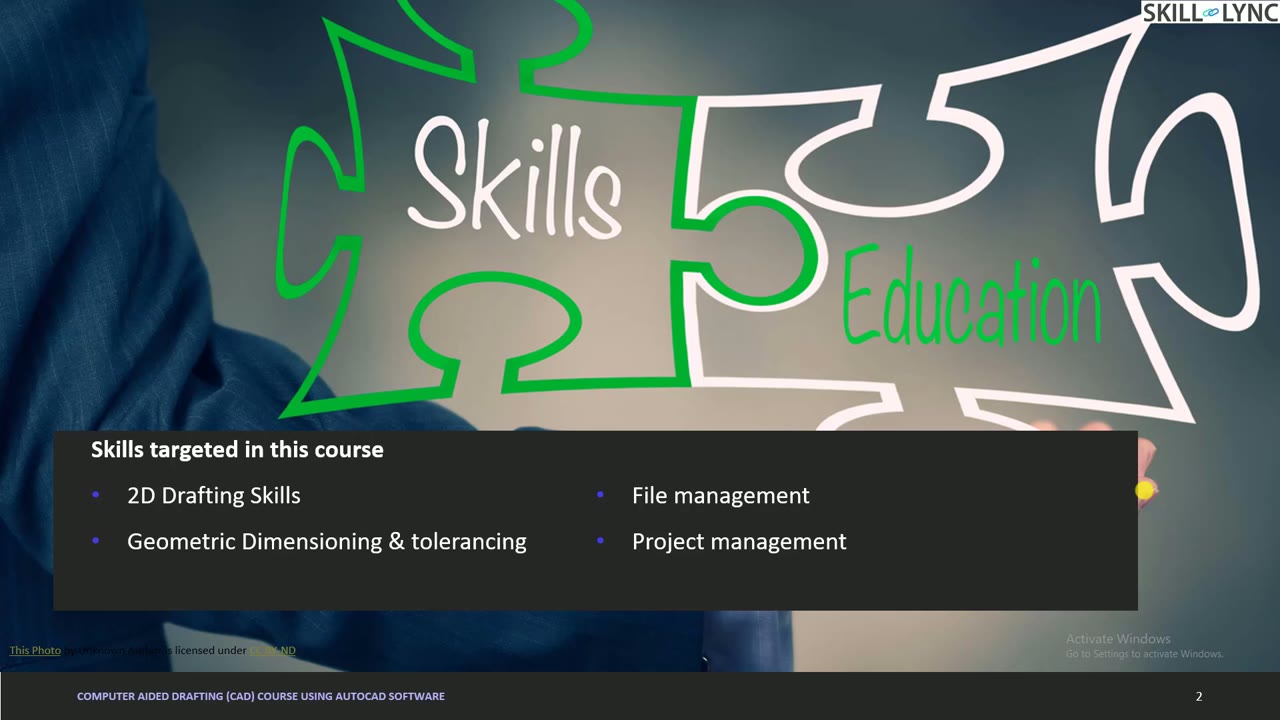
- Lesson 1 · 28 minDrafting Course Overview, Technical Drawings and ProjectionsThe instructor outlines the skills and plan of the AutoCAD drafting course, including 2D drafting, geometric dimensioning and tolerancing, file management and a capstone project. The lesson then explains what a technical drawing must answer, the five Ws and one H, and how orthographic projection turns a 3D object into 2D views, comparing first and third angle.
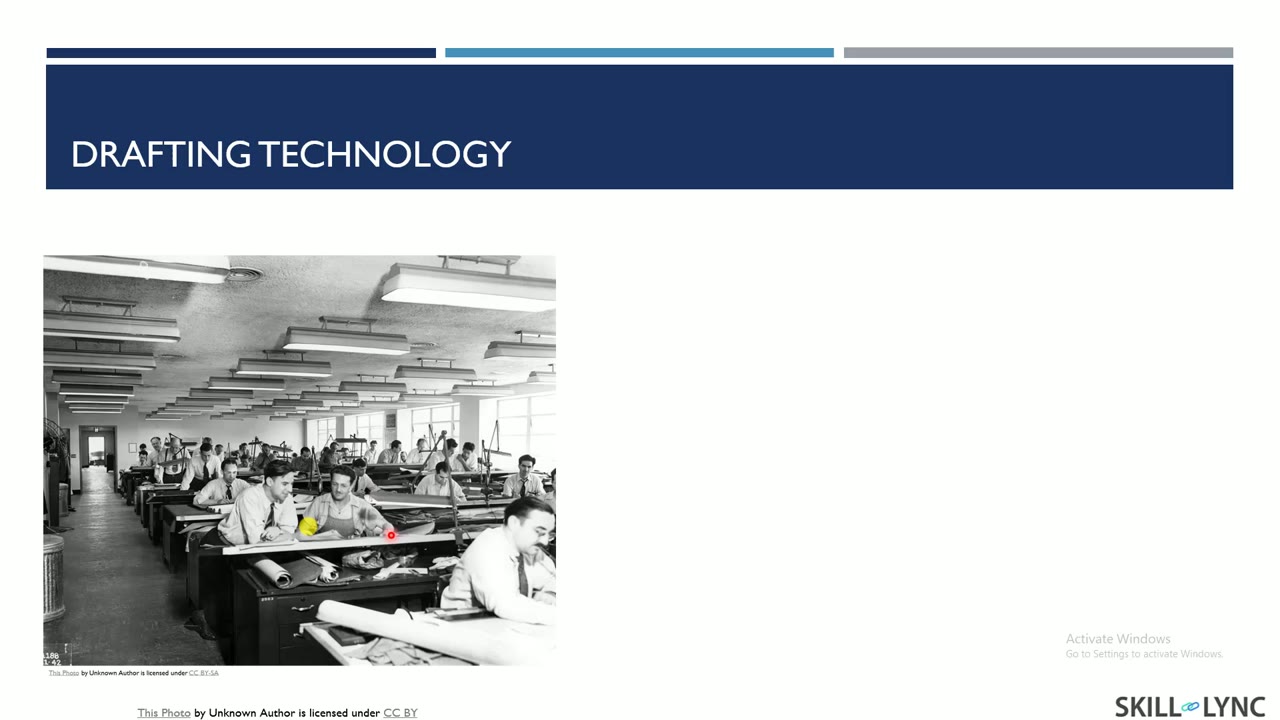 Lesson 2 · 26 minHistory of CAD and a Tour of the AutoCAD InterfaceThe instructor traces CAD history from early mainframe programs and Sketchpad in 1960 to AutoCAD in 1982, Pro/Engineer in 1987 and SOLIDWORKS in 1995, then mentions 3D scanning and 3D printing. The lesson then tours the AutoCAD ribbon tabs, palettes, navigation bar, status bar, layout tabs and command line, with a circle command demo.
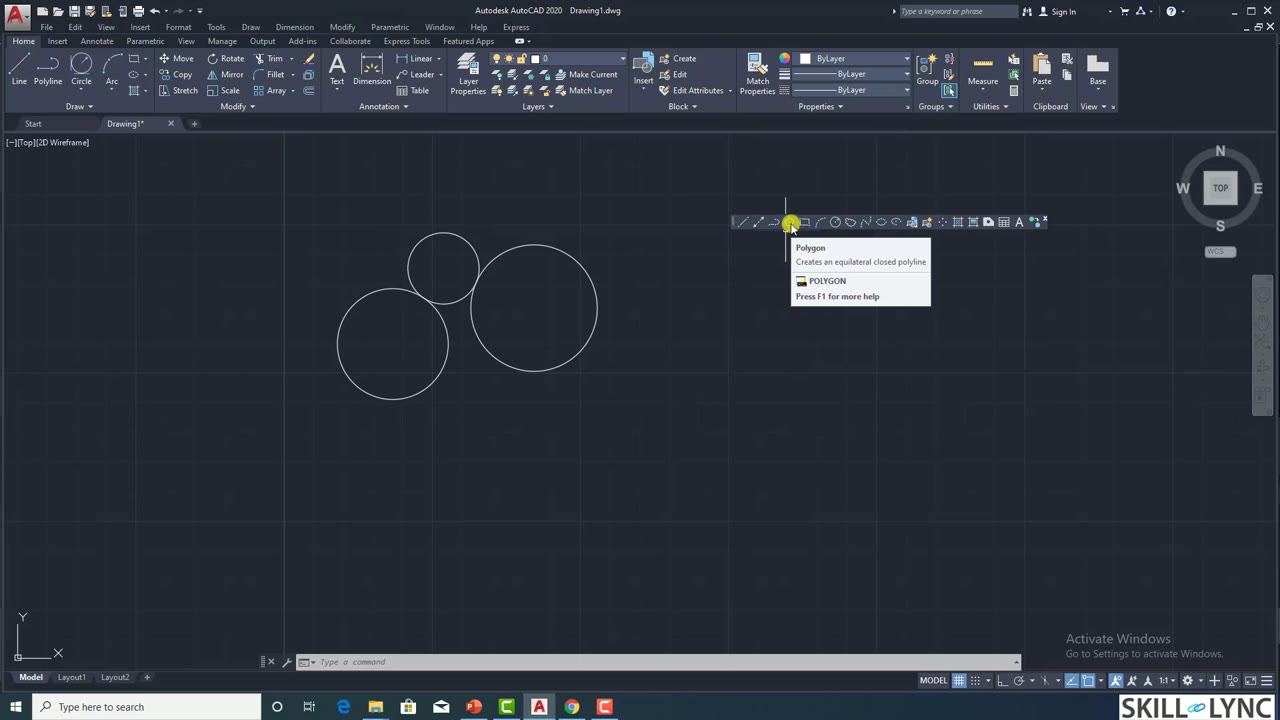 Lesson 3 · 27 minErase, Oops, Line and Circle Commands with Coordinate EntryThe instructor shows how to turn on the draw toolbar and use the erase and oops commands. The lesson then draws lines and rectangles with absolute, relative rectangular and relative polar coordinates, and ends with the circle command and its centre, two-point, three-point and tangent-tangent-radius options.
Which lessons of AutoCAD Essentials for Mechanical Engineers are free?
The first 3 lessons are free on Grow by Skill-Lync: 1 h 21 min of video from Skill-Lync's AutoCAD Essentials for Mechanical Engineers course that you can watch here at no cost: leave your name and phone number once and they play (as of 16 Nov 2026). The full course is paid (₹40,000); its other 41 lessons are listed in the outline below so you can see what each one covers.
How long is the AutoCAD Essentials for Mechanical Engineers course?
The full course has 44 lessons and 20 h 30 min of recorded video, plus the projects and assignments that come with enrolment. The free lessons alone take about 1 h 21 min, so you can finish them in an evening and decide whether to continue.
What comes after the free lessons?
Lesson 4 onwards is in the paid AutoCAD Essentials for Mechanical Engineers course on Skill-Lync, with mentor support and a certificate. For a career in CAD & design, the Post Graduate Program in CAD goes further with industry projects and placement support.