 Free · 4 lessons · no payment
Advanced Aerodynamic Simulations using CONVERGE: 4 free lessons
Four free lessons from Skill-Lync's Advanced Aerodynamic Simulations using CONVERGE course. A short Zoom audio and video guide opens the set, followed by the instructor's 12-week overview covering CONVERGE Studio, a throttle body project, NACA airfoil stall, turbulence theory, y+ and an FSA vehicle. The set also includes lessons on the welcome email and on directories and file management.
Last updated 16 Nov 2026 · 4 free lessons (55 min) · full course: 45 lessons (13 h 9 min), paid · ₹40,000
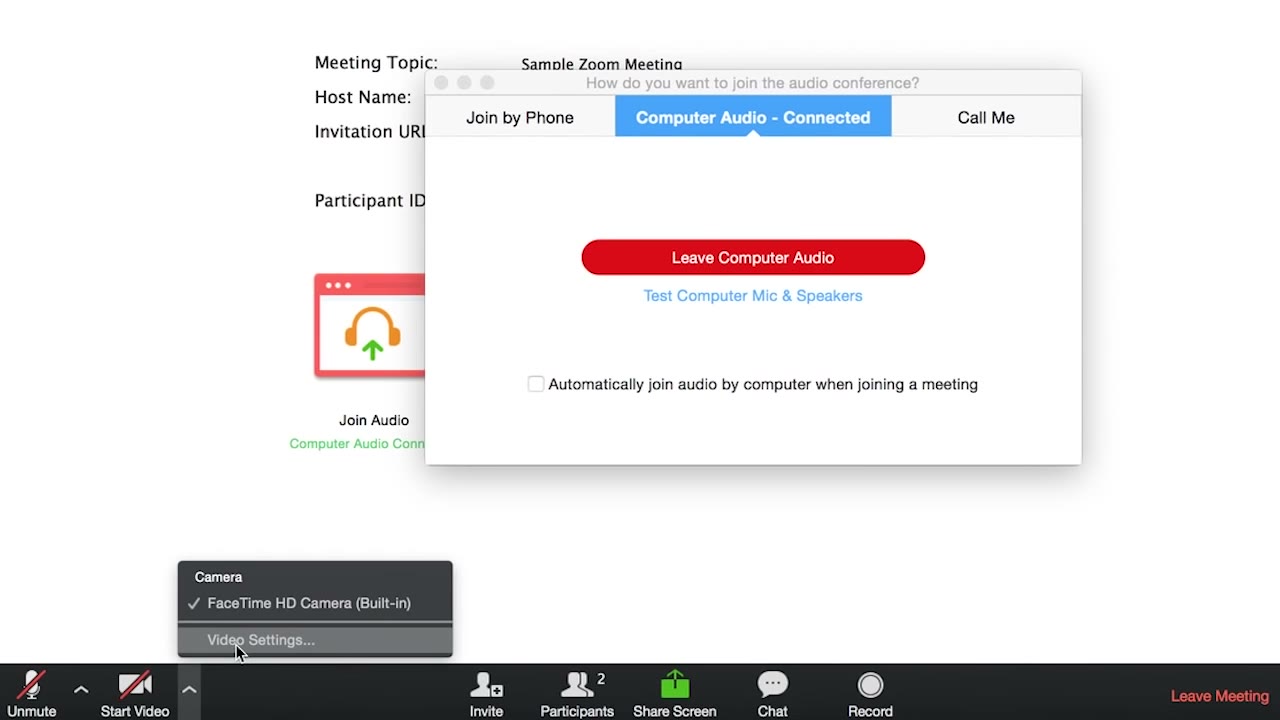 Free lesson 1 · 1 minJoining and Configuring Audio and Video in a Zoom Meeting
What will you learn in the free Advanced Aerodynamic Simulations using CONVERGE lessons?
- Joining Zoom with audio and video set up
- Week-by-week structure of the 12-week program
- Projects: throttle body, NACA airfoil, FSA car
- Why y+ and turbulence models drive meshing
Free lessons you can watch now
- Lesson 1 · 1 minJoining and Configuring Audio and Video in a Zoom MeetingThis short lesson is Zoom logistics only. It shows how to select Join Audio, choose Join Audio Conference by Computer, test the microphone and speakers under Audio Options, and check the camera under Video Settings. No CFD content is covered.
 Lesson 2 · 5 min12-Week Overview of Advanced Aerodynamics with CONVERGE CFDThe instructor outlines the 12-week program week by week: software setup, geometry cleanup in CONVERGE Studio, a throttle body project, a Prandtl-Meyer expansion fan, a NACA airfoil angle-of-attack study, boundary layer theory, an LDA validation project and an FSA vehicle. Meshing needs, y+ and running on a high-performance computing system are also introduced.
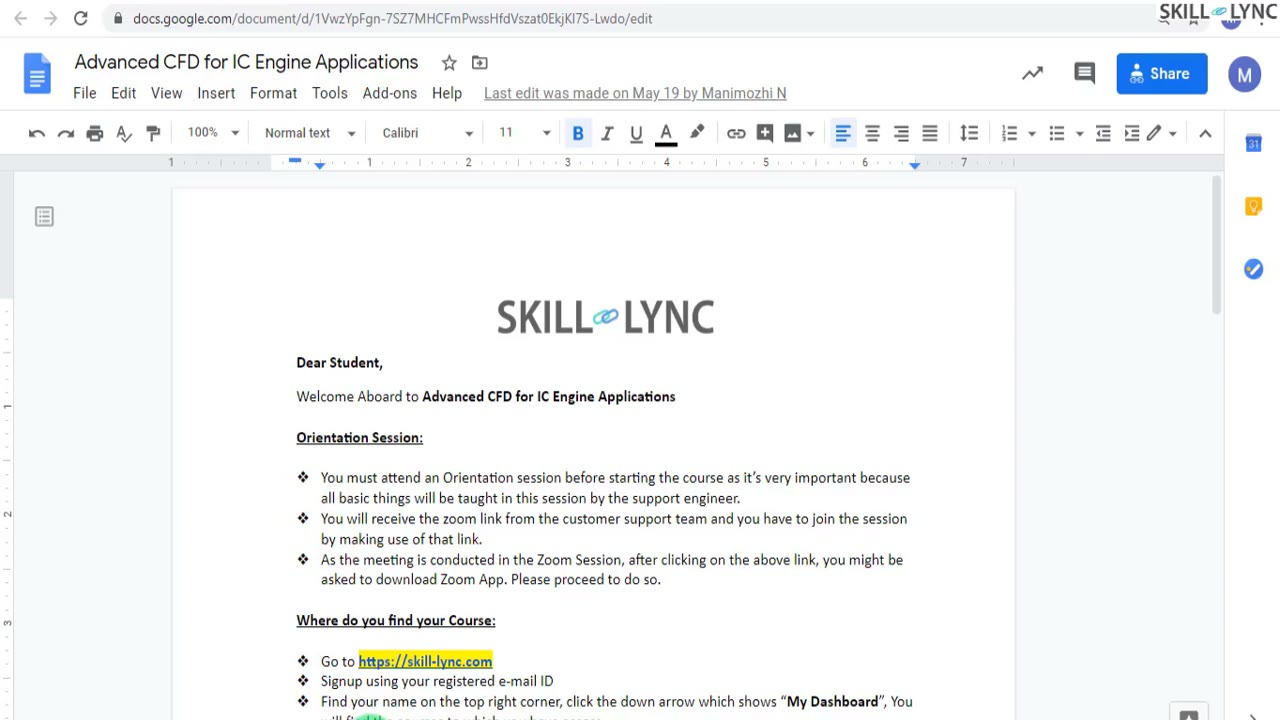 Lesson 3 · 25 minGetting Started: Welcome Email, Licence Activation and Cygwin SetupThis is an administrative lesson on what to do before starting a CONVERGE course. The instructor shows the welcome email with its software download links, licence request sheet and orientation details, explains the server based licence and VPN connection, and demonstrates one time Cygwin commands run as administrator.
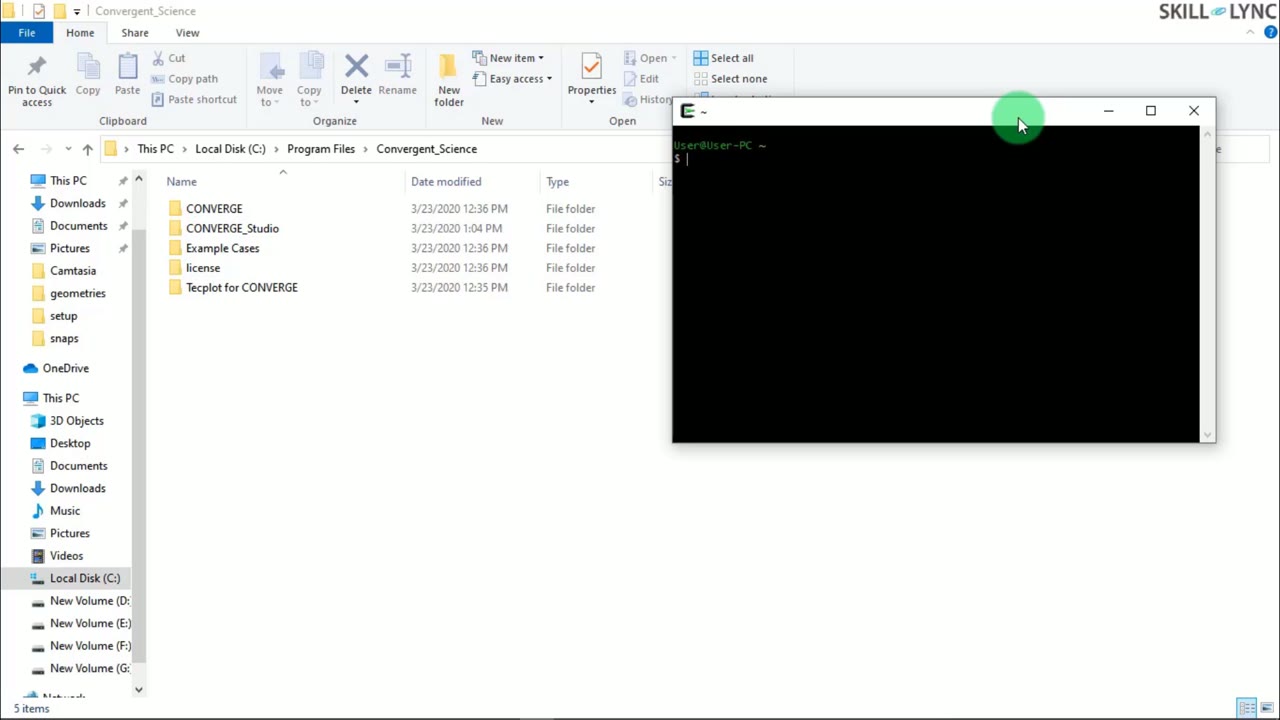 Lesson 4 · 25 minSetting Up Run Directories and Running CONVERGE Cases from CygwinThe instructor shows how to launch Cygwin as administrator, use pwd, cd and ls to navigate, and create a CONVERGE runs folder outside the C drive with a subfolder for the channel flow case. It also explains the processor count in the run command for parallel processing and which MPI executable to use.
Which lessons of Advanced Aerodynamic Simulations using CONVERGE are free?
The first 4 lessons are free on Grow by Skill-Lync: 55 min of video from Skill-Lync's Advanced Aerodynamic Simulations using CONVERGE course that you can watch here at no cost: leave your name and phone number once and they play (as of 16 Nov 2026). The full course is paid (₹40,000); its other 41 lessons are listed in the outline below so you can see what each one covers.
How long is the Advanced Aerodynamic Simulations using CONVERGE course?
The full course has 45 lessons and 13 h 9 min of recorded video, plus the projects and assignments that come with enrolment. The free lessons alone take about 55 min, so you can finish them in an evening and decide whether to continue.
What comes after the free lessons?
Lesson 5 onwards is in the paid Advanced Aerodynamic Simulations using CONVERGE course on Skill-Lync, with mentor support and a certificate. For a career in CFD, the Post Graduate Program in Computational Fluid Dynamics goes further with industry projects and placement support.