Visualizing The Adyar River Flood (2015) using High-Resolution data on Ras Mapper and Modeling the Flow in HEC-RAS
Through a graphical user interface, the user communicates with HEC-RAS (GUI). Making the software simple to use while still keeping a high level of user efficiency was the key goal while designing the interface.
 Navin Baskar·4 Aug 2022·2 min read
Visualizing The Adyar River Flood (2015) using High-Resolution data on Ras Mapper and Modeling the Flow in HEC-RAS
HEC-RAS is designed to execute hydraulic calculations in one and two dimensions for an entire network of built-in and natural channels.
What are the Main Uses of HEC-RAS Mapper?
The main uses of the HEC-RAS Mapper are as follows:
- Hydraulic analysis components with a user interface
- Data Management and Storage
- User Interface for RAS Mapper Graphics and Reporting
Through a graphical user interface, the user communicates with HEC-RAS (GUI). Making the software simple to use while still keeping a high level of user efficiency was the key goal while designing the interface. Data entry and editing, file management, and hydraulic analyses
Creating maps of inundation and animations of water propagation as well as tabulation and graphical displays of data can be done in its interface.
HEC-RAS Mapper for Flood Modeling
HEC-RAS mapper is used for model simulation and flood mapping. Study flow analysis can be used to determine the water depth, flow velocity, and water surface height. It is used by flood control authorities to measure the flood at various cross-sections of a river and plan measures accordingly.
Here is a stepwise instruction on how to work with Ras Mapper using high-resolution data in the event of a major flood.
HEC RAS Mapper Tools Used in the Process
The HEC RAS mapper tools that are involved in the process are:
- HEC-RAS
- Alos Palsar DEM of 12.5m resolution
- Discharge data of Chembarambakkam reservoir in 2015 over Adyar river.
Study Area:
Adayar river channel in Chennai district
Procedure:
Step 1:
The new project is created to model
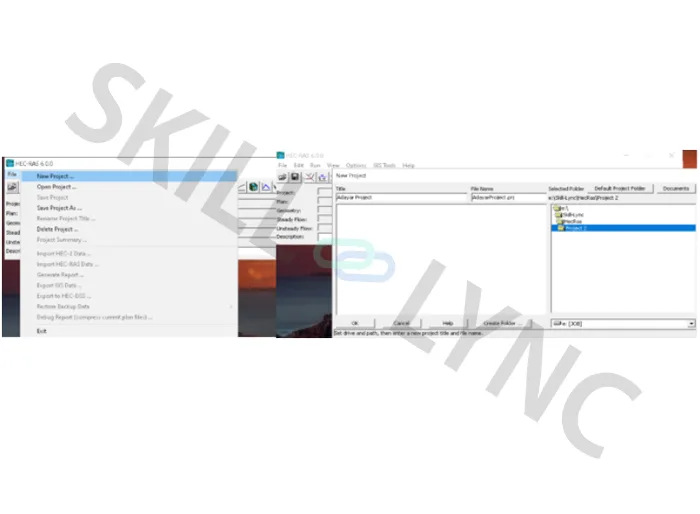
Step 2:
From the selected river, Using DEM data from ALASKA SATELLITE FACILITY is done.
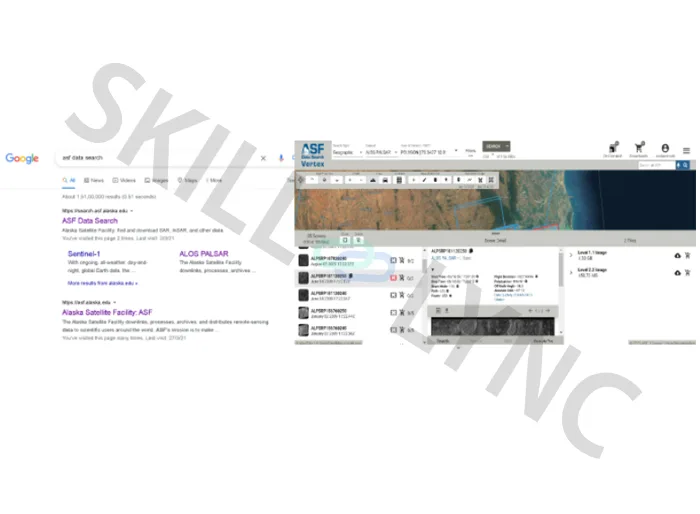
Step 3:
Change the unit system
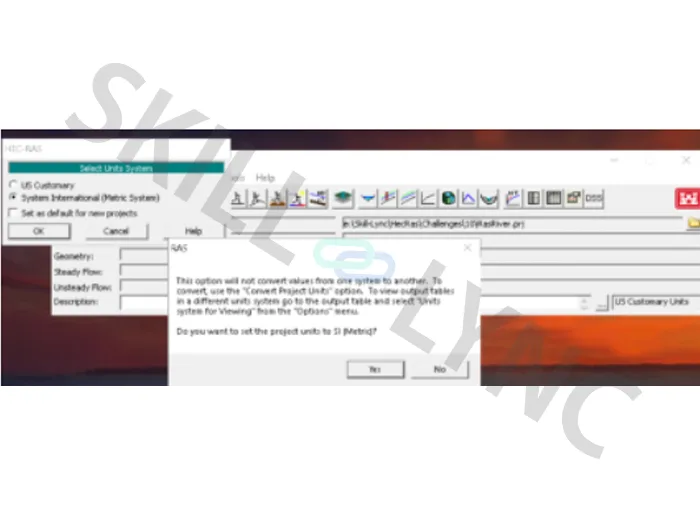
Step 4:
Click on Ras mapper
Add terrain data (Dem of your river)
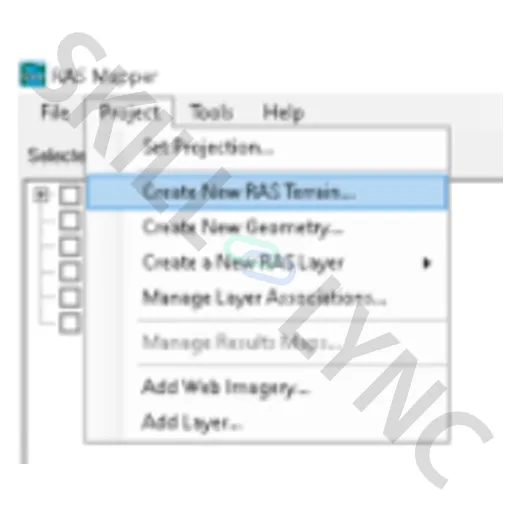
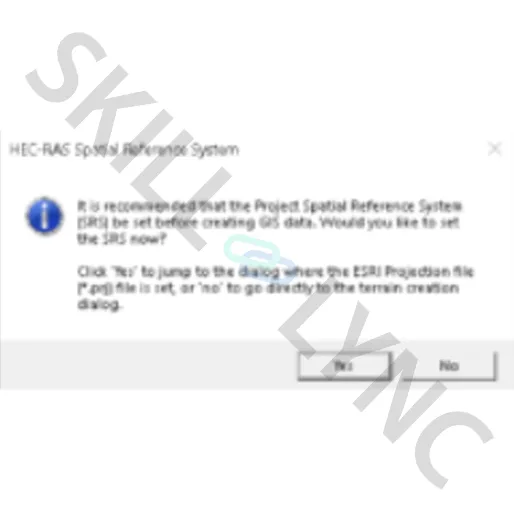
Click no and locate the DEM data in your storage
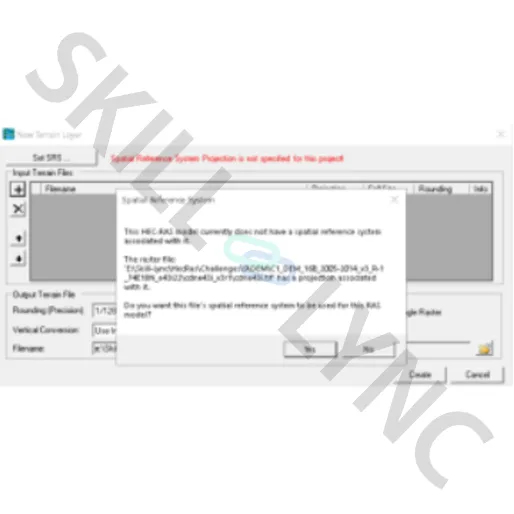
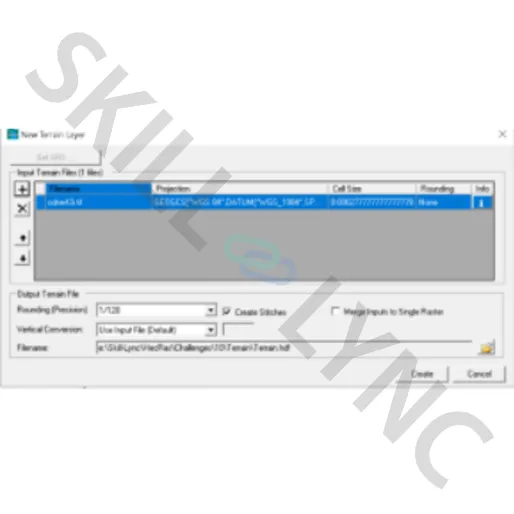
Click yes to set the CRS of DEM
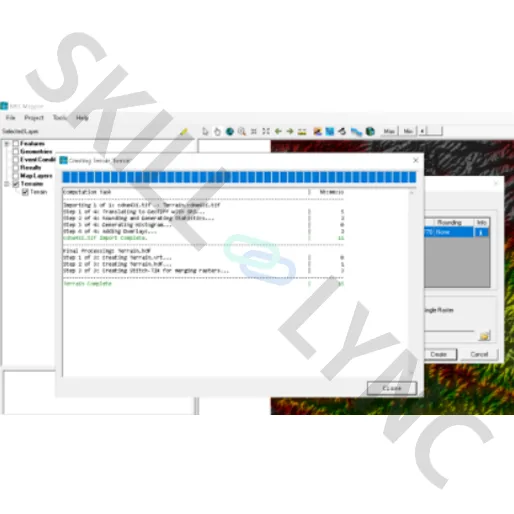
The DEM data gets added in the mapper window
Step 5:
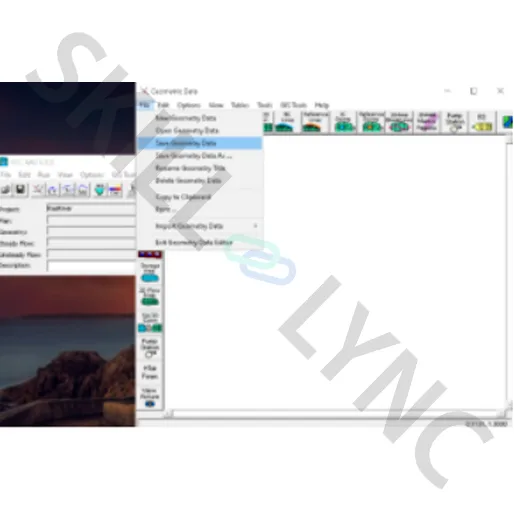
Open the geometric data view and save geometric data.
Step 6:
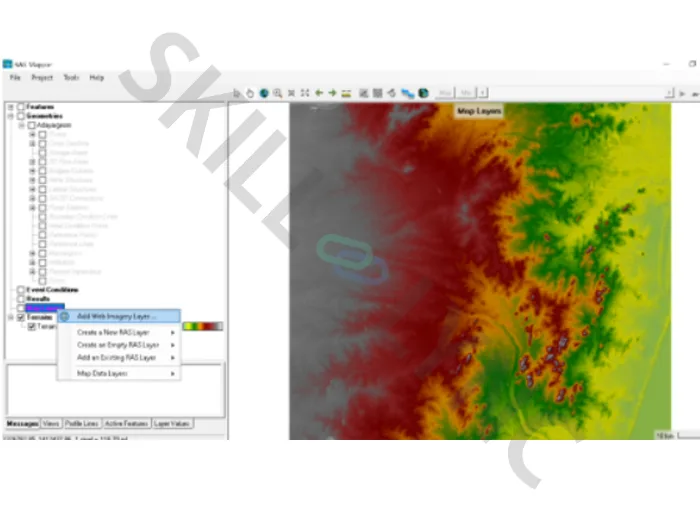
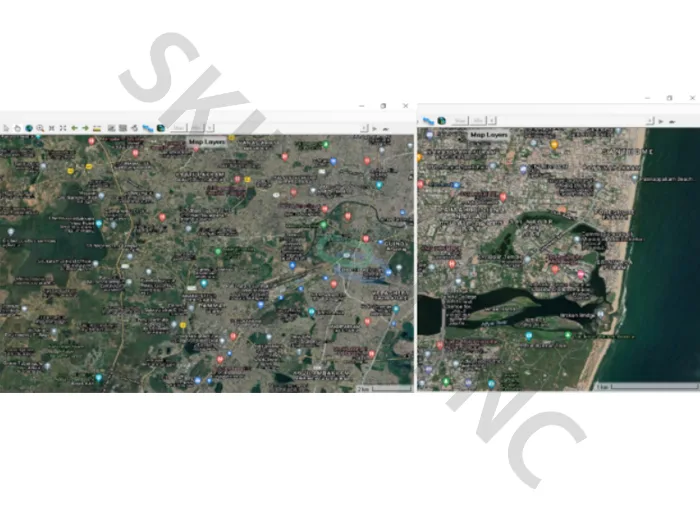
Add web imagery for referencing the DEM data and create contour intervals
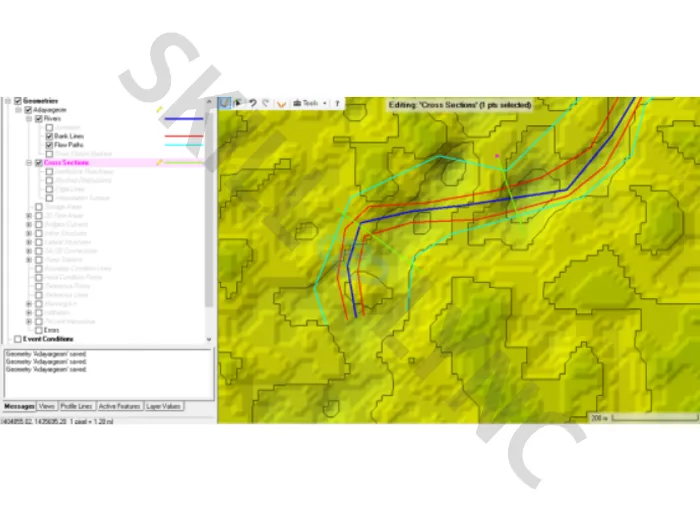
Using RAS Mapper, River, Bank lines, Flow paths and cross sections are marked
Step 7:
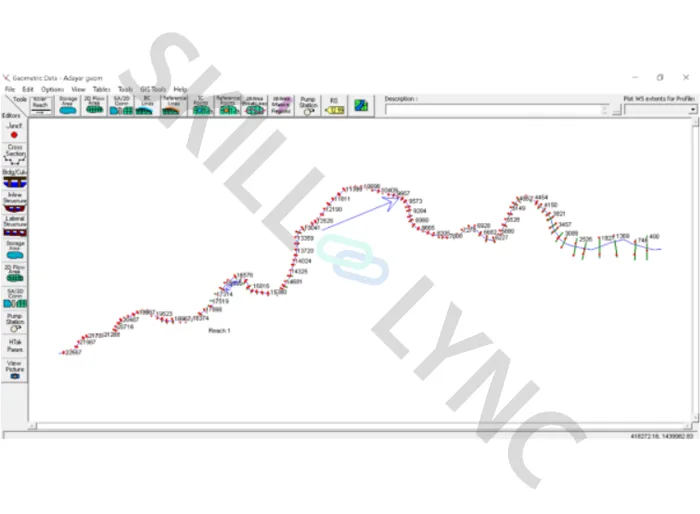
The Geometric Data editor in HEC RAS is opened to visualize the data and the correction of errors.
Step 8:
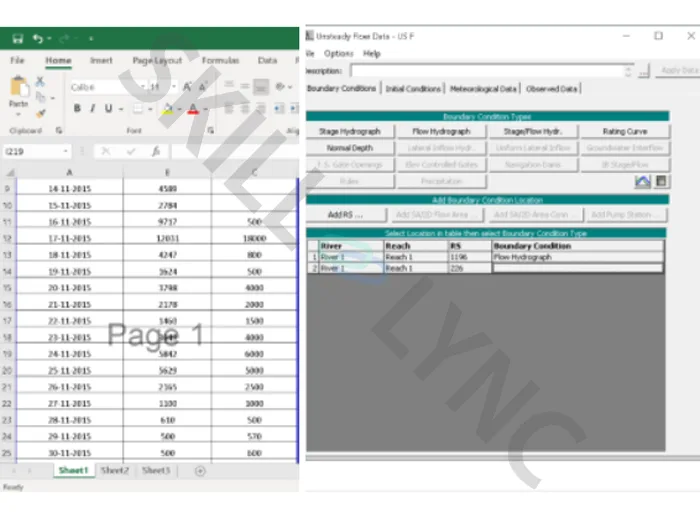
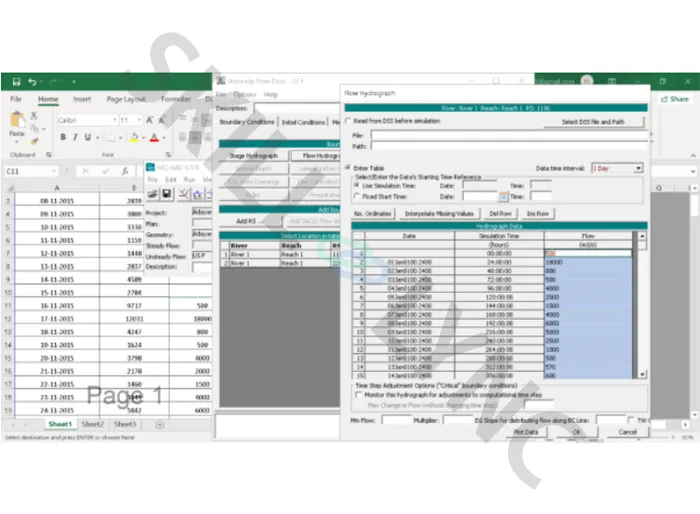
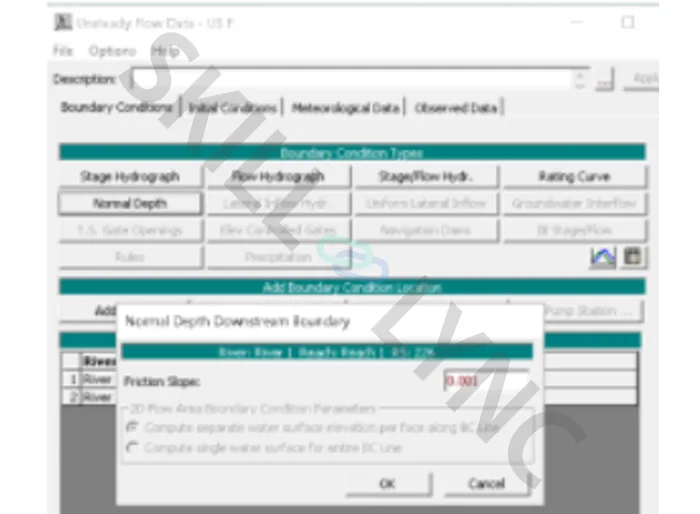
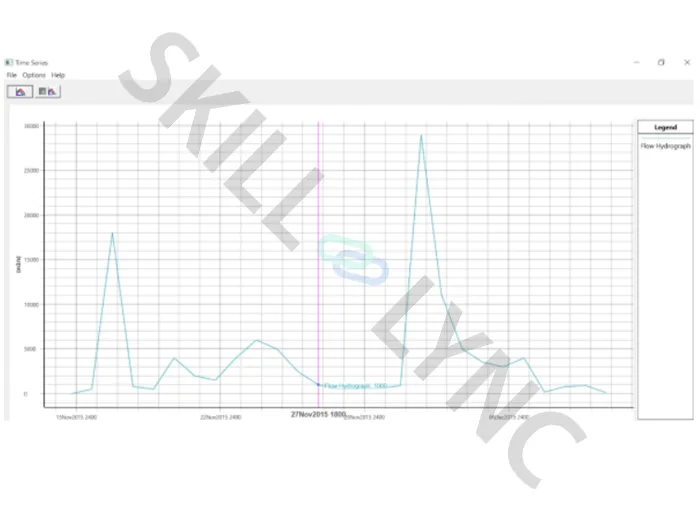
Data Received from PWD on discharge is added as Unsteady Flow data.
Step 9:
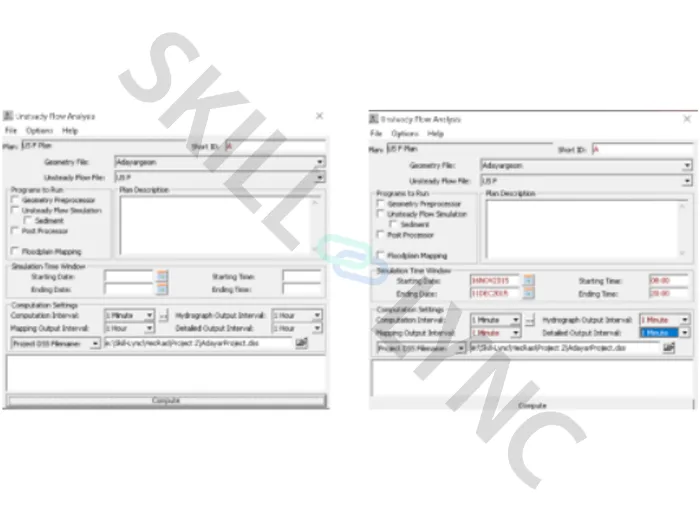
Unsteady flow analysis computations are carried out.
Step 10:
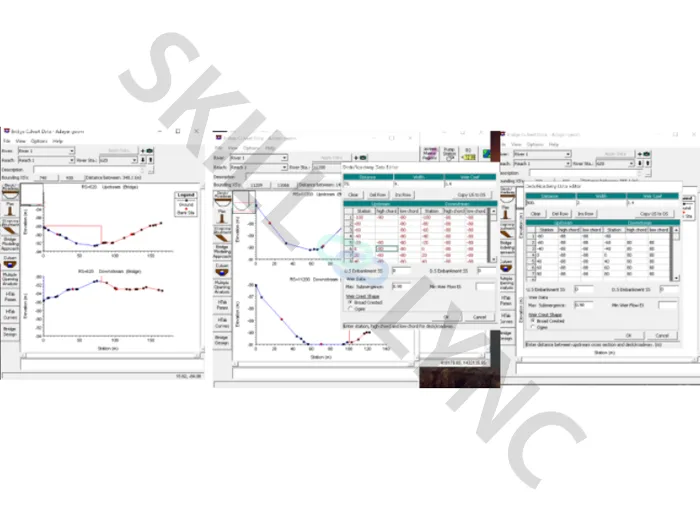
Add bridge and culvert details.
Step 11:
Simulation is computed.
The above steps will help you perform flood analysis efficiently.