Wiring harness routing & packaging Rules Week 3 Challenge
Q1. Download following cad data & define it as Electrical support using Electrical Part design Workbench. Define all the necessary properties.
- Follow the below steps as design rule for clamps:
step1:download 3D file.
step2: create req.geom parameters. eg. points,planes etc
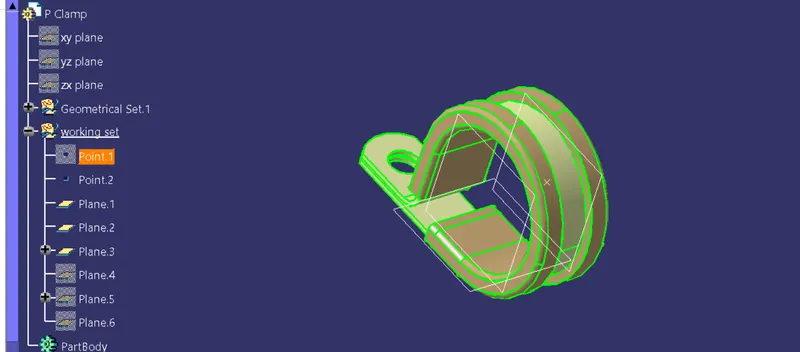
step3:define the part as support
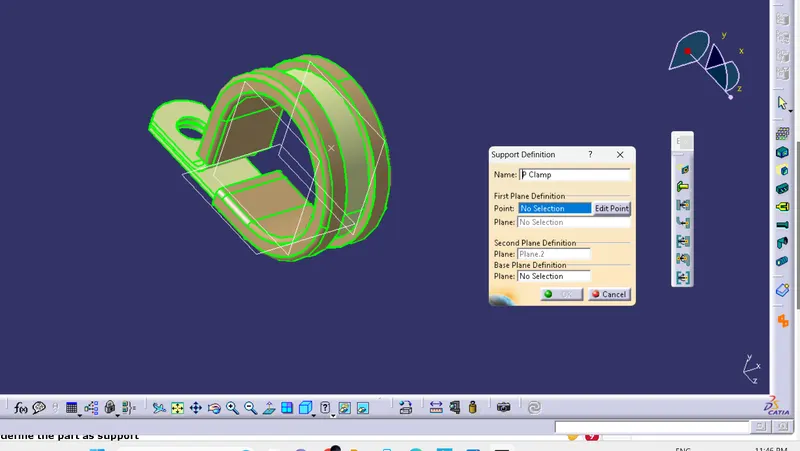
step5:Define entry point & plane
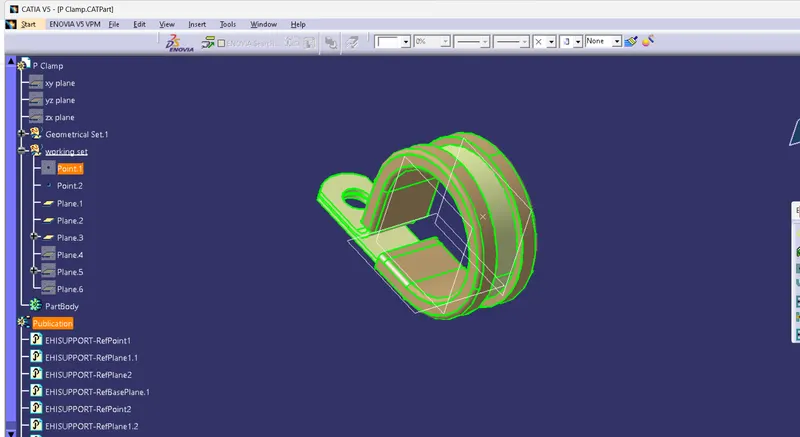
Step 6: define base & exit
Q2. Download following Back shell cad data & define it as Electrical back shell using Electrical Part design Workbench. Define all the necessary properties.
-
Step1: Get 3D part of backshell
Step2: Defn geom. parameters.
Step3:Defn part as back shell.
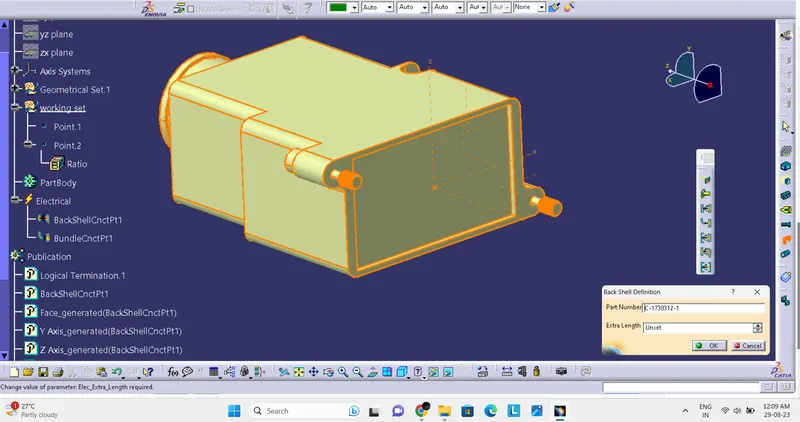
Step4:Defn back shell connection point.
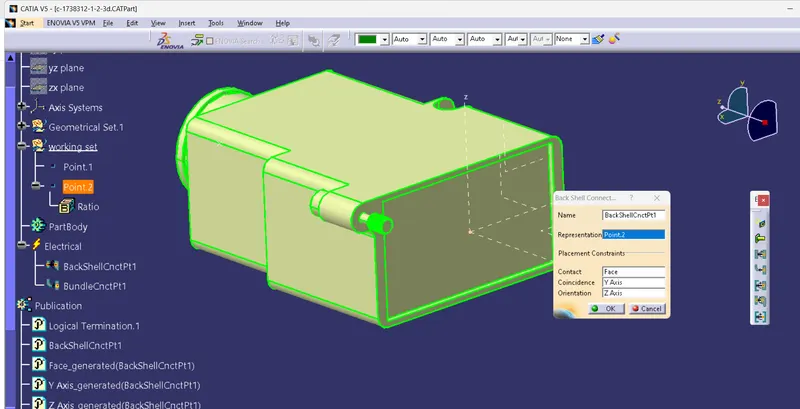
Step5:Defn Bundle connection Point
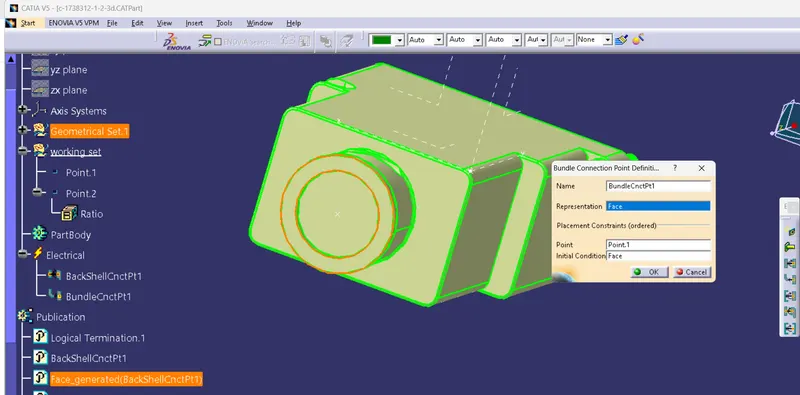
catalogue
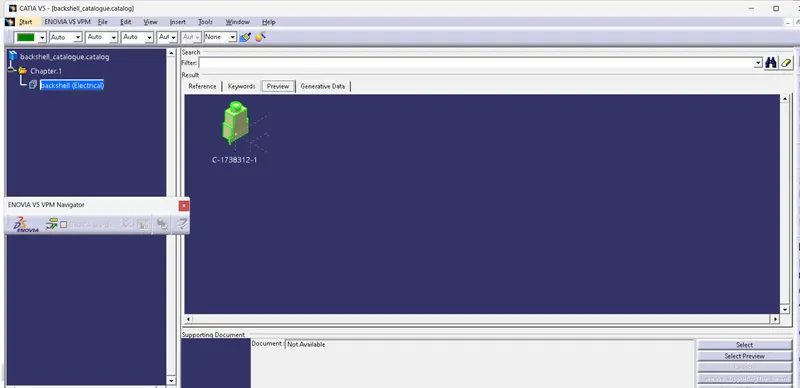
Q3. Create Following Corrugated tubes & Add them in Catalogue under “Slit COT” family.
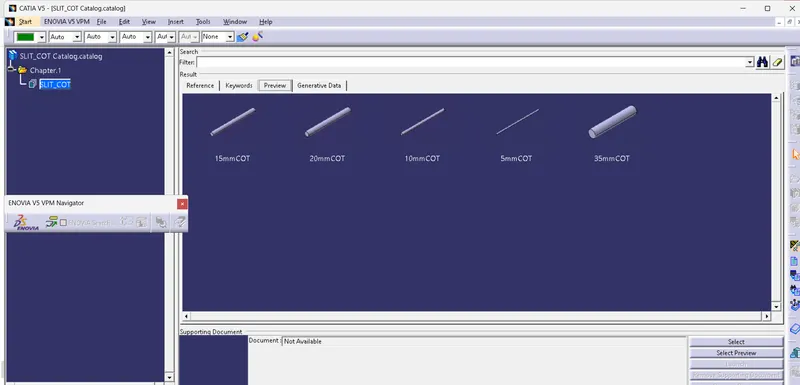
-To prepare catalogue one must ensure the files to be saved in single folder.
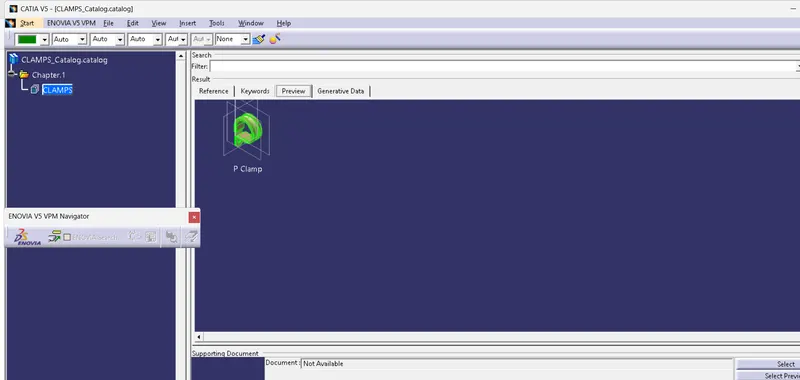
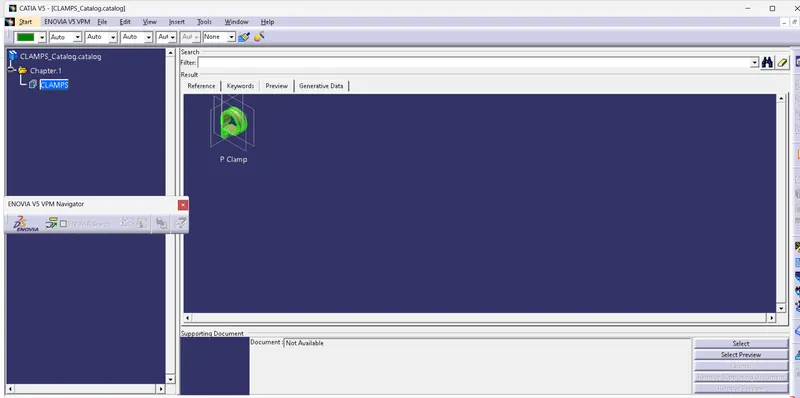
-Prepare the catalogue document of respective part as needed.Catalogue for clamps is shown.
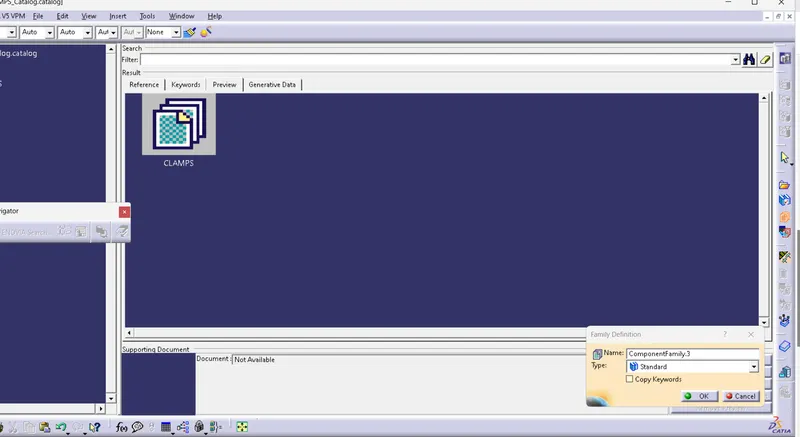
-Add family & give desired name & select the type as required
-OPen the respective part file & click on device storage.
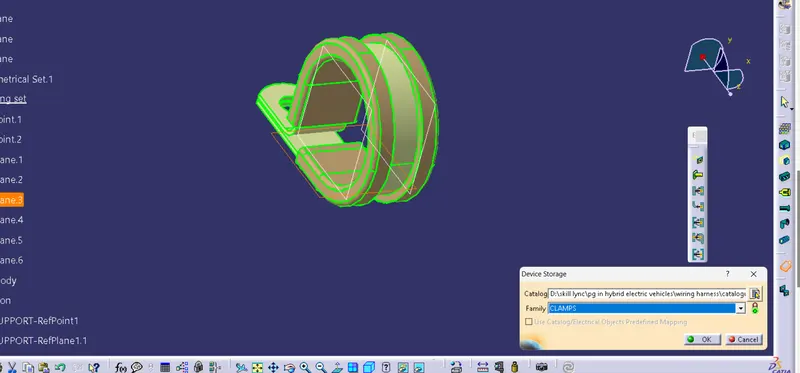
The respective part will be added in the catalogue document.