Wiring harness routing & packaging Rules Week 3 Challenge
AIM:
TO define the electrical properties of given components.and then create the corrugated tubes.
OBJECTIVE:
- TO DEFINE THE P CLAMP & DEFINE THE BACKSHELL
- TO CREATE CORRUGATED TUBES BY GIVEN DIMENSIONS
- CREATE THE CATALOGUE
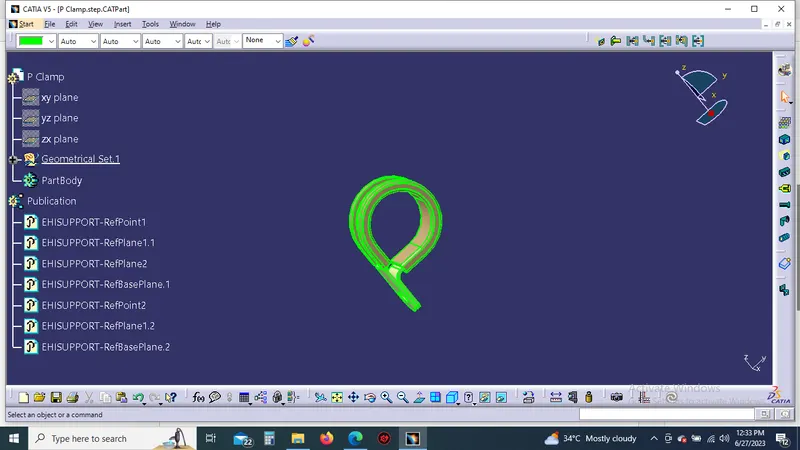
DEFINE THE P CLAMP:
First create the point and planes for entry side and exit side then create the base plane of clamp.next select the define support,select the first plane and poits and second plane and the base planes.
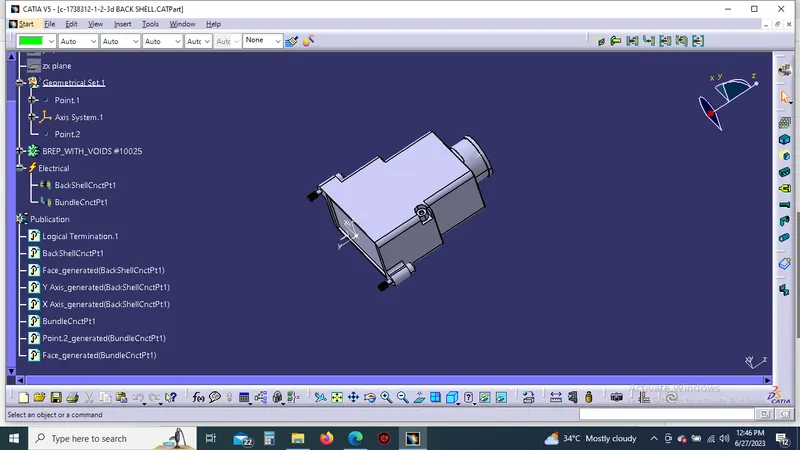
DEFINE THE BACKSHEEL:
First create the points and axis for back sheel.then select the define back sheel comment to define the back sheel,next select the back sheel connection point to give inputs and then finally select the bundle connection point to give the inputs. finally got a completly defined back sheel
CREATE THE CORRUGATED TUBES
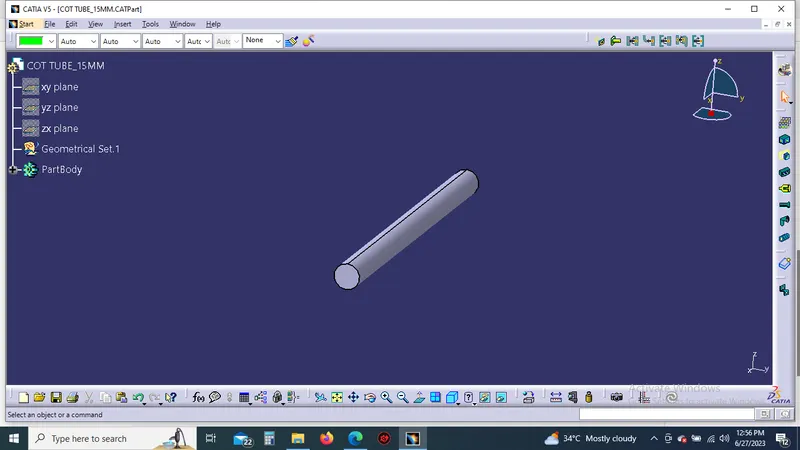
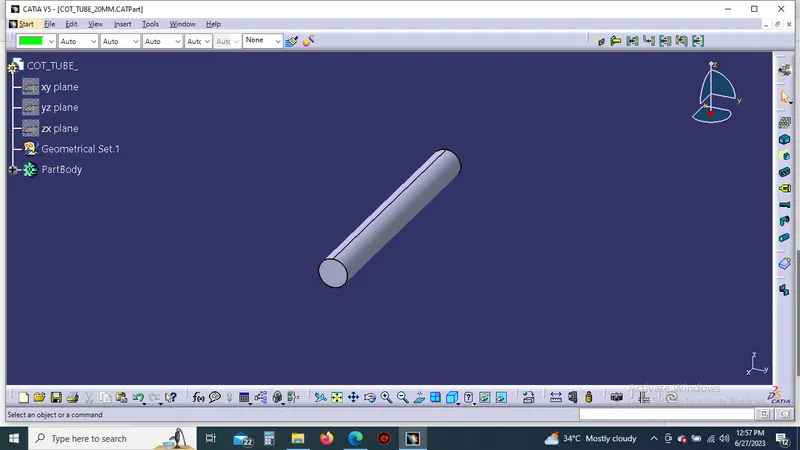
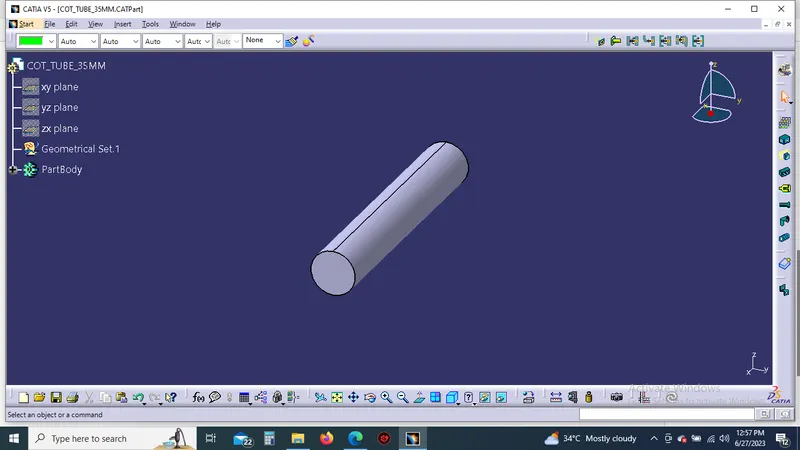
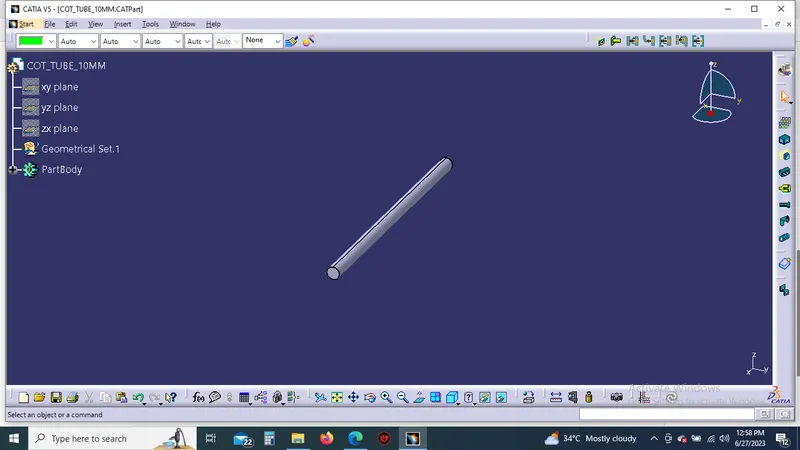
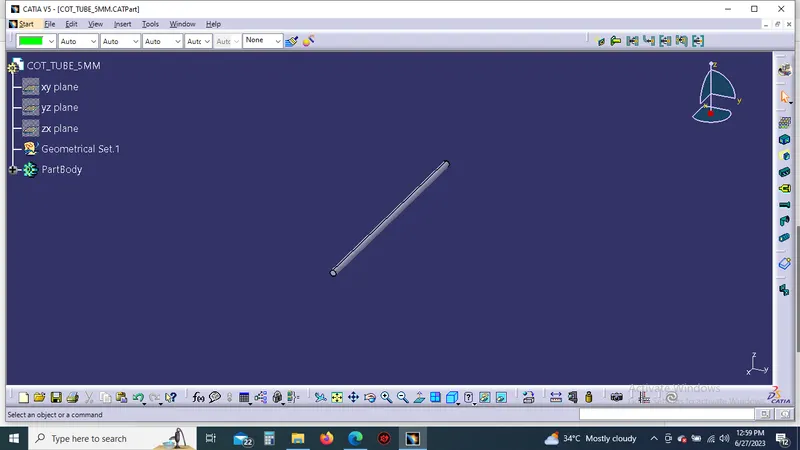
It simply created a new part in electrical part design to just select the define protection part it showing the dialogue box it gives the inner diameter value and thickness value to create the corrugated to tube.it same to create the other corrugated tubes.
cot_tube_15mm
cot_tube_20mm
cot_tube_35mm
cot_tube_10mm
cot_tube_5mm
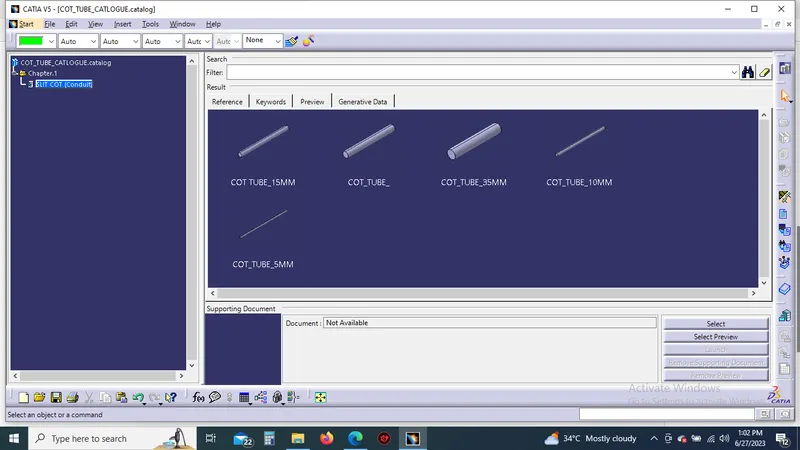
CREATE THE CATALOUGE
create the new catalouge doument then add the family to name as a slit cot next just save the catalouge then already created all corrugated tubes it save in this single catalouge.