Wiring harness routing & packaging Rules Week 3 Challenge
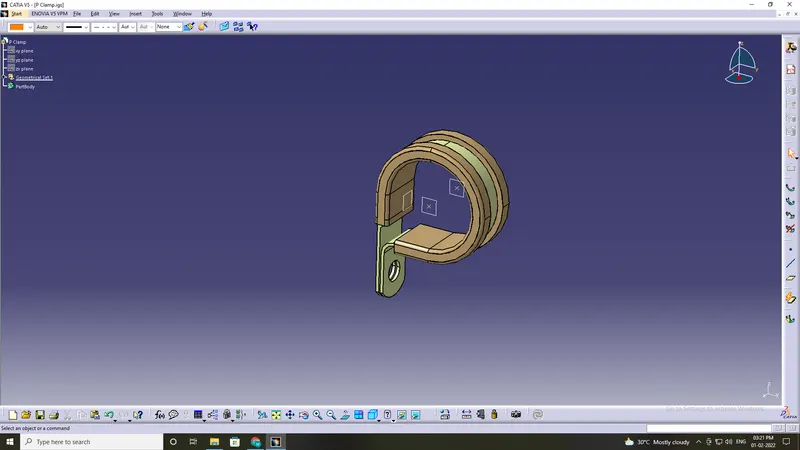
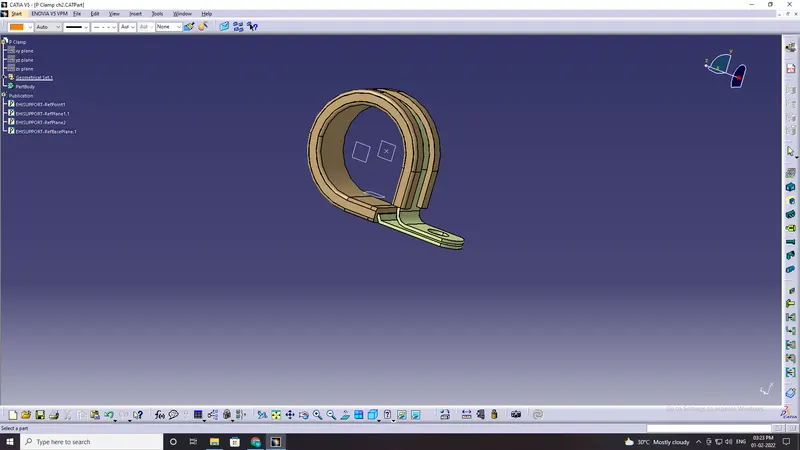
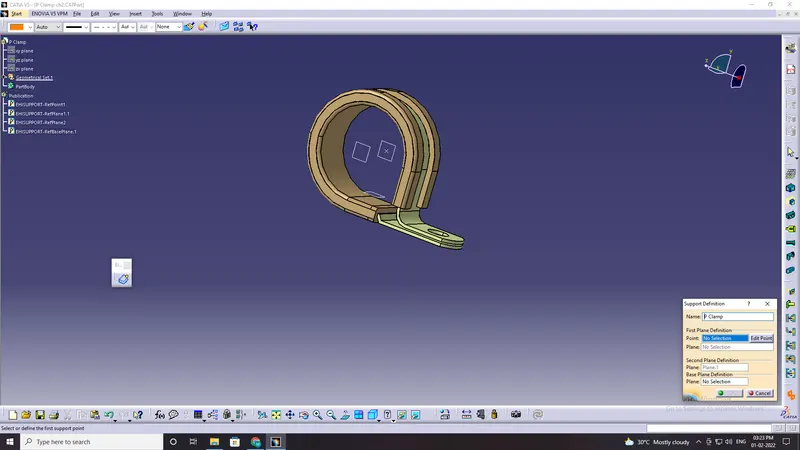
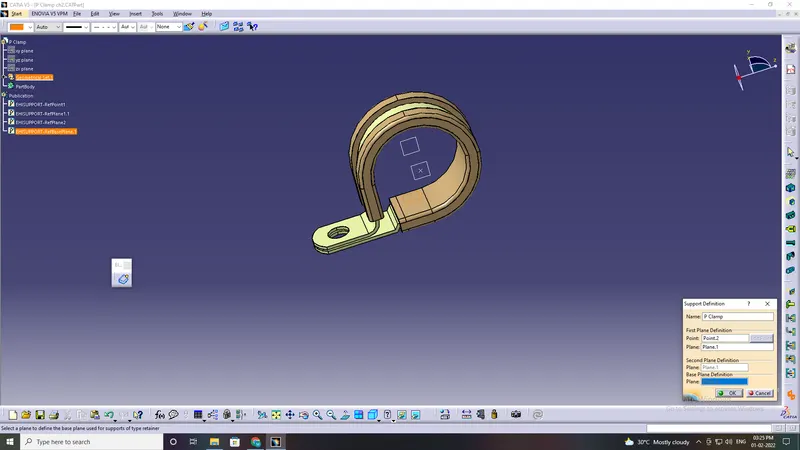
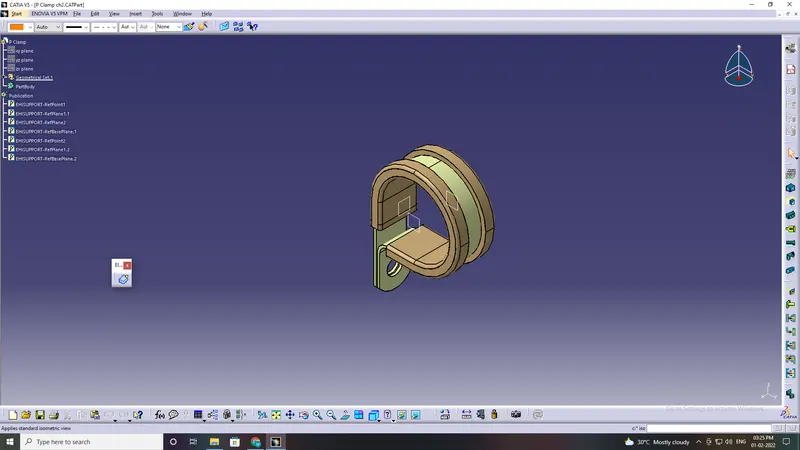
Q1. Download following cad data & define it as Electrical support using Electrical Part design Workbench. Define all the necessary properties.
- Entry point and plane
- base plane
- exit plane
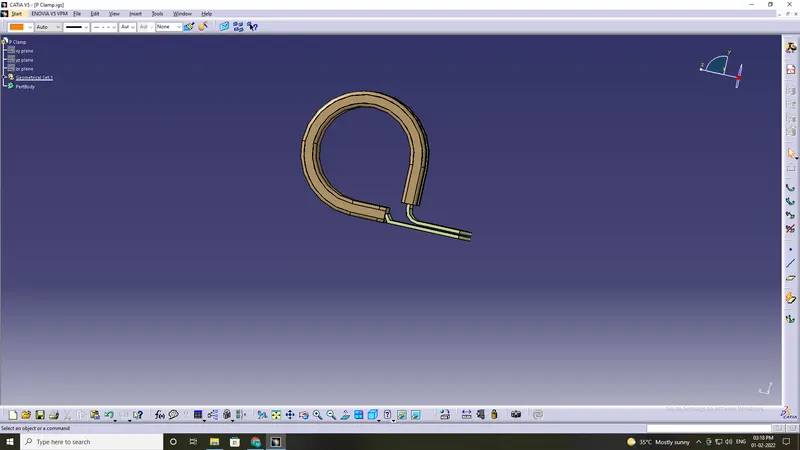
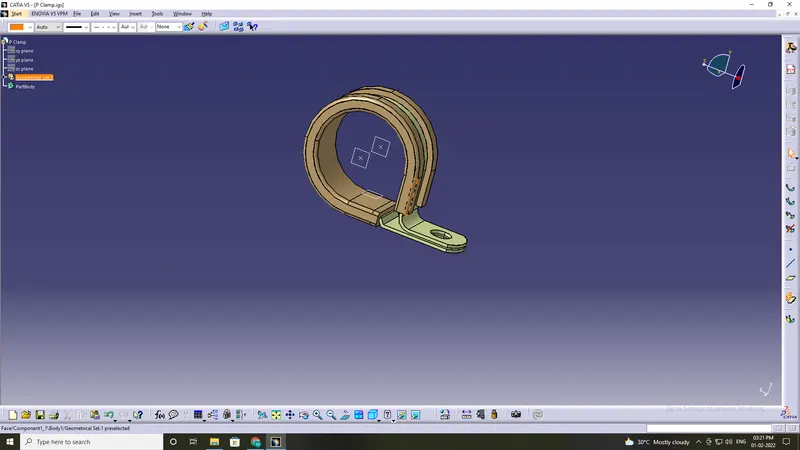
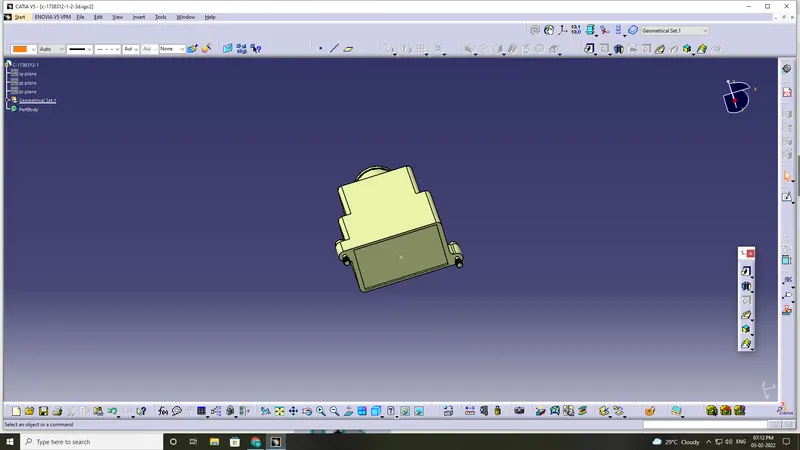
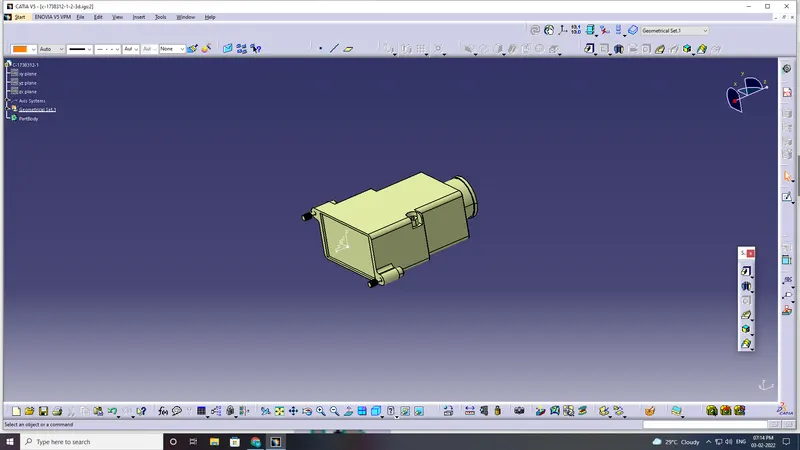
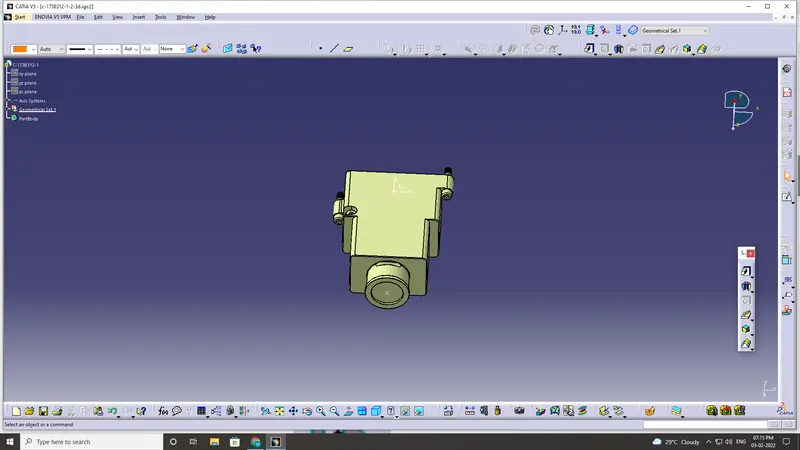
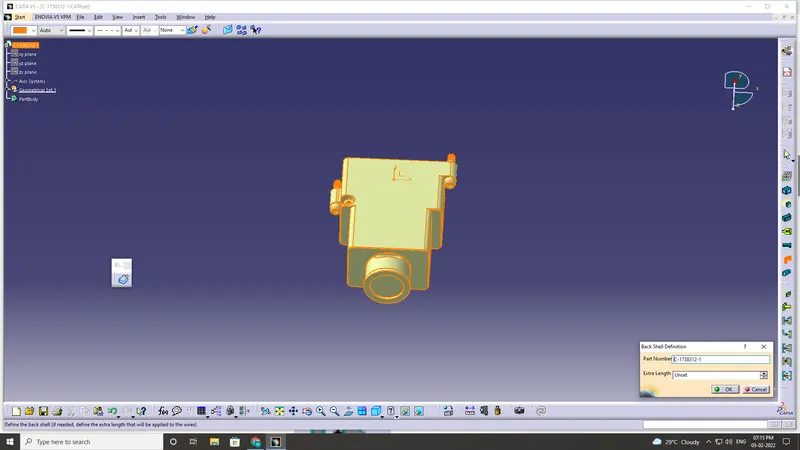
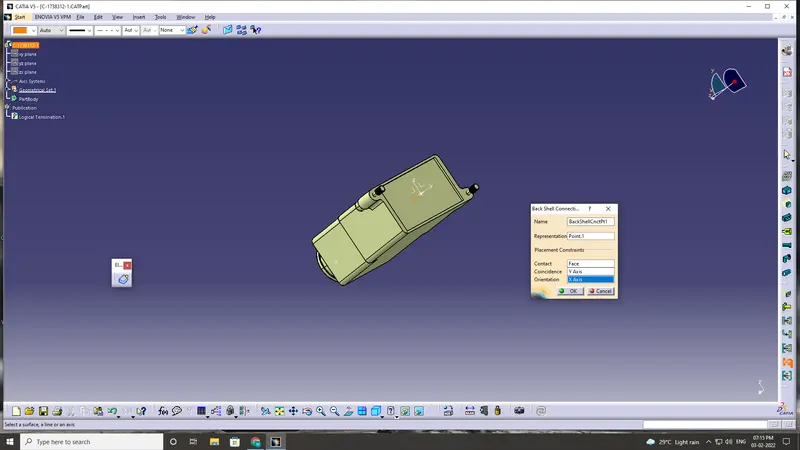
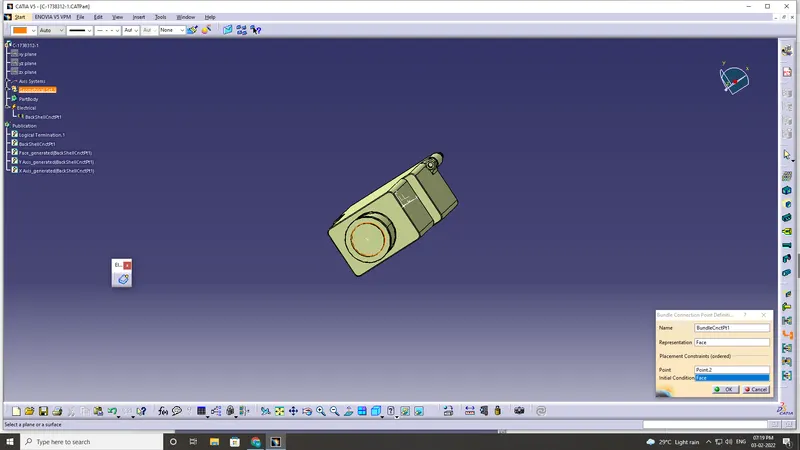
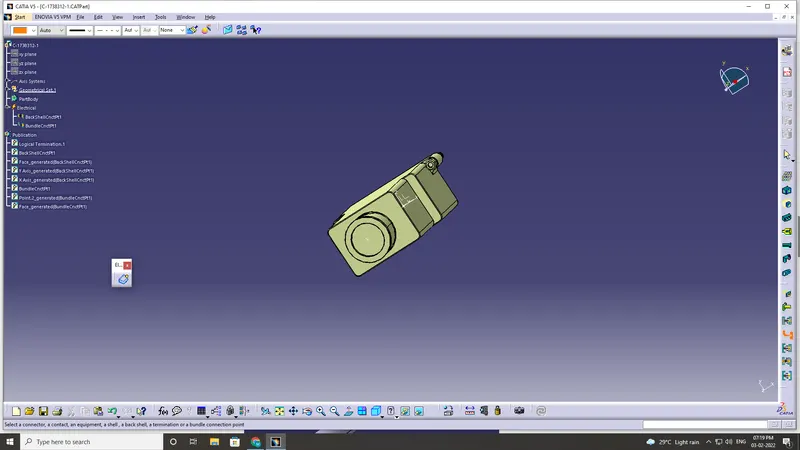
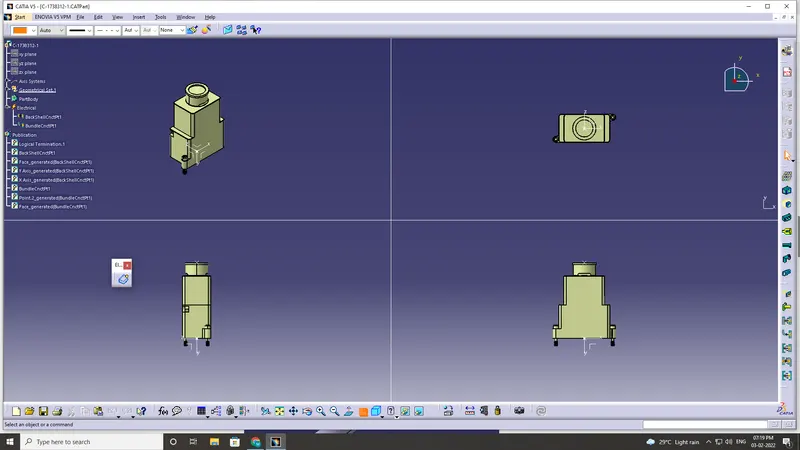
Q2. Download following Back shell cad data & define it as Electrical back shell using Electrical Part design Workbench. Define all the necessary properties.
Back shell are plastic model parts used at Wire entry side of connections
These are not mandatory parts of wiring harness.
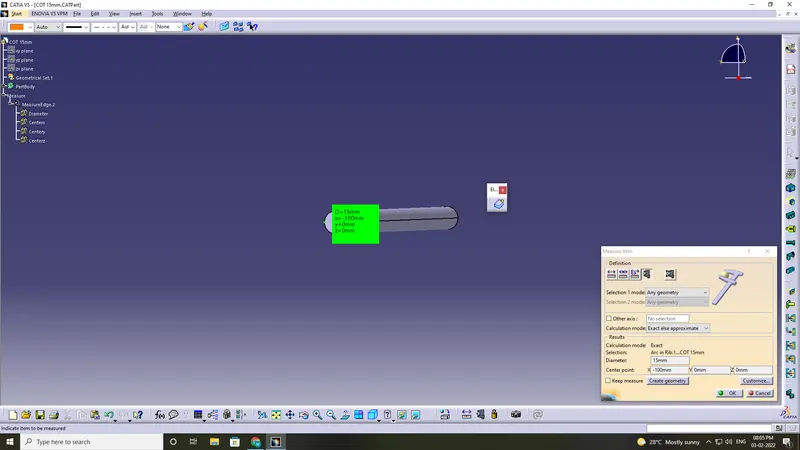
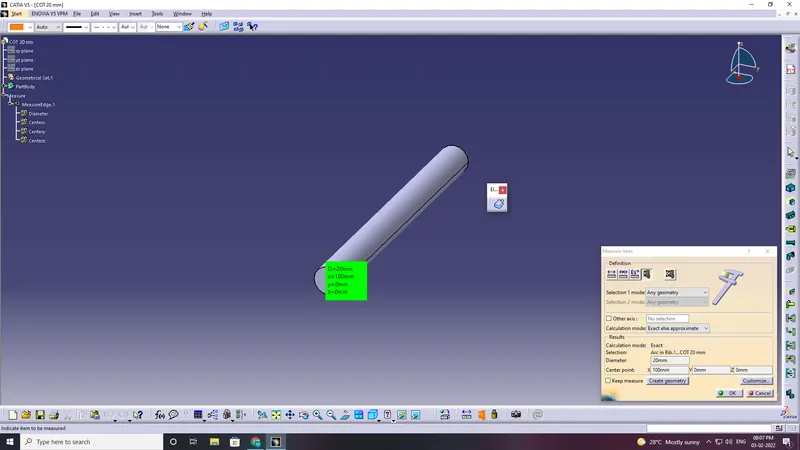
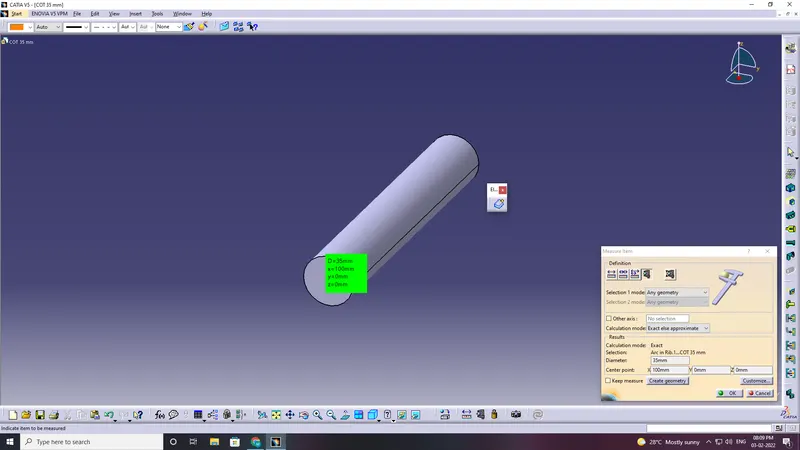
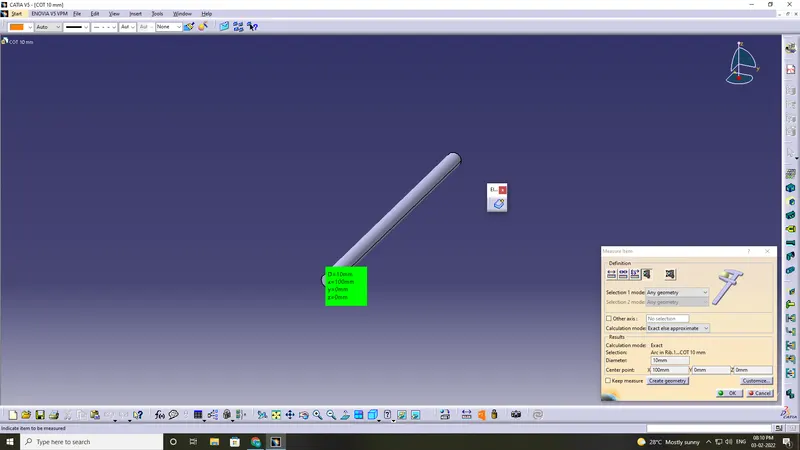
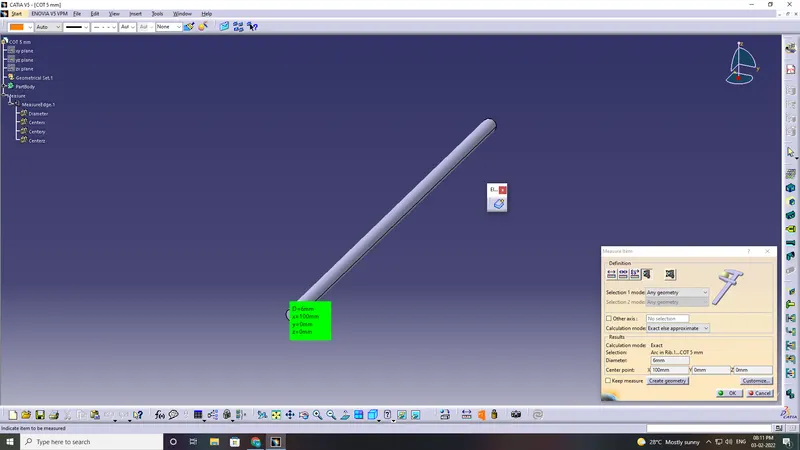
Q3. Create Following Corrugated tubes & Add them in Catalogue under “Slit COT” family.
|
Name |
ID (mm) |
OD (mm) |
Thickness (mm) |
|
15mm COT |
12 |
15 |
1.5 |
|
20mm COT |
17 |
20 |
1.5 |
|
35mm COT |
32 |
35 |
1.5 |
|
10mm COT |
7 |
10 |
1.5 |
|
5mm COT |
3 |
5 |
1 |
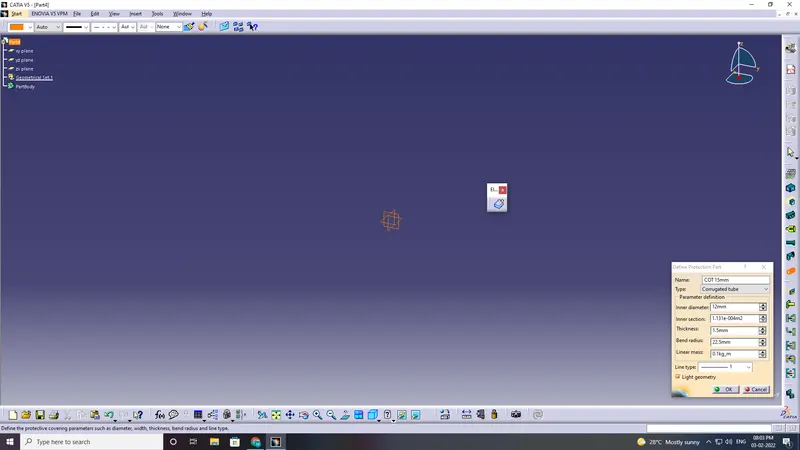
- Switch to electrical part design
- select the define protection part
- click on part
- provide given parameters and bend radius as 1.5xouter dia.
catalogue creation:
- New part-catalogue creation-add family-give name-type -select conduit-save
- open part to add catalogue -store device command-select catalogue-family-ok