Wiring harness routing & packaging Rules Week 3 Challenge
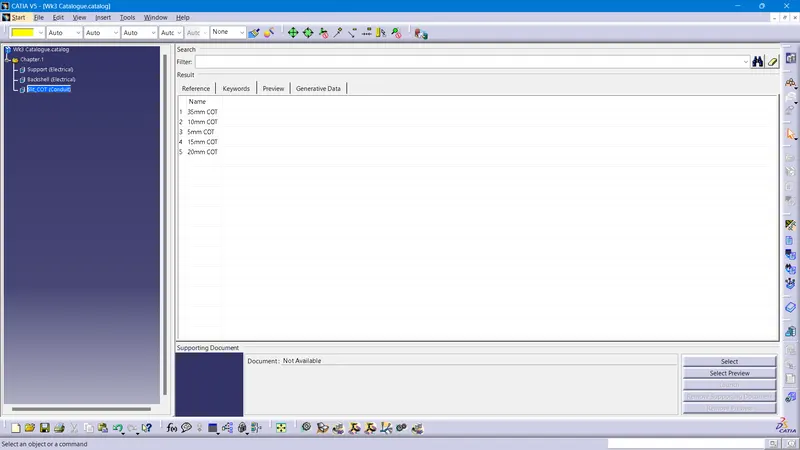
Catalogue Creation
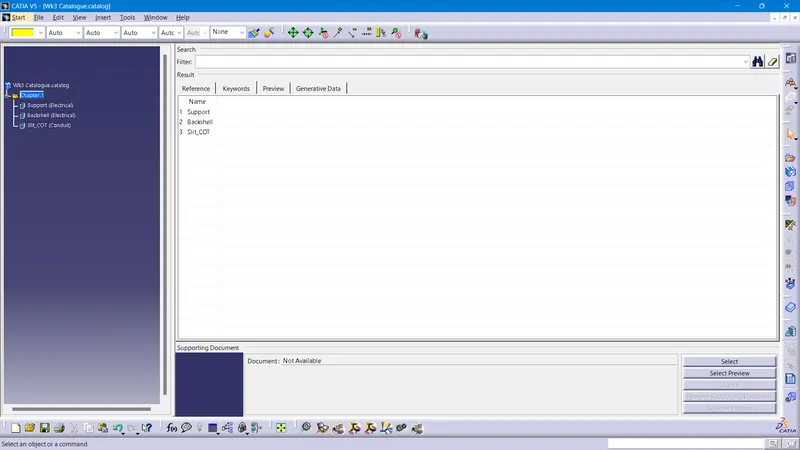
A new CatalogueDocument file is created in the catia. In the catalogue, a family of 'Support' and family of 'Back shell', defined as electrical type are created.Also a family named 'Slit COT' to store COT tubes, defined as conduit type is also created. And the file is saved in the folder.
Q1. P clamp
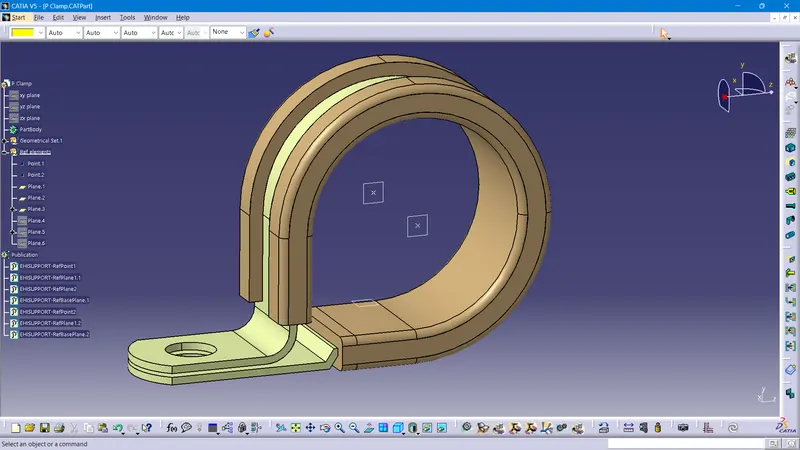
The .igs file is downloaded from the link and opened in CATIA V5. The necessary reference points and planes are defined to define the P clamp as electrical support part. In the electrical part design workbench, the part is defined as electrical support part with the help of the previosly created planes and points. The part is added to catalogue to Support family.
Q2. Backshell
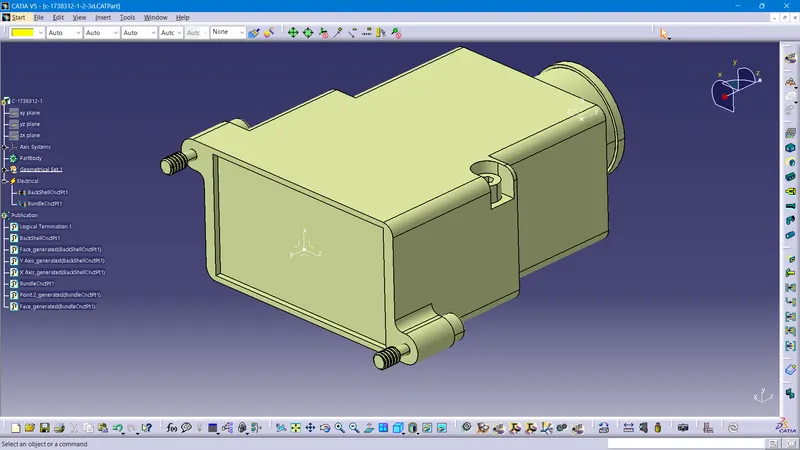
The .igs file is downloaded from the link and opened in CATIA V5. The necessary reference points and axis systems are defined to define the backshell connection point and bundle connection point. In the electrical part design workbench, the part is defined as electrical back shell. Then with the help of the previosly created axis systems and points, Backshell connection point and bundle connection point are defined. The part is added to catalogue to Backshell family.
Q3. COT Tubes
A new part is created and it is defined as the protection part in the Electrical Part workbench. The given dimension are given for inner diameter and thickness. The bendradius is given a value greater than 1.5 times Outer diameter, to obtain suitable flexibility. Then the part is saved in the folder and saved to the catalogue document created previously to the 'Slit COT' family. The same procedures are done for all the provided COT dimensions added to catalogue