Wiring harness routing & packaging Rules Week 3 Challenge
Q1. Download following cad data & define it as Electrical support using Electrical Part design Workbench. Define all the necessary properties.
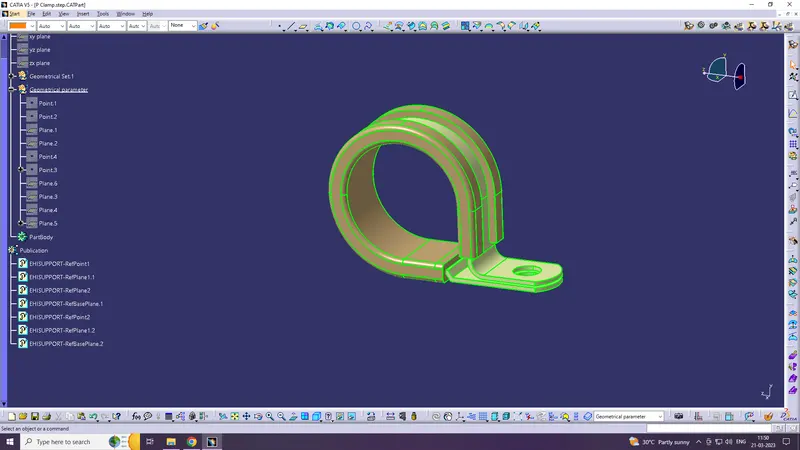
Step 1
Define geometrical parameter point & plane at entry
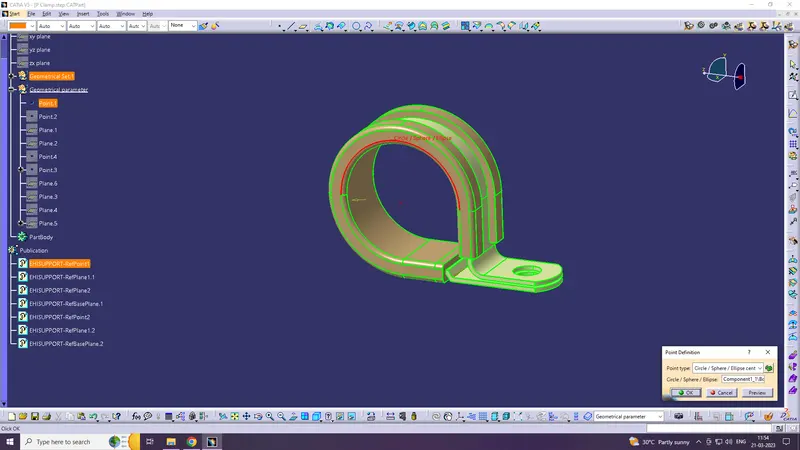
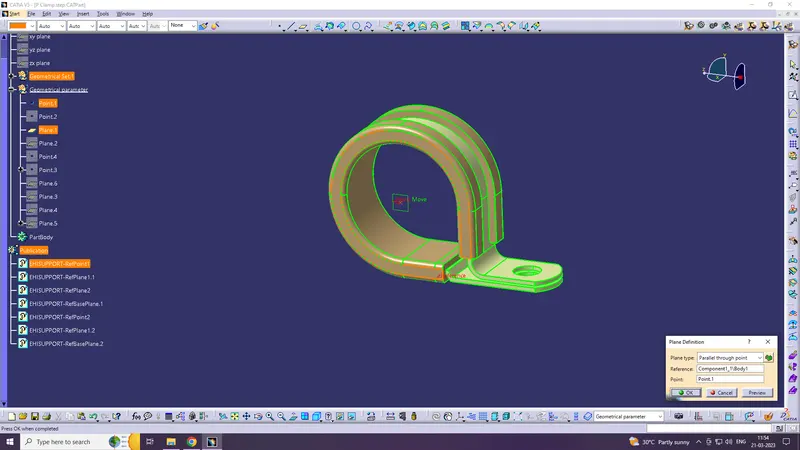
Step 2
Define geometrical parameter point & plane at entry
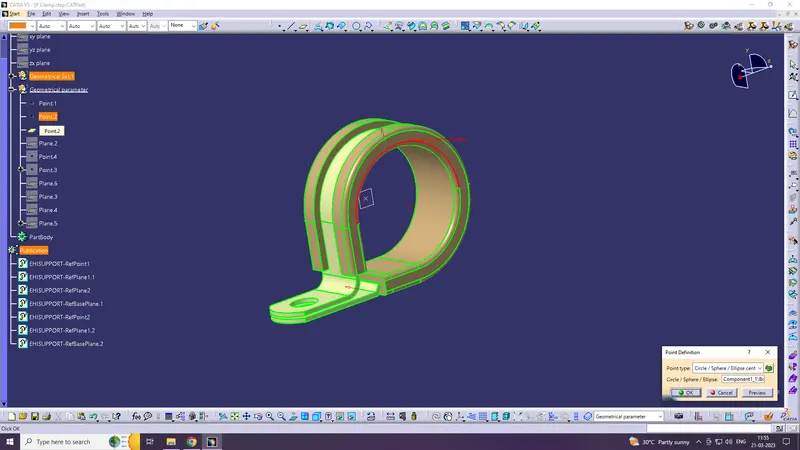
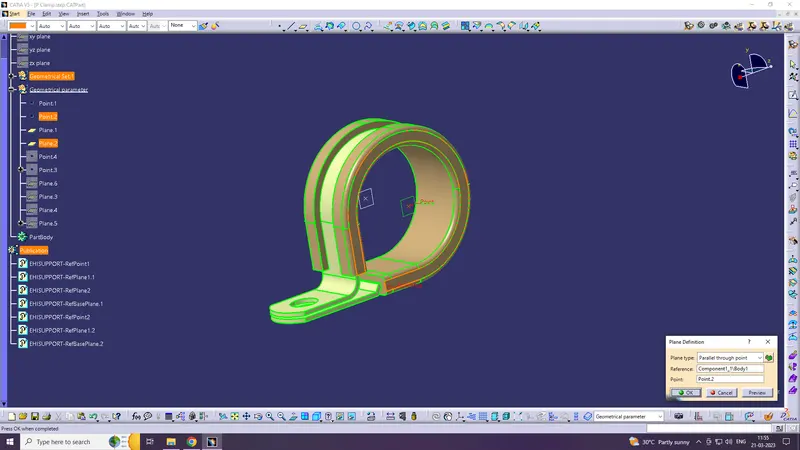
Step 3
Define geometrical parameter plane at base
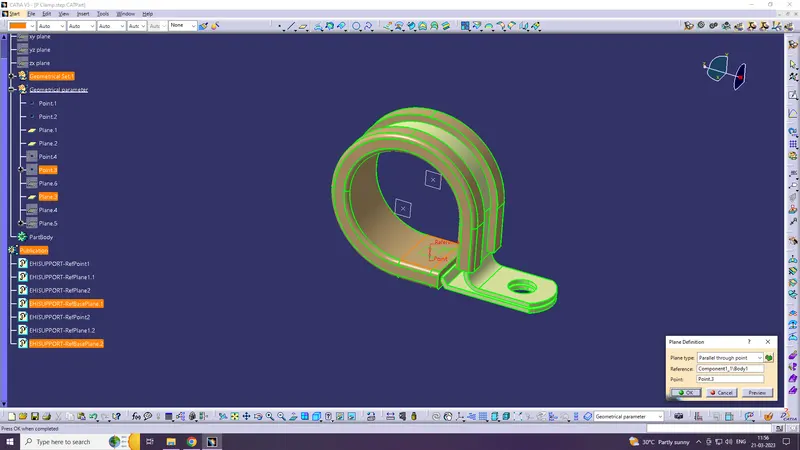
Step 4
Go to Electrical part design & define as support
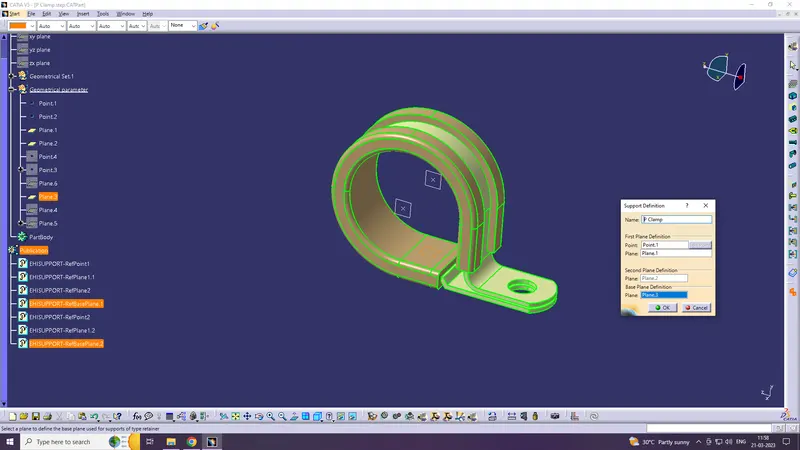
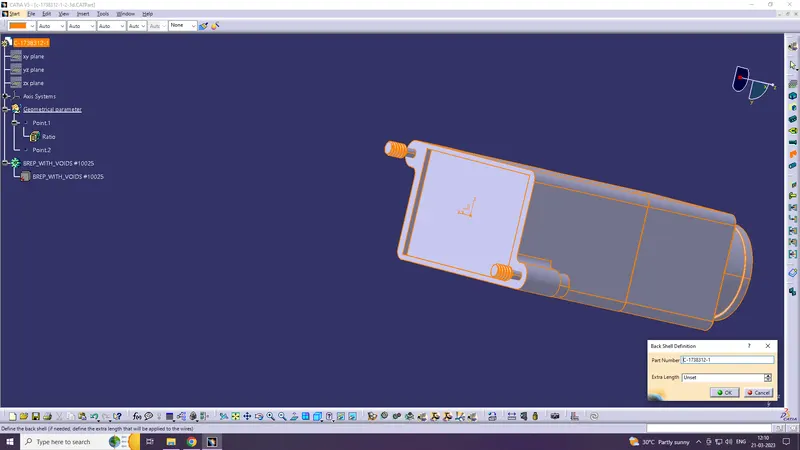
Q2. Download following Back shell cad data & define it as Electrical back shell using Electrical Part design Workbench. Define all the necessary properties.
Tyco 1738312-1 https://www.te.com/usa-en/product-1738312-1.html
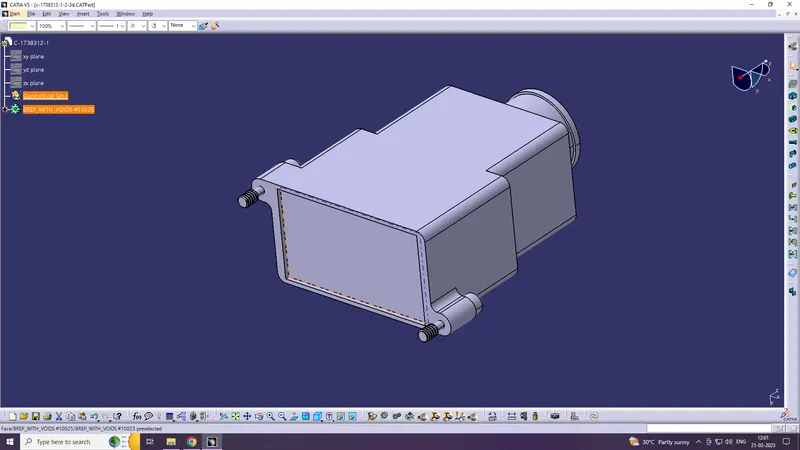
Step 1
Define geometrical parameters point and axis
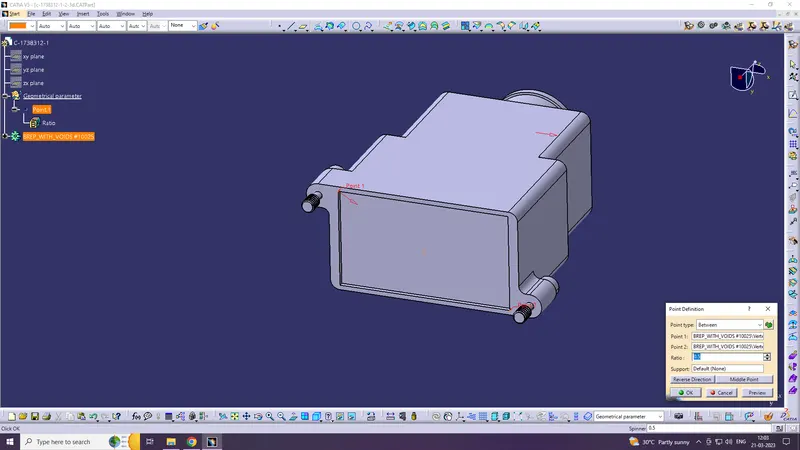
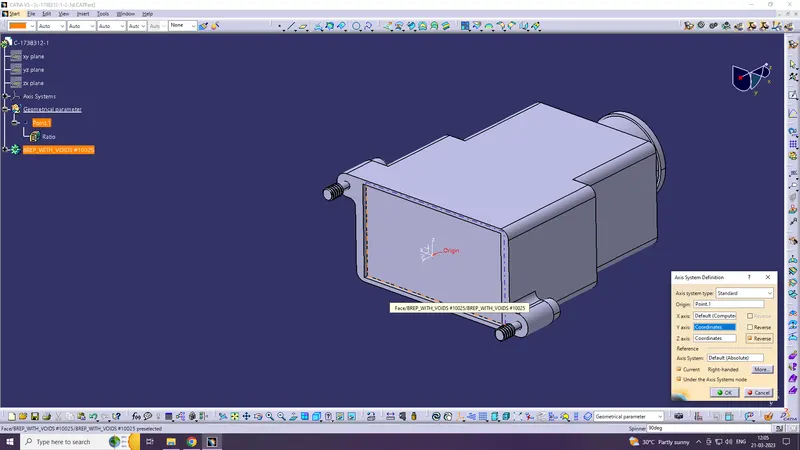
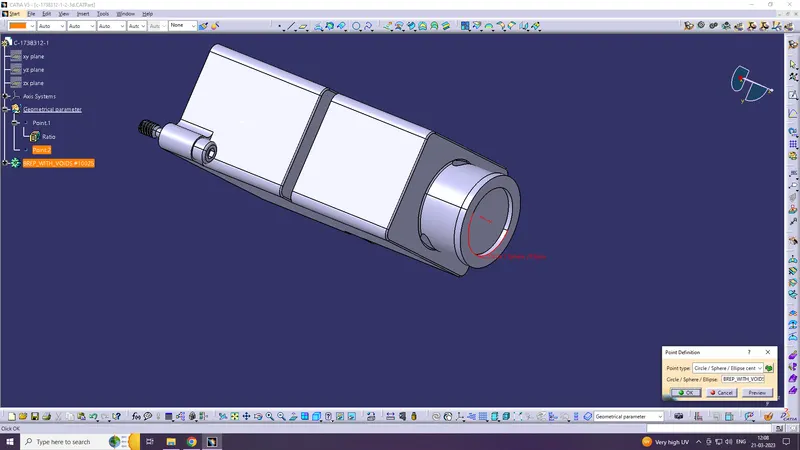
Step 2
Define Part as backshell in elecrical part design workbench
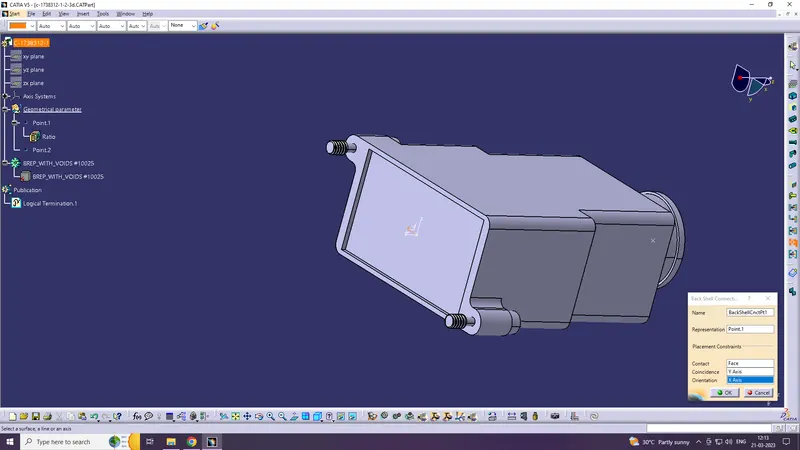
Step 3
Define Back shell connection point
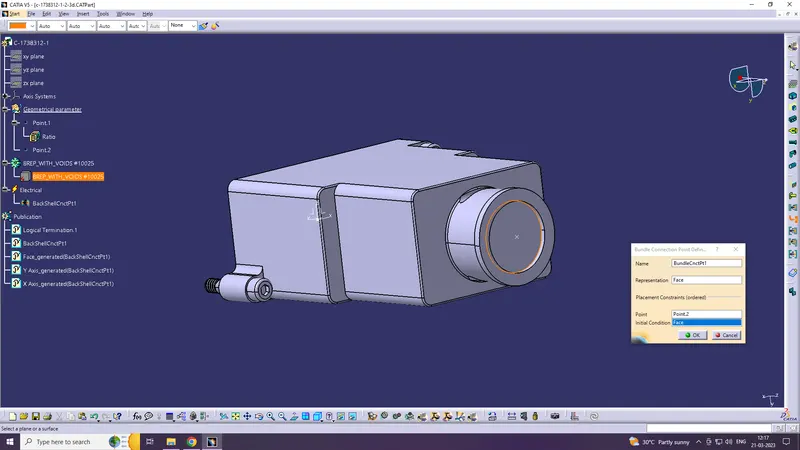
Step 4
Define bundle connection point
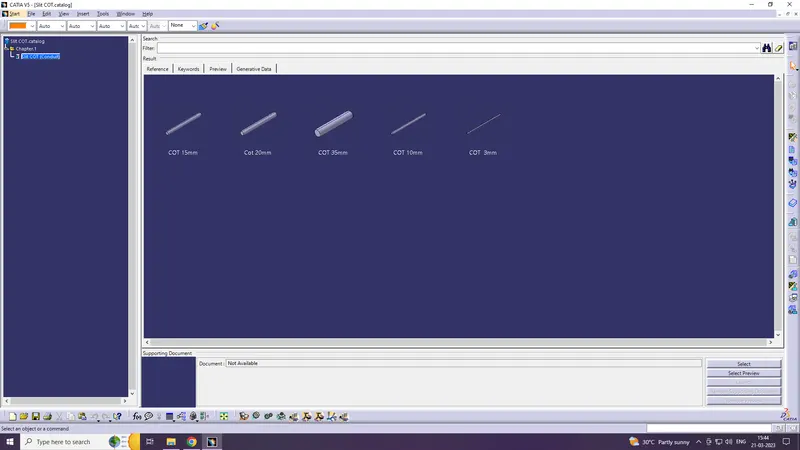
Q3. Create Following Corrugated tubes & Add them in Catalogue under “Slit COT” family.
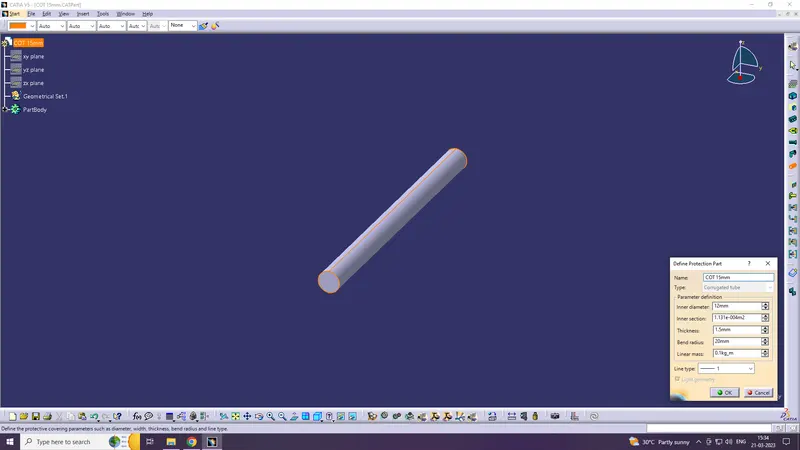
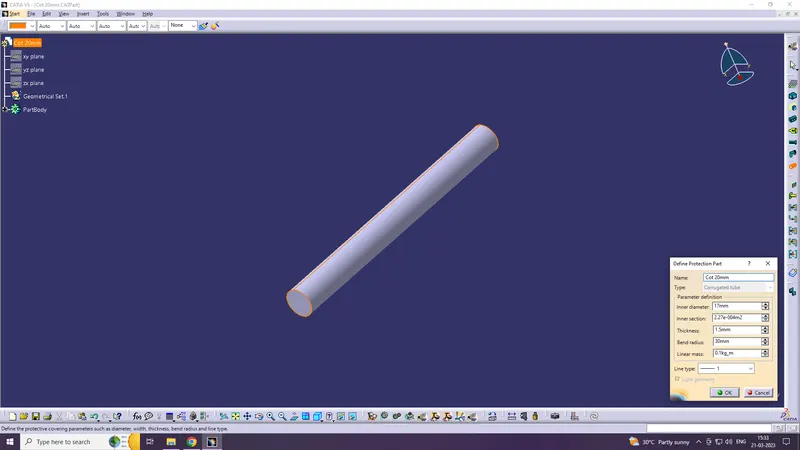
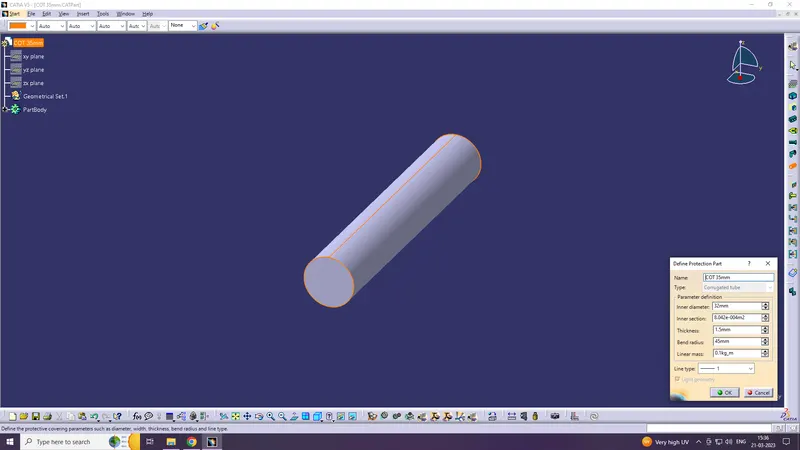
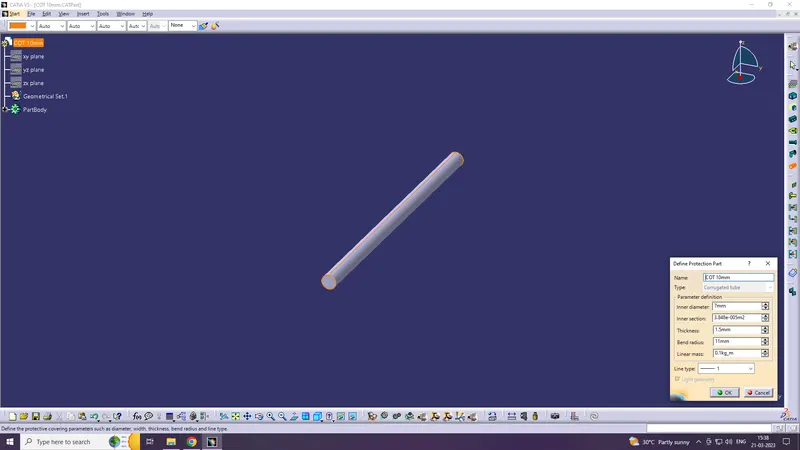
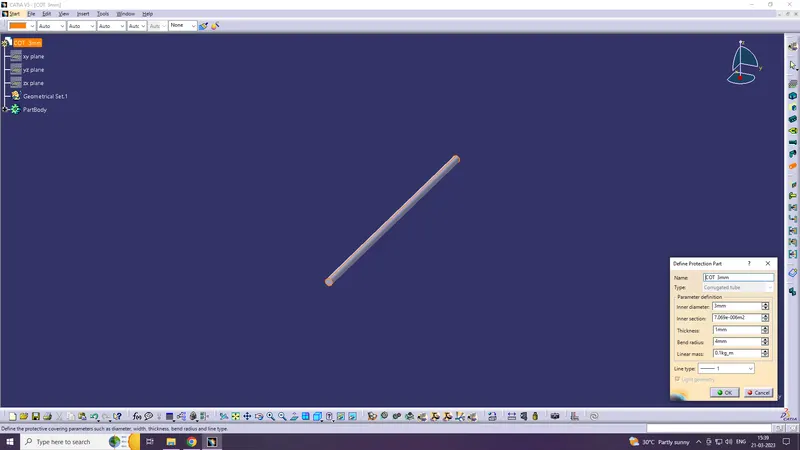
create new file, go to electric part design & click the define protection part
COT 15mm
COT 20mm
COT 35mm
COT 10mm
COT 5mm
All COT tubes are catalogue under "Slit COT" family