Wiring harness routing & packaging Rules Week 3 Challenge
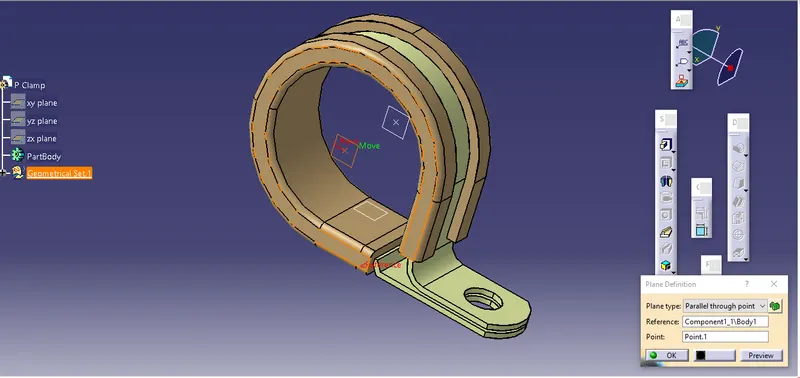
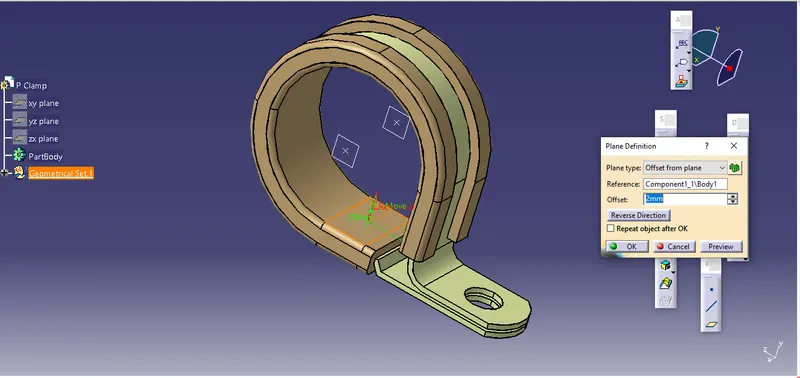
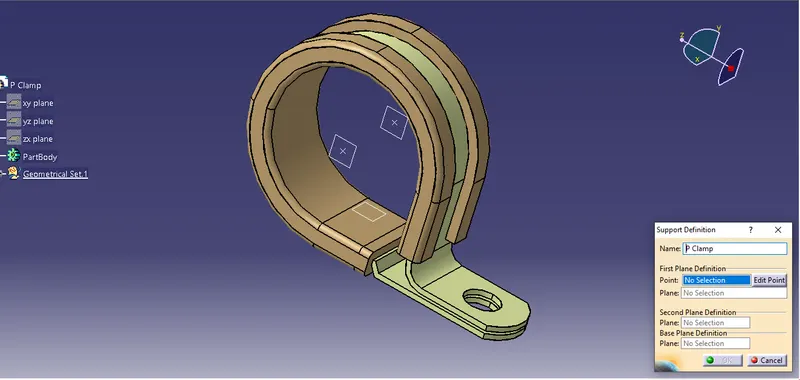
Defining P clamp :
- First create a point as entry point on middle of one face of the clamp and other point as exit point on the middle of the another face of clamp in Part design WB.
- then create planes on the created points and one at base also.
- Now define the part as a support part at entry planes as well as exit planes in Electrical Part design WB.
====================================================================
Back shell cad data & define it as Electrical back shell using Electrical Part design Workbench
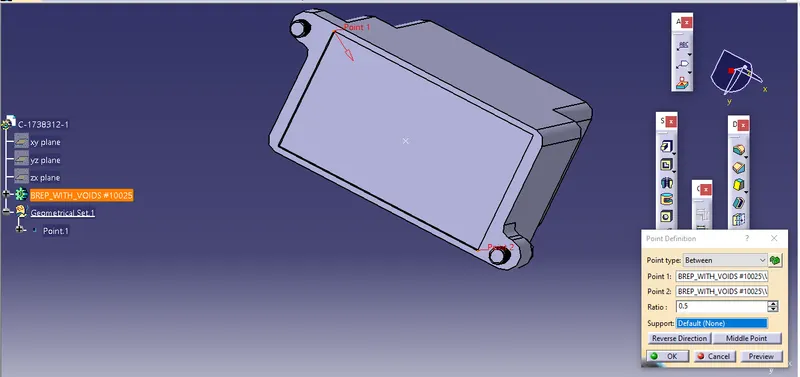
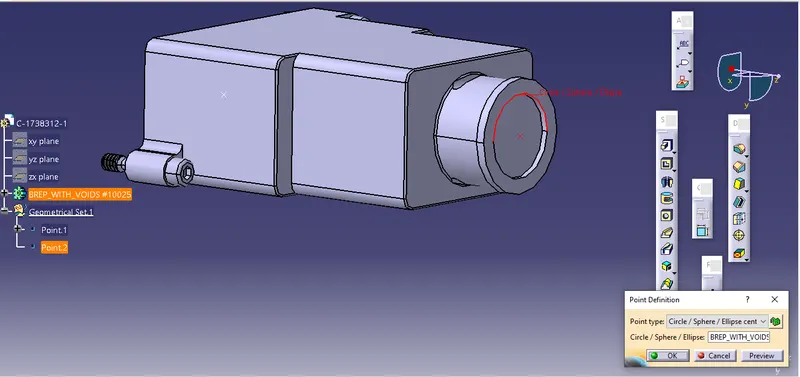
First create a point Bundle entry point on middle of one face of the BackShell and other point backShell connecting point on the middle of the another face of backshell in Part design Work Bench.
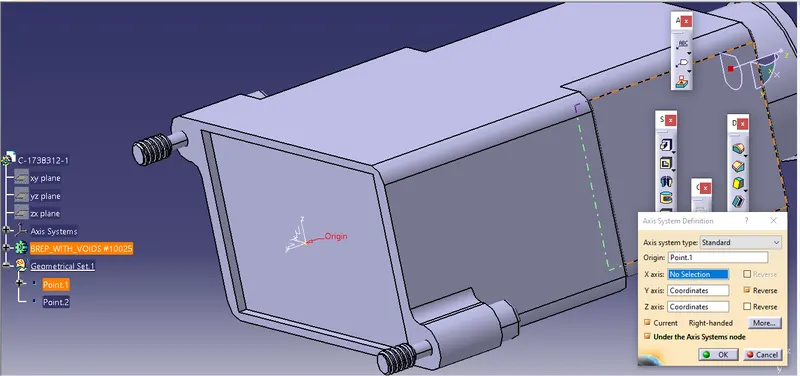
- Create axis system on the Backshell connection point in same Work Bench.
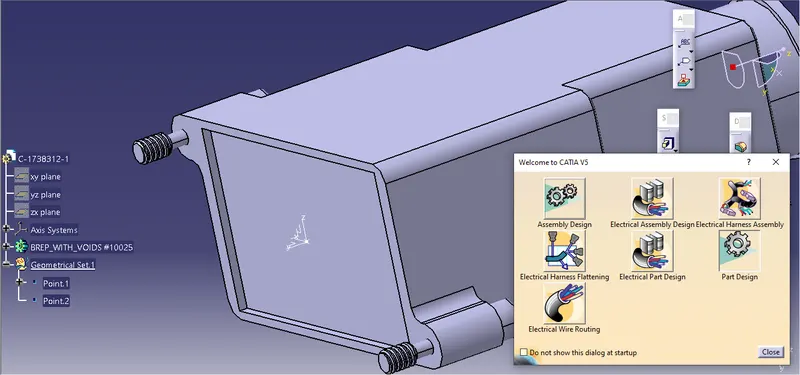
- Define the part as a BackShell by using Electrical part design Work Bench.
- Now define the bundle connection point and BackShell connecting point in same Work Bench.
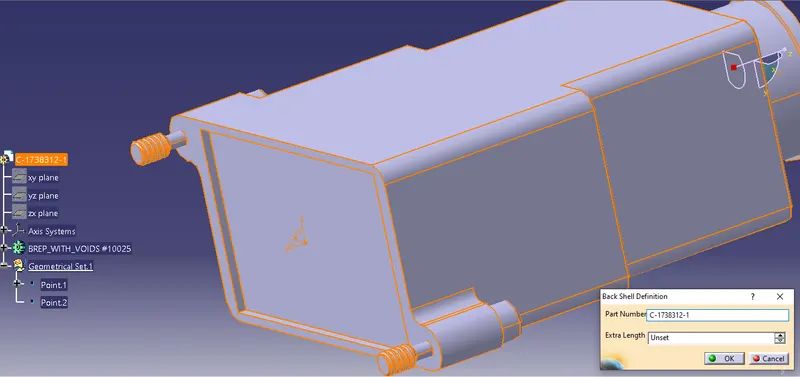
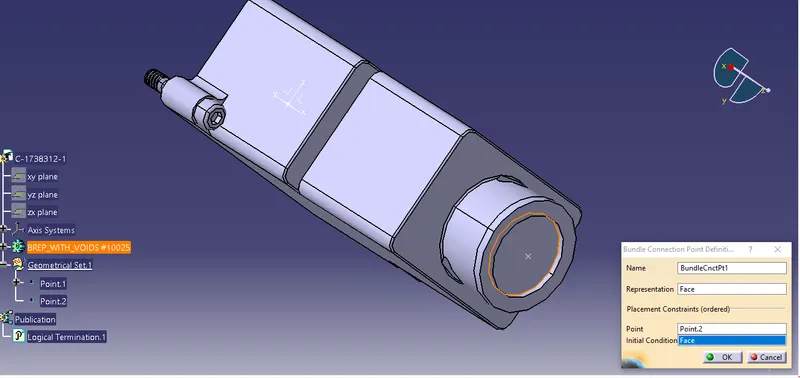
=======================================================================
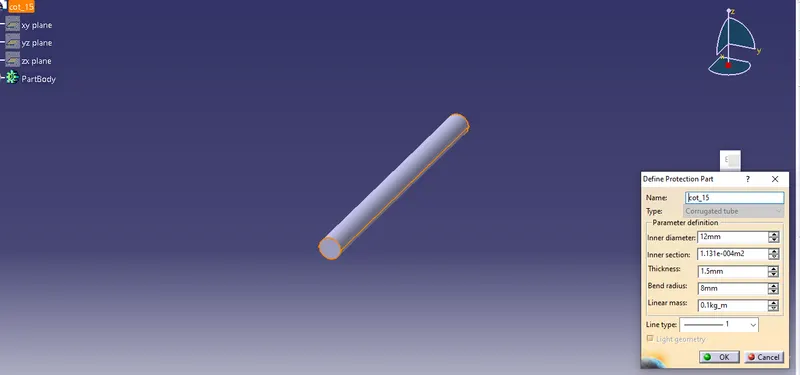
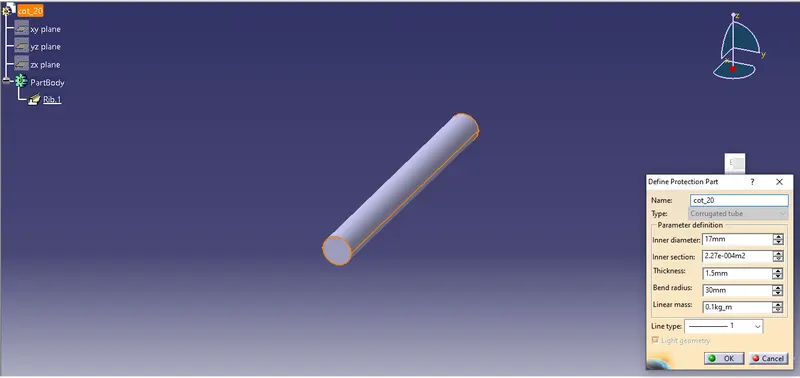
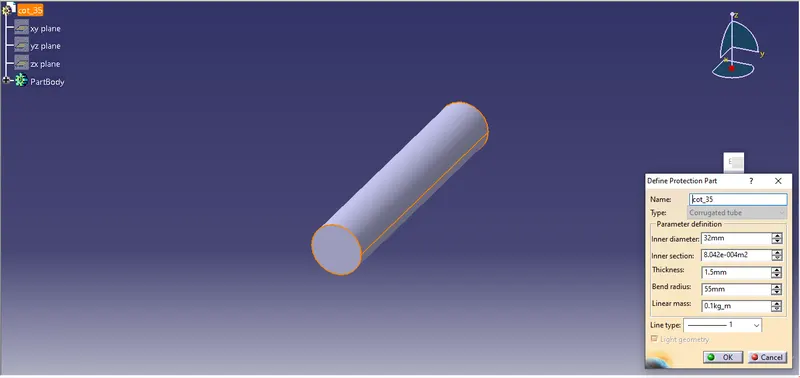
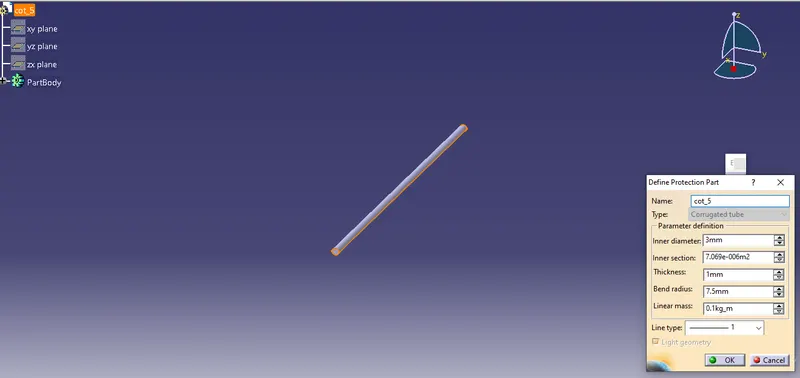
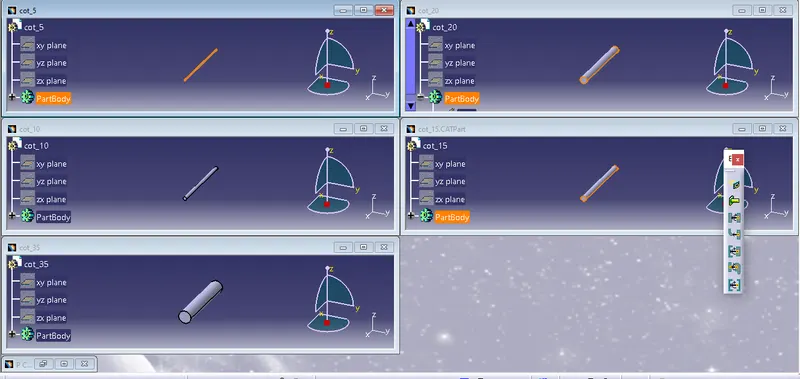
creating the cot Tube using Electrical Part design
- First new part file and switch in Electrical Part design.
- then Select Define protection Part.
- Provide given parameters likes inner diameter, Thickness, bend radius and line type as per required.
Bend radius as 1.5 times of outer diameter.