Wiring harness routing & packaging Rules Week 3 Challenge
Defining Component as Support/Back-shell and Creating Protection Coverings.
A) Defining a P-Clamp as Support.
Clips and clamps are used to securely clamp the harness to various parts of the vehicles. It is also made of plastic and has mounting features provided.
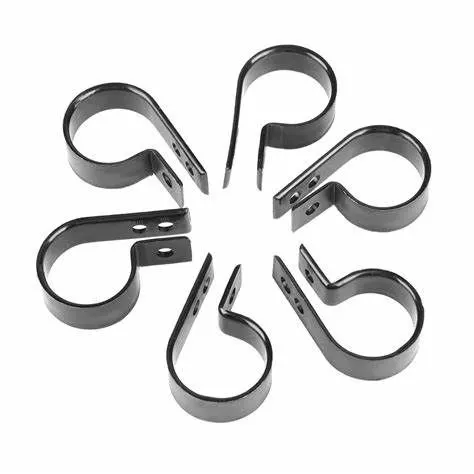
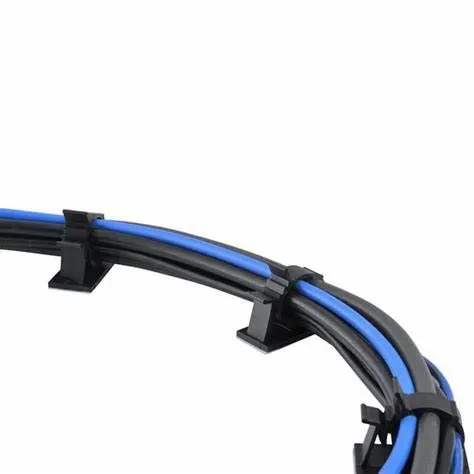
In order to define a component as support following steps need to be performed.
- Downloading the CAD file of the components which needs to be electrically defined.
- Geometrical Parameters: A clamp has 2 entry points and 2 exit points available. Points and planes need to be created for use during definition of the part. There needs to be one entry point, one exit point along with 3 planes for entry, exit and base plane.
- The component can be defined as support by giving it entry point.
- Select the same option to define the exit point of the clamp.
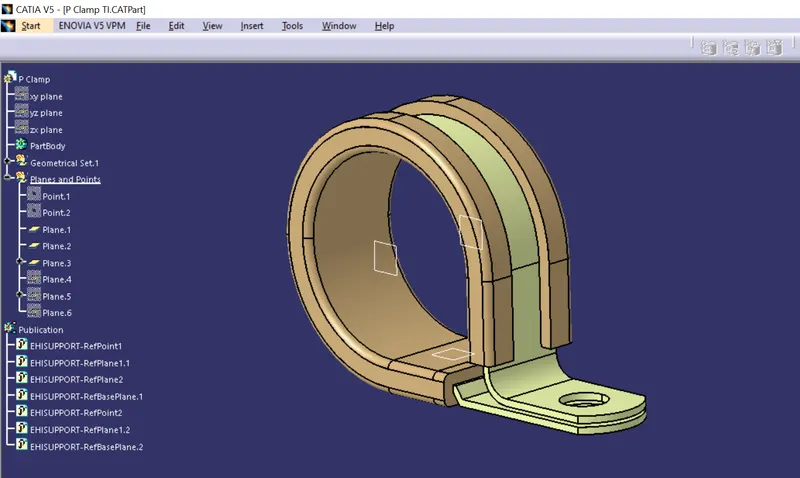
B) Defining Back-shell as Electrical Component
Back-shell are plastic molded part used at wire entry side of connectors for protection of improving the aesthetics of the harness. It is not a mandatory part of the assembly, but depends on the budget and are constrain of the project.
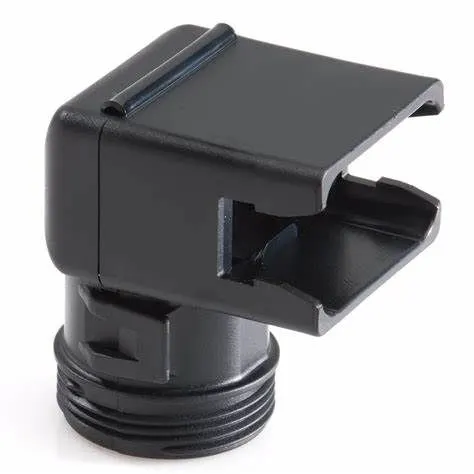
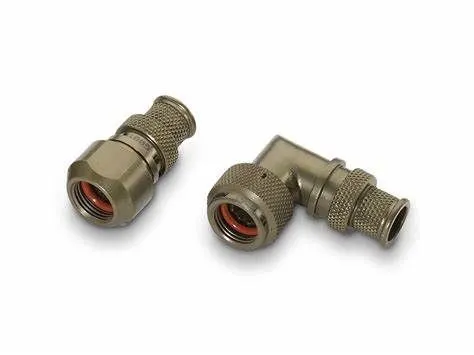
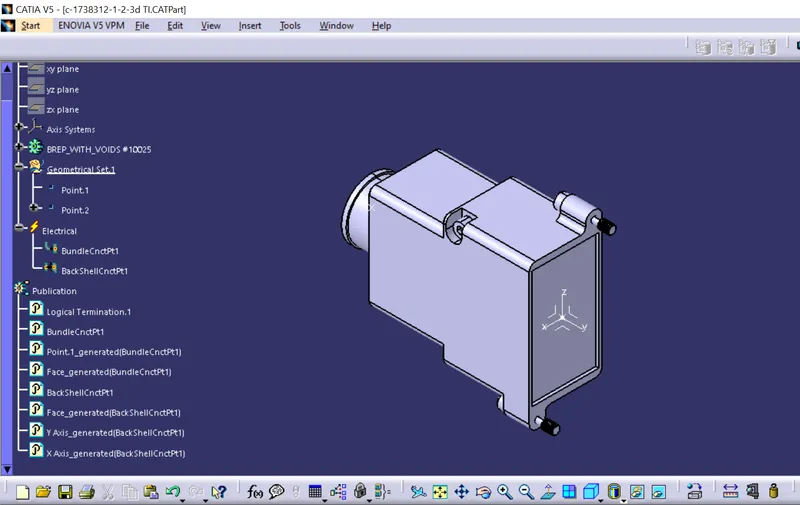
To electrically define the backshell connection points following steps are taken—
- Download the CAD file which need to be defined.
- Geometrical Parameters: Creating the Point for bundle entry point and point/axis system for the back-shell connection point.
- Define the component as a back-shell. Only after defining it as back-shell can we define the connection point of the same.
- Next define the back-shell connection point with the help of axis and point created.
- Define the bundle entry point with the point created.
C) Creating Corrugated Tubes with given data and adding them to catalogue “Slit_COT”
These are corrugated tubes also called as cot tubes and has wide range of application I the automobile industry. They are made of plastic and are very flexible in nature. Different types of tube have different properties like Temperature resistance, wear resistance etc., depending on the area it is used in.
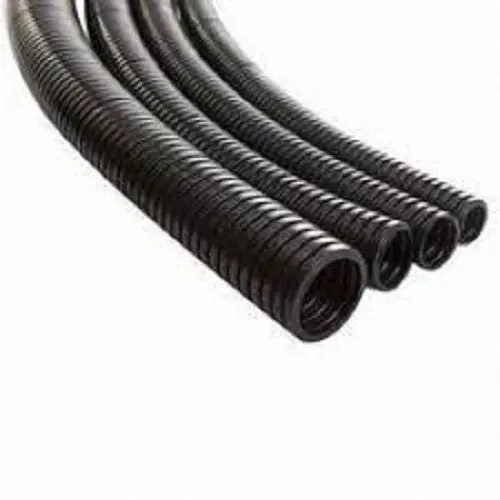
Data for creating corrugated tubes-
|
Name |
ID(mm) |
OD(mm) |
Thickness |
|
15mm COT |
12 |
15 |
1.5 |
|
20mm COT |
17 |
20 |
1.5 |
|
35mm COT |
32 |
35 |
1.5 |
|
10mm COT |
7 |
10 |
1.5 |
|
5mm COT |
3 |
5 |
1 |
To create a Corrugates tube following steps are performed—
- Define the body as protection covering.
- Select corrugated tube in the drop-down menu.
- Define the inner radius, thickness and bund radius of the tube.
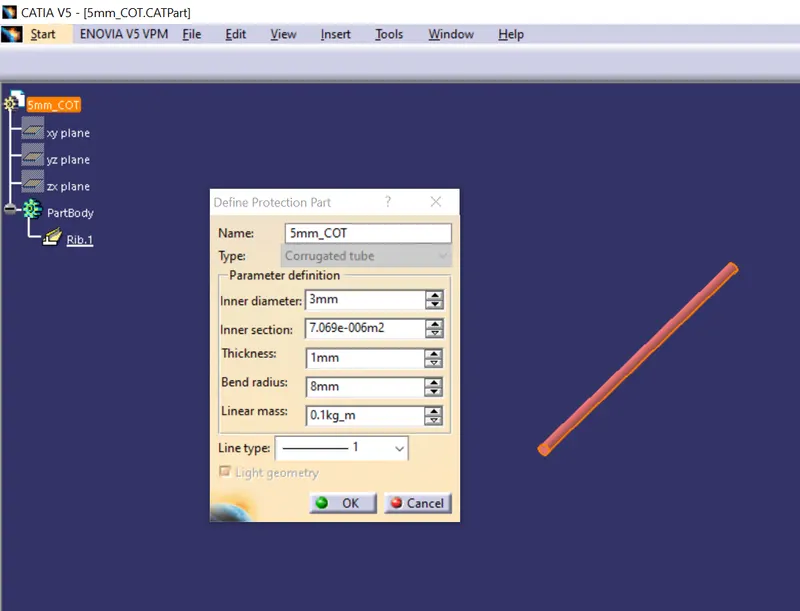
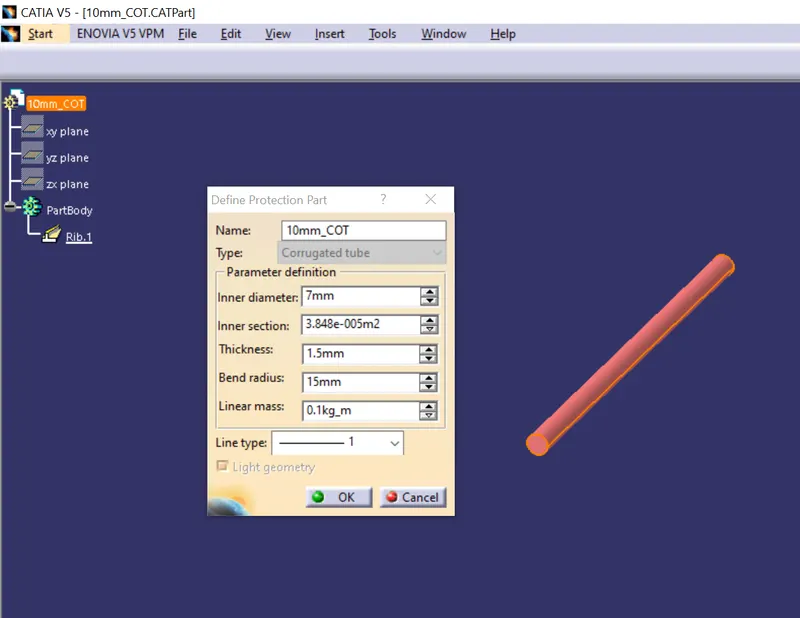
CoT tube of Outer diameter 5mm and 10mm
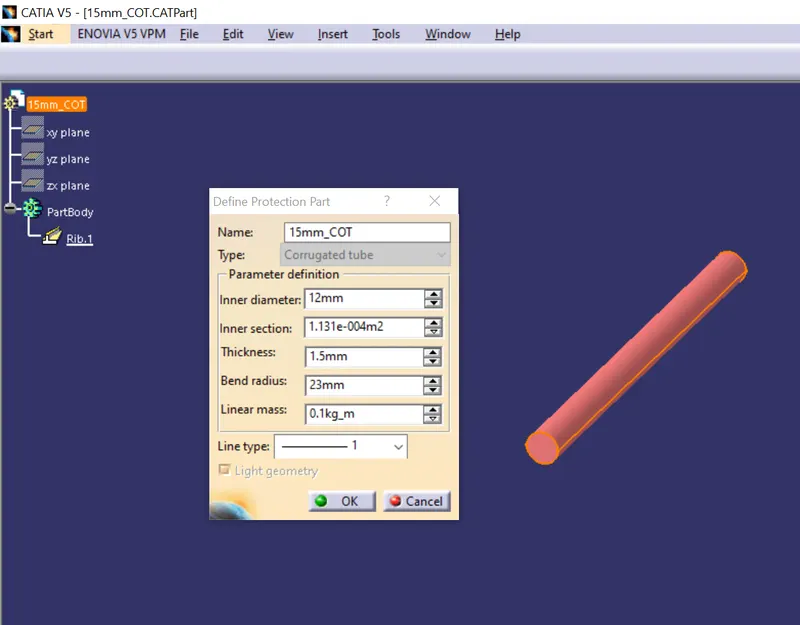
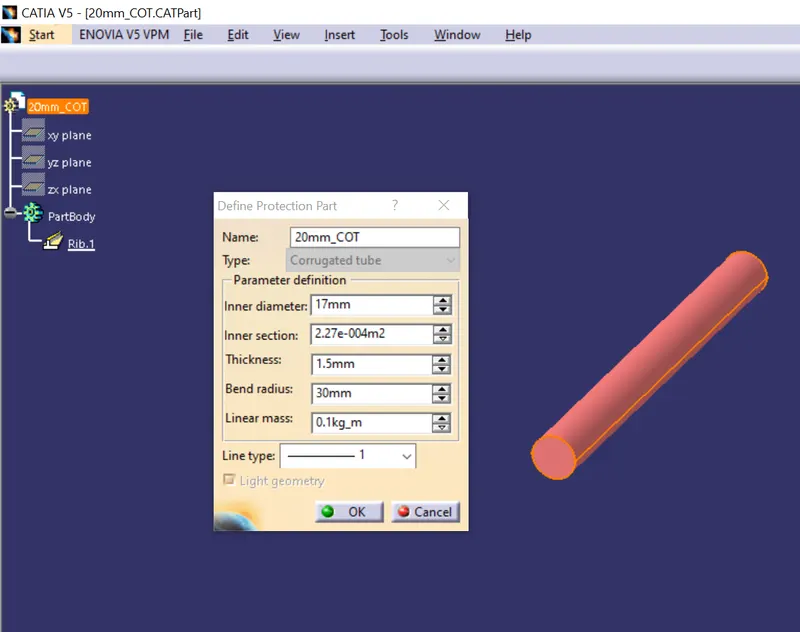
CoT tube of Outer diameter 15mm and 20mm
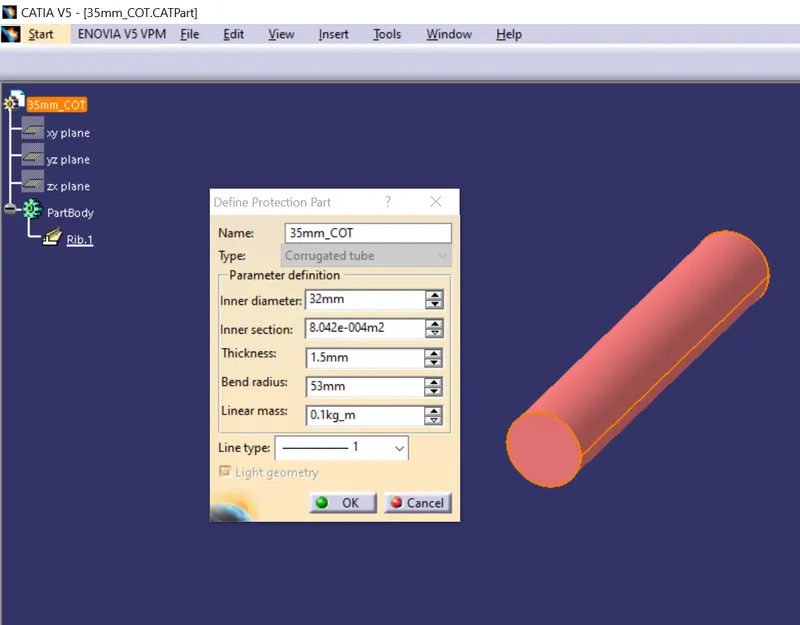
CoT tube of Outer diameter 35mm
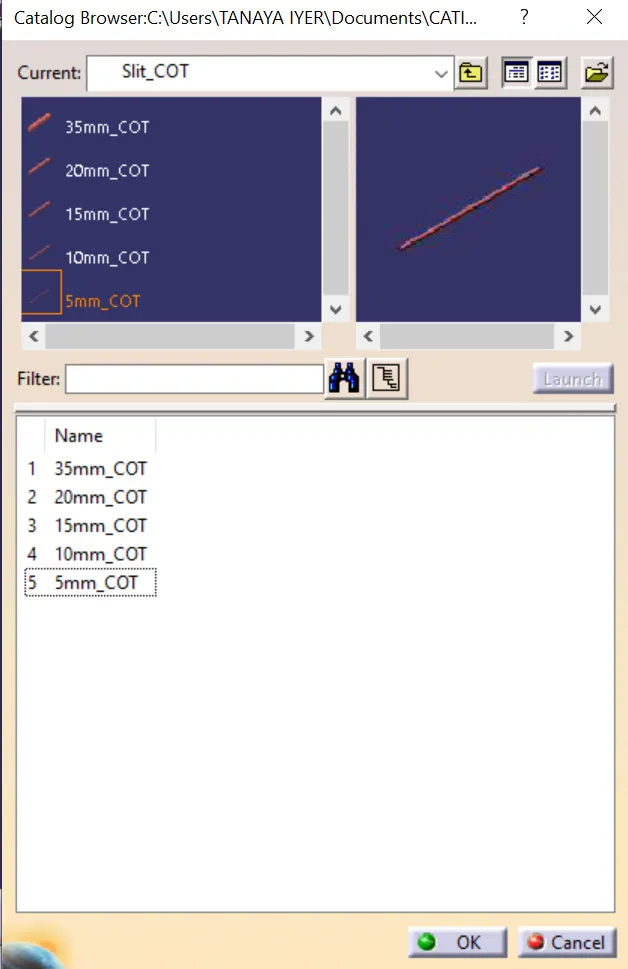
Catalogue for 'Slit_COT'
Conclusion: The parts: P-clamp and Backshell were electrically defined according to given conditions as well as catalogue for tubes is created with given dimensions.