Wiring harness routing & packaging Rules Week 3 Challenge
1A.
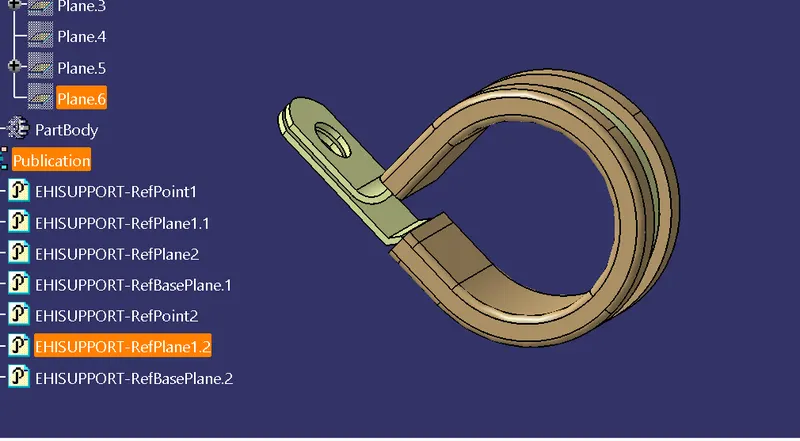
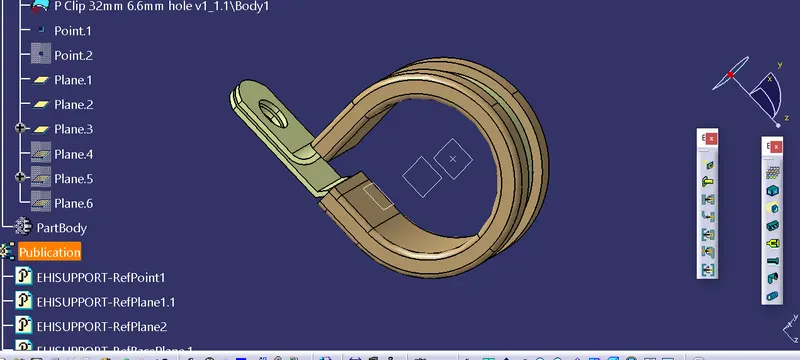
In this challenge we are first going to define a mechanical cad component electrically by setting up the geometrical parameters and then using the Electrical Part Design workbench we will define the electrical support.
The first given model in this challenge is a P Clamp which we need to define as support.
The steps followed in defining a mechanical part as electrical support is as follows
1. Download & open the 3D CAD data P camp in CATIA V5.
2. Define the Geometrical Parameters to it.
3. Define part as support.
4. Define Entry Point & Plane.
5. Define Exit Point & Plane.
2A.
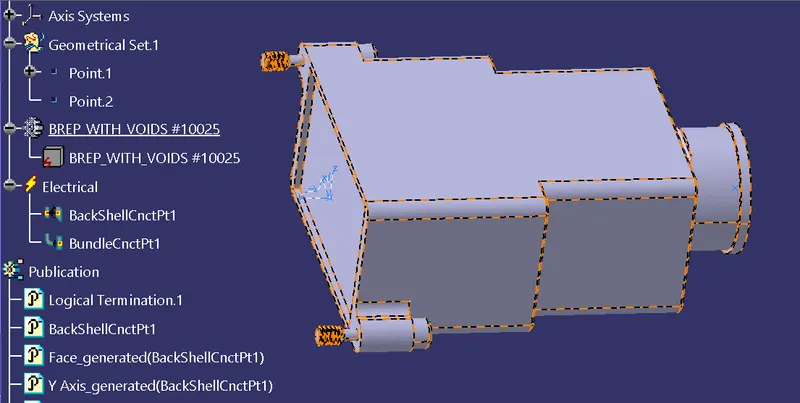
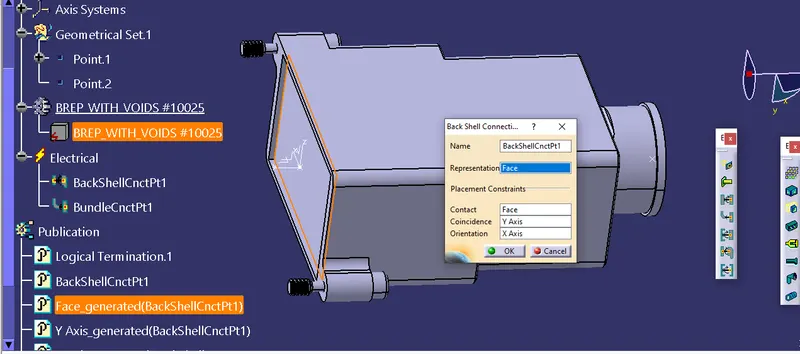
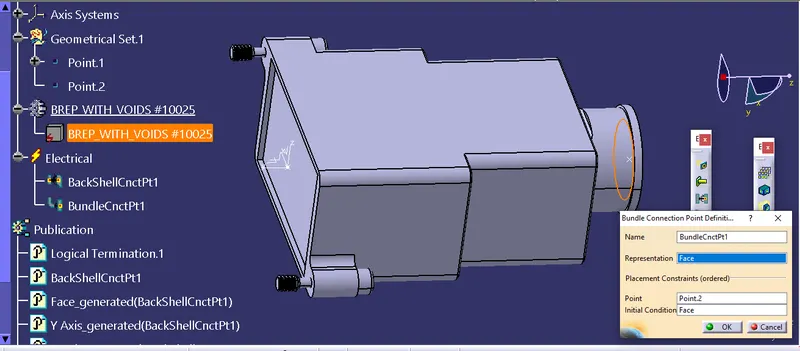
backshell is part downloaded into cat fail and upload into part body and create a point and create a axis system and next go to electric part design and and create bundle entry pointand backshell connection point and file saved in catalog folder
3A.
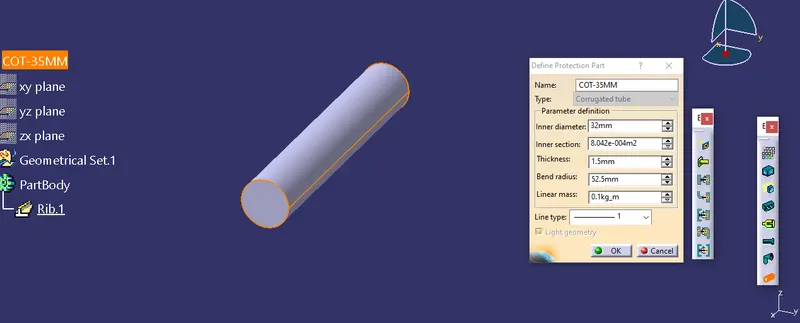
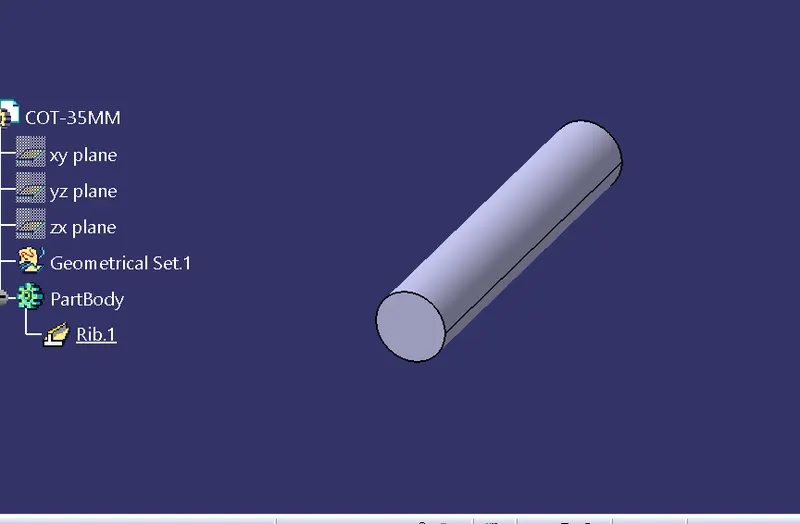
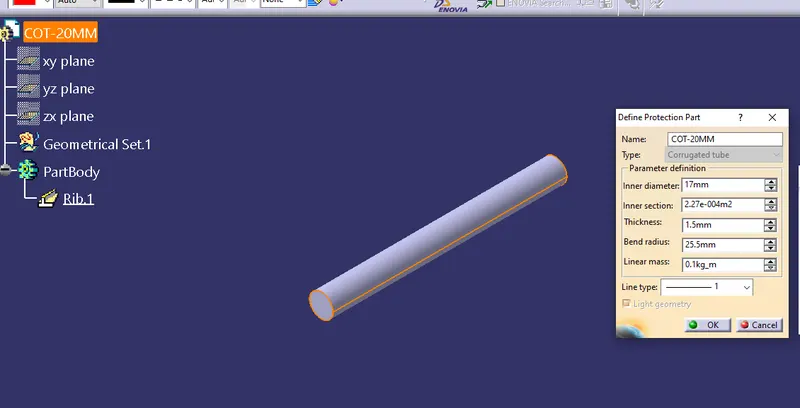
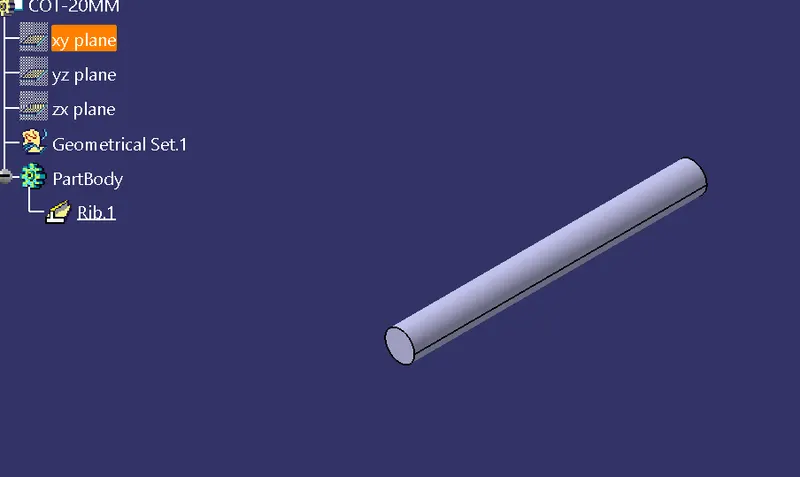
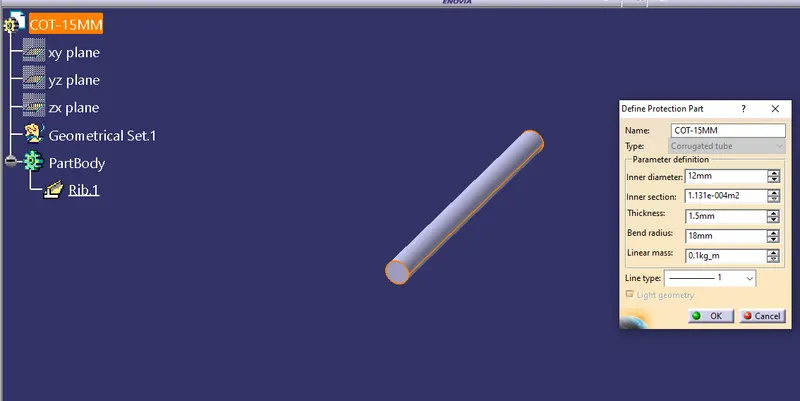
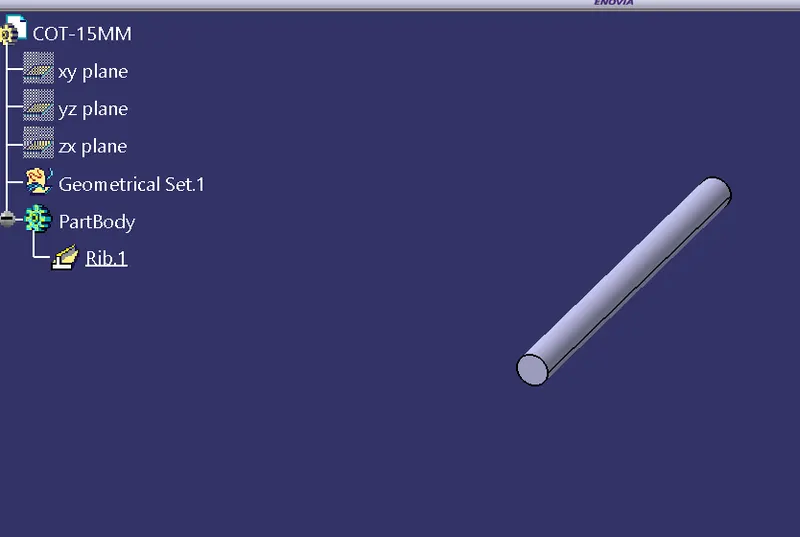
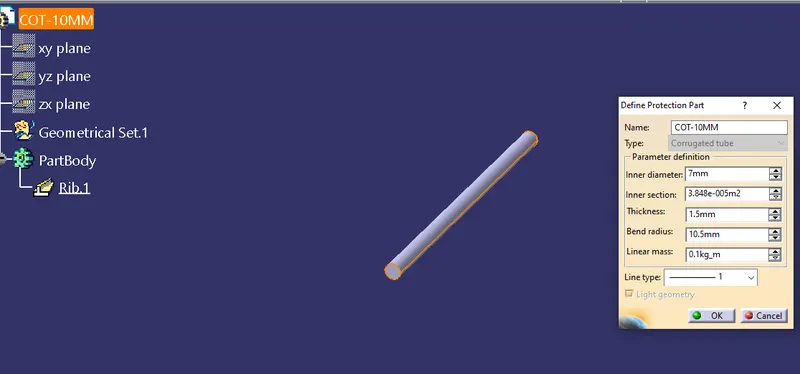
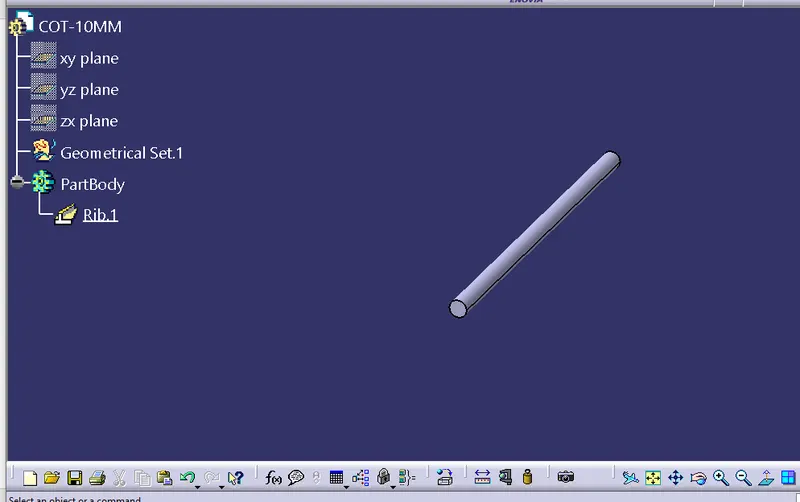
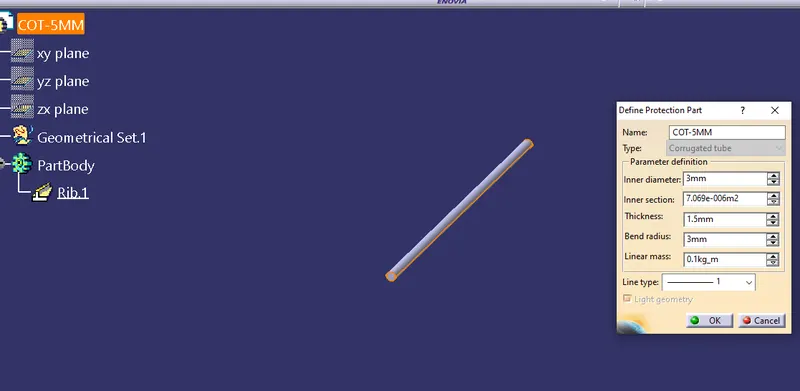
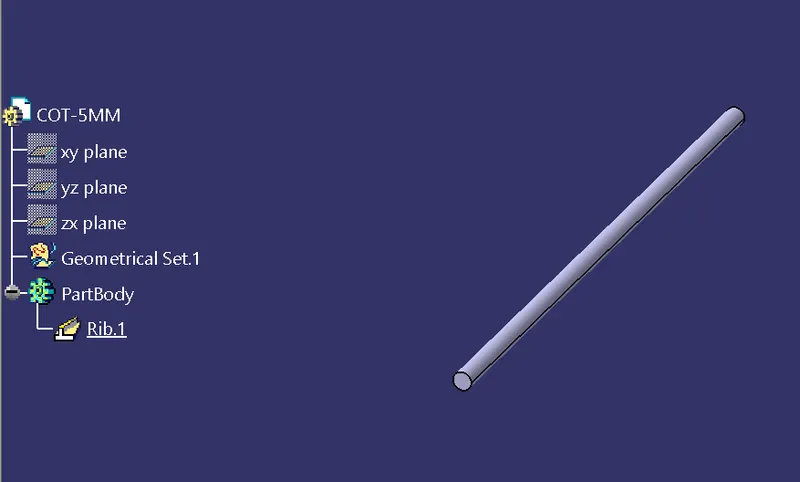
Corrugated Tubes many other types of coverings are used to protect the wiring harness the graphical representation of these coverings is applied on bundle and these tubes are created tomultiple tubes abd saved in catalog folder in different dinmesions
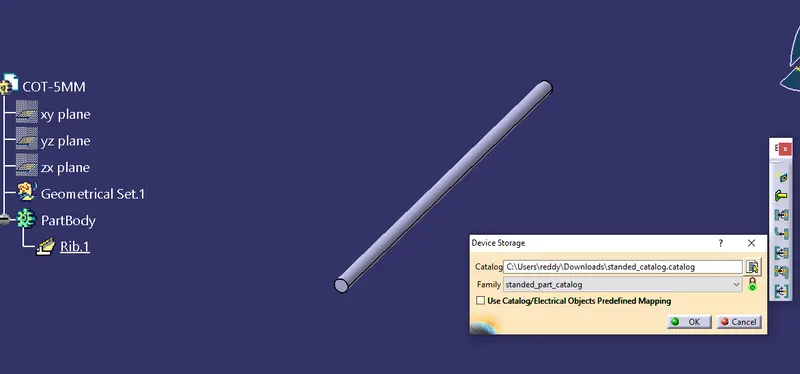
these pattron all the files are saved inthe catolog folder: