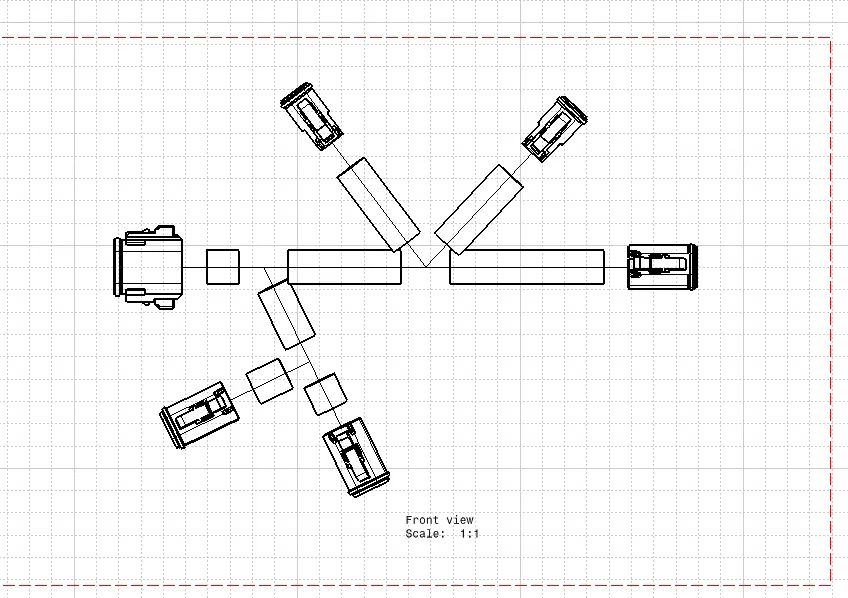
Wiring harness design in CATIA V5 - 3D modeling Week 7 Challenge
- Create a product file, navigate to the Electrical Harness Flattening for wire harness flattening option, and save it in the exact location where the wire harness or routing assembly is stored.
- Define the 'Harness flattening parameters' in order to flatten the required wire harness assembly.
- While defining the harness flattening parameters in the drawing menu single line is selected for the bundle segment and a double line is chosen for protective coverings in order to differentiate between the wire bundle and cot tubes in drafting.
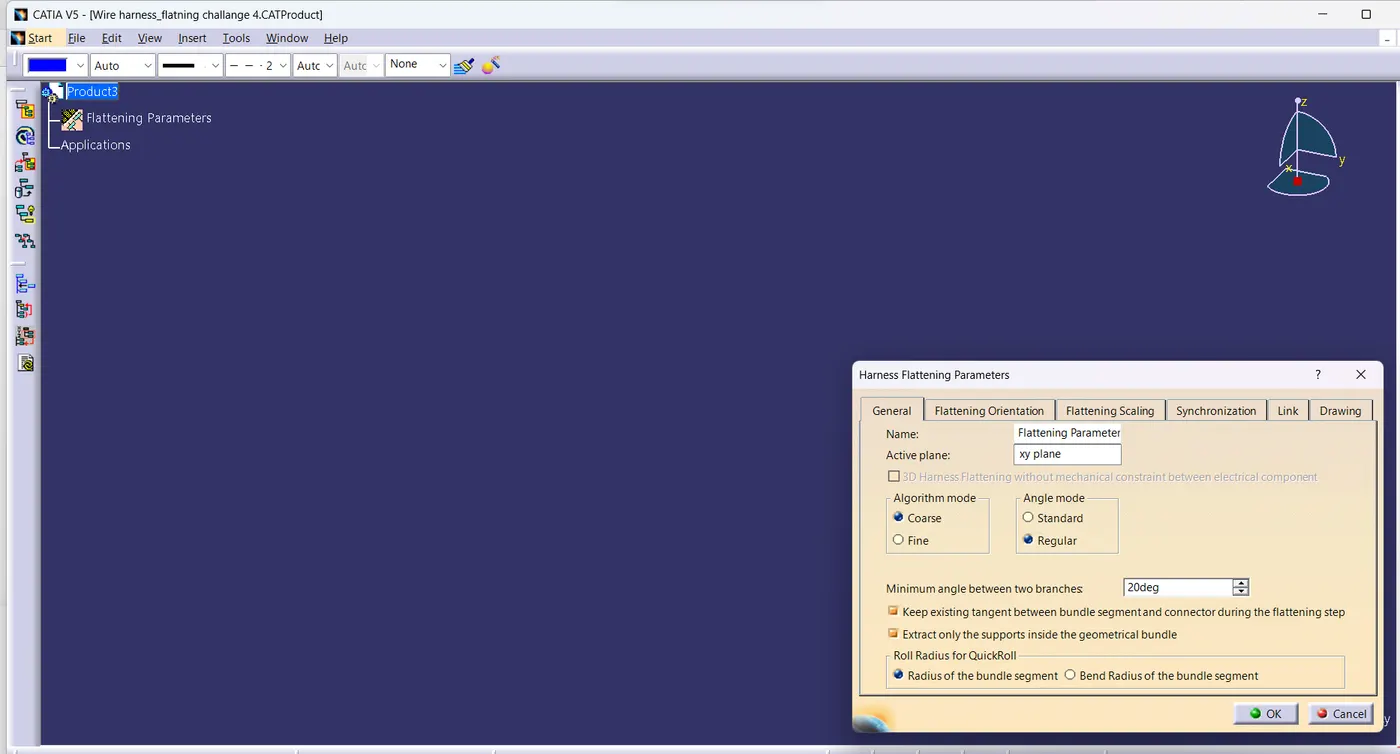
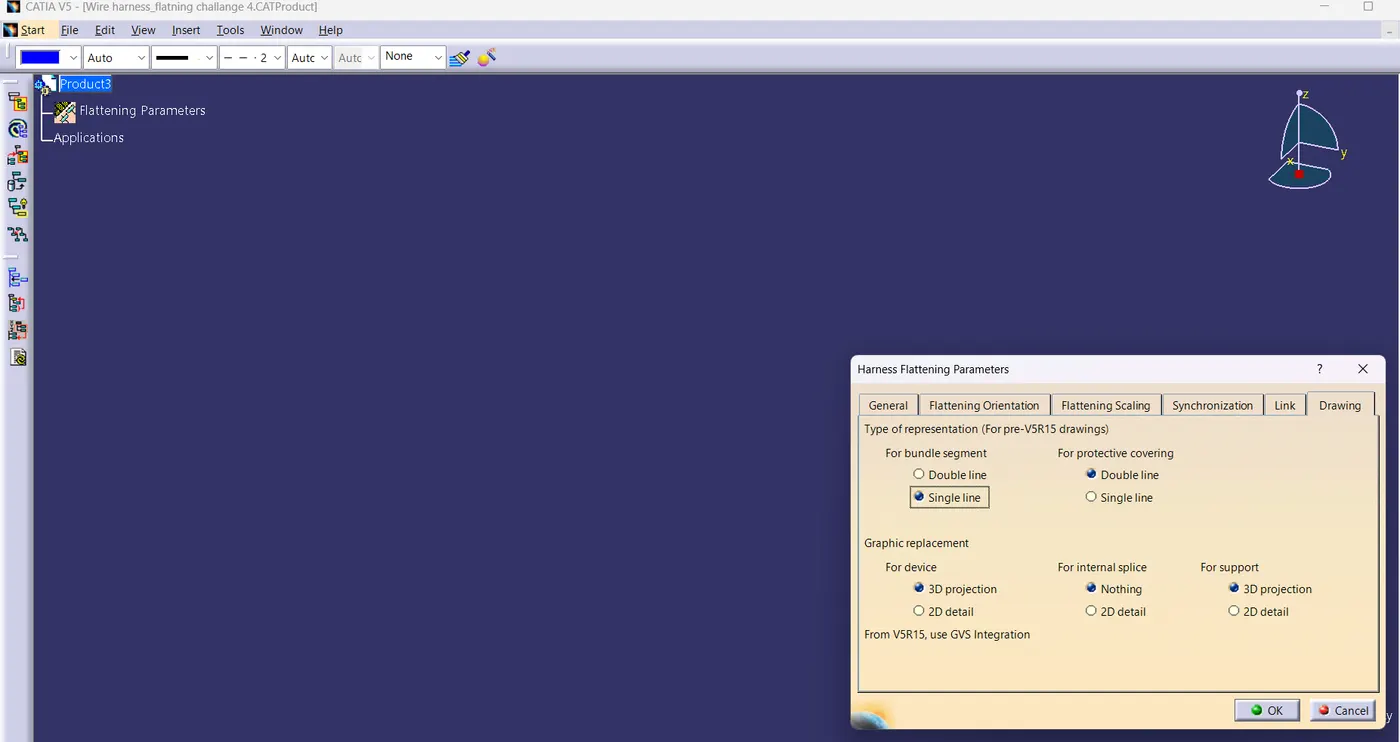
- Select the 'Extract' option from the Electrical Harness flattening workbench and select the Geometric bundle product in the wire harness assembly product file.
- Then wire harness assembly is imported to the Wire flattening product file with 'EHF' extension added to the geometric bundle assembly name.
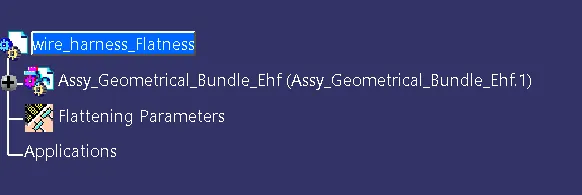
- Select the 'Flatten' option to flatten the wire harness assembly.
- Then select the active plane, then select any one branch, and then select the 'select all branches'.
- If there is no discontinuity in the bundle segment then all the branches will be selected and by pressing 'ok' the wire harness assembly will be flattened.
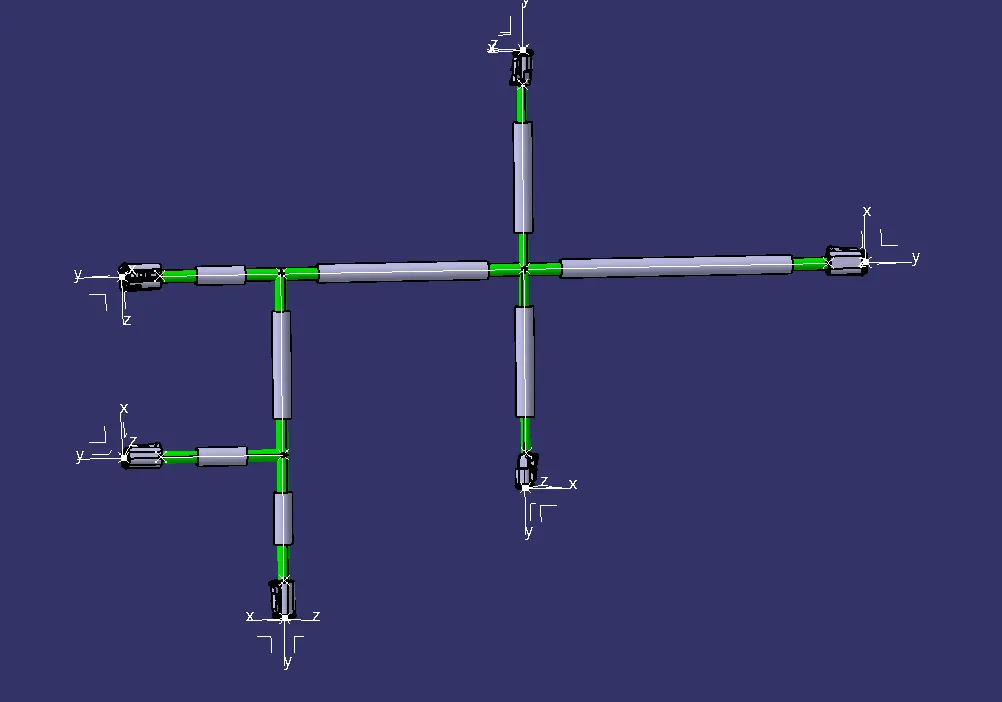
- Use 'Rotate' and other commands to rotate the branches and bring them in proper orientation as per the given layout.
- And scaled it for the drawing
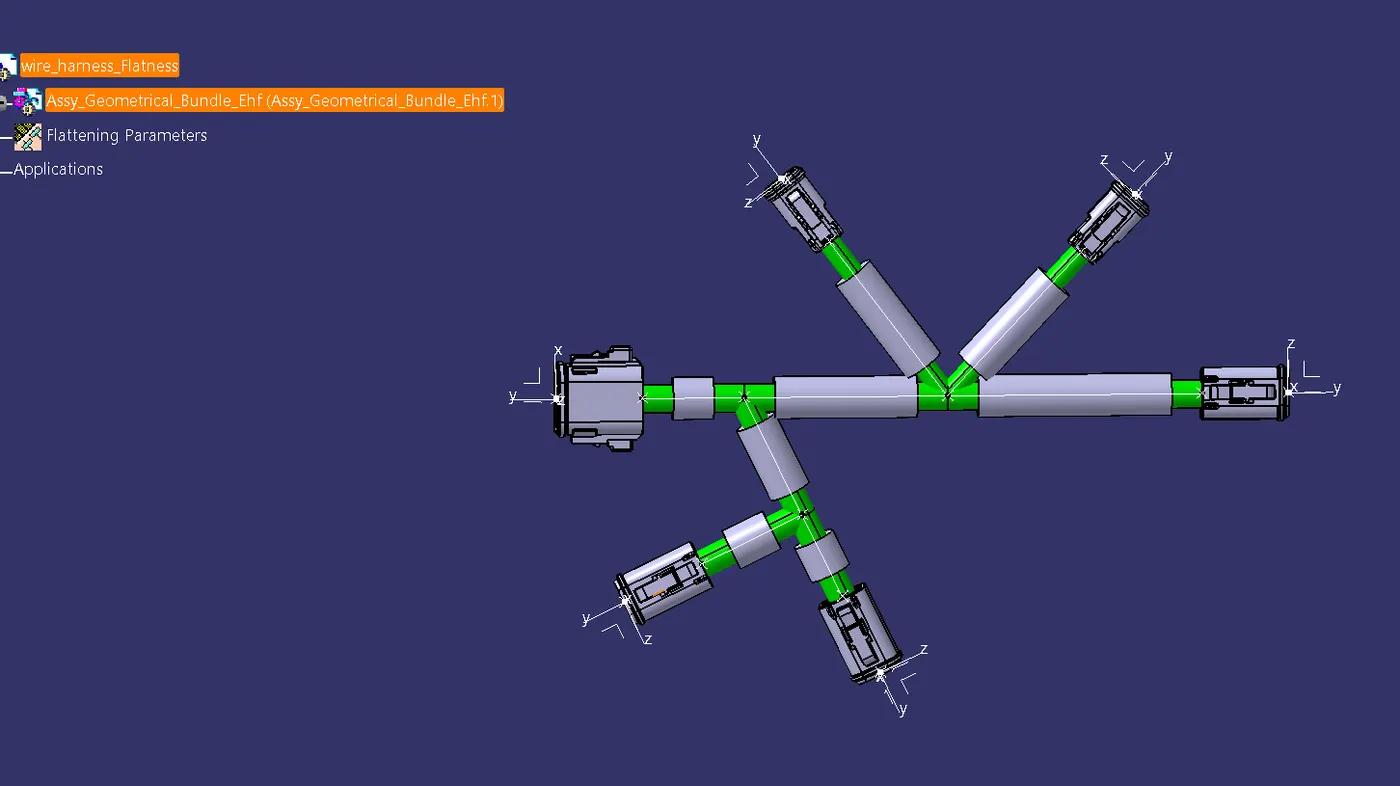
Drawing