Wiring harness design in CATIA V5 - 3D modeling Week 7 Challenge
Dear Team,
I have attached the harness Flattering assembly and drawing file .
Define Connector:
I defined the mechanical part as electrical connector by providing connector connection point and bundle connection point.
Creating Bundle segment:
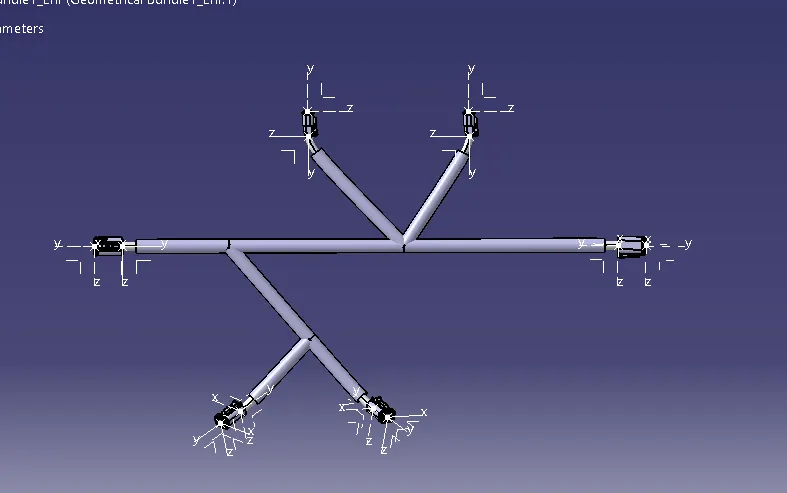
In the Electrical harness assembly workbench, making the product to geometric bundle and routing done by using bundle definition command.
Connecting the 2 harness assemblies:
After creating the 2 various harness assemblies , added those into the new assembly . conncted the 2 assemblies using connect device option in the assembly design work bench .
Checking for continuity:
Using search option , the bundle segment continuity verified.
Flattering:
Using the harness flattering work bench , Flatern the harness assembly using extract option . Before this modified the settings according to required result.
Making Drawing:
From the flaterring product , drawing was created in drawing workbench. The view is installed using frontview option in drawing workbench. Balloon dimension marking is provided and bill of material table and title block table also provided.