Wiring harness design in CATIA V5 - 3D modeling Week 7 Challenge
open catia and make new product file.
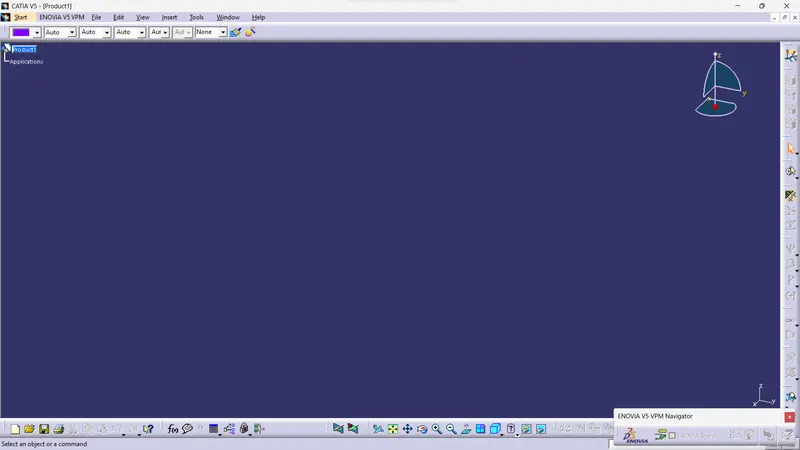
rename it as require.
open cad file wich we make in week 4 challange.
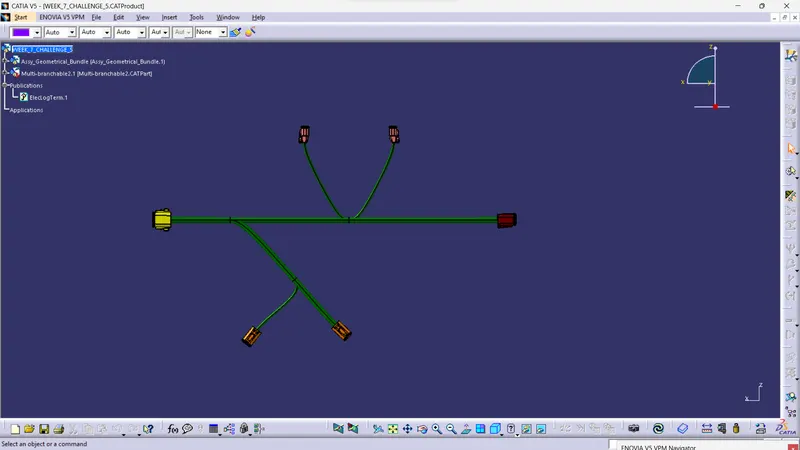
switch to electrical harness flattening workbench.
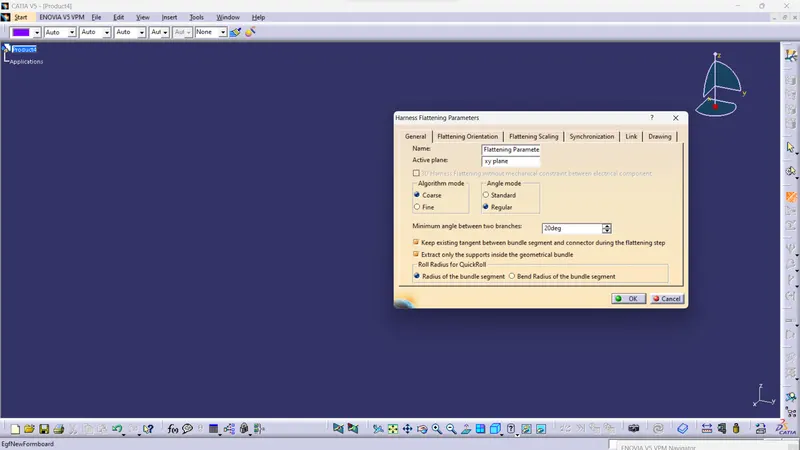
add harness flattening parameters in file wich we created earlier.
then click on exract command > product file >file wich we madein week 4 chhalange
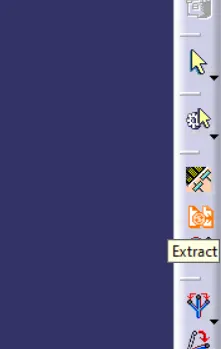
week 4 file is imported in new product file .
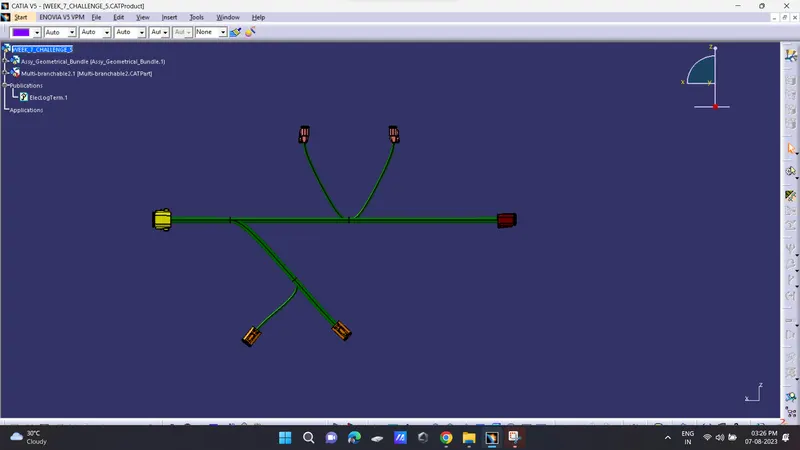
click on flattening command and slect all branches.
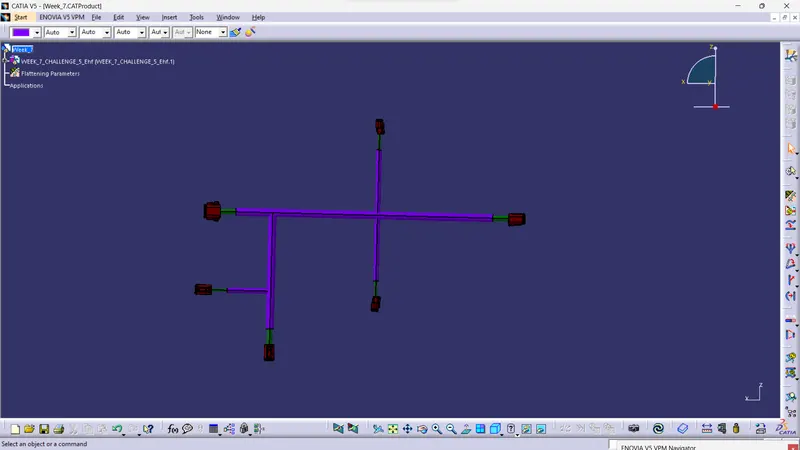
now arrange it using various command available in flattening work bench according to need.
Create new drawing file give parameter.
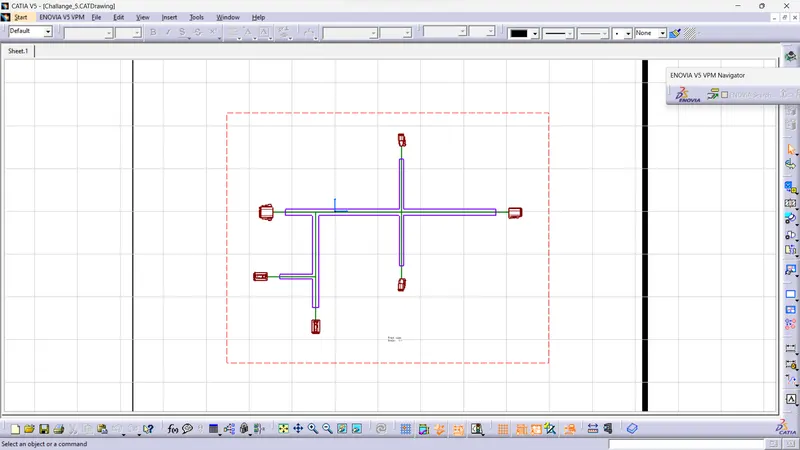
add front view of harness in it.