Wiring harness design in CATIA V5 - 3D modeling Week 7 Challenge
Arrange all connectors as per the given drawing.
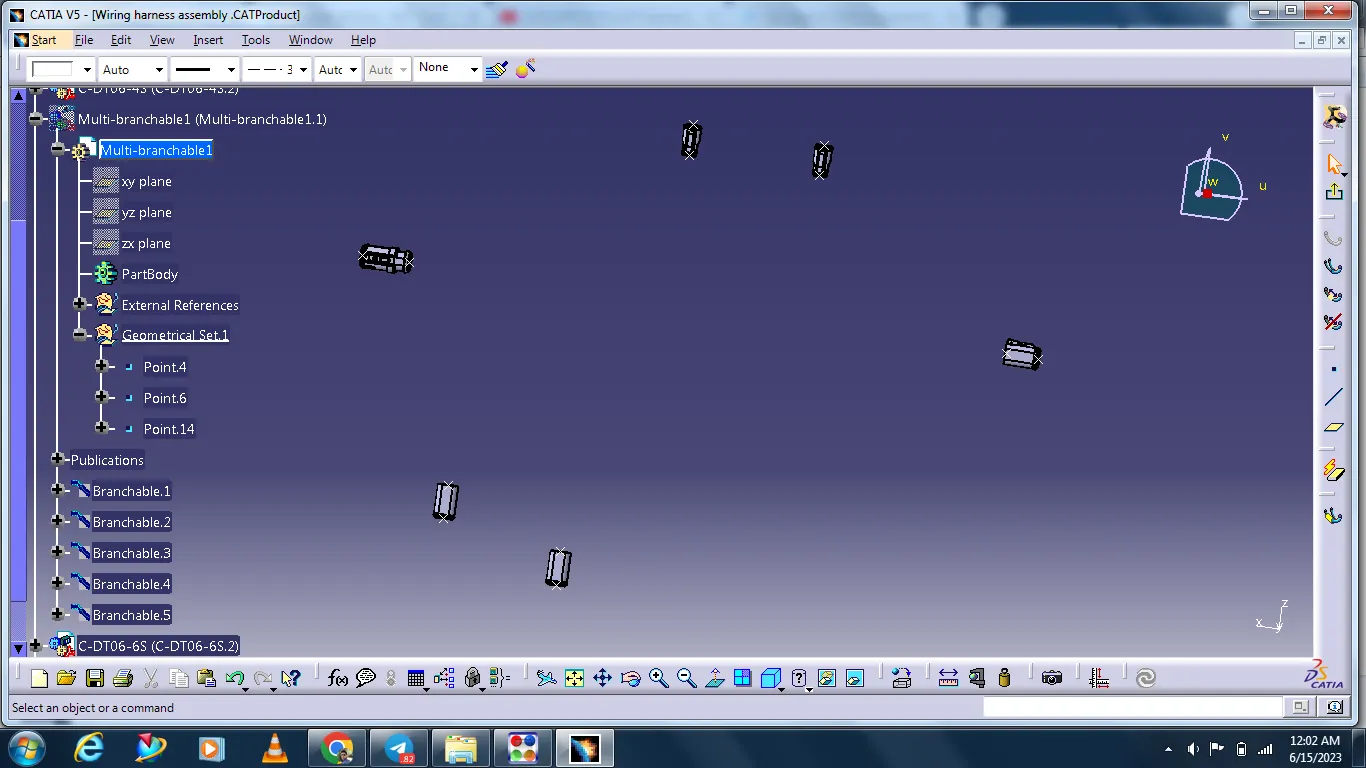
After arranging all connectors next adding bundles with the help of muti branchable document command.
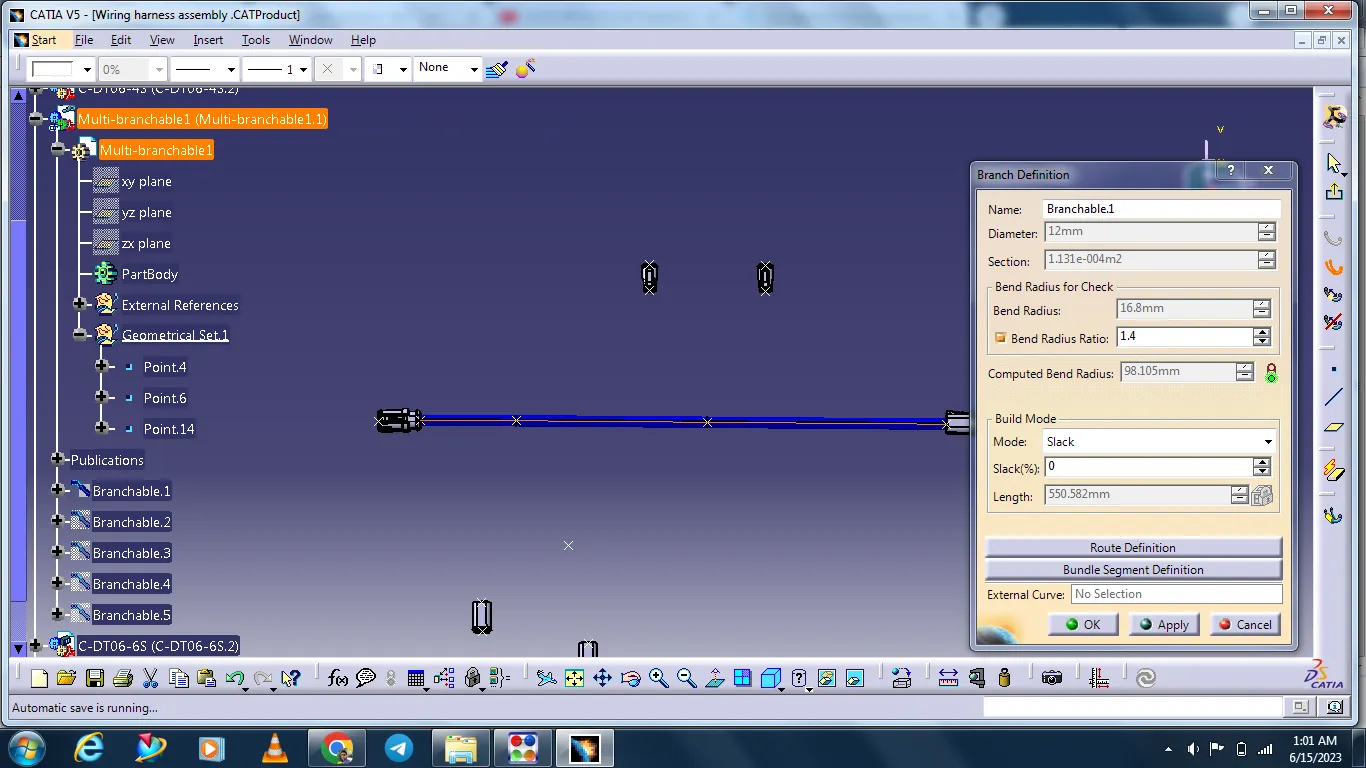
There is adding branch points for giving other connectors connection with the help of bundles.
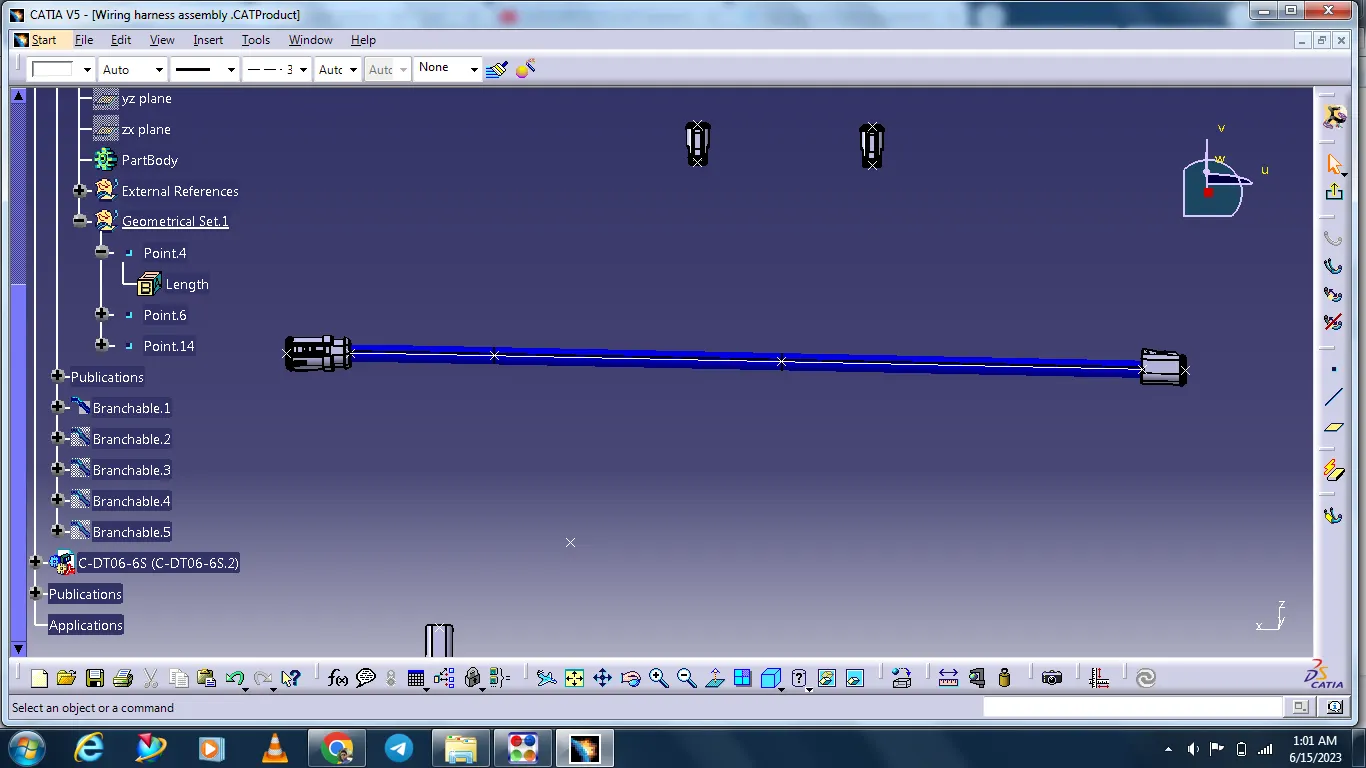
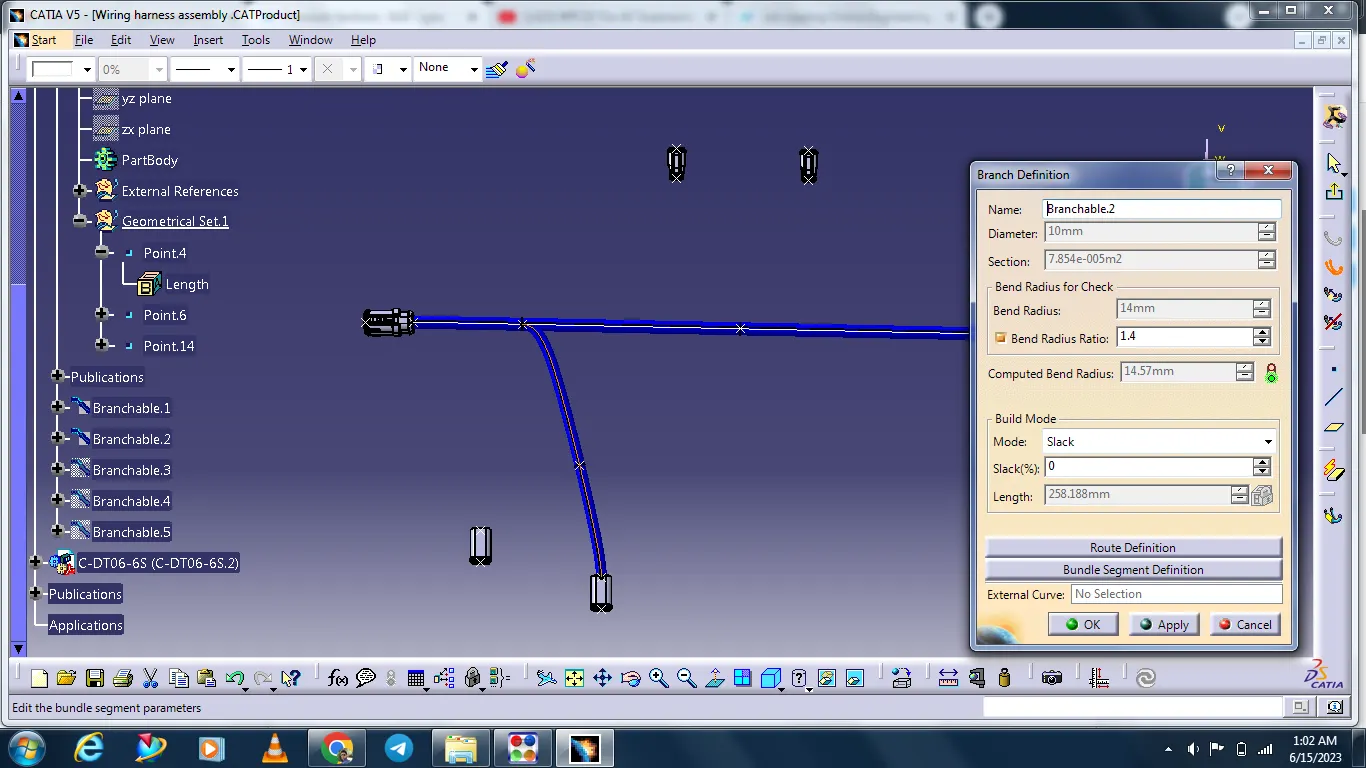
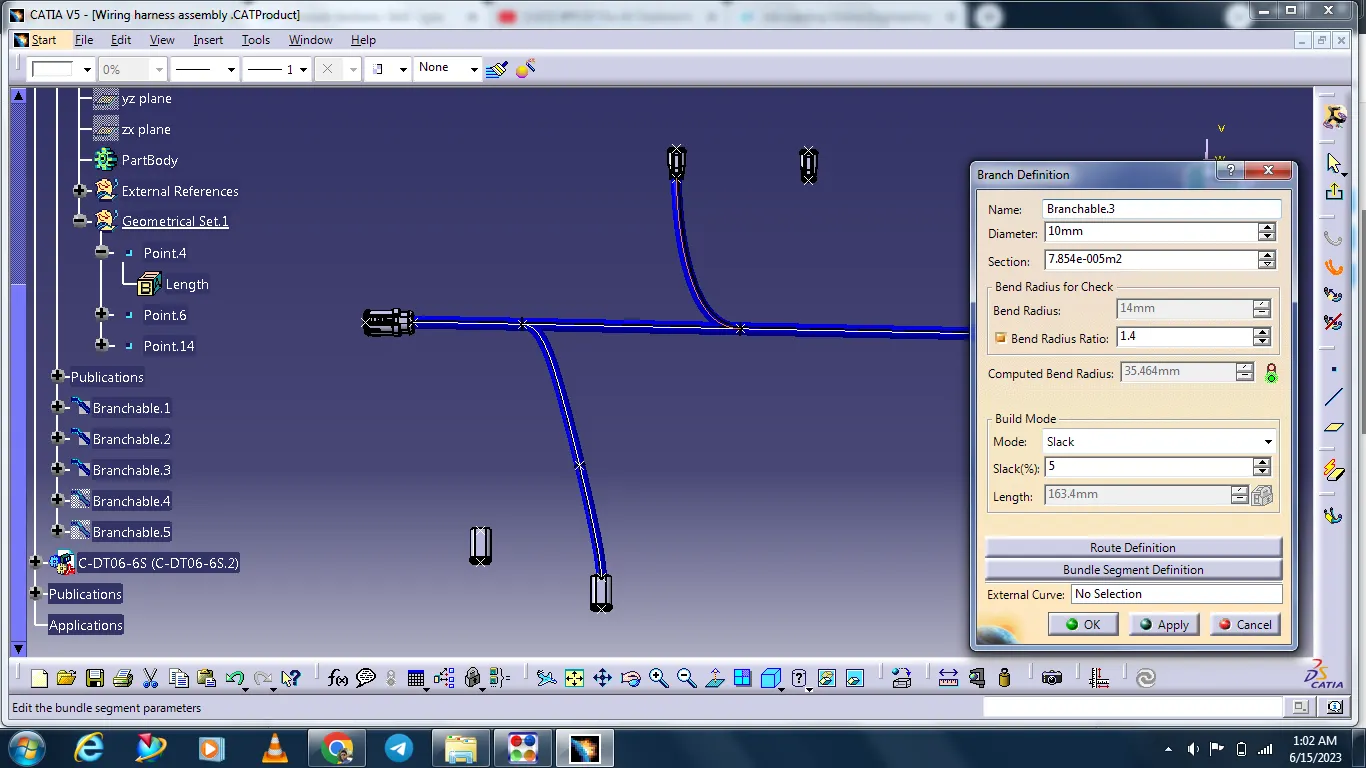
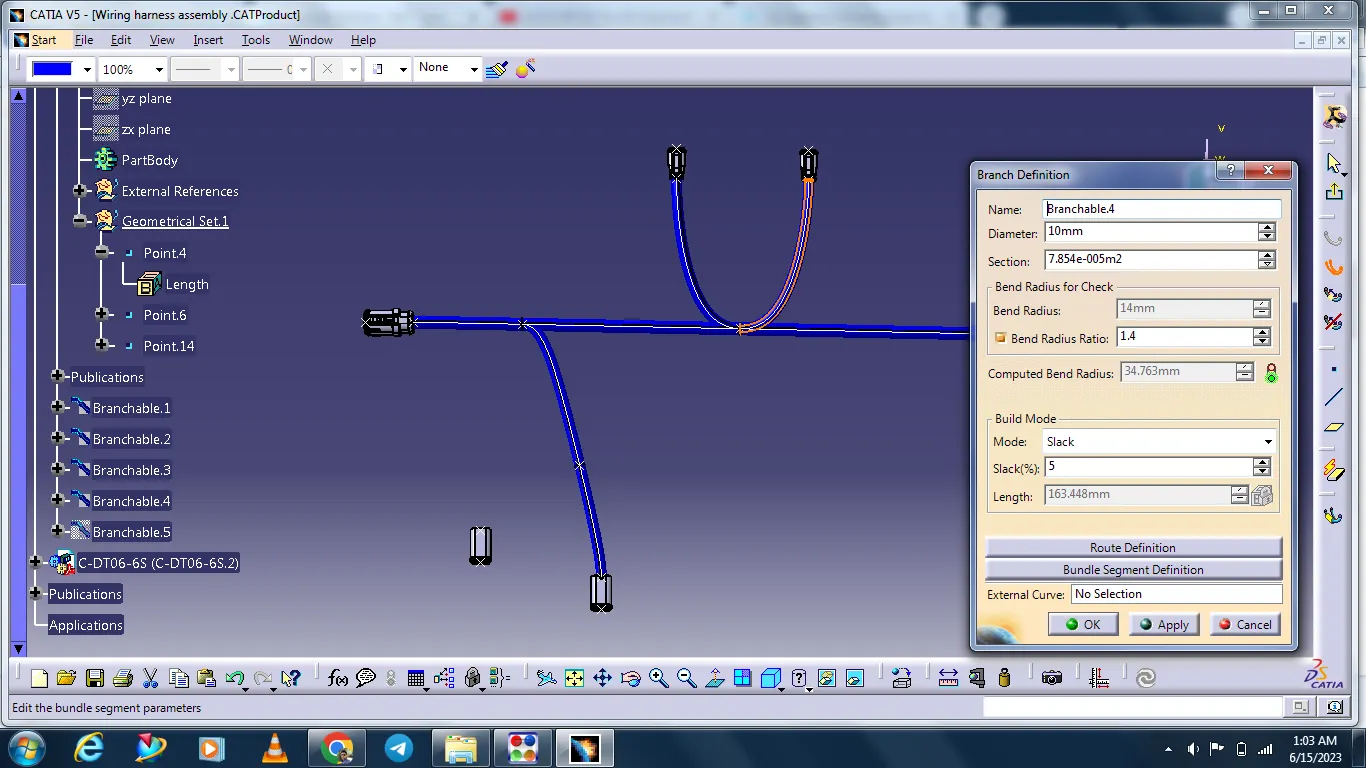
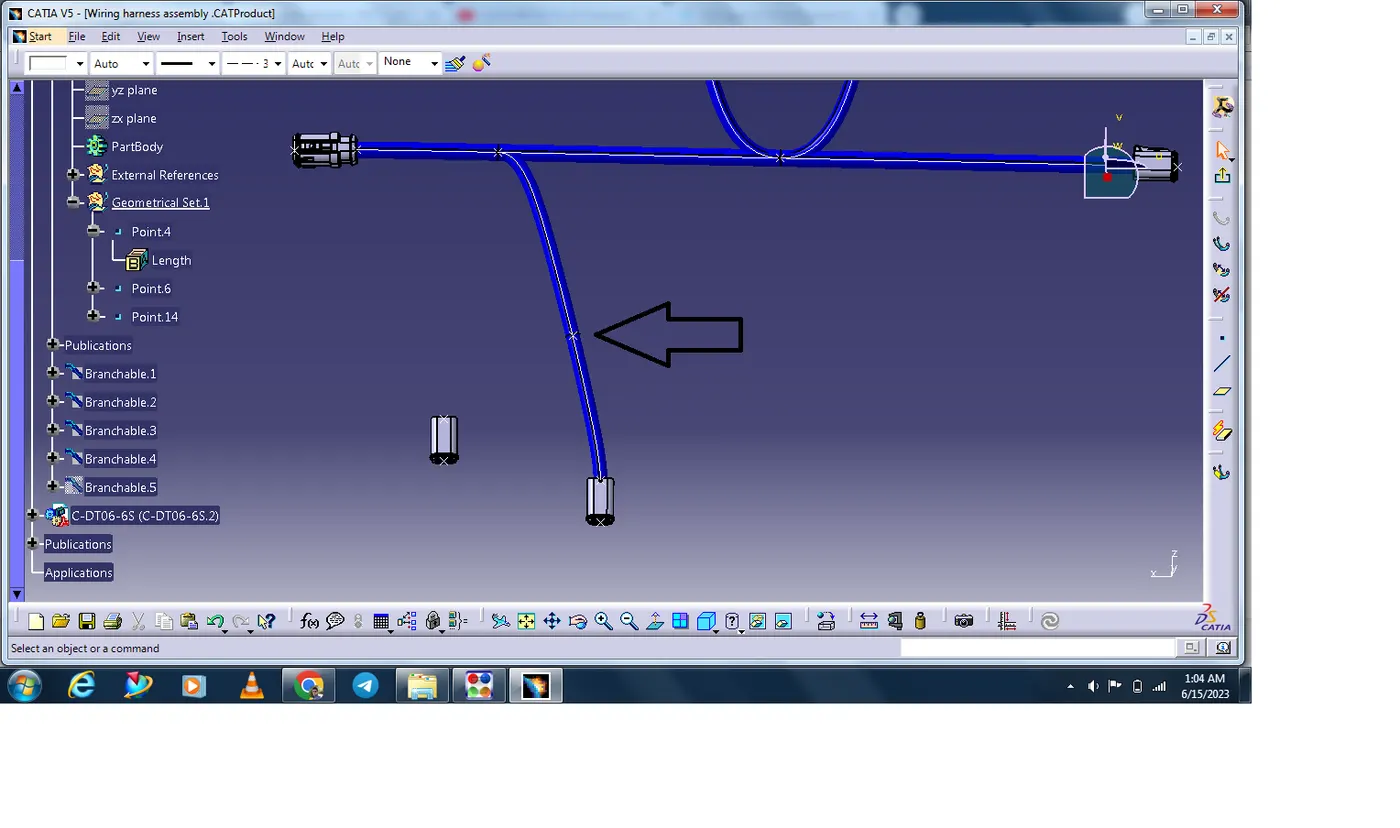
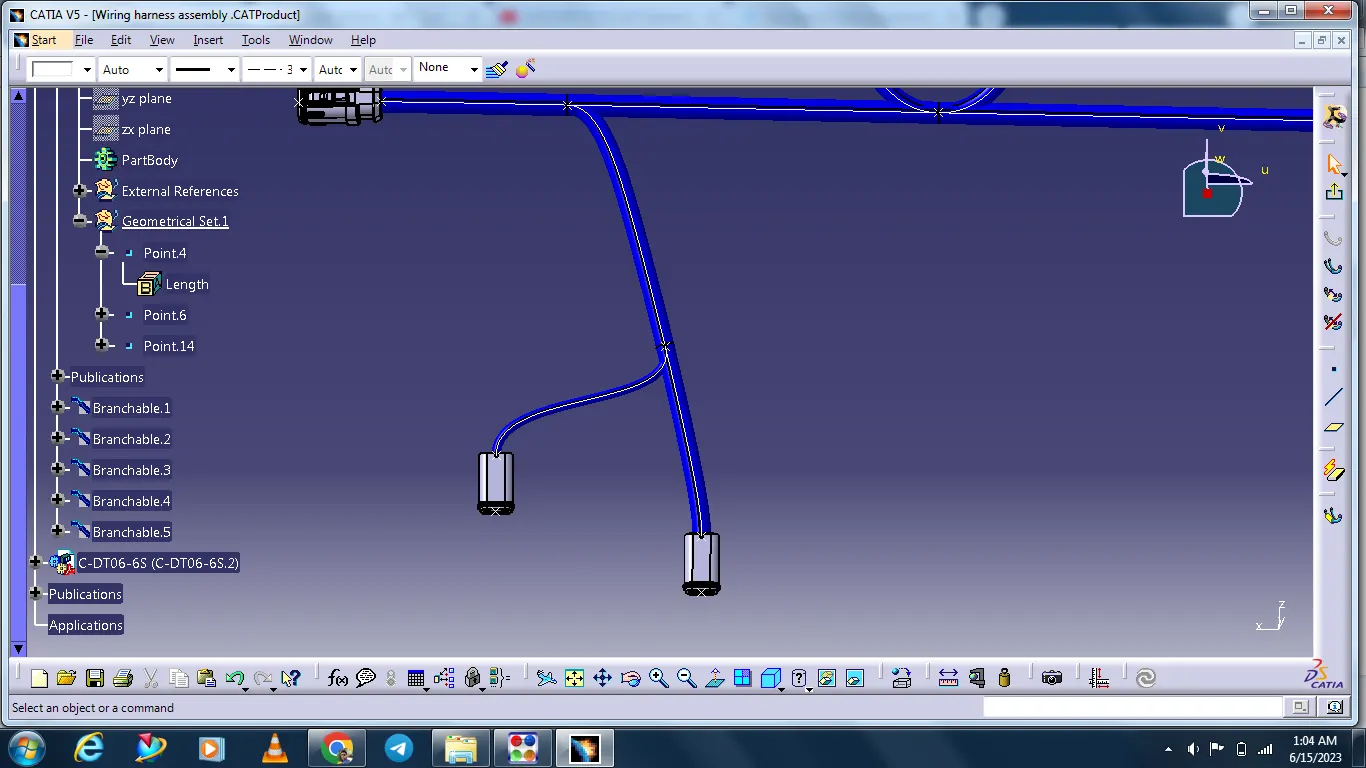
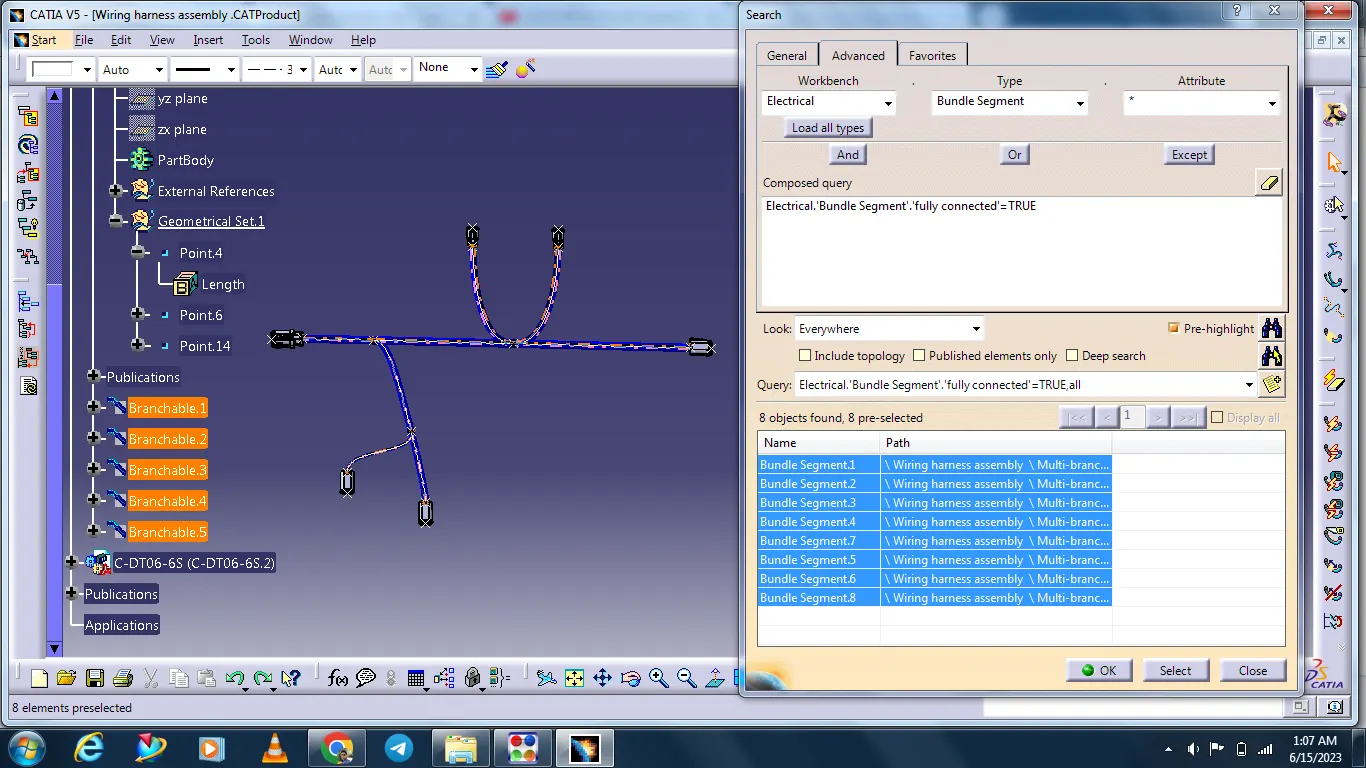
After connecting all bundles, ckecking bundle connections these are connected or not.
Checking with search option.
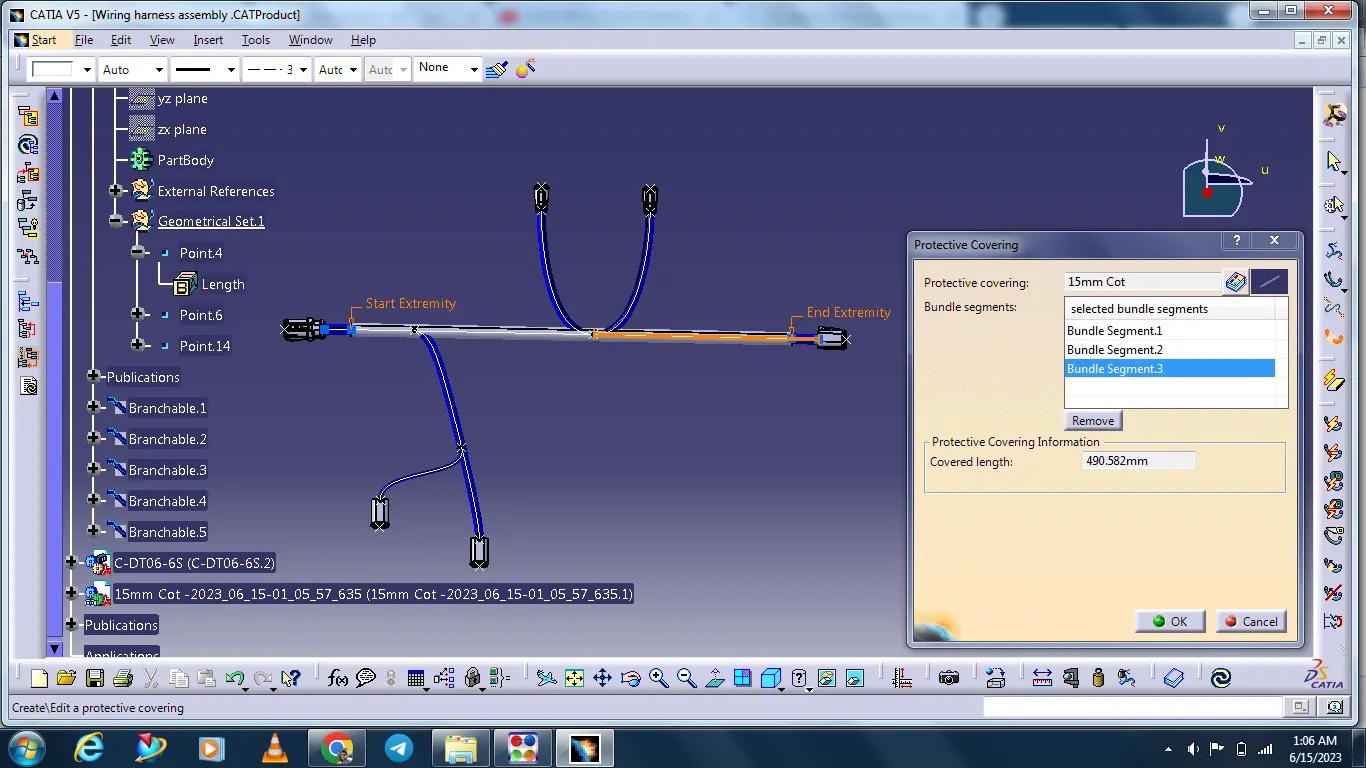
After completing the bundle connection next add Corrugated tubes with the help of Protective Covering command.
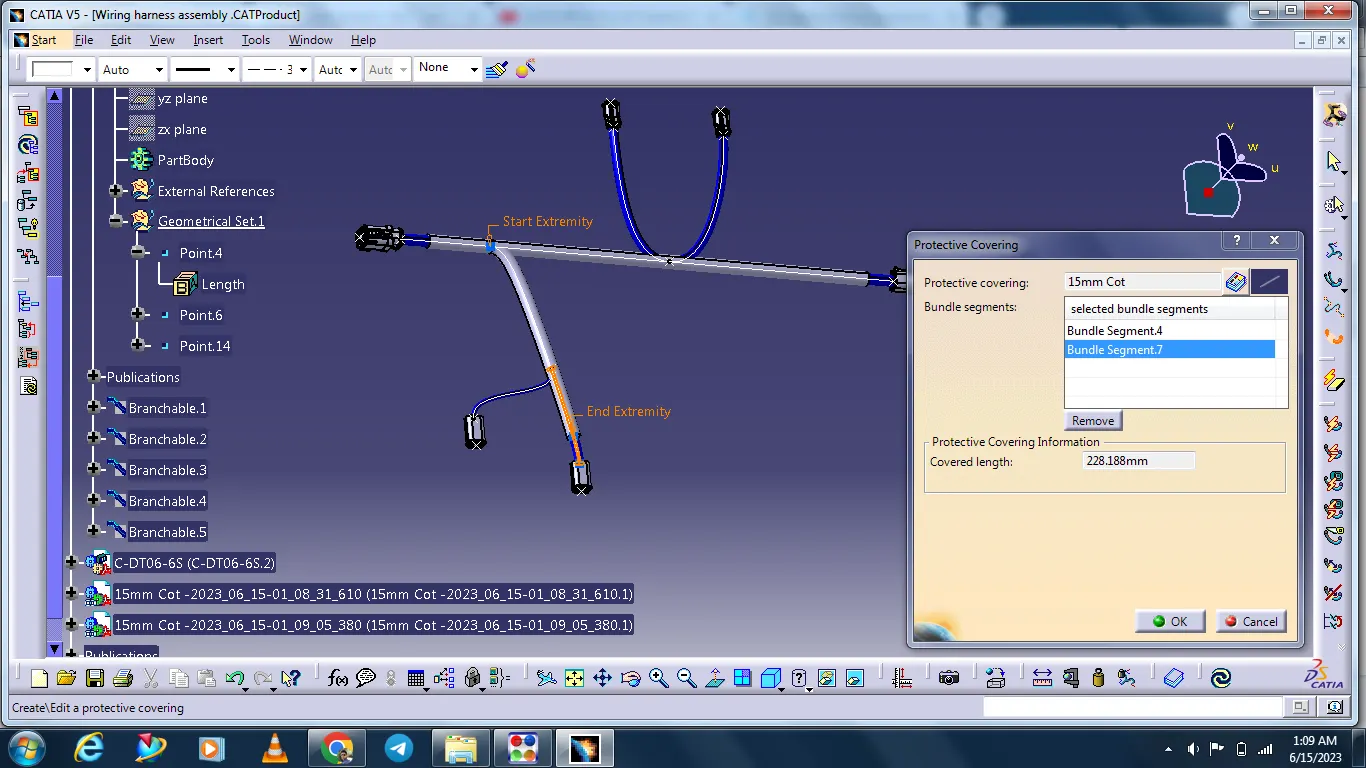
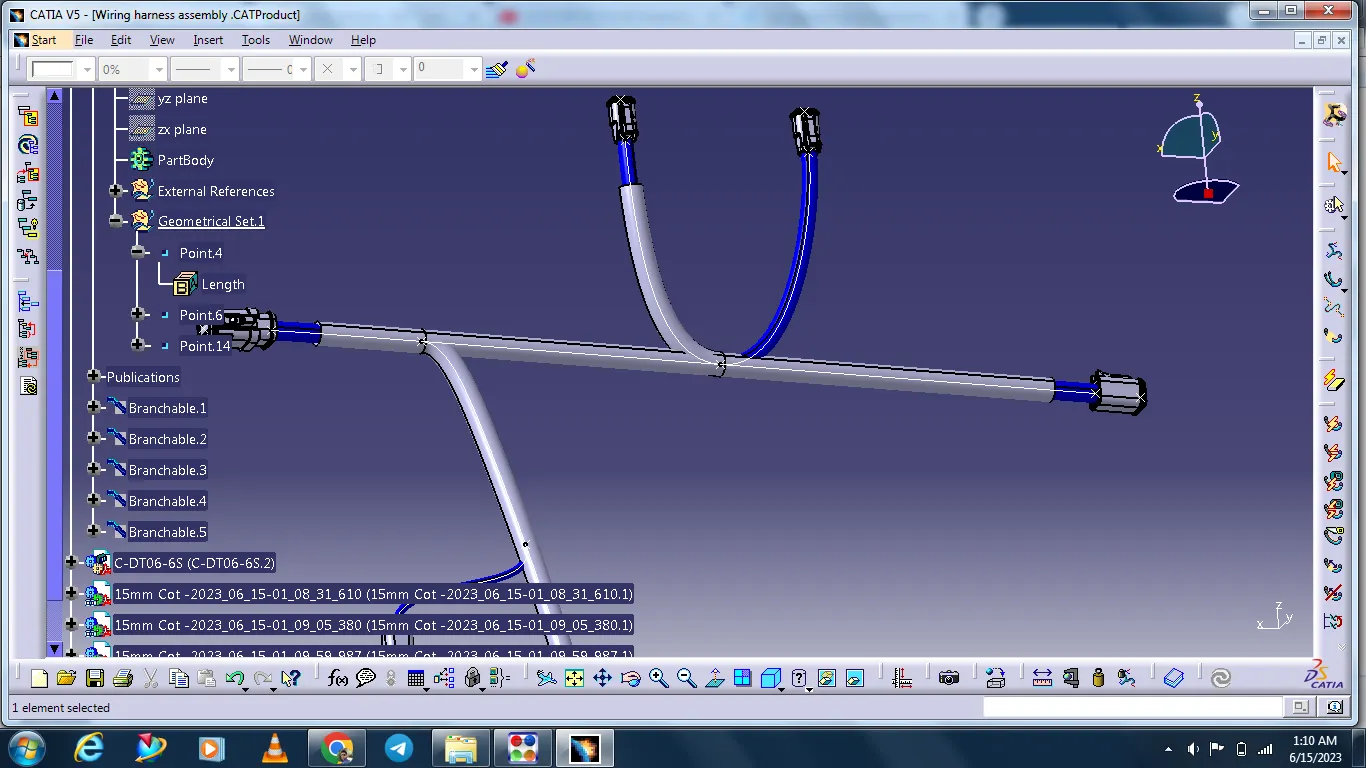
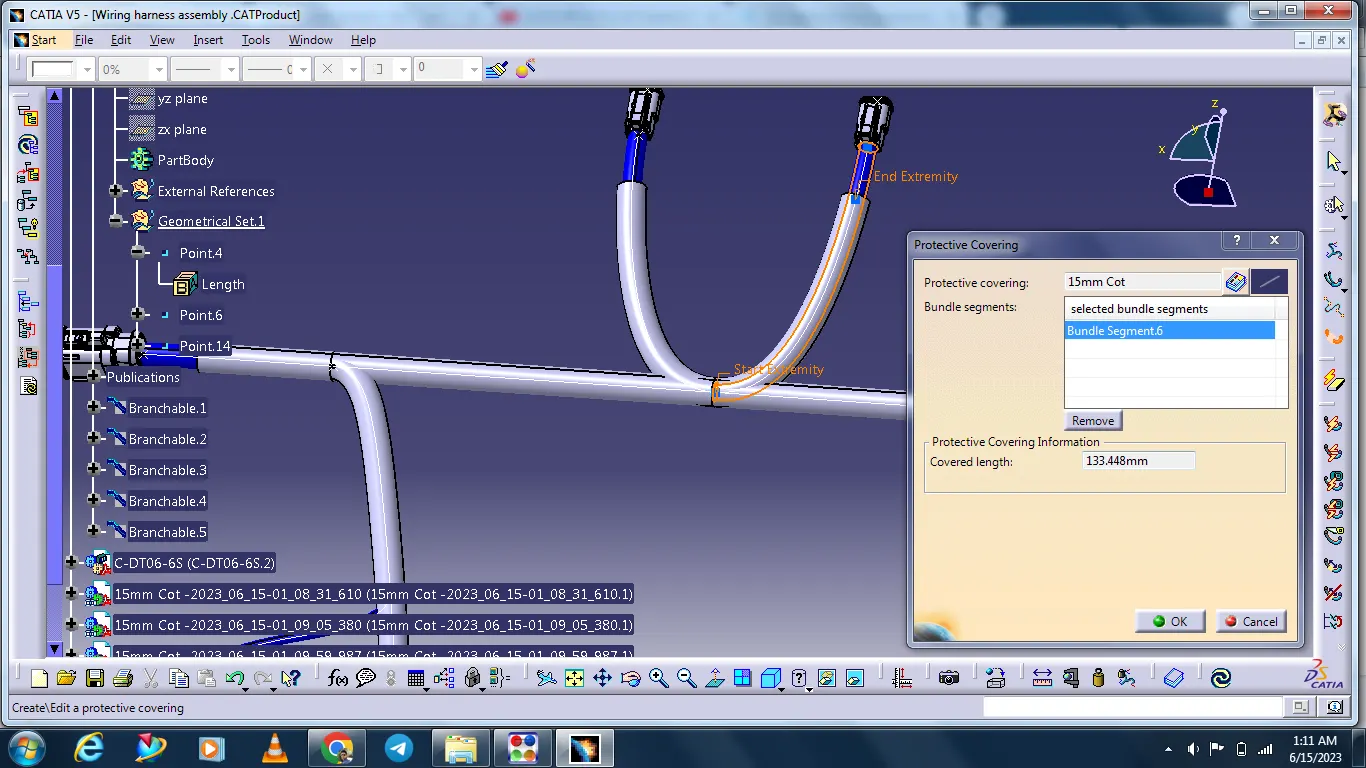
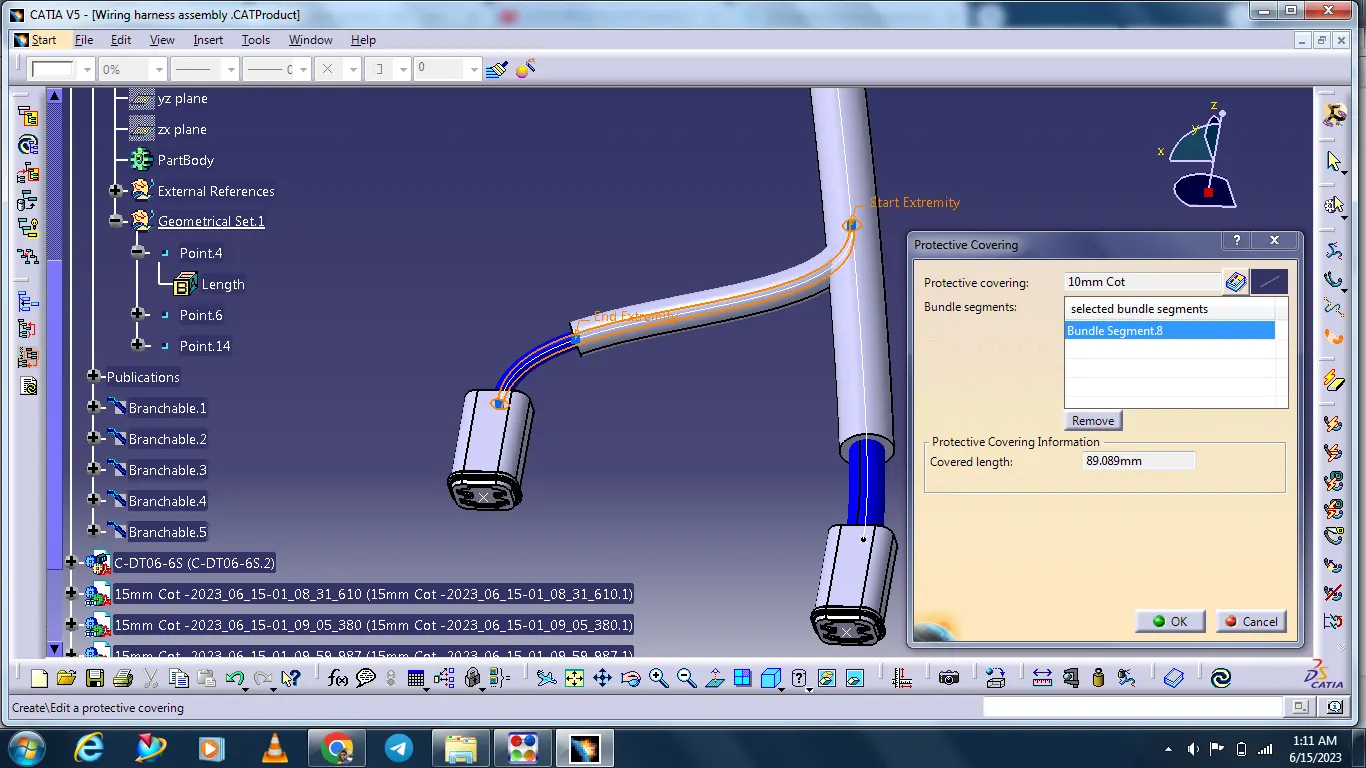
After completing Electrical harness assembly next go to the Electrical harness flattening work bench.
First, arreng the Flattening parameter.
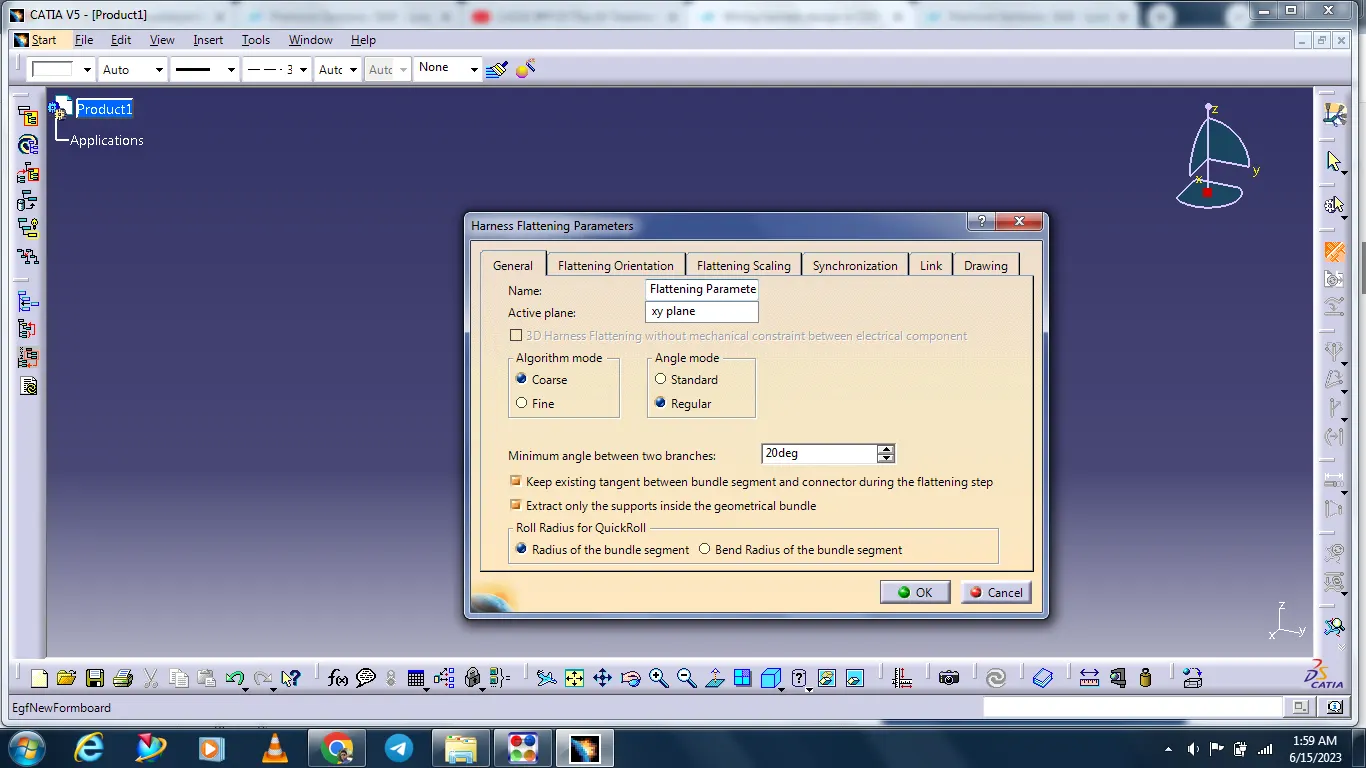
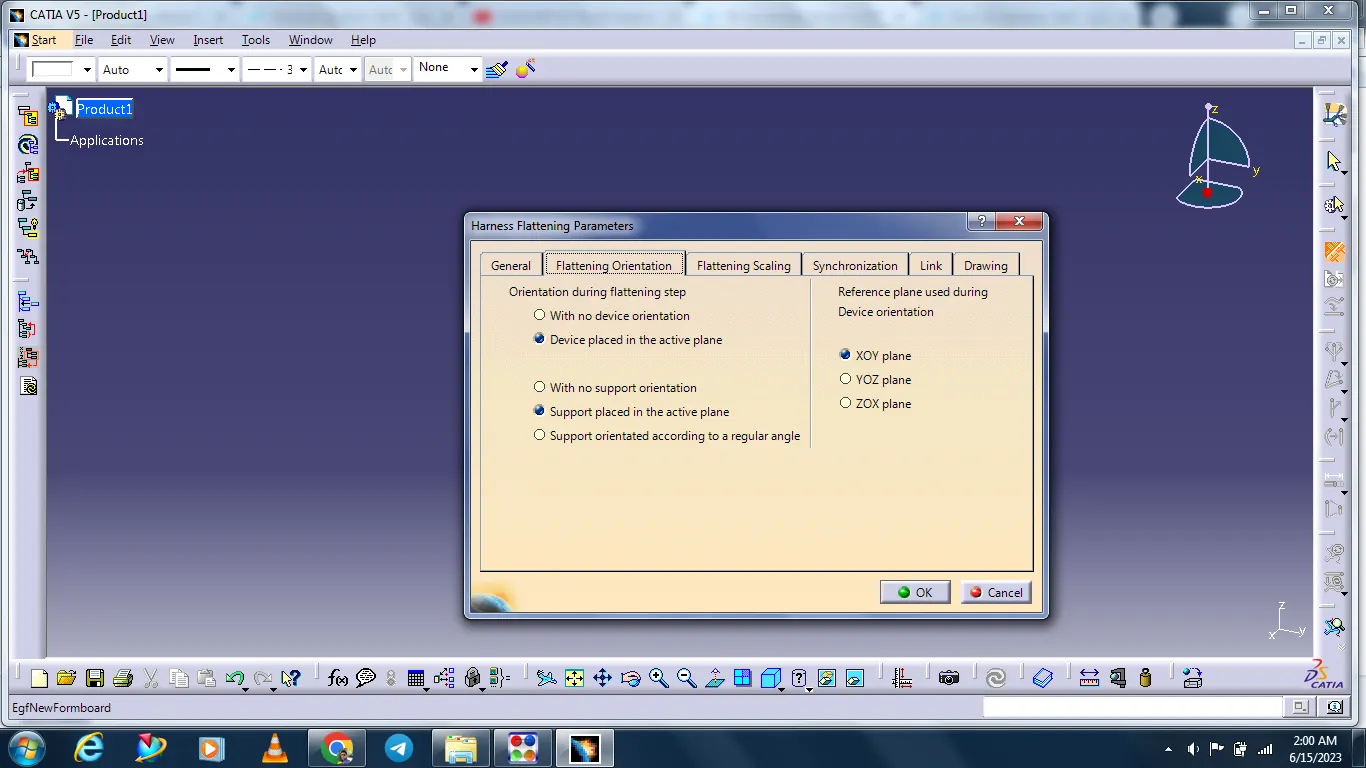
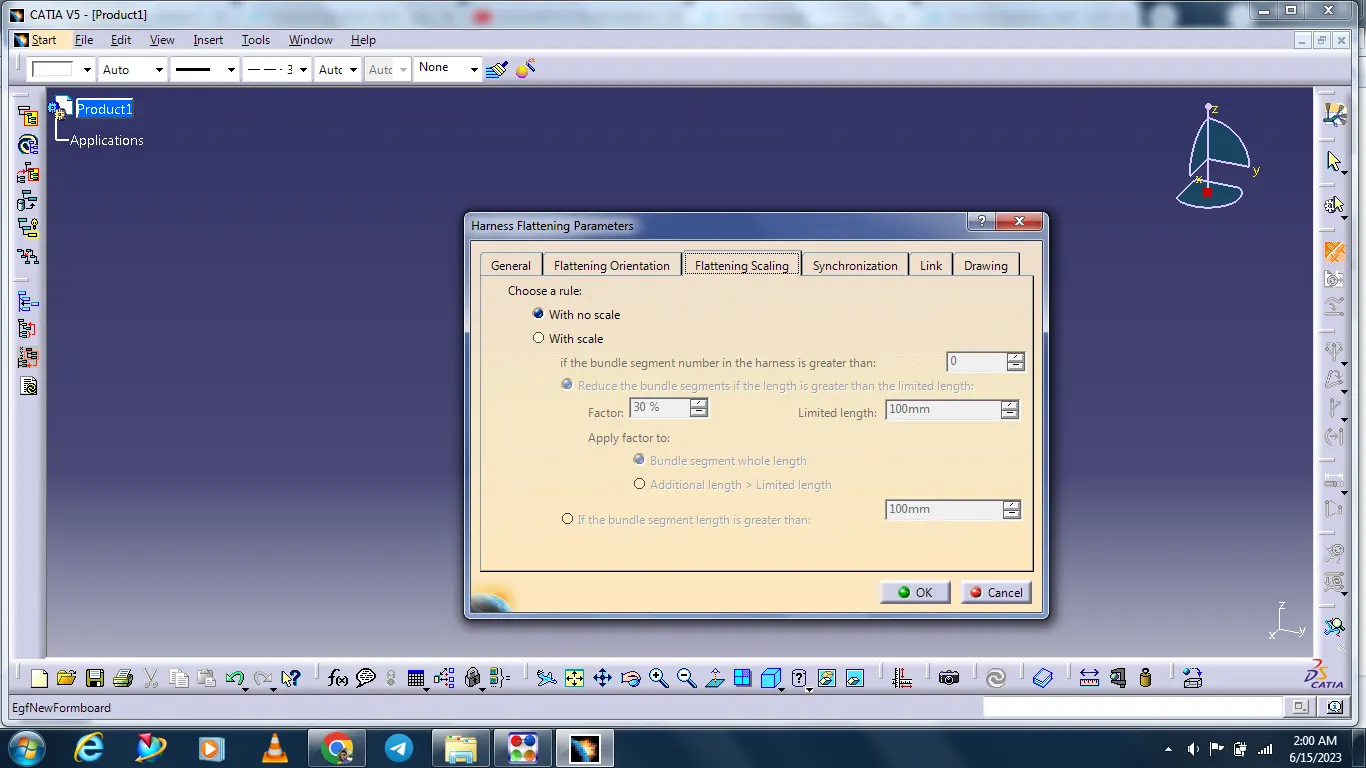
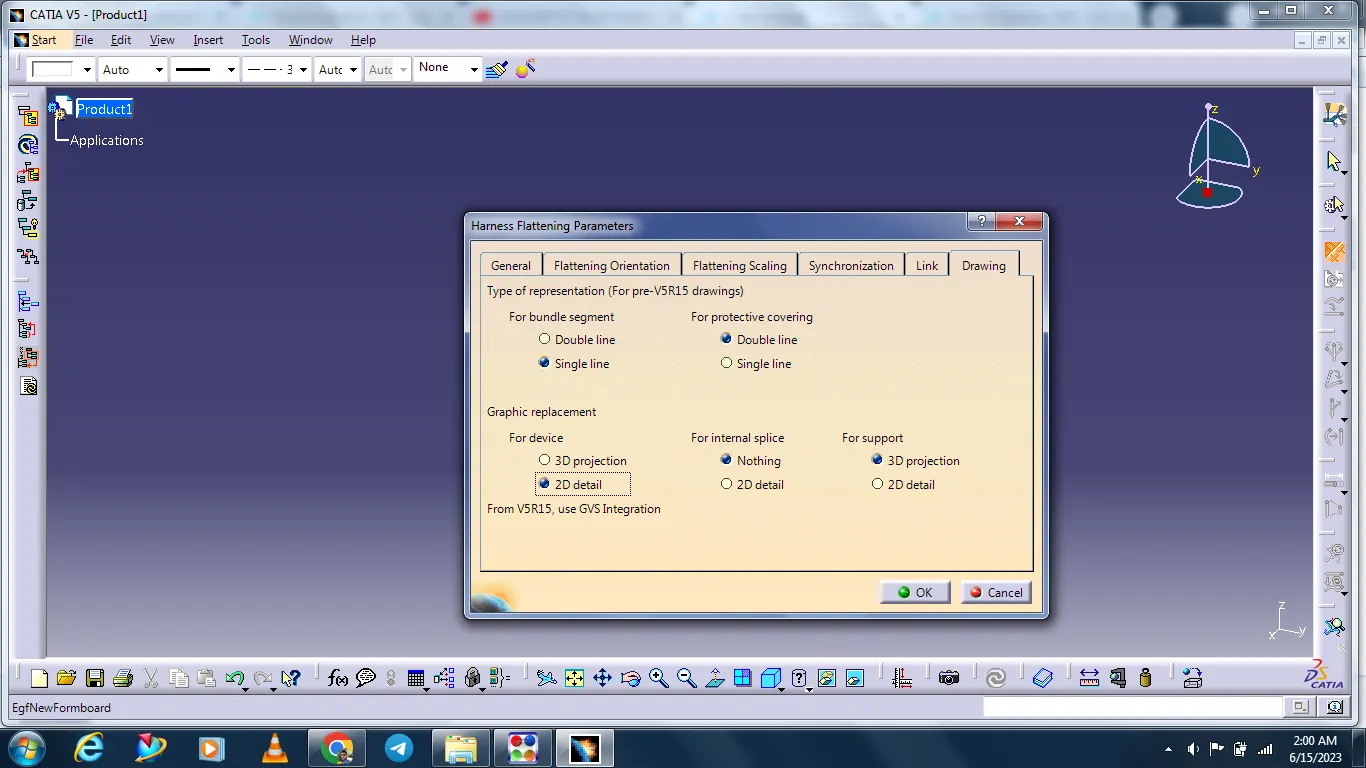
After insert the harness assembly with the help of Extract command.
Next Select the Flatten command and select the all bundles and click ok.
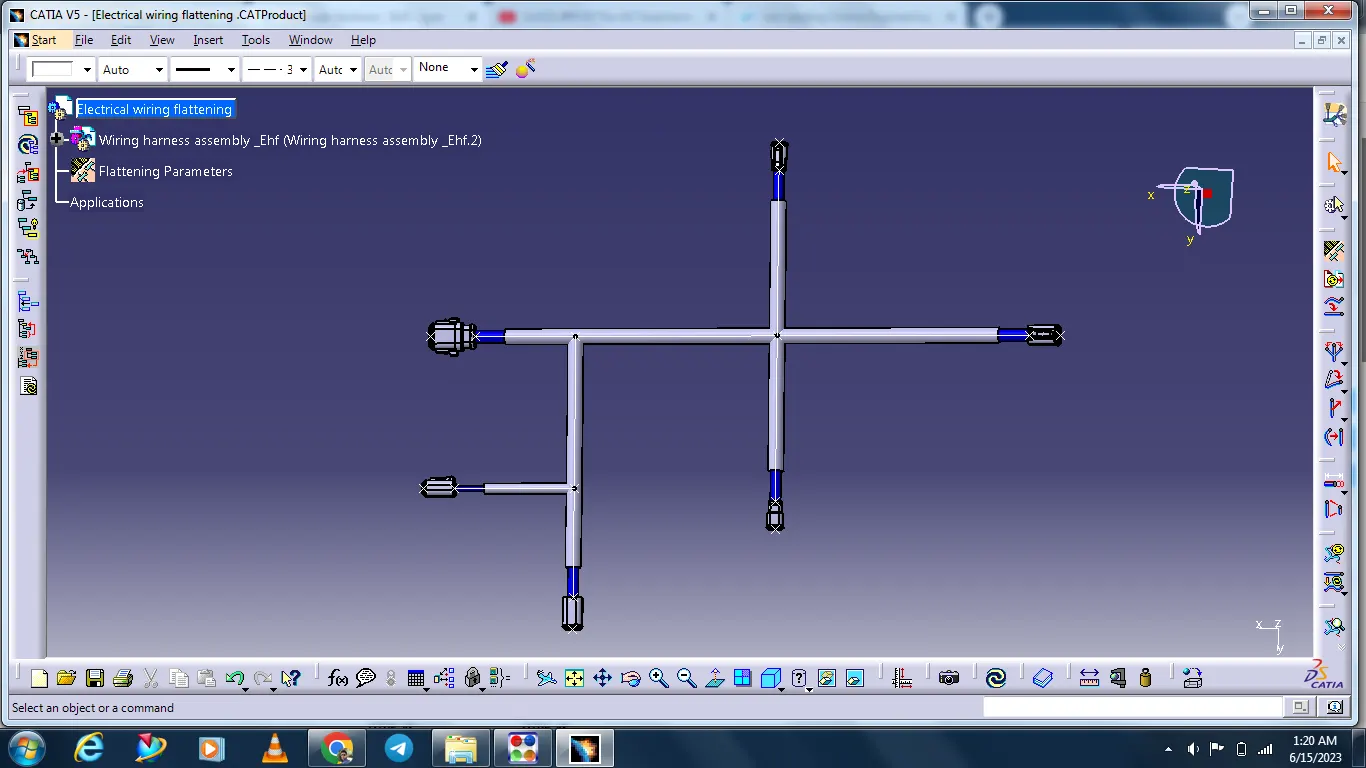
Adjust the two bundles with the help of rotate command.
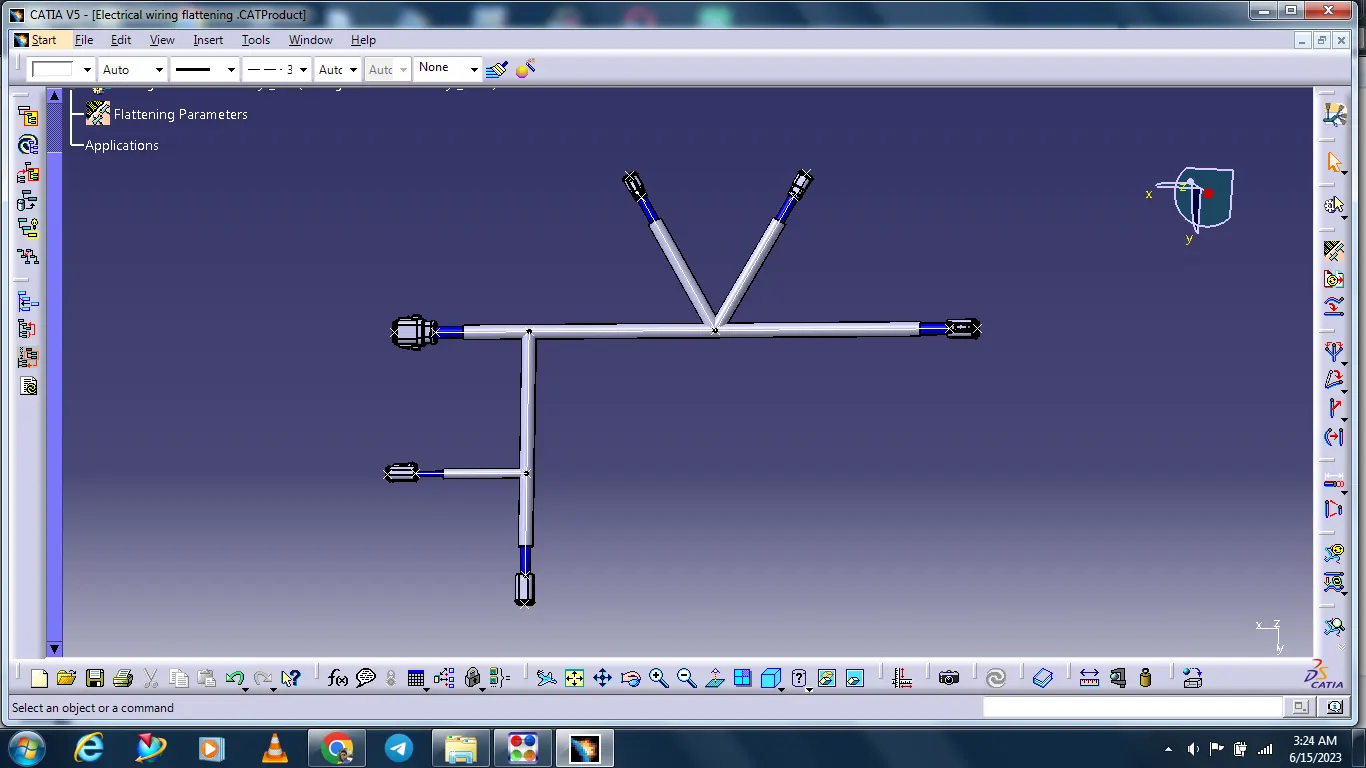
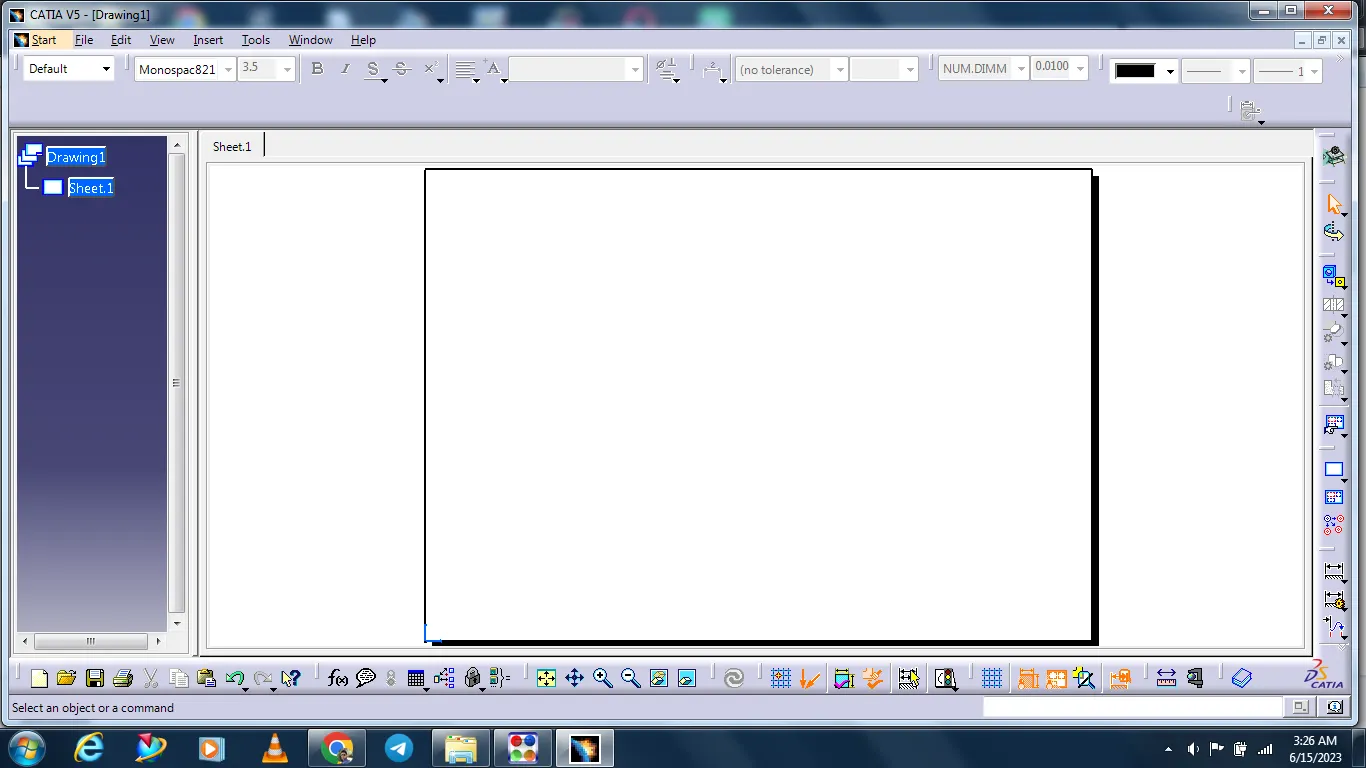
After complating the flattening create a new page for drawing.
Select the standard as defult ISO.
Select the sheet is A0 Sheet.
Select ok.
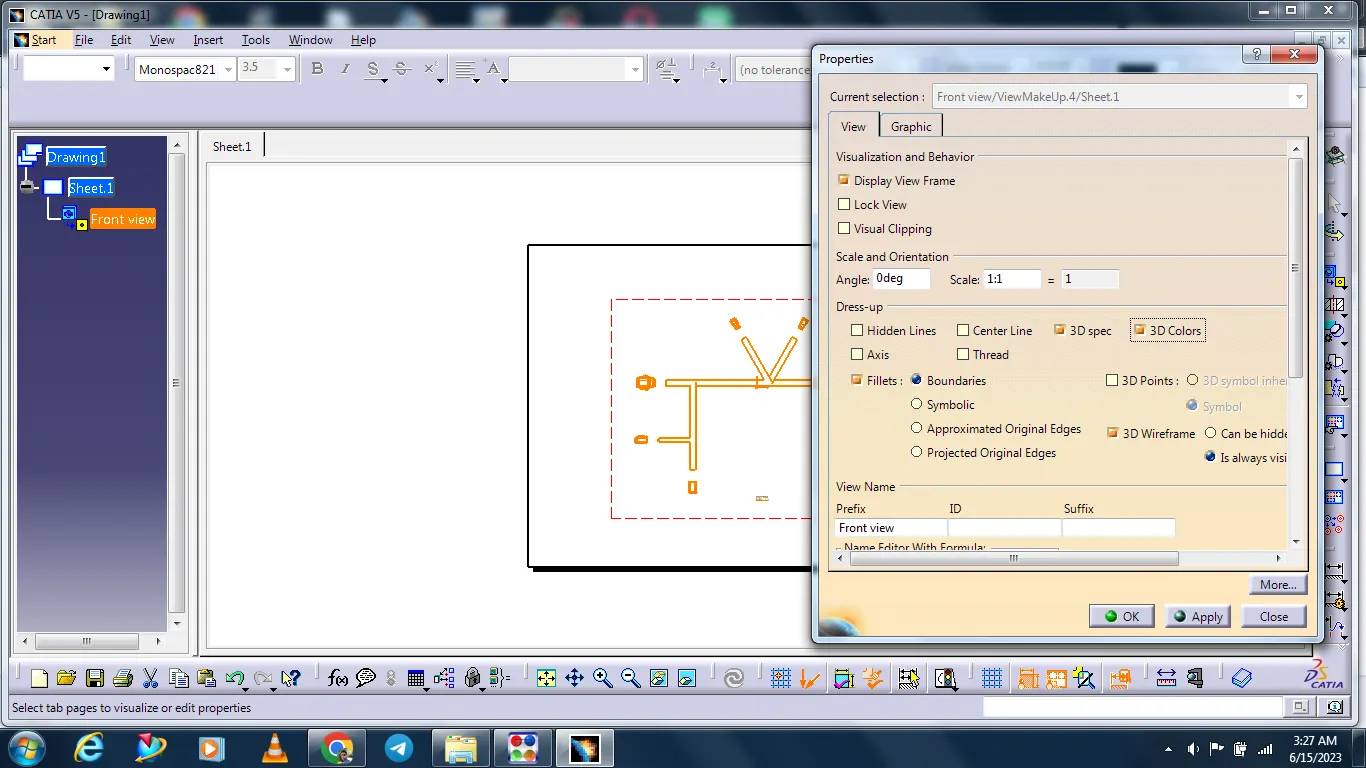
Select the Front view icon and select the flattening component and adjudt the front view.
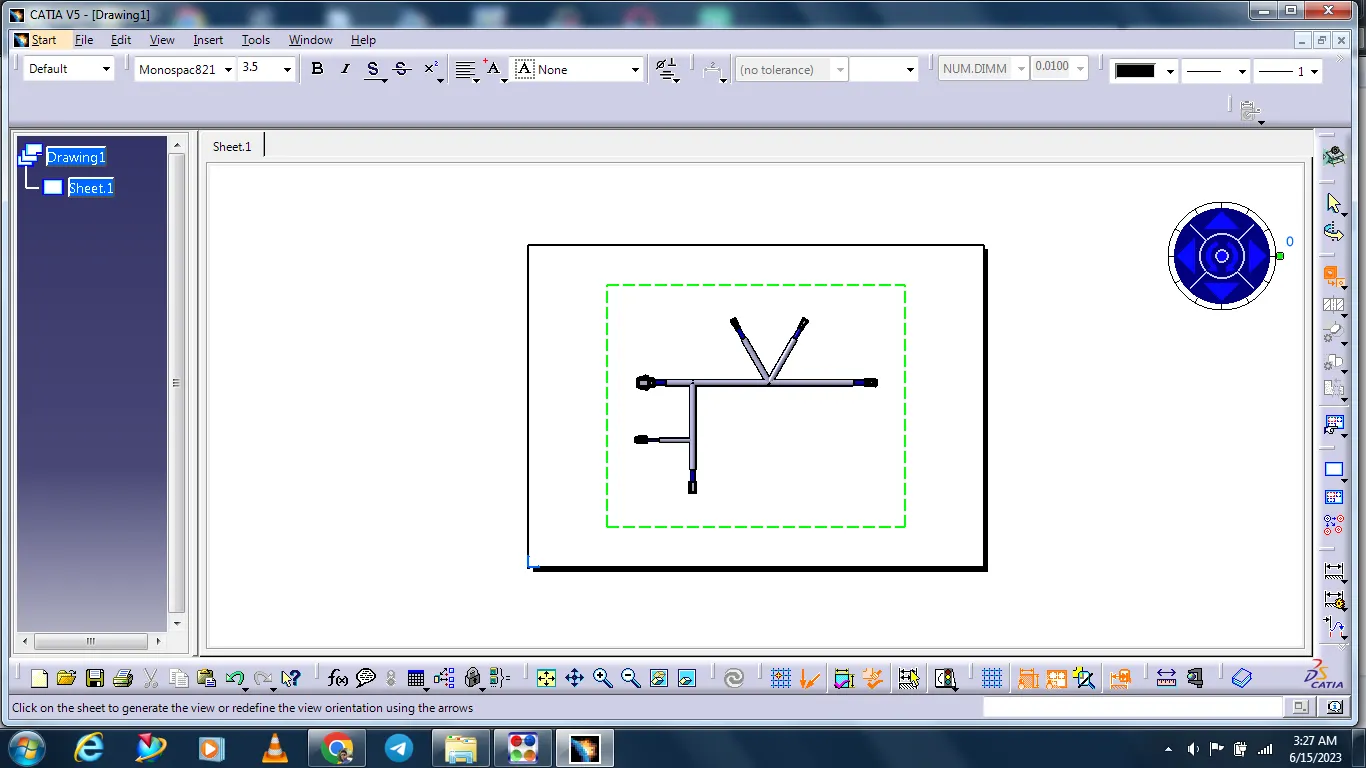
After Select the page bundles lines are missing. Then changes the properties options and changes the setting.
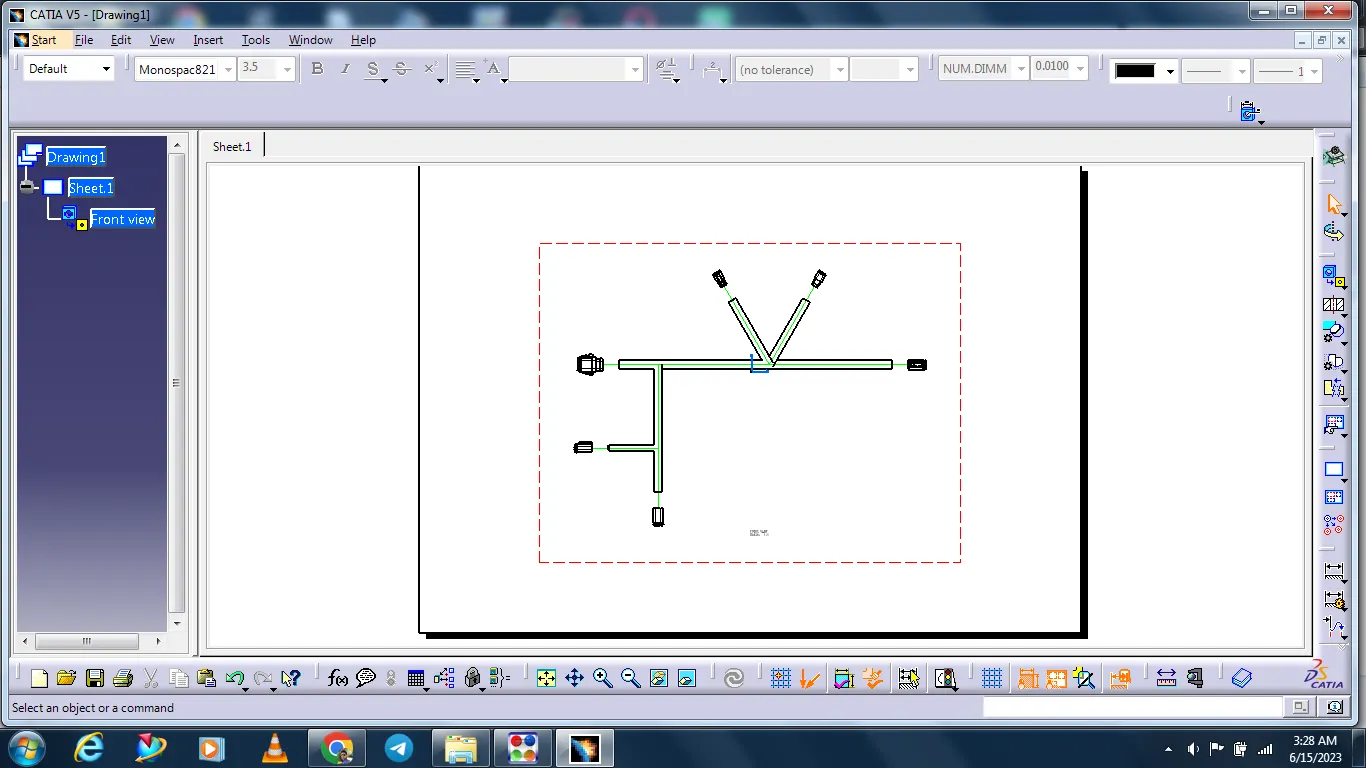
After changing the setting bundles lines are corrected.
And given the color coding also for bundles identification.