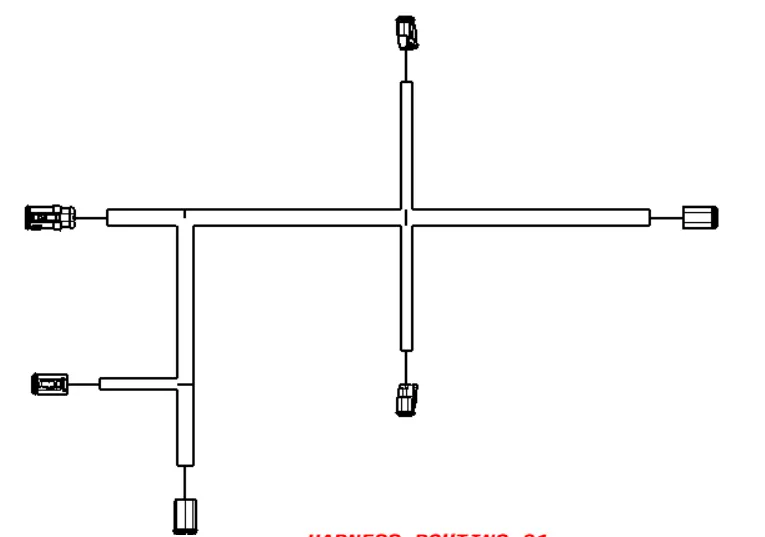
Wiring harness design in CATIA V5 - 3D modeling Week 7 Challenge
Flatten the harness assembly;
For flattening the harness assembly open the harness flattening work bench
In that we have to select the flatening parameter command
after that we choose the parameters of flatening in that dialog box
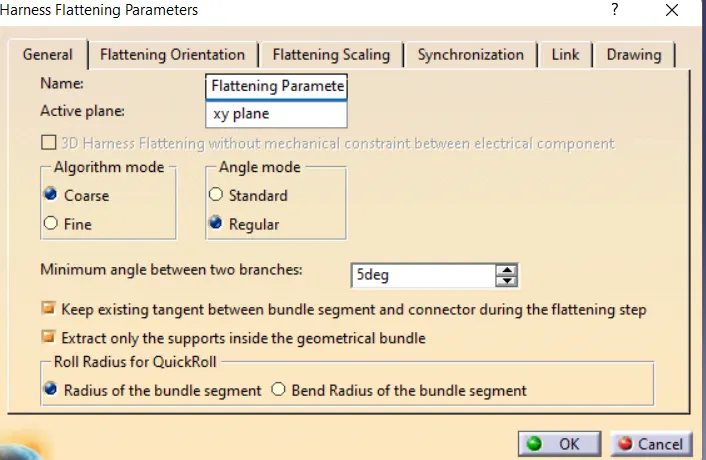
After that to add the harness assembly click the command called extract by using this add the harness routing file
And select the command flatten  to covert the harness routing into harness flatten
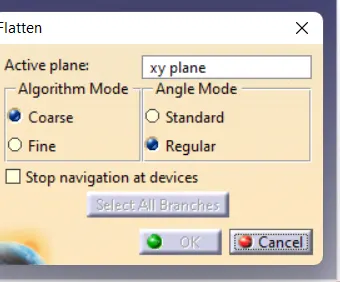
after slecting this select all the branches to be flatten
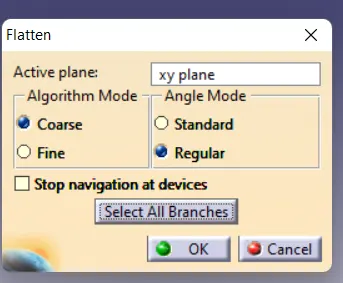
like this will come then click ok ,after that our harness flatten will get
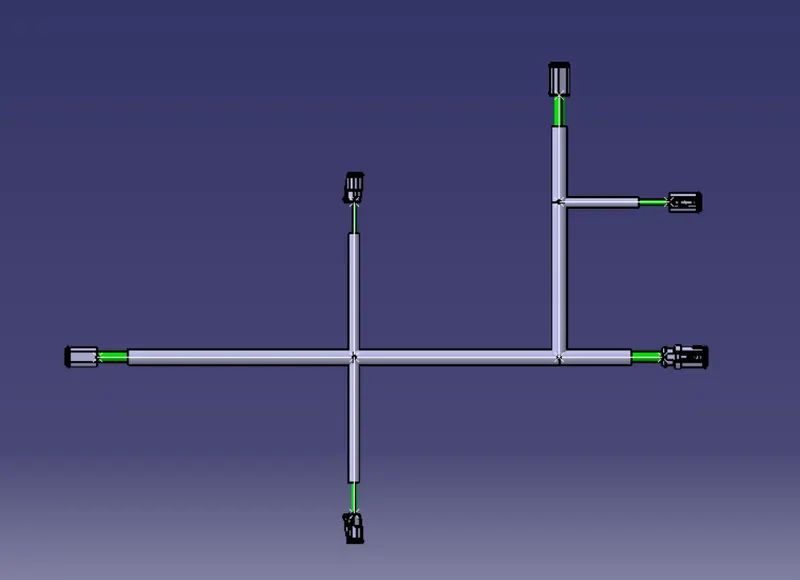
CREATE 2D DRAWINGS;
Open the work bench called drafting 
to add the drawings selsct the front view command
and select the face were we need like that
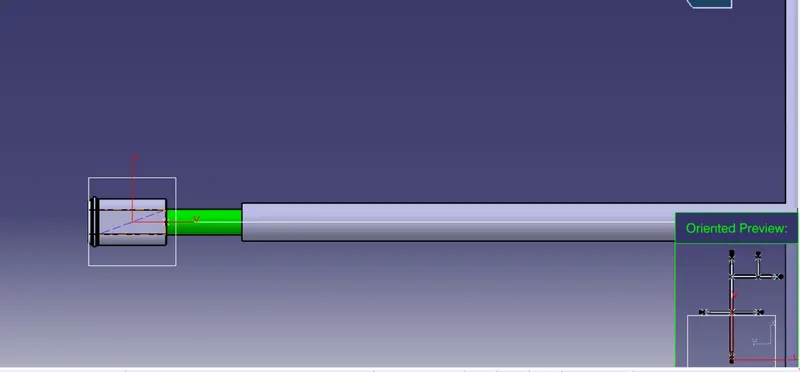
and add the file in drafting