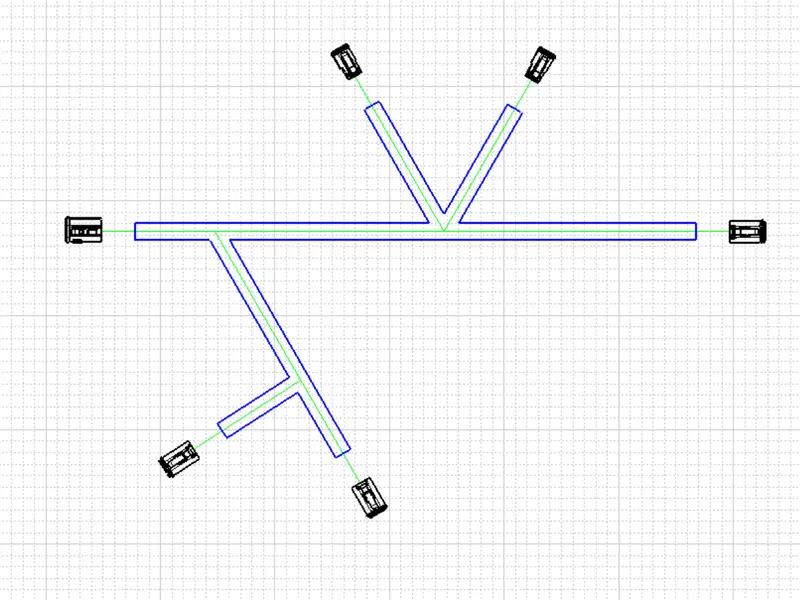
Wiring harness design in CATIA V5 - 3D modeling Week 7 Challenge
- The file from the week 4 challenge was used here.
- In the Electrical Flattening Assembly, the required parameters were defined using Harness Flattening Parameters.
- The given wire assembly was imported into the Electrical Flattening Assembly using the Extract command.
- Then the imported harness assembly was flattened using the Flatten command.
- The connectors were then adjusted in the mechanical assembly workbench.
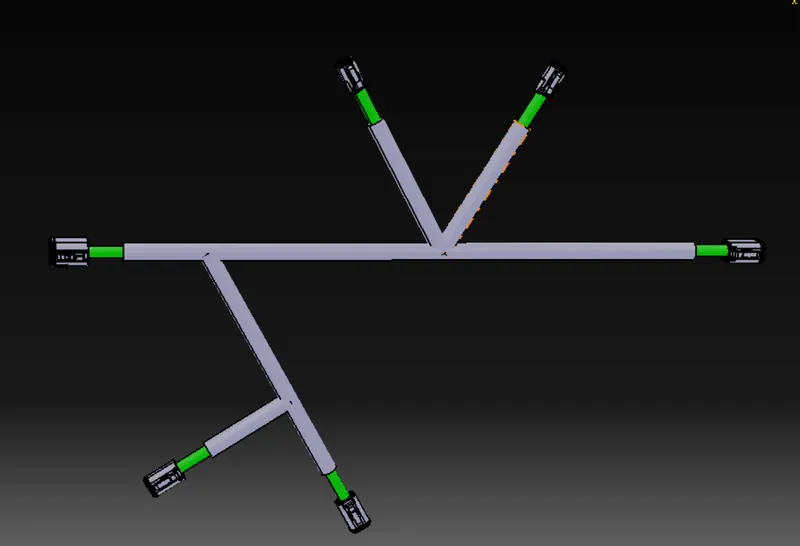
- Then the file was saved.
Drawing:
- The flattened harness assembly was then imported using the front view command into the drawing sheet(A0) and the colors and parameters were provided in the properties.
- The bundle and protective coverings were given different colors.