Wiring harness design in CATIA V5 - 3D modeling Week 7 Challenge
- The week 4 product is imported into the Electrical Harness Flattening Workbench but before that the product file is defined with harness flattening parameters.The minimum angle between the branches is given 20degrees.The angle mode is regular.For bundle segment and protective covering its given double line and rest all are kept as default and saved.Then the week 4 product is bought into it.
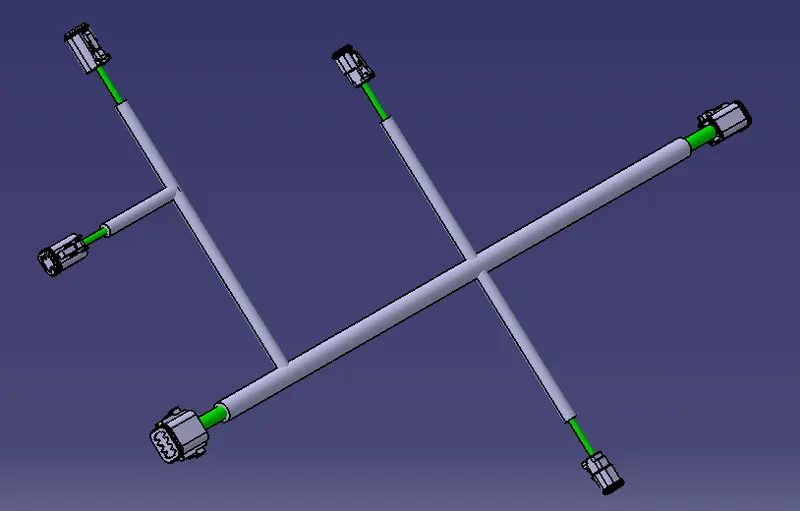
- The Product file is imported into the already defined product window by means of the extract icon.Activate the Flatten tool and give Algorithm Mode as Coarse and Angle Mode as Regular.Then the Harness is flattened.
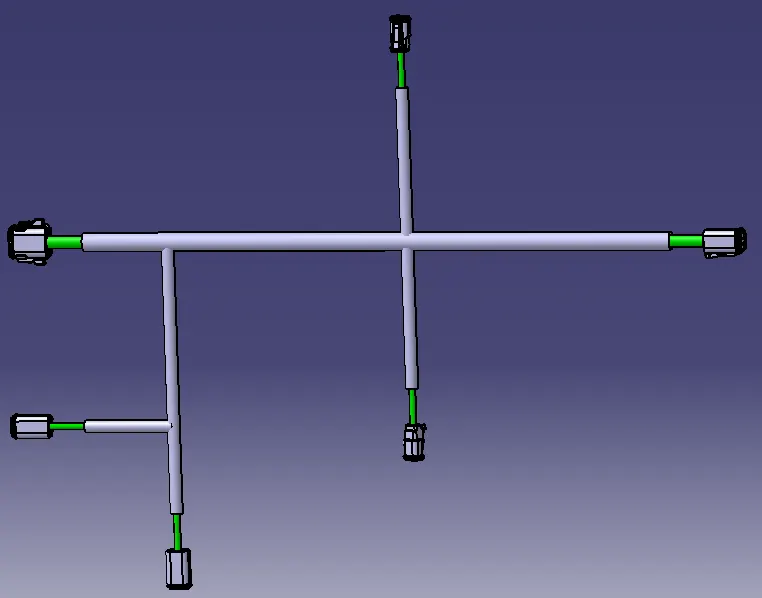
- The define a new Drawing File and choose Front View in it.Click the top face of any connector and click on the drawing sheet and we see the Harness is imported into it.Then adjust it to a proper view.Then click outside the sheet and see the view changes.Then click on the properties on the border of the drawing and give colour background and see that it shows in green colour.The Connectors, Bundle and COT Tubes and visible.