Wiring harness design in CATIA V5 - 3D modeling Week 7 Challenge
ELECTRICAL HARNESS FLATTENING
This challenge is wholly based on the previous challenge(i.e 4th-week challenge). All the parts are electrically defined, and we have to work on the Electrical Harness Flattening.
Create a new product and open the Electrical harness flattening workbench, select the command "electrical harness flattening" and edit all the parameters in a proper way.
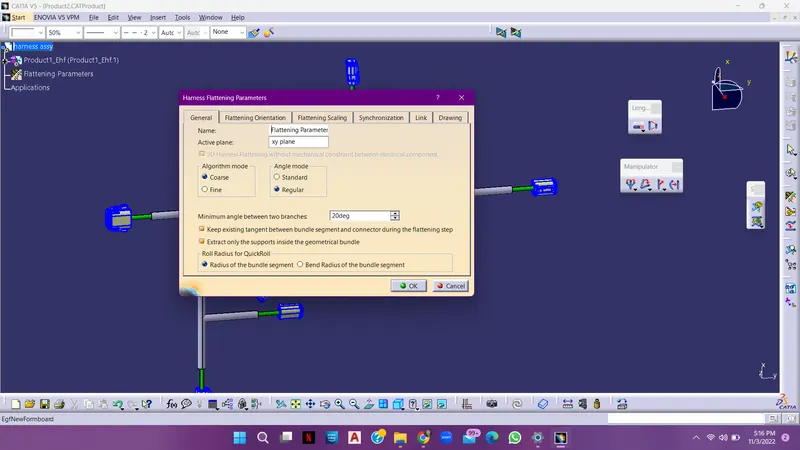
In this workbench, there are a lot of commands available over there, before applying all the commands, extract the main part of this product workbench, and then perform all the operations available on the manipulator command box.
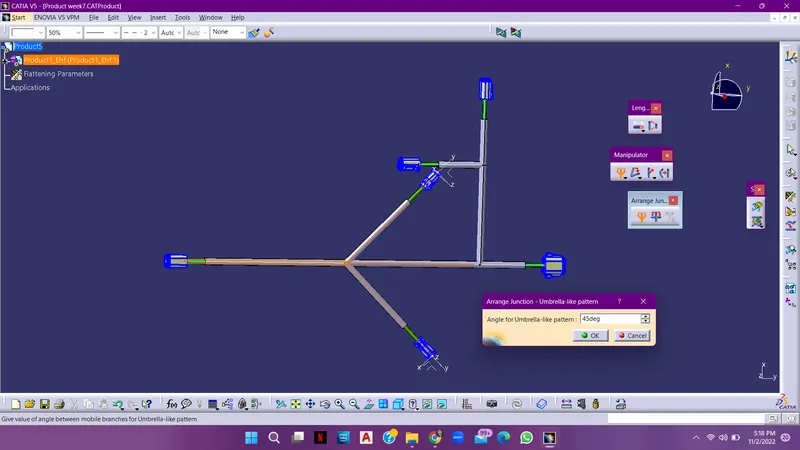
The manipulator command box contains -Arrange Junction (umbrella, line), Rotate, quick roll, and straight.
Arrange Junction- Umbrella-Line pattern.
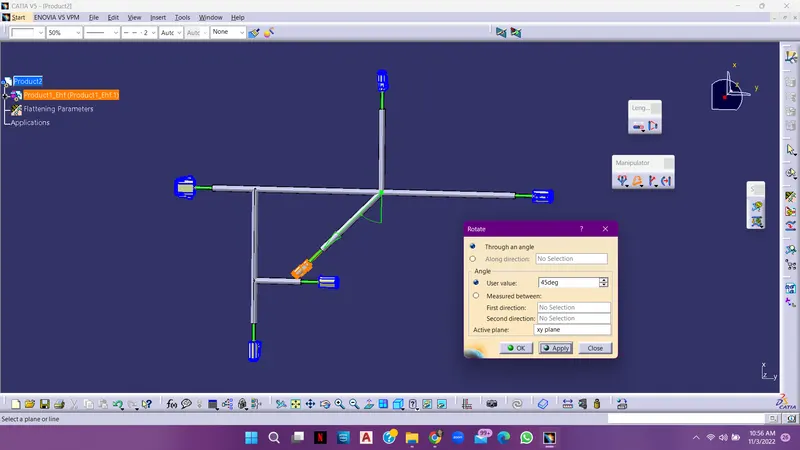
ROTATE COMMAND
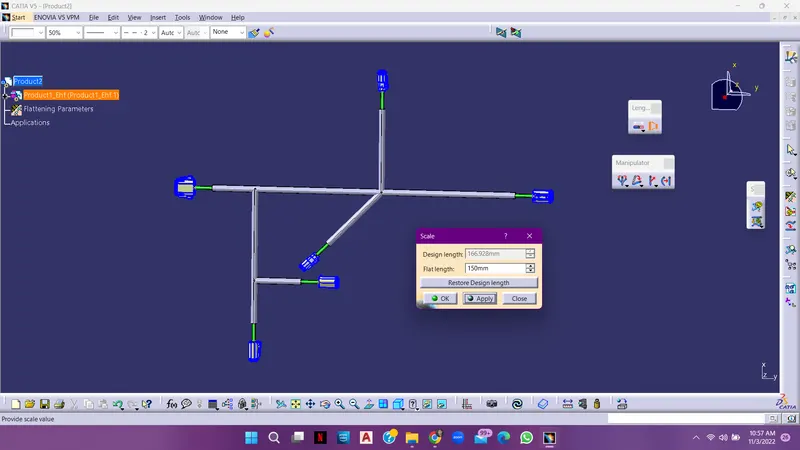
We can also decrease and increase the length bundles, by SCALE command,
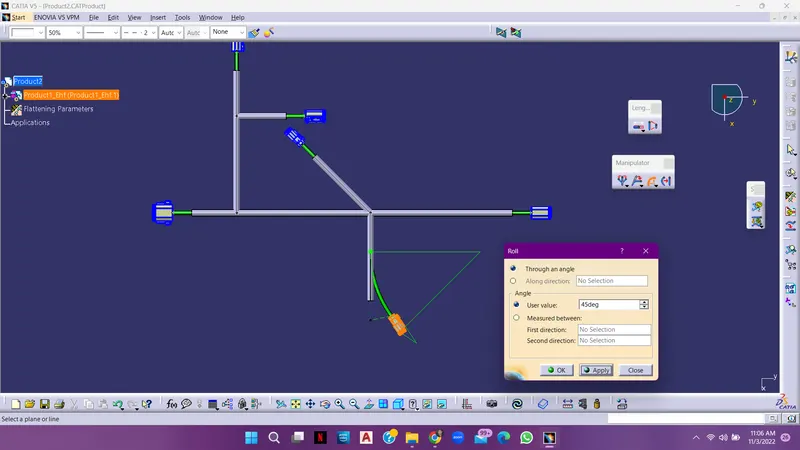
ROLL COMMAND
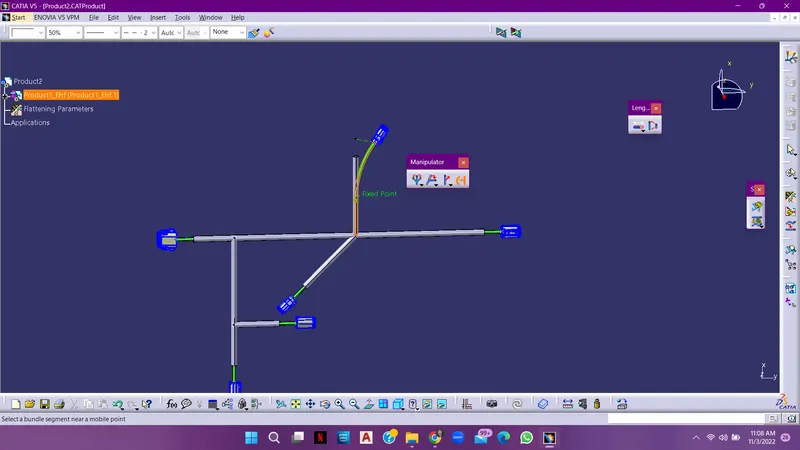
If there are any bundles in a curve shape we can make them straight with the "STRAIGHT" command.
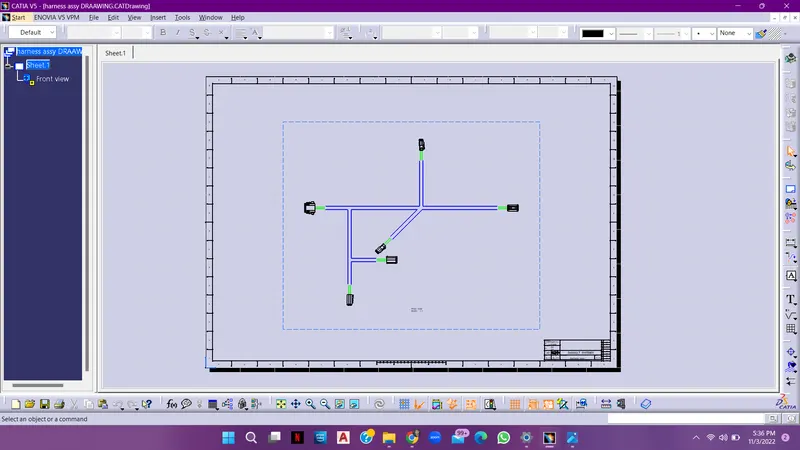
Done with the commands, then we have to work on the drawing workbench,
import the front view of the final product of our part and then edit the changes needed.
The change can be made by editing the parameters in the FLATTENING PARAMETER command, whatever changes are made by this command can be reflected in the drawing sheet and if everything is done, upload the files in the challenge and then submit it.
DRAWING SHEET