Wiring harness design in CATIA V5 - 3D modeling Week 7 Challenge
Aim: To create a harness assembly as instructed and flattening it, along with creating 2D drawing for the same.
Step 1:
Electrically defining the connectors needed for harnessing.
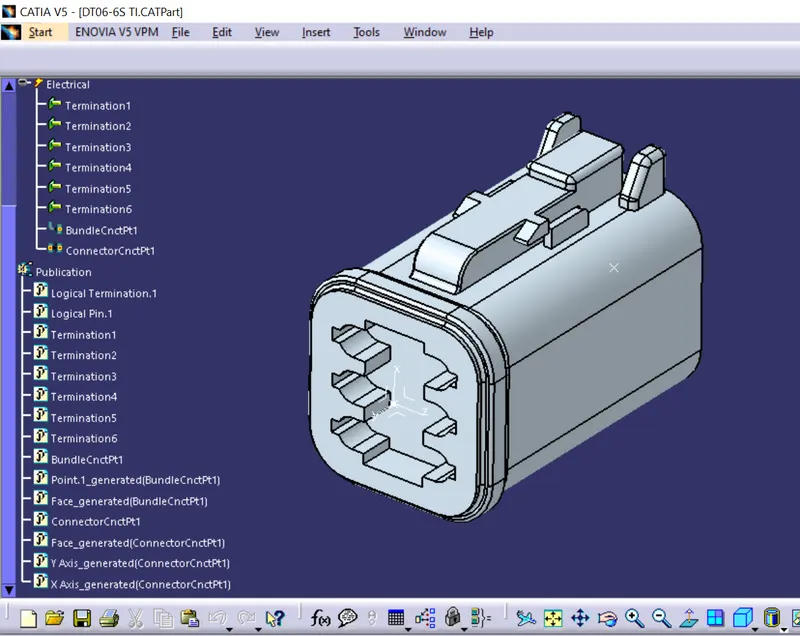
DT06-6S
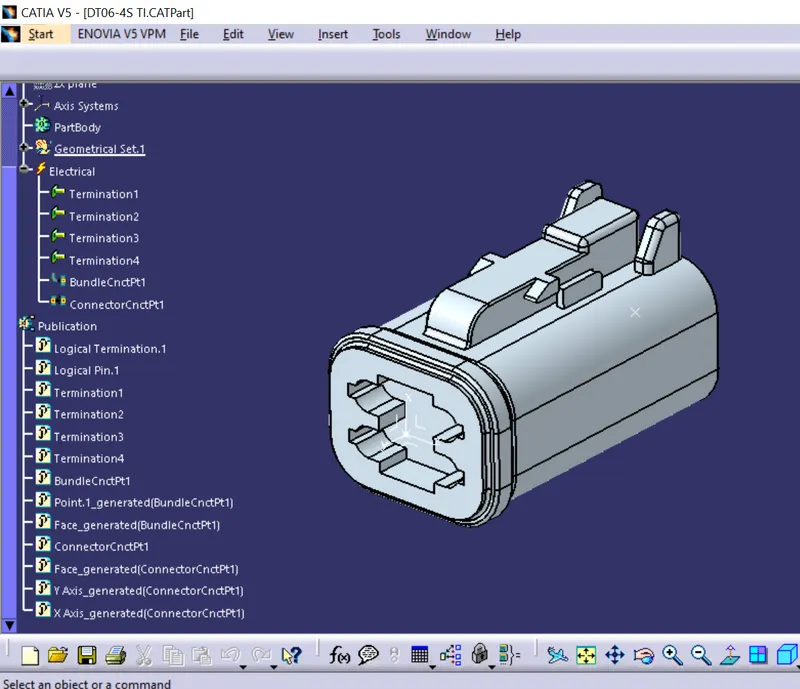
DT06-4S
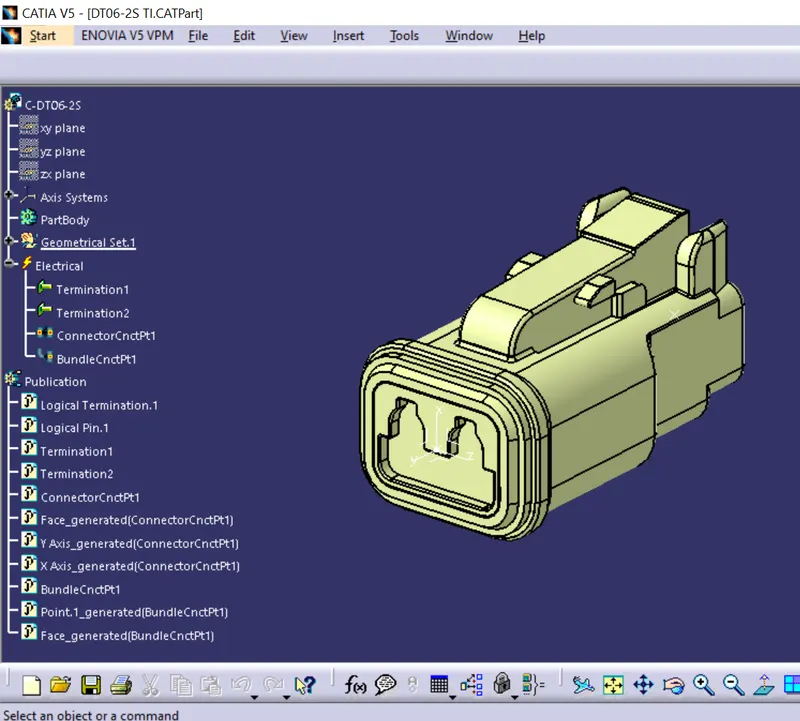
DT06-2S
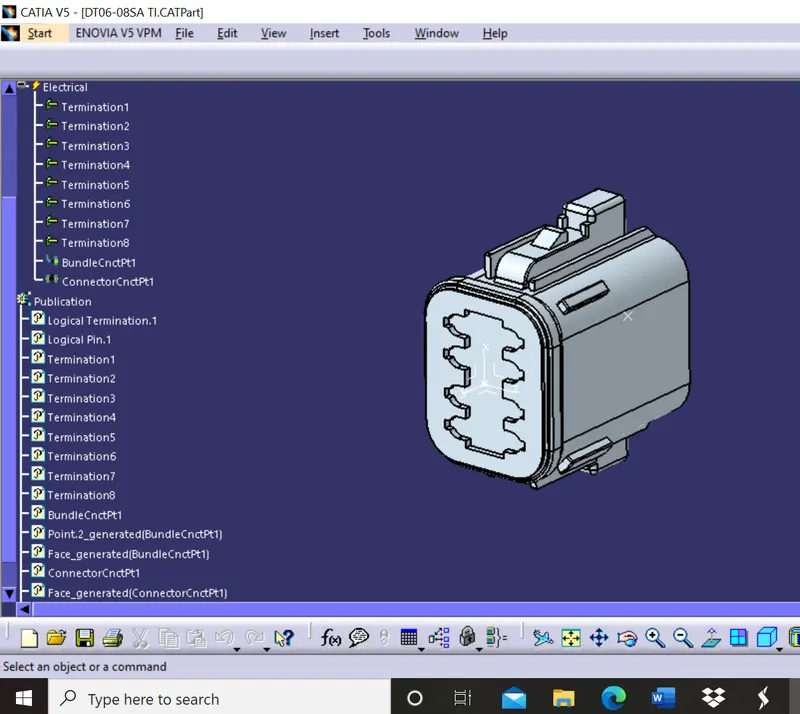
DT06-08SA
Step 2:
Positioning the connectors at appropriate places and defining the assembly as a geometrical bundle. Then, creating bundles with the necessary diameters and adding protective covering wherever necessary.
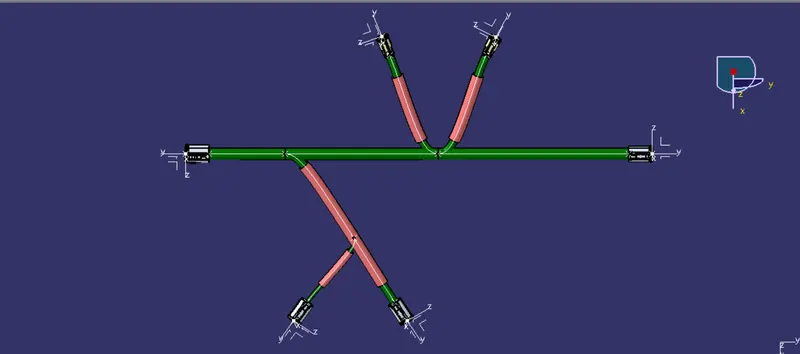
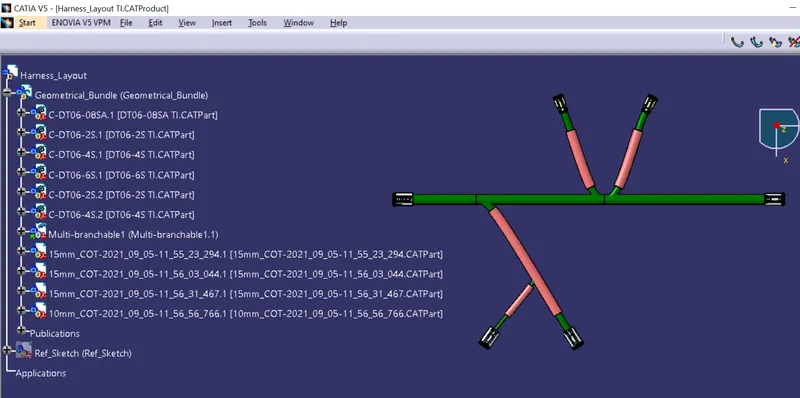
Step 3:
Start a new window for flattening the electrical harness and define the required parameters. in this case displaying the bundles with protective covering having different representation. Extracting the geometrical bundle of the assembly into the flattening workbench and using the flatten command.
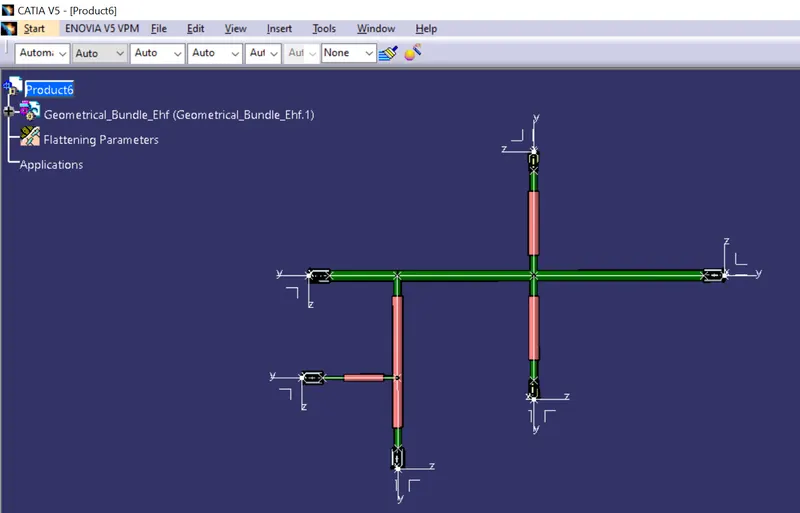
Step 4:
Next, change the orientation of some of the bundles to imitate the reference image before drafting the drawing.
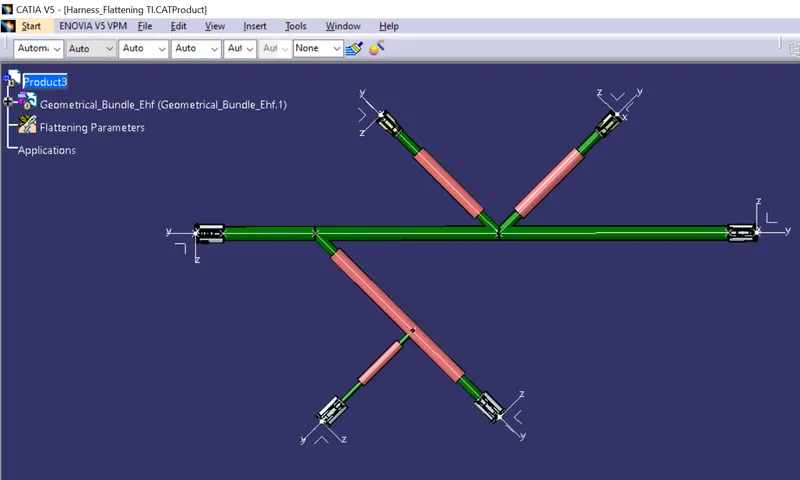
Step 5:
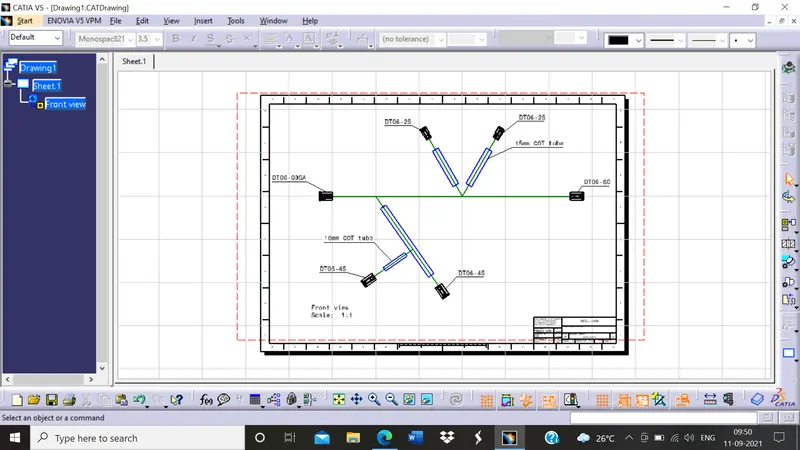
Creating a drawing for the flattening product. Representing the bundles and protective coverings in different colours for easy identification.
Step 6:
Printing the drawing to save in .pdf format which is easy to use and access.
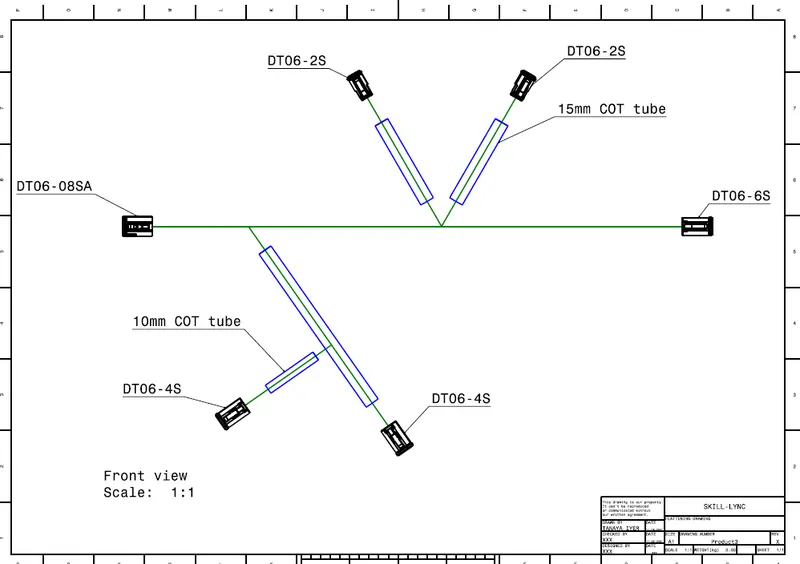
Conclusion: Thus, flattening drawing is created with different colour representation for bundles and protective coverings.