Wiring harness design in CATIA V5 - 3D modeling Week 5 & 6 Challenge
Route the following harness layout in Electrical workbench. Make assumption for harness bundle diameters. Use the connectors provided. After completion of routing,
- Check the bundle Continuity. Add snap of result in submission
- Add annotation to all connectors. Make an assumptions for annotations like connect 1 , 2 etc
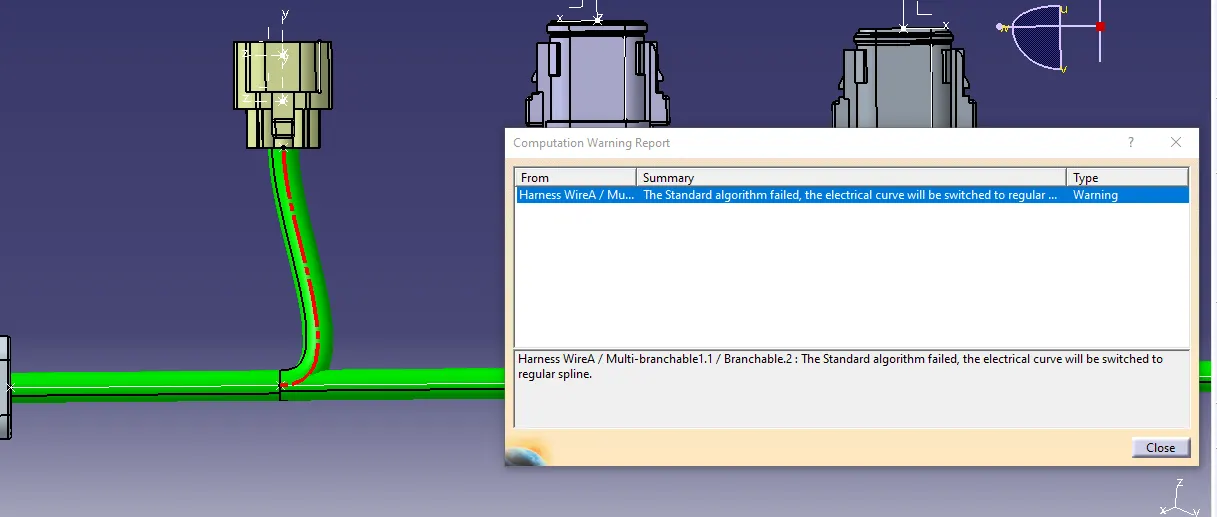
- Check for the bundle warning. Add snap.
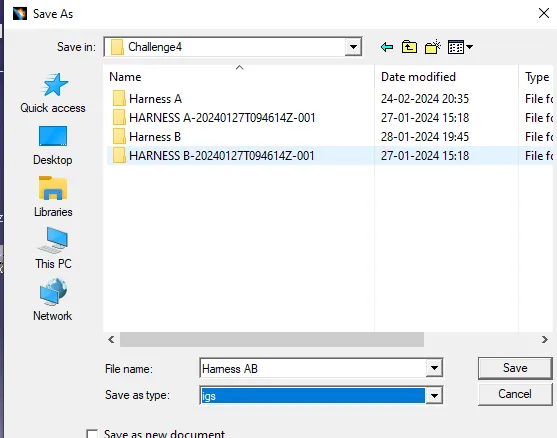
- Generate CAT.part of harness assembly and convert is in. igs format
Creating bundle connector and connector connection point for given Harness A Connector.
- Create an point of system for all connector on both side.
- create an axis system at mating side of an connectors.
- create an connector connection point
- create an bundle connection point.
thus all mechanical connectors converted into electrical coonectors.
Harness A
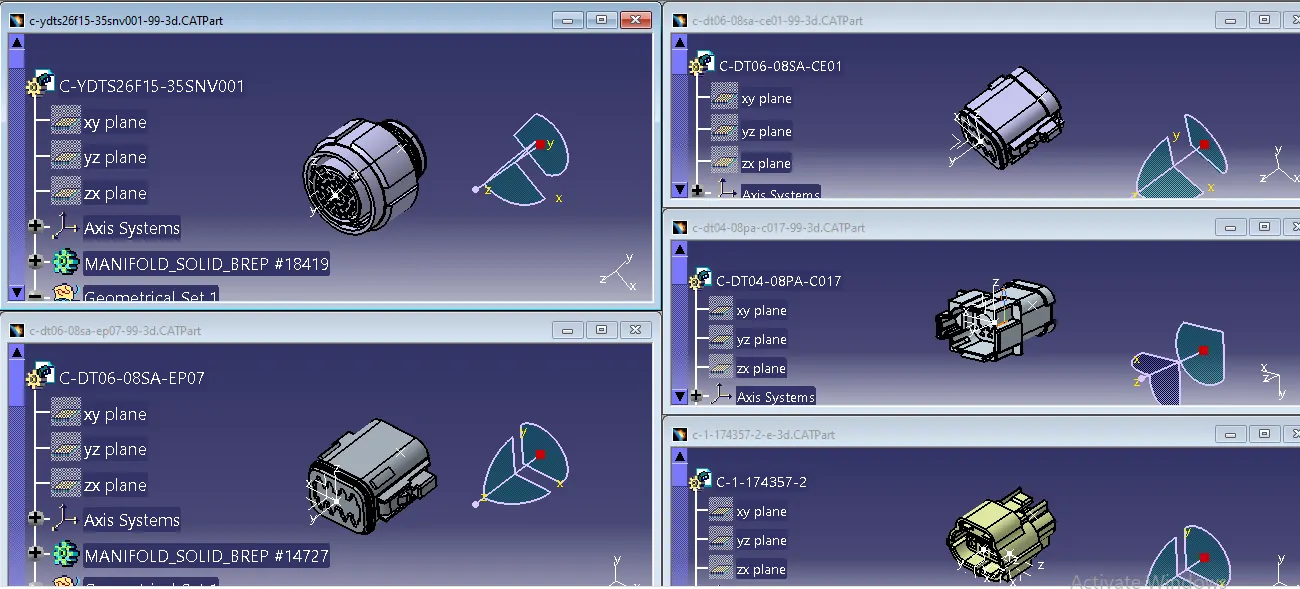
Harness B
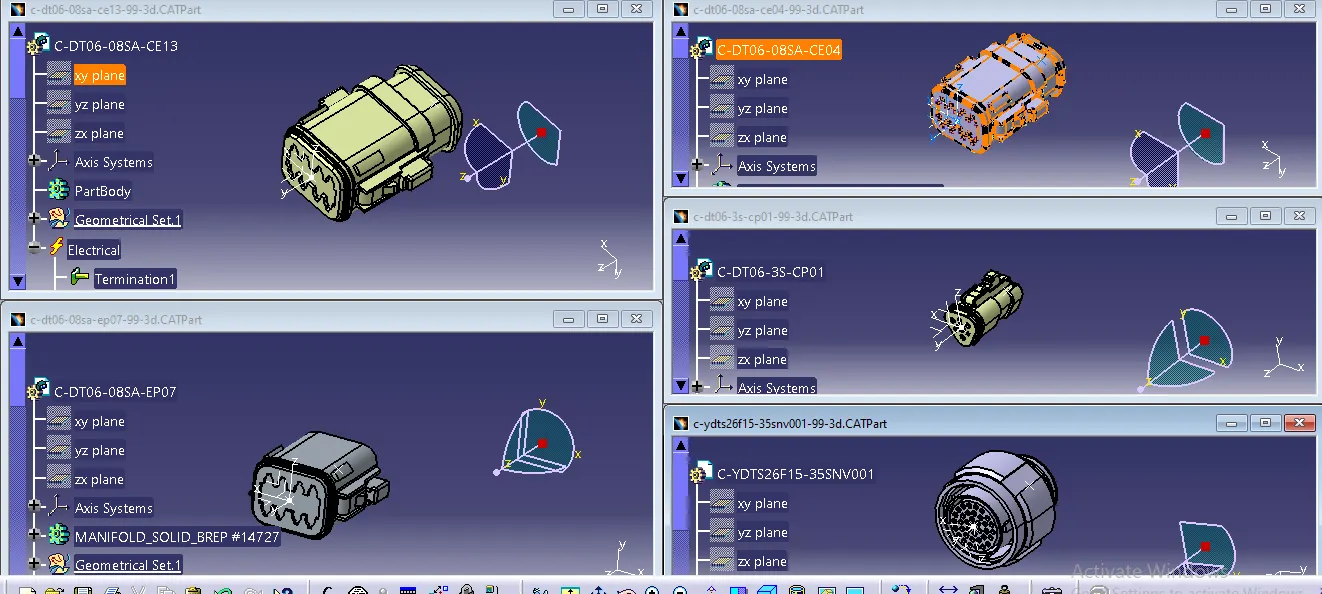
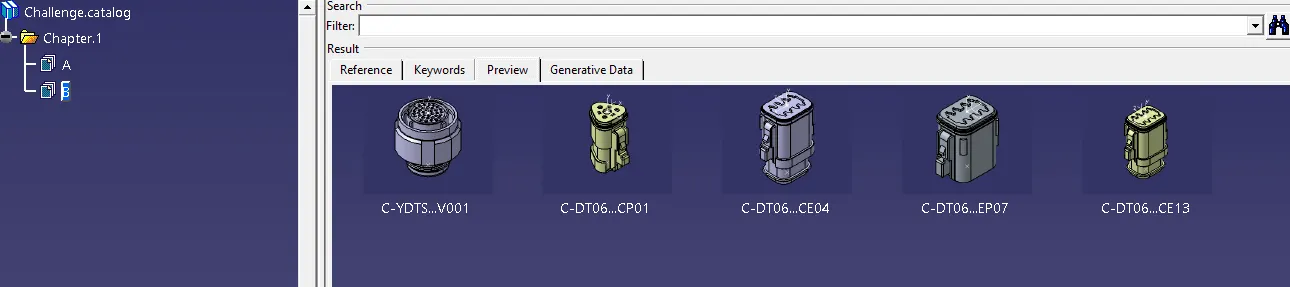
Catalogue Creation
we have created a catalogue to store all connectors as below.
Harness A
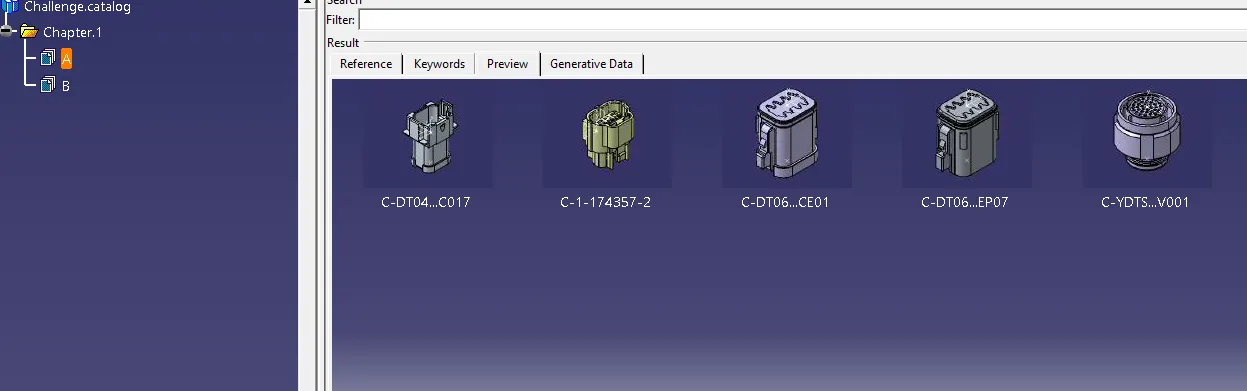
Harness B
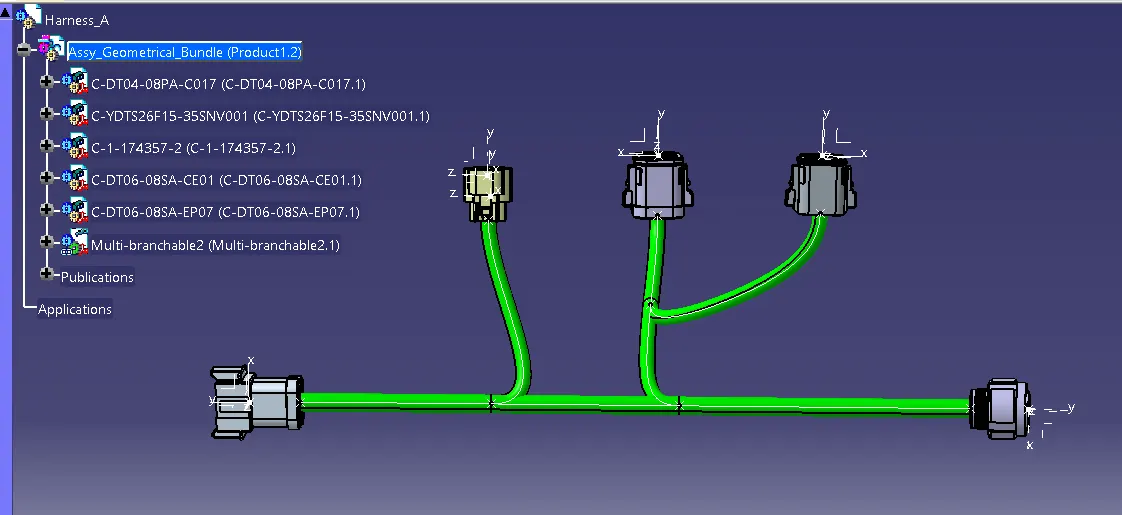
Harness A
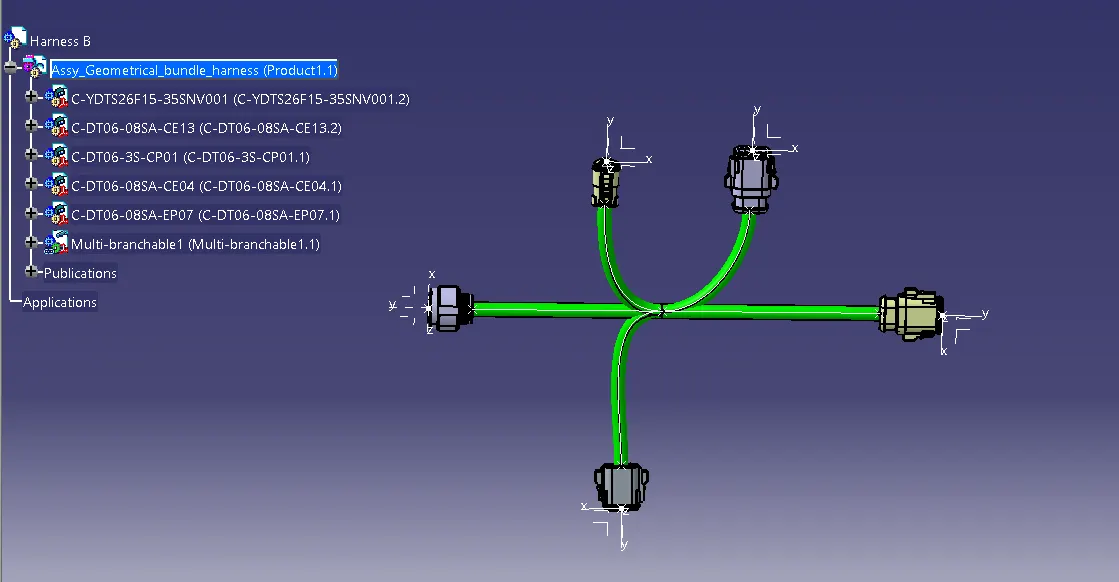
Harness B
and overall assembly
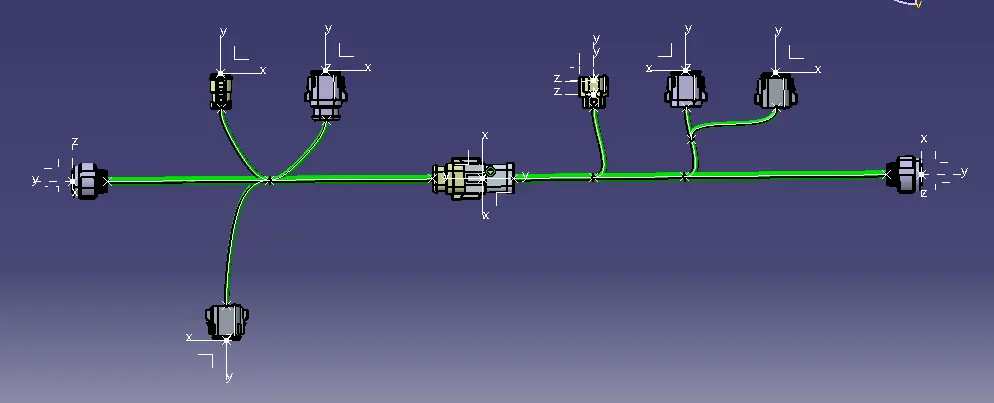
Bundle warning is found due to Bundle dia we can resolve this issue by reducing Bundle dia to 5mm.
Issue is reolved by reducing Bundle dia 5mm
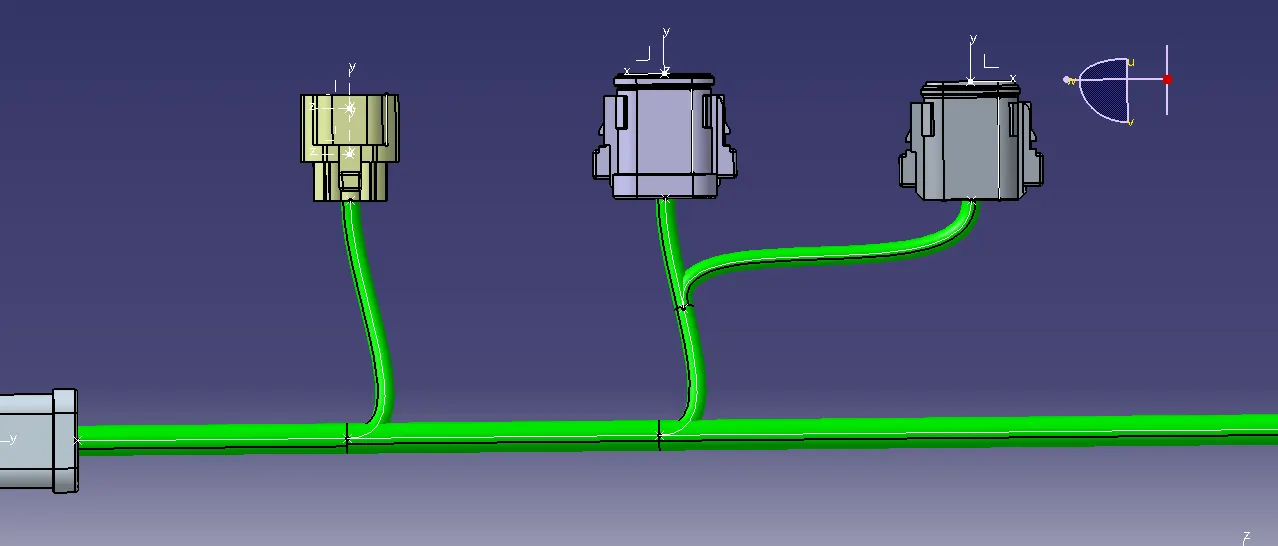
CAT.prt is converted into igs as per above instructions.