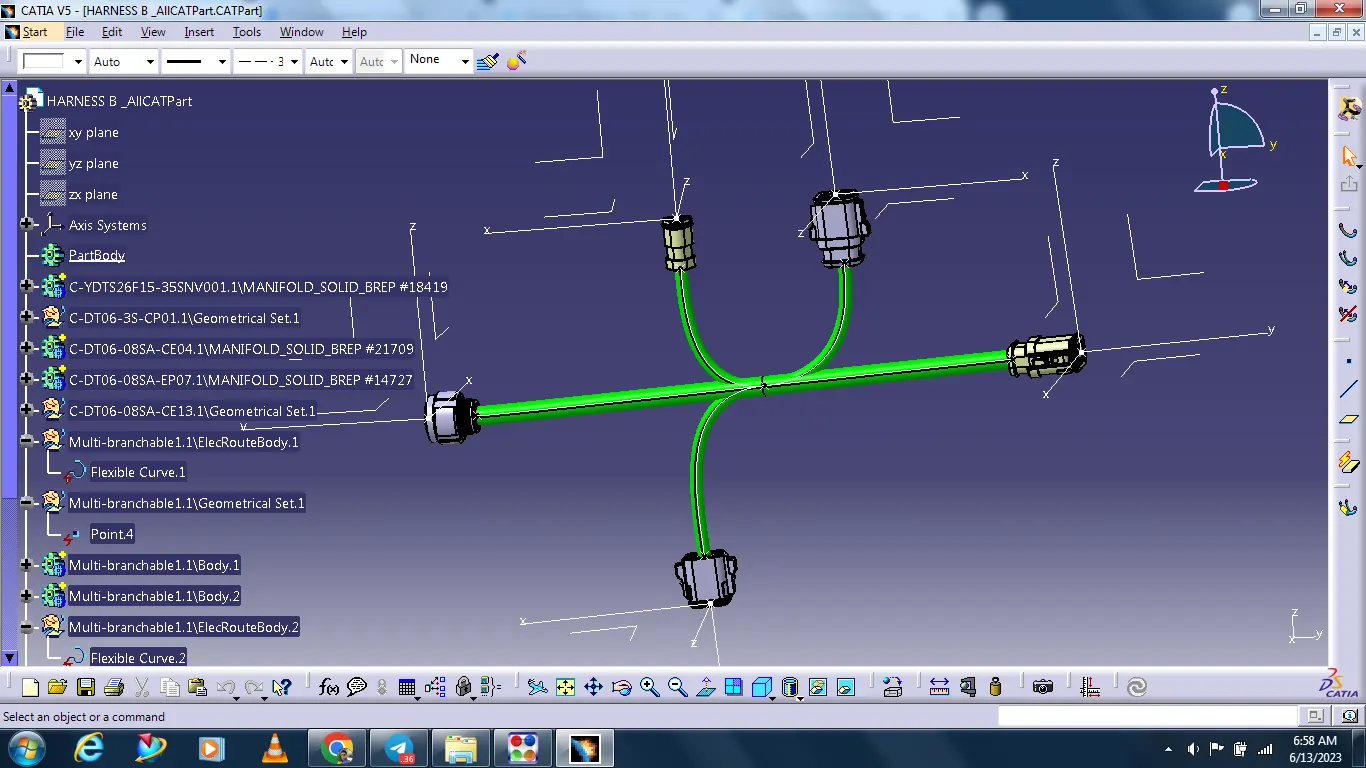
Wiring harness design in CATIA V5 - 3D modeling Week 5 & 6 Challenge
HARNESS A
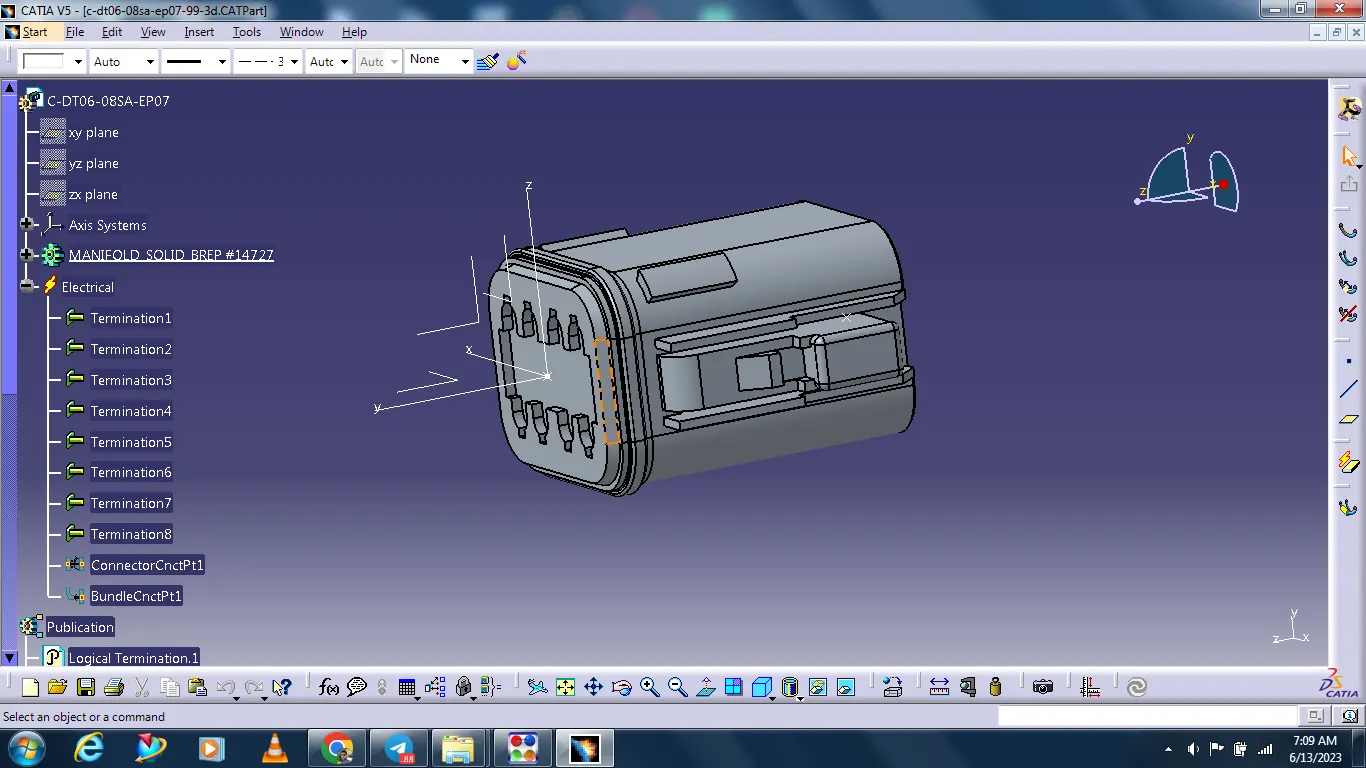
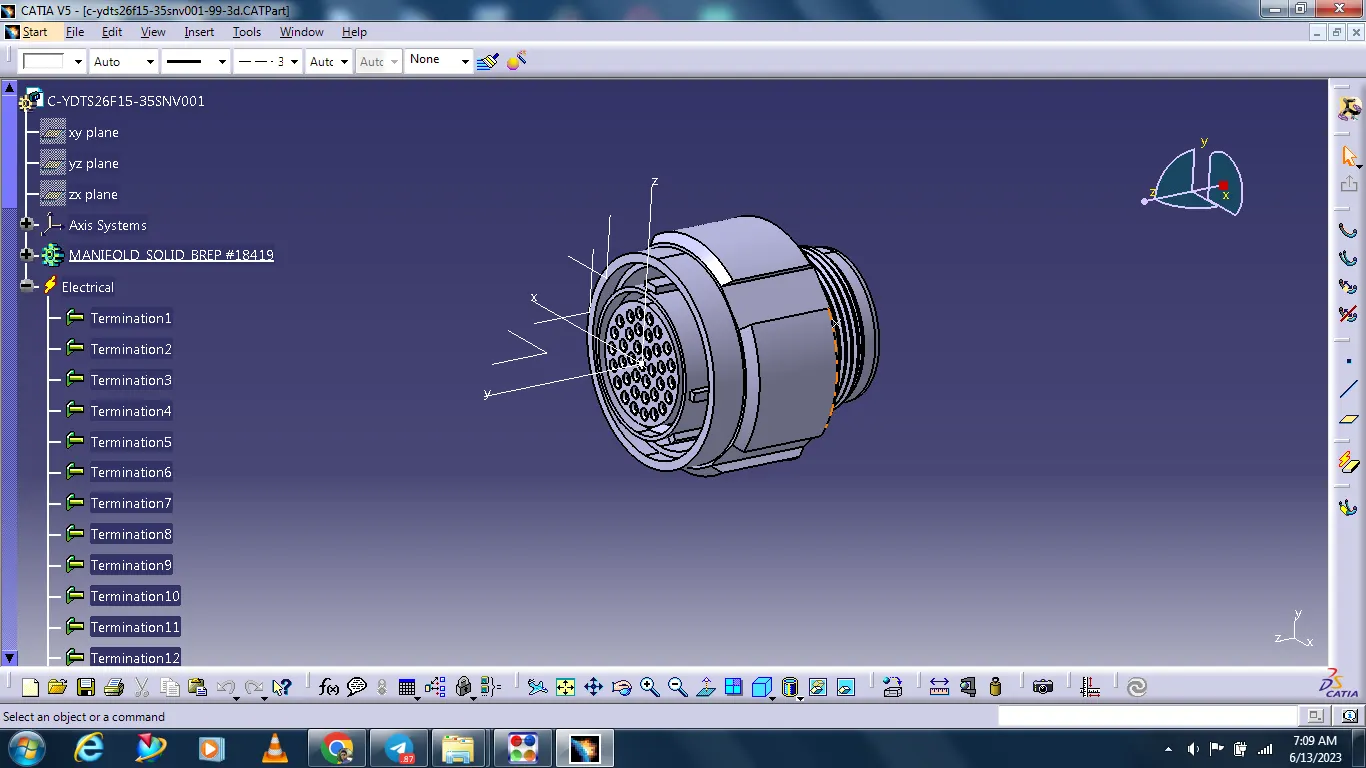
Define all connector's mechanical components electrically.
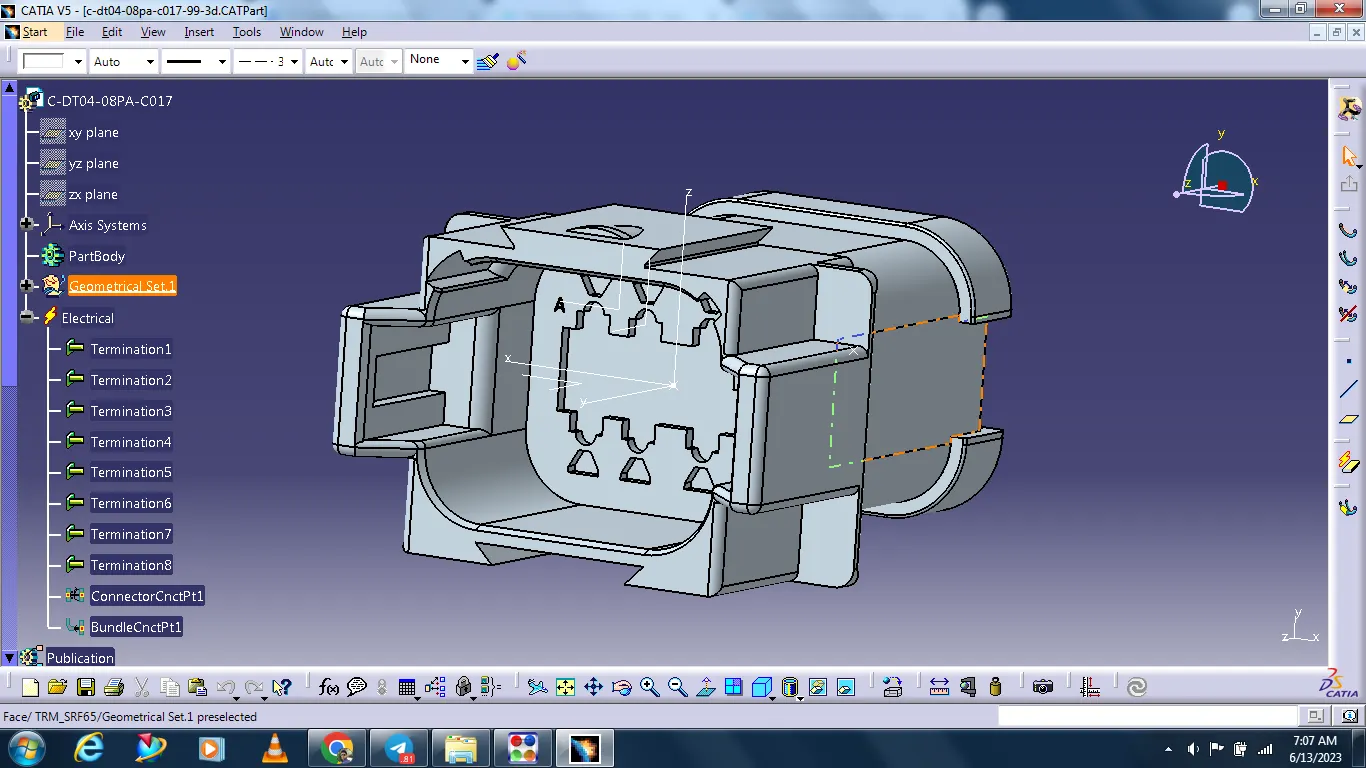
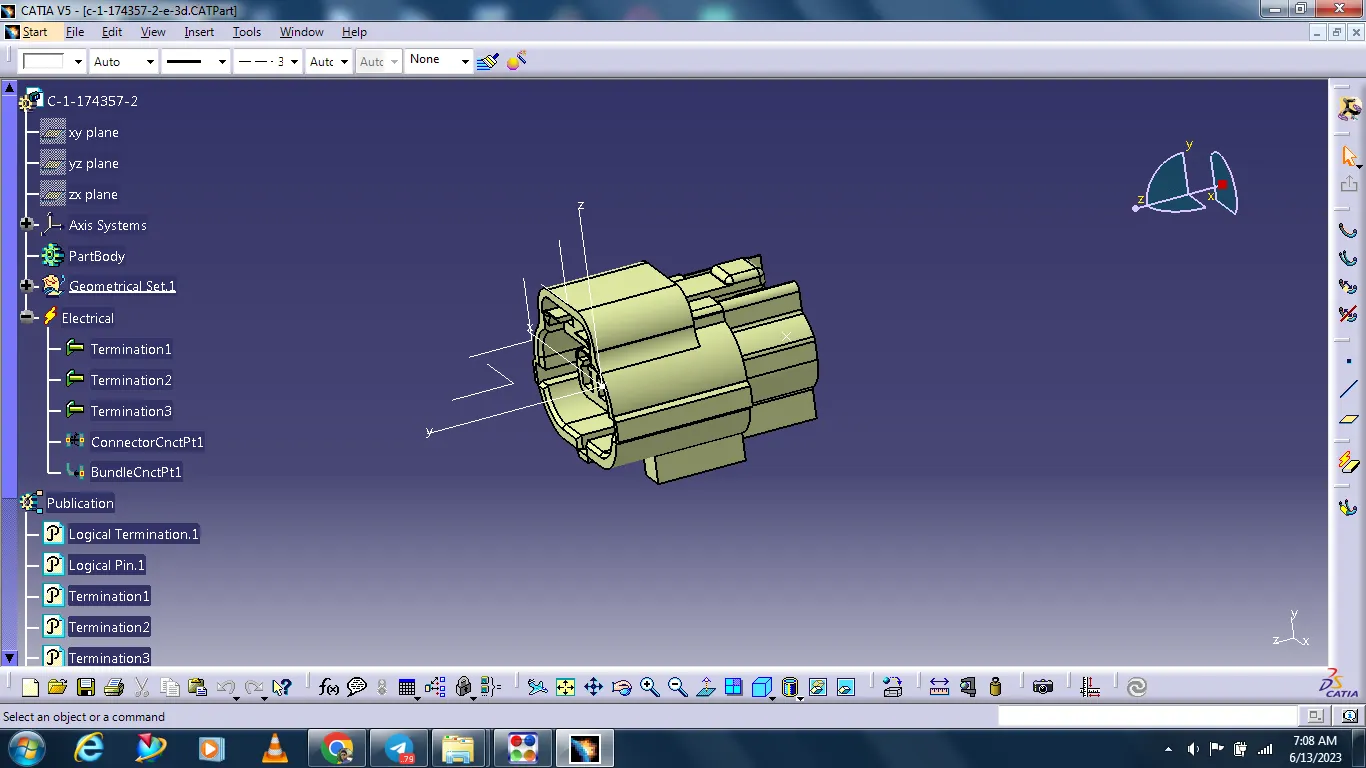
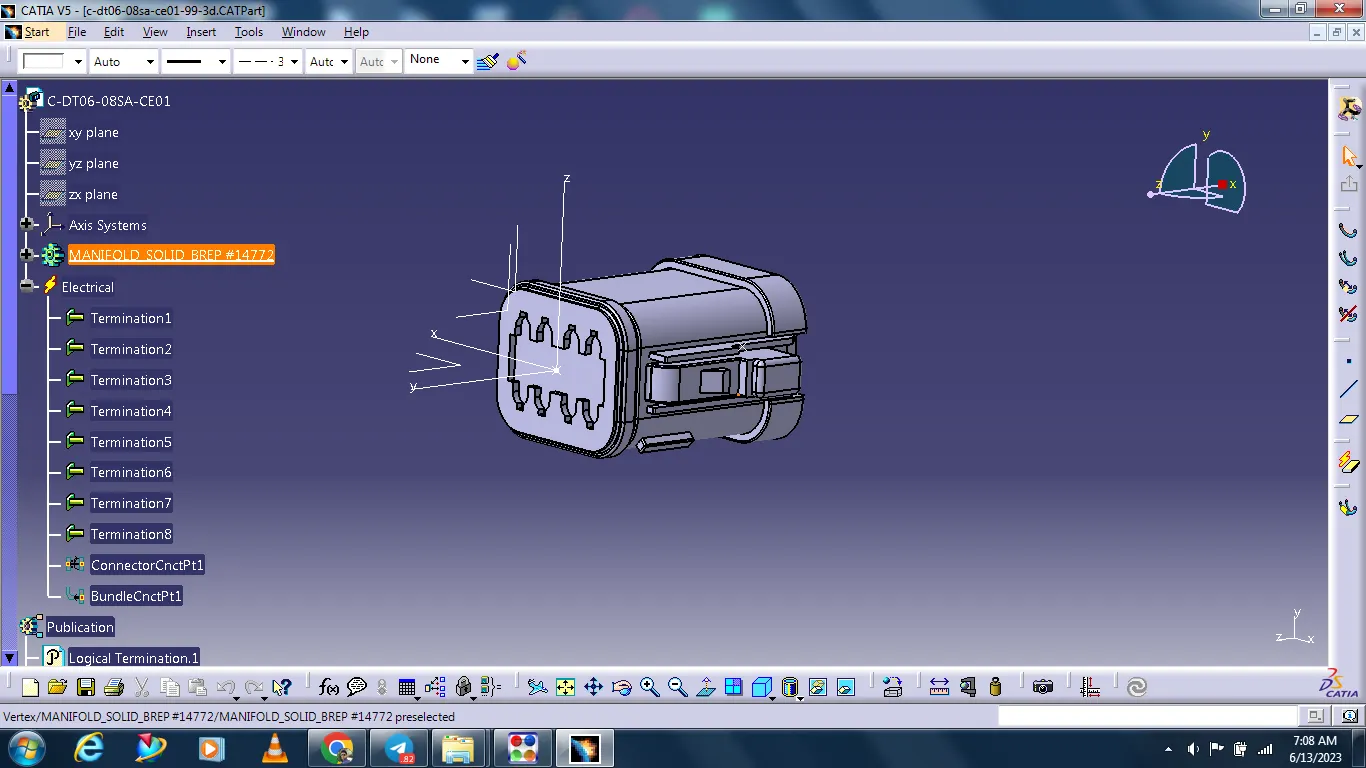
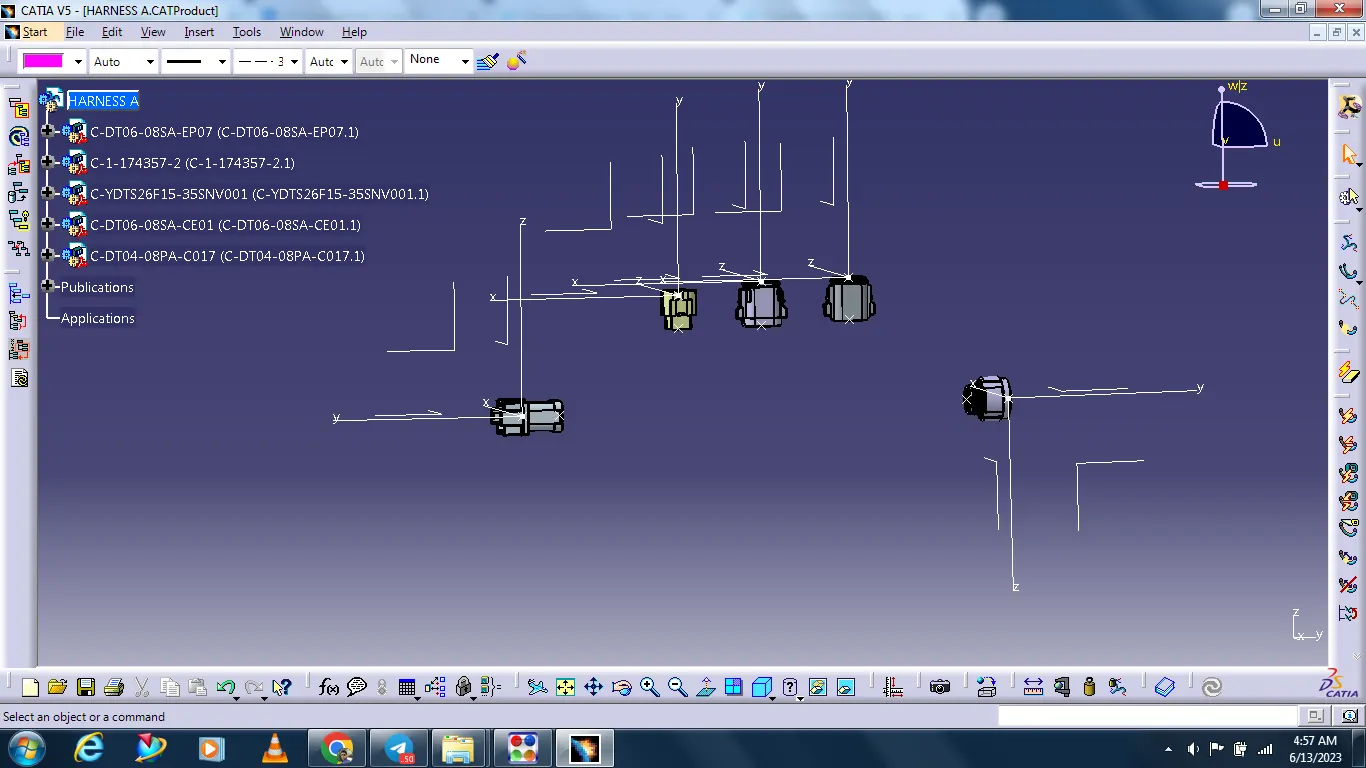
All connectors arrange as per drawing.
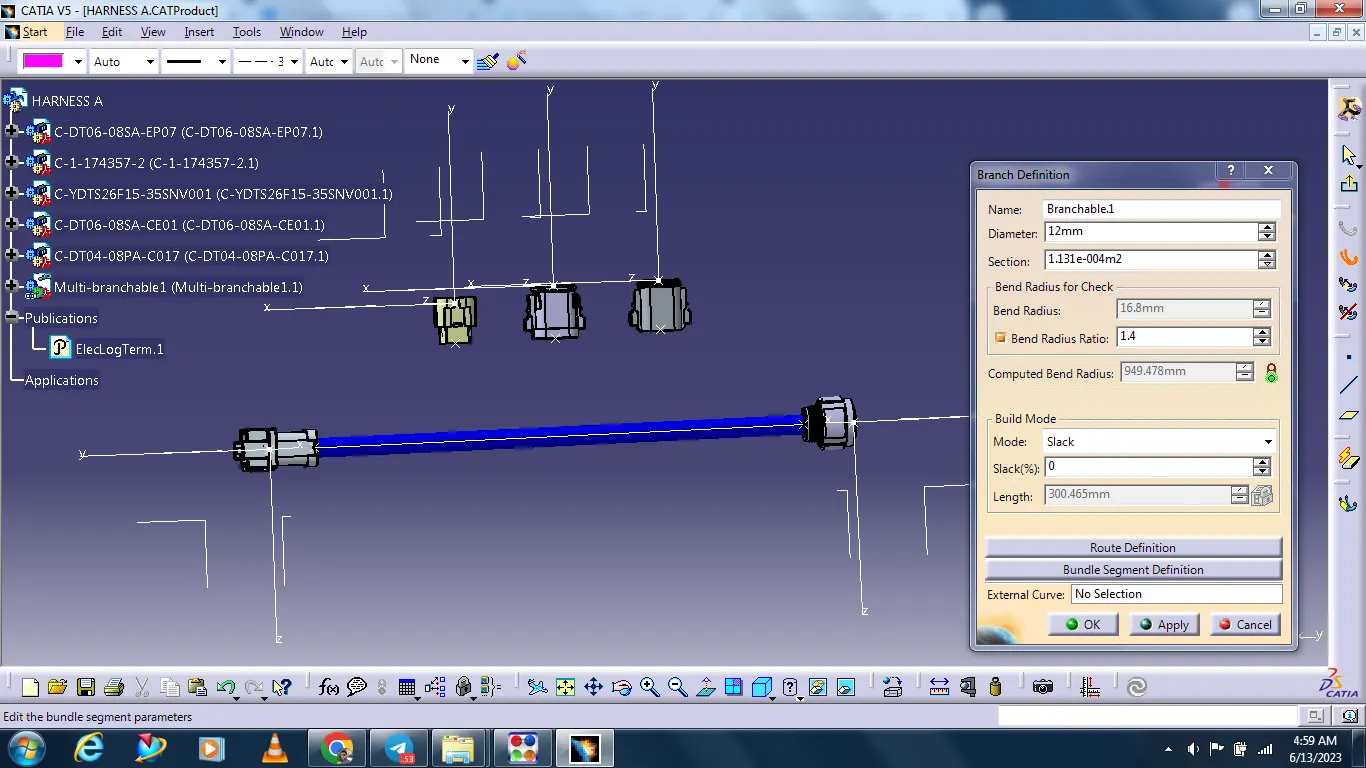
Creating bundle segment.
Select the electrical harness assbmbly.
Select the multi-branchable document.
Select the branch definition.
Creating branch point.
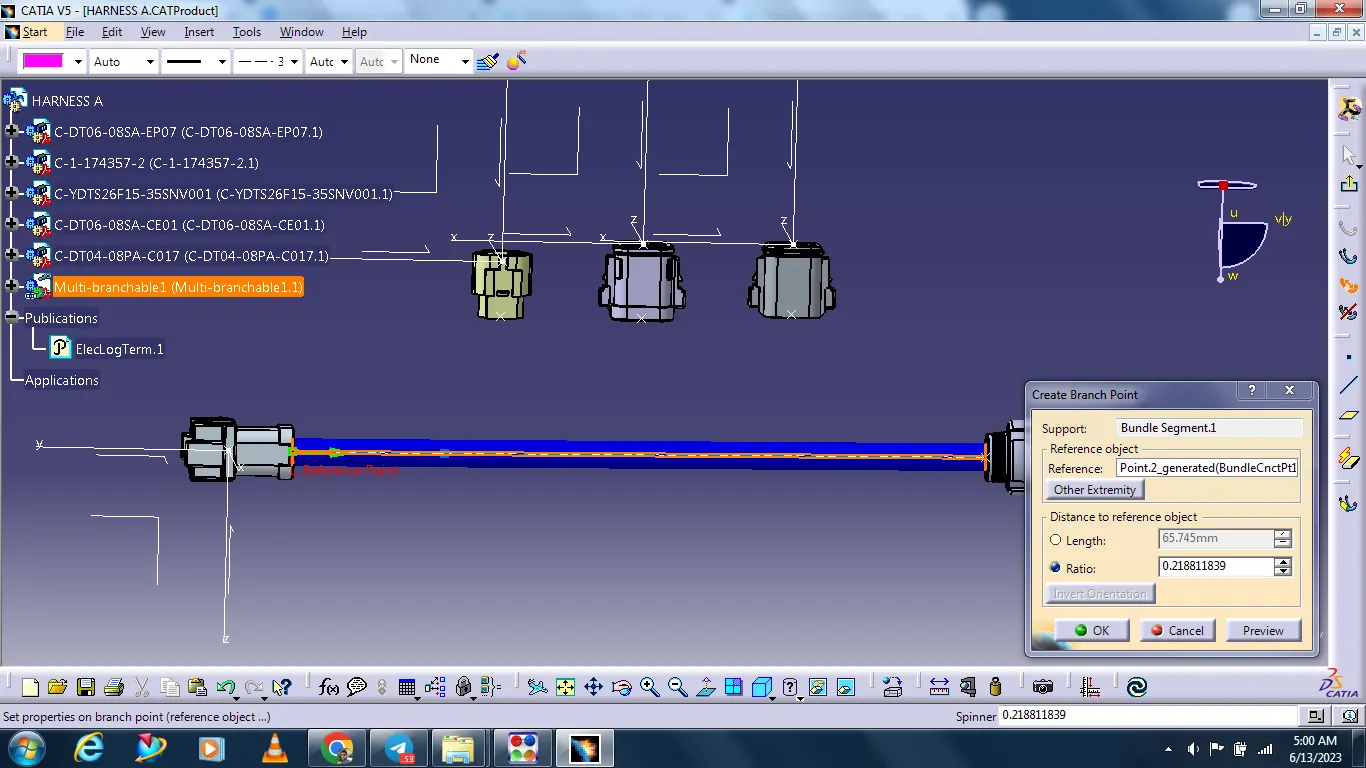
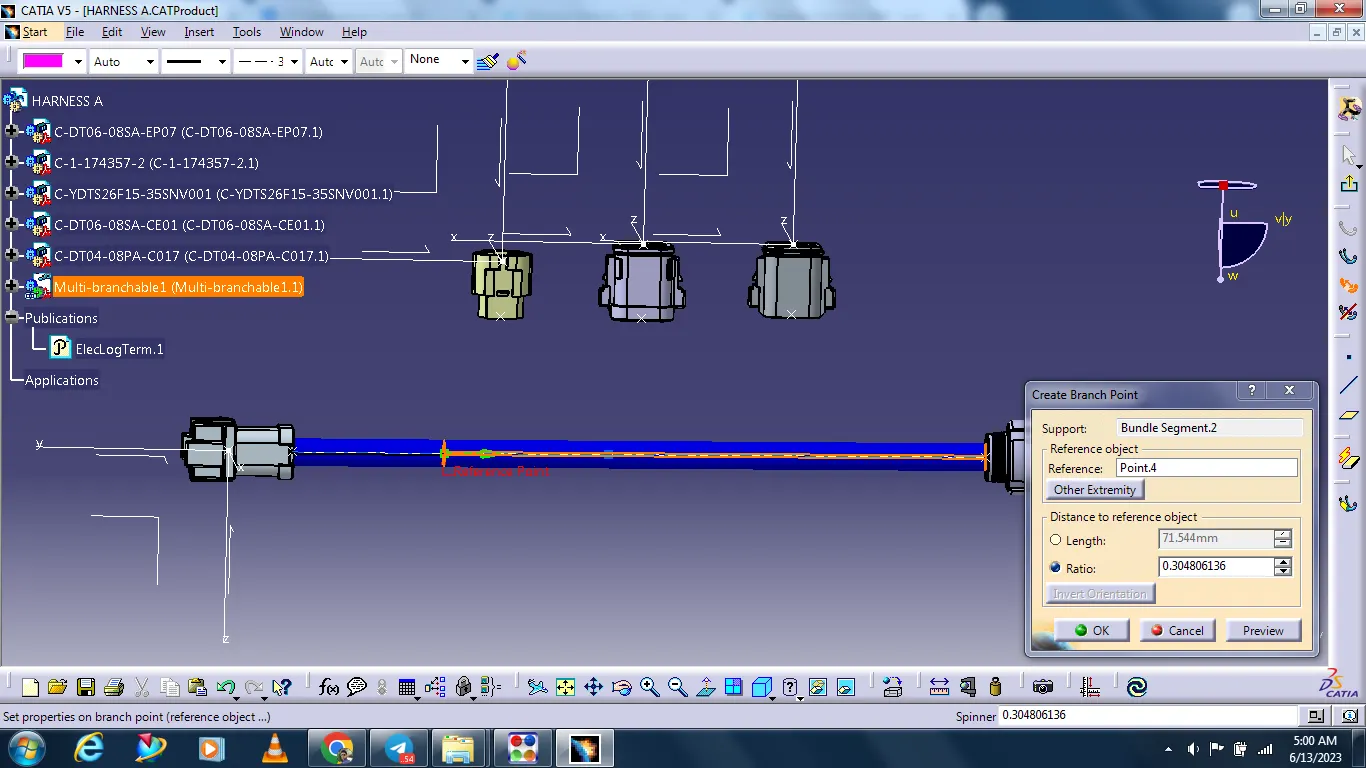
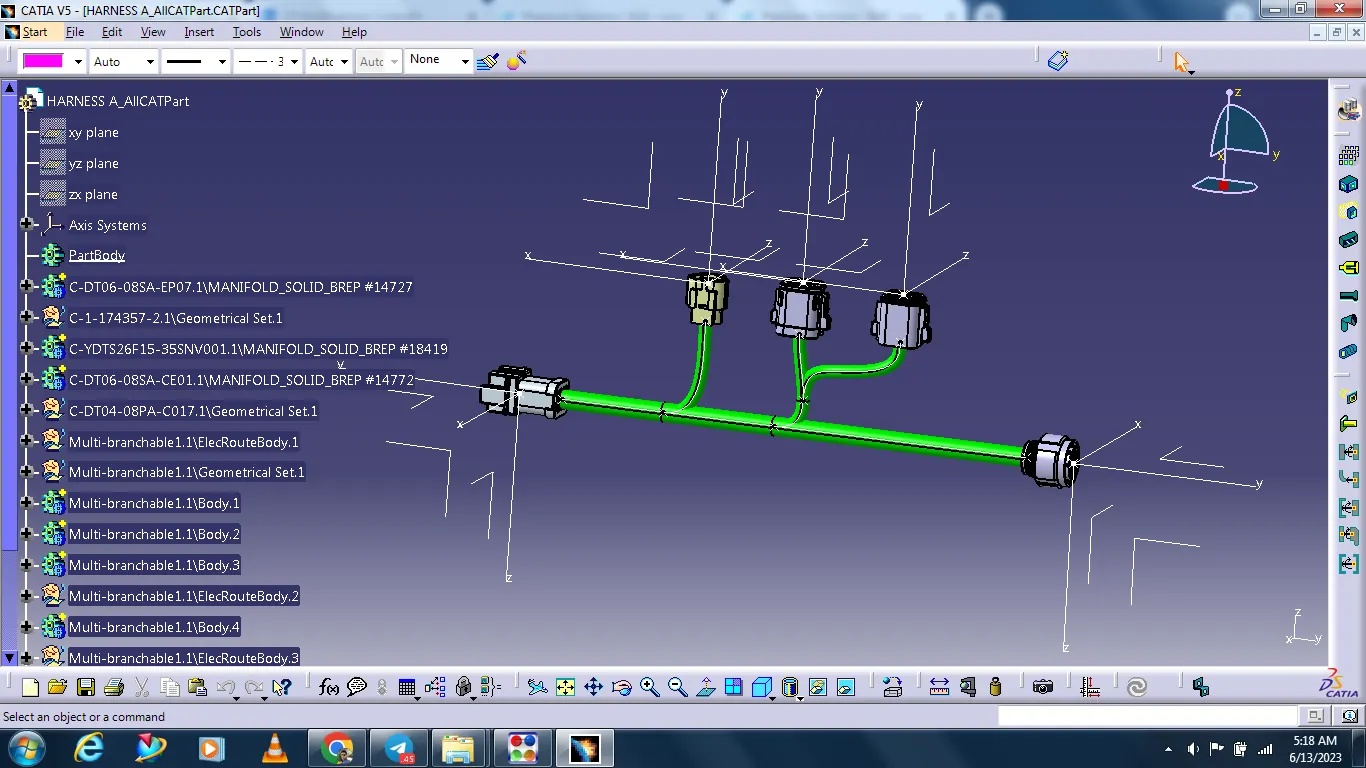
Creating bundle for all connectors.
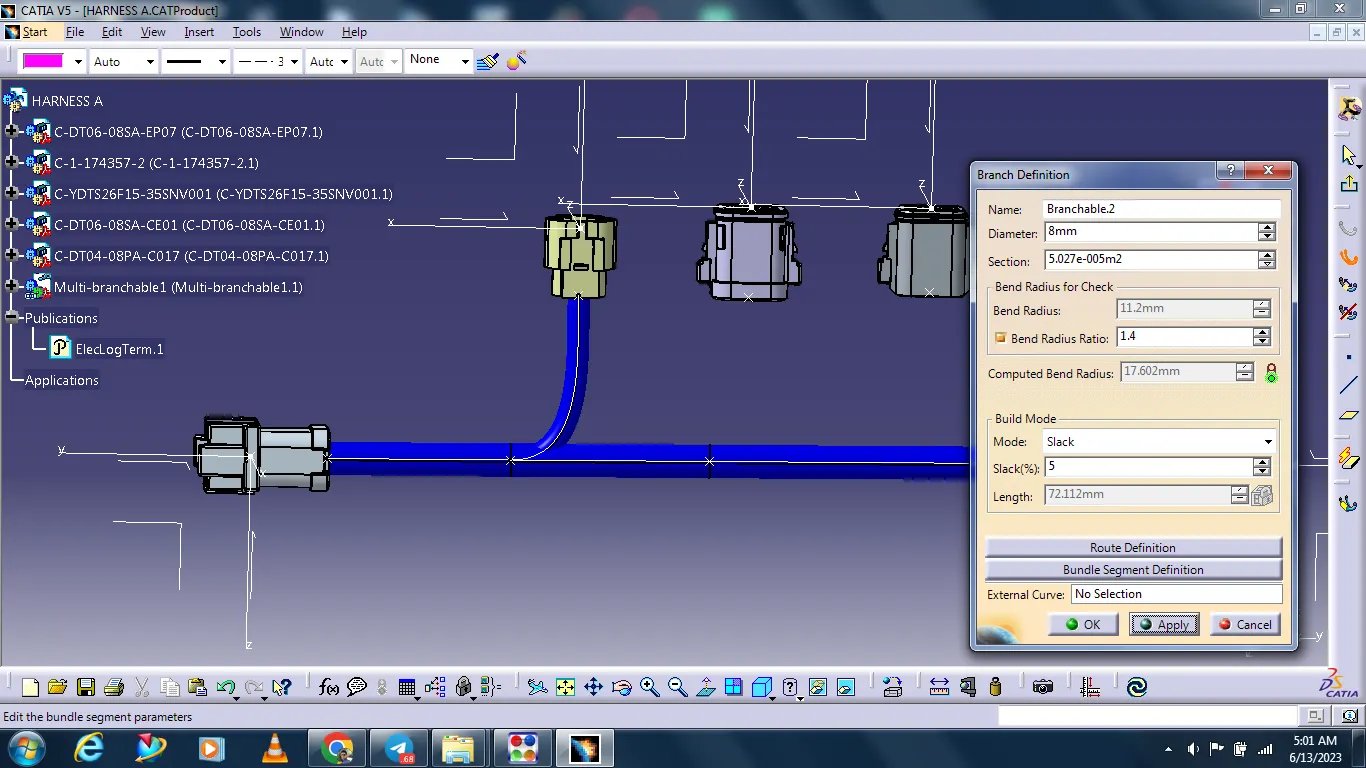
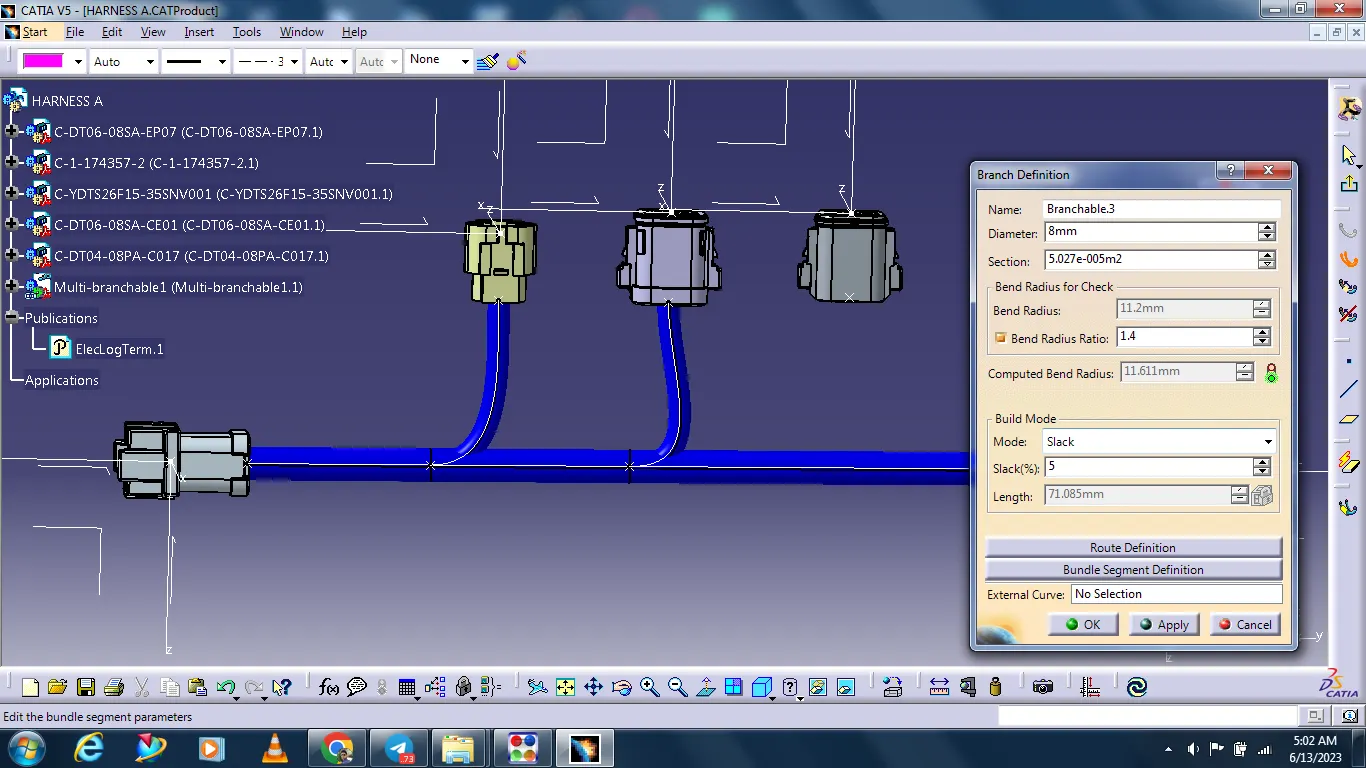
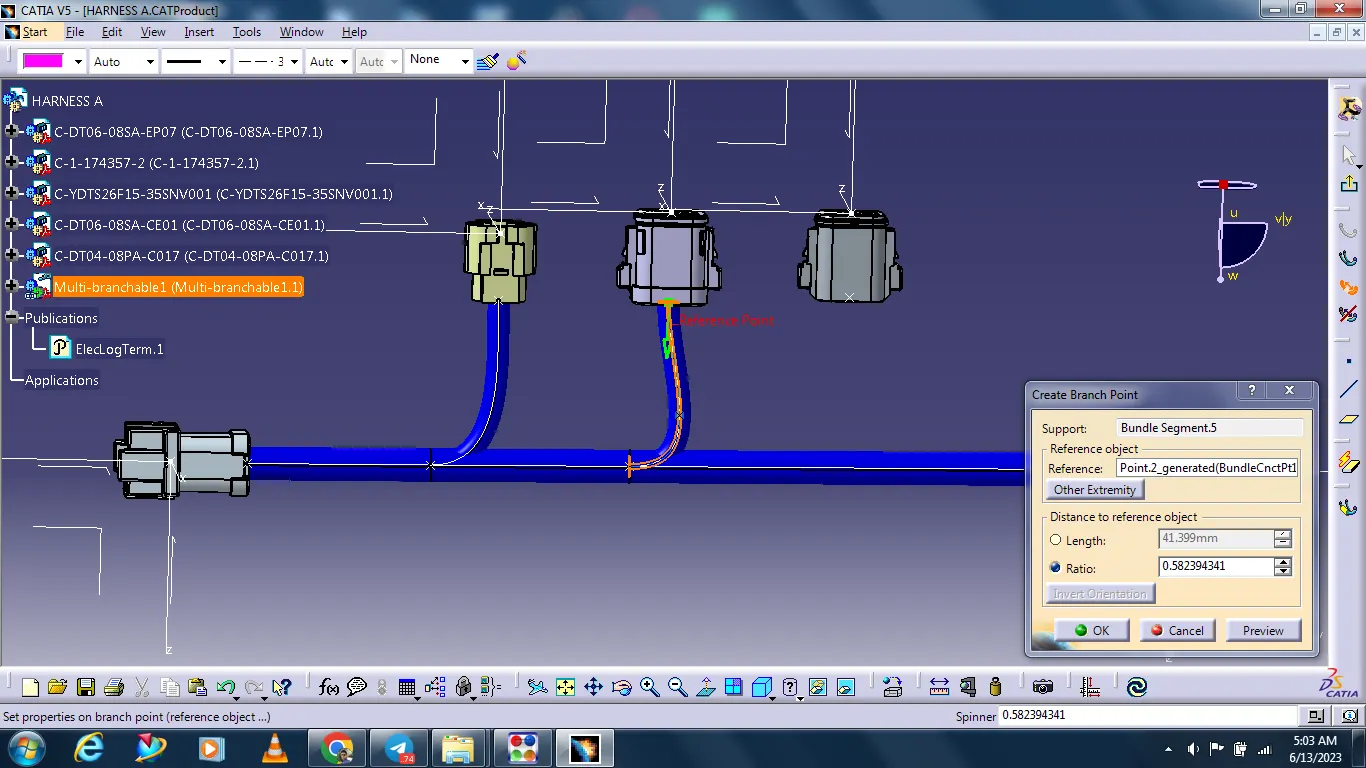
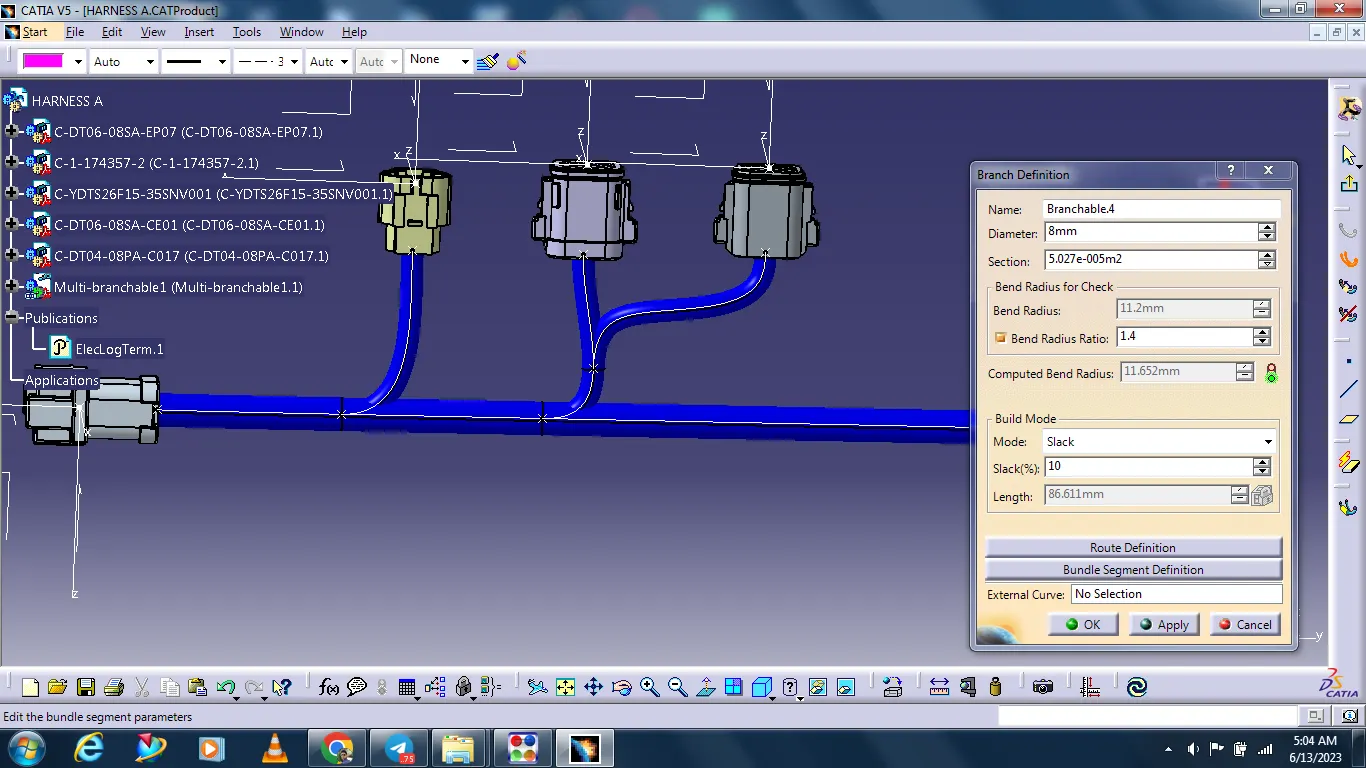
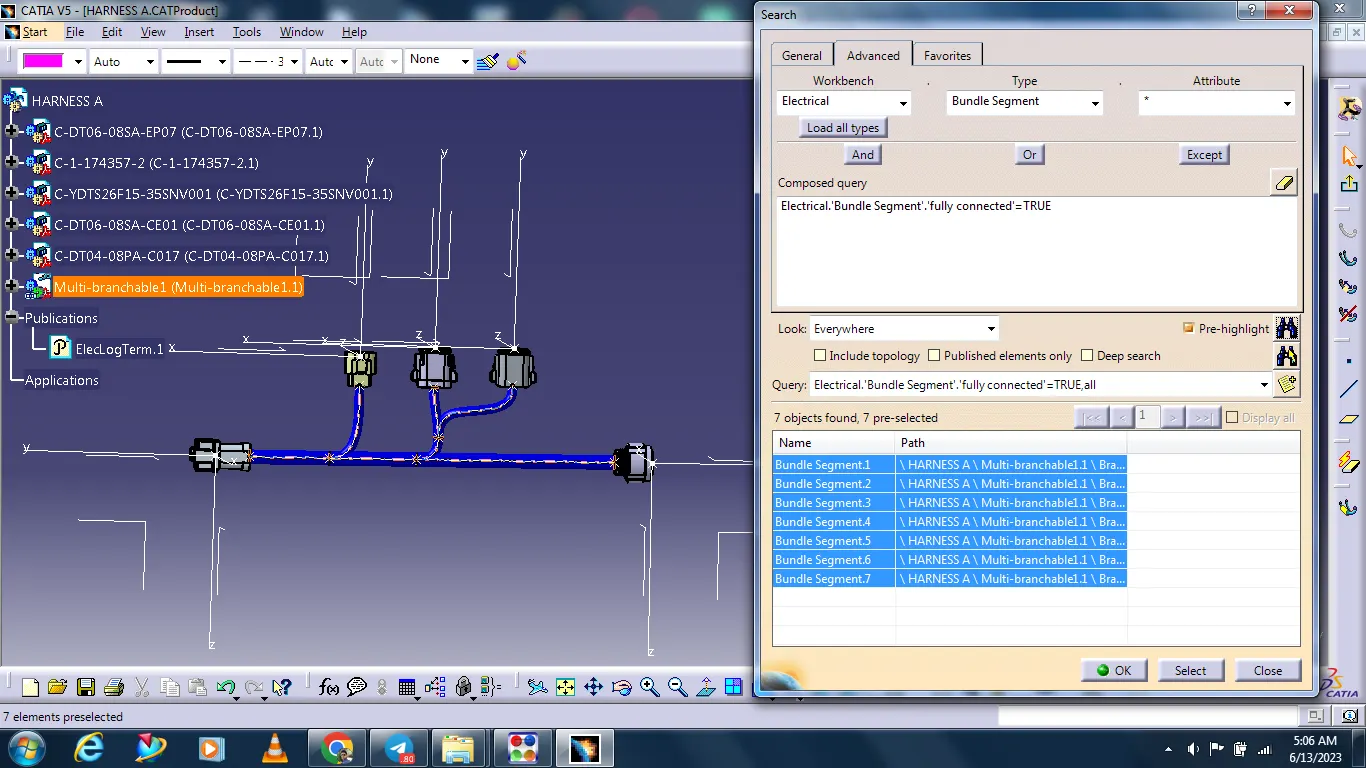
Checking that all bundles are connected.
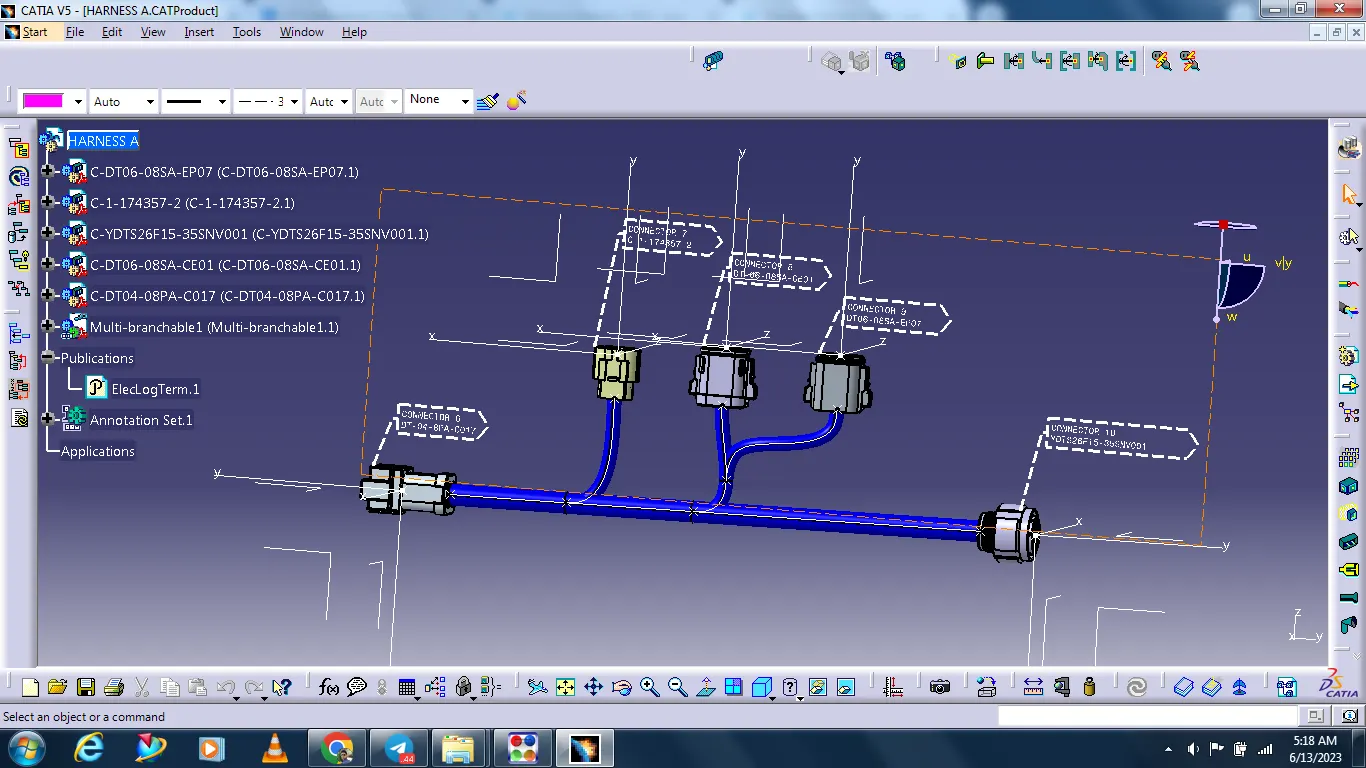
Creating the annotation.
Creating a CATPart from Harness Product assembly.
After convert to iges
HARNESS B
Define all connector's mechanical components electrically.
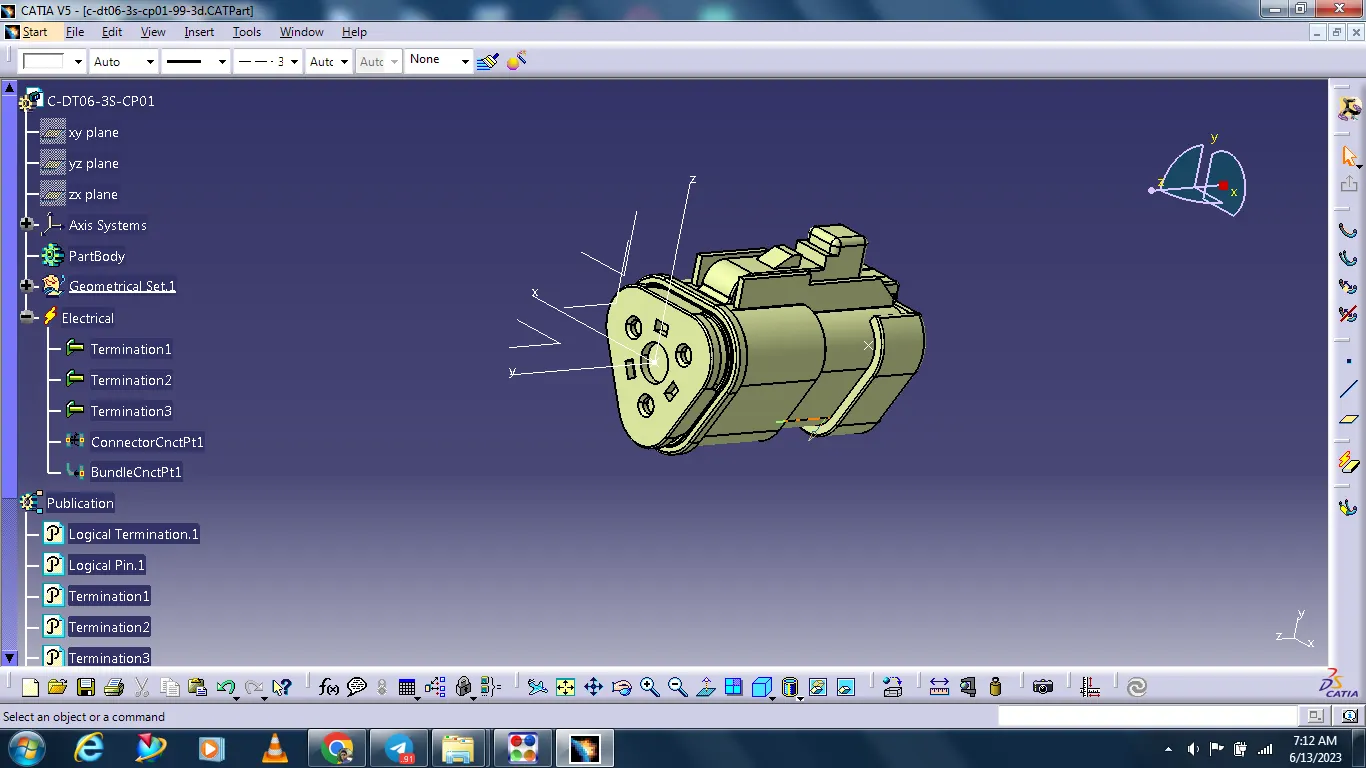
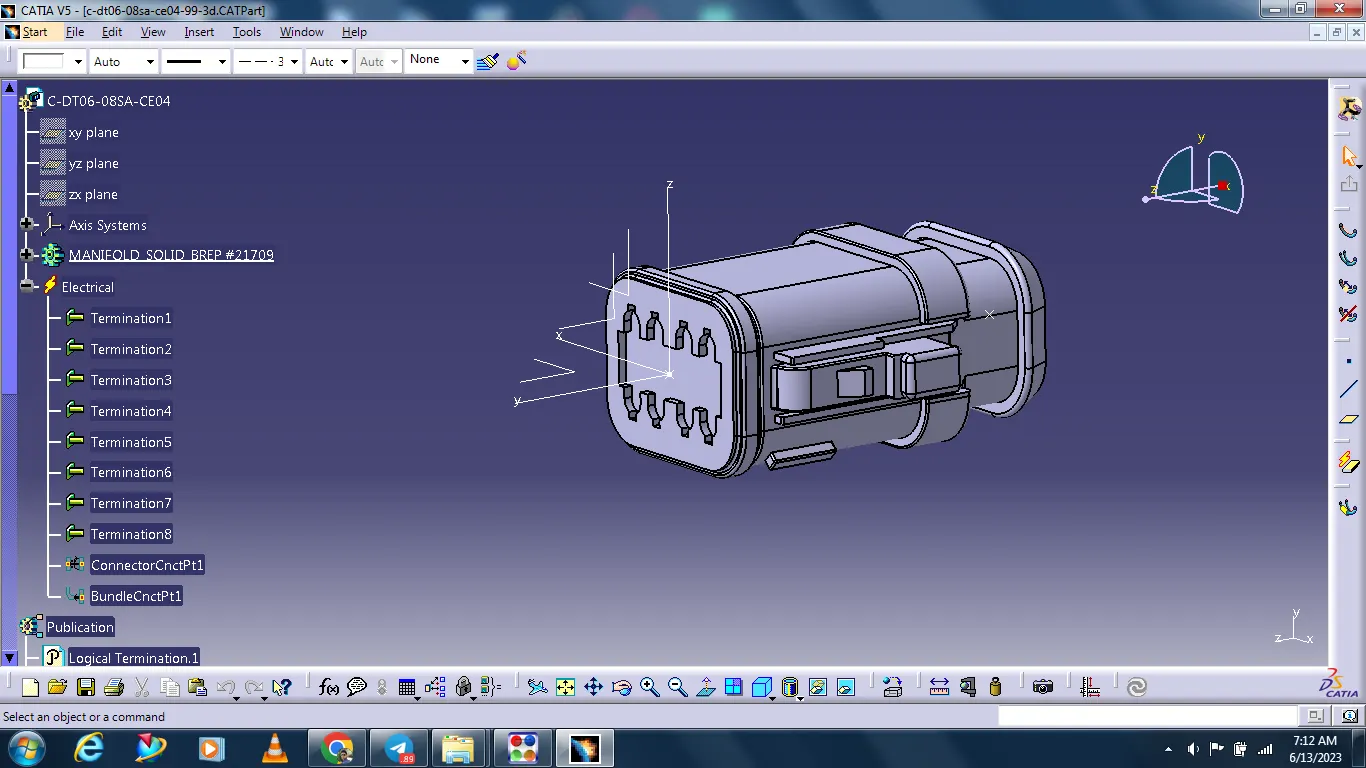
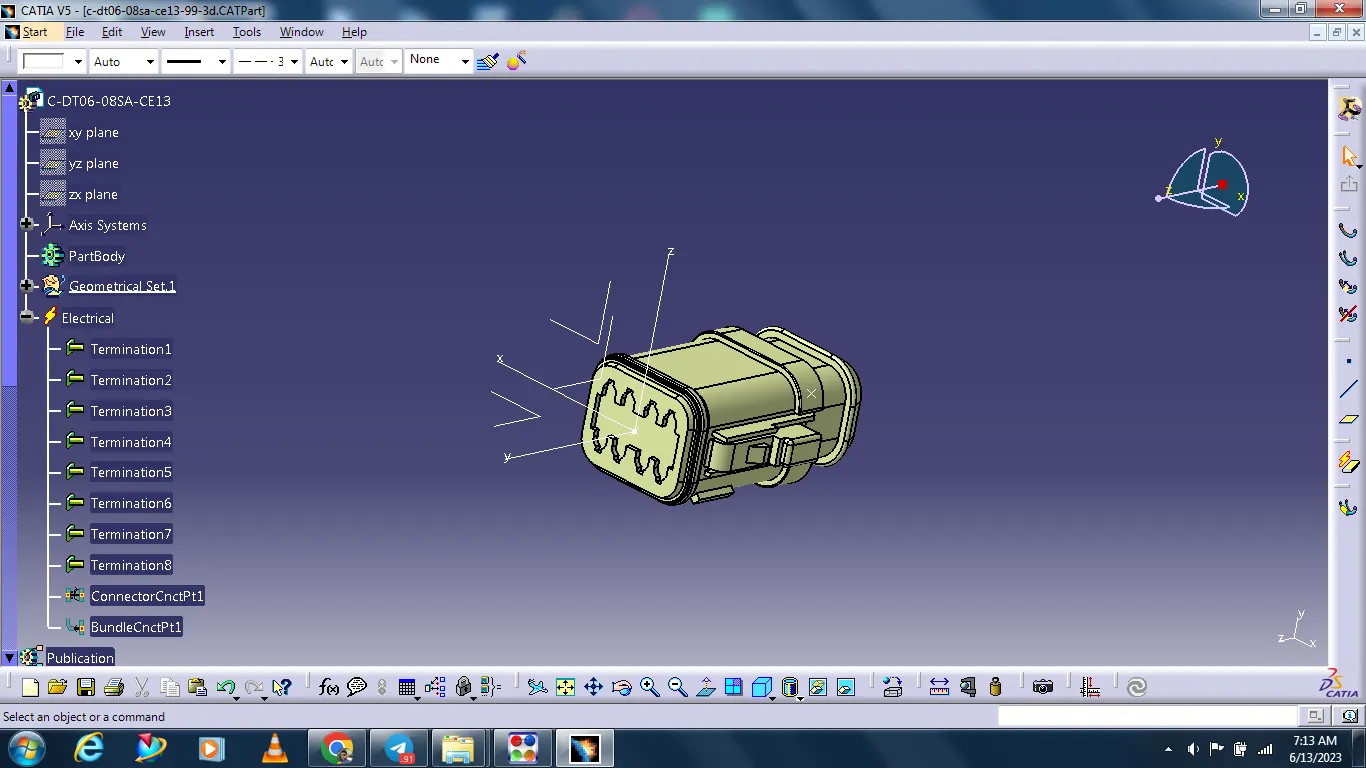
All connectors arrange as per drawing.
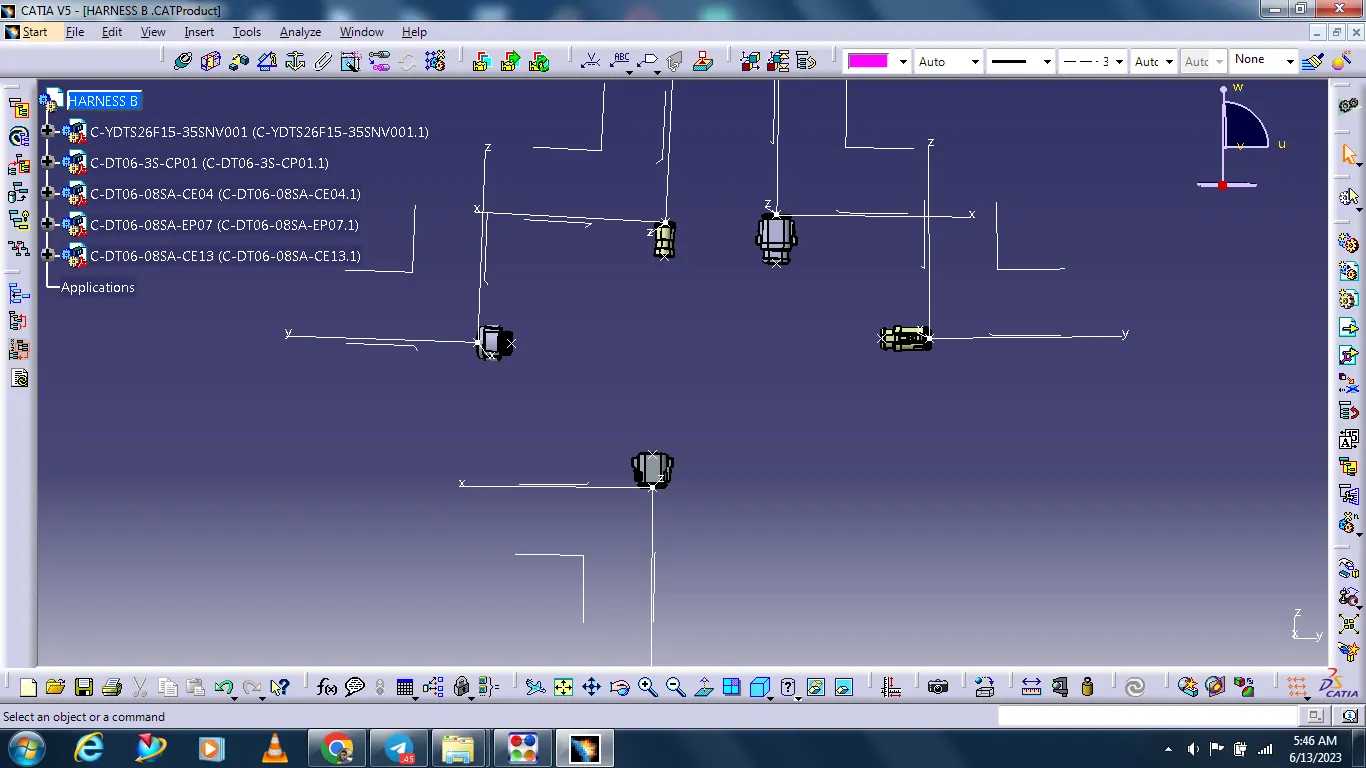
Creating bundle segment.
Select the electrical harness assembly.
Select the multi-branchable document.
Select the branch definition.
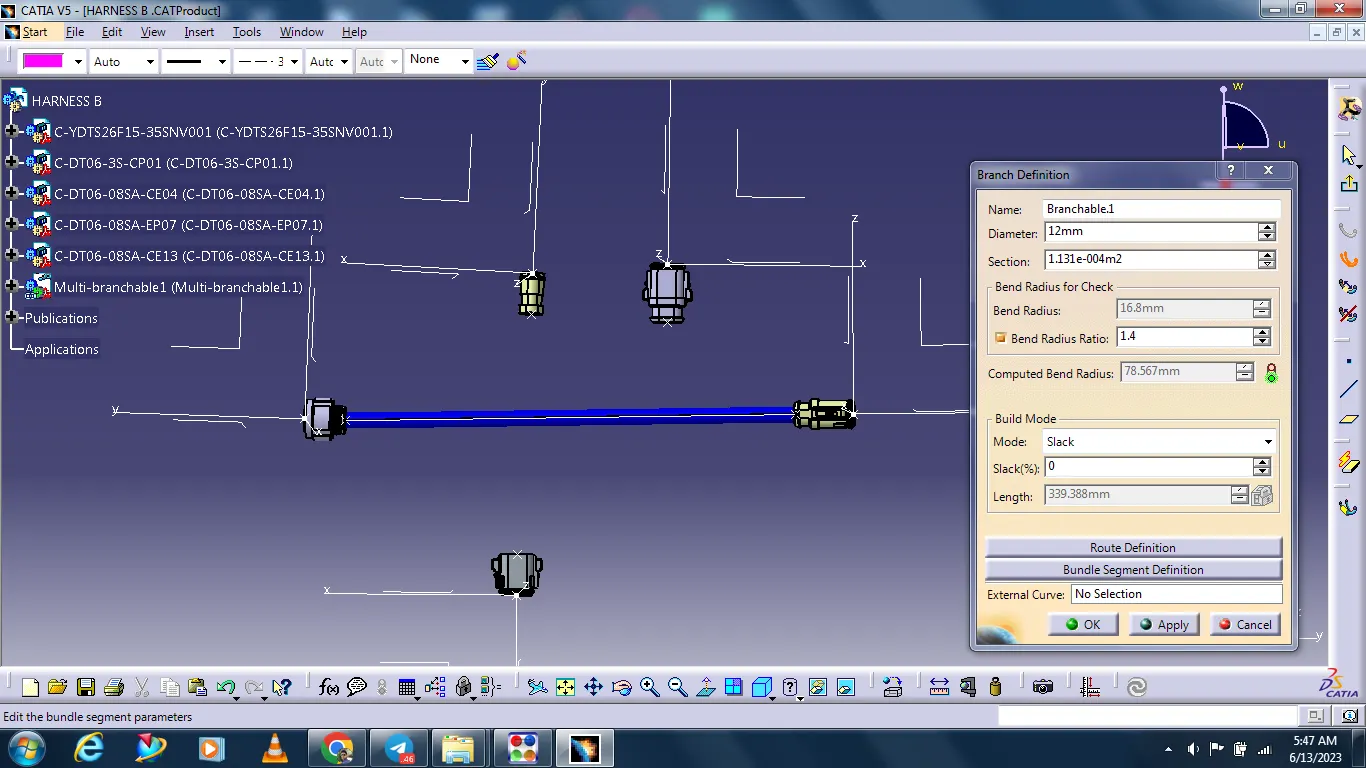
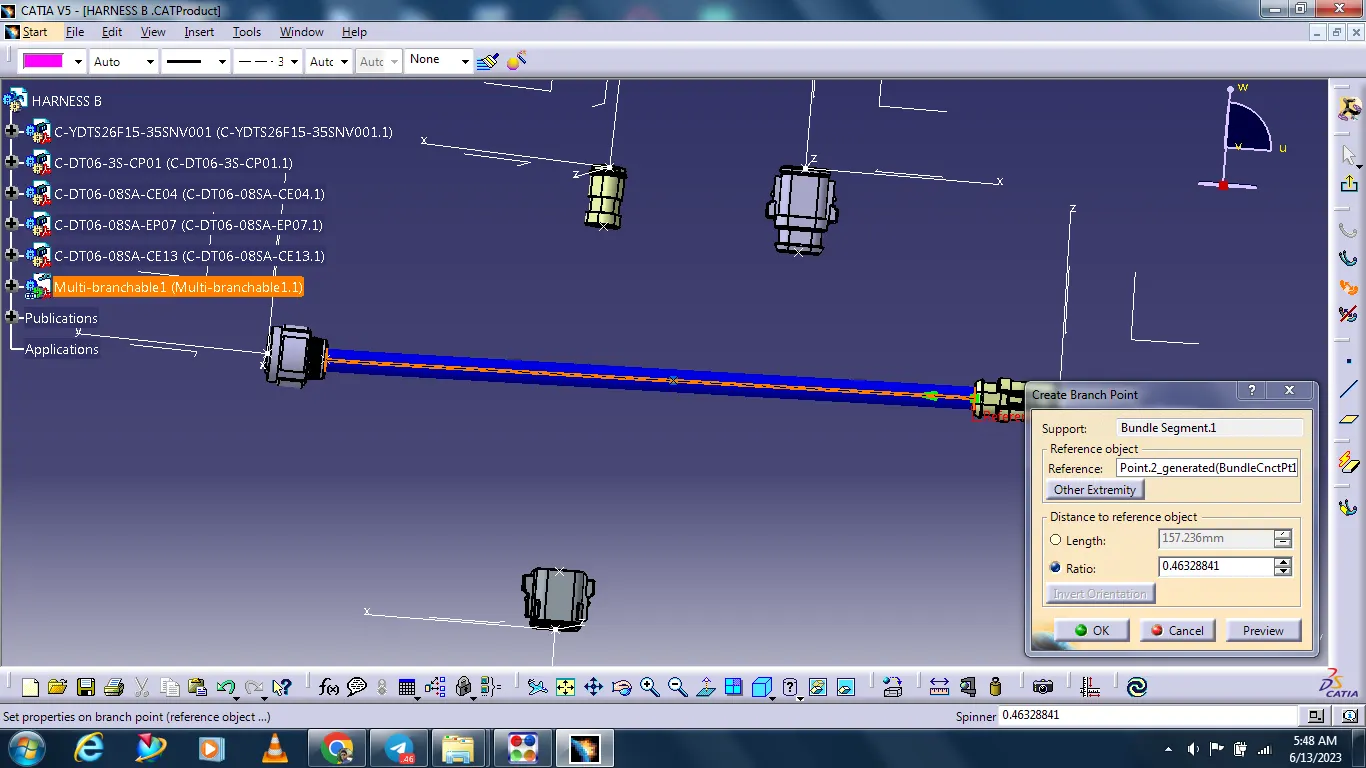
Creating branch point.
Creating bundle for all connectors.
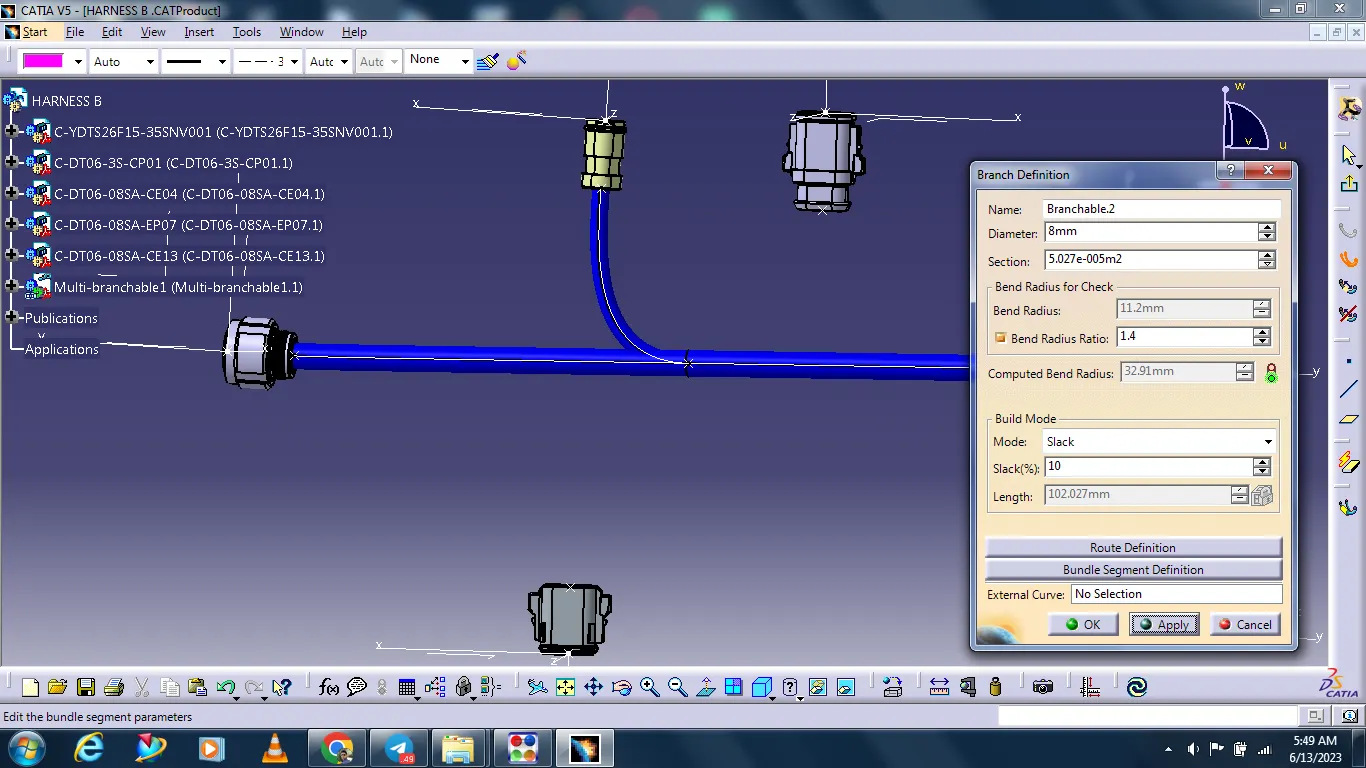
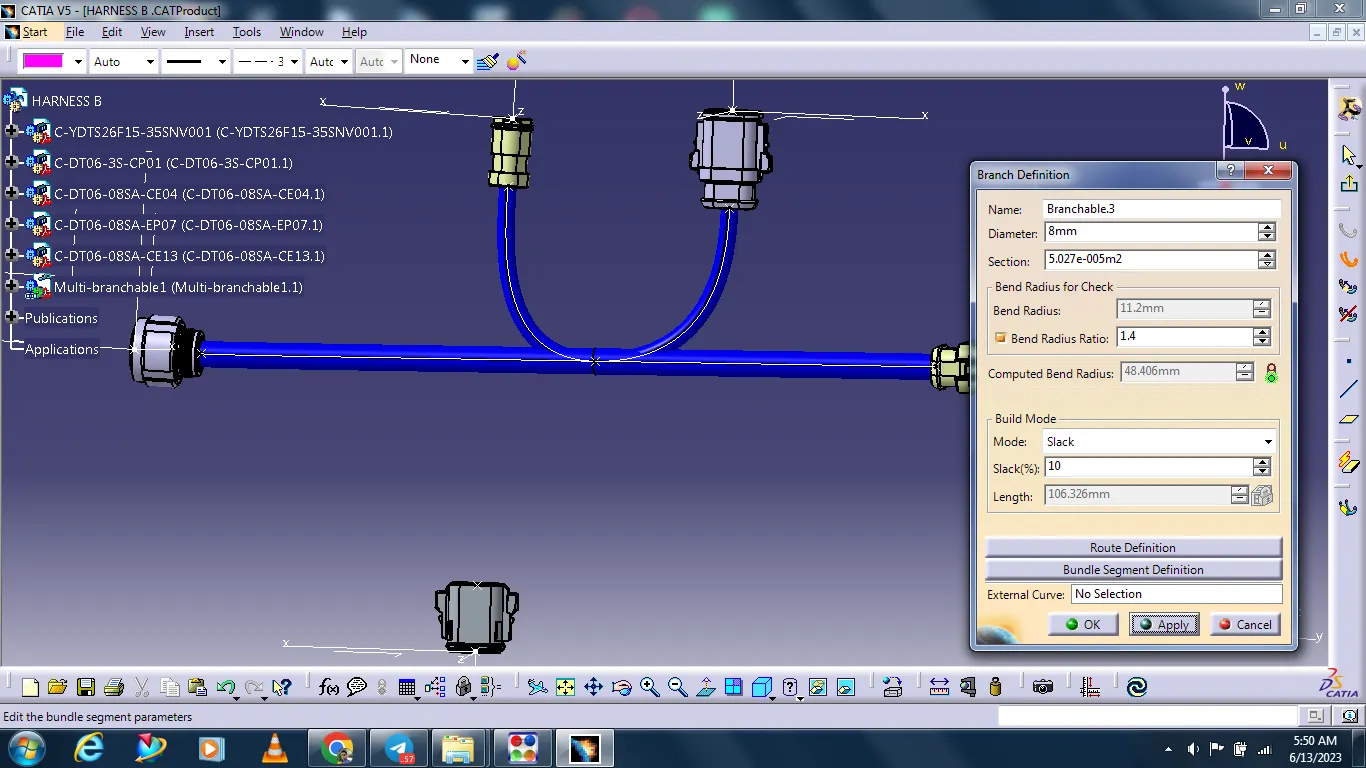
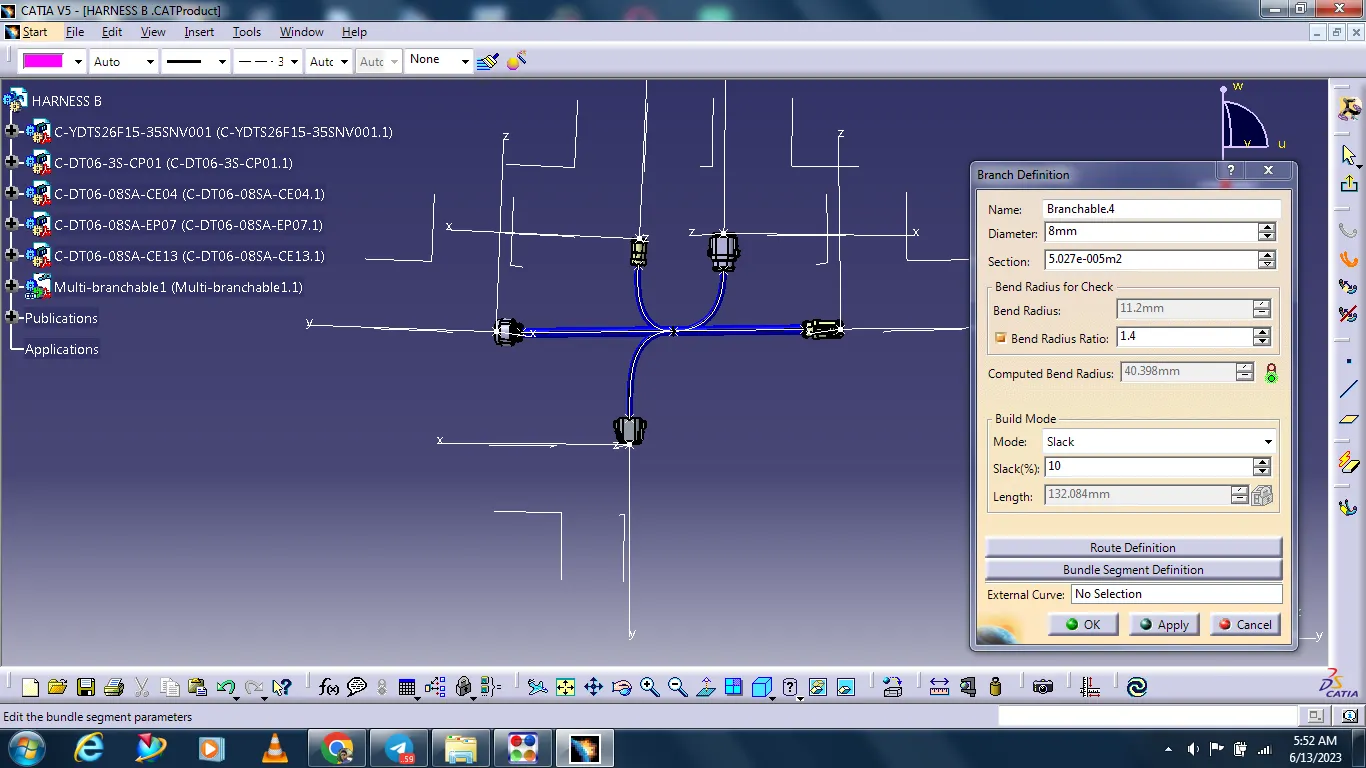
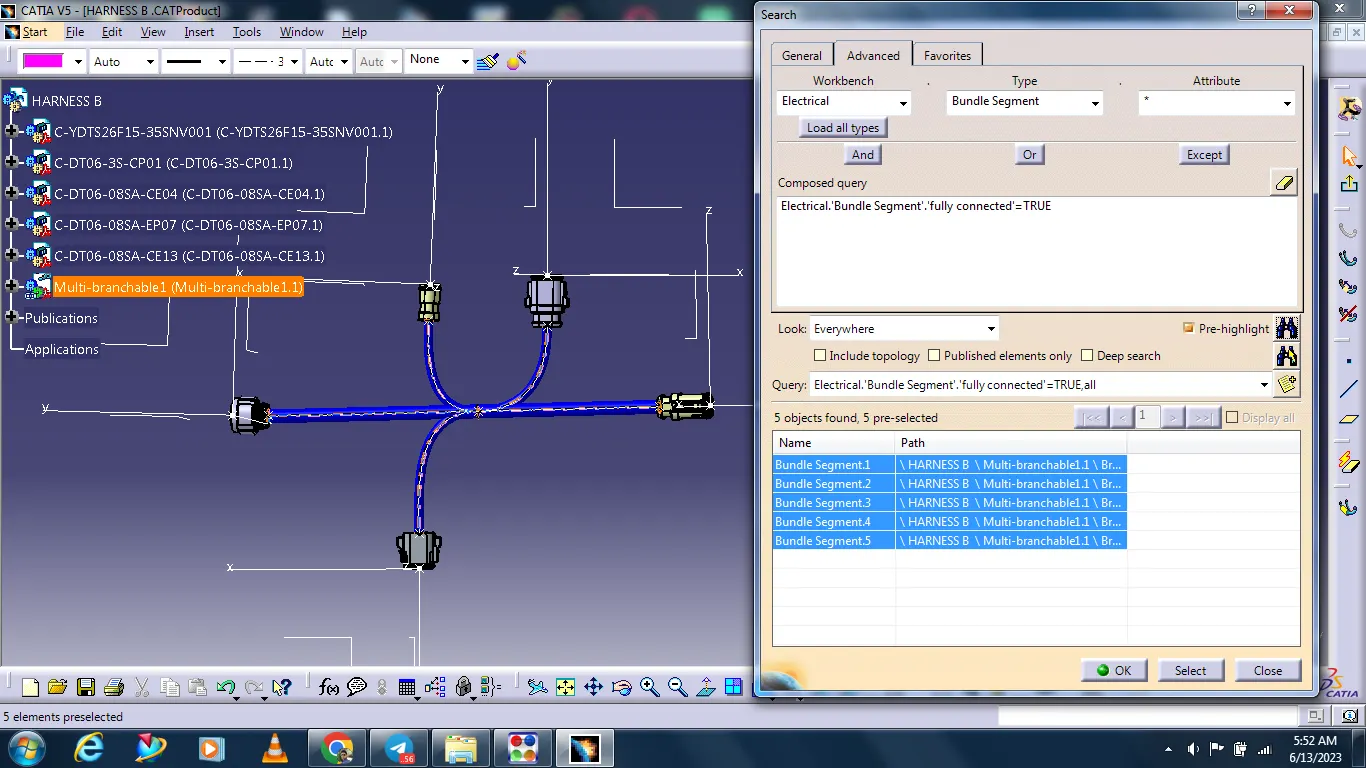
Checking that all bundles are connected.
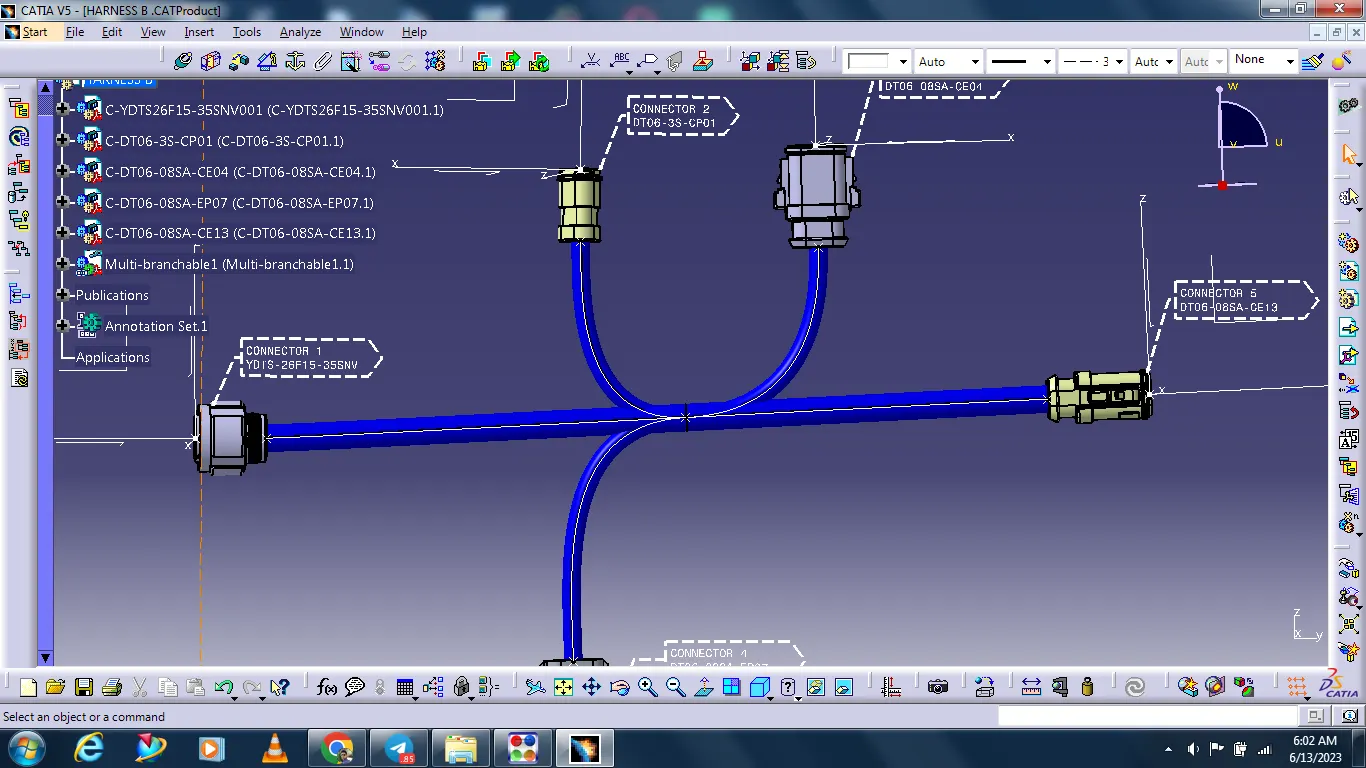
Creating the annotation.
Creating a CATPart from Harness Product assembly.
After convert to iges.