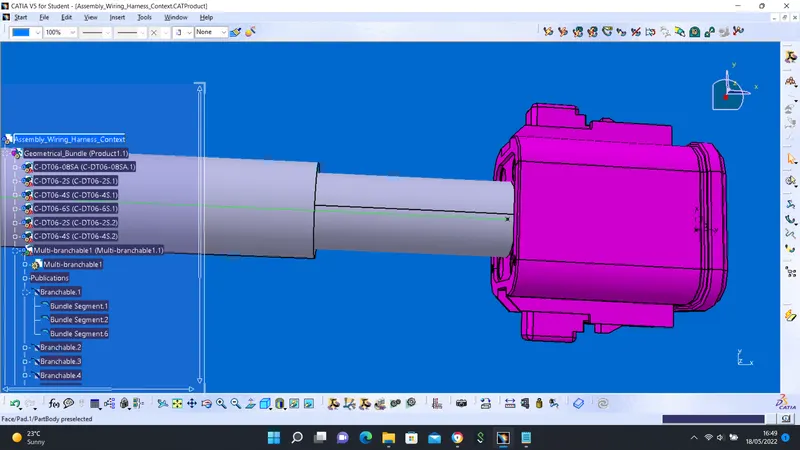
Wiring harness design in CATIA V5 - 3D modeling Week 4 Challenge
CHALLENGE
In other to perform the wire harness task, CAD files of some connectors were downloaded from a 3rd party website:
- DT06-08SA
- DT06-4S
- DT06-2S
- DT06-6S
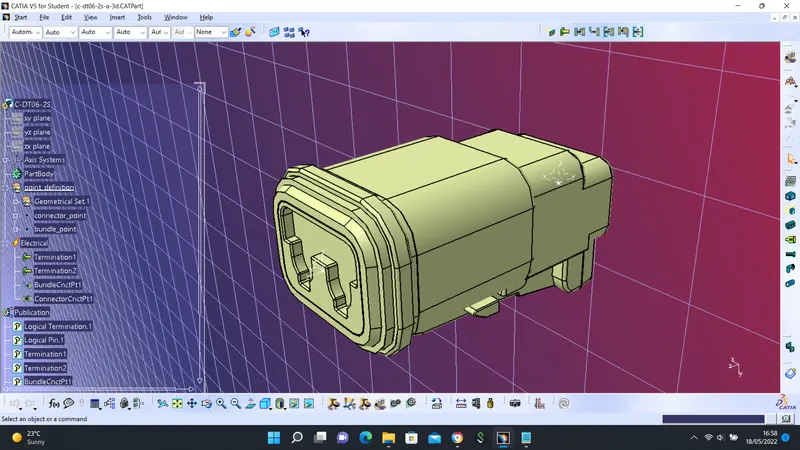
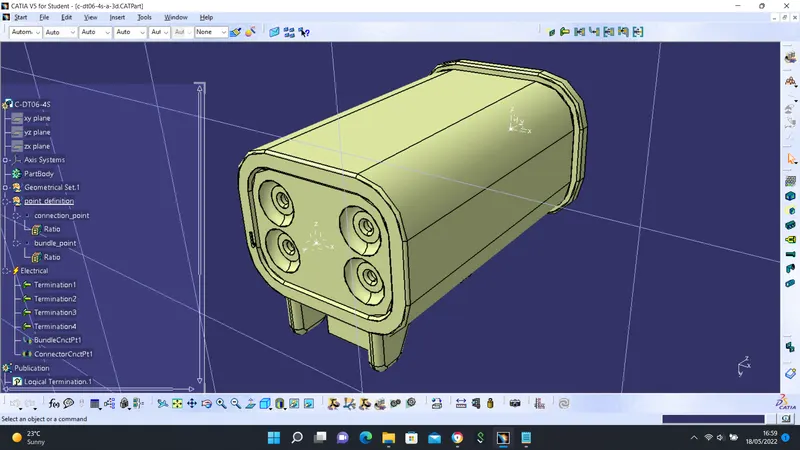
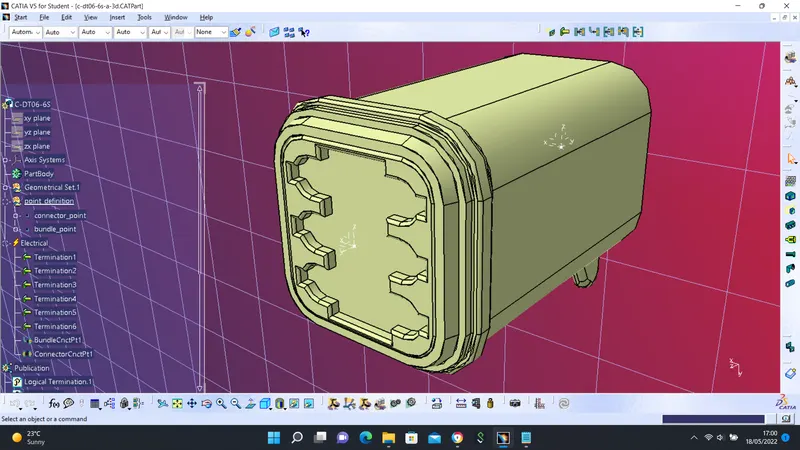
The downloaded files were defined following the steps below:
- geometrical parameters such as point and axis defined
- part defined as Connector
- Bundle Connection Point defined
- Connector Connection Point defined
DT06 2S
DT06-4S
DT06-6S
DT06-08SA
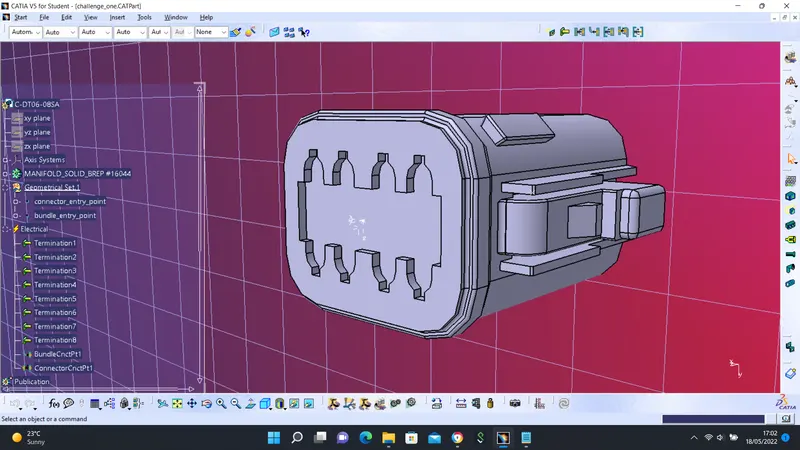
HARNESS ASSEMBLY
Before the harness assembly task, all the parts such as clips, connectors, tubes, etc were prepared and then electrically defined and placed at the appropriate position using the Assembly Design workbench.
The workbench was switched to Electrical Harness Assembly to be electrically defined using the command ''Geometrical Bundle''
Multi-branchable Document
Using this command, harness routing was performed after certain parameters were inputted.
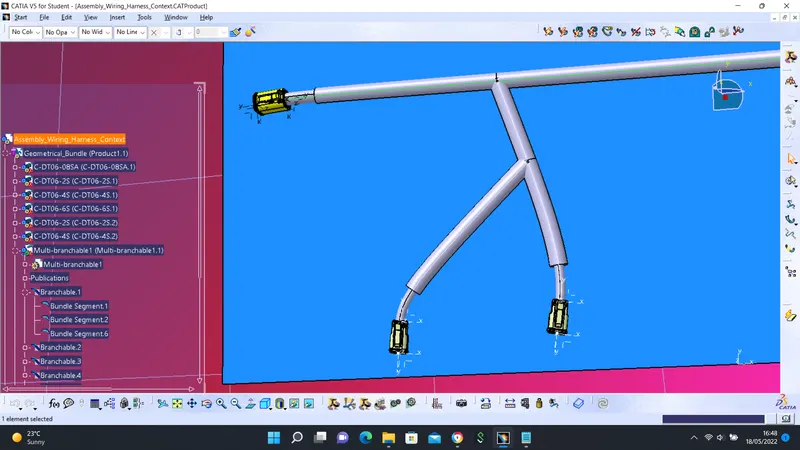
Certain branchable points were also defined to allow for routing to other connectors.
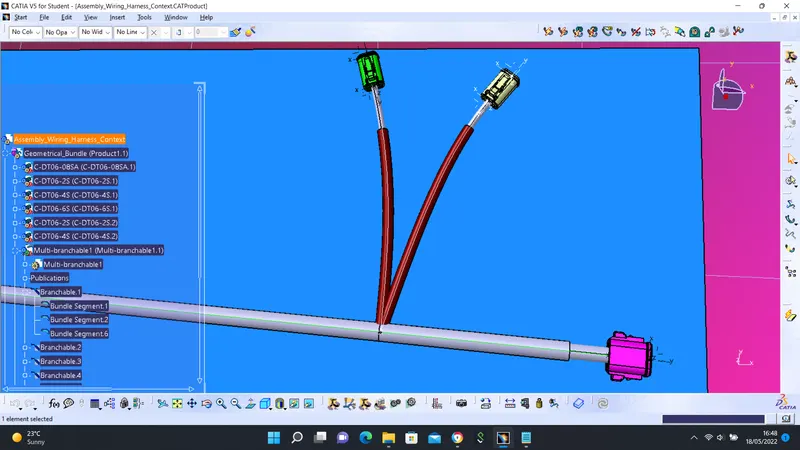
In addition to routing the harness, protective coverings such as Tapes and Corrugated Tubes were also added.
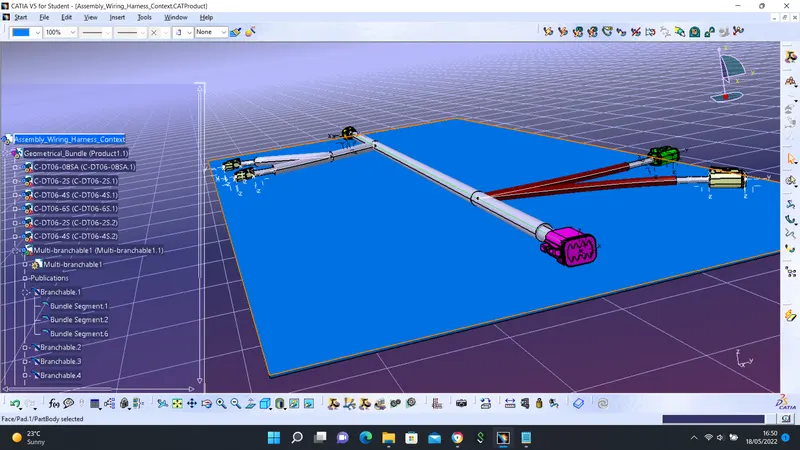
Protective coverings were added on all branches connected to DT06-2S & DT06-4S connectors with an end extremity of 30mm.