Wiring harness design in CATIA V5 - 3D modeling Week 4 Challenge
AIM :- To create wire routing between the connectors.
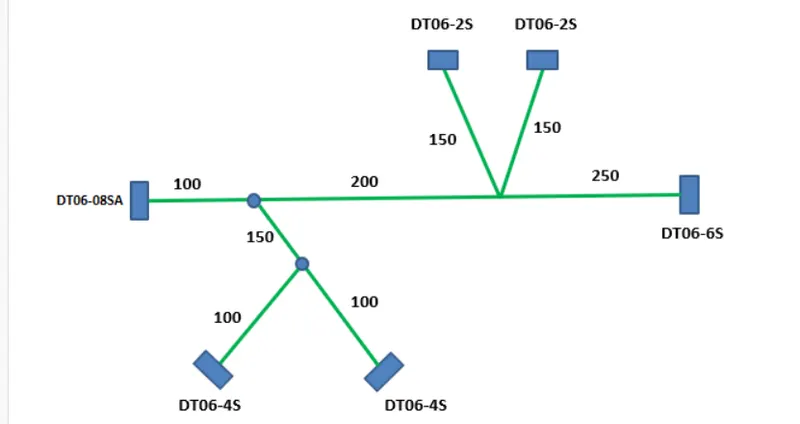
Objective :-
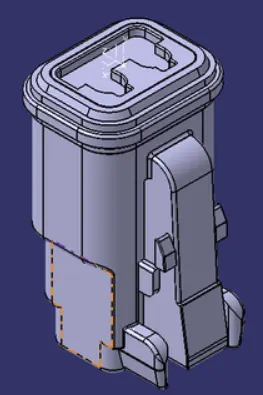
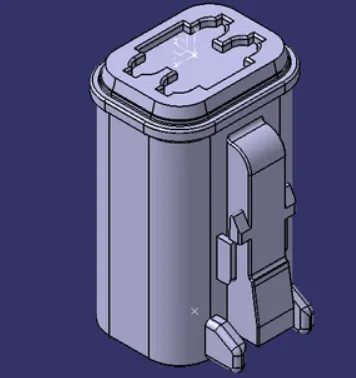
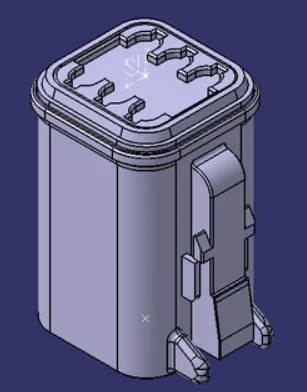
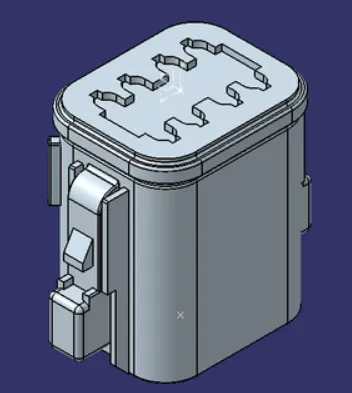
- Download connectors from website (te.com)
- DT06-2S
- DT06-4S
- DT06-6S
- DT06-08SA
- Define electrical properties of it.
- Create wire harness layout
- Add protective cover on it.
Steps :-
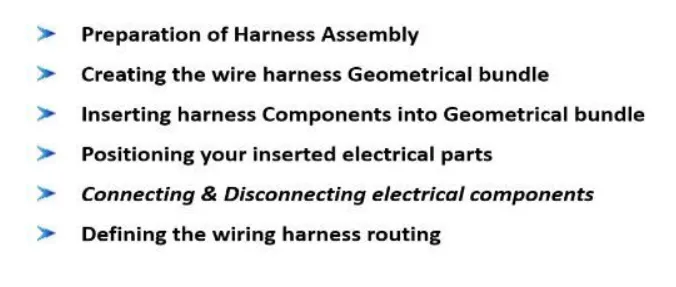
- Enable electrical part design and define parts as connectors.
- Define connector connection and bundle connection point.
- Create product name
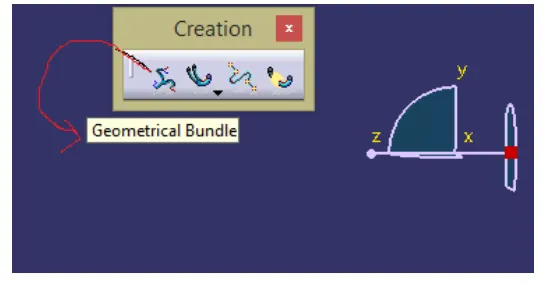
- Create another inside product by "Geometric Bundle"
- Position all connectors as per the layout.
- Turn to electrical harness assembly.
- Inside it slect the geometry bundle command and click on geometry bundle assembly
Before arranging the connectors with the help of sketch plot the points.
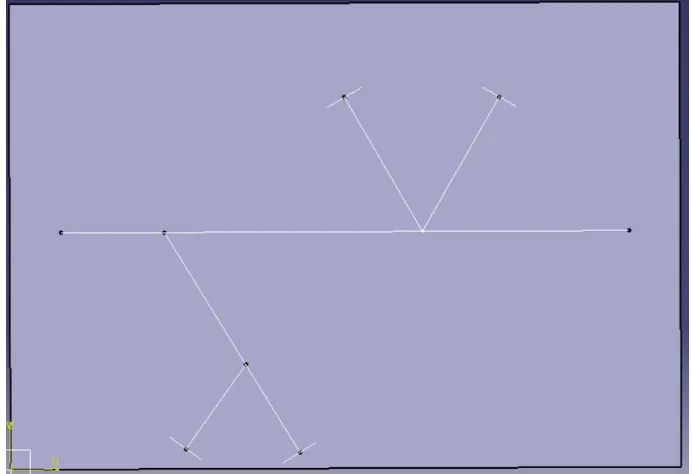
Position all the connectors as per the layout.
Positioned the connectors by using manipulation command or compass command.
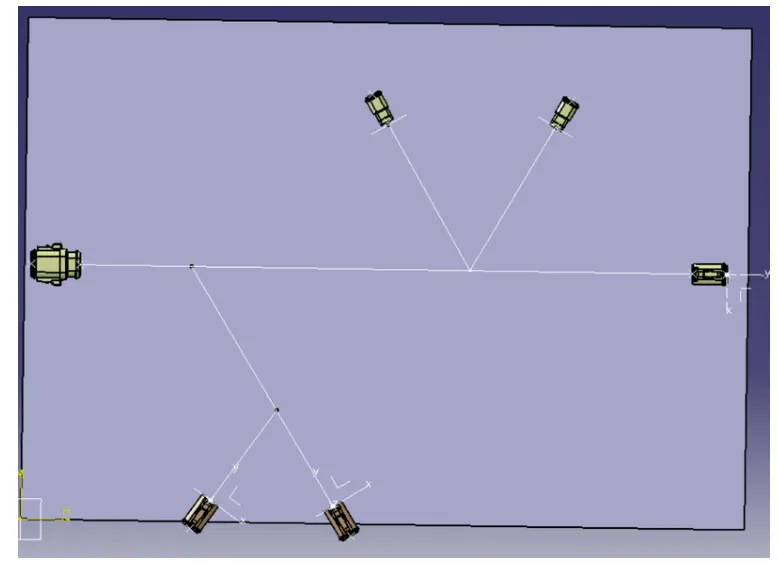
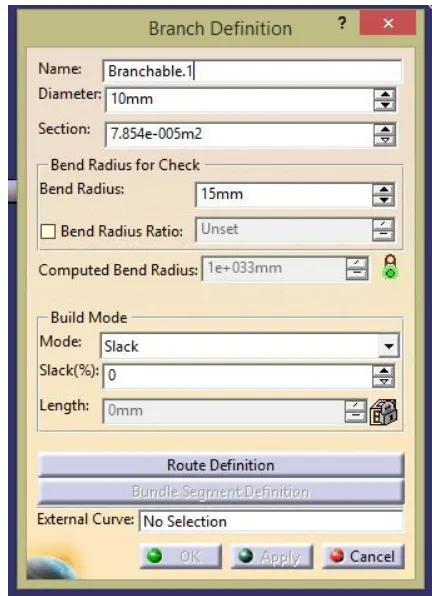
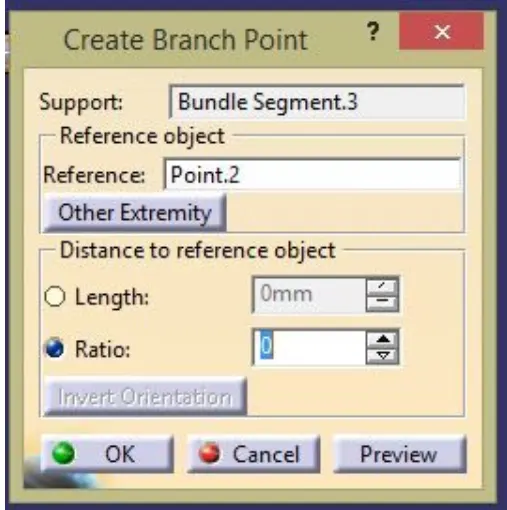
We have used create branch point in order to maintain some gap between connectors and branches.
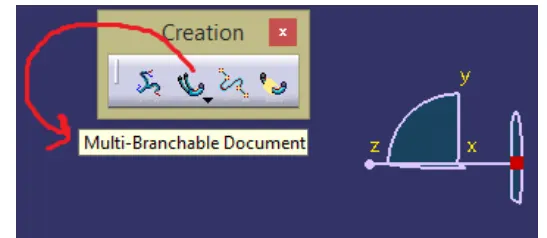
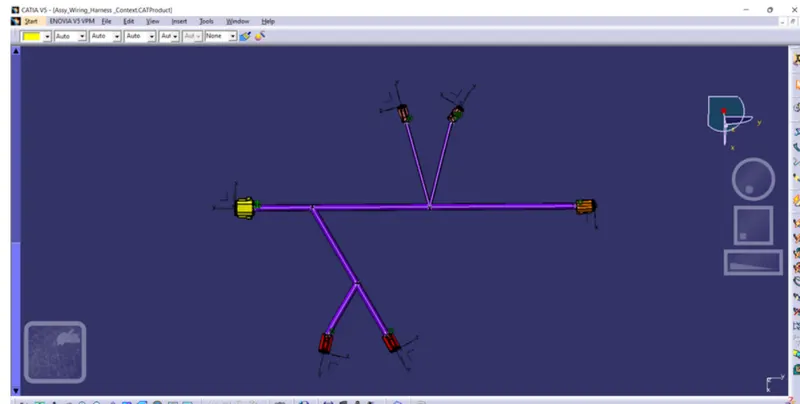
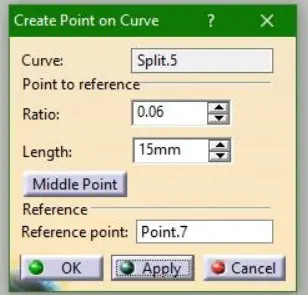
Add protective covering by turning into wire harness assembly.
Select protective covering and then choose cot tubes accordingly.
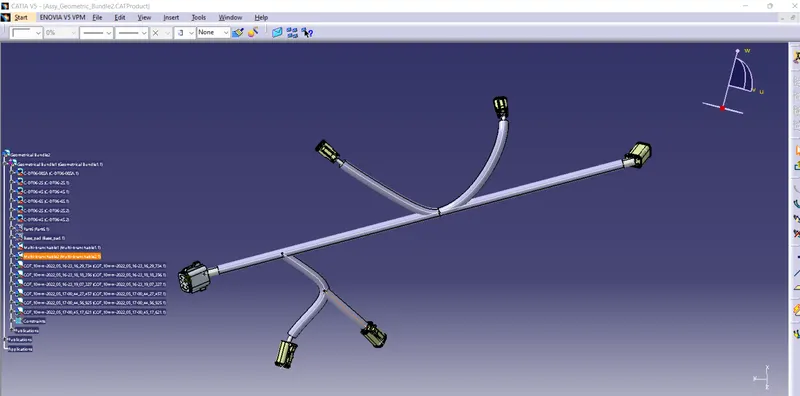
CONCLUSION :- From this project, we learnt how to create a geometry bundle assembly and also wire harness routing.