Wiring harness design in CATIA V5 - 3D modeling Week 4 Challenge
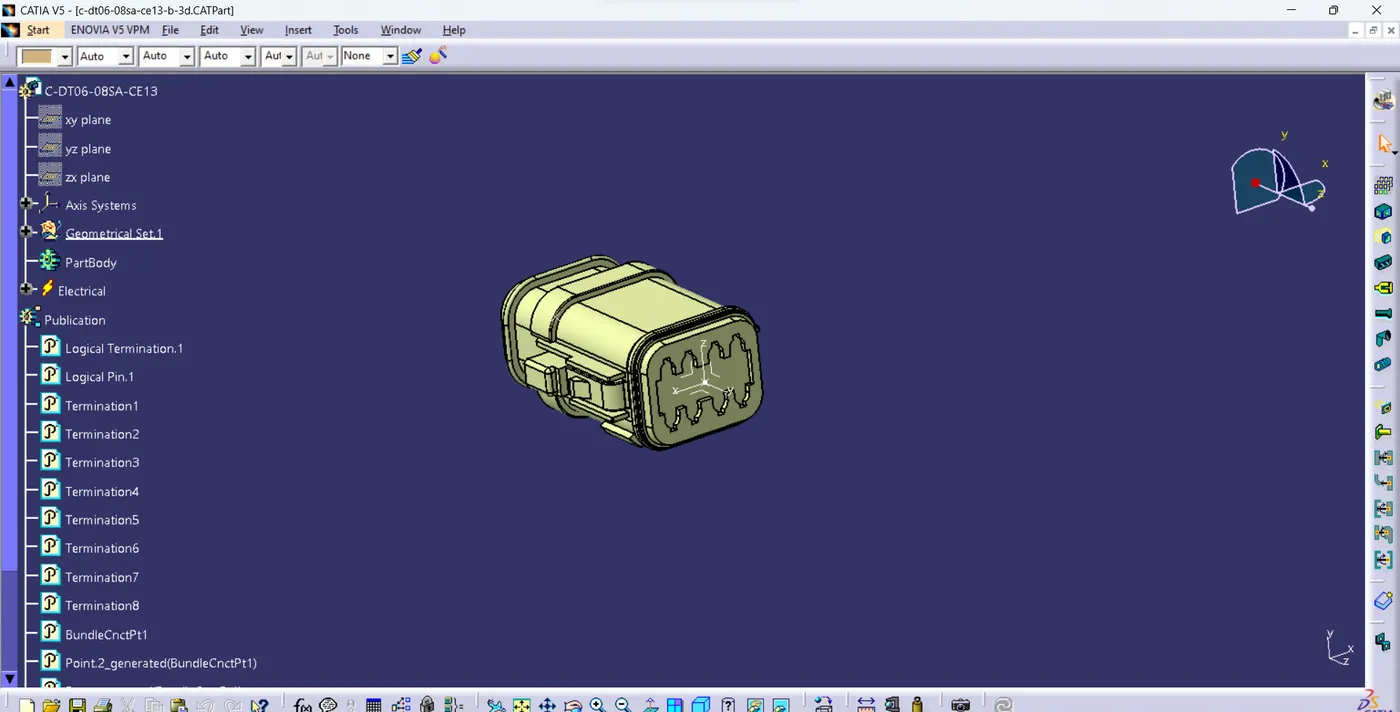
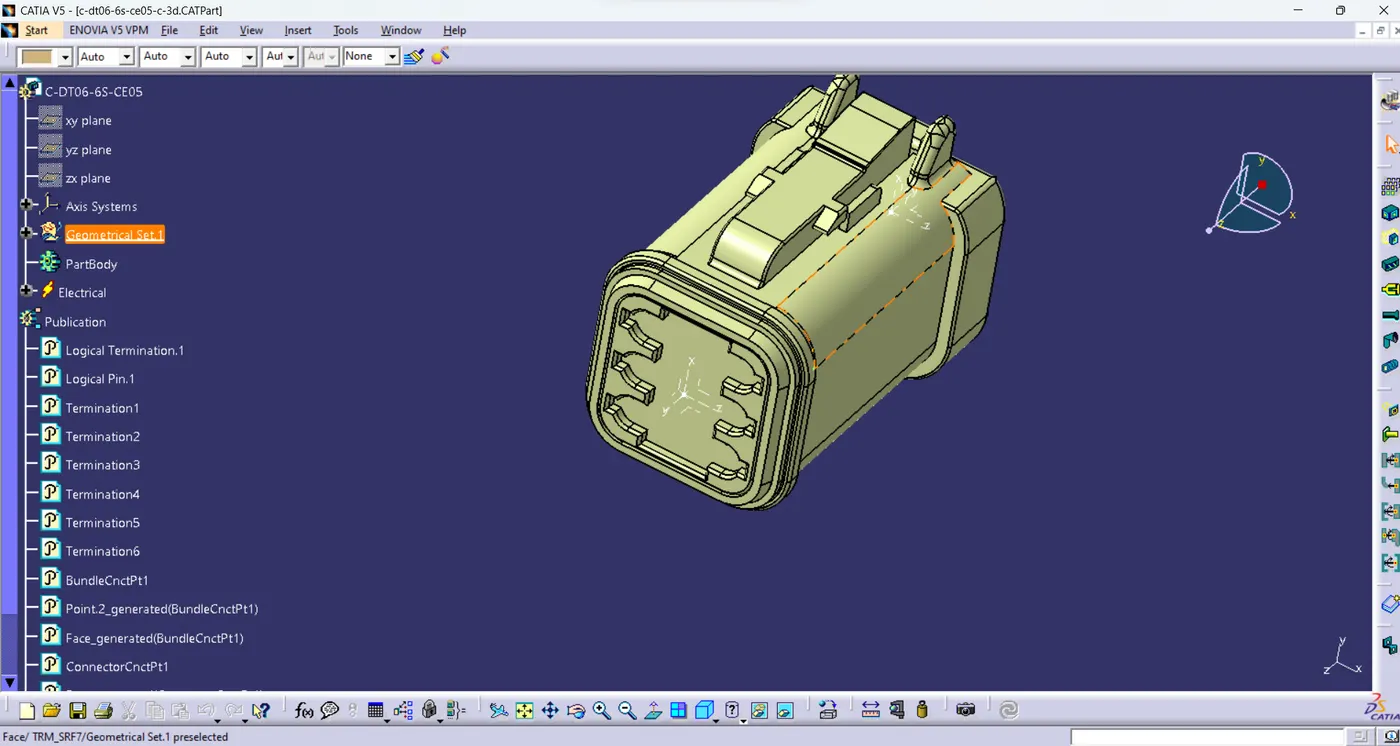
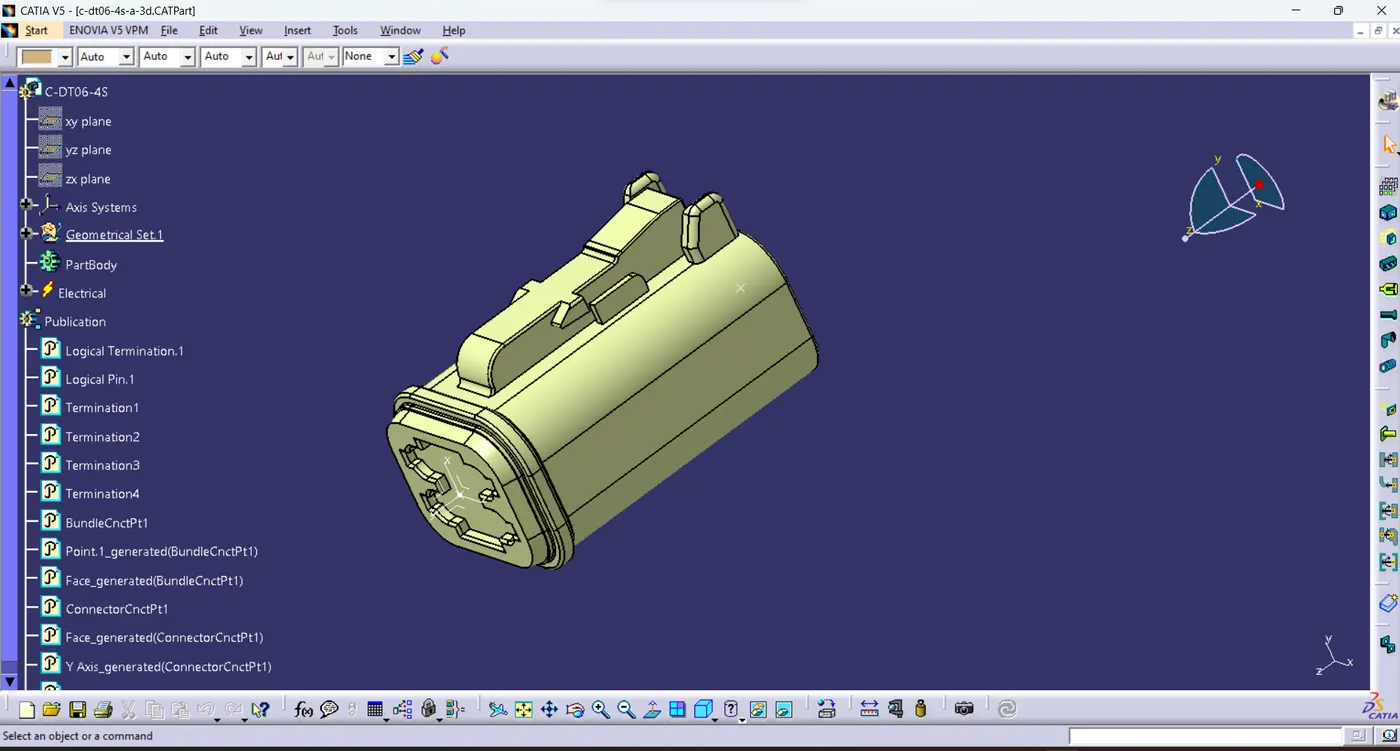
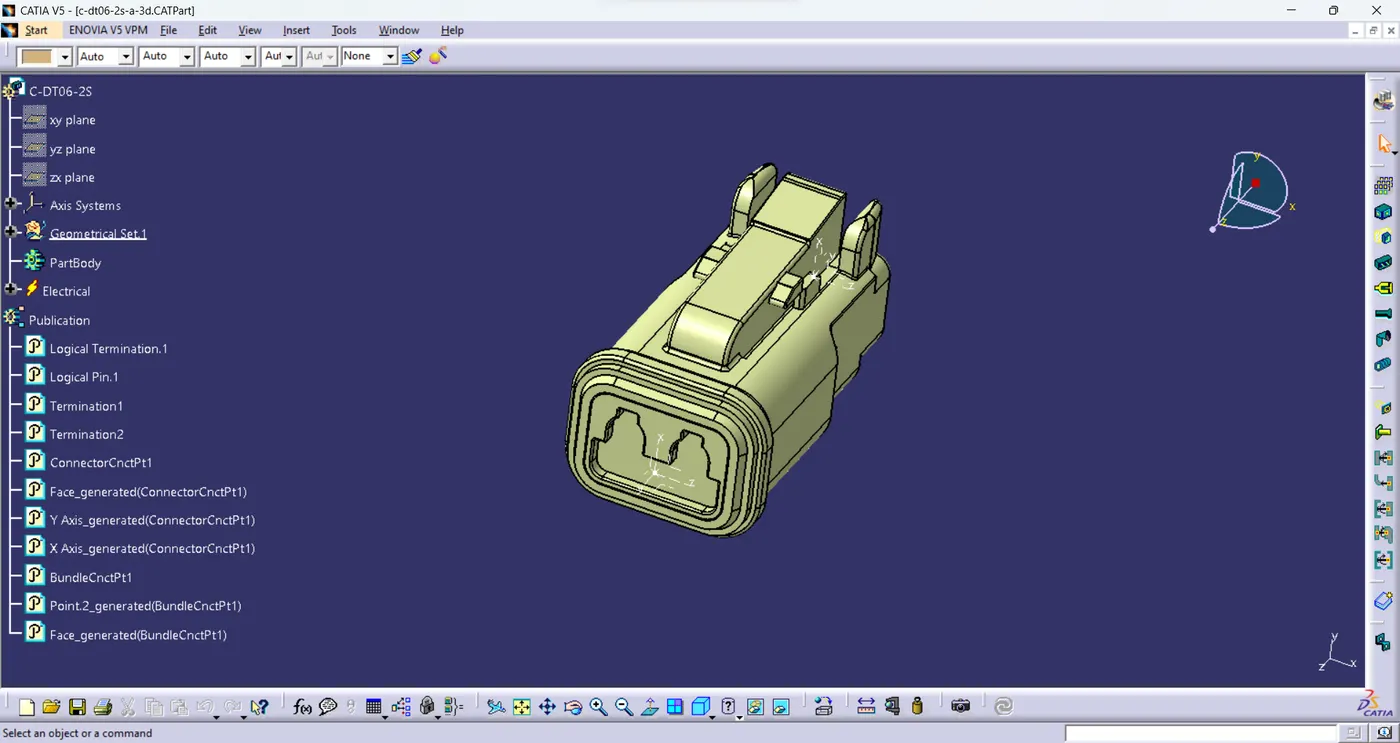
- Open the given connectors in the mechanical part design.
- Create a point on the bunndel and connector side.
- Create a axis system with respect to the points on the both the end.
- Switch to Electrical part design.
- Define it as a connector.
- Define it as a bundle connection point.
- define it as a connector point.
- Follow the above steps for the given connectors.
DT06-8sa
DT06-6s
DT06-4s
 DT06-2s
- Create a New product file
- Copy paste the defined connectors to the product.
- Make it as a geometrical bundle.
- Select multi branch
- Branch defintion dialouge box appears in which select the route definiton.
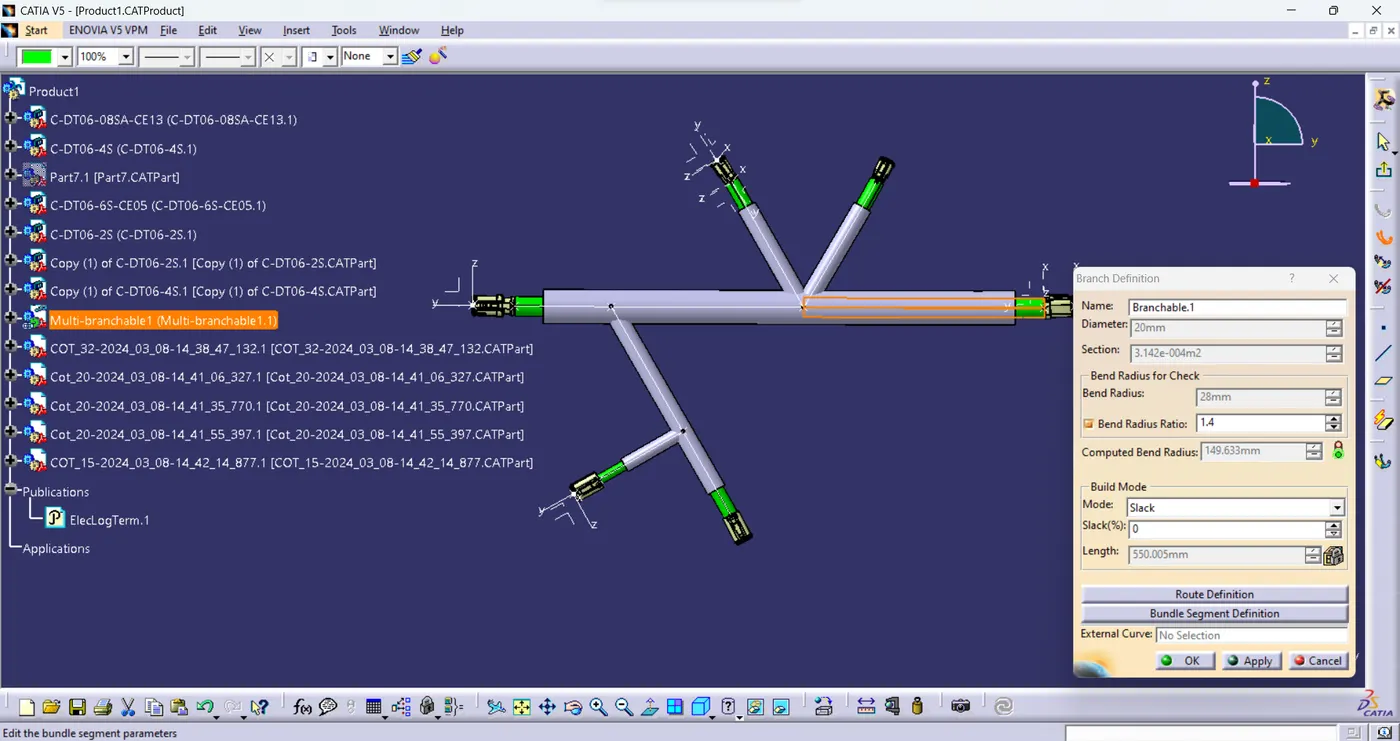
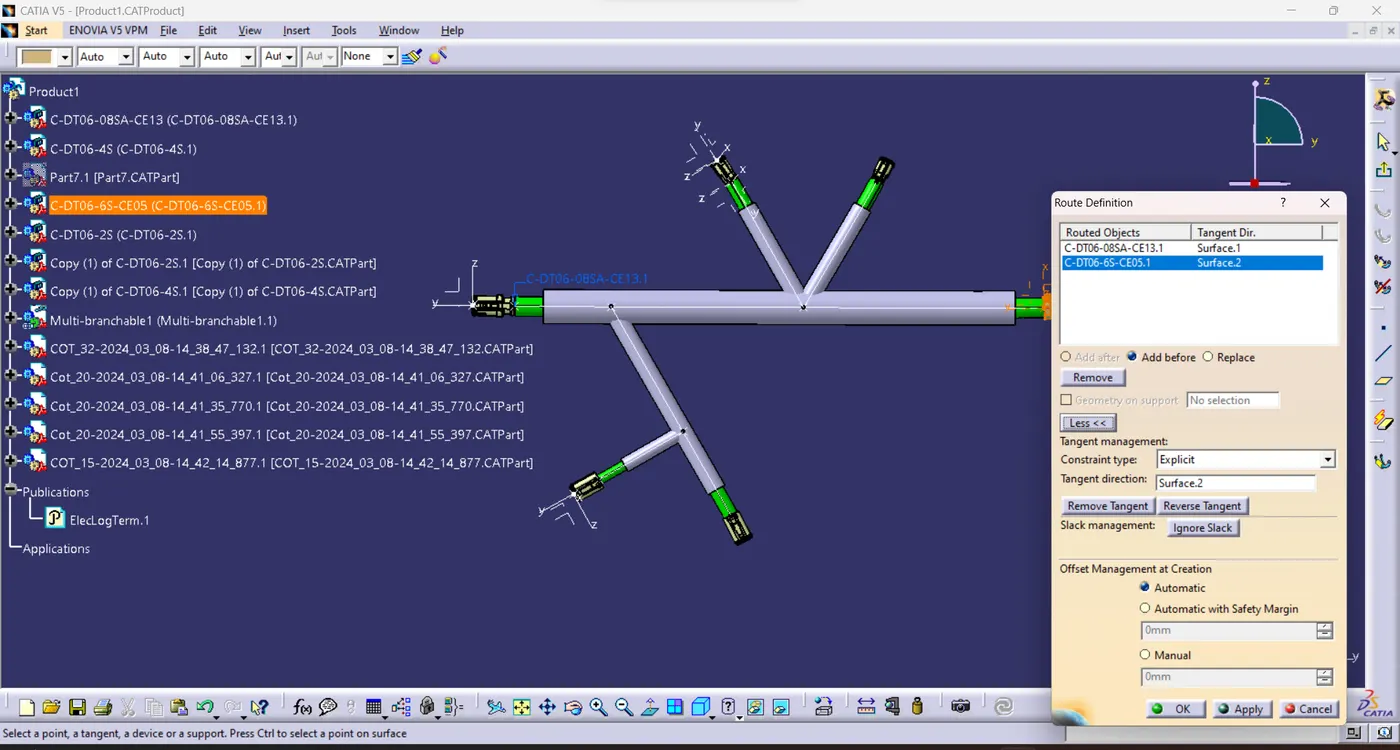
- select either connector or point which is going to be routed between the other connector or point.
- if the bundle shape isn't perfect click reverse tangent.
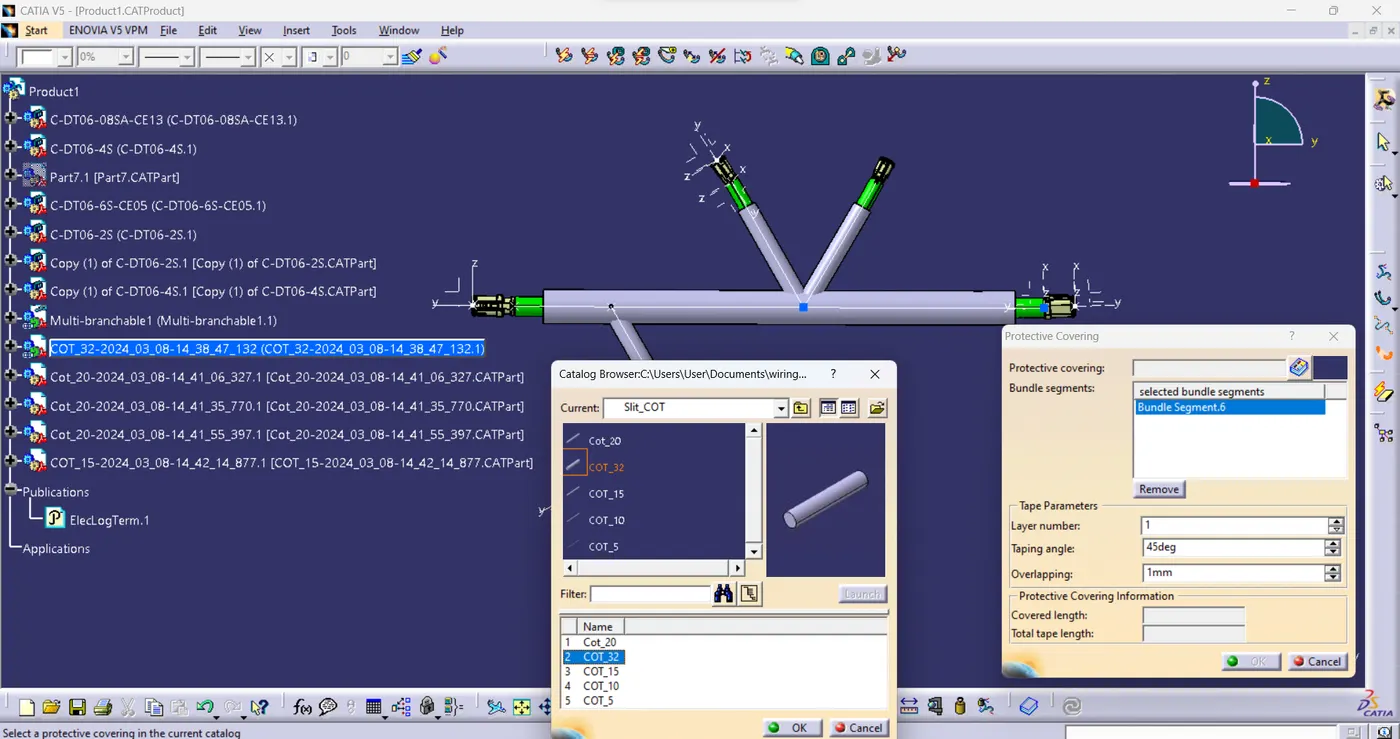
- After finshing rounting cover those bundle with the cot tubes by selecting protective covering
- Protective covering dialouge box will appear
- In which select the catalog browser, and search for the desierd cot tube and select it.
- Save the connectors,multibranch and cot tube in a single folder.