Week 12- Final project
Class A
Given A surface of arm rest
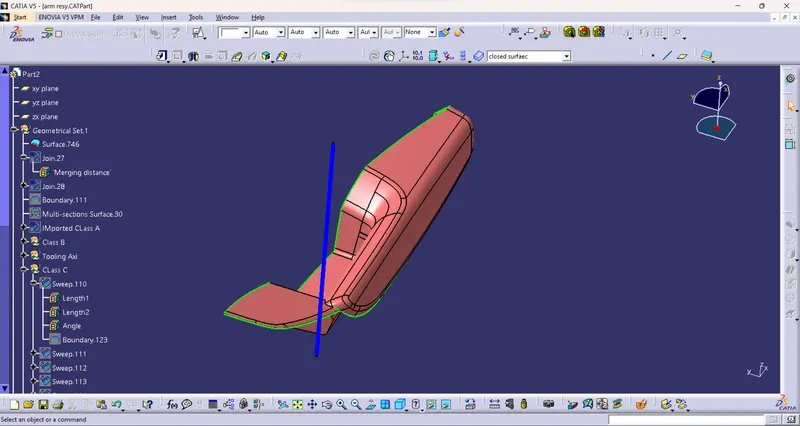
Improved class A
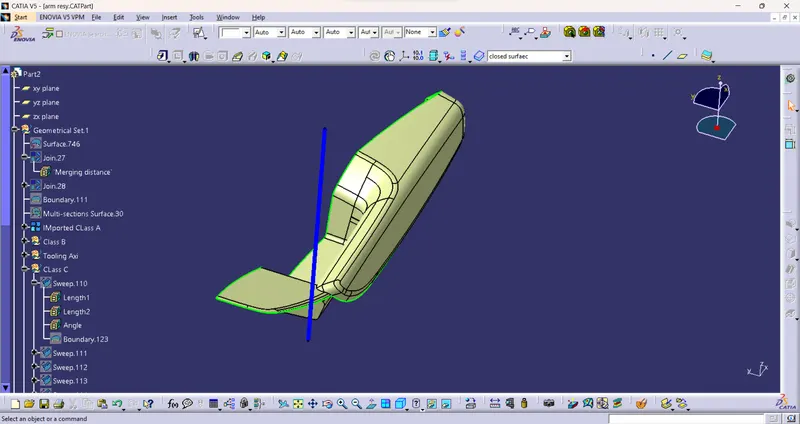
Tooling axis
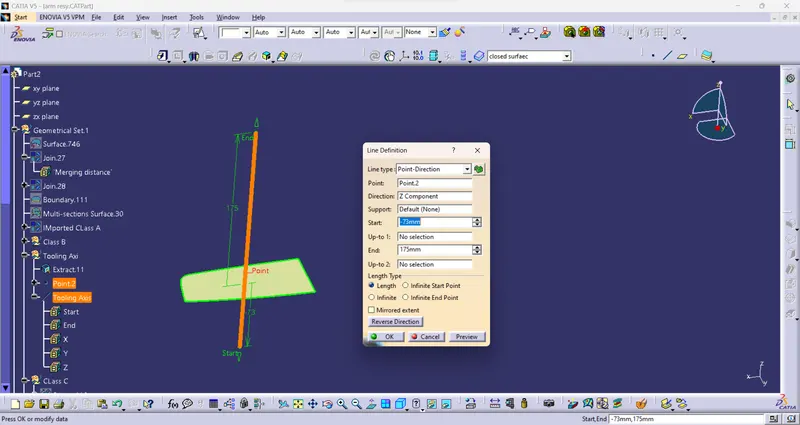
- Extract a face from the class A and create a point
- using that point create line along the y direction
Class b
offset the class A for 2.5 mm
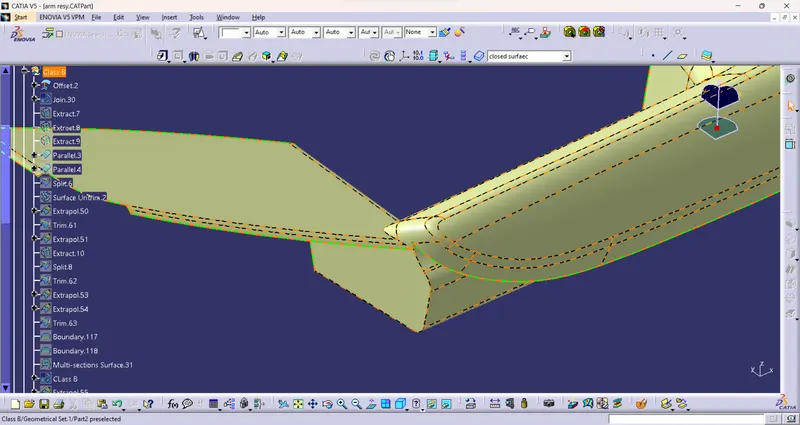
Patches
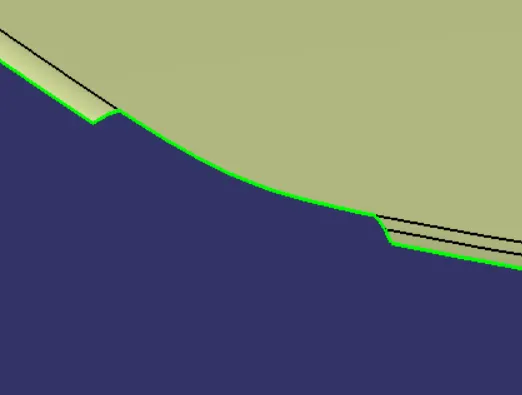
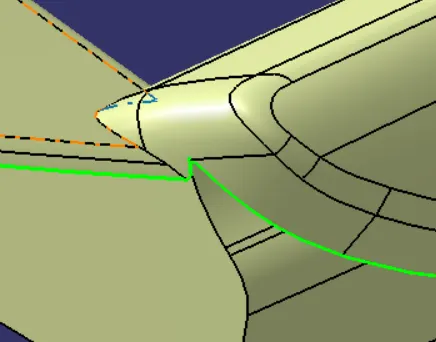
Patches are cleared
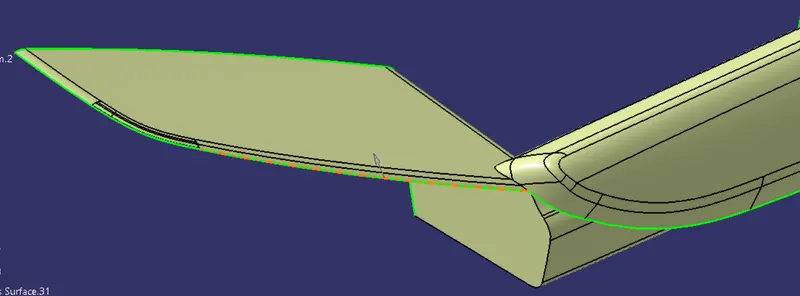
Class C
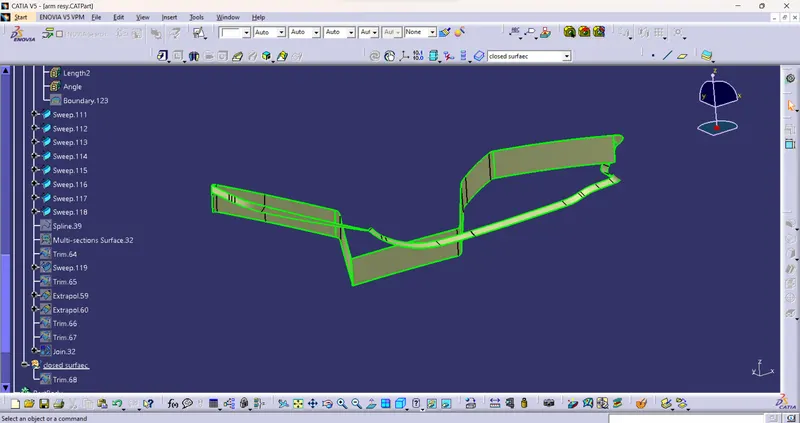
JOin the Class C and Class A to form a closes surface
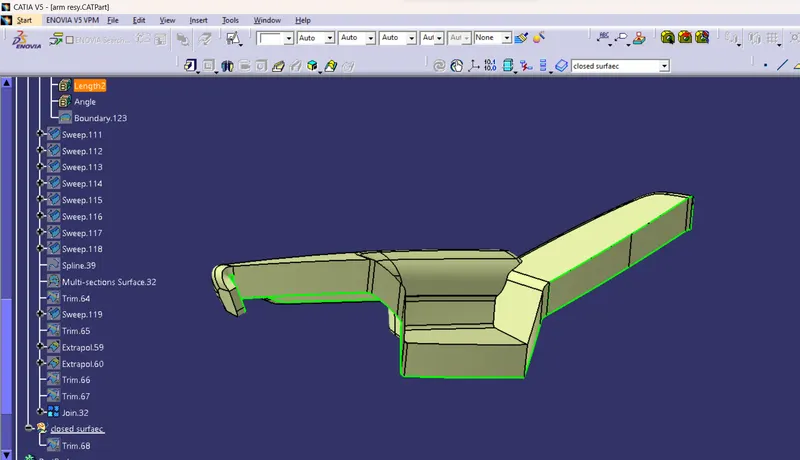
- Closed surface will be formed by defining Part body
- In part design, select closed surface
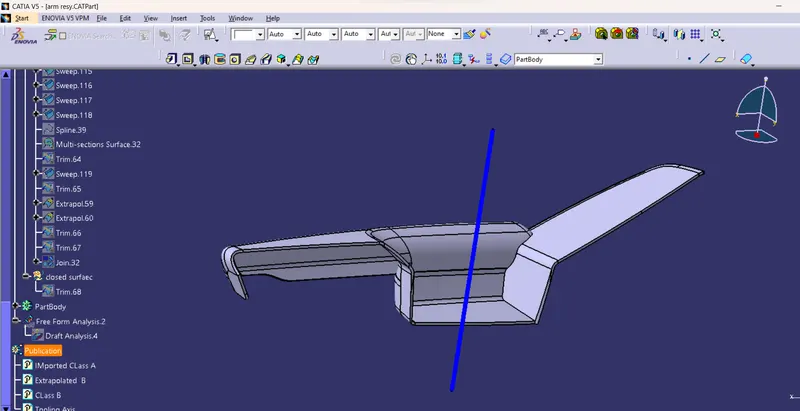
Draft analysis for arm rest
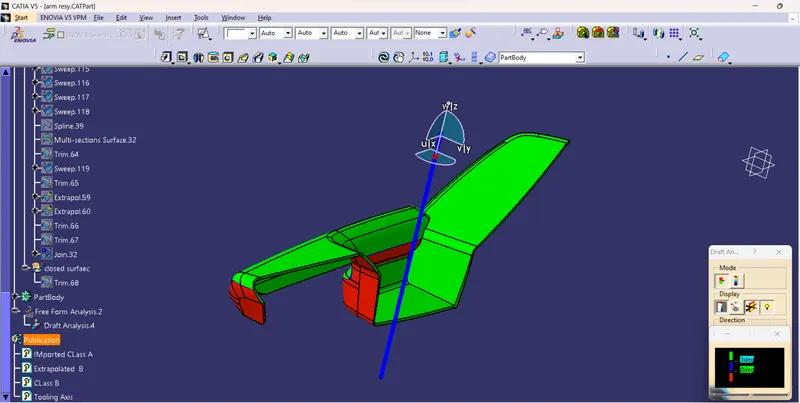
Lower substrate
Tooling axis
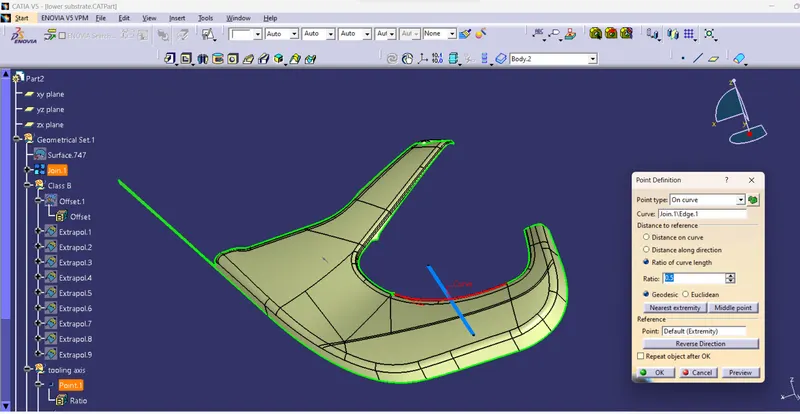
Class B
Offset it for 2.5mm
there is no patches just extrapolate to trim between class C and B to form final trim
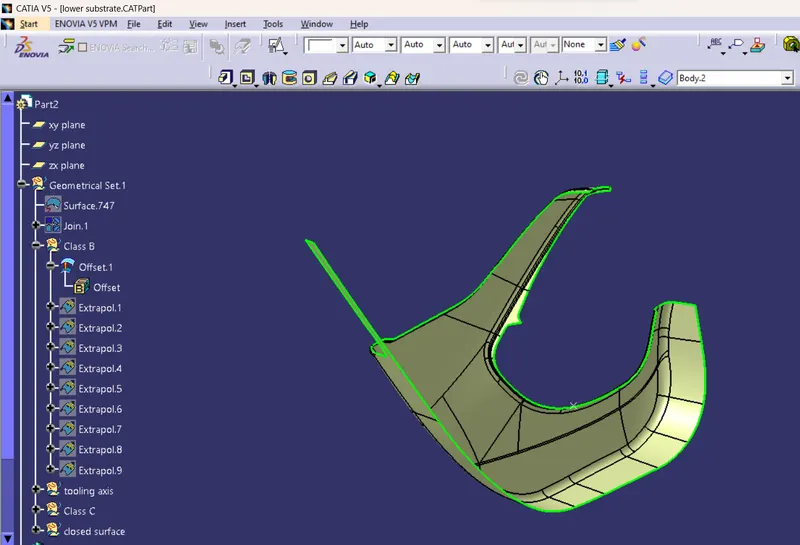
Class c
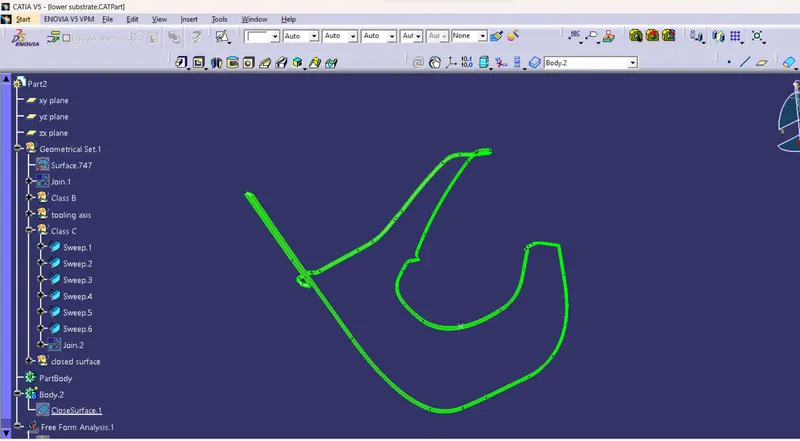
Join Class C and A
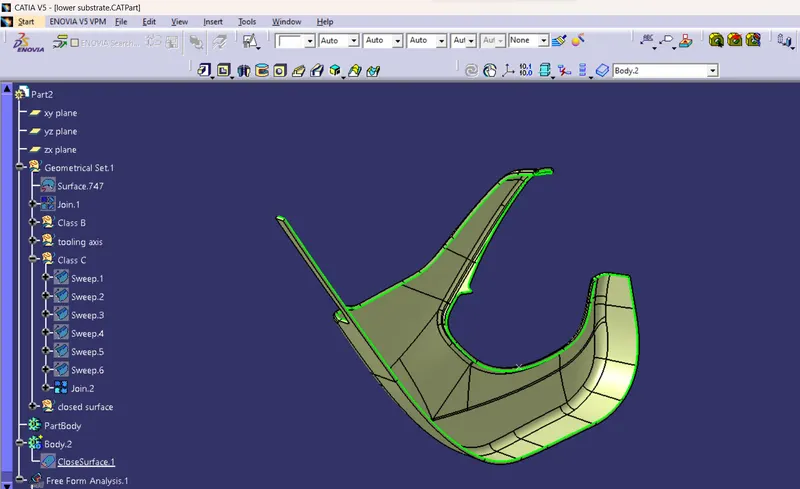
Closed surface
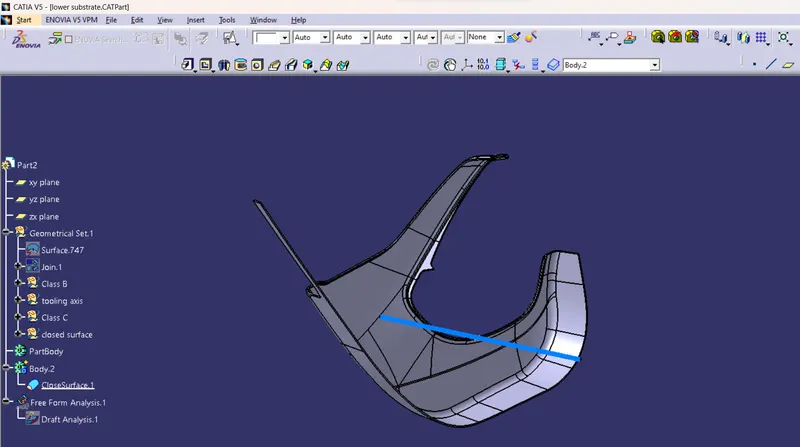
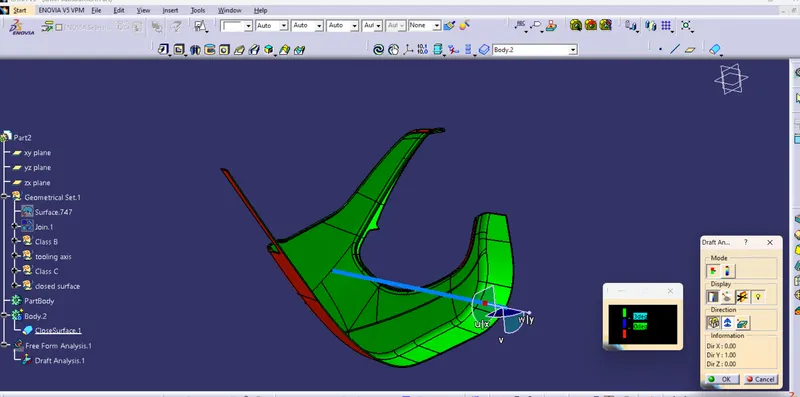
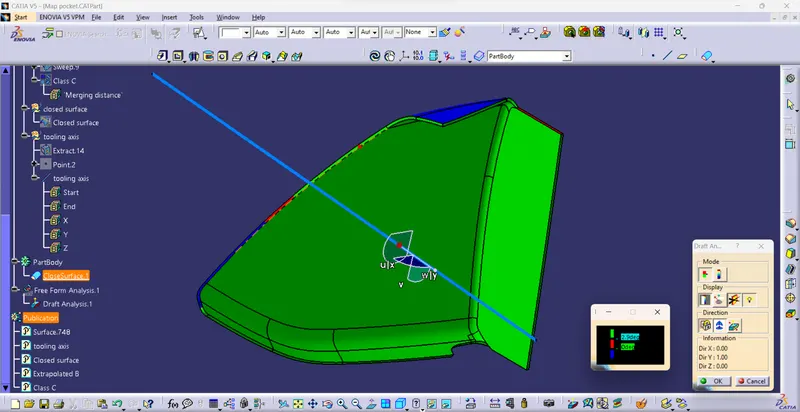
Draft analysis
Map pocket
Tooling axis
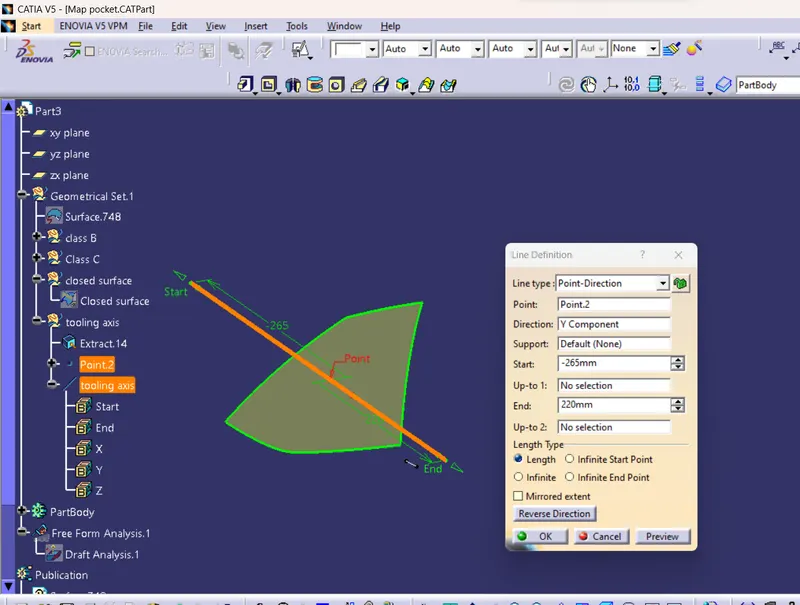
Class B
Offset class A for 2.5mm
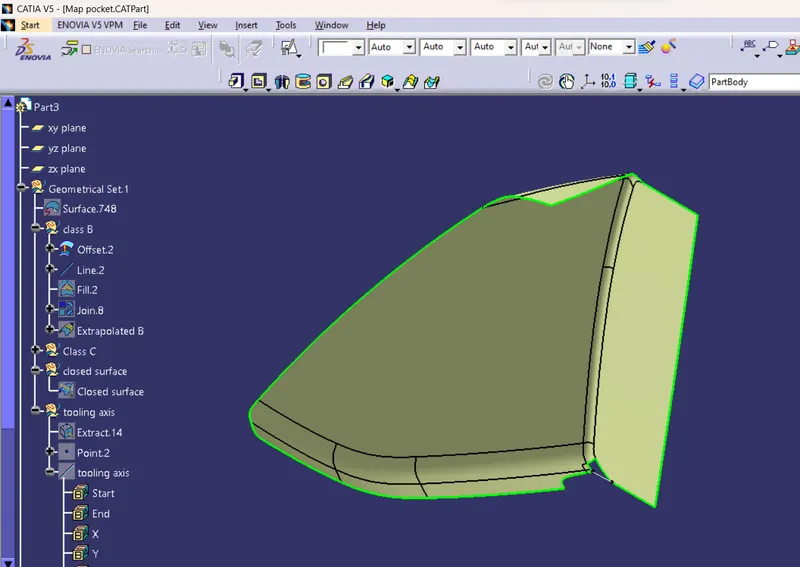
patch
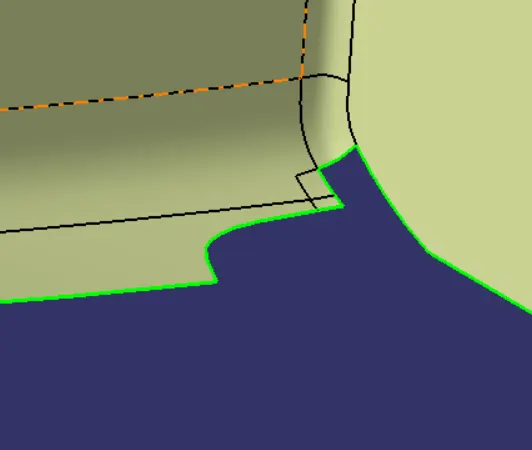
patch cleared
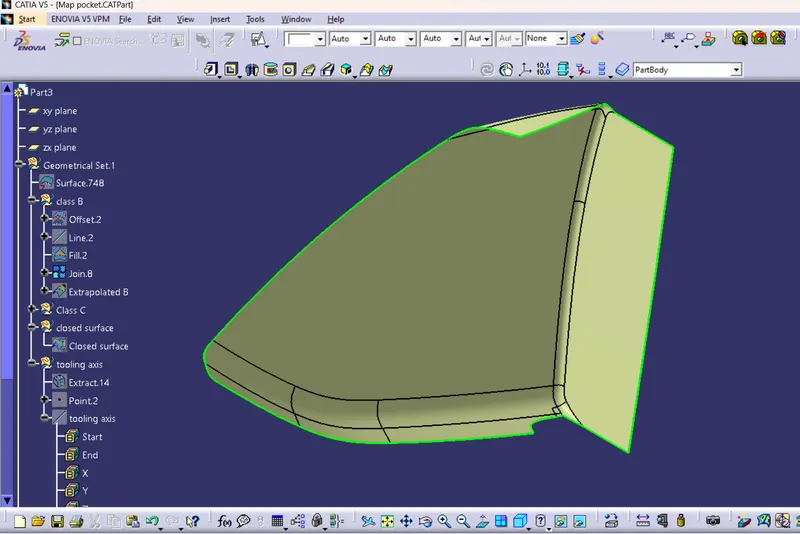
Class C
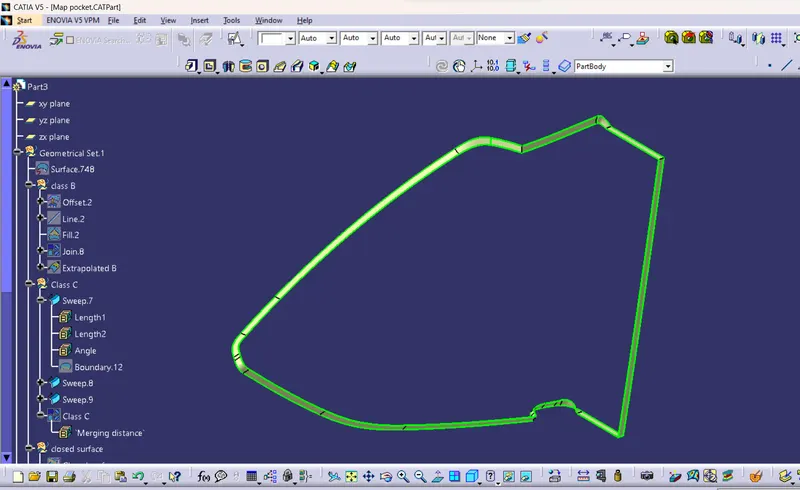
Join
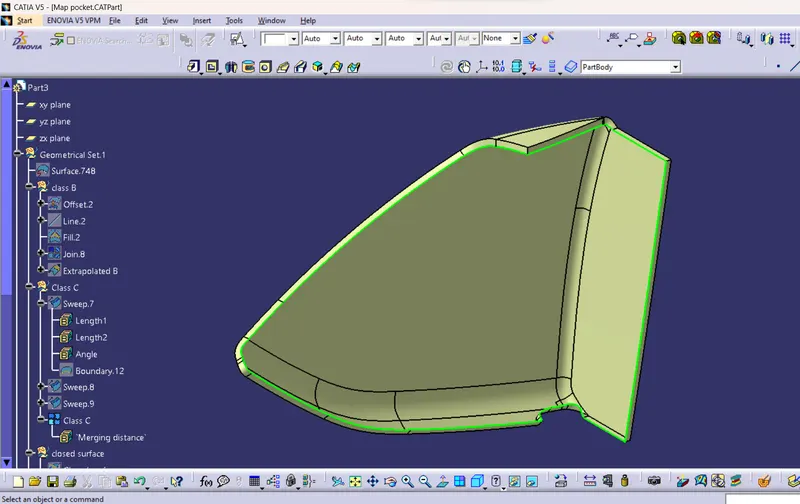
Closed surface
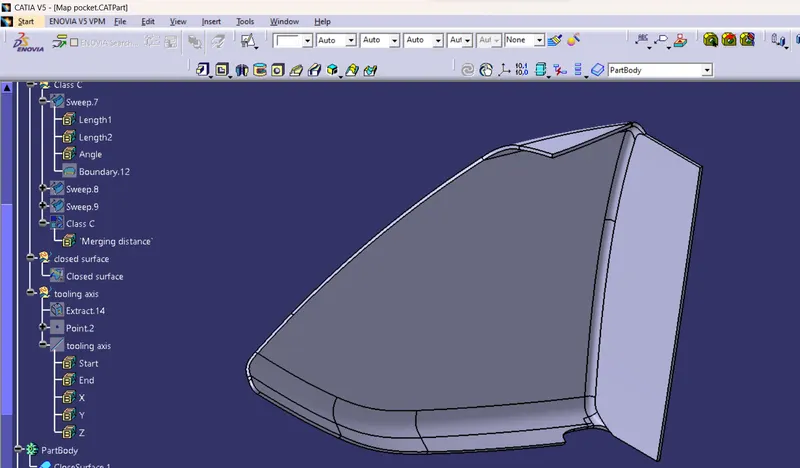
Draft analysis
Bottle Holder
Tooling axis
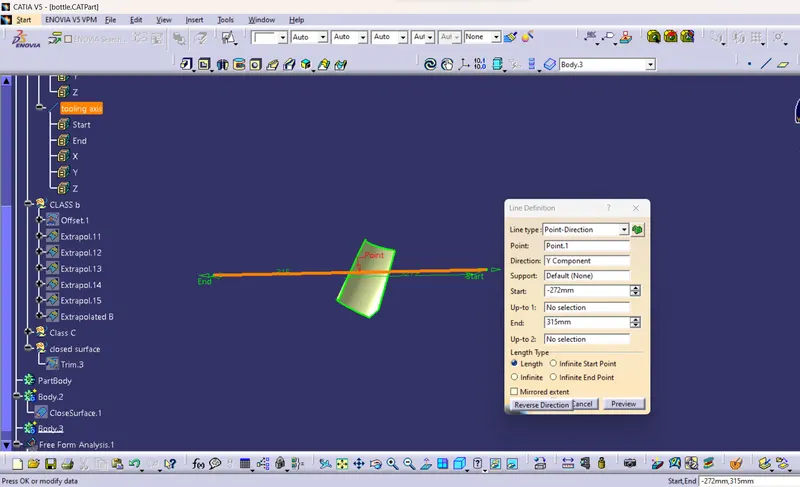
Class B
Offset Class A for 2.5mm
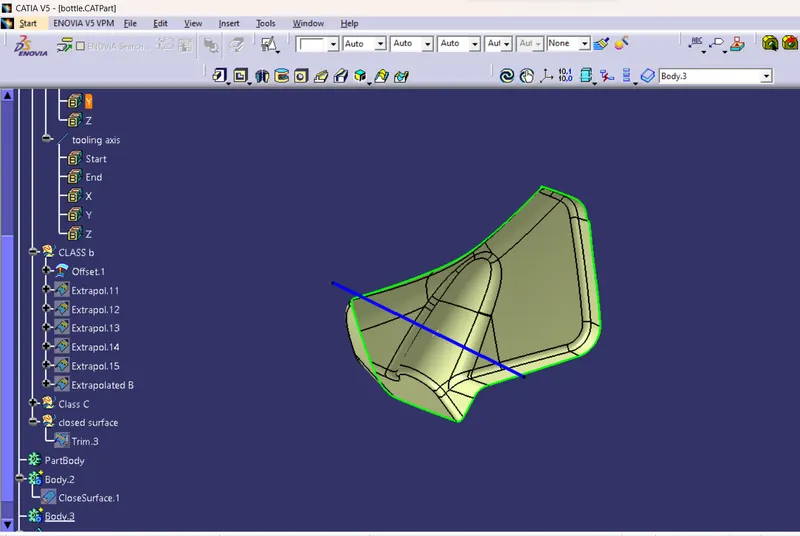
- No patches in class B
Class C
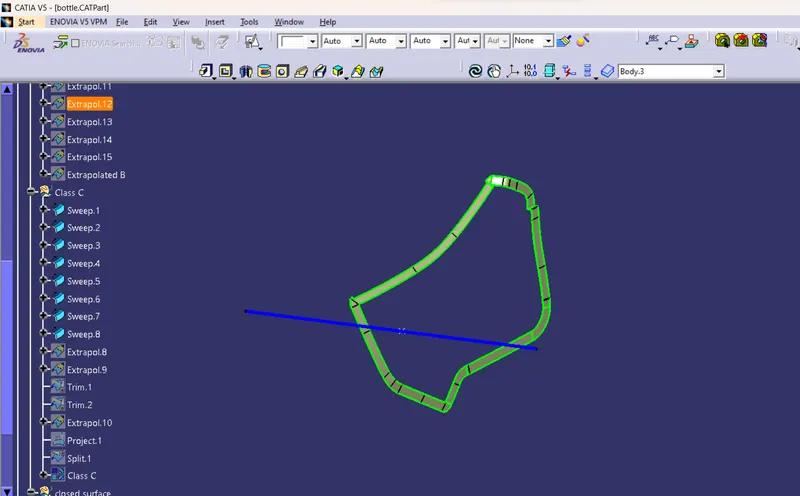
Join
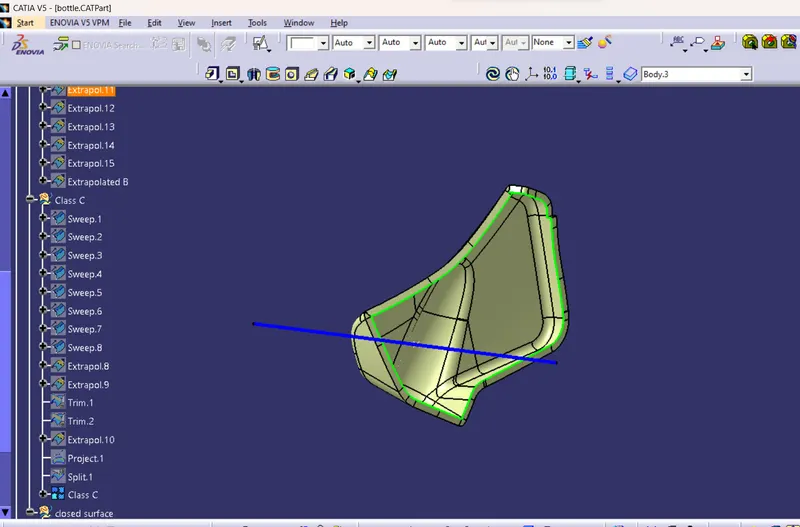
Closed surface
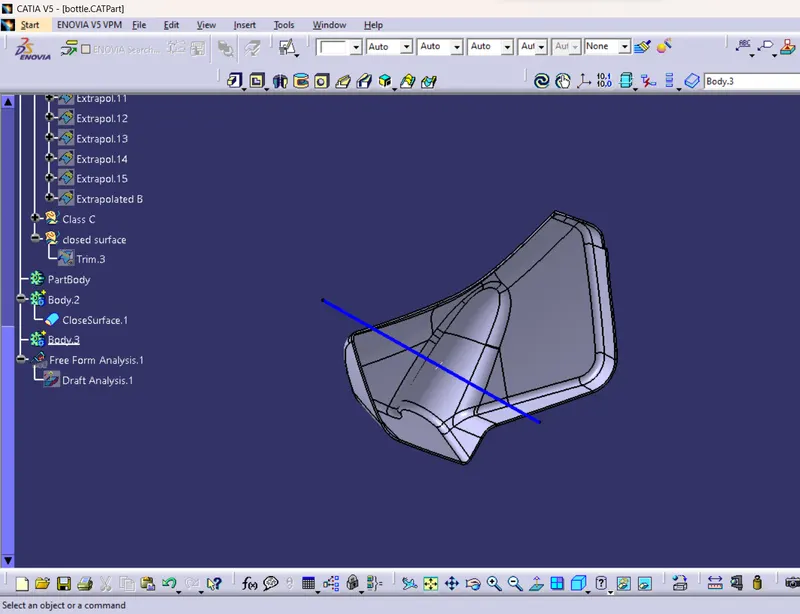
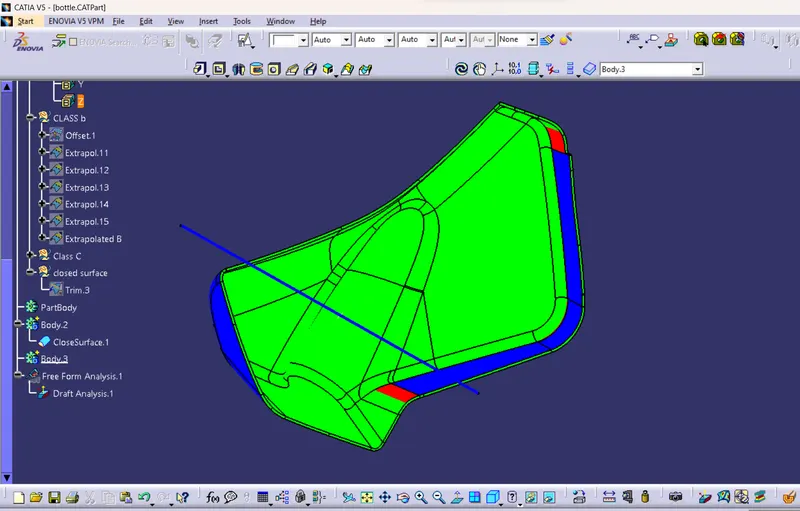
Draft analysis
Assemble
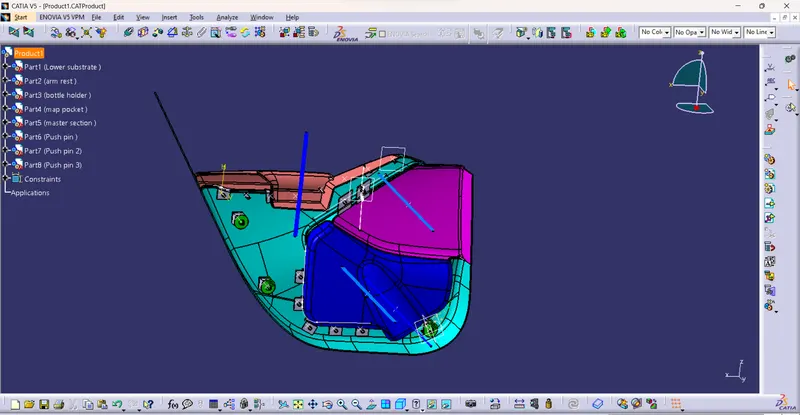
Now all the parts to assembled to form a single product
- Start > mechanical design > Assemly design.
- double click the product to activate
- select the part option from the toolbar so that every single part can be assembled
- create seperate for each one the sub elements
- import the each part to the product
- now assemble each sub elements.
Lower substrate Flange, Dog house and Heat stakes.
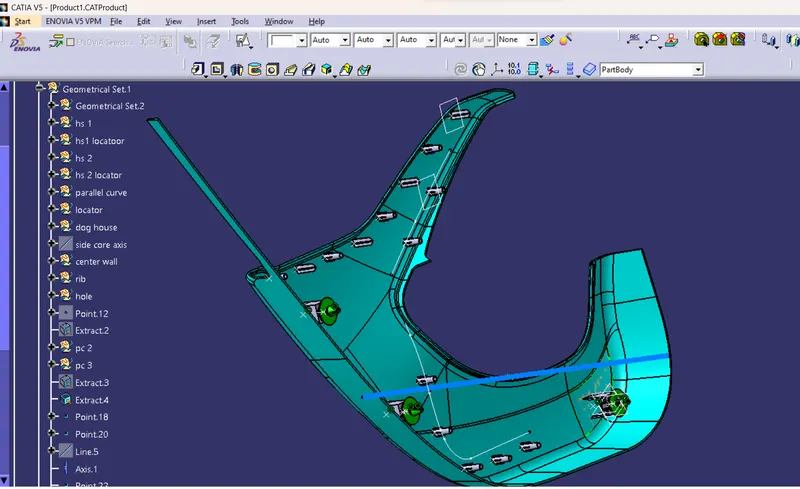
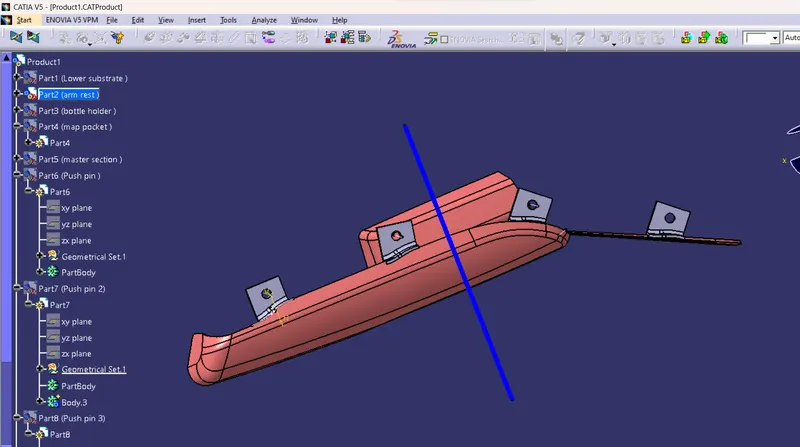
Arm rest flange
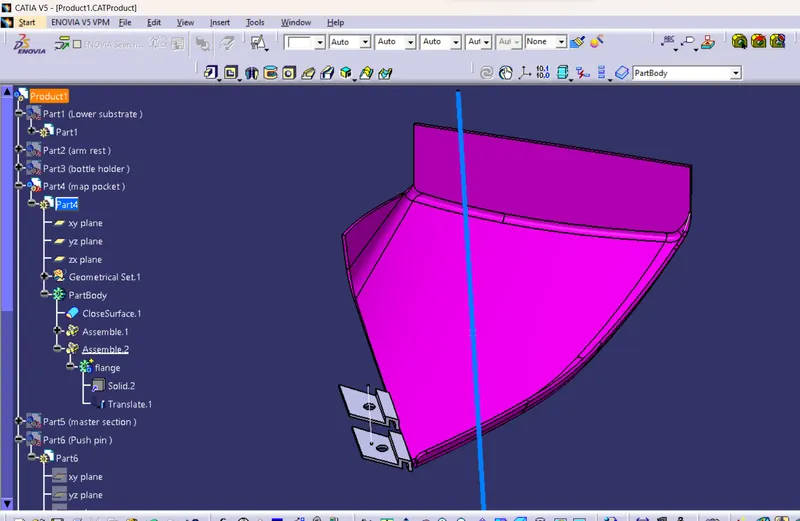
Map pocket Flange
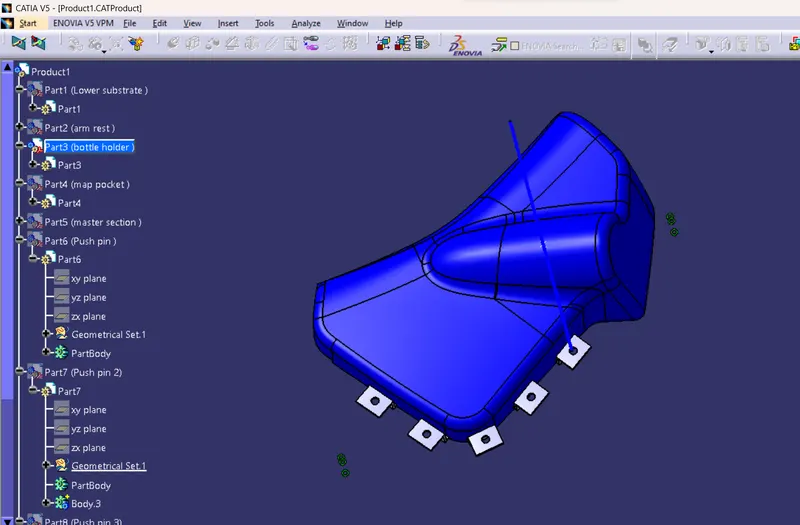
Bottle Holder Flange
Final output