Wiring harness design in CATIA V5 - 3D modeling Week 4 Challenge
Wiring harness design in CATIA V5:
Aim:
1.To download the following Connector.(Using www.te.com)
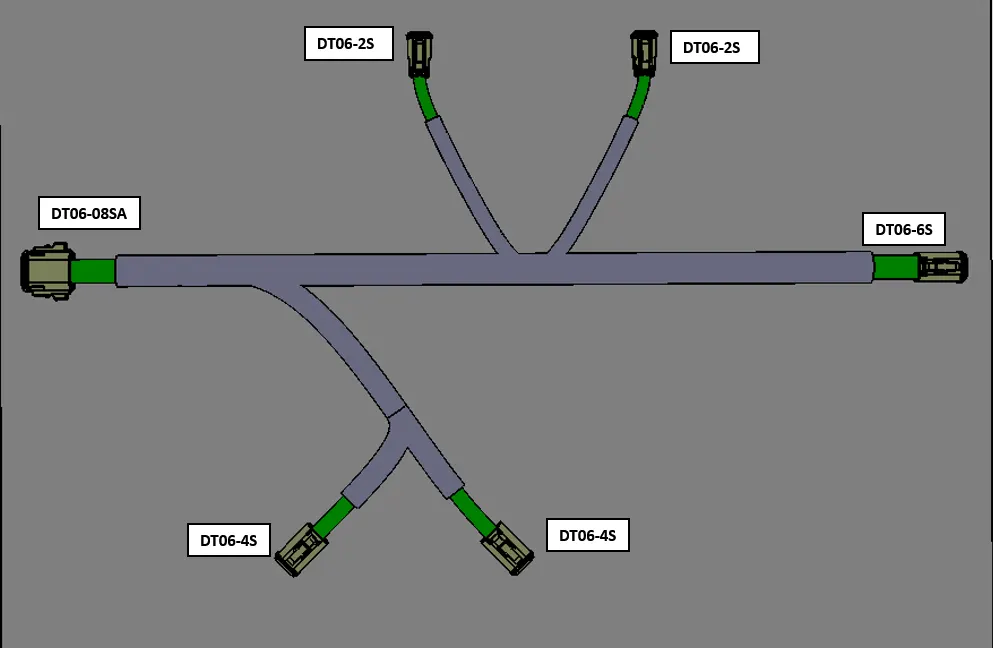
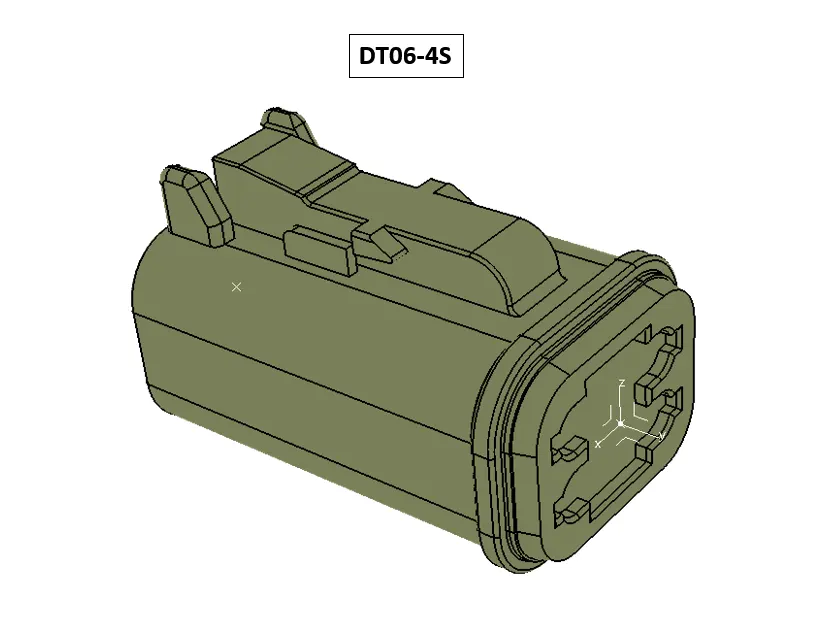
DT06-4S
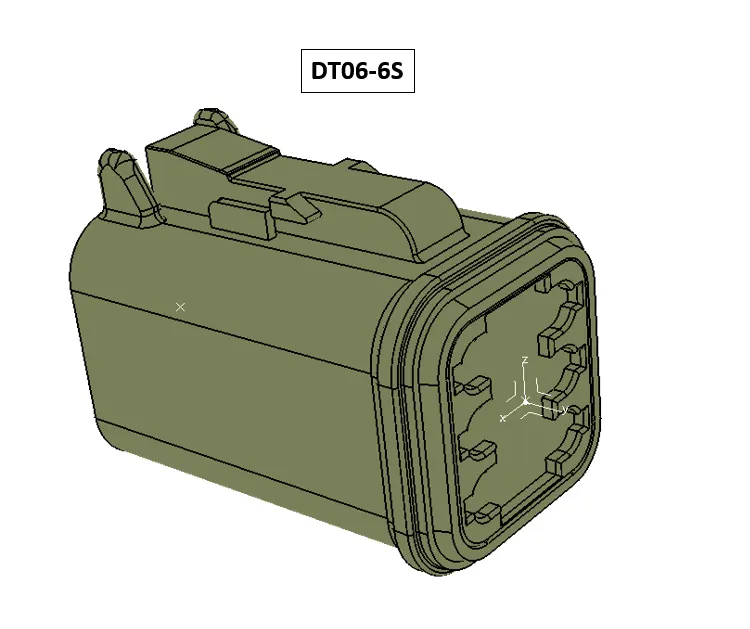
DT06-6S
DT06-2S
DT06-08SA
2.Define The geometrical parameters to the connector. Create connector connection point. create bundle connection point. Create Axis system in Connector Connection Point. Then Define It as Connector In Electrical part workbench. Then Define Connector COnnection point & Bundle Connection point.
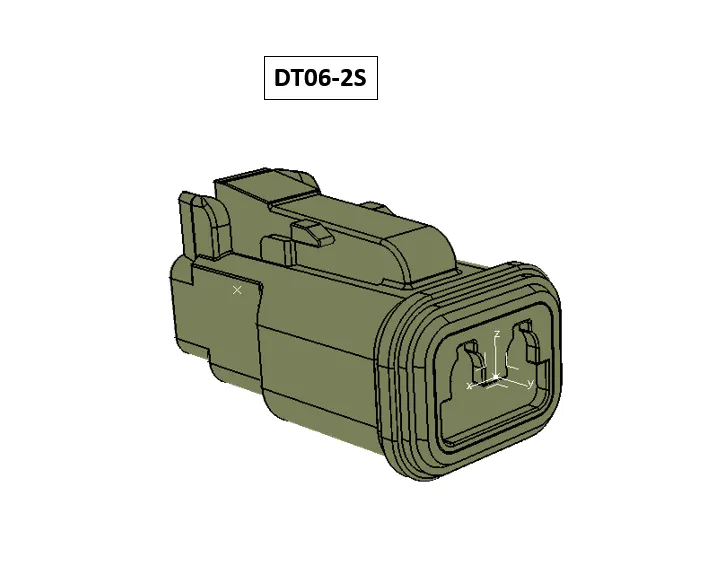
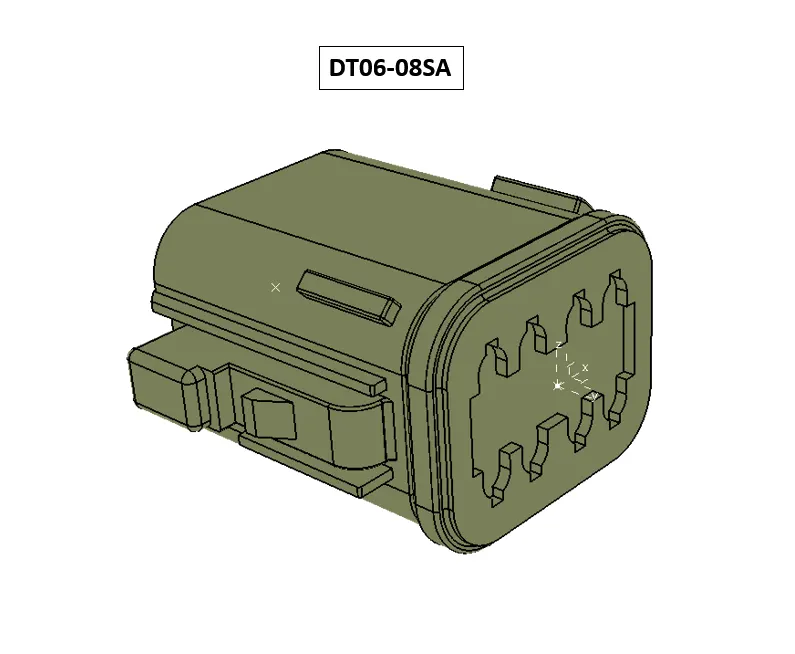
3. Create a new Product Named= Wiring Harness Assembly.
4. Then Create a Product Under the Wiring harness assembly Named= Geometrical Bundle Assembly.
5. Then Create a Product Under the Wiring harness assembly Named= Electrical Bundle circuit.
6. Then Create a Product Under the Wiring harness assembly Named= Metal Plate.
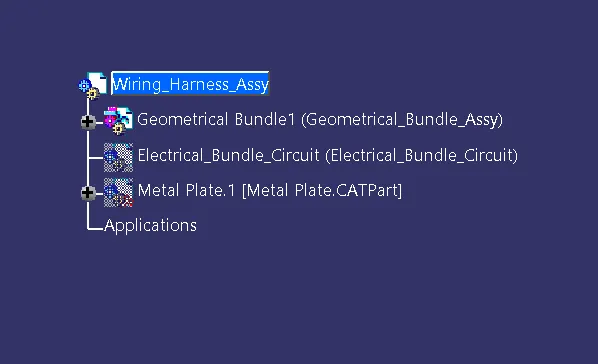
7. Then Insert All the connectors in to Geomtrical bundle assembly.
8. then convert the geomtrical bundle assembly Product To Geometrical bundle in Electrical Harness Assembly workbench.
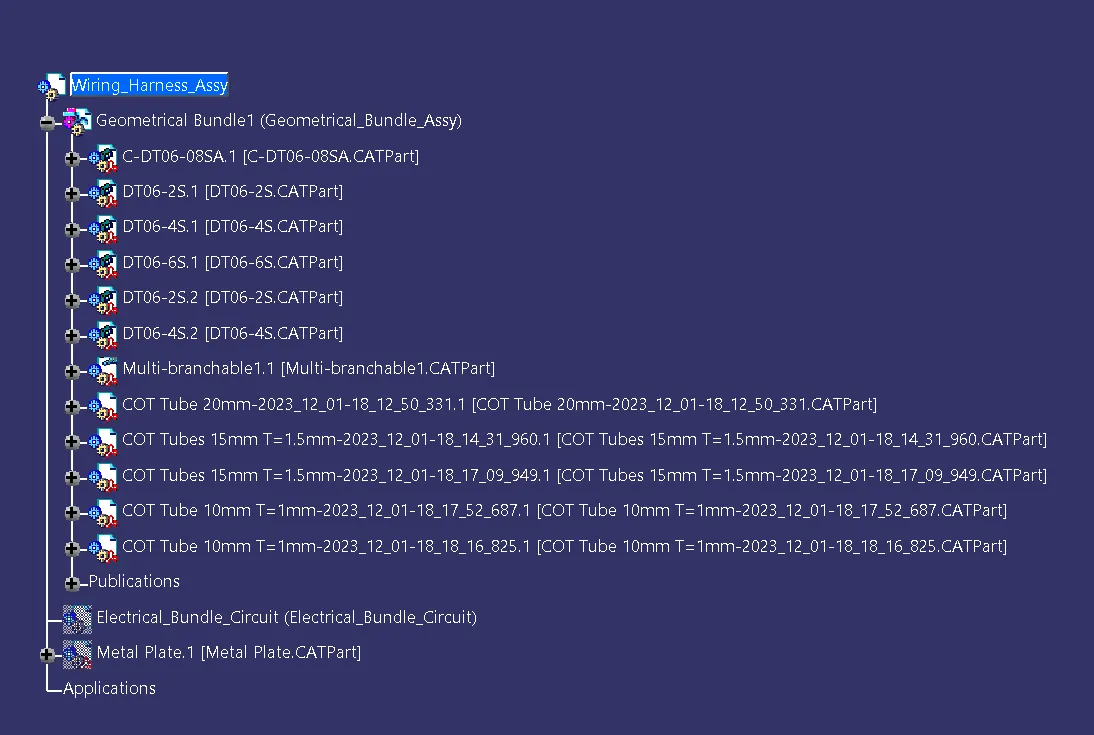
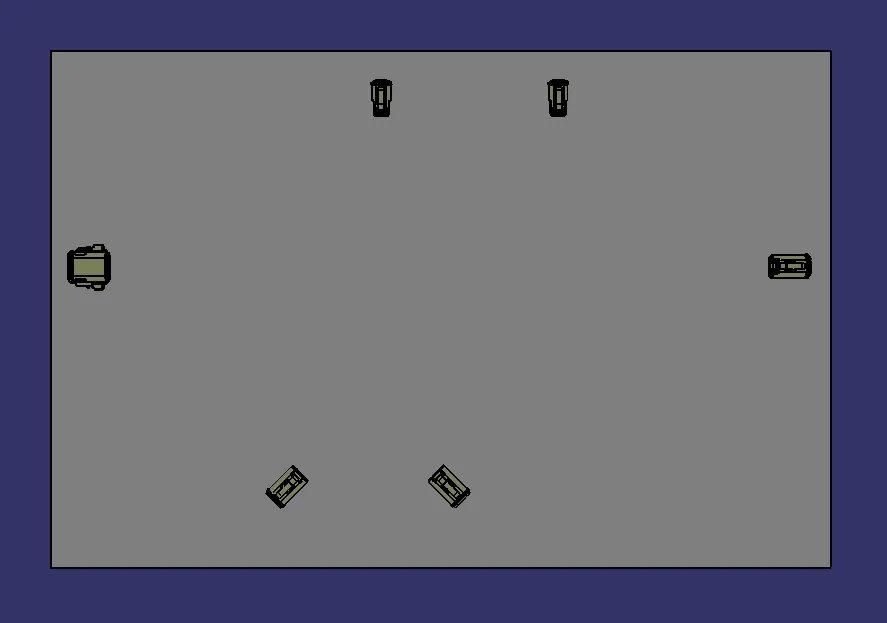
9.Ive Created a Metal Plate As Base To Position And Placing the Connectors.
10. I Have Positioned All Connector In Place With Mechanical assembly workbench.
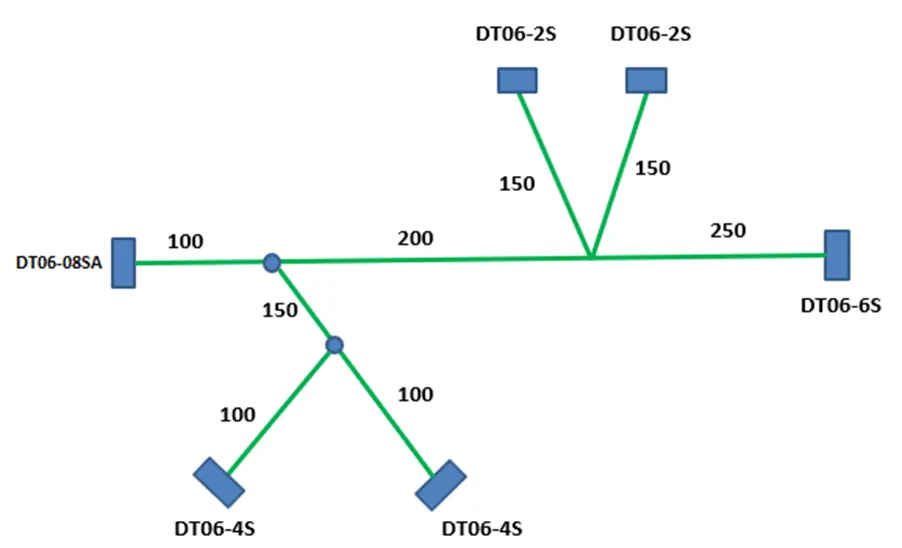
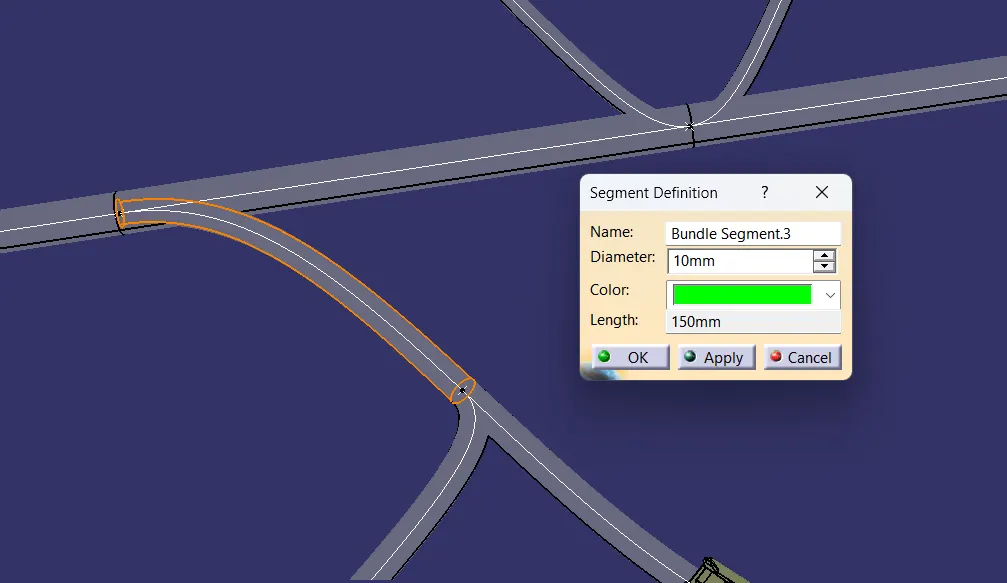
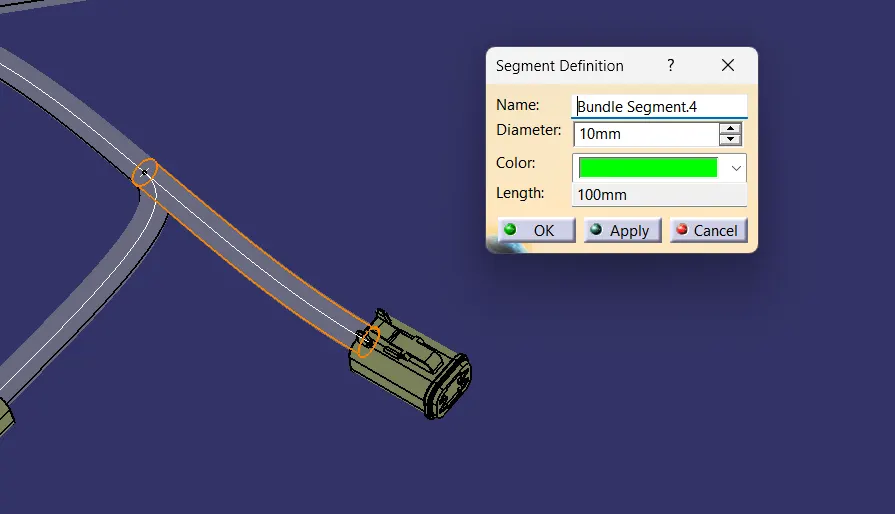
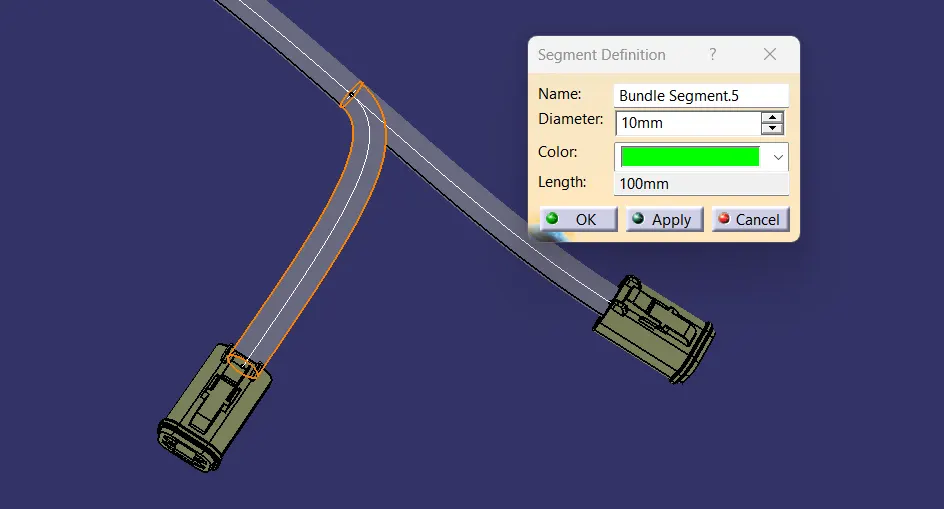
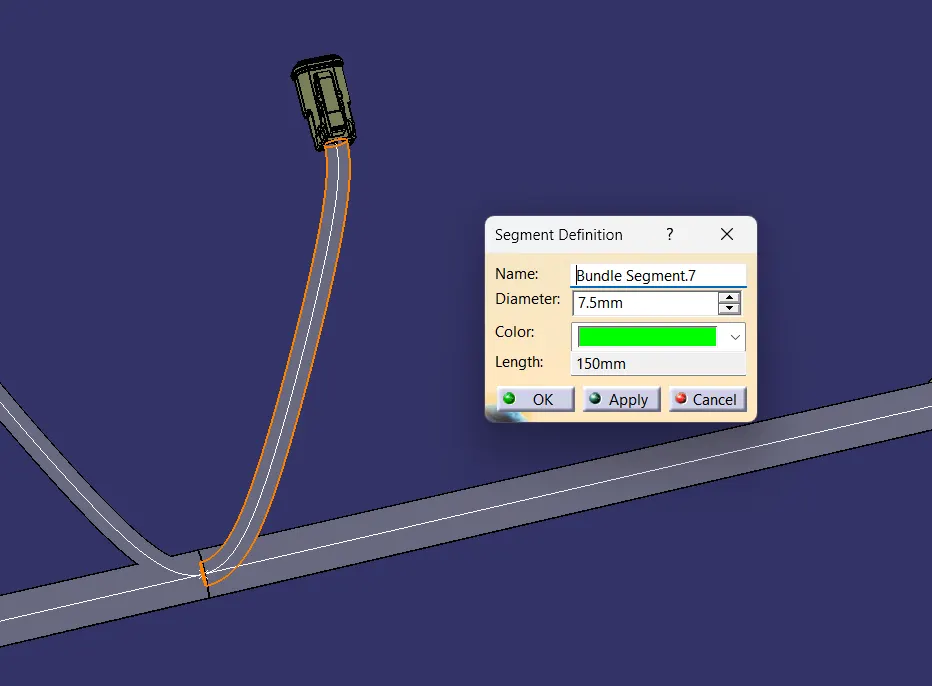
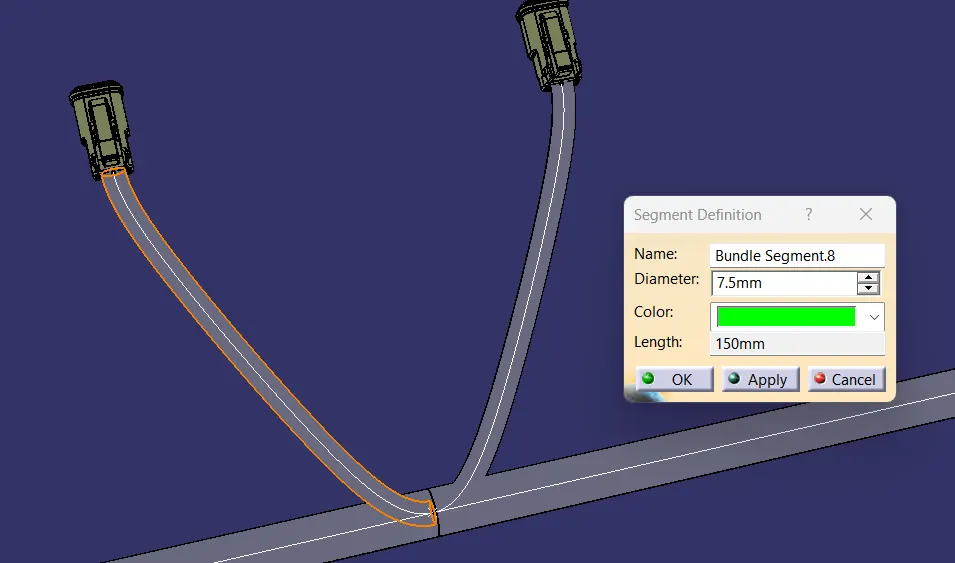
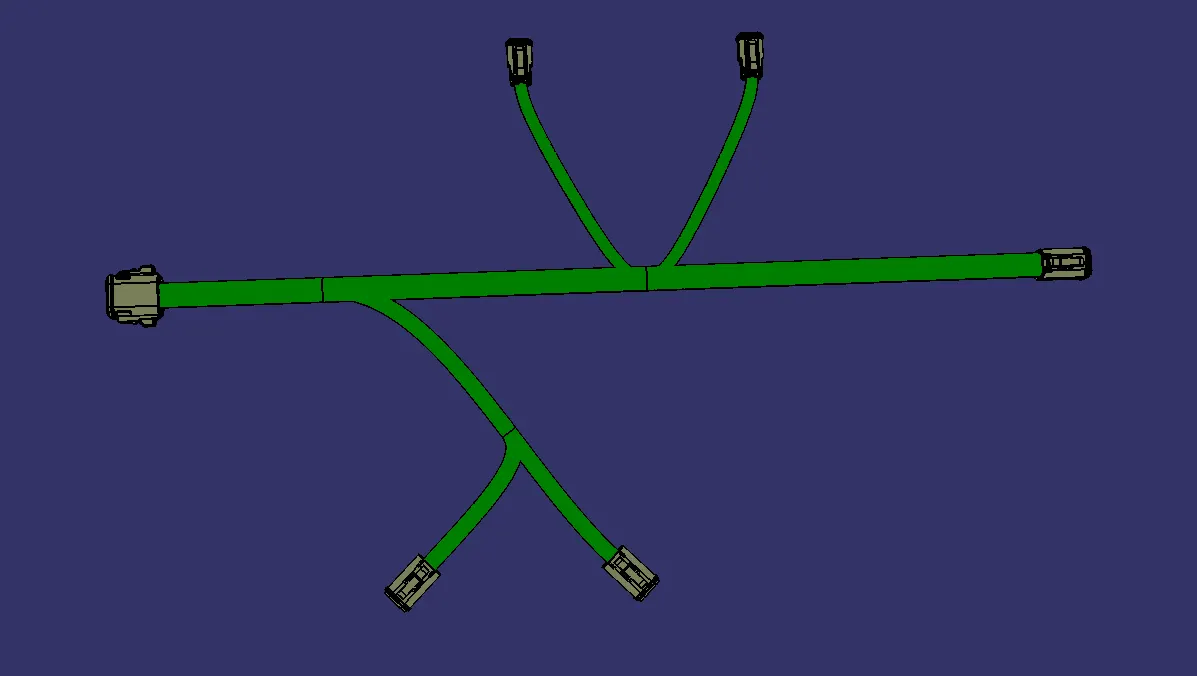
11. Then Create A Multi-Branchable.
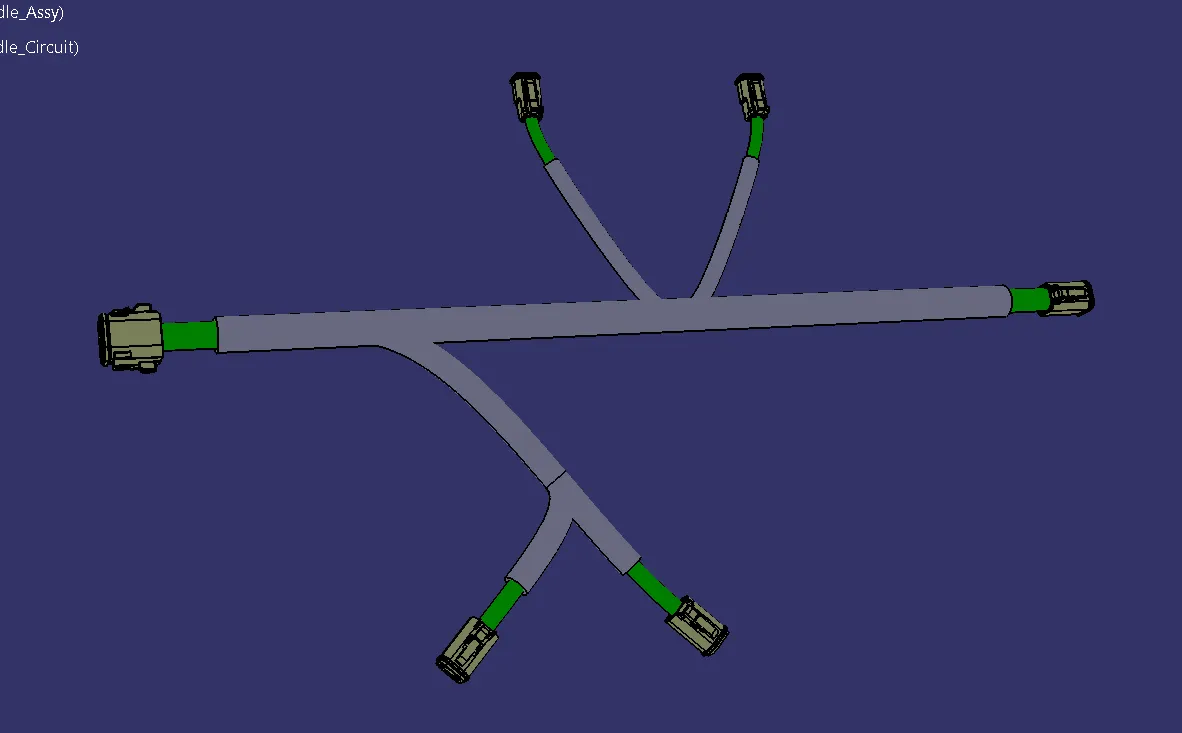
12.Then Apply Protection covering to Multi-Branchable. (Corrugated Tubes)
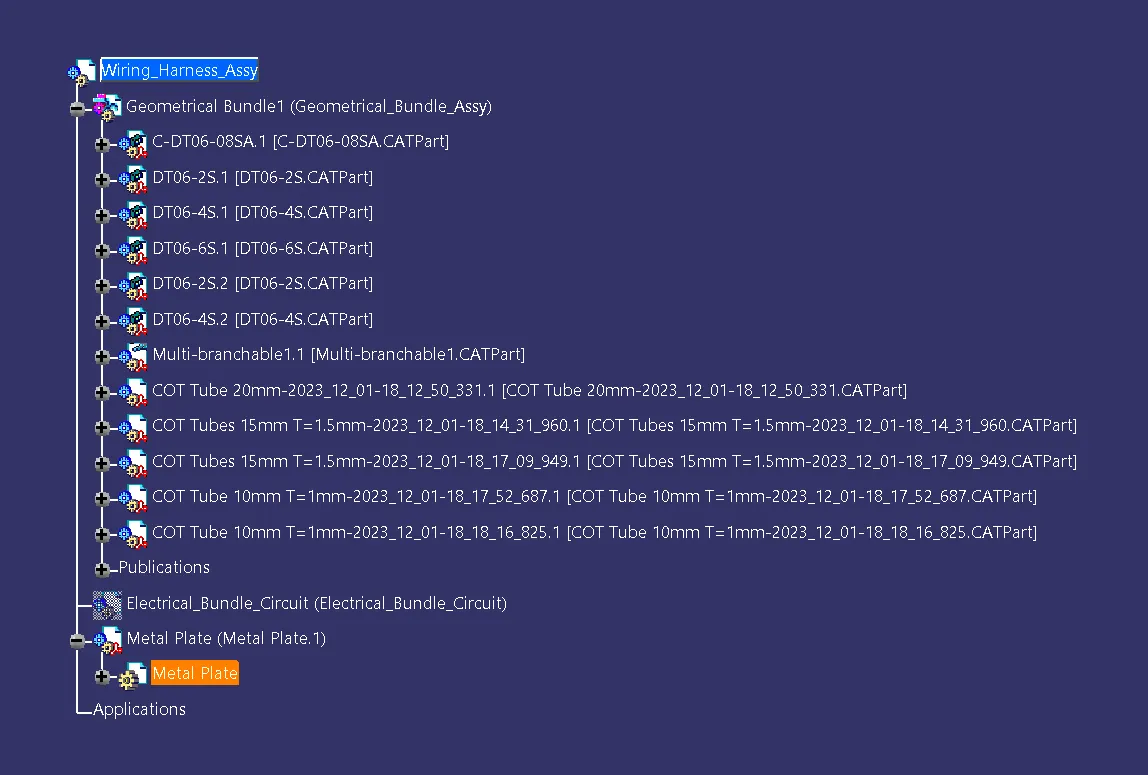
Tree Structure:
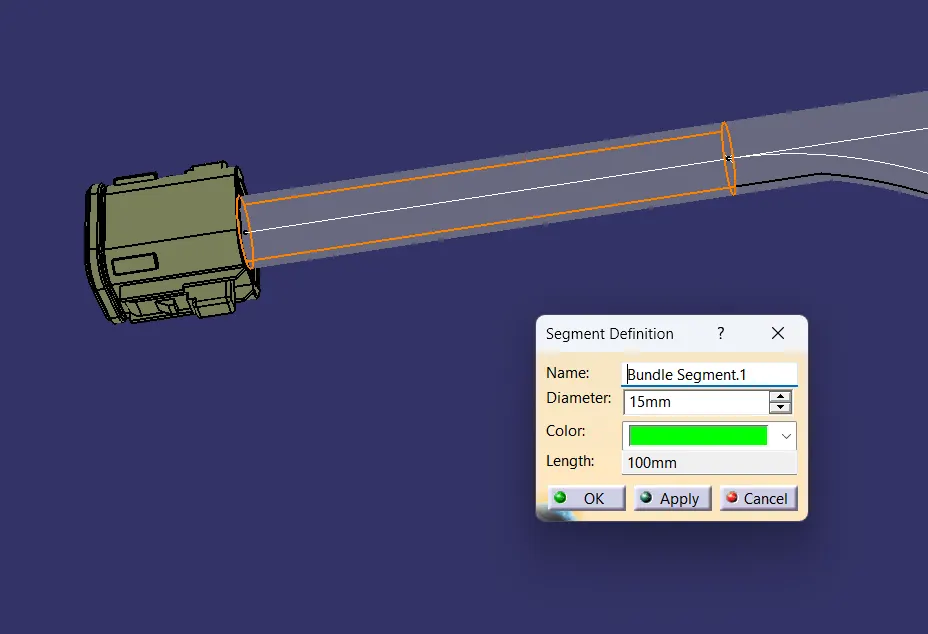
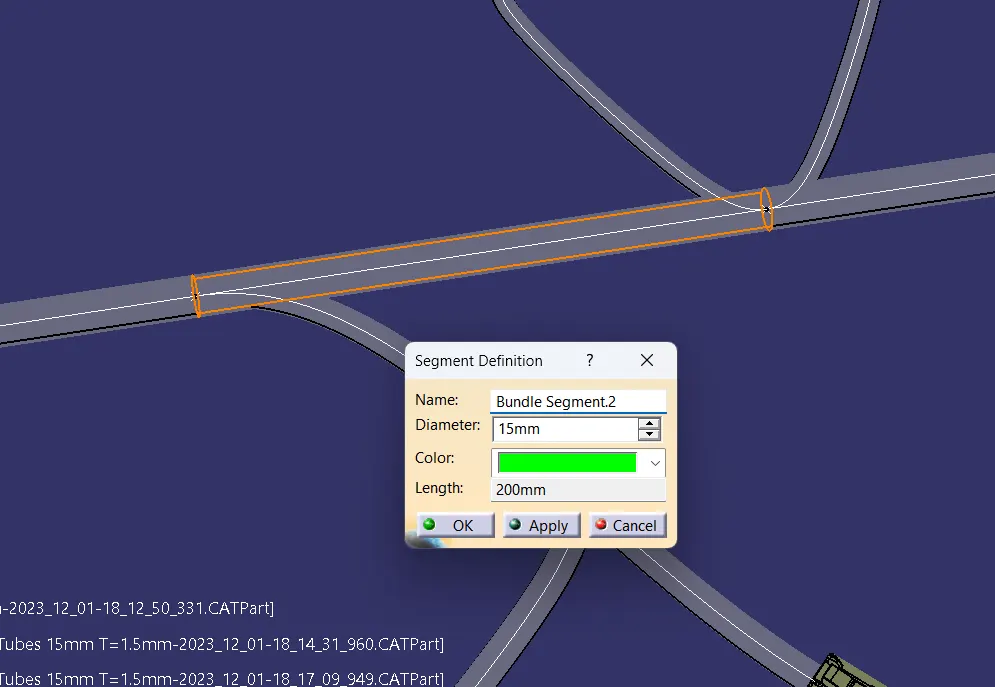
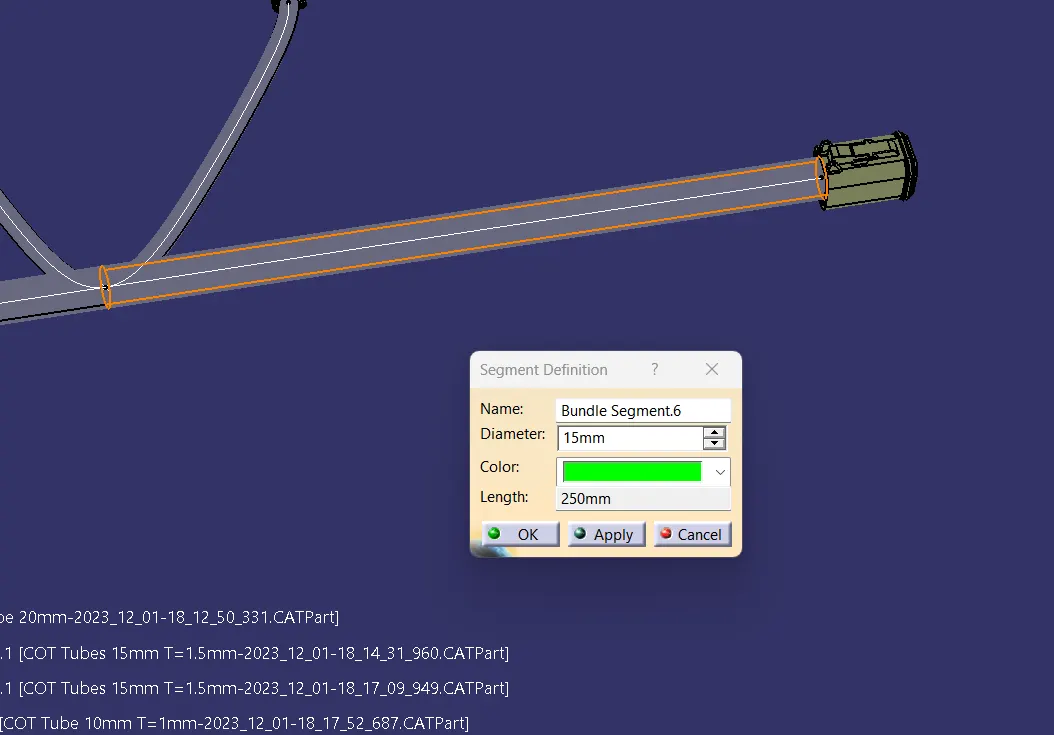
Routing Requirements: